- Shopping, made easy.
- /
- Get the app!
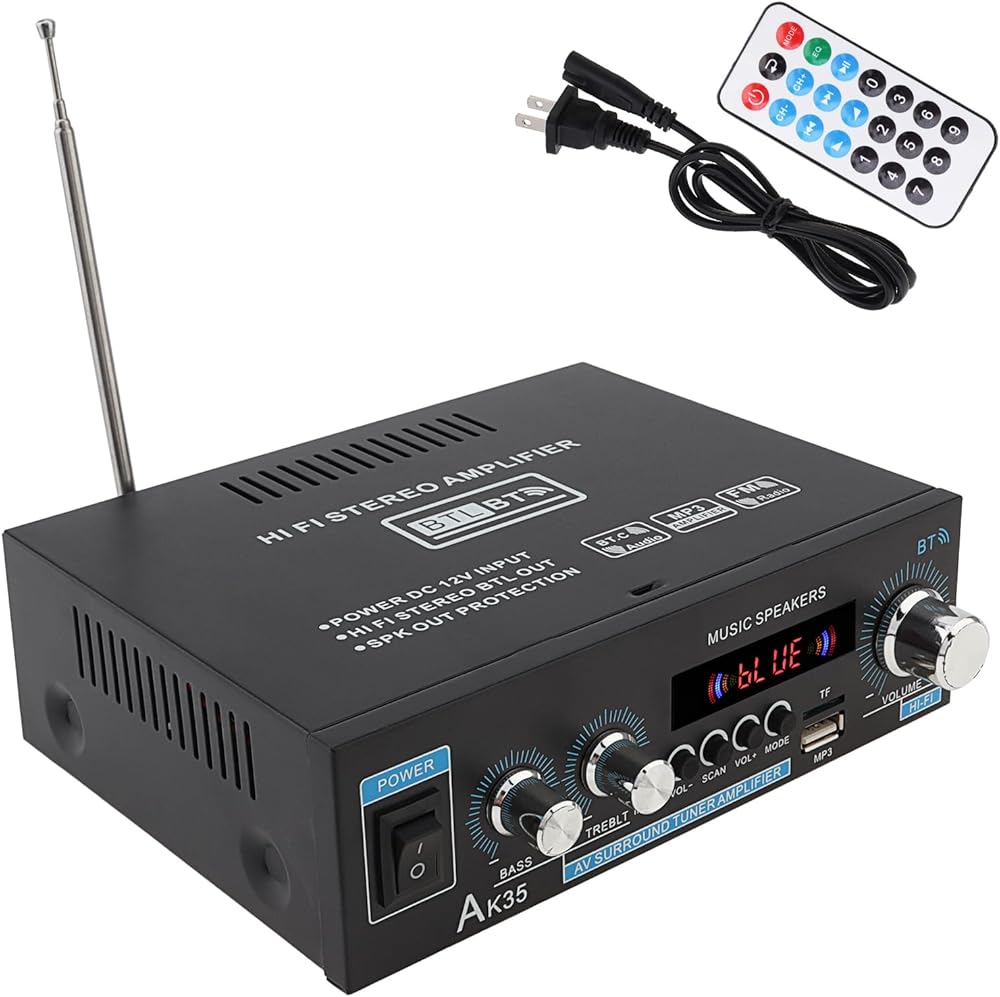
Product Title: 2-Channel Bluetooth Stereo Audio Power Amplifier with Bass & Treble Control, for Car, Home, Karaoke - 2 x 30W
Specifications:
Model: Audio Power Amplifier
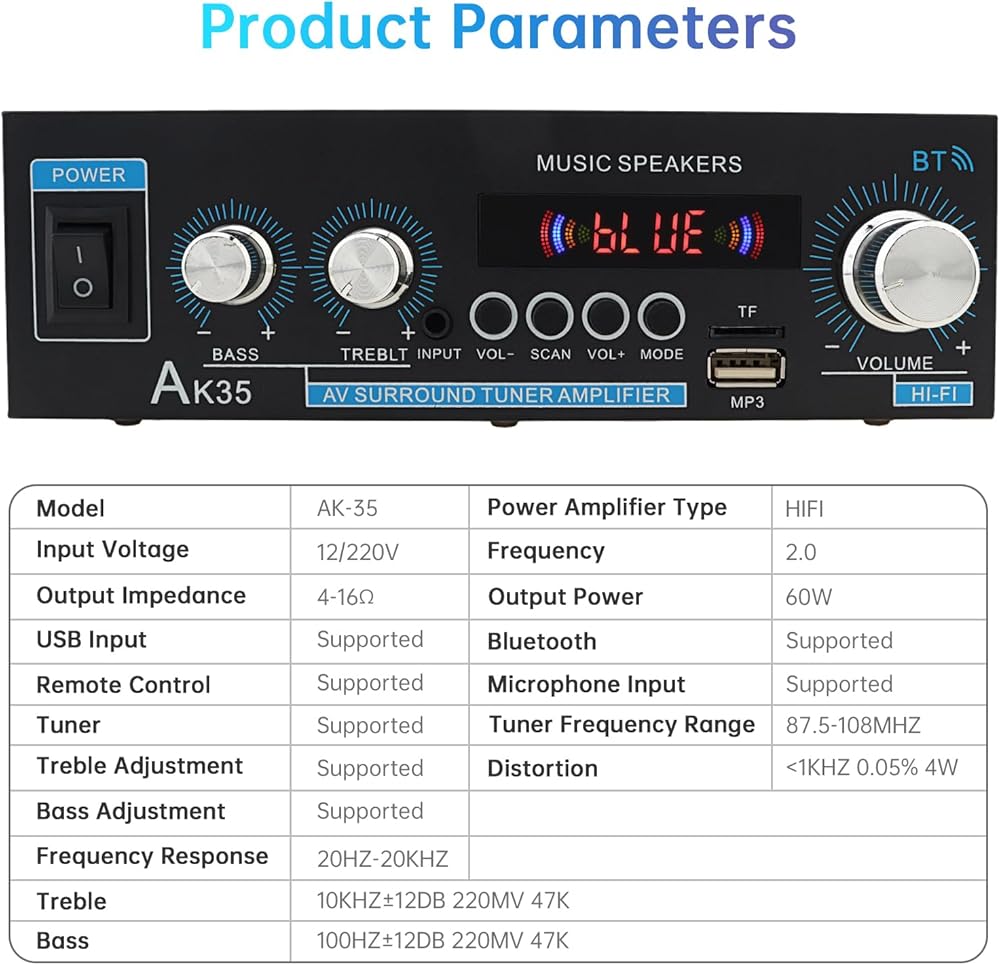
Output Power: 2 x 30W
Impedance: 4 - 16Ω
Frequency Response: 20Hz - 20KHz
Signal-to-Noise Ratio: ≥85dB
Audio Sensitivity: 0.25mv-50mv
Bluetooth Frequency: 2.4GHz
FM Radio Range: 87.5MHz - 108.0MHz
Material: Aluminum Alloy
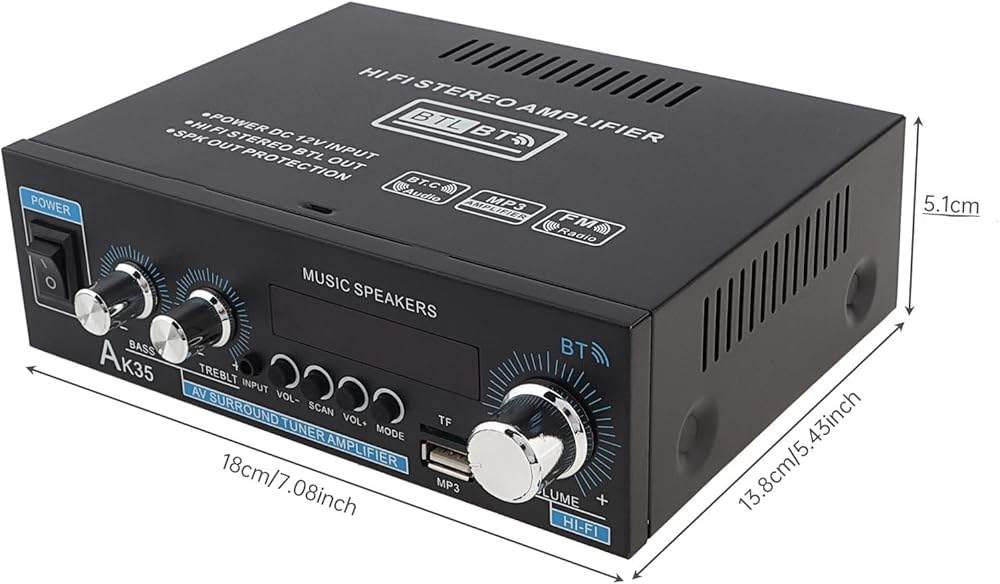
Product Dimensions: 18x 13.8 x 5 cm / 7"x 5.4" x 2”
Product Weight: 730 g / 25 oz
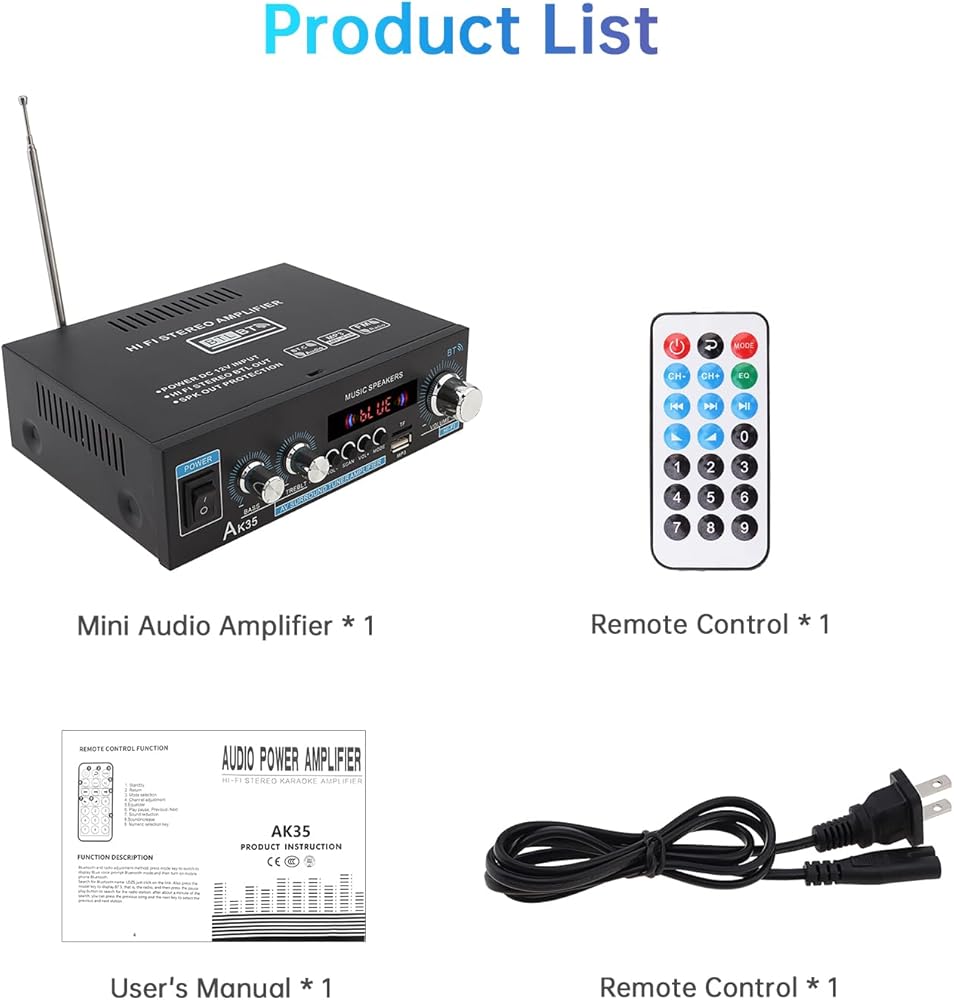
Package Includes:
1 x Power Amplifier
1 x Connection Cable
1 x User Manual
Product Description:
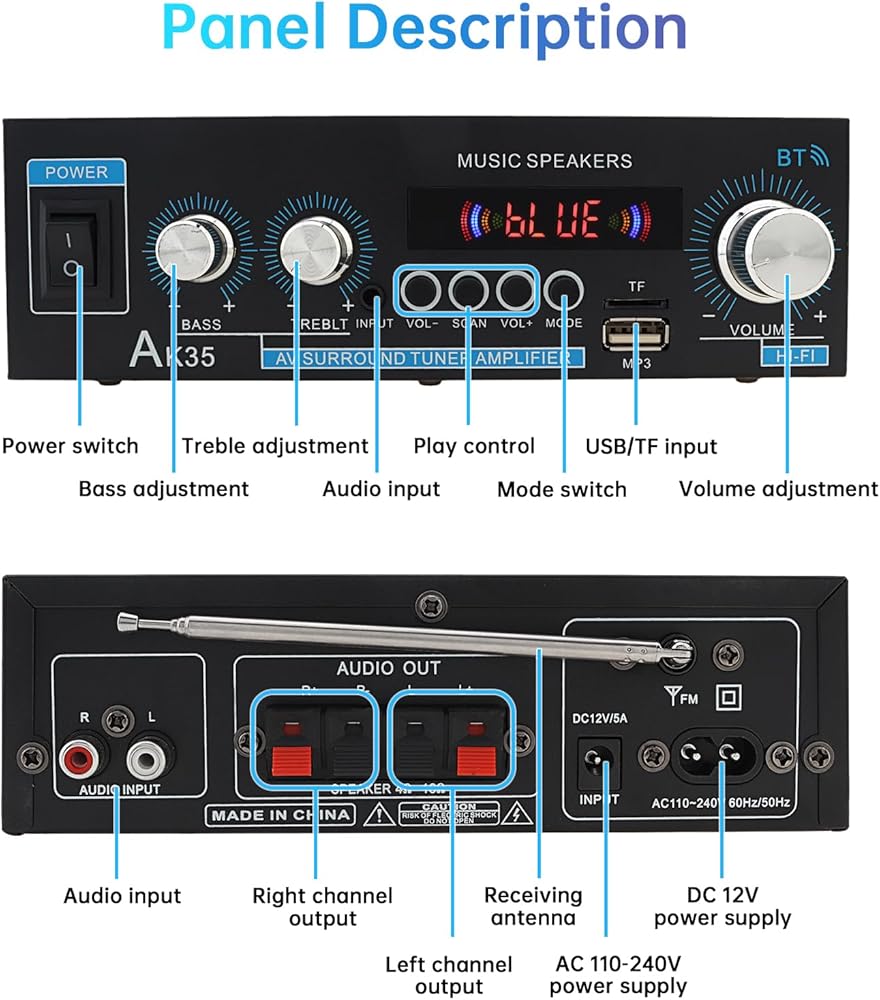
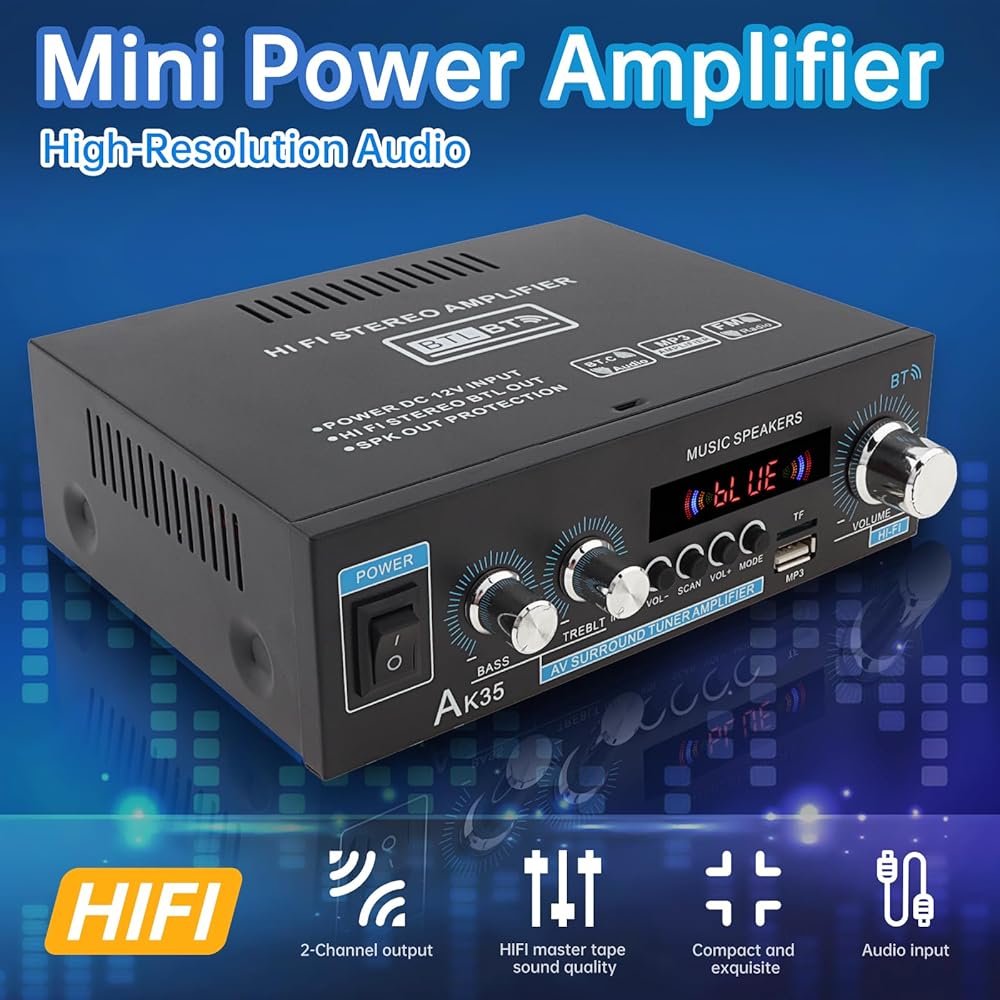
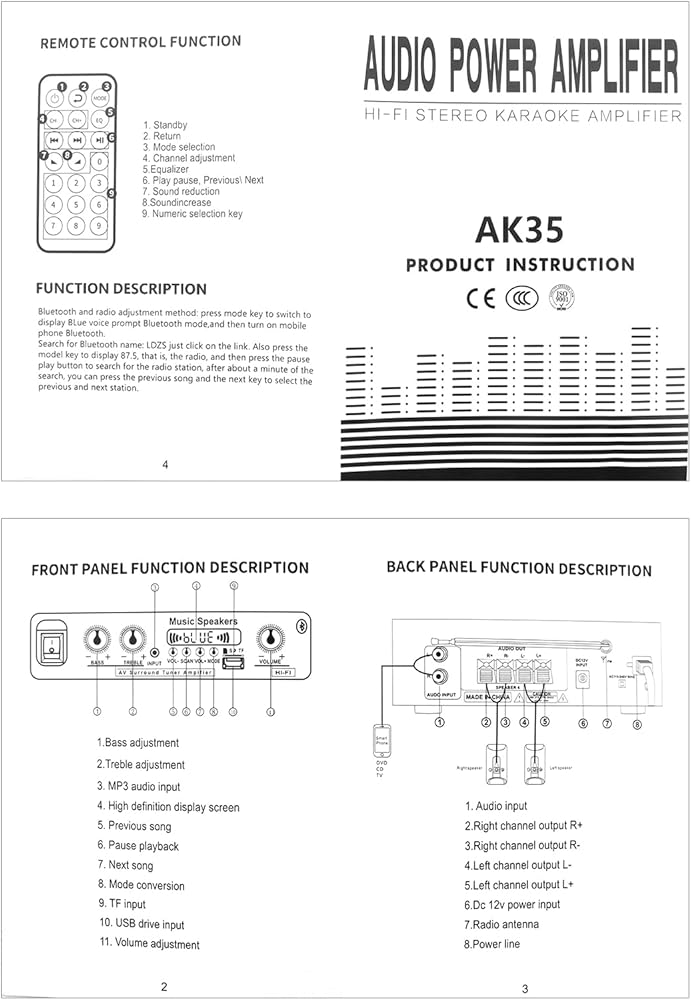
Upgrade your audio experience with this Bluetooth Stereo Audio Power Amplifier. This versatile amplifier puts you in full control of your sound with dedicated knobs for microphone volume, bass, treble, and master volume—all featuring clear LED backlighting for easy use in any lighting.
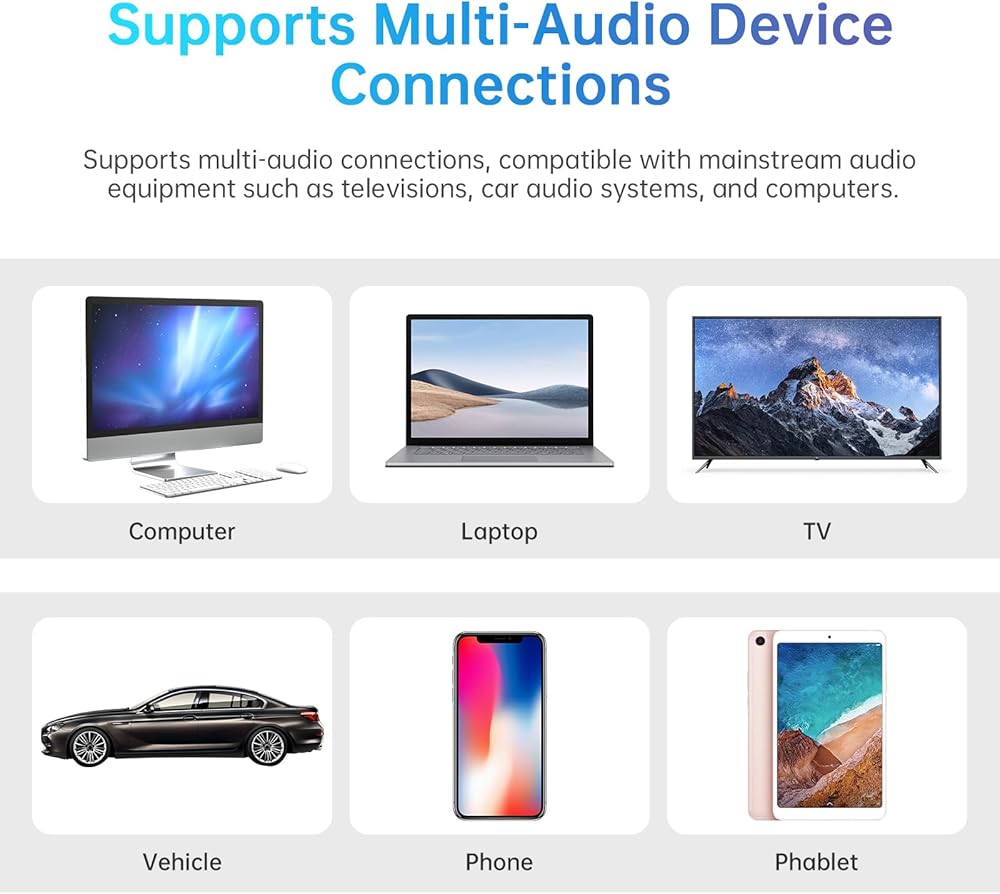
Stream music wirelessly from your devices via Bluetooth, or connect using multiple wired options including USB, SD card, RCA, and 3.5mm AUX inputs. This makes it compatible with a wide range of audio sources like smartphones, laptops, TVs, and more.
Engineered with a compact, space-saving design, this amplifier is powerful enough for robust sound yet small enough for discreet placement in your car, bedroom, office, or recreational vehicle. It delivers clear, distortion-free audio with reliable 2 x 30W output.
Setting up is simple. Connect your speakers to the dual channel outputs and follow the easy pairing process for Bluetooth or the quick auto-scan function for FM radio. Whether for home entertainment, karaoke, or on-the-go music, this amplifier offers flexible and high-quality sound amplification.
Bluetooth Connection Guide
1.Switch to Bluetooth Mode:
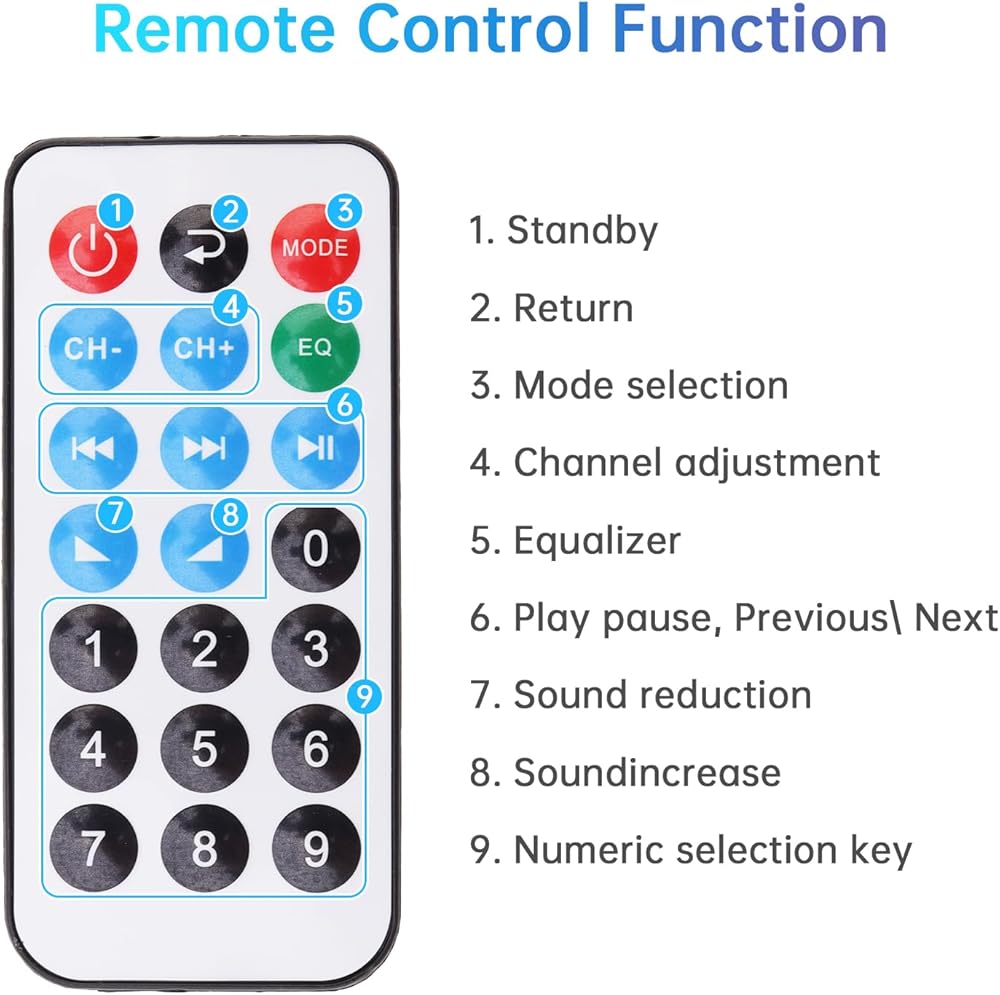
- Press the MODE key until the display shows "BL" with a voice prompt indicating Bluetooth mode.
2.Pair with Your Phone:
- Turn on Bluetooth on your mobile device.
- Search for the Bluetooth name "LDZS" and tap to connect. Radio Tuning Guide
1.Switch to Radio Mode:
- Press the MODE key until the display shows "87.5" (default frequency).
2.Auto-Scan for Stations:
- Press the PAUSE/PLAY button to initiate station search.
- Wait approximately 1 minute for the scan to complete.
3.Select Stations:
- Use the PREVIOUS and NEXT keys to cycle through available stations.
 Blue 12V Bluetooth 5.0 Mini Hi-Fi Amplifier Booster Radio MP3 Stereo for Car Motorcycle Home
SAR 75
Blue 12V Bluetooth 5.0 Mini Hi-Fi Amplifier Booster Radio MP3 Stereo for Car Motorcycle Home
SAR 75
 4PCS 1/4'' 5/16'' 3/8'' 1/2'' Unidirectional Aluminum Alloy Check Valve for Fuel Line Oil Petrol Diesel Gasoline Water Garden Irrigation, Non Return Inline One Way Check Valve
SAR 45
4PCS 1/4'' 5/16'' 3/8'' 1/2'' Unidirectional Aluminum Alloy Check Valve for Fuel Line Oil Petrol Diesel Gasoline Water Garden Irrigation, Non Return Inline One Way Check Valve
SAR 45
 Universal 12V Car Auto Remote Central Kit Door Lock Locking Vehicle Keyless Entry System with Remote Control Car Alarm System
SAR 80
Universal 12V Car Auto Remote Central Kit Door Lock Locking Vehicle Keyless Entry System with Remote Control Car Alarm System
SAR 80
 Strut Spreader Tool, Universal 5-12.5mm Knuckle Strut Removal Tool, Steering Suspension Strut Spreader Tool Fit for VW Audi BMW
SAR 45
Strut Spreader Tool, Universal 5-12.5mm Knuckle Strut Removal Tool, Steering Suspension Strut Spreader Tool Fit for VW Audi BMW
SAR 45