- التسوق ، اصبح سهلا.
- /
- احصل على التطبيق!
Spec:
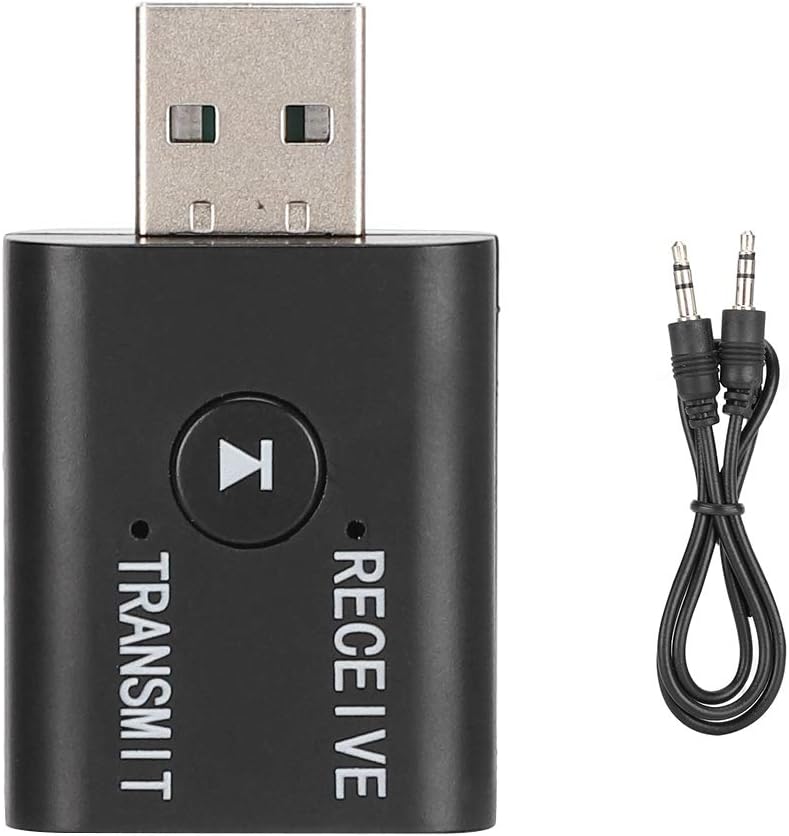
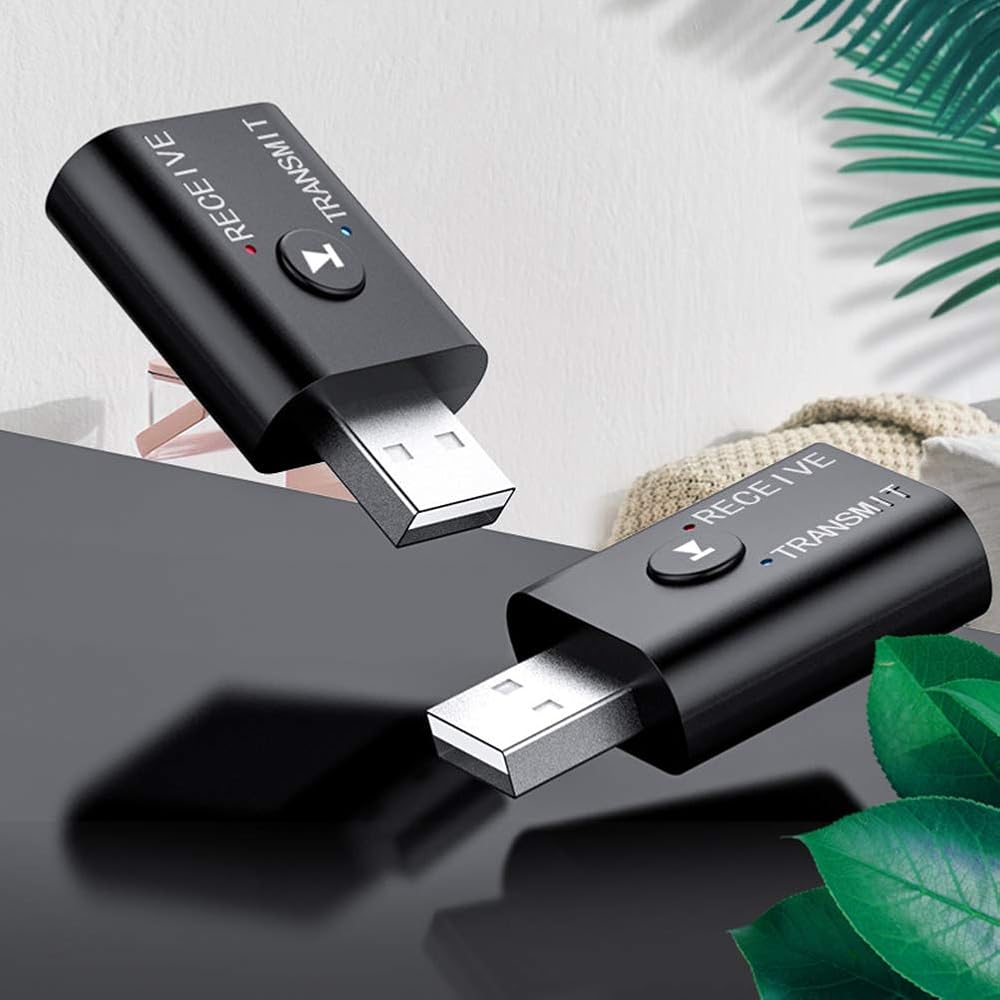
Item Type: Transmitter Receiver
Material: ABS
Model: YET-TR6
Color: As Pictures Shown
Technical Support: AD2P
Version: BT5.0 + EDR
Working Range: 8-10m(Without Any Obstacles)
Matching Name(Receiver Mode): YET-TR6
Weight: Approx. 29g
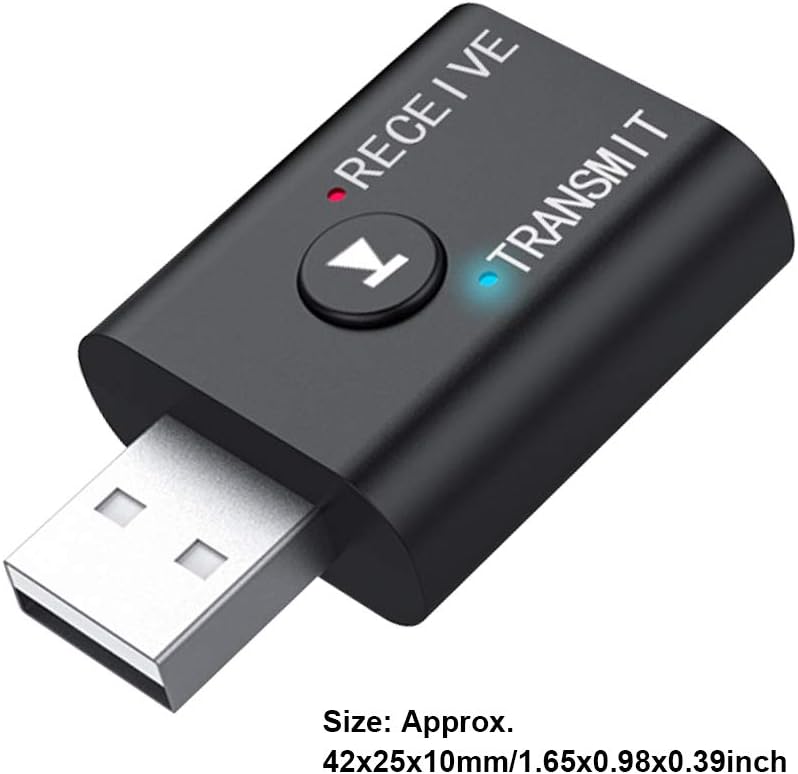
Size: Approx. 42x25x10mm/1.65x0.98x0.39inch
Using instructions
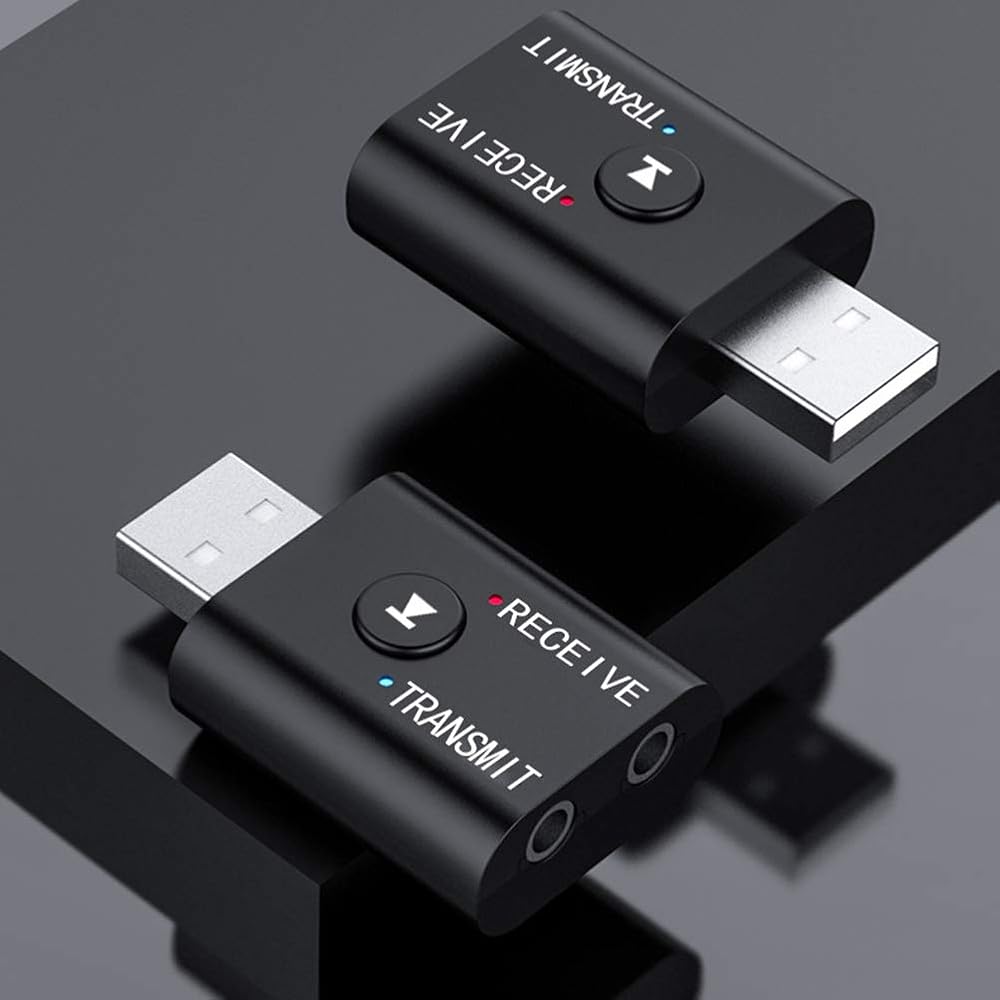
Transmit/reception mode switching
Audio cable insertion line TRANSMTT hole in mode, blue LED
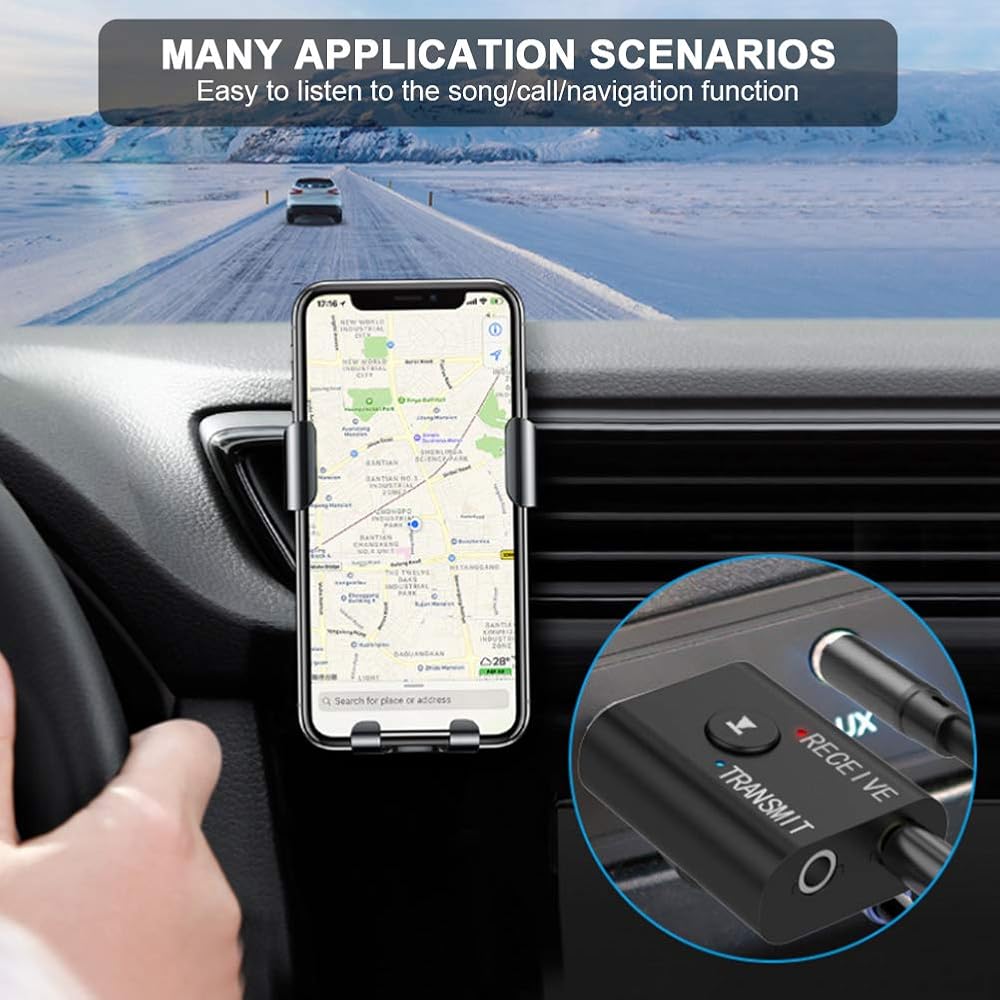
Audio cable inserted into the RECEIVE hole in the receiving mode, red LED
USB insert computer transferring
How to use
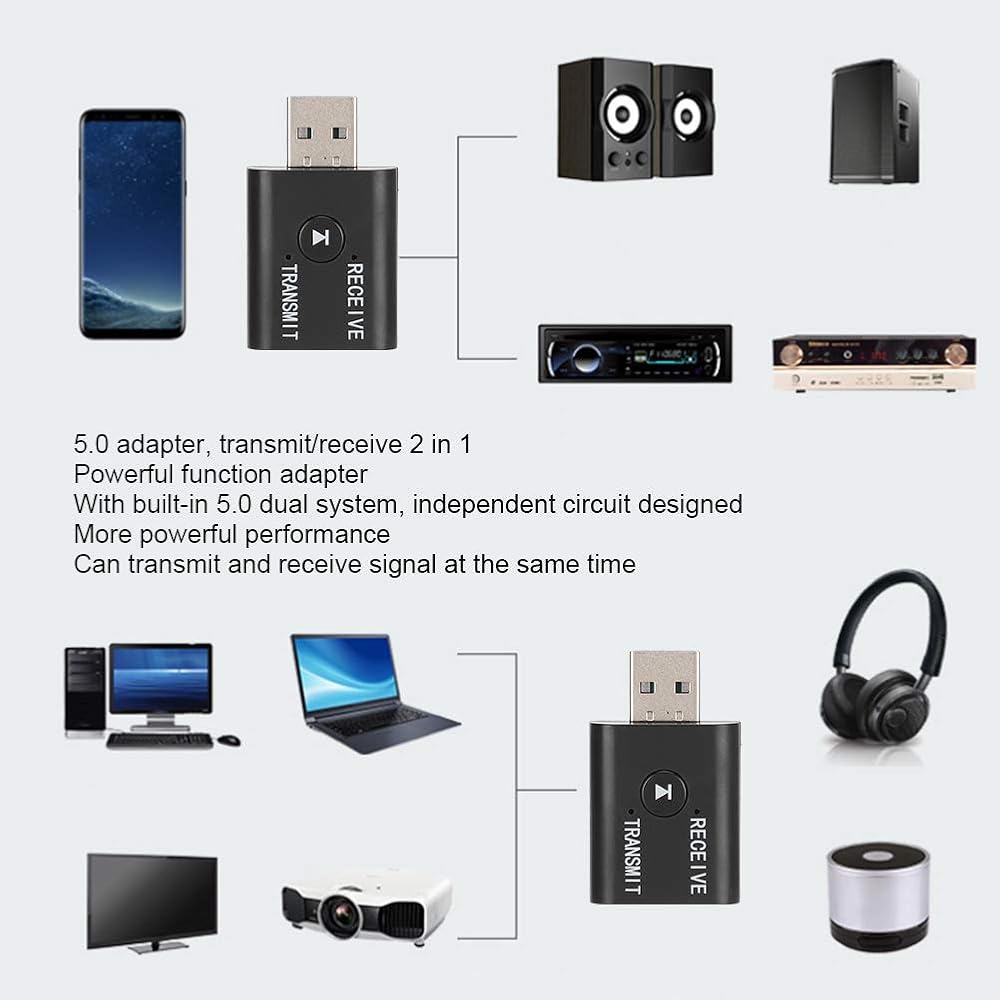
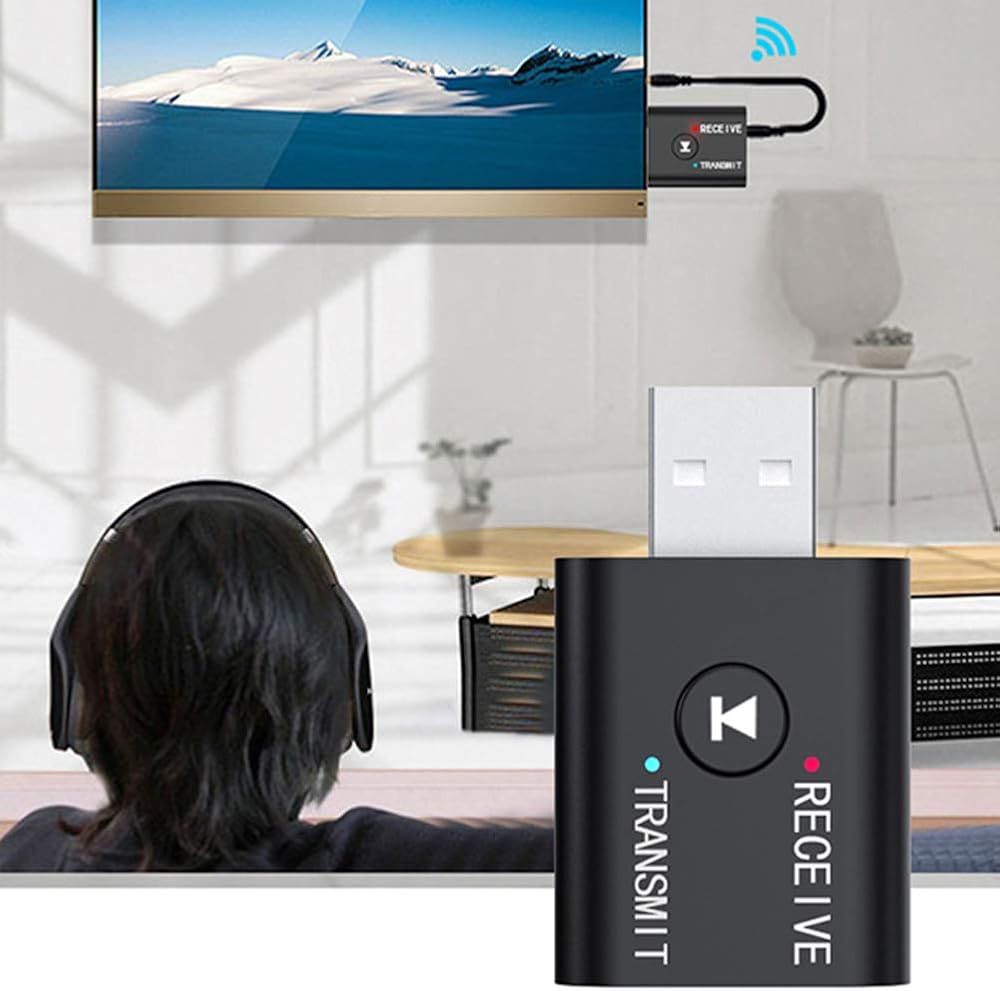
Transmitter mode (used to send Comeuter / TV / MP3 audio to BT headset / sound)
1. The adapter is plugged into the USB power supply, the blue LED flashes and enters the transfer mode
2. Insert one end of the audio cable into the adapter TRANSMIT port, and the other end into the audio output port (OUTPUT) of the TV or other equipment,
Remarks: In transmitter mode, this product has USB + AUX dual input function. If it is used in a computer, there is no need to plug in an audio cable, plug directly into USB
3. Turn on the BT headset / stereo, etc., and enter the pairing state
4. Wait a moment, the automatic connection is successful, and the indicator light is always on.
5. Open the APP music player software on the TV or computer, you can play music through the BT headset
Receiver mode (used for normal audio / car / wired headphones, etc.)
1. Plug the adapter into USB power supply
2. Insert one end of the audio cable into the RECEIVE port of the adapter and the other end into the audio input tolerance (INPUT) of the audio equipment.
3. Turn on the Rhuetooth function of the phone or tablet, search: YET-TR6 click to pair
4. After the pairing is completed, the red LED is always on.
5. Open the mobile phone APP music player software, you can play mobile phone music through the speaker
Package List:
1 x BT 5.0 Transmitter/Receiver

 حاقن Starlink PoE، لمحول Starlink Dishy V2 إلى RJ45 محول كابل Starlink Dishy إلى RJ45 Connect StarLink Ethernet محول سلك إيثرنت ومجموعة المحول
SAR 83
حاقن Starlink PoE، لمحول Starlink Dishy V2 إلى RJ45 محول كابل Starlink Dishy إلى RJ45 Connect StarLink Ethernet محول سلك إيثرنت ومجموعة المحول
SAR 83
 كاميرا عدسة تلسكوب إلكترونية، شاشة 4K 5 بوصة، تكبير رقمي 5X، صورة 12 ميجابكسل، عدسة 8.3 ميجابكسل، مع بطارية 2000 مللي أمبير في الساعة للاستكشاف الفلكي ومراقبة الطيور
SAR 500
كاميرا عدسة تلسكوب إلكترونية، شاشة 4K 5 بوصة، تكبير رقمي 5X، صورة 12 ميجابكسل، عدسة 8.3 ميجابكسل، مع بطارية 2000 مللي أمبير في الساعة للاستكشاف الفلكي ومراقبة الطيور
SAR 500
 محول M42x0.75mm إلى 1.25 بوصة، محول عدسة تلسكوب من سبائك الألومنيوم T2 إلى 1.25 بوصة مع ضغط نحاسي داخلي، لحامل العدسة القطرية البؤرية
SAR 46
محول M42x0.75mm إلى 1.25 بوصة، محول عدسة تلسكوب من سبائك الألومنيوم T2 إلى 1.25 بوصة مع ضغط نحاسي داخلي، لحامل العدسة القطرية البؤرية
SAR 46
 مجهر محمول، مكبر رقمي 4X مع شاشة 2 بوصة و8 مصابيح LED لفحص المجوهرات وإصلاح القراءة (64 جيجابايت)
SAR 140
مجهر محمول، مكبر رقمي 4X مع شاشة 2 بوصة و8 مصابيح LED لفحص المجوهرات وإصلاح القراءة (64 جيجابايت)
SAR 140