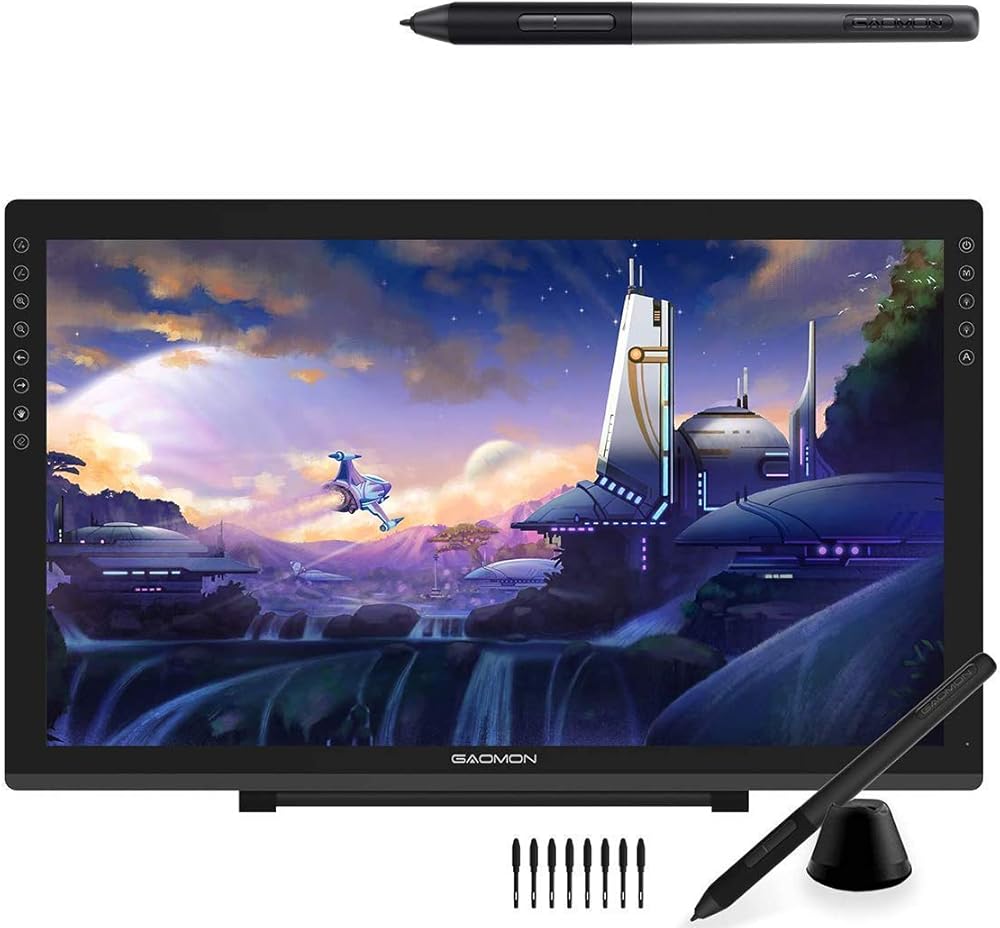
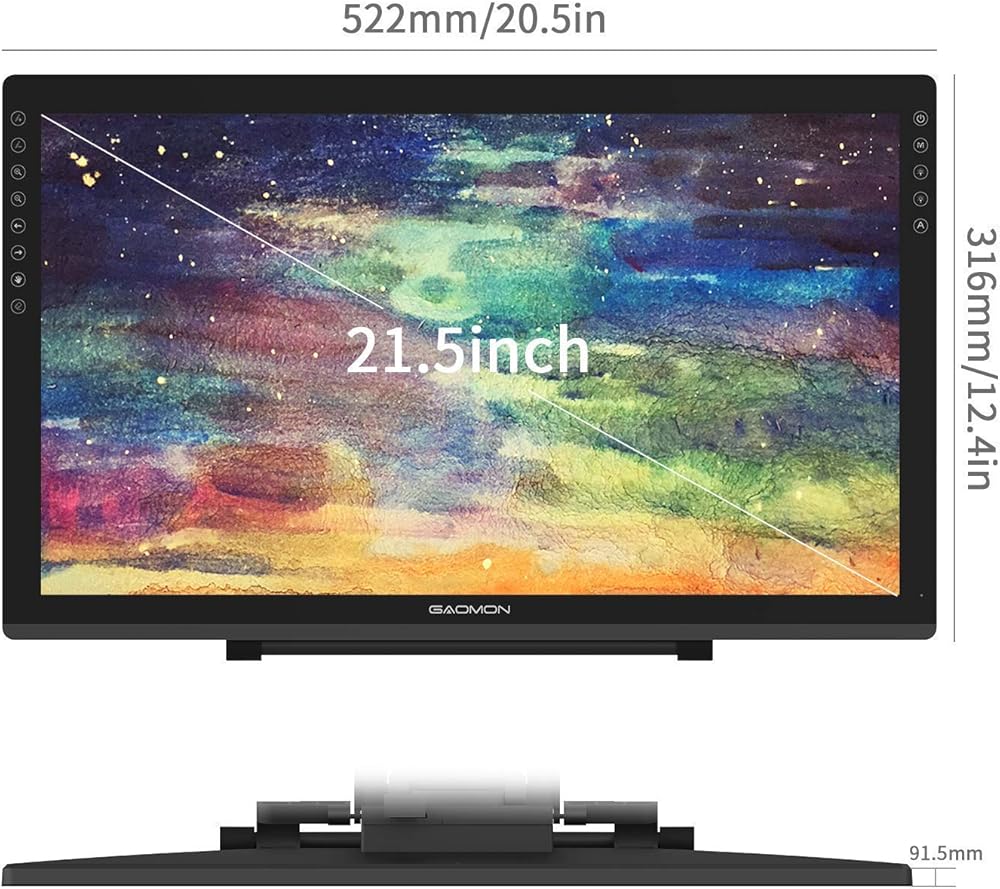
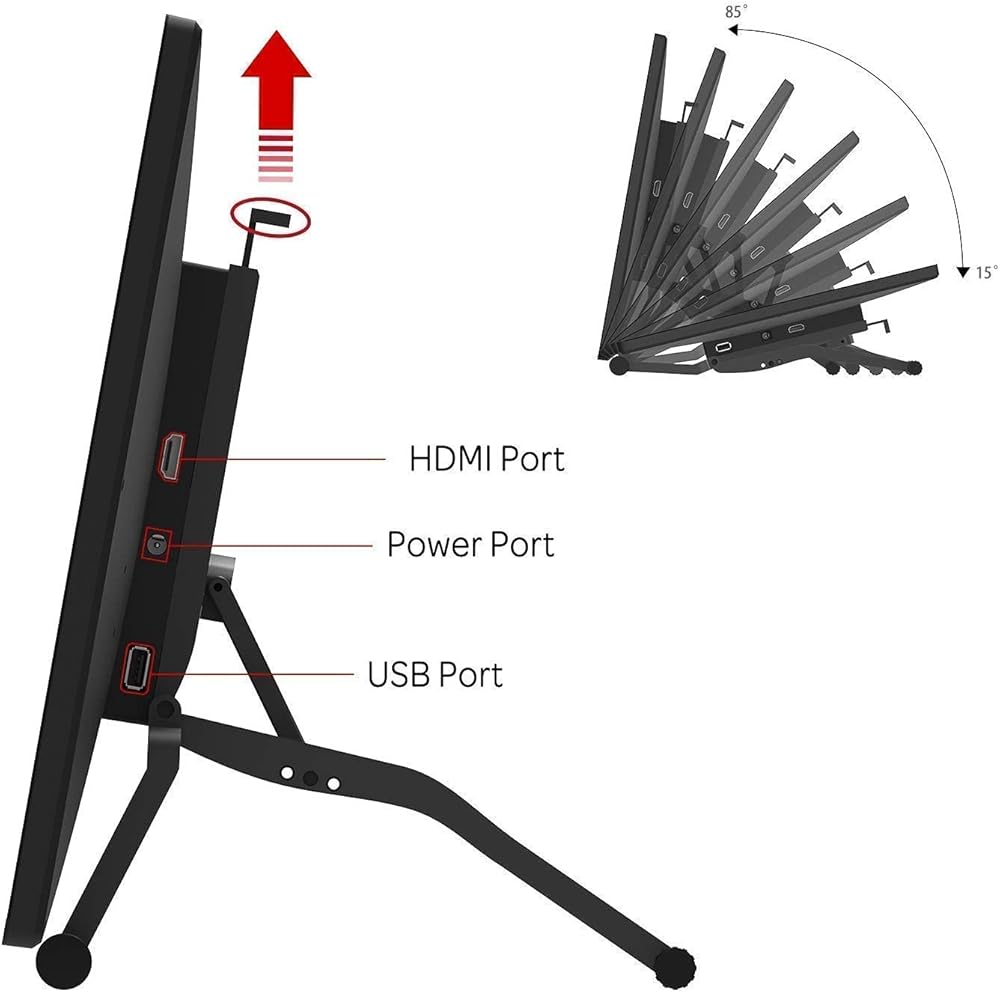
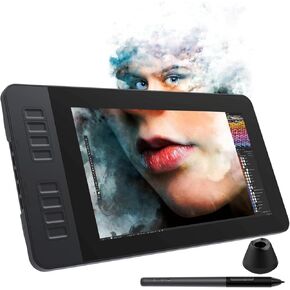
【GAOMON PD2200 PEN DISPLAY + AP32 PEN】【FOR ONLINE EDUCATION & MEETING】You can use PD2200 pen monitor for online education and remote meeting. It works with most online meeting programs, like Zoom, and so on. 【FOR DIGITAL ART & CREATION】-- It's not only for amatuer but also for professionalists for digital drawing, sketching, graphics design, 3D art work, animation, etc. 【FOR ANNOTATING AND SIGNATURE】--It is also broadly used in annotating and signing files
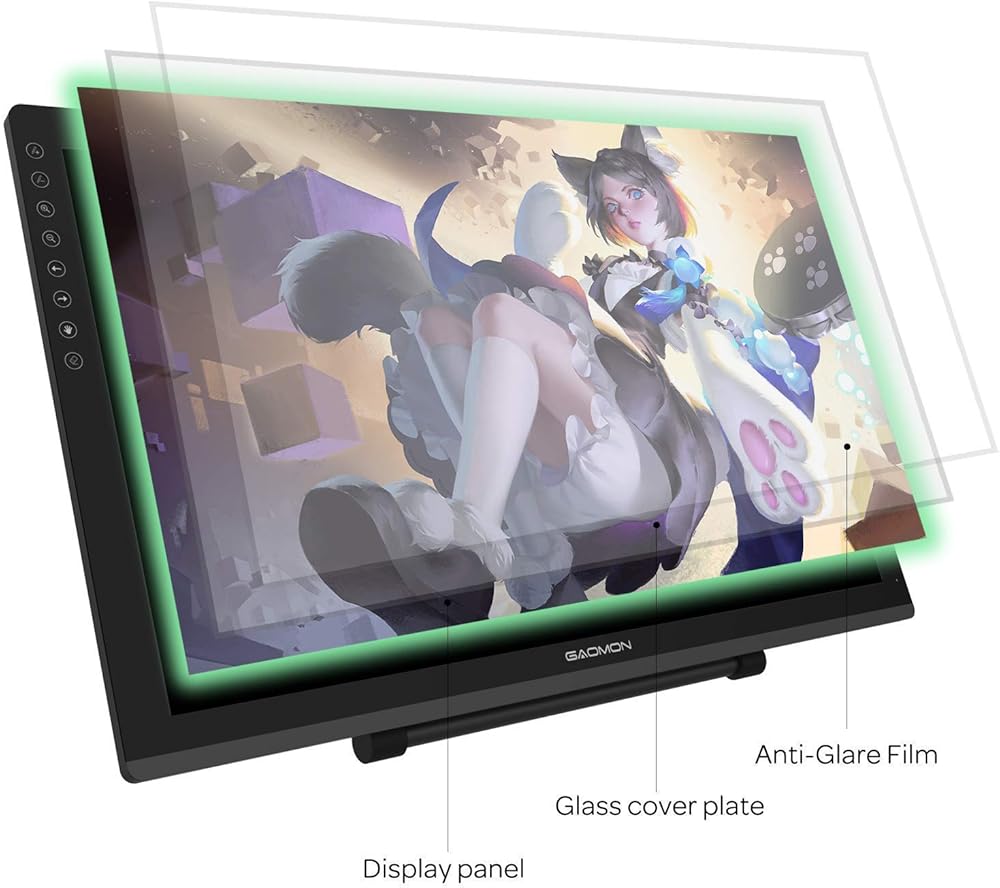
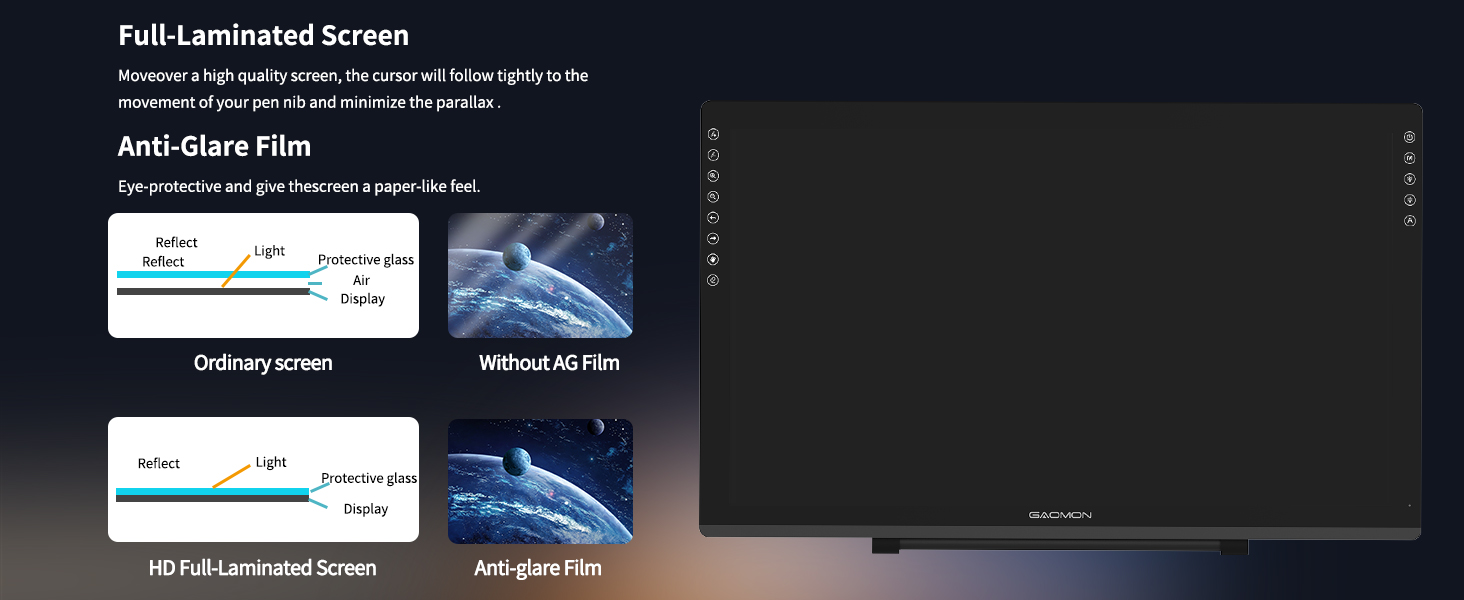
【WITH AG-FILM PRE-APPLIED】--To protect the PD2200 drawing monitor during long shipping and to avoid bubbles, we applied an anti-glare film in advance in our no dust factory. After you peel off the outside layer protective film, the real film remains on PD2200. 【SCRATCHES ON PD2200 ATFER CERTAIN USE?】--The scratches must be on the film, not on PD2200.
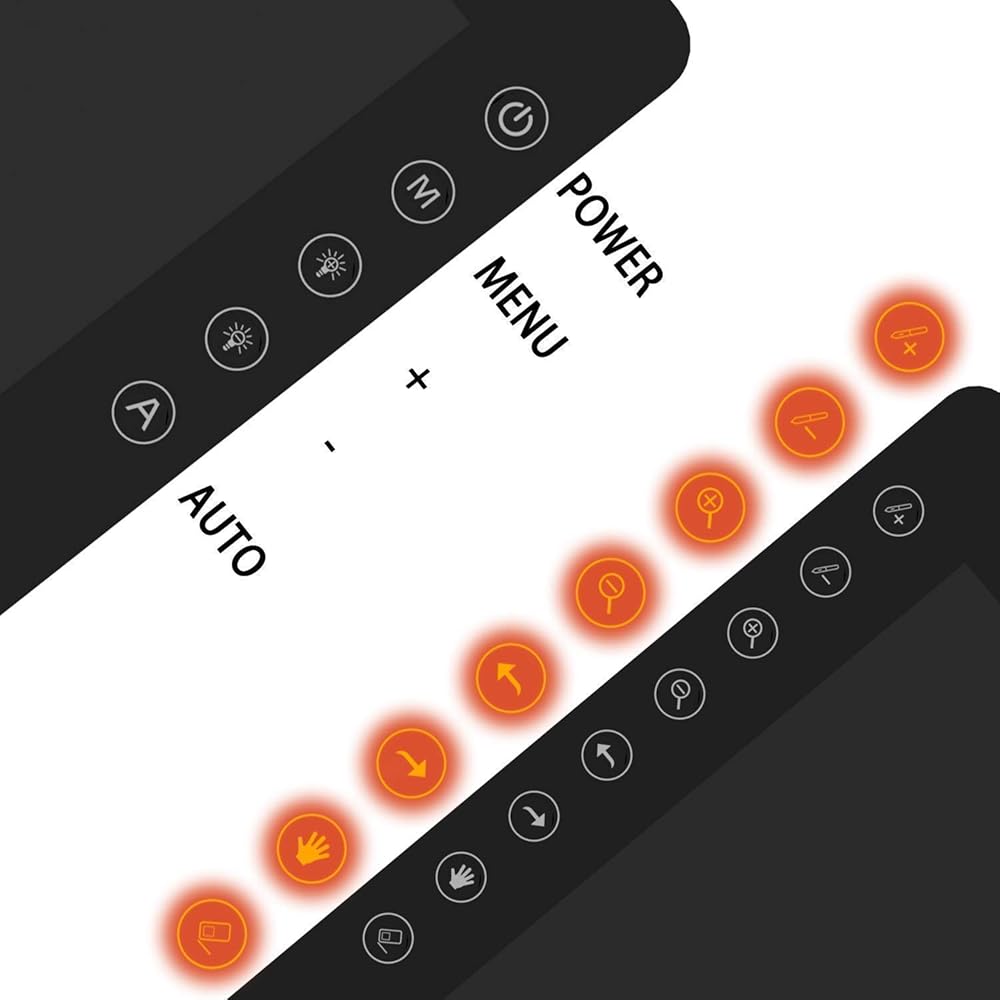
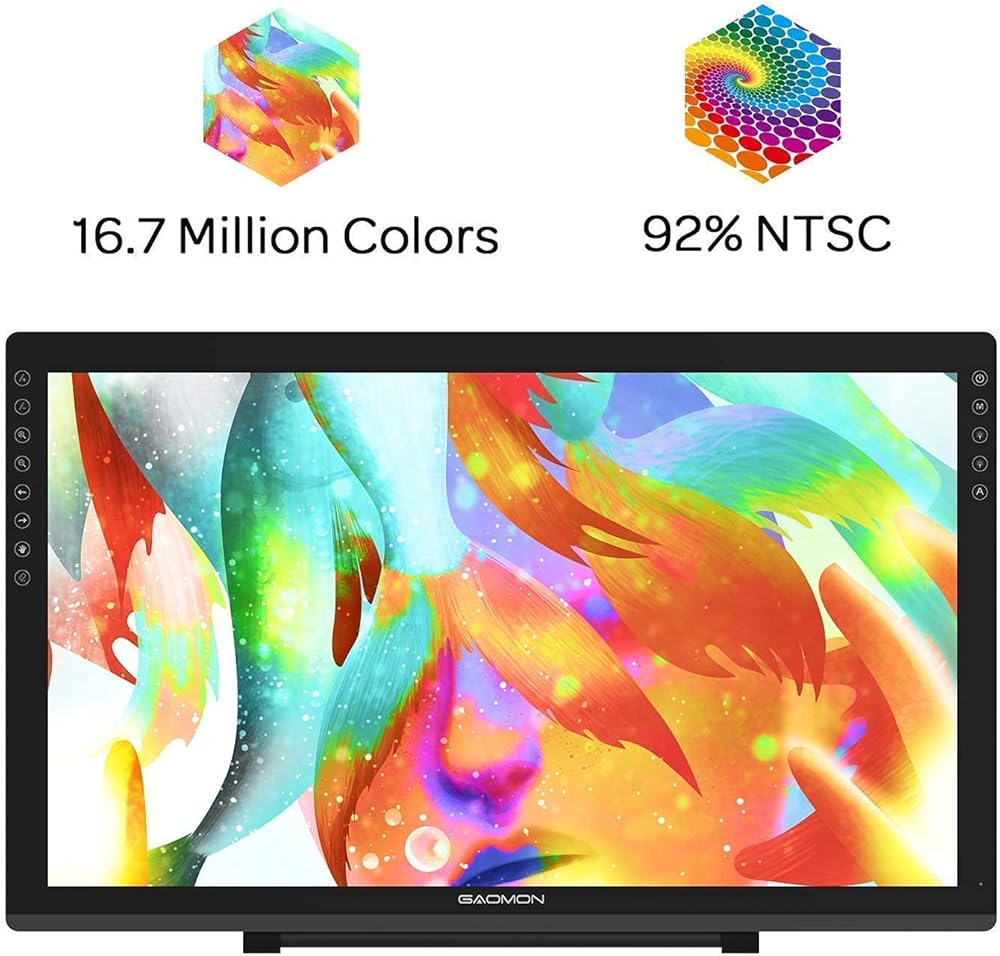
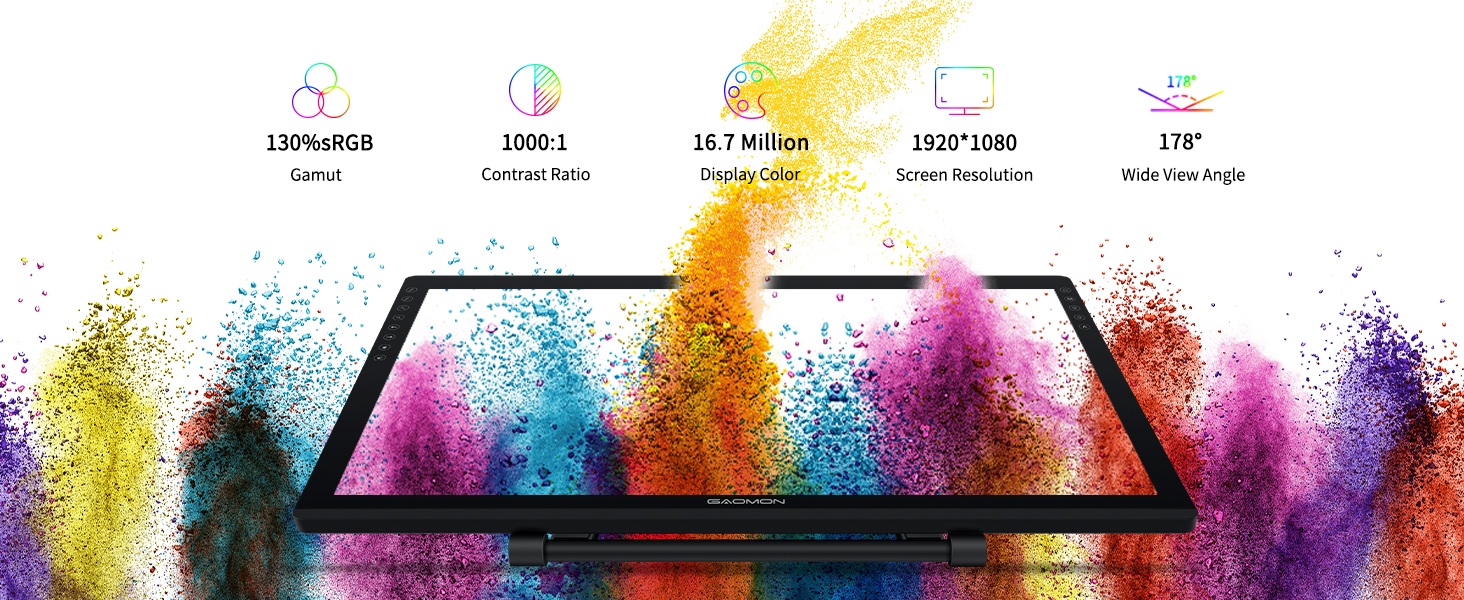
【2000: 1 CONTRAST RATIO】--Enables more clear and vivid images effects. 【OTHER DISPLAY INFO】--Max Viewing Angle: 89°/89°(H)/89°/89°(V) (Typ.)(CR>10). Display Area: 476.64 x 268.11mm(18.8*10.6 inches). Resonse Time: 25MS. 【HOW TO UNLOCK OSD MENU KEYS】--Longe Press Menu key for 6 seconds to unlock and use. You can adjust the color, brightness, etc here. 【HOW TO ADJUST COLOR】--Go to RGB-Color--Color Effect--Enter ''USER''--Then you can adjust the hue & saturation of RGBCYM here.
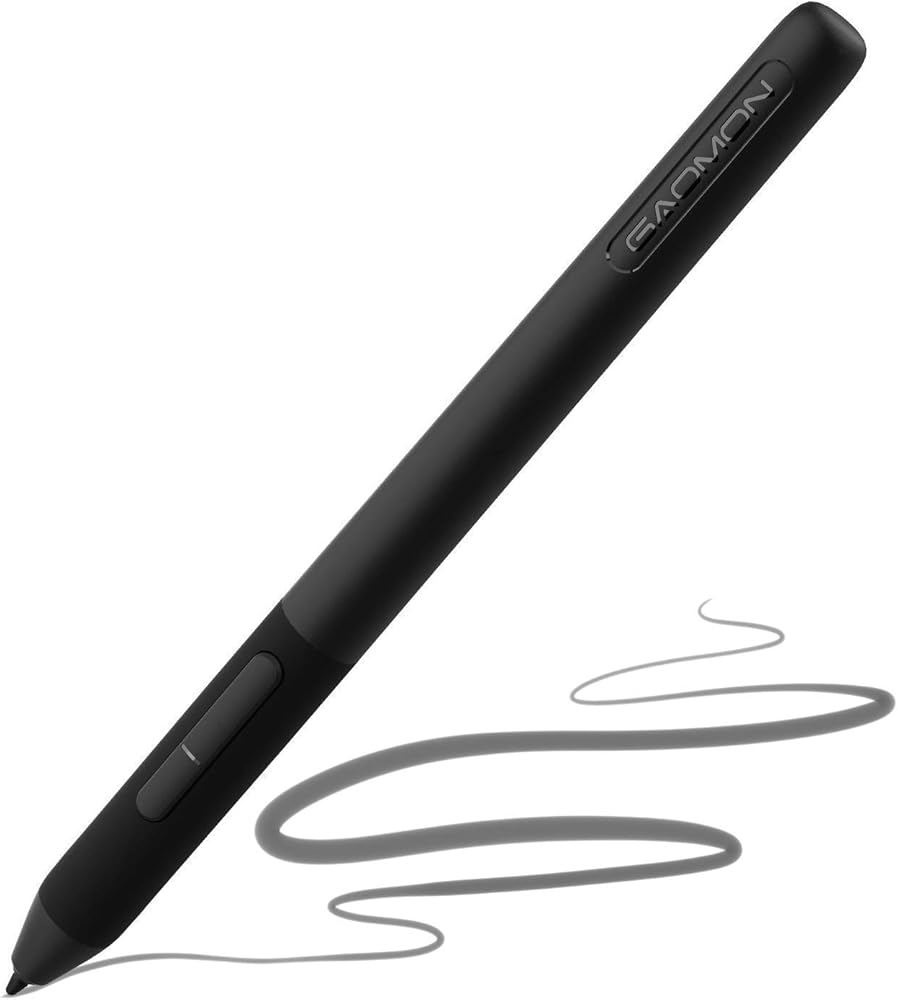
【8192 LEVELS PRESSURE & PASSIVE PEN】【TILT SUPPORT FUNCTION】--GAOMON PD2200 Drawing Monitor uses 8192 battery-free pen with tilt support function allow you to create your remarkable piece with superior control and stunning fluidity. [PEN HOLDER & PEN NIBS]-- 8 replacement nibs are put inside the pen holder. [8 SHORTCUT TOUCH KEYS]--8 touch keys areavailable to customize in GAOMON driver.
【OS SUPPORT& PROGRAM COMPATIBILITY】--Work with laptops or desktops which run Windows 7/8/8.1 or above, Mac OS 10.12 or above; compatible with most of major drawing software such as Photoshop、SAI version 2、Illustrator、krita、firealpaca、gimp、SketchBook Pro、MediBang Paint Pro, etc. 【TIPS FOR MAC USERS】-- If using mac mojave 10.14 or newer version, remember to put GaomonTablet and TabletDriverAgent into the whitelist of Security & Privacy box.
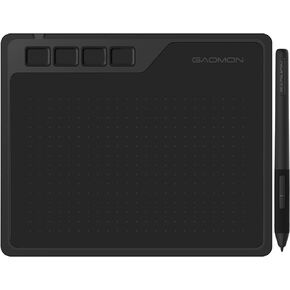 GAOMON S620 Drawing Tablet 6.5 x 4 Inch Graphics Tablet with 8192 Passive Pen 4 Customizable ExpressKeys for Digital Drawing & OSU & Online Teaching-for Mac Windows Android OS
SAR 140
GAOMON S620 Drawing Tablet 6.5 x 4 Inch Graphics Tablet with 8192 Passive Pen 4 Customizable ExpressKeys for Digital Drawing & OSU & Online Teaching-for Mac Windows Android OS
SAR 140
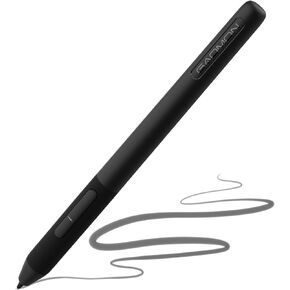 GAOMON Art Paint AP32 Battery-Free 8192 Levels Pressure Passive Stylus Only for PD2200/S620/S630/M10KPRO/M106KPRO/M1220/M1230 Graphics Tablet
SAR 100
GAOMON Art Paint AP32 Battery-Free 8192 Levels Pressure Passive Stylus Only for PD2200/S620/S630/M10KPRO/M106KPRO/M1220/M1230 Graphics Tablet
SAR 100
 -5%
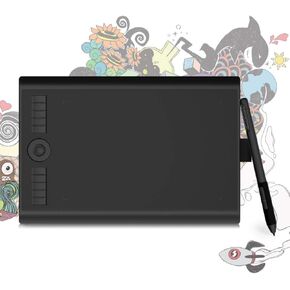
Bluetooth Drawing Tablet GAOMON WH851 8 x 5 inches Graphics Tablet, Digital Art Tablet Supports 16384 Levels, Intuitive Dial with 8 Shortcut Keys, Type-C Port, Work with Windows & Android & Mac
SAR 201
-5%
Bluetooth Drawing Tablet GAOMON WH851 8 x 5 inches Graphics Tablet, Digital Art Tablet Supports 16384 Levels, Intuitive Dial with 8 Shortcut Keys, Type-C Port, Work with Windows & Android & Mac
SAR 201
 -3%
GAOMON PD156Pro - 15.6" Drawing Tablet with Screen Full-Laminated 120% sRGB Pen Display with Dial Key & 10 Hotkeys, Battery-Free Stylus Art Tablet for Digital Drawing, Anime, Sketch, Graphic Design
SAR 1,286
-3%
GAOMON PD156Pro - 15.6" Drawing Tablet with Screen Full-Laminated 120% sRGB Pen Display with Dial Key & 10 Hotkeys, Battery-Free Stylus Art Tablet for Digital Drawing, Anime, Sketch, Graphic Design
SAR 1,286