All electronics ship with US style plugs.You may need a voltage converter or a plug adapter.
Special Features
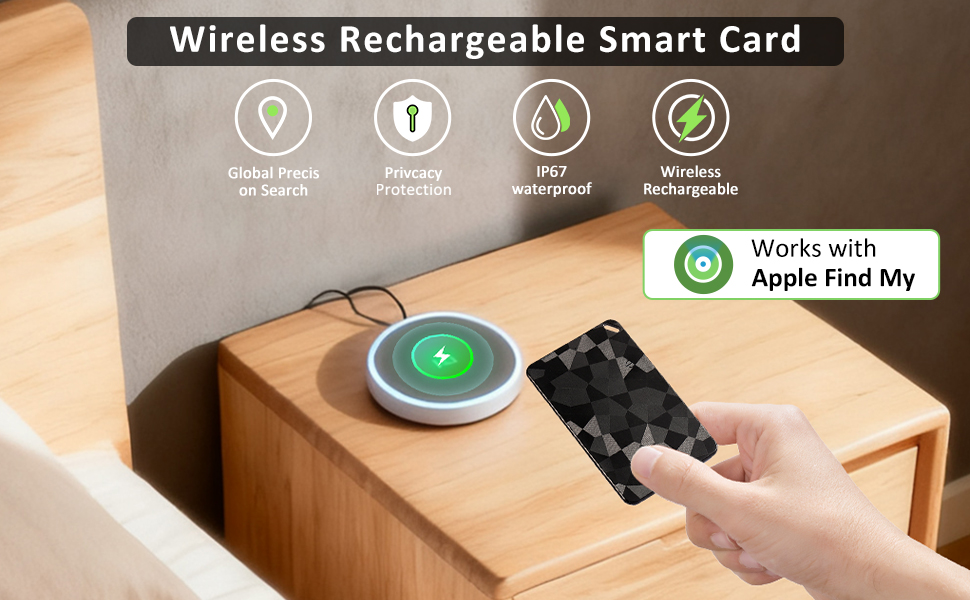
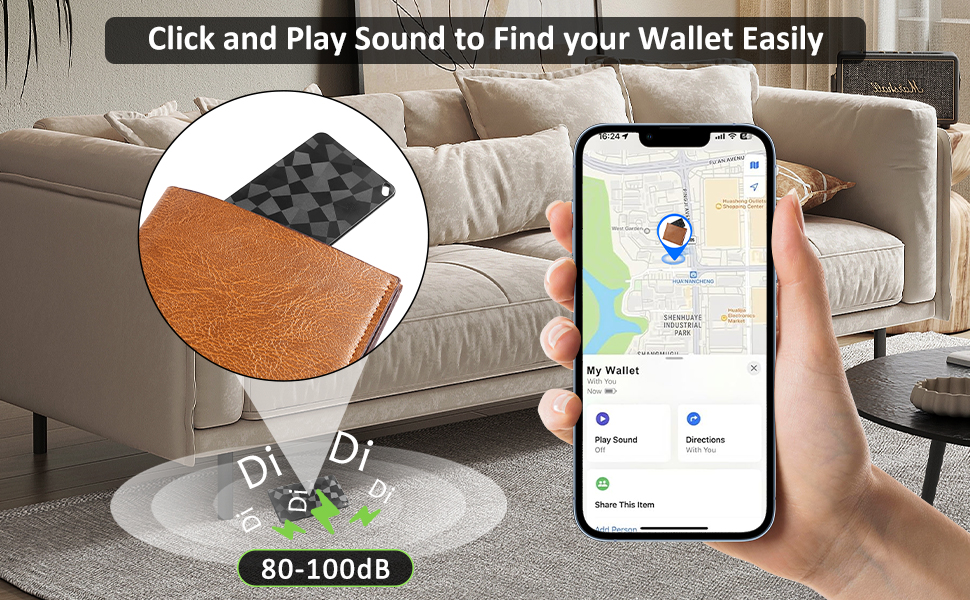
Effortlessly Locate Your Items with Apple Find My: Never lose your wallet, passport, or keys again. This smart card tracker seamlessly connects to the Find My app on your iPhone. If your item is nearby, click in app and it will play a "bi-bi" loud sound to find it under couches or in bags. If it's further away, like at the office or a mall, the vast Find My network helps you track its location on a map. It's a highly reliable locator for your essentials
Ultra-Slim, Credit-Card Design for Everyday Carry: Say goodbye to bulky tags. Our tracker is as slim, flat, and small as a credit card, designed to slip discreetly into any wallet, passport holder, or purse. This smartcard device is so thin you'll forget it's there until you need it. It's the perfect trackable item for your cards and wallets without adding bulk
Long Battery Life & Convenient Wireless Charging: Enjoy peace of mind for months on a single charge. This rechargeable tracker supports up to 4 months of use after just 1.5 hours of wireless charging. No more constant battery anxiety. Simply place it on a wireless charger and it's powered up, ready to help you track your valuable items like luggage and keys for the long haul
Rugged IP67 Waterproof & Durable Construction: Built to withstand your active life. With an IP67 waterproof rating, this tracker can survive being submerged in water, making it safe from rain, spills, or accidental drops in puddles. It's the reliable finder for your wallet or passport, no matter the weather or environment, ensuring your tracking device keeps working
Seamless iOS Compatibility for Secure, Easy Setup: Designed specifically for iPhone users, this device pairs effortlessly via Bluetooth with the Find My app. The setup is instant and compatible with iOS, requiring no subscription fees. Your location data is encrypted end-to-end, ensuring your privacy is protected while you locate your lost items
Tips: (1) If you cannot connect, charge the device and press the switch again to try. (2) If you need to change the connected device, delete it in "find my" and try connecting to the new device. If you still cannot connect, press the power button five times in a row and then press and hold the power button until you hear a "beep" sound before trying to connect to the new device
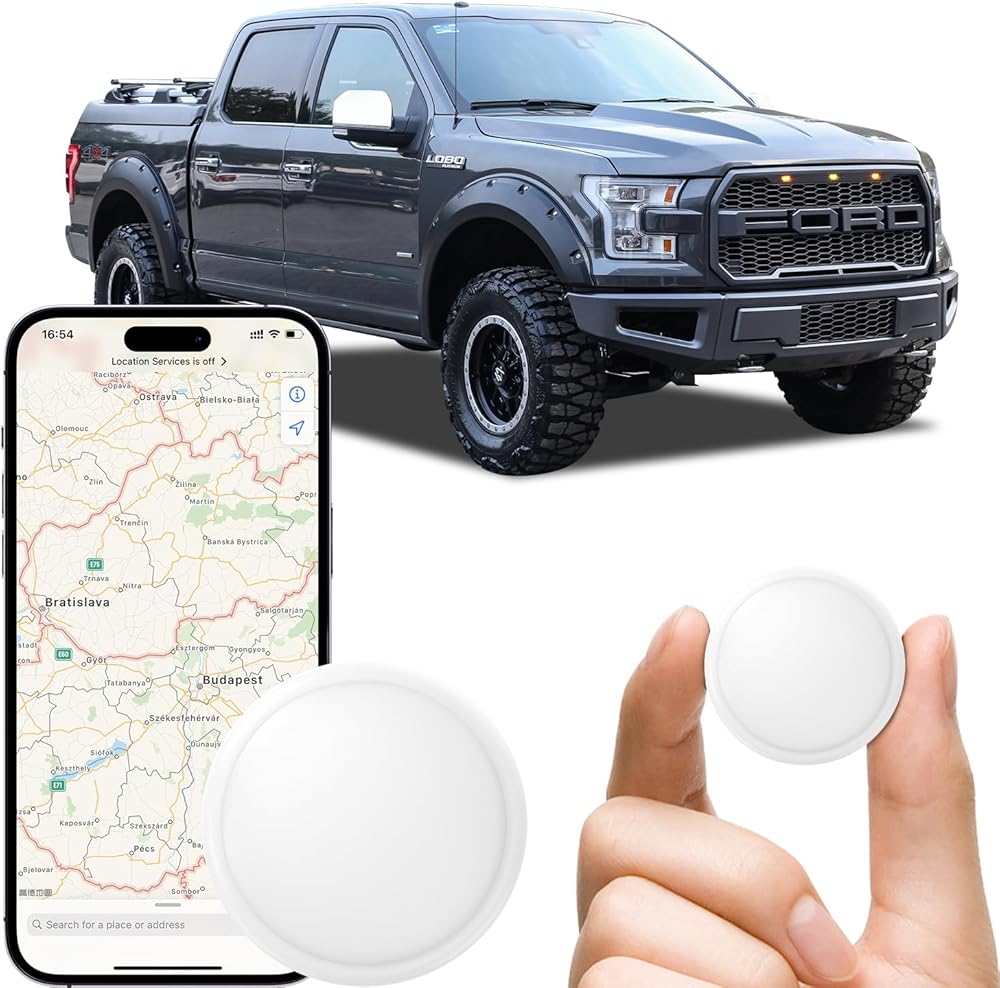
 -9%
GPS Tracker Device for Car and Vehicles: Mini Hidden Magnetic no Subscription Trackers for Tracking Kids Elderly Vehicle pet - Real Time Location Track Devices no Monthly Fee for Android and iPhone
SAR 105
-9%
GPS Tracker Device for Car and Vehicles: Mini Hidden Magnetic no Subscription Trackers for Tracking Kids Elderly Vehicle pet - Real Time Location Track Devices no Monthly Fee for Android and iPhone
SAR 105
 Aluminum Heavy-Duty GPS Mount with AMPS Square Plate Base for Garmin, Replacement for Suction Cup Windshield Mount, Compatible with Nuvi 2577LT 42LM 44 52LM 54 55LMT 56 2457 249
SAR 94
Aluminum Heavy-Duty GPS Mount with AMPS Square Plate Base for Garmin, Replacement for Suction Cup Windshield Mount, Compatible with Nuvi 2577LT 42LM 44 52LM 54 55LMT 56 2457 249
SAR 94
 1 inch to 17mm Ball Adapter with 3.54" Medium Double Socket Arm, Compatible with RAM B Size Mounts, Fits Garmin GPS Mount and 17mm Swivel Ball Mounting Phone Holders
SAR 79
1 inch to 17mm Ball Adapter with 3.54" Medium Double Socket Arm, Compatible with RAM B Size Mounts, Fits Garmin GPS Mount and 17mm Swivel Ball Mounting Phone Holders
SAR 79
 1" Track Ball with T-Bolt Attachment, Aluminum Alloy Track Mount Base for Kayak Boat Truck, Compatible with RAM Mounts B Size 1" Ball Double Socket Arm, for Phone Holder, Action Camera Mount
SAR 68
1" Track Ball with T-Bolt Attachment, Aluminum Alloy Track Mount Base for Kayak Boat Truck, Compatible with RAM Mounts B Size 1" Ball Double Socket Arm, for Phone Holder, Action Camera Mount
SAR 68

