- Shopping, made easy.
- /
- Get the app!
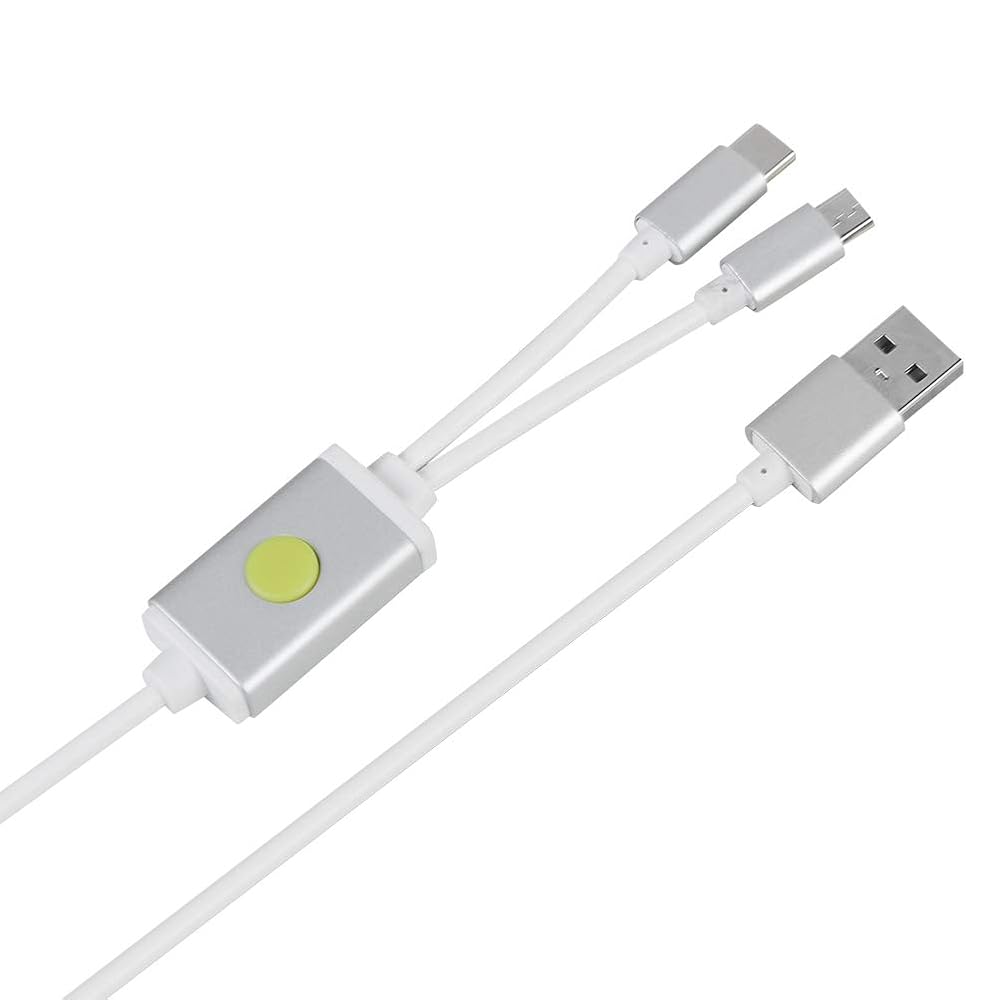
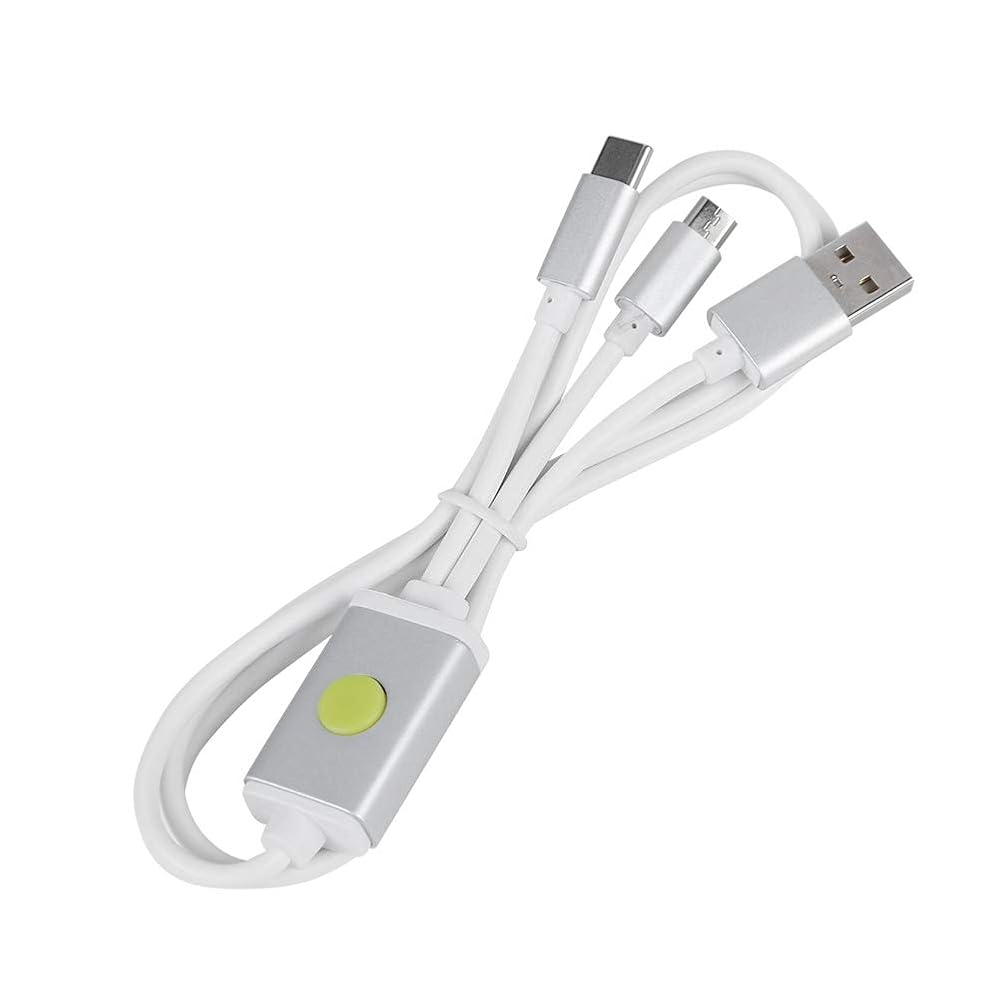
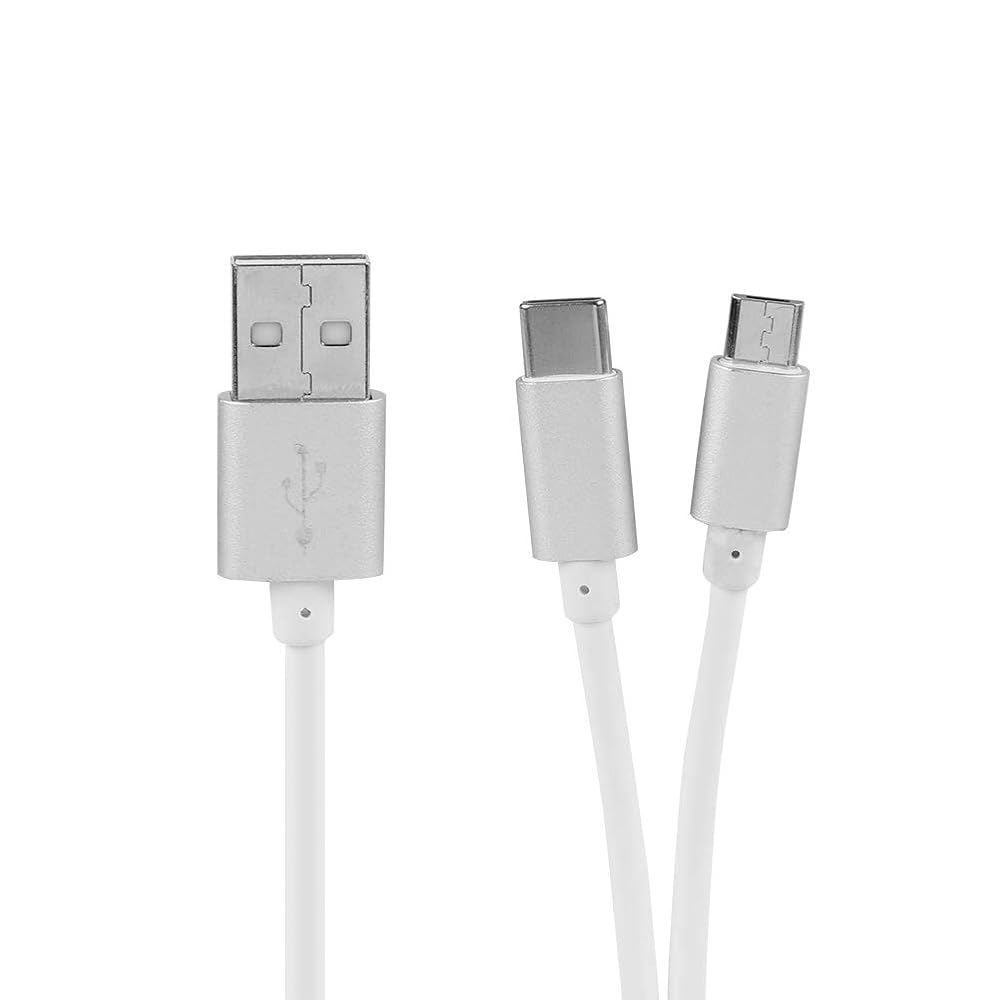
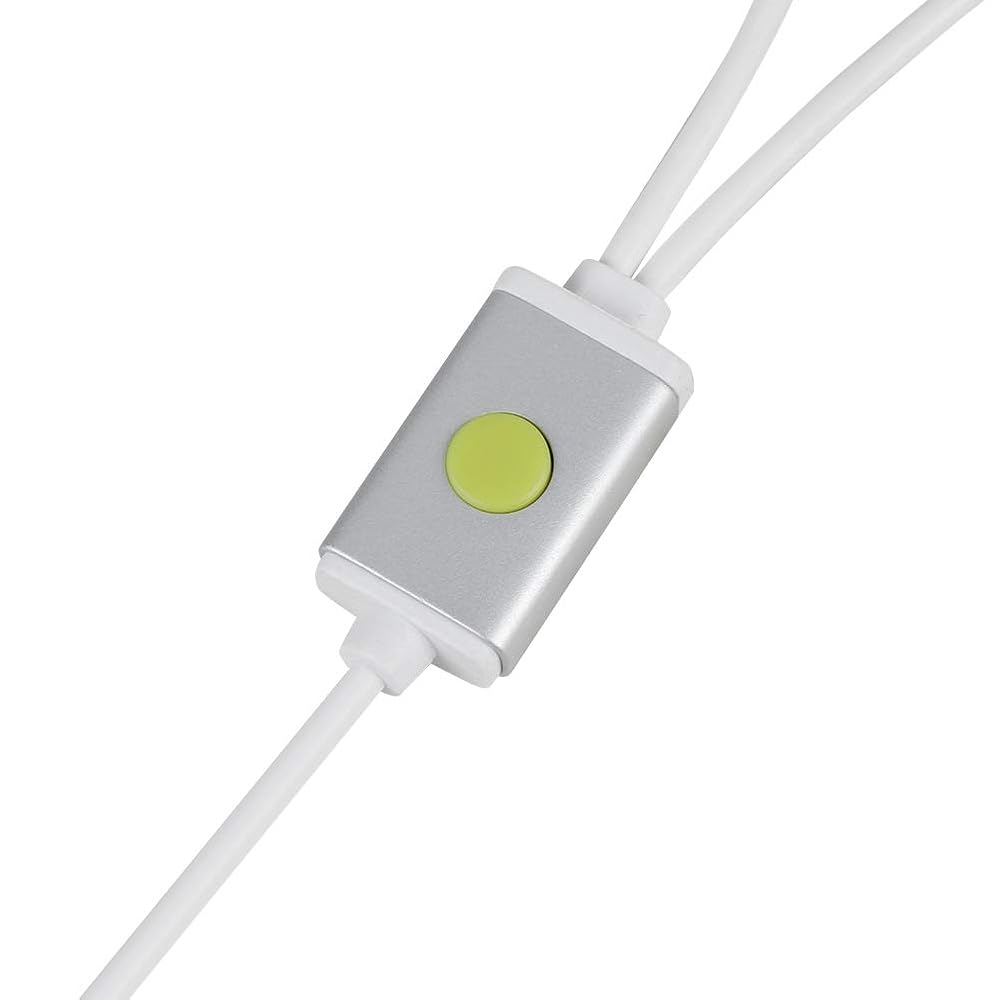
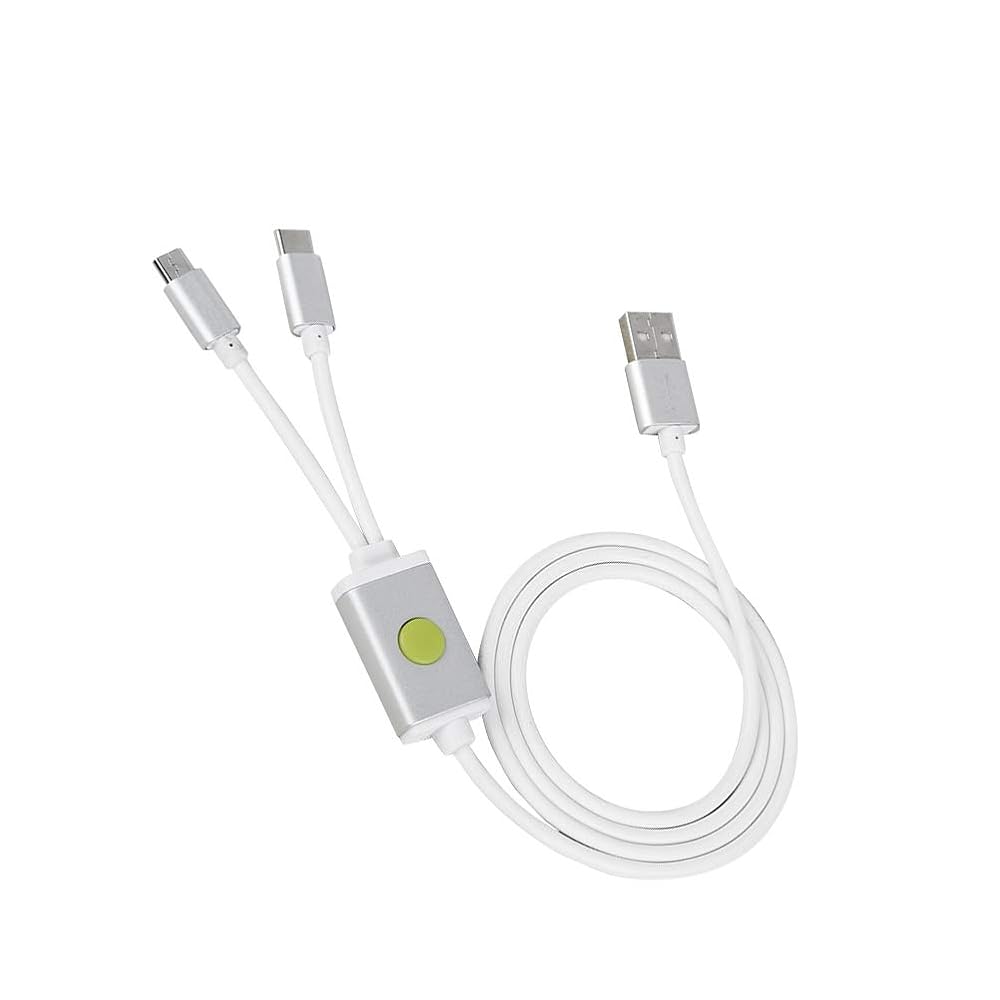
Specifications: Type: Brush Line for Model: W230 Material: TPE Length: Approx. 0.9m / 1yd Color: White Weight: Approx. 37g Compatible Model: All for phones with BL lock and for CPU, for 4S/4C/4i/5, etc Package list: 1 * Brush Line Using Method: 1. The first method: Turned off the phone, insert the line, at the same time hold down the engineering line switch the power of the mobile phones and lasts for 5 seconds, the computer will make a sound like "ding dong", that means the device manager has found the Port 9008. The appearance of 9008 port indicates that you have successfully entered the deep brush mode, and then you can solve all kinds of problems by using the brush tool ! 2. The second method: Turned off the phone, press the volume reduction plus and the power to enter mode at the same time, and then press the power to turn it off. When the mobile phone screen turns black, long press the flash for five seconds, then loosen your hand, by this time, the device manager inside can recognize to port 9008. The appearance of 9008 port says that it has successfully enter into the depth of the flash mode, and then use the refresh for the flash tool flash point, choose wanted material, then flash again. To solve all kinds of problems one time ! The phone is in black all the time, which is a normal phenomenon, don't worry. Voltage Parameter How to Use Package List
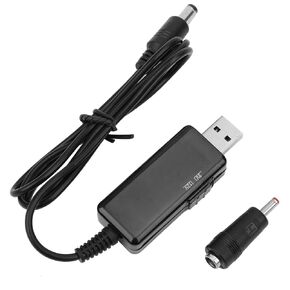 Dioche Power Bank Router Cord USB to DC Cable 5V to 9V 12V Step, Up Digital Display Adjustable with Compact Shape, Lightweight and Portable for Optical Modems, Cordless Routers
SAR 155
Dioche Power Bank Router Cord USB to DC Cable 5V to 9V 12V Step, Up Digital Display Adjustable with Compact Shape, Lightweight and Portable for Optical Modems, Cordless Routers
SAR 155
 Dioche HL-340 SingleChip 9 Pin Serial Cable USB to RS232 Serial Port Adapter with AntiElectromagnetic Interference Design for Win95/98/ME/2000/XP/Vista/Win7 Compatibility
SAR 40
Dioche HL-340 SingleChip 9 Pin Serial Cable USB to RS232 Serial Port Adapter with AntiElectromagnetic Interference Design for Win95/98/ME/2000/XP/Vista/Win7 Compatibility
SAR 40
 Dioche Portable Baby Wipe Warmer, Constant Temperature Wet Wipes Dispenser, Keep Wipes Moist Warm for Babies, Newborn Essentials (White)
SAR 94
Dioche Portable Baby Wipe Warmer, Constant Temperature Wet Wipes Dispenser, Keep Wipes Moist Warm for Babies, Newborn Essentials (White)
SAR 94
 Dioche Rope Brush Outdoor Rope Cleaning Brush – Stainless Steel & Nylon Cleaning Tool for Climbing Ropes – Lightweight, Durable, and Portable – Suitable for 8-13mm Diameter Ropes
SAR 58
Dioche Rope Brush Outdoor Rope Cleaning Brush – Stainless Steel & Nylon Cleaning Tool for Climbing Ropes – Lightweight, Durable, and Portable – Suitable for 8-13mm Diameter Ropes
SAR 58