- التسوق ، اصبح سهلا.
- /
- احصل على التطبيق!
Specification
Condition: 100% Brand New
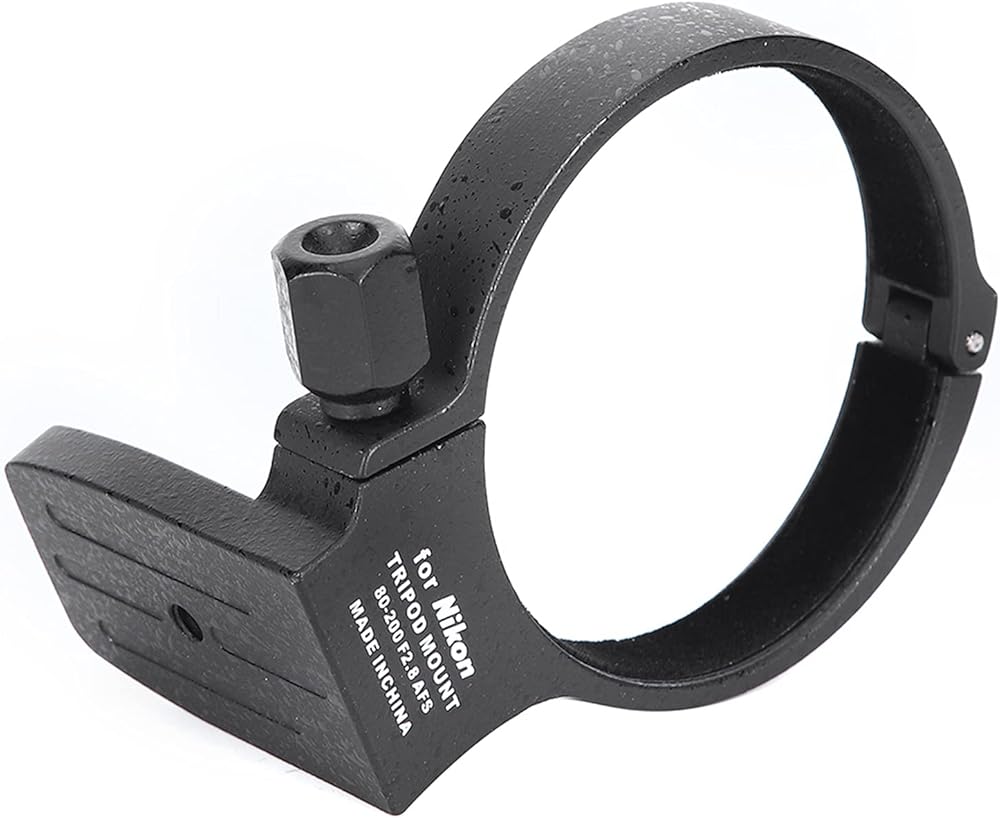
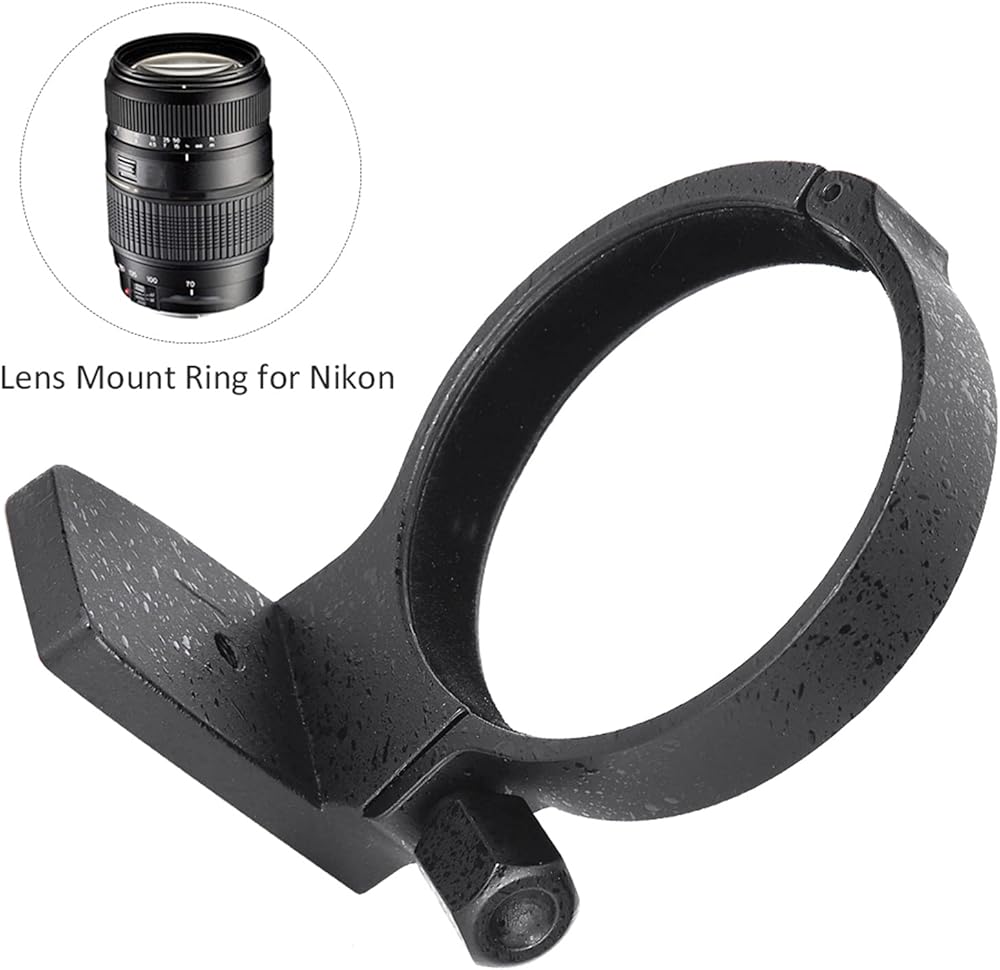
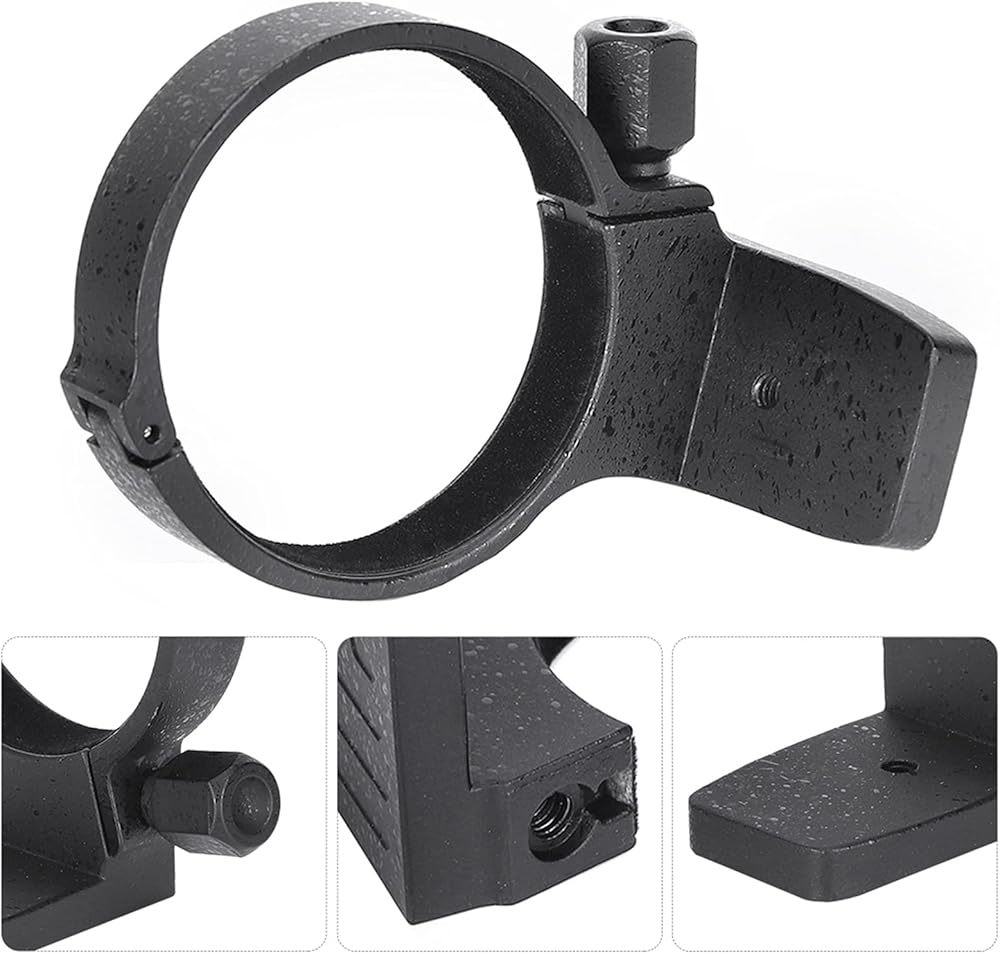
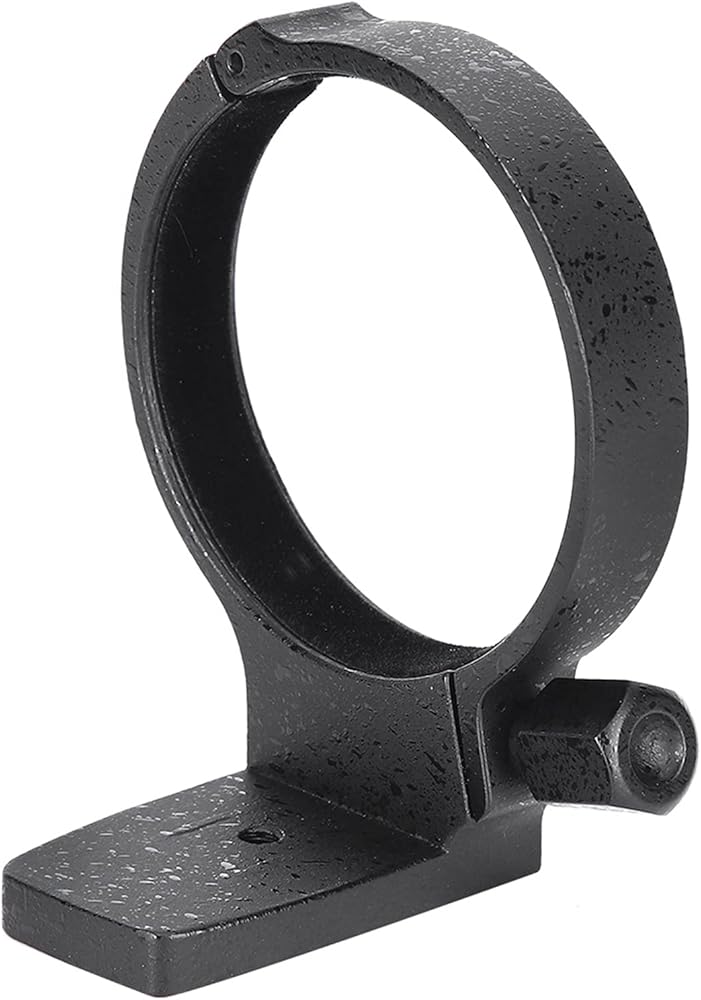
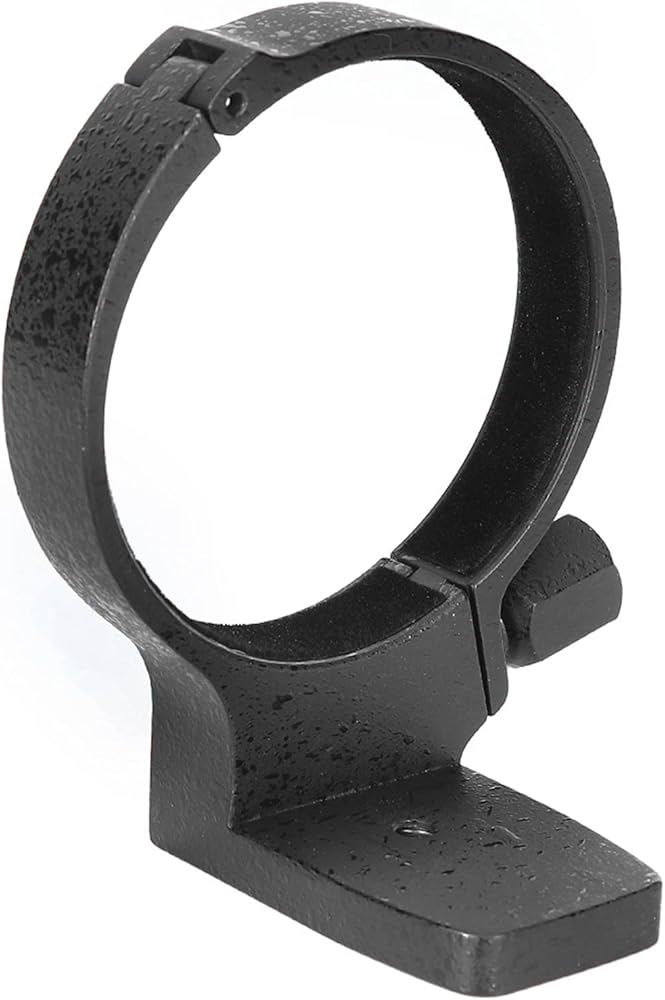
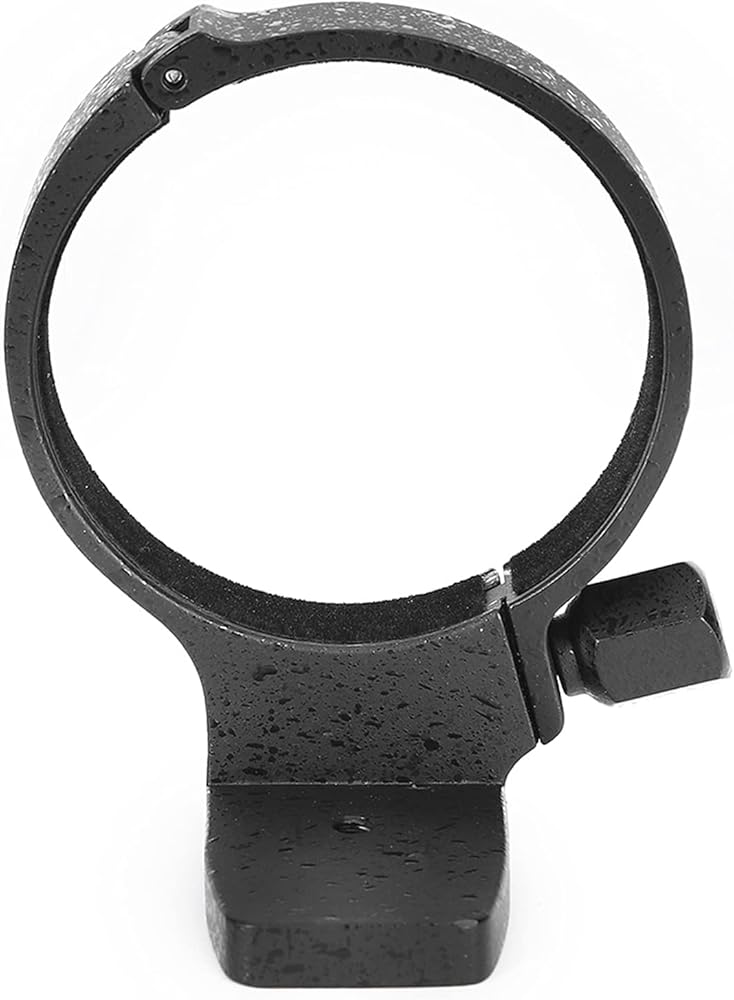
Item Type: Lens Mount
Material: Metal(Aluminium Alloy)
Color: Black
Quantity: 1PCS
Weight: Approx. 173g
Circle Inner Diameter: Approx. 81mm/3.19inch
Circle Width: Approx. 4cm/1.6inch
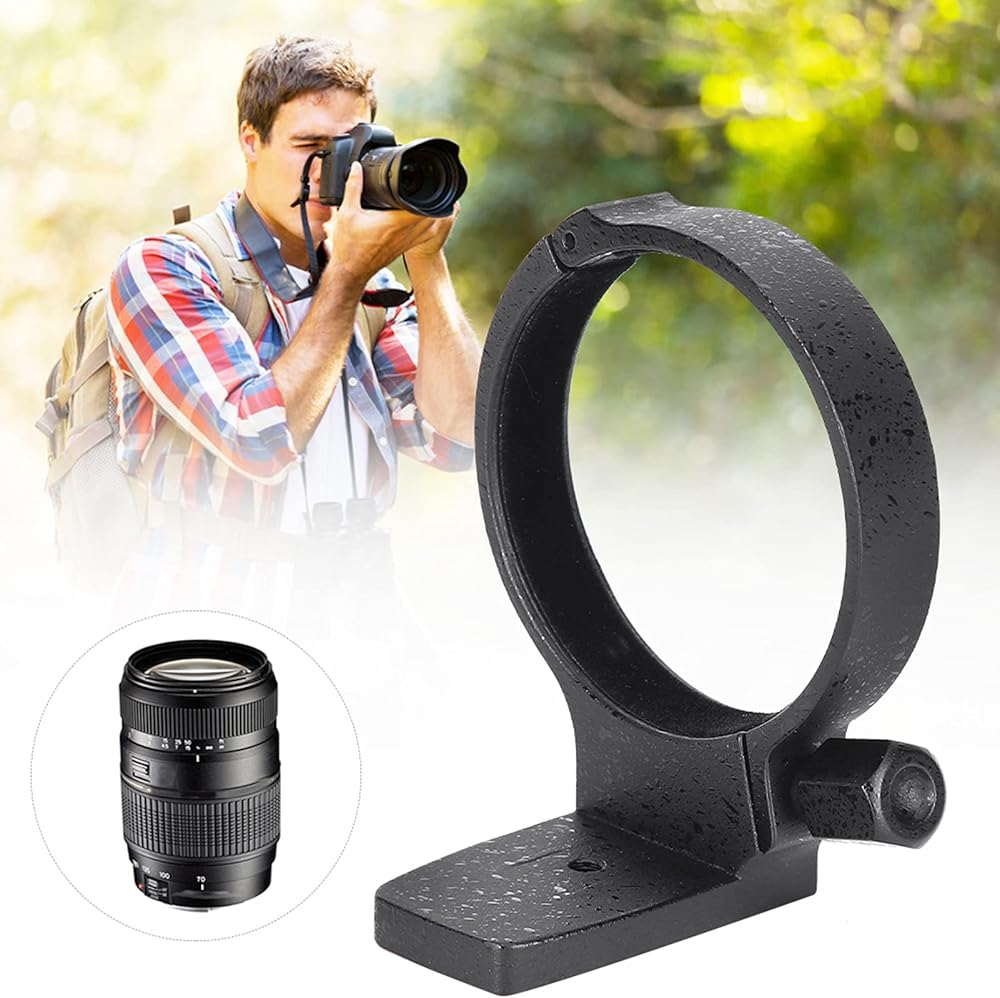
Suitable Lens: (Compatible Following Lens)
For 70-300mm f/4-5.6 VC USD(A005)
For 70-300mm f/4.5-5.6G SSM(SAL70300G)
For AF Zoom- 80-200mm f/2.8D ED
Instructions for using:
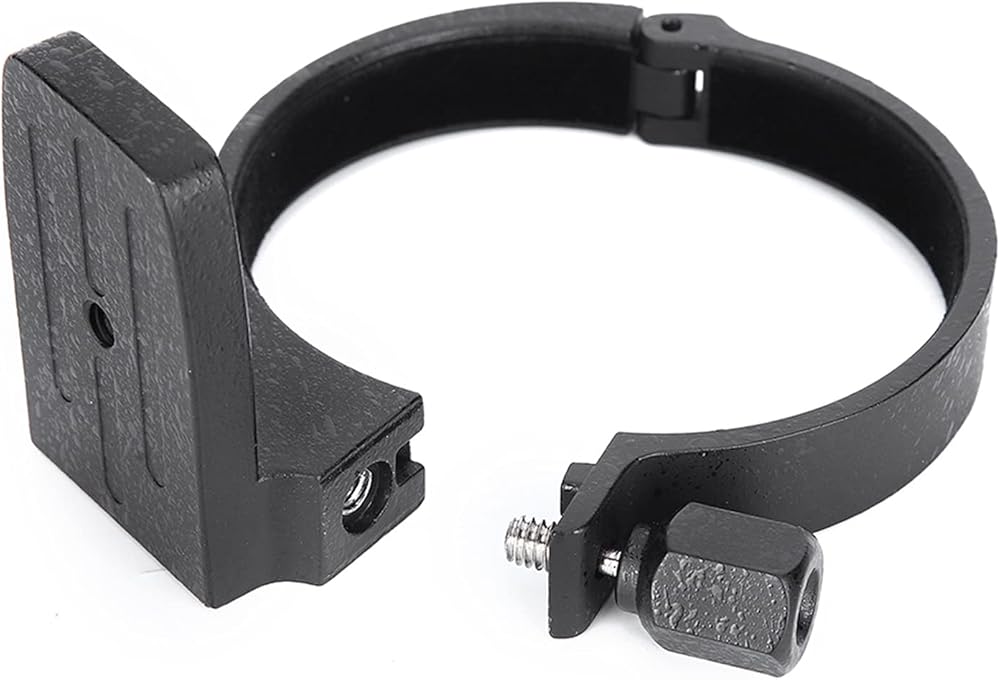
1. An accessory that enhances stability when with a large telephoto lens and using a tripod. Mounted on the lens Drum, the lens is fixed to the tripod through the tripod mount hole below the tripod mount . In addition, simply loosen the rotation lock knob of the tripod mount to rotate the camera around the lens, and you can switch between vertical and horizontal composition without tilting the gimbal. Attaching and removing the tripod Follow the procedure below to attach the tripod and follow the reverse procedure to remove the tripod .
2. Turn the lock knob counterclockwise to align the arrows with the dot. Then pull the knob outward to open the .
3. With the open, place the lens in the tripod . Loosen the lock knob of the tripod , you can turn the camera and lens mounted on the tripod, freely switch between the horizontal and vertical directions. After turning the camera to the desired position, tighten the lock knob. The tripod can be used on the tripod head.
Voltage Parameter
How to Use
Package List
1 x Lens Mount
Note
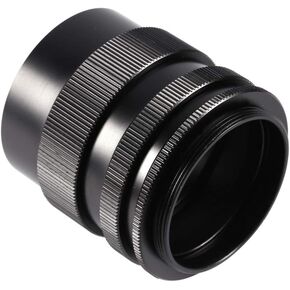 حلقة أنبوبية تمديد من Madezz، حلقة أنبوبية تمديد ماكرو لمجموعة تثبيت برغي M42 42 مم للفيلم/SLR الرقمية
SAR 56
حلقة أنبوبية تمديد من Madezz، حلقة أنبوبية تمديد ماكرو لمجموعة تثبيت برغي M42 42 مم للفيلم/SLR الرقمية
SAR 56
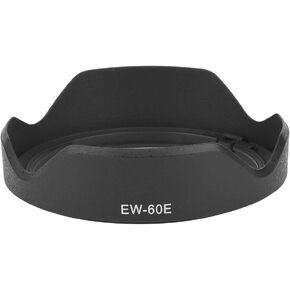 Ef-m 11-22 paraluce - غطاء عدسة الكاميرا EW-60E ABS غطاء العدسة البلاستيكي لكاميرا Canon EF-M 11-22mm f/4-5.6
SAR 47
Ef-m 11-22 paraluce - غطاء عدسة الكاميرا EW-60E ABS غطاء العدسة البلاستيكي لكاميرا Canon EF-M 11-22mm f/4-5.6
SAR 47
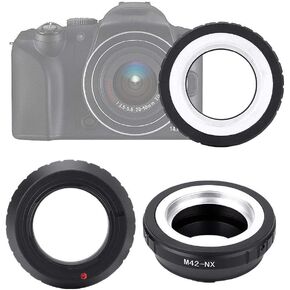 حلقة كاميرا Qiilu، M42-NX M42 عدسة خيط NX Mount Camera Len حلقة محول للإكسسوارات
SAR 61
حلقة كاميرا Qiilu، M42-NX M42 عدسة خيط NX Mount Camera Len حلقة محول للإكسسوارات
SAR 61
 أنبوب تمديد عدسة Qiilu، مجموعة أنبوب تمديد ماكرو للتركيز التلقائي AF 10 مم، 16 مم مناسب لسلسلة Sony E/FE NEX3 NEX5 NEX6 NEX7 A5000/A6000/A7/A7M2
SAR 187
أنبوب تمديد عدسة Qiilu، مجموعة أنبوب تمديد ماكرو للتركيز التلقائي AF 10 مم، 16 مم مناسب لسلسلة Sony E/FE NEX3 NEX5 NEX6 NEX7 A5000/A6000/A7/A7M2
SAR 187