- التسوق ، اصبح سهلا.
- /
- احصل على التطبيق!
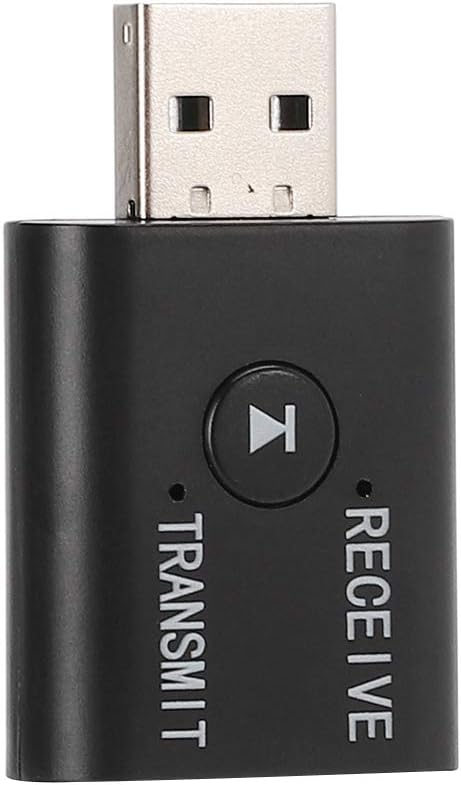
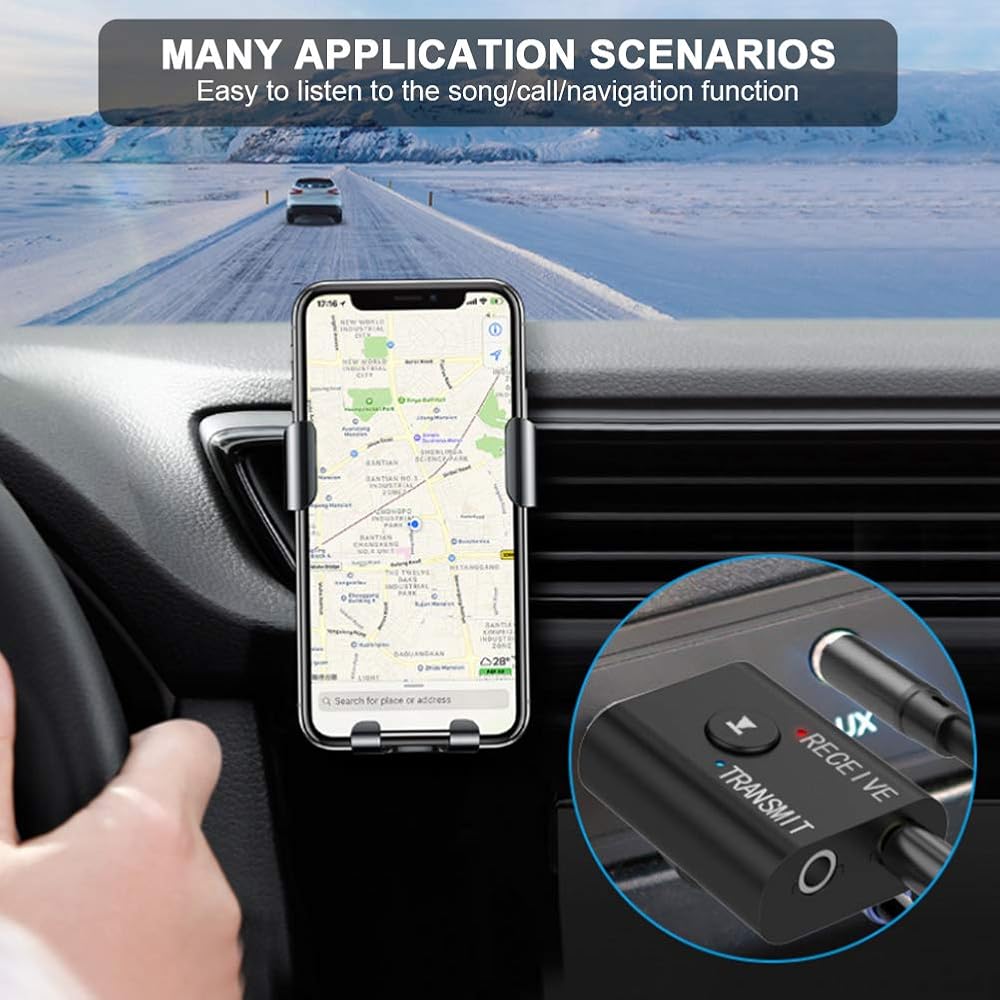
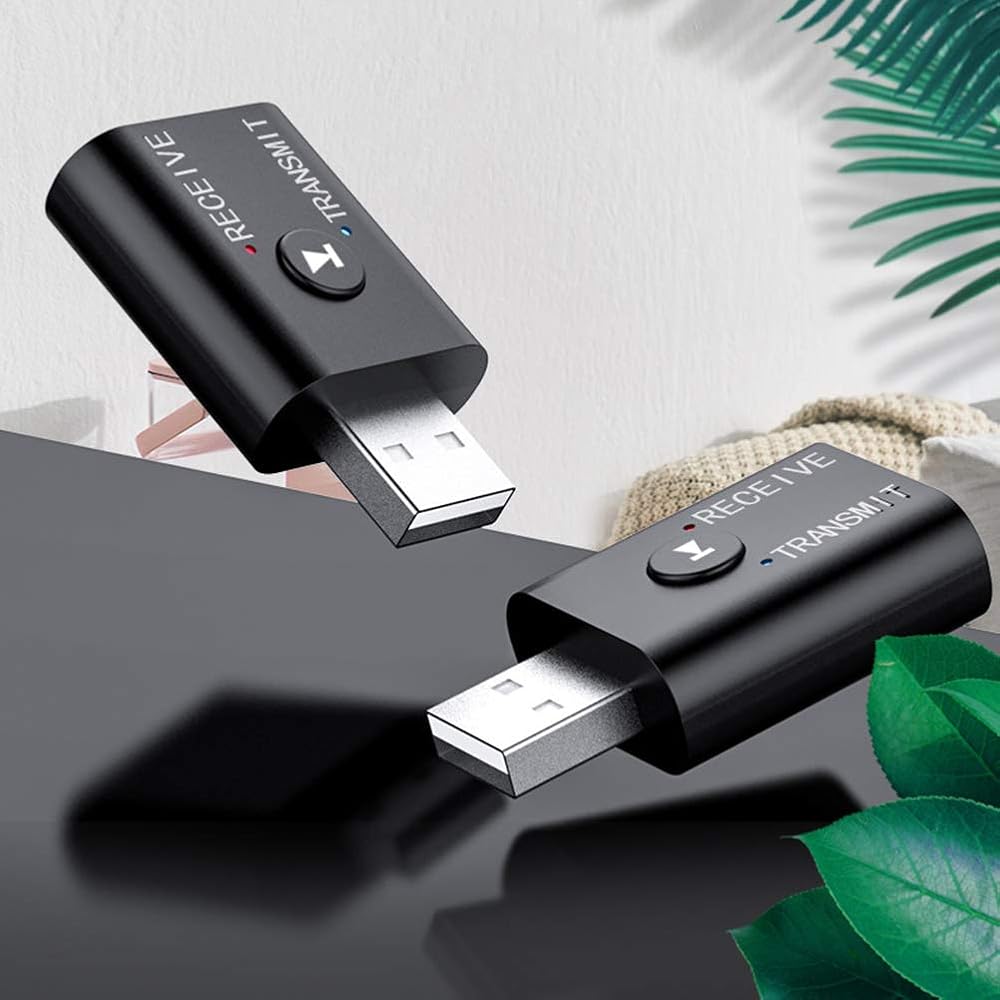
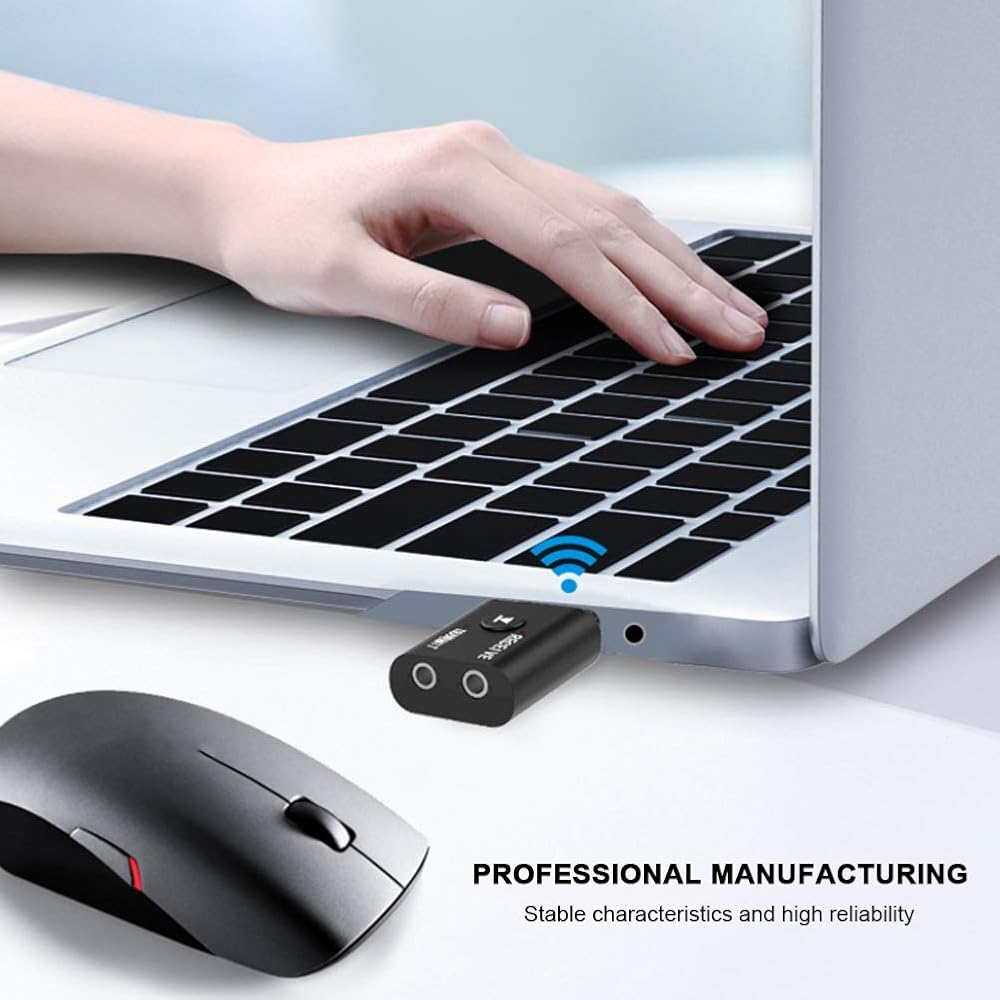
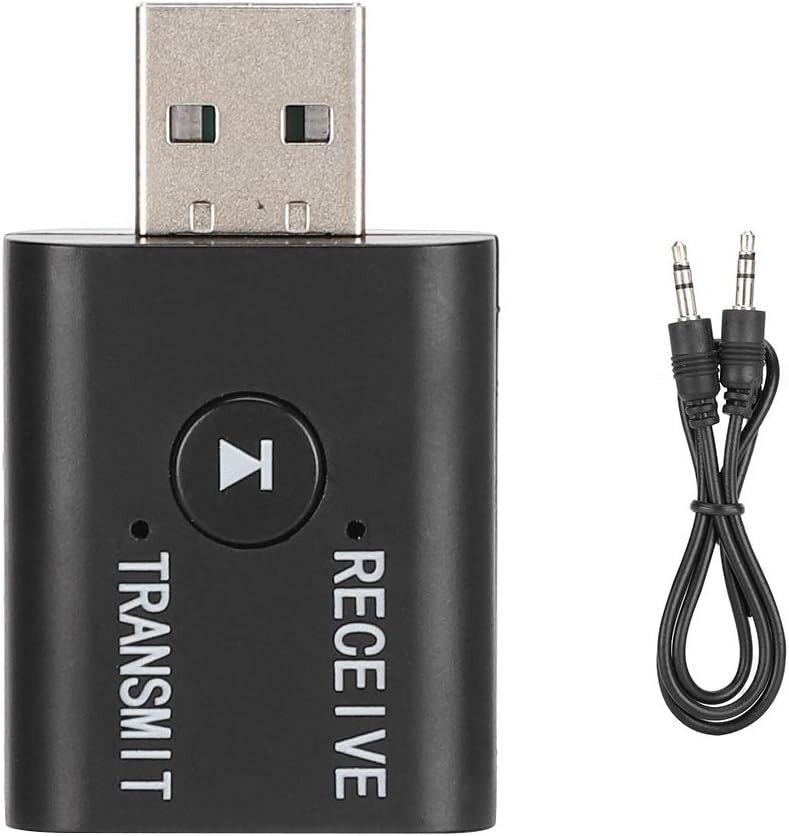
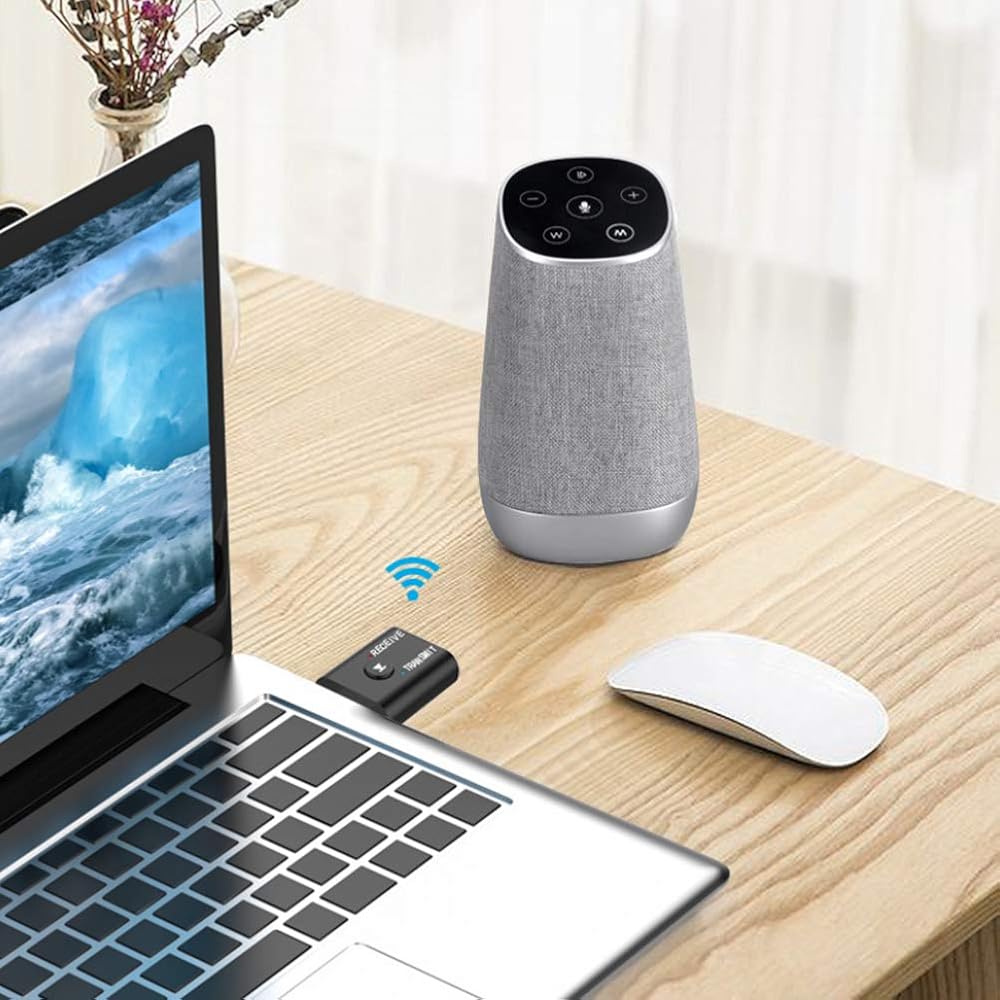
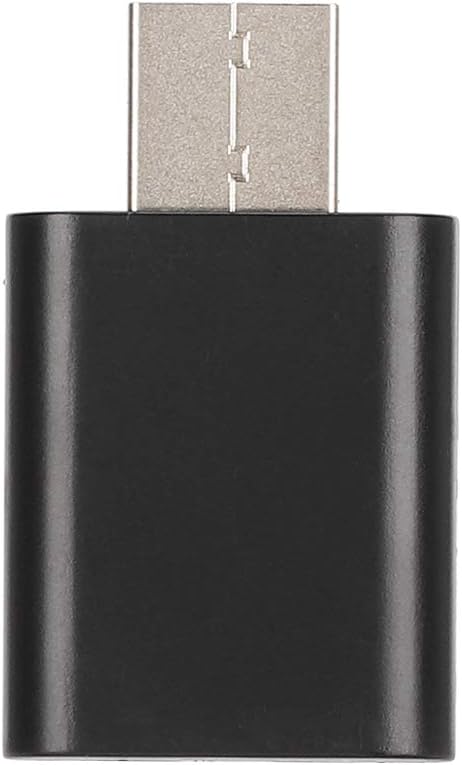
1. Bluetooth 5.0 adapter, 2-in-1 transmitter/, built-in bluetooth 5.0 dual system powerful function bluetooth adapter, designed independent circuit, stronger performance, can transmit and receive bluetooth signal at the same time. Many application scenarios, modes, mobile phone, car speaker and other bluetooth devices connected to the bluetooth speaker, launch mode, bluetooth headphones, connected to computer, TV, projector and other bluetooth speakers, via the vehicle-connected 3.5mm plug, listen to easy song/call/navigation function.
3. Smart bluetooth 5.0 chip, transmission distance can reach 15m, signal transmission is faster and more stable, lower power consumption can not be stuck to listen to music, restoring Hi-Fi sound quality.
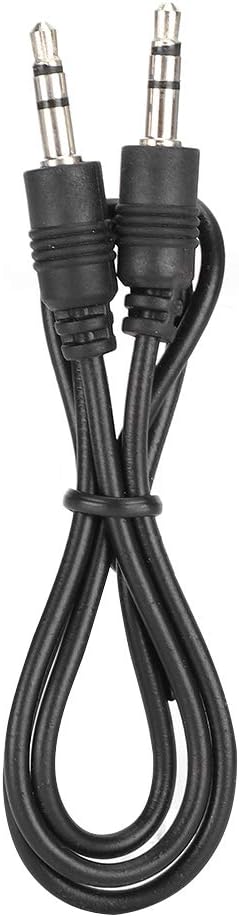
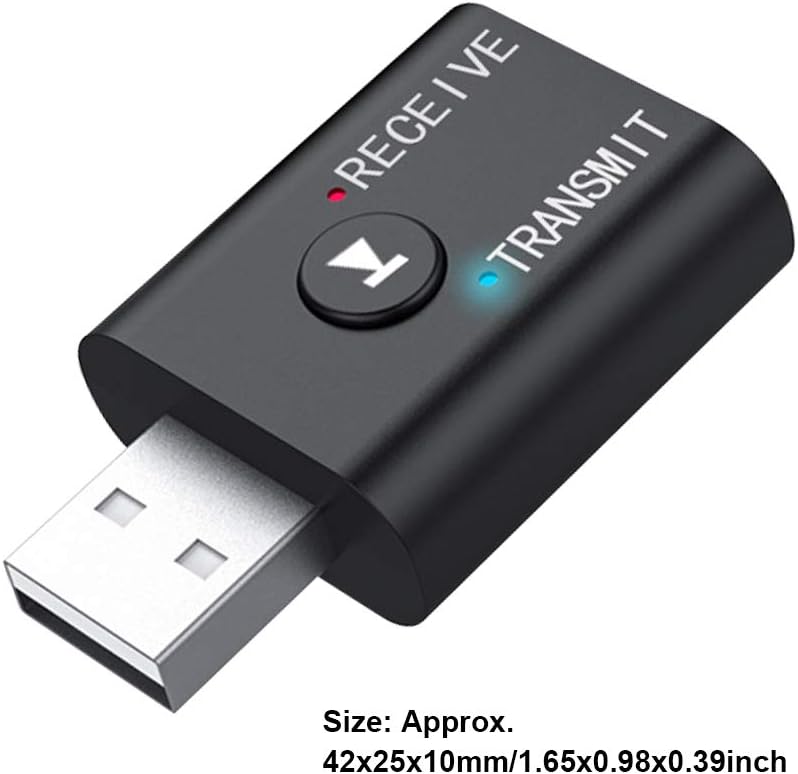
4. Using function: 1. Plug the equipment into the USB power port (5V USB interface), the equipment will turn on automatically, the equipment will light up red and flash quickly, that means it will enter Bluetooth connection. 2. Plug the 3.5mm audio cable into the 3.5mm audio port of the devices and then the audio cable can be used in the playback device (headphones, speakers, etc.) Plug into the AUX port. 3. Turn on the Bluetooth function of the mobile phone (or computer), search for peripherals, select YET-TR9 equipment, then pair it. After pairing is successful, the indicator light on the Bluetooth receiver will light up.
5. Using the launch function: 1. Plug the equipment into a USB port (such as the USB charging port on TV, computer or mobile phone charger), the equipment will turn on automatically, the equipment will light up blue and flash quickly, so , enter the Bluetooth connection status. 2. Simply plug the 3.5mm audio cable into the 3.5mm audio port in the equipment, and then the other end of the audio on your computer, TV', projector, mobile phone,
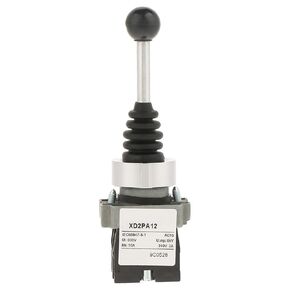 4.84X1.57 بوصة 12 فولت طريقة عصا التحكم Ctrol Mrisata 2 موضع 2NO مفتاح عصا التحكم مغلق يناسب XD2PA12
SAR 82
4.84X1.57 بوصة 12 فولت طريقة عصا التحكم Ctrol Mrisata 2 موضع 2NO مفتاح عصا التحكم مغلق يناسب XD2PA12
SAR 82
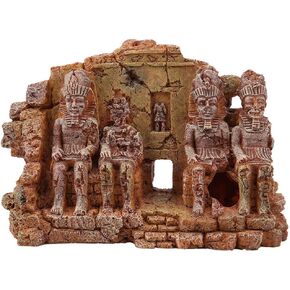 زينة حوض السمك، زخرفة مصرية من الراتنج، مأوى لخزان الأسماك، ديكور كهف حوض السمك، كهف مخفي لخزان الأسماك، زينة أسماك حوض السمك ذات المناظر الطبيعية المصرية
SAR 112
زينة حوض السمك، زخرفة مصرية من الراتنج، مأوى لخزان الأسماك، ديكور كهف حوض السمك، كهف مخفي لخزان الأسماك، زينة أسماك حوض السمك ذات المناظر الطبيعية المصرية
SAR 112
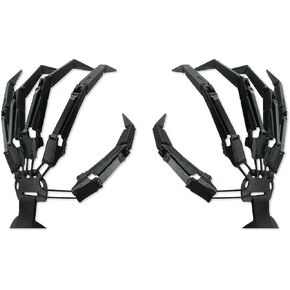 ثلاثية الأبعاد هالوين مفصلية أصابع ملحقات والعتاد إصبع ريبر قفازات تأثيري الهيكل العظمي الأيدي العظام مخلب اليد
SAR 79
ثلاثية الأبعاد هالوين مفصلية أصابع ملحقات والعتاد إصبع ريبر قفازات تأثيري الهيكل العظمي الأيدي العظام مخلب اليد
SAR 79
 حامل شموع على شكل نوتة موسيقية سوداء، حامل شموع على شكل نوتة موسيقية فنية عتيقة، ديكور جداري على شكل نوتة موسيقية ثلاثية المفتاح للمنزل والمكتب والفصول الدراسية، هدية الترحيب بالمنزل الجديد، 4 قطع
SAR 82
حامل شموع على شكل نوتة موسيقية سوداء، حامل شموع على شكل نوتة موسيقية فنية عتيقة، ديكور جداري على شكل نوتة موسيقية ثلاثية المفتاح للمنزل والمكتب والفصول الدراسية، هدية الترحيب بالمنزل الجديد، 4 قطع
SAR 82