- Shopping, made easy.
- /
- Get the app!
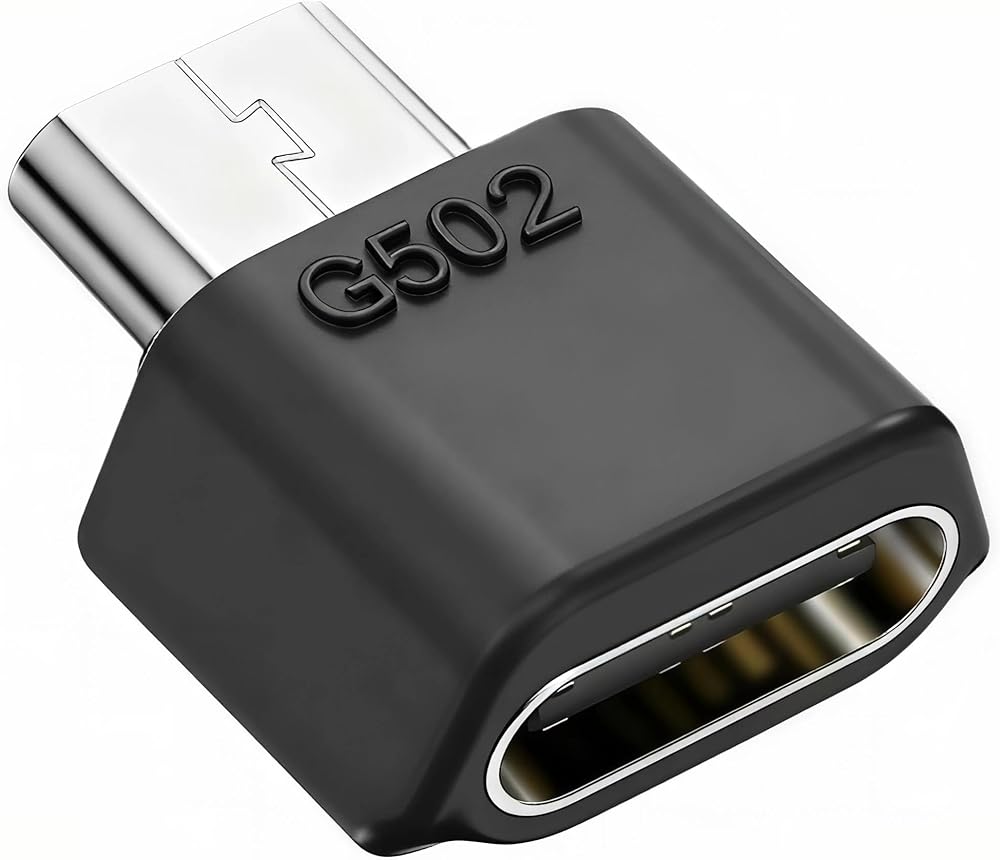
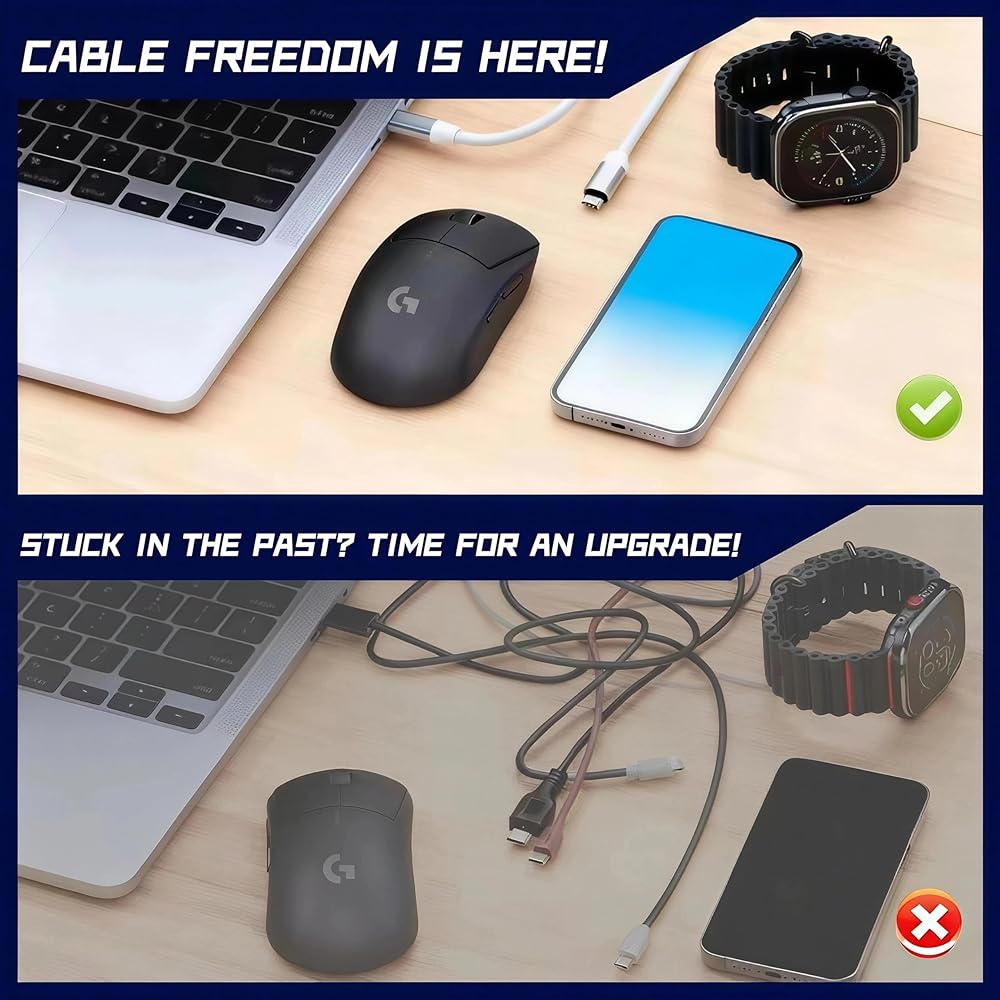
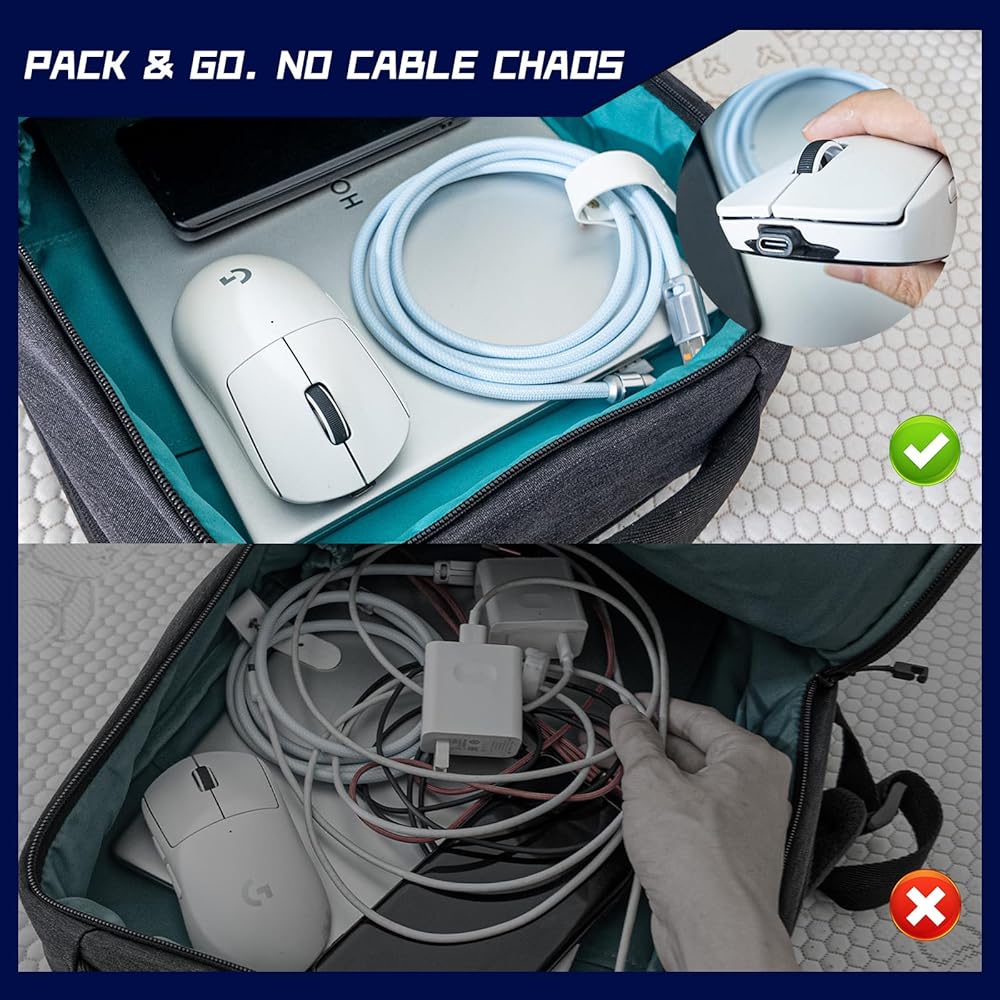
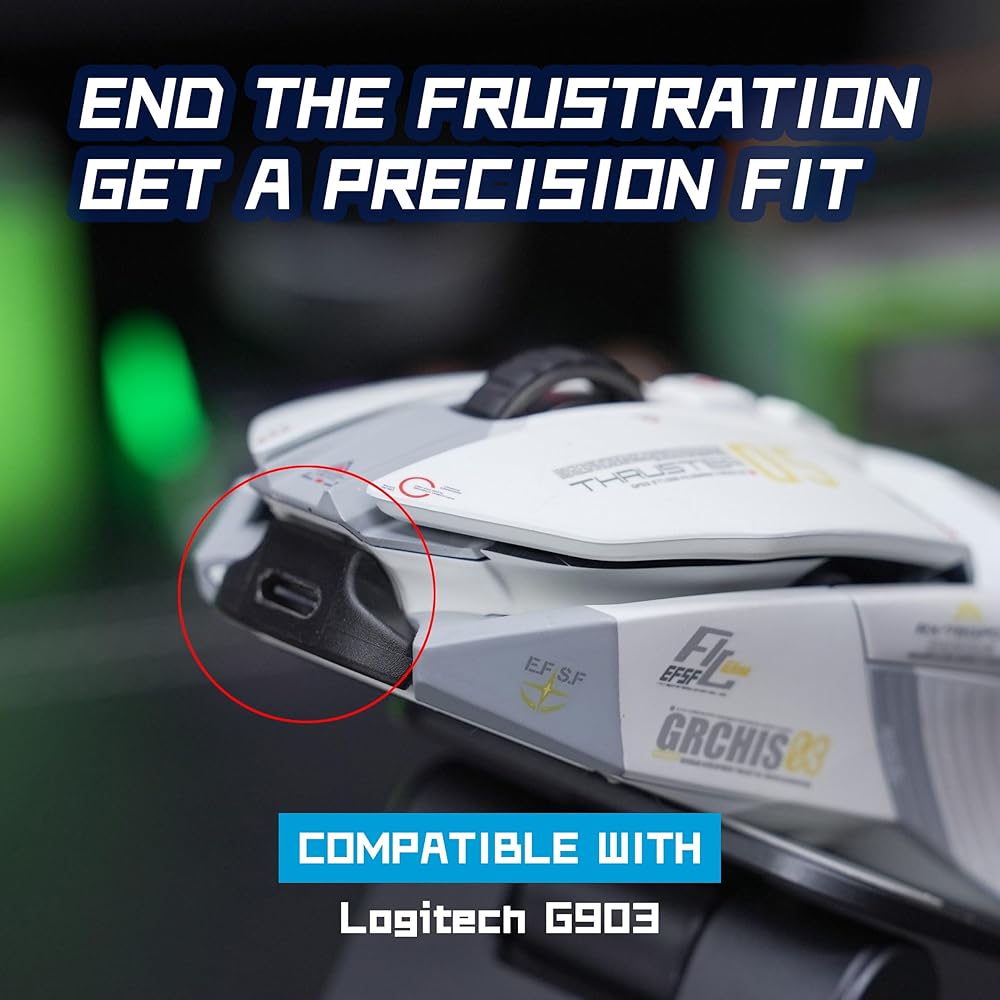
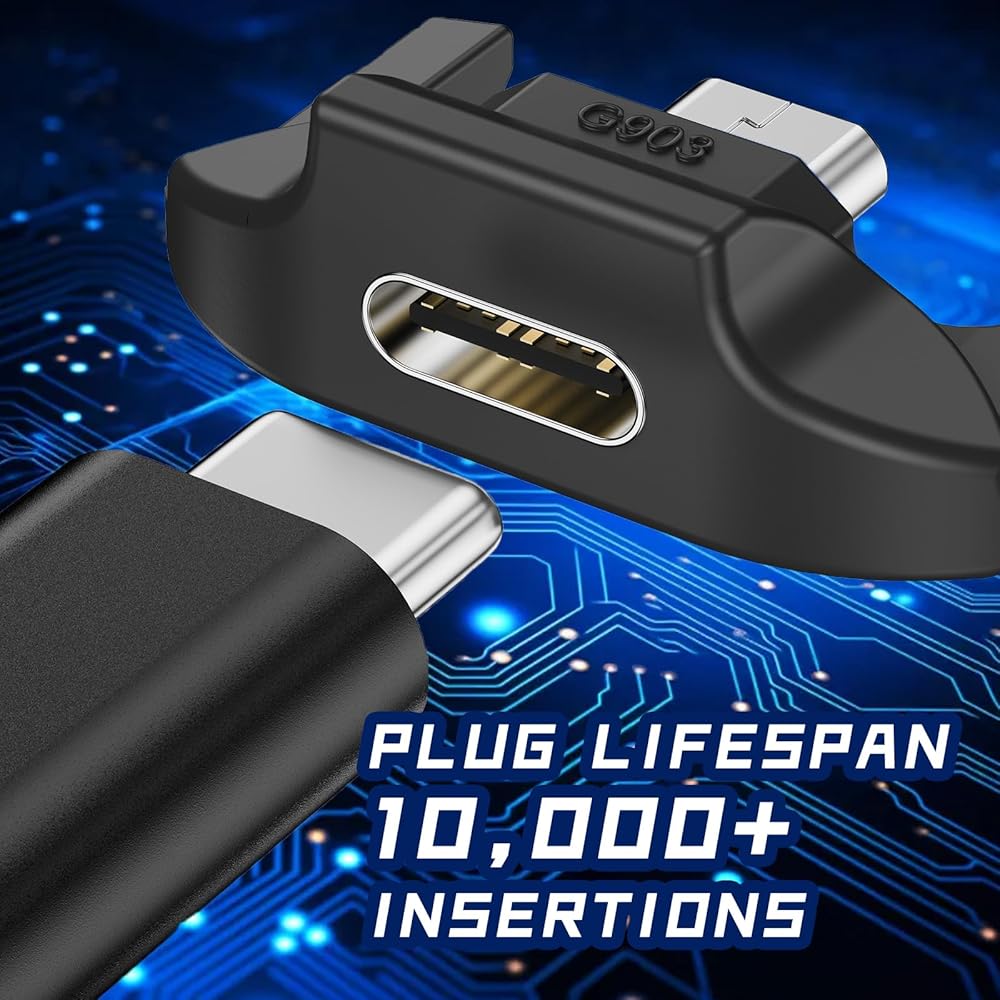
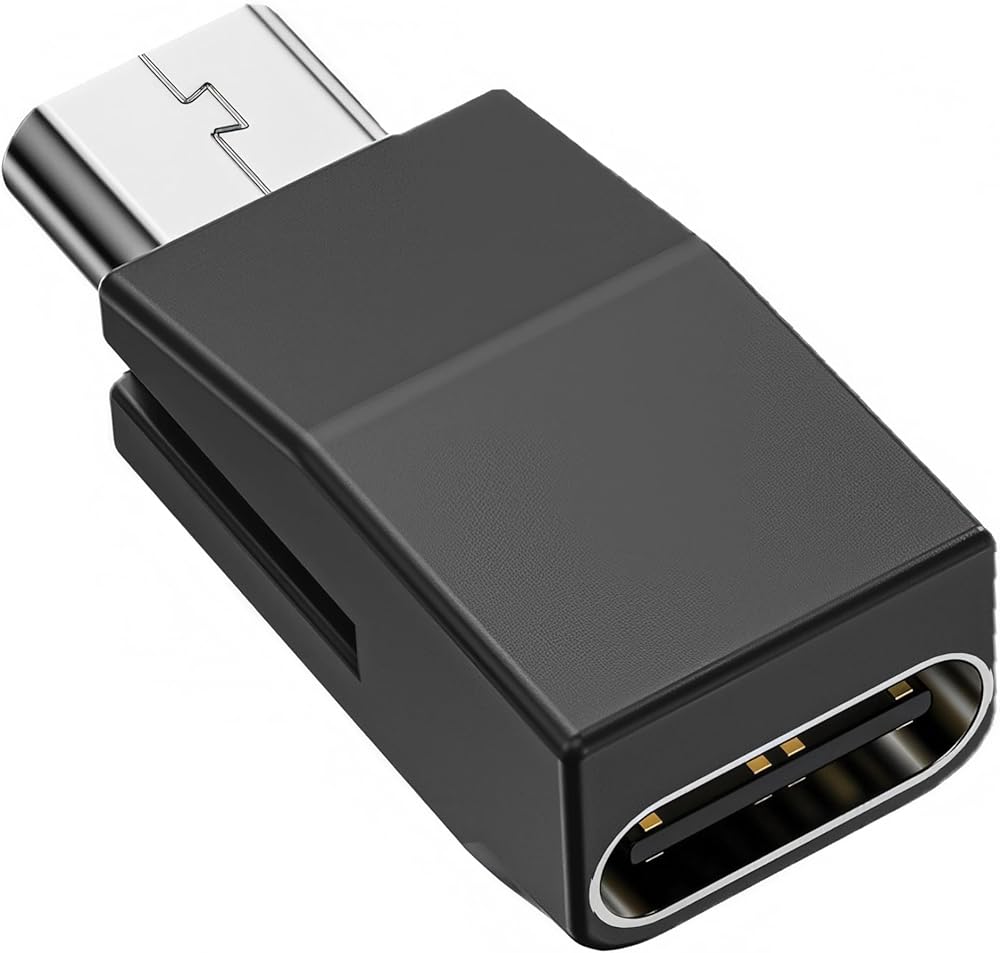
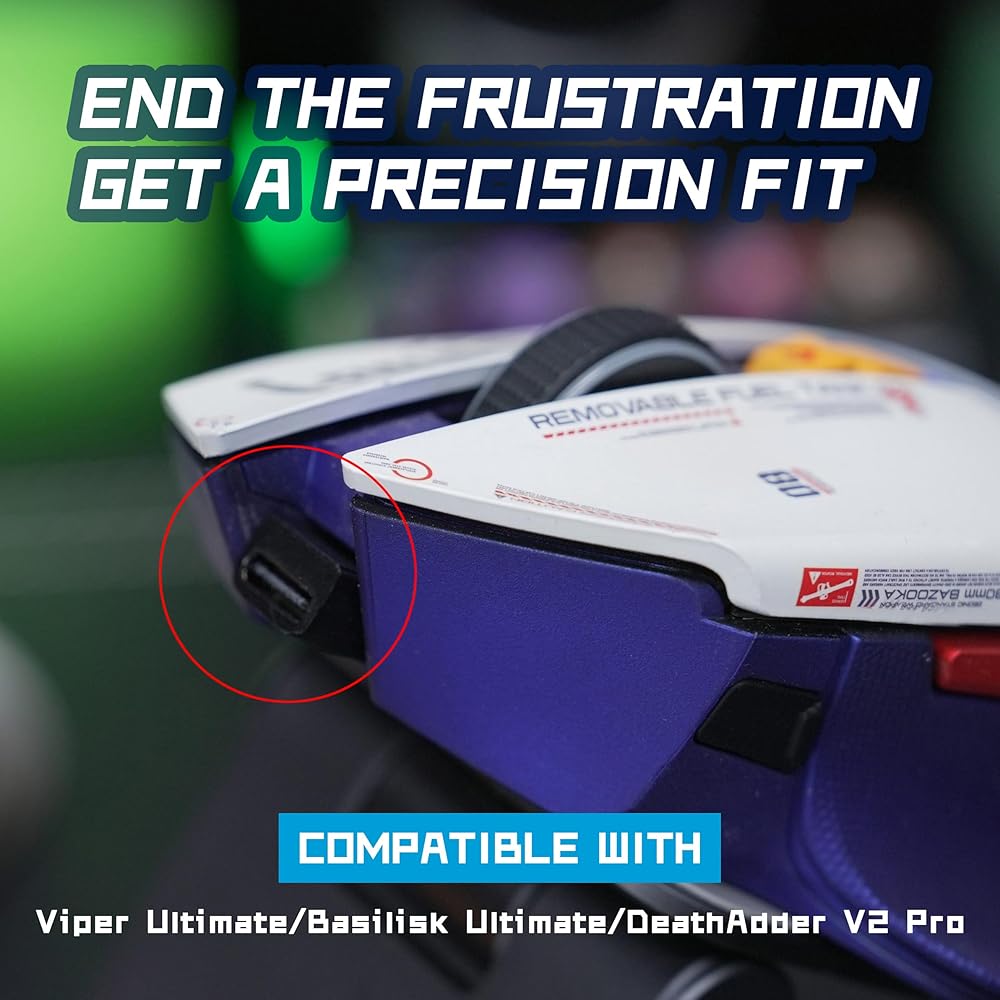
Stuck in the Past with Micro-USB? Time for a USB-C Mouse Adapter Upgrade!Tired of fumbling with that decade-old micro-USB cable and the bulky dock cluttering your desk?
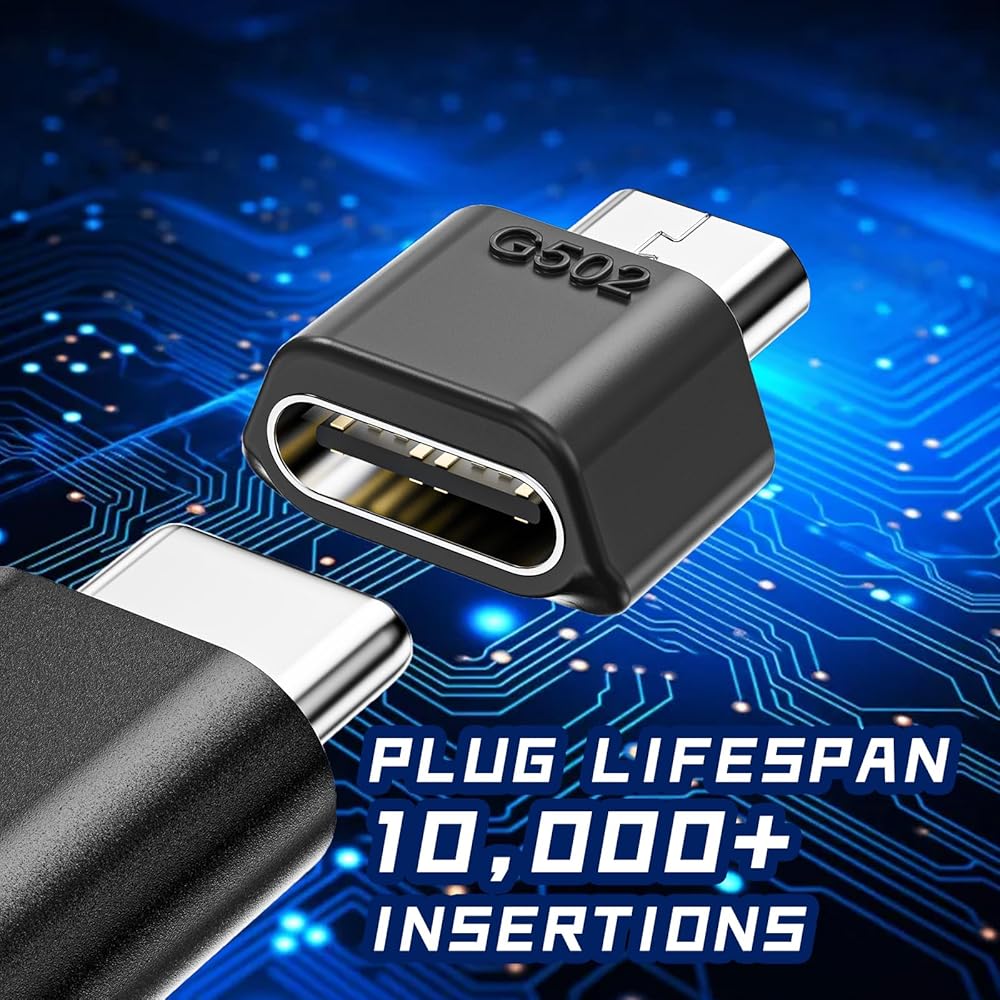
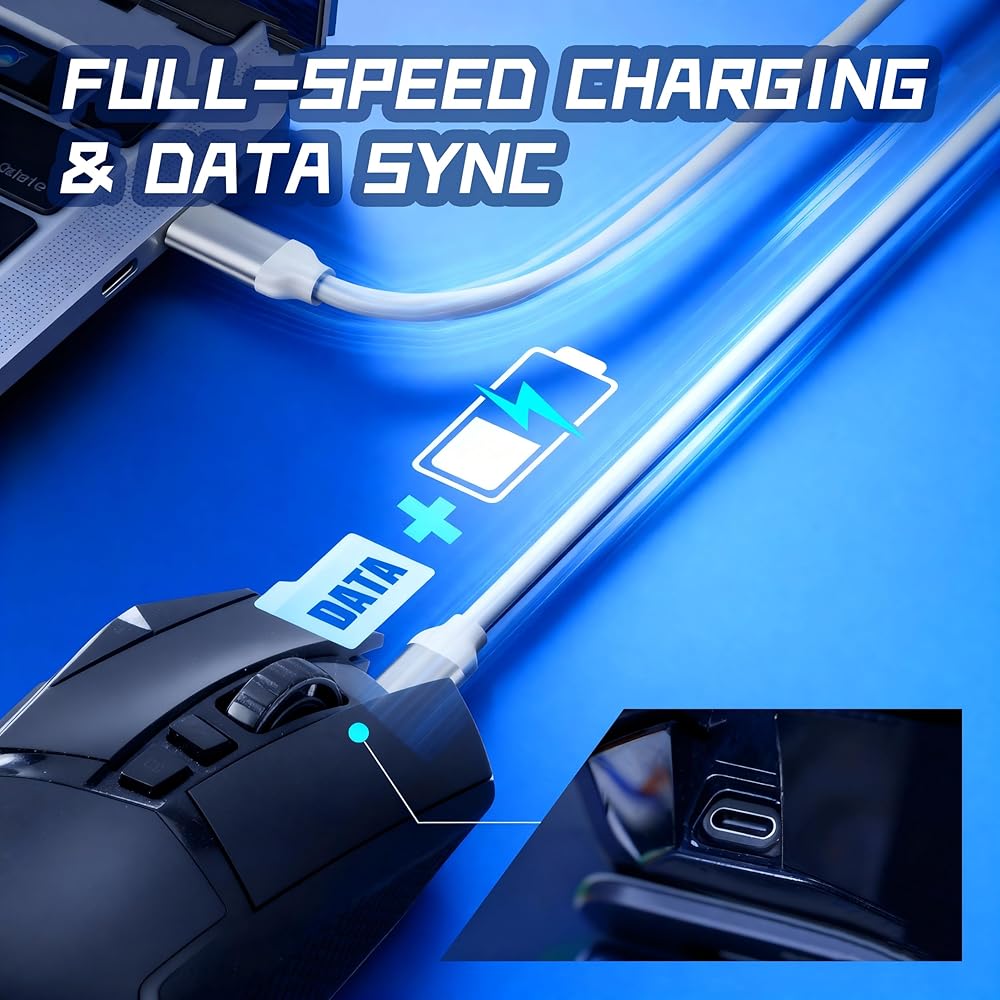
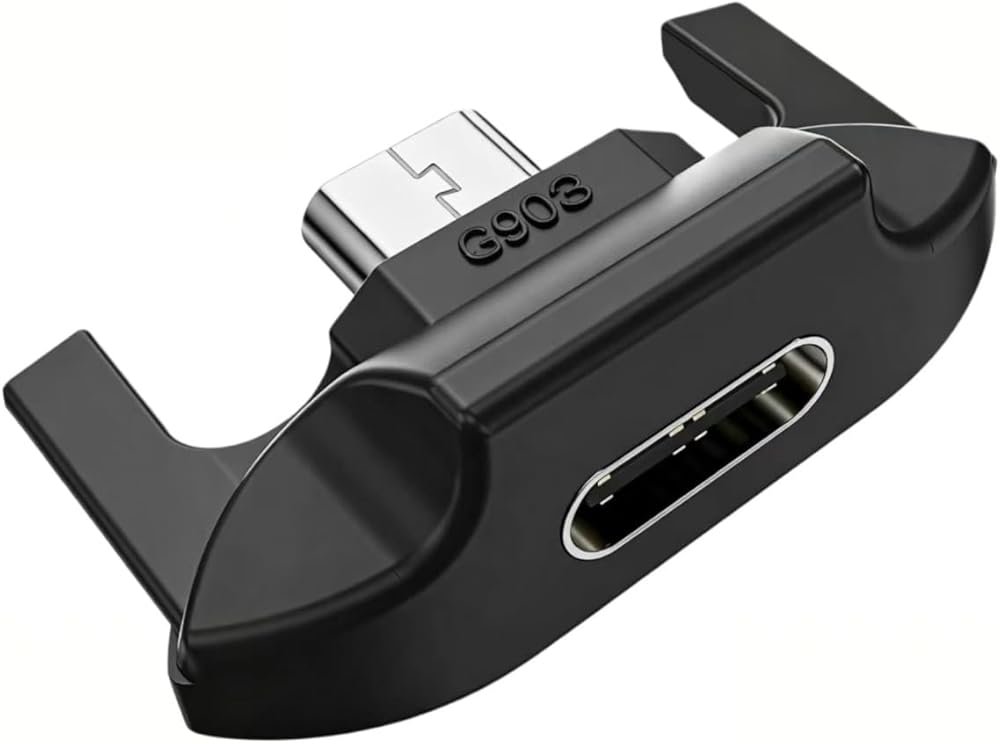
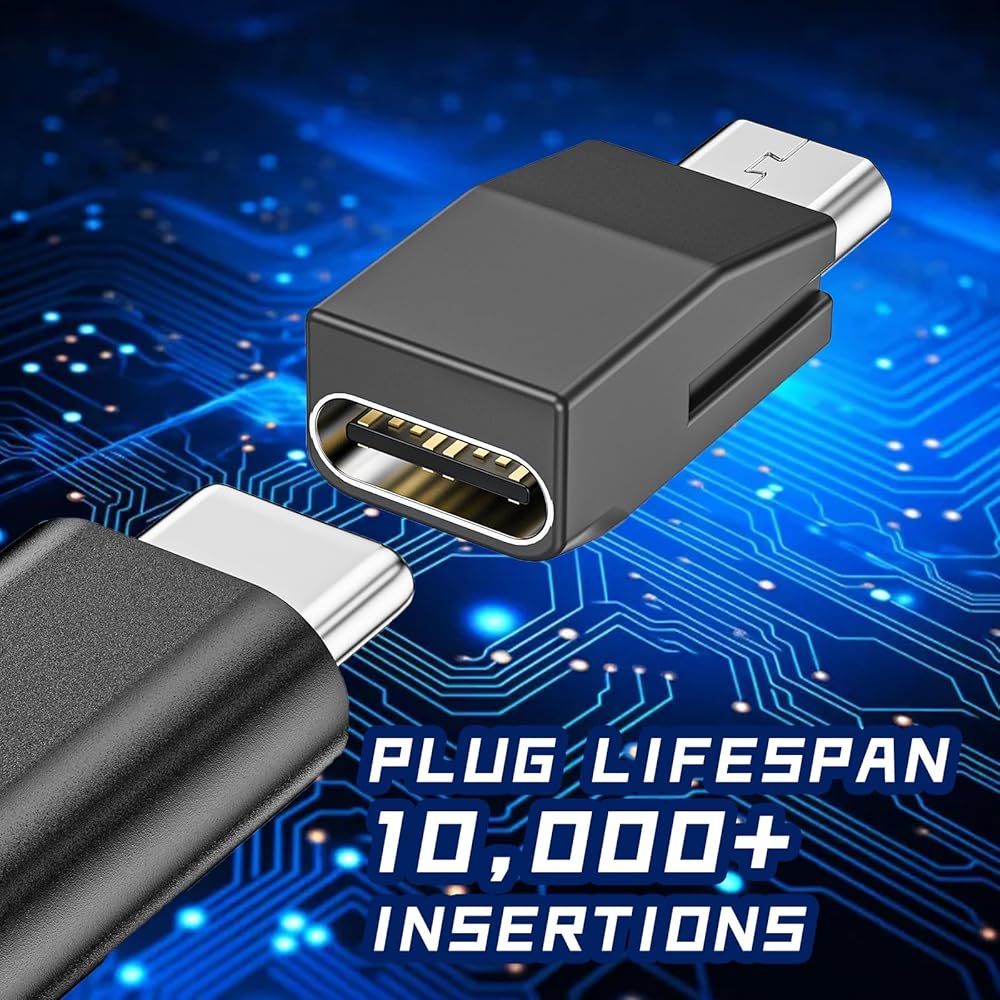
This adapter is your ticket to the modern world! Ditch the cable chaos and charge your mouse with any USB-C cable you own—simple, clean, and hassle-free.
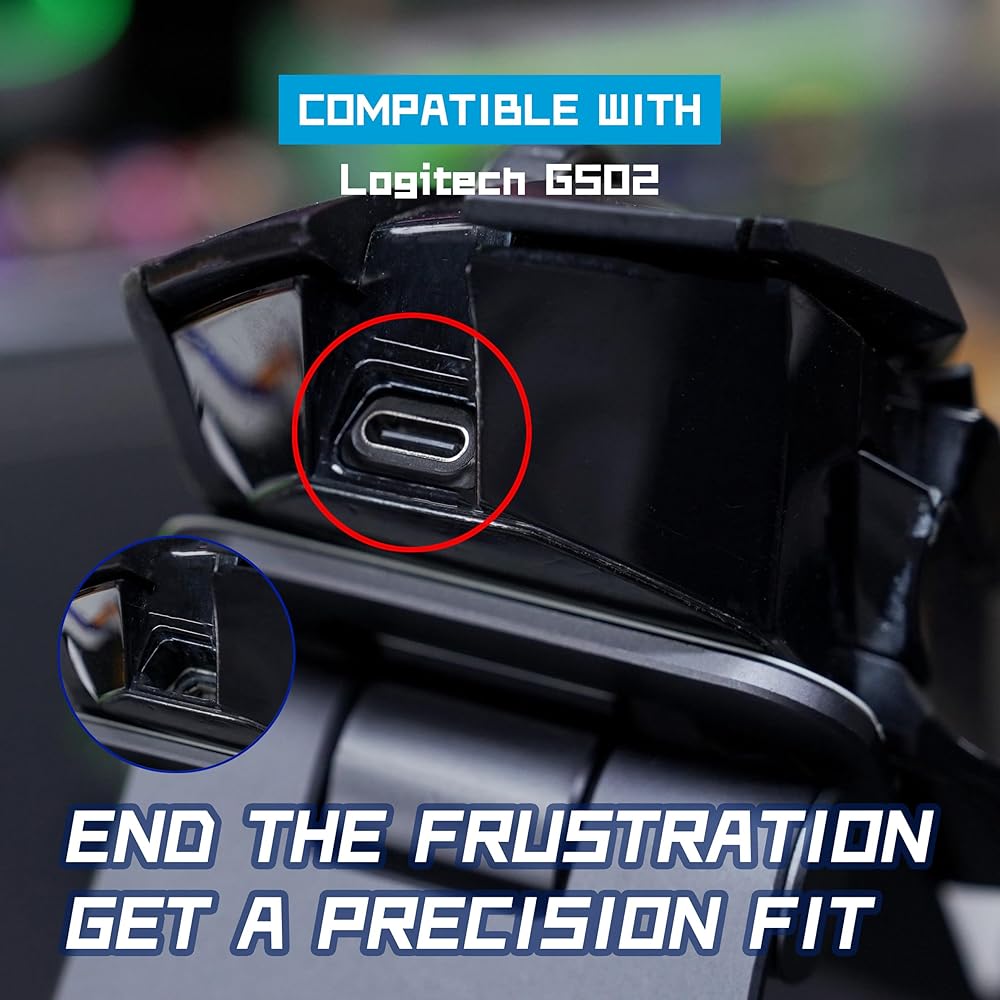
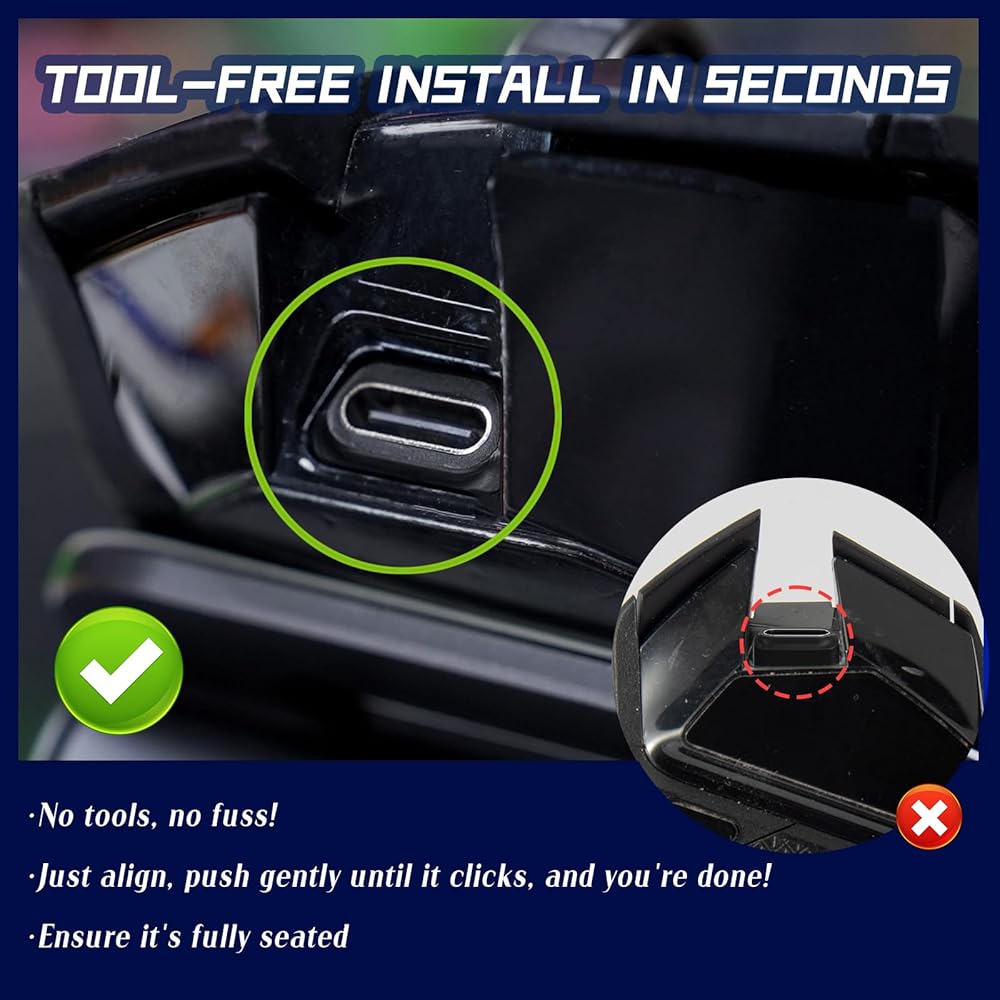
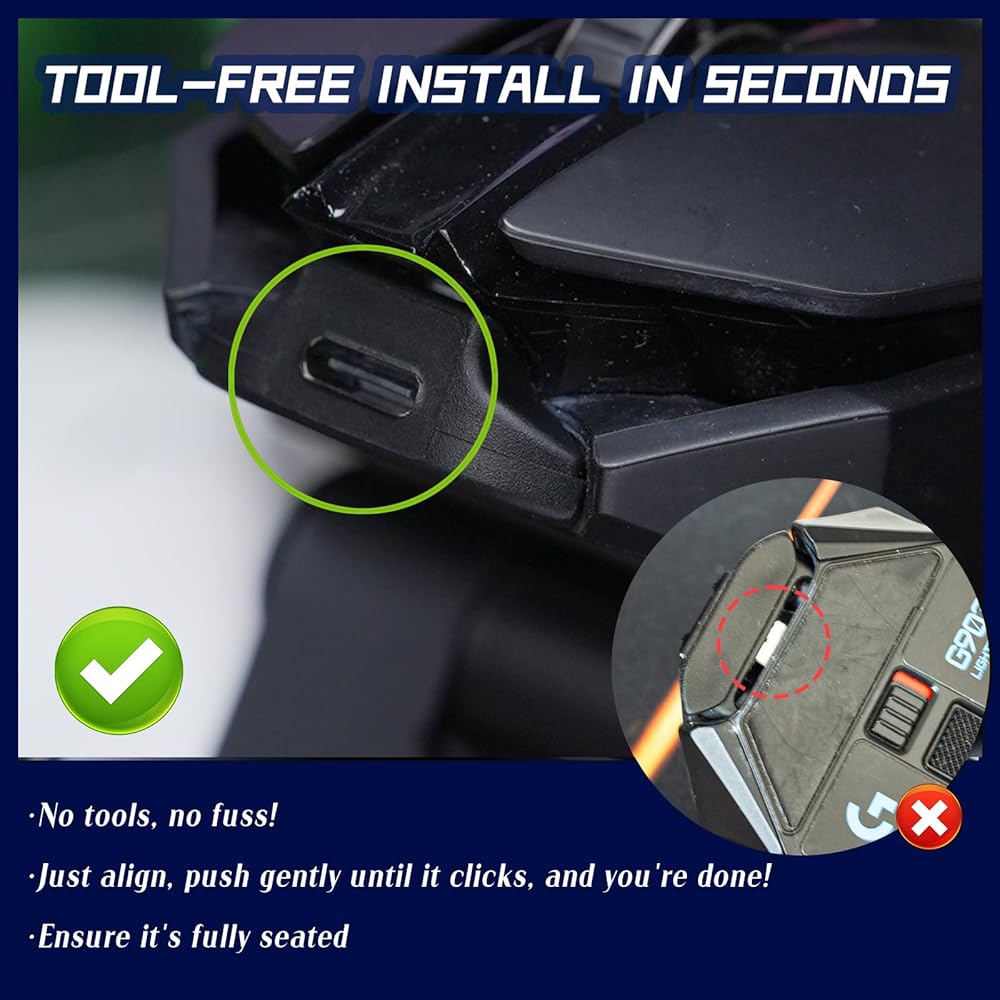
📐 For a Perfect Fit (Please Read Carefully)Confirm Compatibility: Ensure the adapter model matches your specific mouse model.
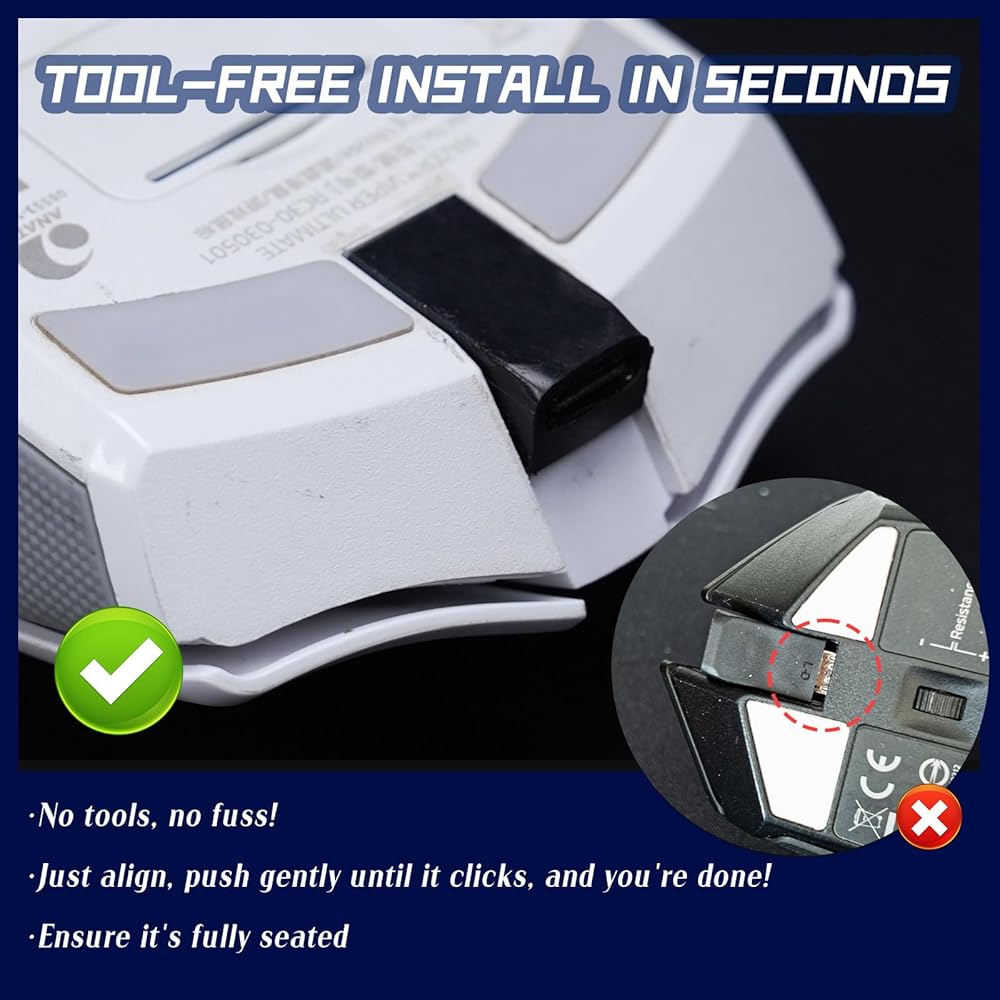
Align & Insert: Align the adapter with your mouse's port and gently insert it.
Note: The original Micro-USB port has a specific orientation (it is not reversible).
Press to Click: Press down until it clicks fully into place. If stuck, re-align the adapter.
Do not use force, as this may damage the mouse's port!
Loosen First: Gently wiggle the adapter from side to side until you feel it loosen and a small gap appears.
Pull Out: Carefully pull the adapter out by hand.
Note: If needed, insert the charging cable and use the cable plug for extra leverage to assist with removal.
⚠️ Important Tips💡 Note: Minor variations in some mouse ports may affect how snugly the adapter fits.
🔌 Note: If your USB-C cable doesn't work, try a different one to rule out cable issues.
✨ Pro Tip: Want a set-and-forget solution? As some users suggest, a tiny bit of glue can permanently secure the adapter. Reminder: Our default design ensures a secure yet removable fit.
✅ 100% Satisfaction GuaranteeShould you have any questions or concerns, please contact us promptly. We are committed to a quick resolution—whether it involves troubleshooting, a replacement, or a refund.
📦 In the Box1x USB-C Mouse Adapter (Please select your corresponding mouse model)
 Generic 2 in 1 HDMI VGA Mini DisplayPort DP Adapters Cables for Laptop PC
SAR 21
Generic 2 in 1 HDMI VGA Mini DisplayPort DP Adapters Cables for Laptop PC
SAR 21
 USB Type C Cable Fast Charge Nylon Data Transfer Cord DD4
SAR 105
USB Type C Cable Fast Charge Nylon Data Transfer Cord DD4
SAR 105
 USB Type C Cable Fast Charge Nylon Data Transfer Cord AA1
SAR 115
USB Type C Cable Fast Charge Nylon Data Transfer Cord AA1
SAR 115
 Thunderbolt 4 Cable (6.56 ft), USB4 Cable Support 120W Fast Charging/40Gbps Data Transfer/8K Display, USB C to USB C Cable, 1 Thunderbolt Certified for Type-C MacBooks, iPad Pro,Hub,Docking
SAR 155
Thunderbolt 4 Cable (6.56 ft), USB4 Cable Support 120W Fast Charging/40Gbps Data Transfer/8K Display, USB C to USB C Cable, 1 Thunderbolt Certified for Type-C MacBooks, iPad Pro,Hub,Docking
SAR 155