- Shopping, made easy.
- /
- Get the app!
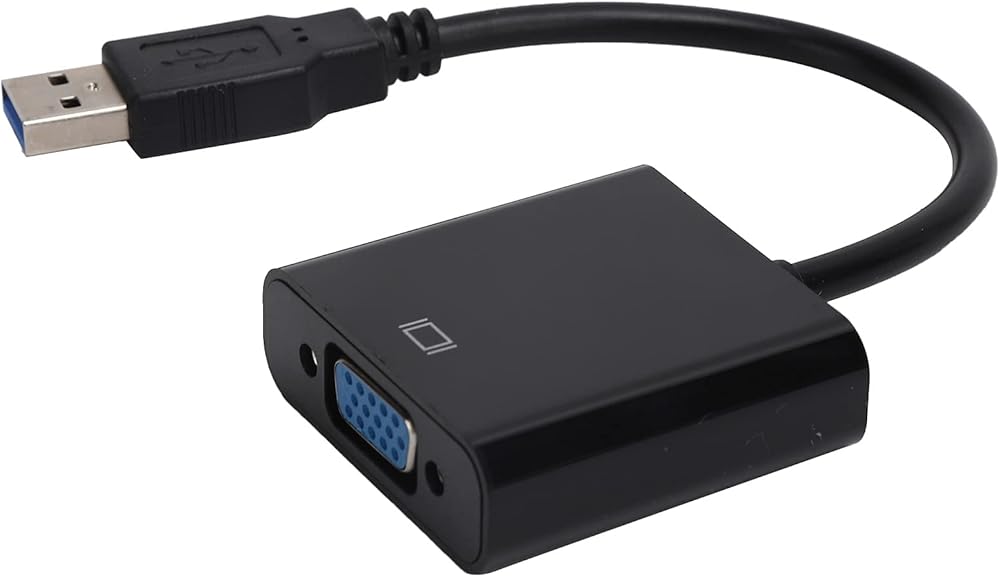
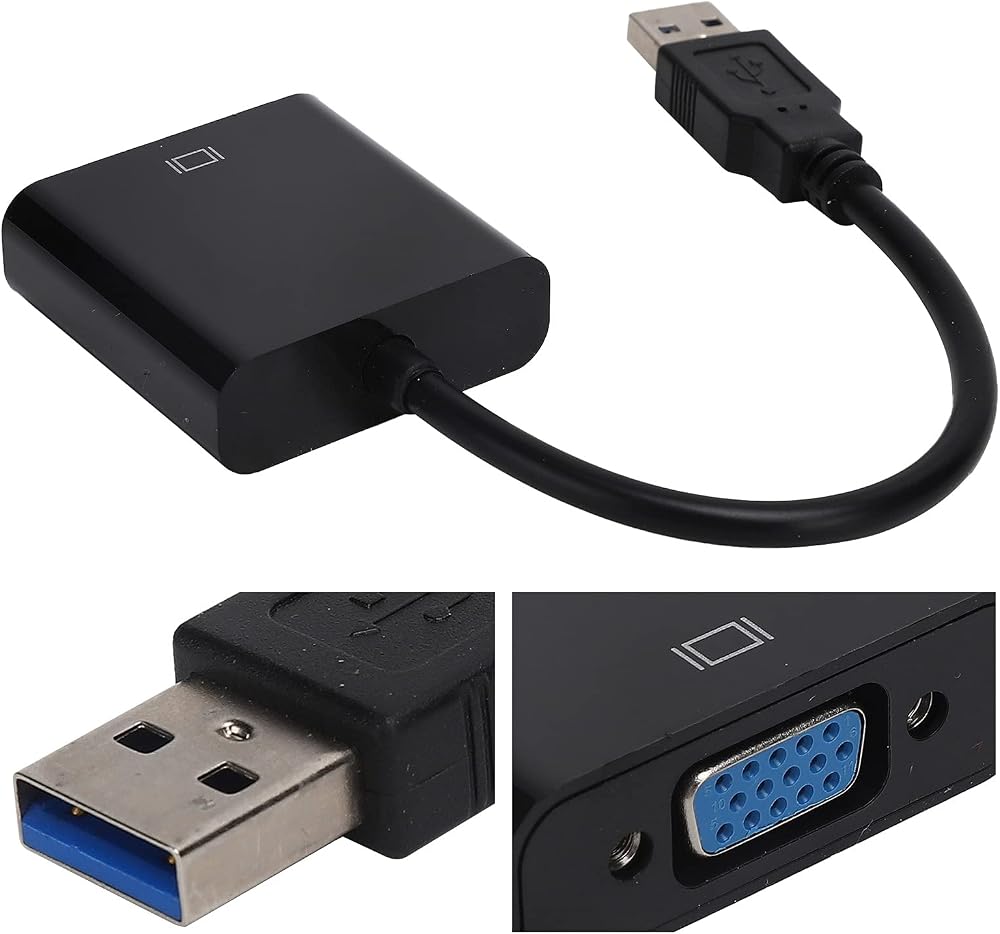
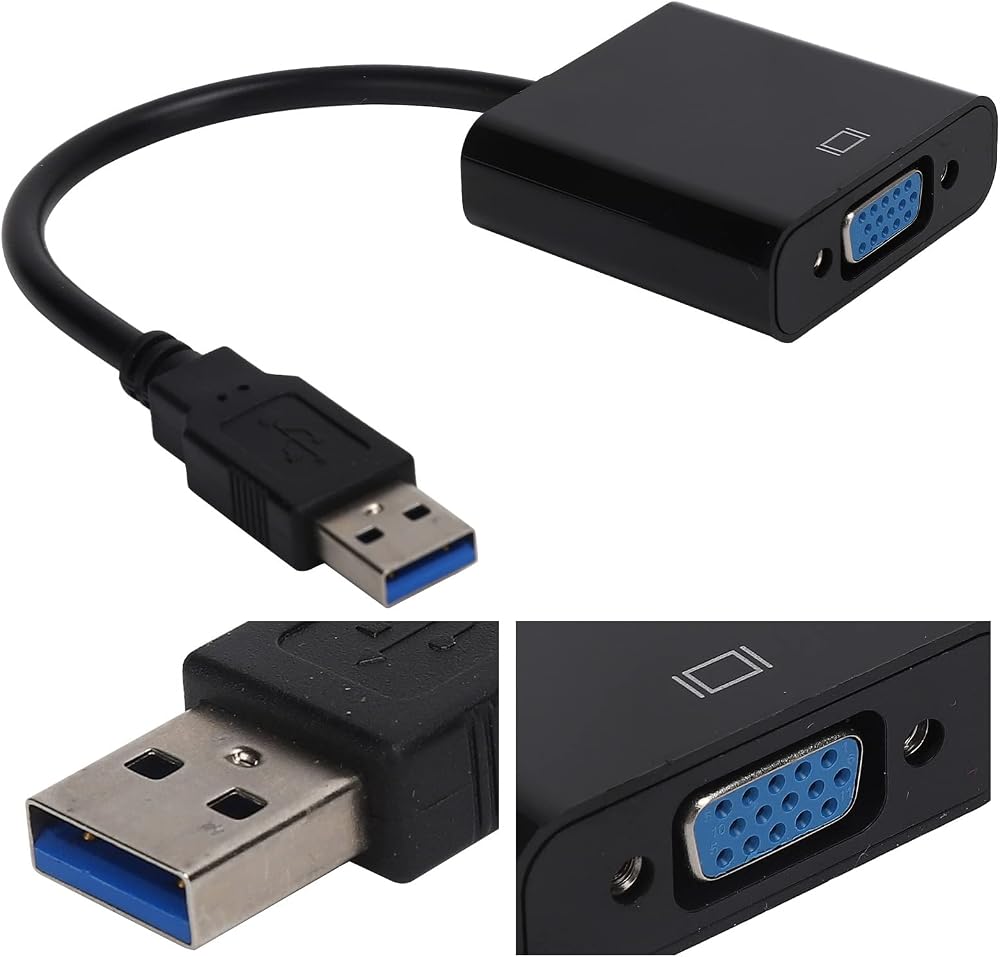
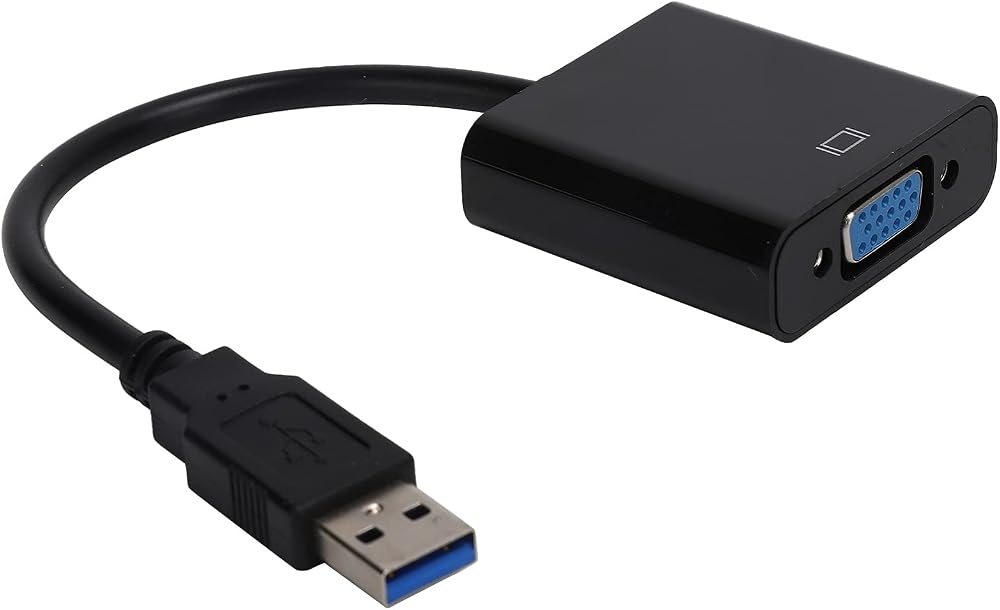
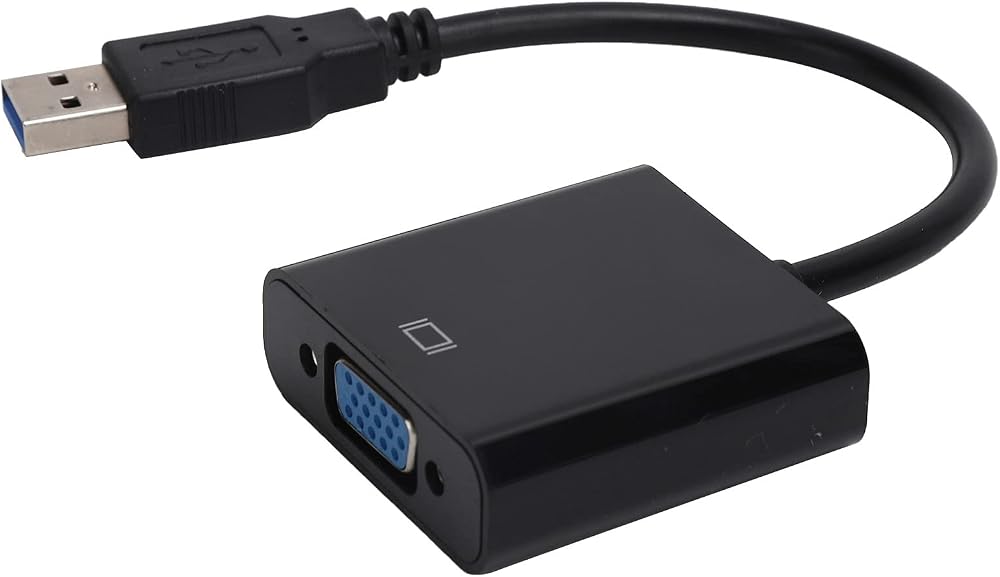
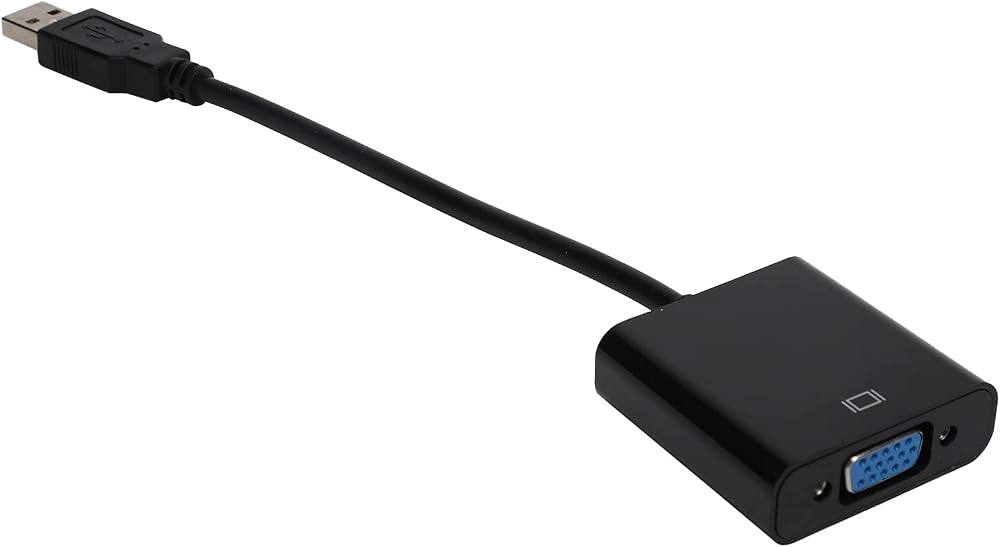
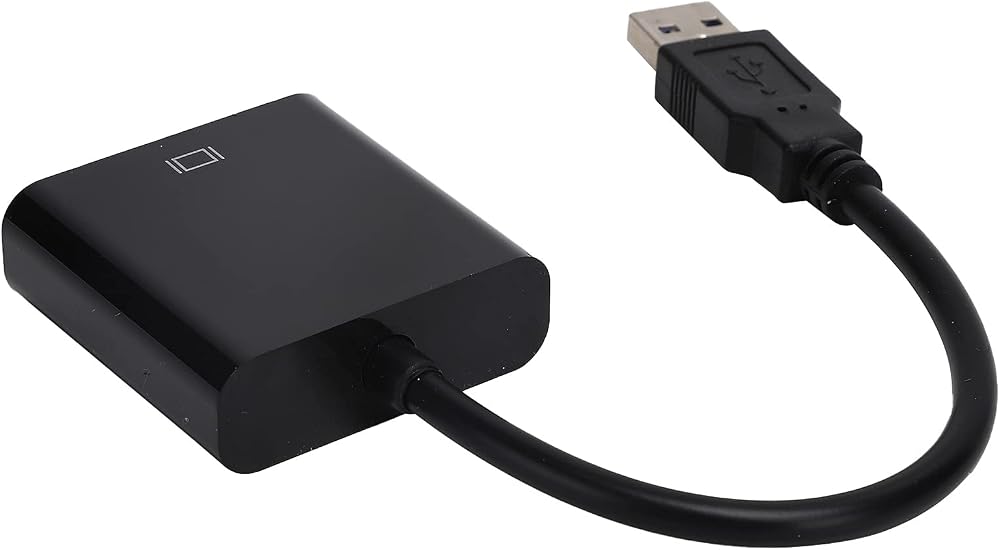
1. Used to connect USB compatible devices (such as laptops, desktops) and VGA compatible devices (such as monitors, projectors, televisions)
2. The product works for multi-, expand workspace by split screen, mirror screen, etc.
3. Supports expansion, repeat, main screen and auxiliary screen and rotation of four display modes
4. No need for external power supply, power on directly via USB interface
5. Compatible devices include 10" laptops, PCs, Chromebooks/RPi, etc.
Specifications:
Item Type: USB3.0 to VGA Converter
Material: ABS
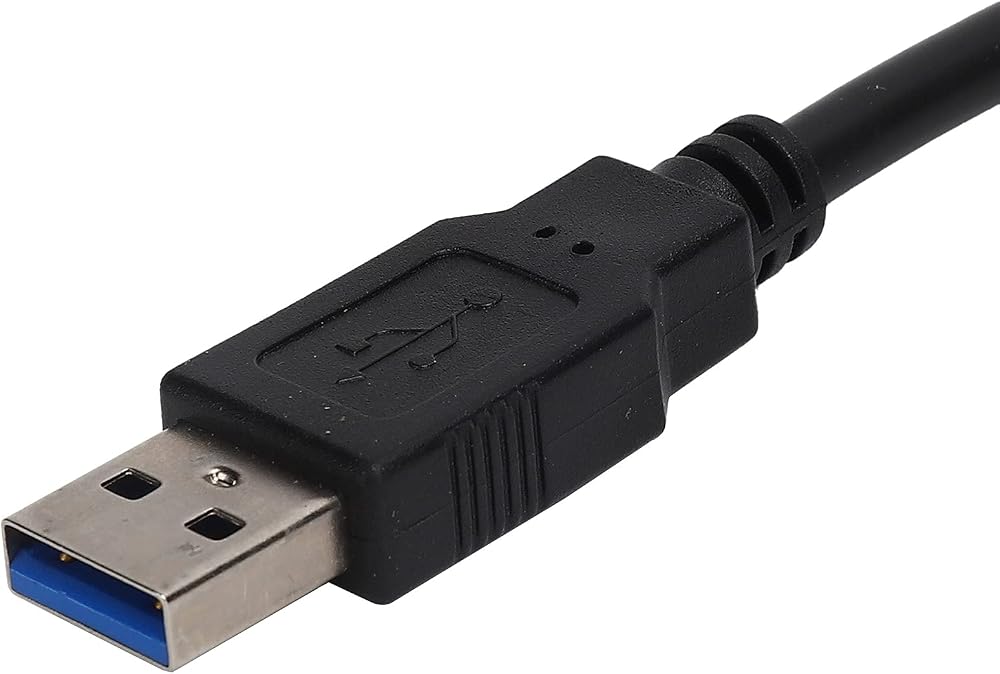
Input port: USB3.0 male
Output port: 15-pin VGA female
Output DDC signal: 5 volts P-P (TTL)
Maximum resolution: at 60Hz (1080p)
Signal transmission speed: up to 5Gbps
Working temperature: -15 ℃ ~ +55 ℃
Compatible Devices: Laptop for 10, Desktop, Laptop, PC, Monitor, HDTV, /RPi, etc.
How to use:
The use of the product requires a specific software driver, the built-in driver of the product, and the user needs to install it before it can be used normally.
1. Connect the product to the computer and wait for the device driver to appear.
2. Click open and the corresponding driver file will appear.
3. Depending on your computer, double click on the corresponding file to open it and enter the installation stage. After confirming the installation folder and start menu folder, wait for the installation to complete.
4. Restart the computer
5. After rebooting, you can open it in the taskbar or start menu.
Packing List:
1 x USB 3.0 to VGA Converter
1 CD
1 user manual.
Or 1 x USB3.0 to VGA converter
1 user manual.
Notice:
1. Do not place the product in a corrosive place.
2. Do not disassemble without authorization, any damage caused will not be returned.
3. Do not place the product in humid areas or open flames.
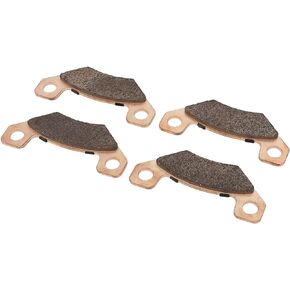 OEM Brake Pad, High Strength AM141182 Brake Pad Set Abrasion Resistance for John Deere HPX Gator Gas Serial
SAR 286
OEM Brake Pad, High Strength AM141182 Brake Pad Set Abrasion Resistance for John Deere HPX Gator Gas Serial
SAR 286
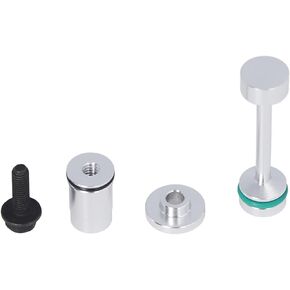 Leakproof Oil Pipe Support Kit,Oil Diverter Barbell Galley Plug Kit,Aluminum Oil Diverter Barbell by Pass Pickup Tube Hold Down Gallery Plug Set for LS Engines 4.8
SAR 62
Leakproof Oil Pipe Support Kit,Oil Diverter Barbell Galley Plug Kit,Aluminum Oil Diverter Barbell by Pass Pickup Tube Hold Down Gallery Plug Set for LS Engines 4.8
SAR 62
 CHICIRIS Terahertz bracelet with energy stone, elastic thread promotes blood circulation. Terahertz bracelet improves fitness, unlocks male meridians
SAR 58
CHICIRIS Terahertz bracelet with energy stone, elastic thread promotes blood circulation. Terahertz bracelet improves fitness, unlocks male meridians
SAR 58
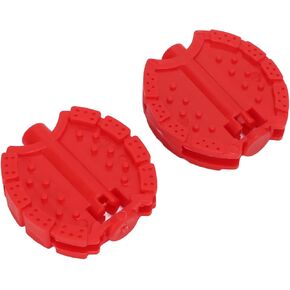 CHICIRIS Kids Tricycle Pedal, Plastic Material Multiple Color Kids Bike Pedal Easy to Install for Baby for Children
SAR 44
CHICIRIS Kids Tricycle Pedal, Plastic Material Multiple Color Kids Bike Pedal Easy to Install for Baby for Children
SAR 44