- Shopping, made easy.
- /
- Get the app!
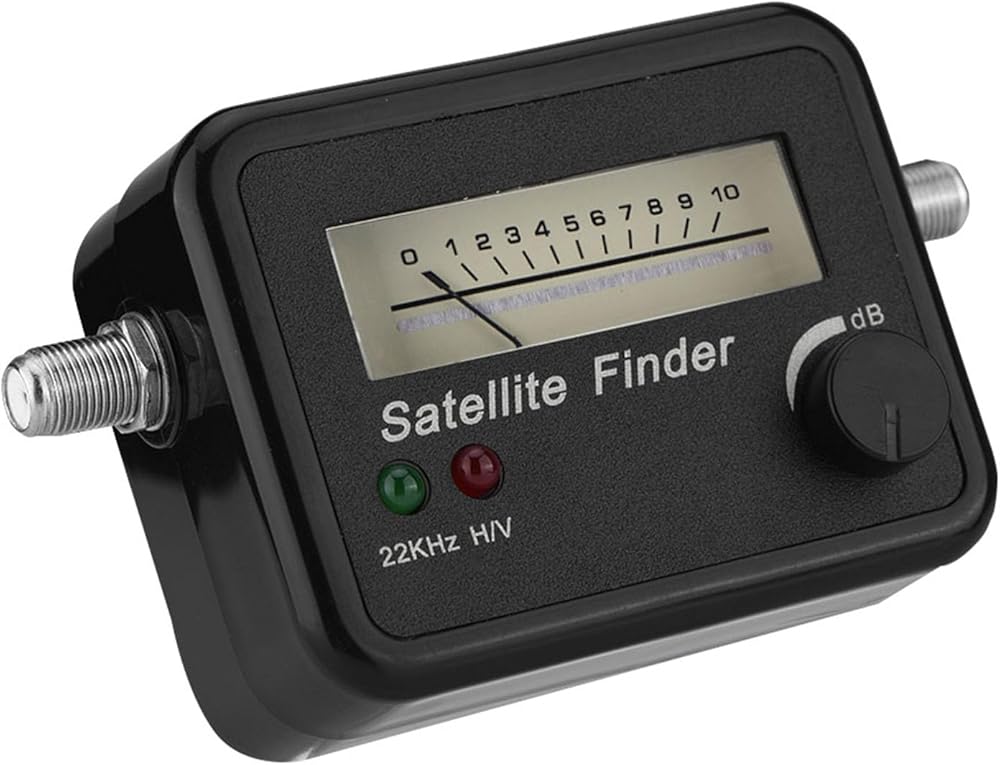
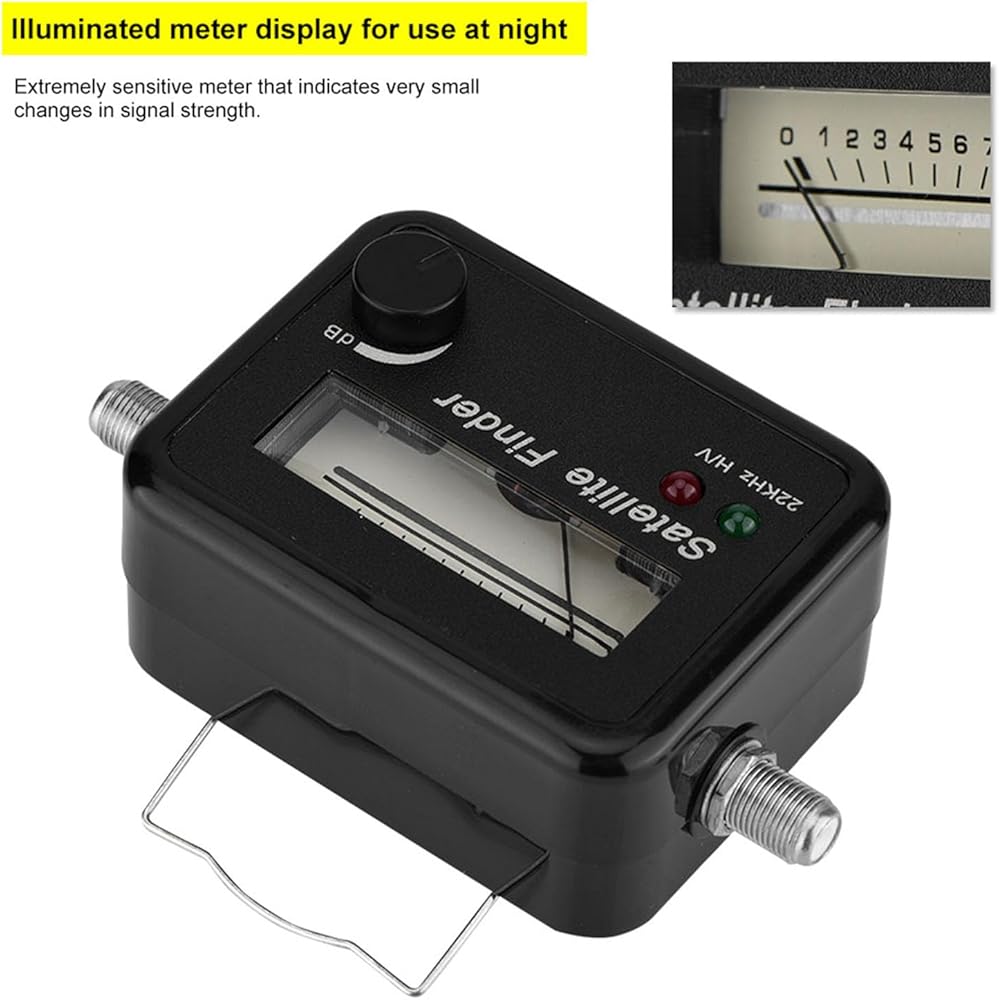
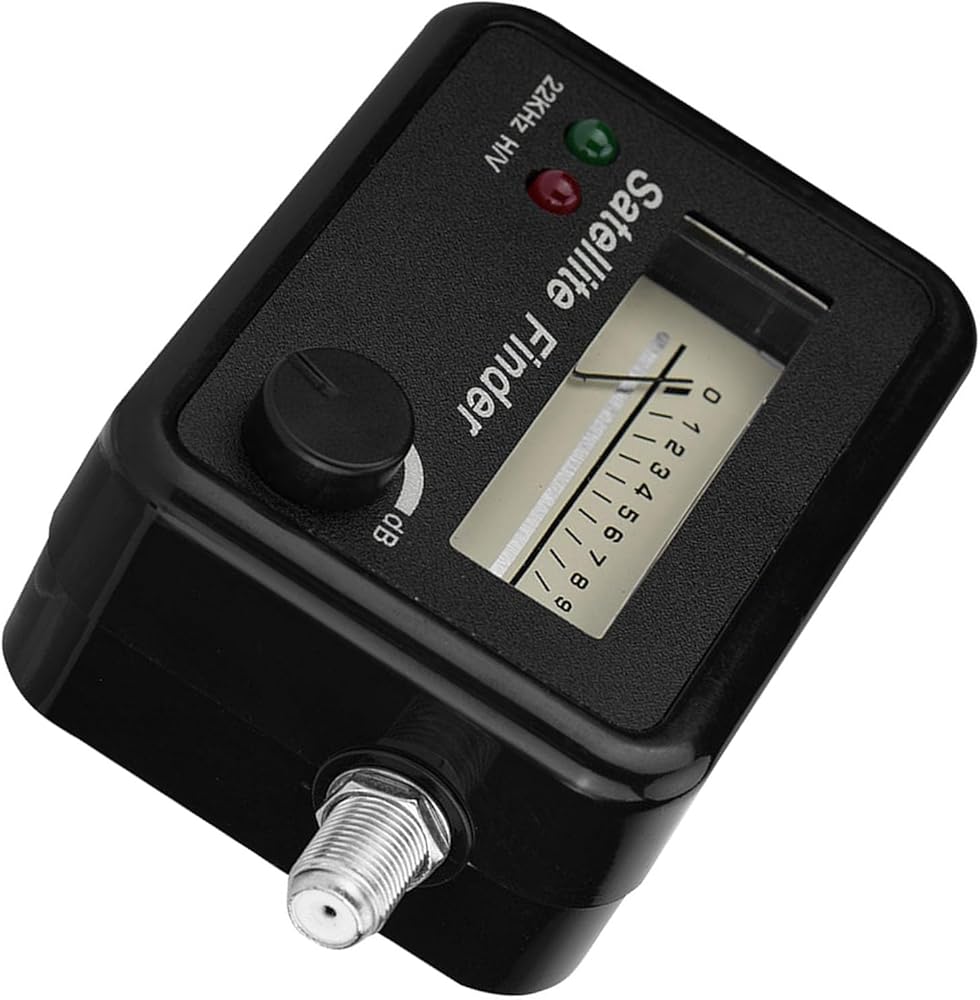
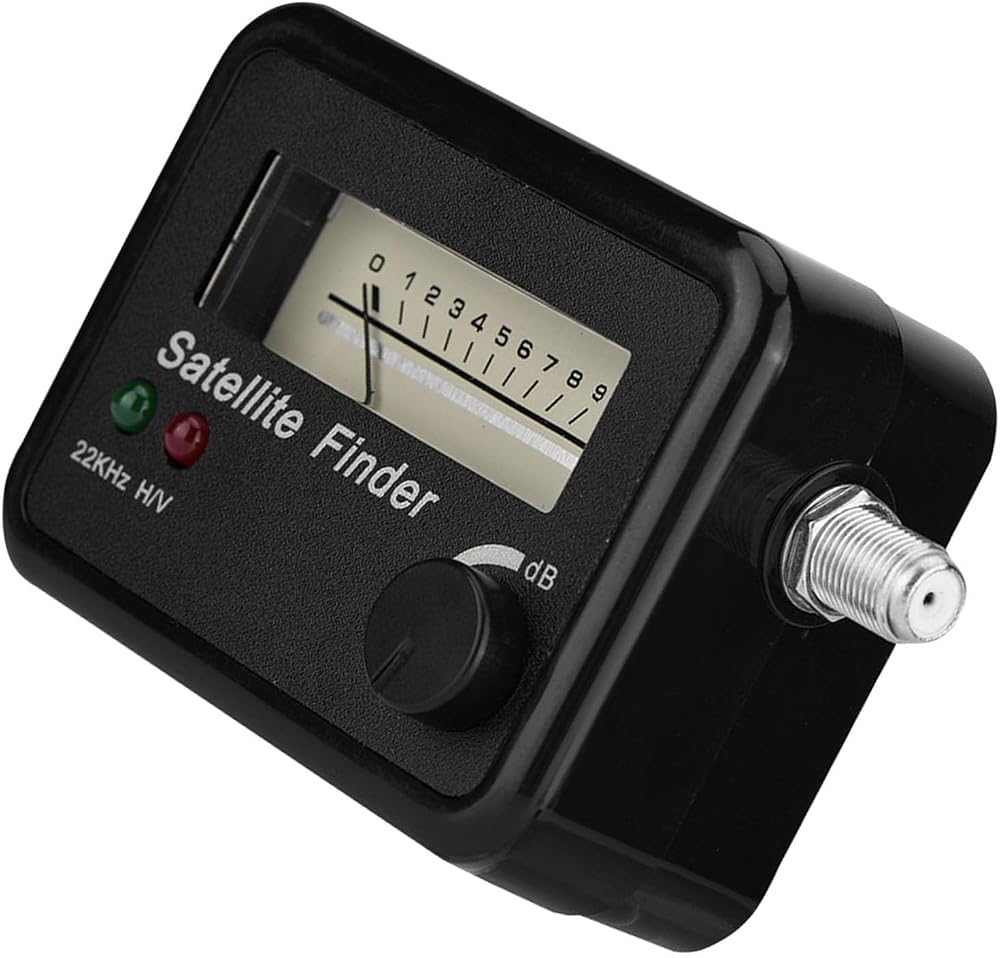
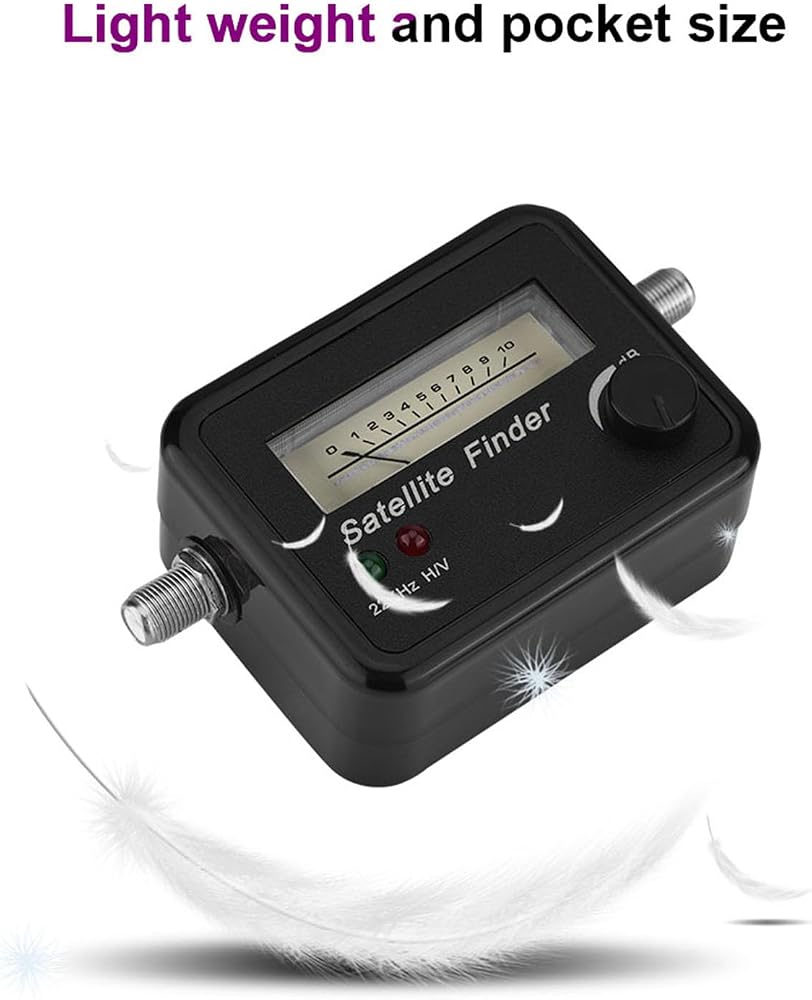
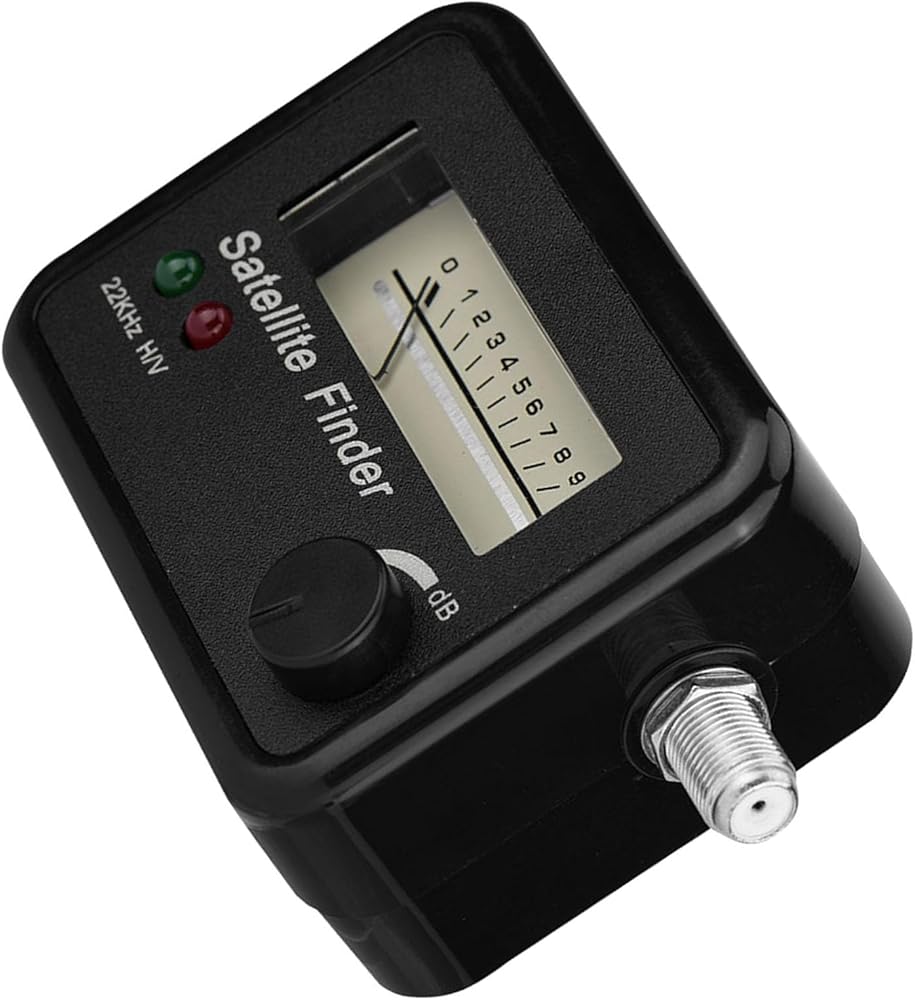
Specifications:
Condition: New
Frequency range: 950-2150MHz
Input level: Max. - 10 DBM
Input Level: Minimum -40dbm
Insertion loss: 5.0db
Power supply: 13-18V DC
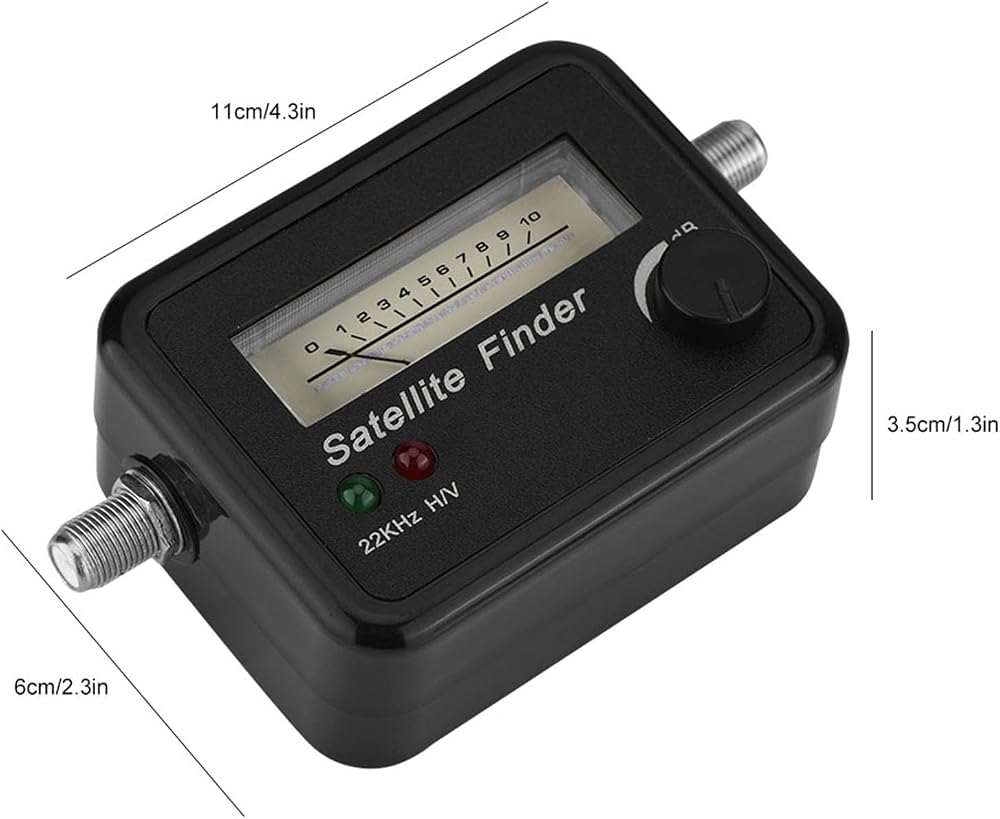
Size: approx. 11 x 6 x 3.5 cm / 4.3 x 2.3 x 1.3 inches.
Weight: approx. 0.137 kilo
Material: ABS+Mental
Colour: black envelope
Satellite Finder Application Method:
1. Connect the finder to the LNB of the receiver and antenna.
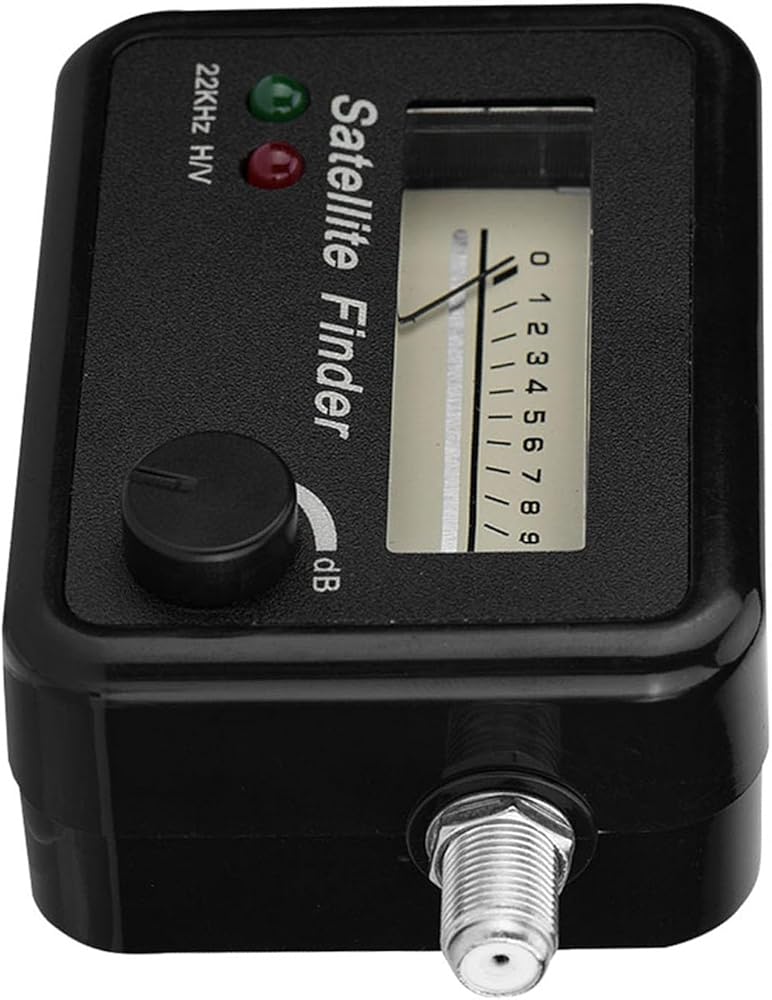
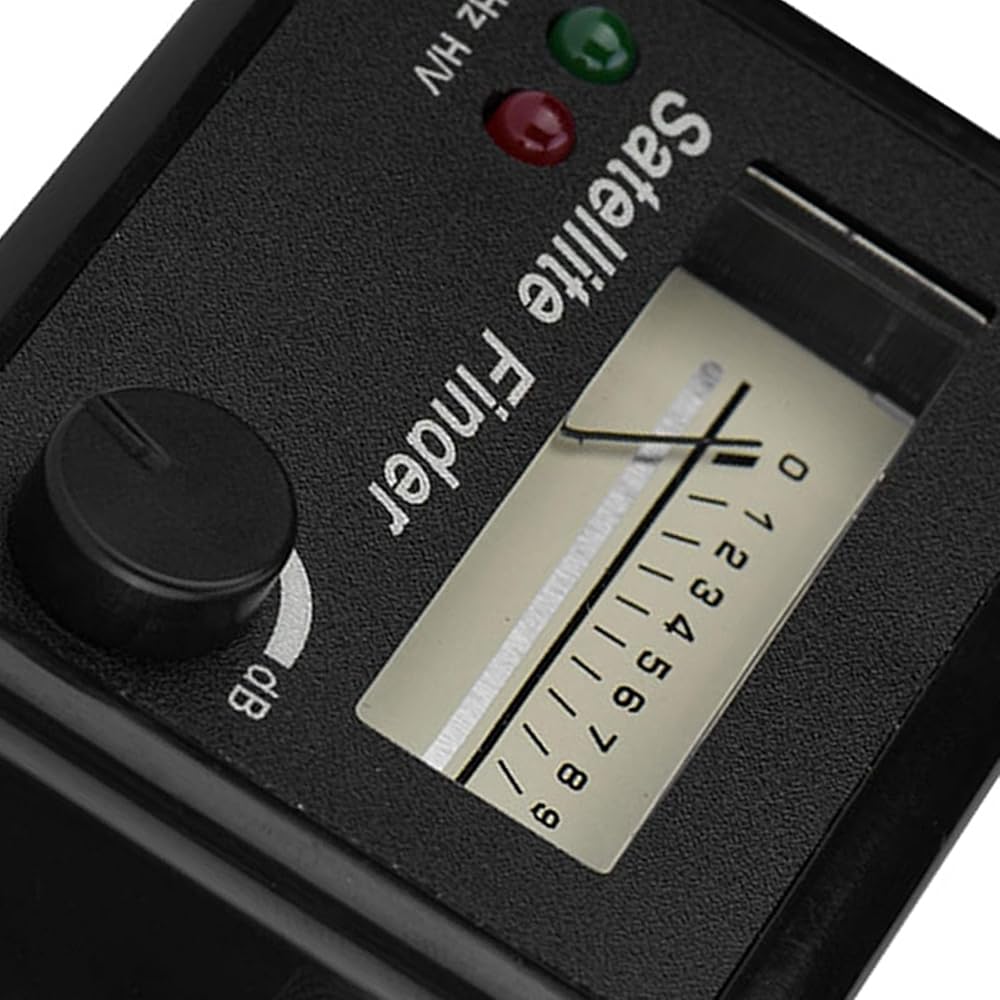
2. Adjust the knob on the front panel of the star finder so that the pointer on the dial points to position 5.
3. Adjust the antenna azimuth and elevation angle, when the star finder pointer reaches the maximum angle of deviation, counterclockwise to adjust the knob on the front panel, to attenuate the part of the received signal, and adjust the azimuth of the antenna, elevation and polarization angle of the LNB, until the star finder pointer no longer increases.
4. The satellite receiver is used to determine if the signal is the required stellar signal. If so, remove the finder and reconnect the receiver to the LNB. If the received signal is not the required star signal, repeat the above work.
Common phenomenon:
1. The star finder pointer is at maximum, but there is no signal.
Because the star finder signal received by the antenna direction are preliminary judgments, the star exists and it is not necessary to display the signal directly on the dial of the star finder, look for the star signal is a kind of auxiliary equipment.
2. Without adjusting the antenna, the pointer always points to the largest point.
Check if the front of the antenna is locked against the building or the front. If there is no such phenomenon, the gain of the LNB at this time is too large and needs to be partially attenuated by the signal from the seeker of
 JVC HRA591U 4-Head Hi-Fi VCR
SAR 3,606
JVC HRA591U 4-Head Hi-Fi VCR
SAR 3,606
 HDMI Splitter 1 in 4 Out, 1x4 HDMI Splitter Support 4K@60Hz Full HD 1080P & 3D, Compatible with Xbox PS3/4 Roku Blu-Ray Player
SAR 100
HDMI Splitter 1 in 4 Out, 1x4 HDMI Splitter Support 4K@60Hz Full HD 1080P & 3D, Compatible with Xbox PS3/4 Roku Blu-Ray Player
SAR 100
 Replacement Remote Control Replace for TV/Audio/Projector for Panasonic Home Theater SA-PT70 SA-PT75 SA-PT85 SA-XH150 SA-PT480
SAR 225
Replacement Remote Control Replace for TV/Audio/Projector for Panasonic Home Theater SA-PT70 SA-PT75 SA-PT85 SA-XH150 SA-PT480
SAR 225
 Mwin VHS Head Cleaner for VHS/VCR Players, Dry Technology- No Fluid Reusable Video Head Cleaner Tape
SAR 53
Mwin VHS Head Cleaner for VHS/VCR Players, Dry Technology- No Fluid Reusable Video Head Cleaner Tape
SAR 53