- Shopping, made easy.
- /
- Get the app!
Spec:
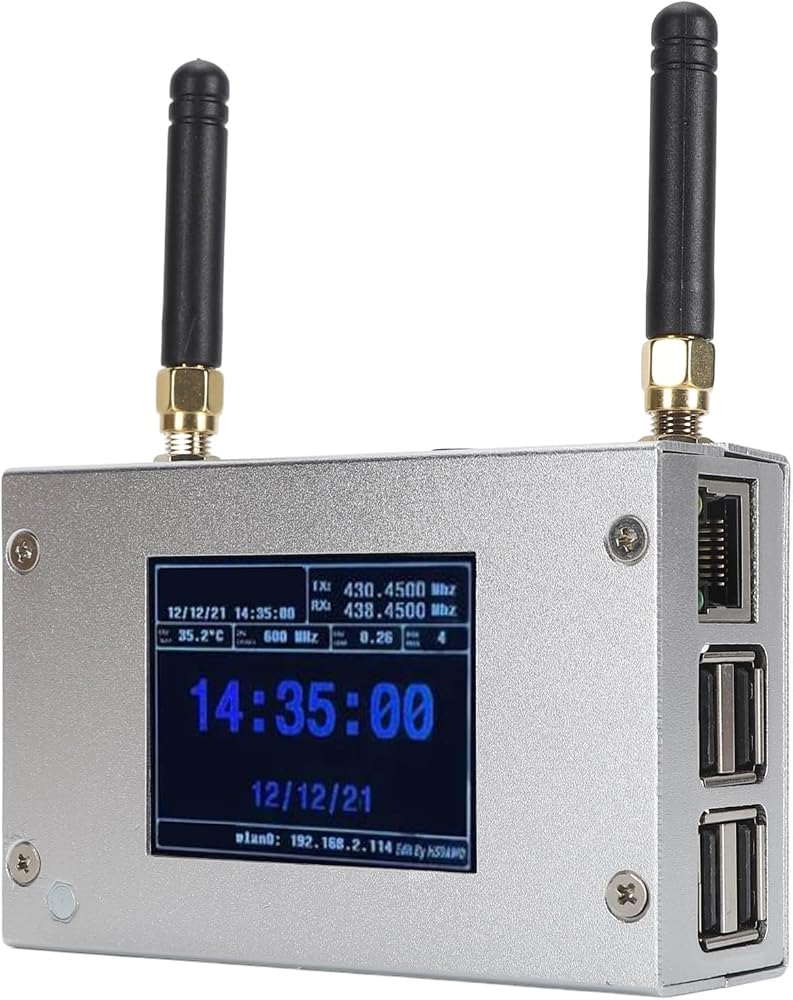
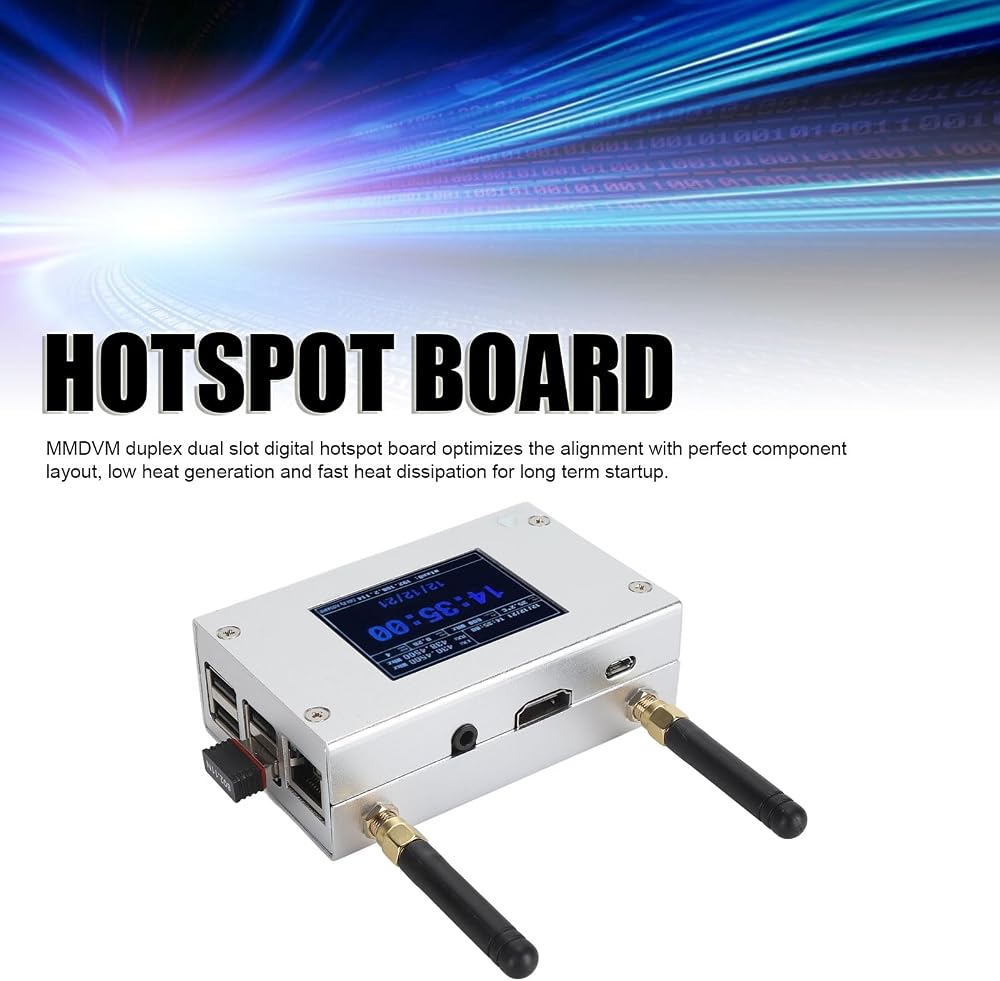
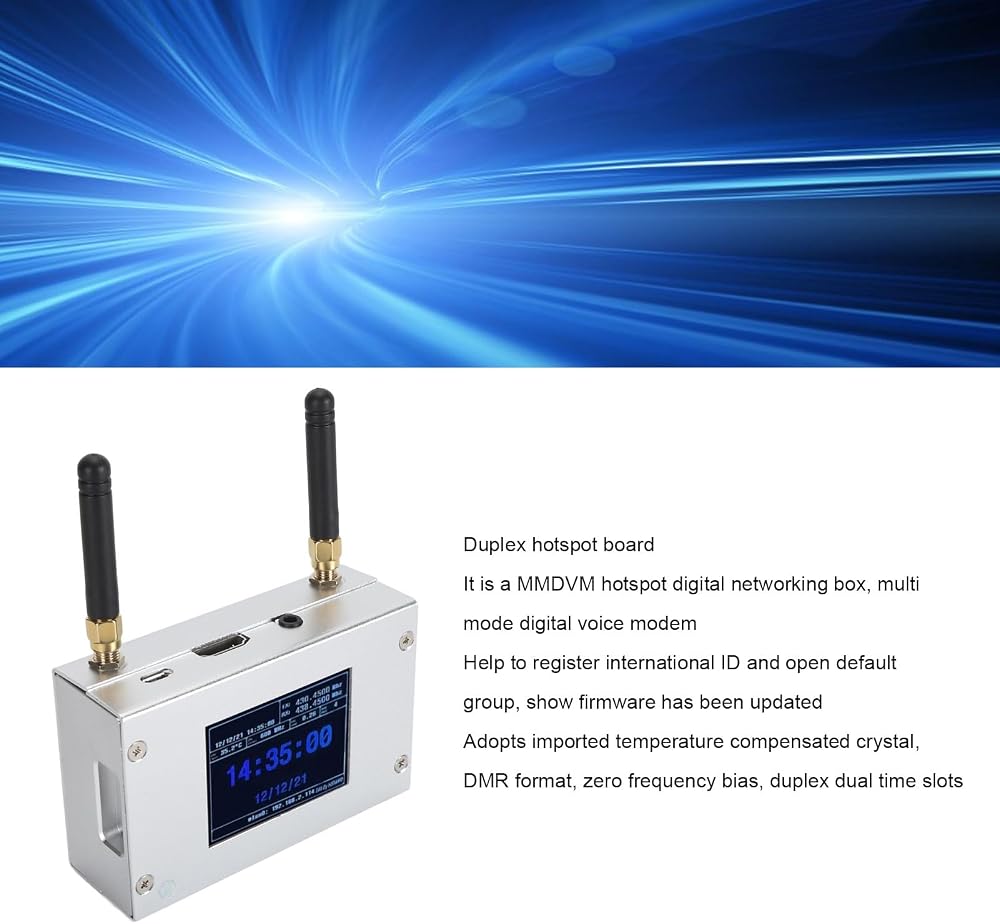
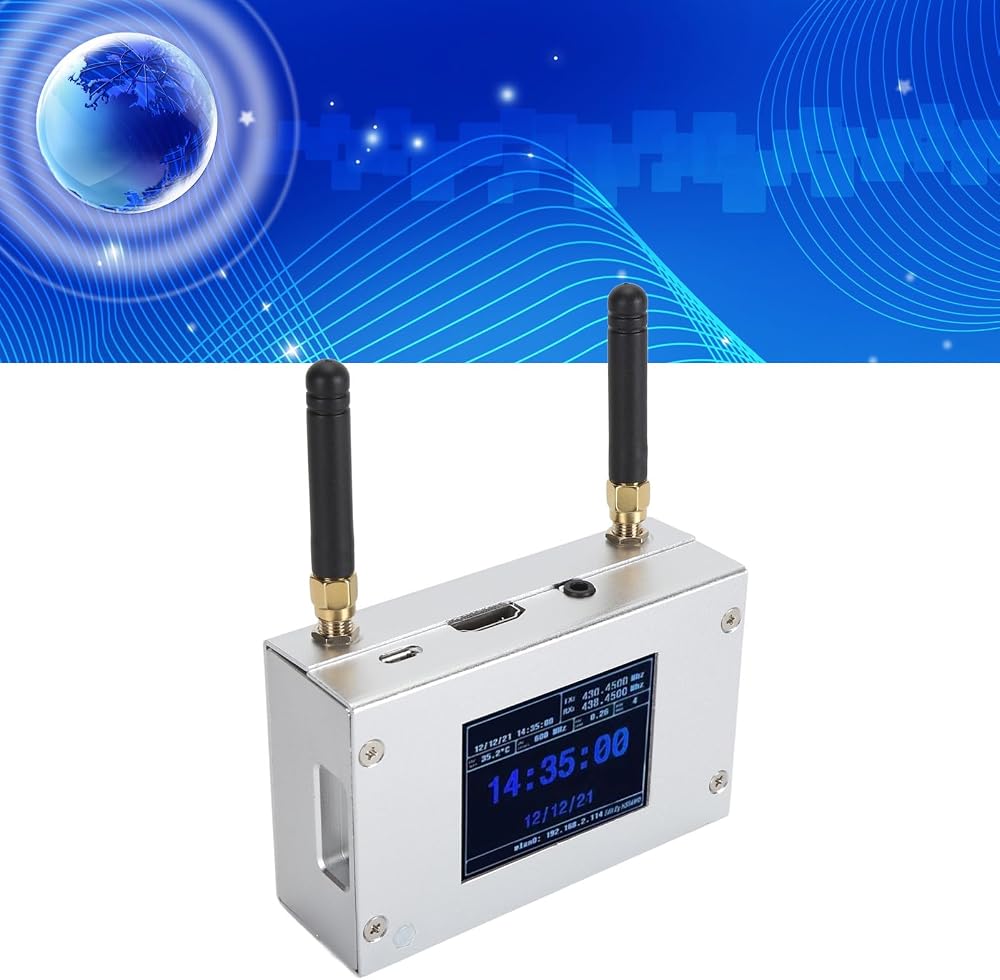
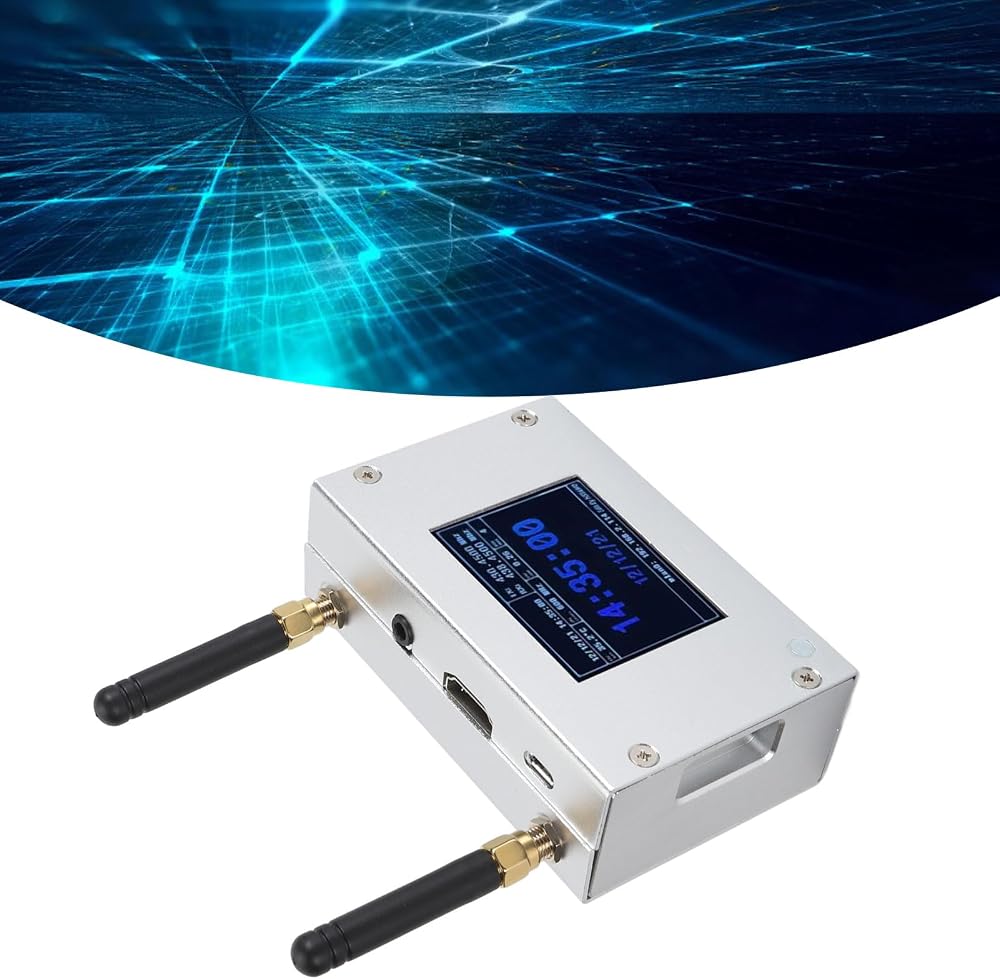
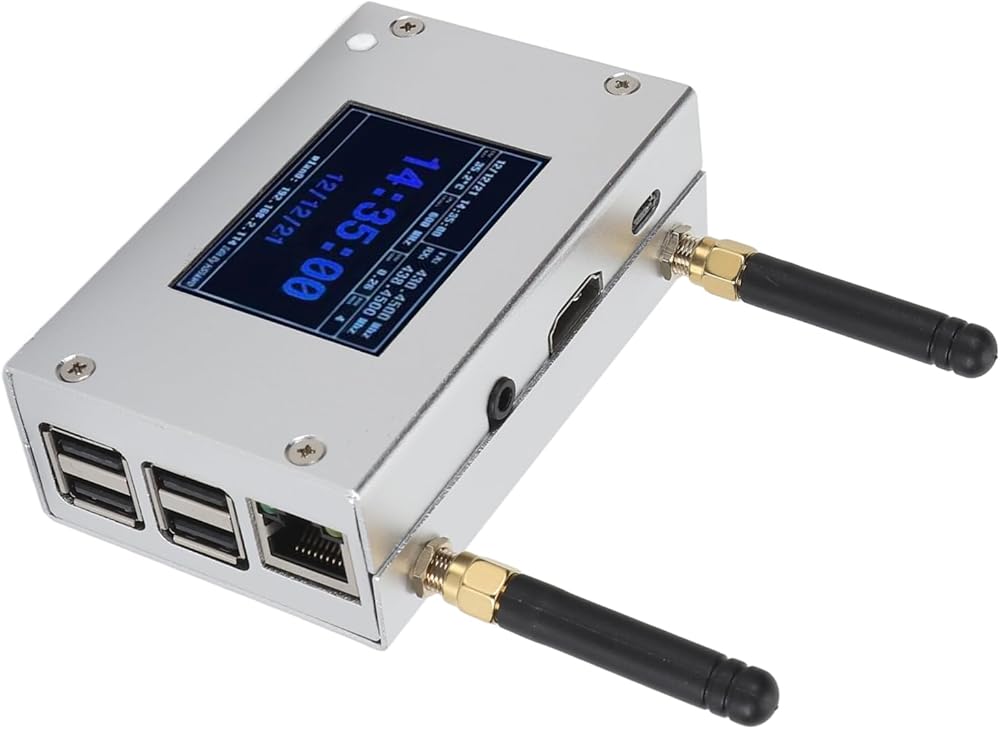
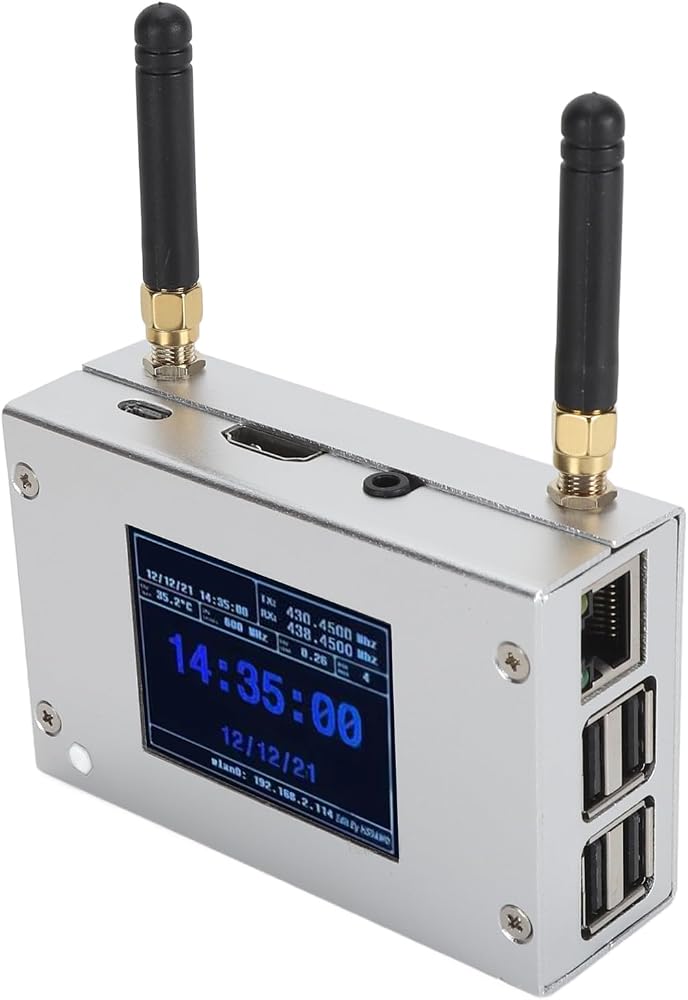
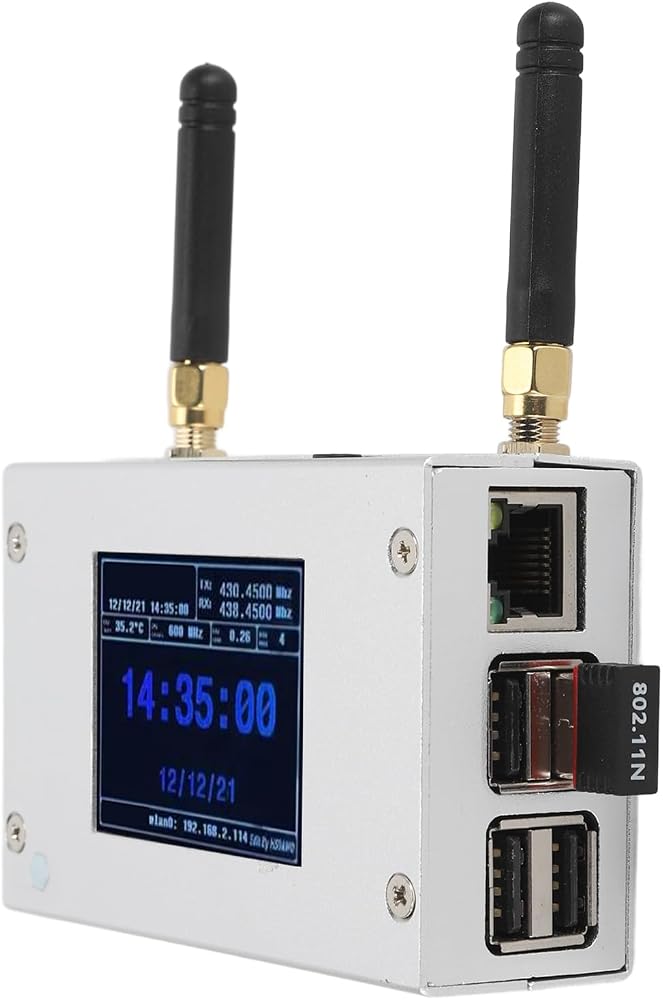
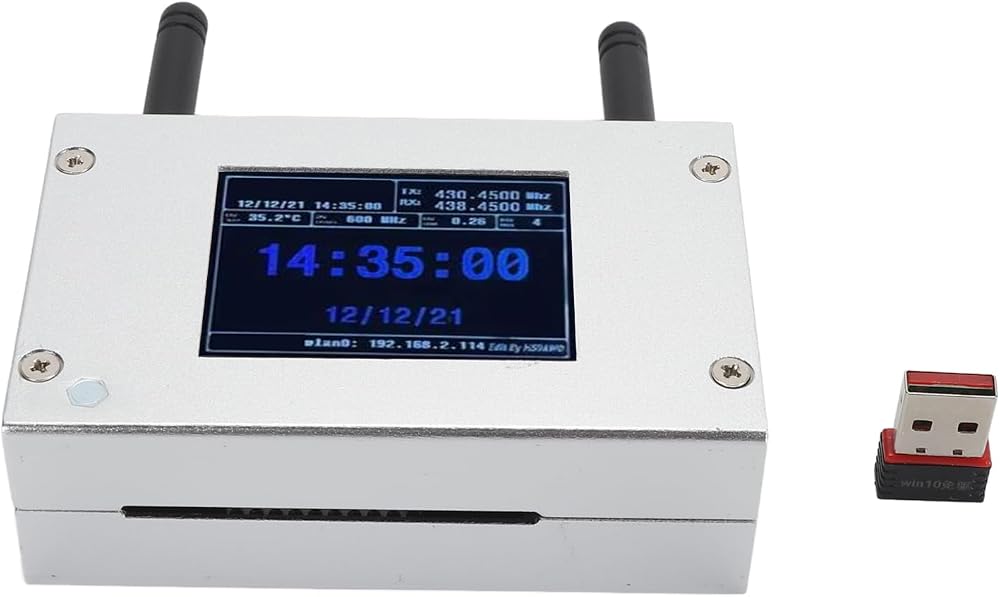
Item Type: MMDVM Duplex Hotspot Board
Product Material: Aluminum Alloy
Color: Silver
Support Digital Format: C4FM, DMR, DSTAR P25 and Other Digital Formats
Operating Frequency Range: 144‑148/219‑225, (Main Band) 420‑475/842‑950
Interface: Micro USB x 1, HD Multimedia Interface x 1, 3.5mm Sound Jack x 1, USB x 4, RJ45 x 1
Memory Card Slot: Built in 8G Memory Card
Antenna: Two External Antennas
How to Use:
Wi Fi settings when MMDVM first starts up:
I. Connect to an automatic AP hotspot:
1. The hotspot is powered up.
2. Wait for for Pi‑Star to start. It usually takes about a minute (longer if using for Pi0W). If your hotspot has an on‑screen display, you can watch for Pi‑Star start up until you are prompted to log in. 3.
3. Wait 2 minutes for the Auto AP feature to activate. 4.
4. View the hotspot named Pi‑Star‑Setup on your computer or cell phone and connect. Wi Fi Hotspot: Pi‑Star‑Setup; Password: 12345678
PackageList:
1 x Hotspot Board
2 x Antenna

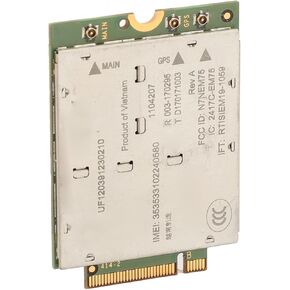 EM7565 Card, EM7565 1104207 4G Module for Laptops with NGFF M2 Interface, 4G Router, PCI Express M.2 Cat 12 High Speed 4G LTE Network Card, 24 LTE Bands
SAR 232
EM7565 Card, EM7565 1104207 4G Module for Laptops with NGFF M2 Interface, 4G Router, PCI Express M.2 Cat 12 High Speed 4G LTE Network Card, 24 LTE Bands
SAR 232
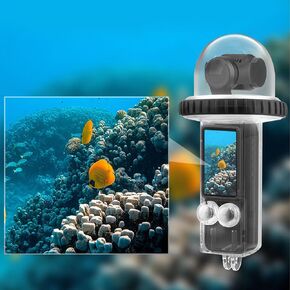 Action Camera Waterproof Housing Case for OSMO Pocket 3, Action Camera Waterproof Case Underwater Protective Housing Case 40m Waterproof Clear Camera Case
SAR 125
Action Camera Waterproof Housing Case for OSMO Pocket 3, Action Camera Waterproof Case Underwater Protective Housing Case 40m Waterproof Clear Camera Case
SAR 125
 Numeric Keypad, 22 Keys Dual Modes Bluetooth4.2 Wire Less Number Pads with Touchpad, Slim External Numpad Keyboard for Laptop Desktop PC (Black)
SAR 0
Numeric Keypad, 22 Keys Dual Modes Bluetooth4.2 Wire Less Number Pads with Touchpad, Slim External Numpad Keyboard for Laptop Desktop PC (Black)
SAR 0
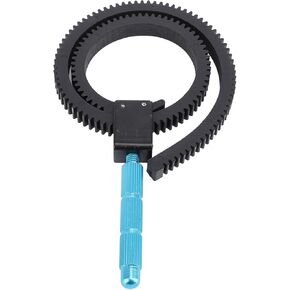 Follow Focus Ring Belt, Camera Focusing Ring Follow Focus Zoom Lens Lever for DLSR, Adjustable from 49mm to 82mm, Rubber Flexible Gear Belt with Adjustable Handle
SAR 41
Follow Focus Ring Belt, Camera Focusing Ring Follow Focus Zoom Lens Lever for DLSR, Adjustable from 49mm to 82mm, Rubber Flexible Gear Belt with Adjustable Handle
SAR 41