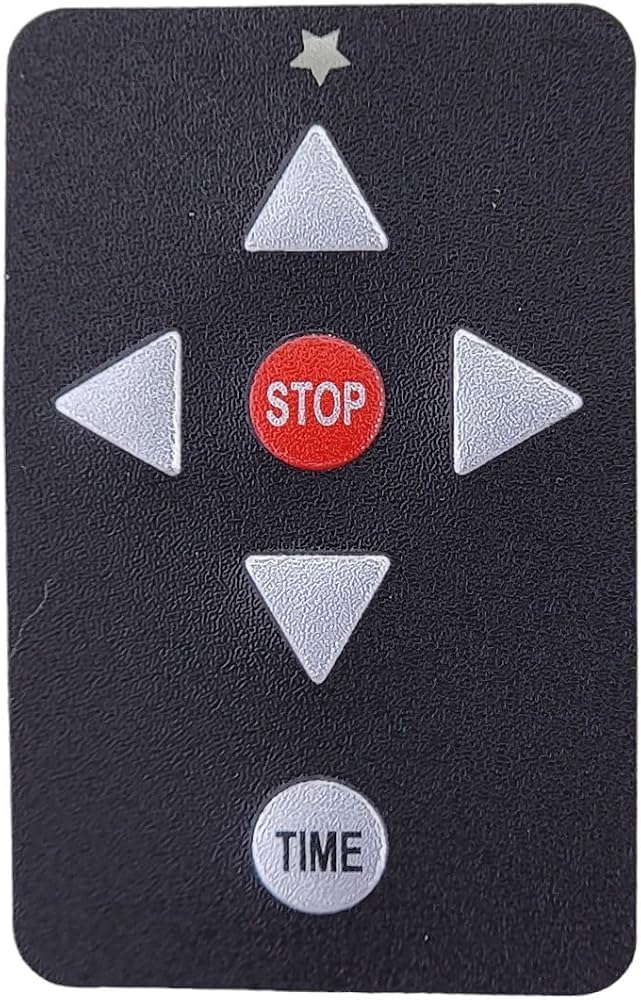
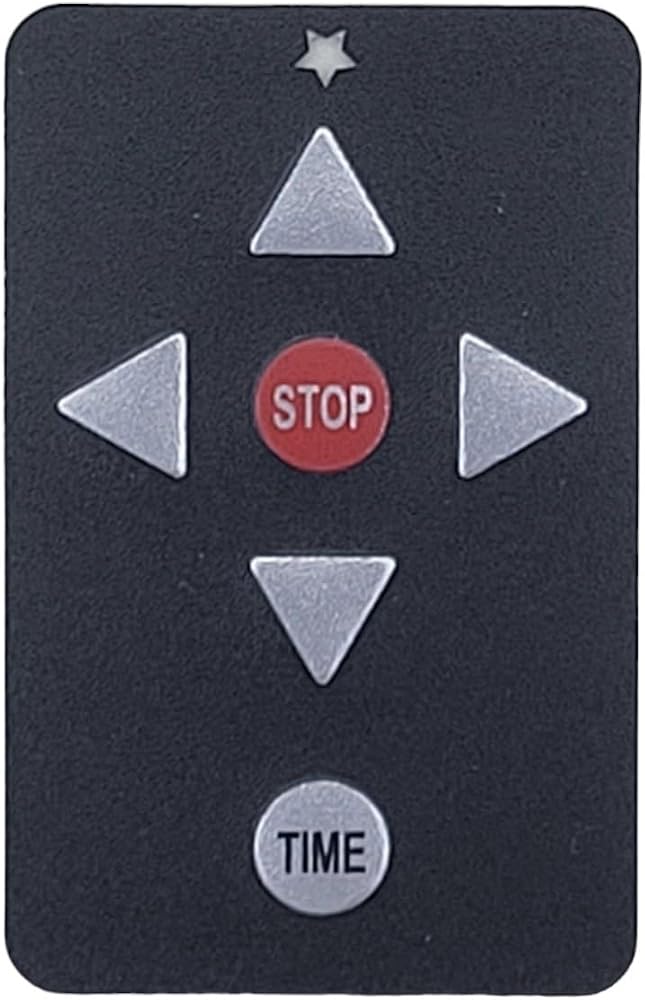
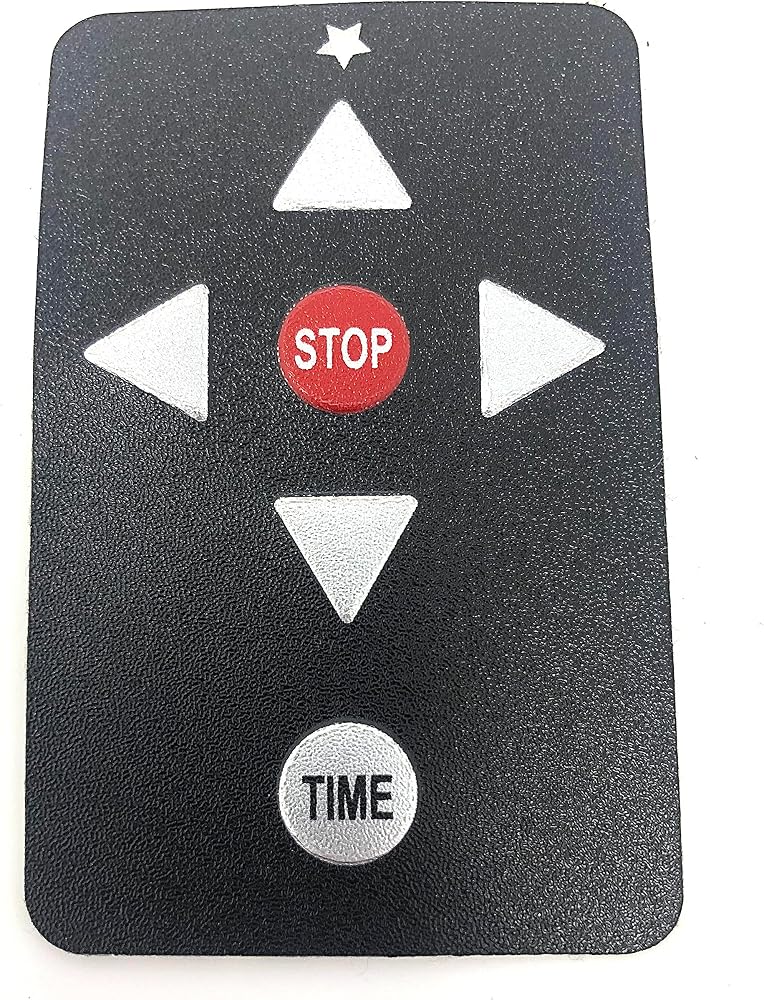
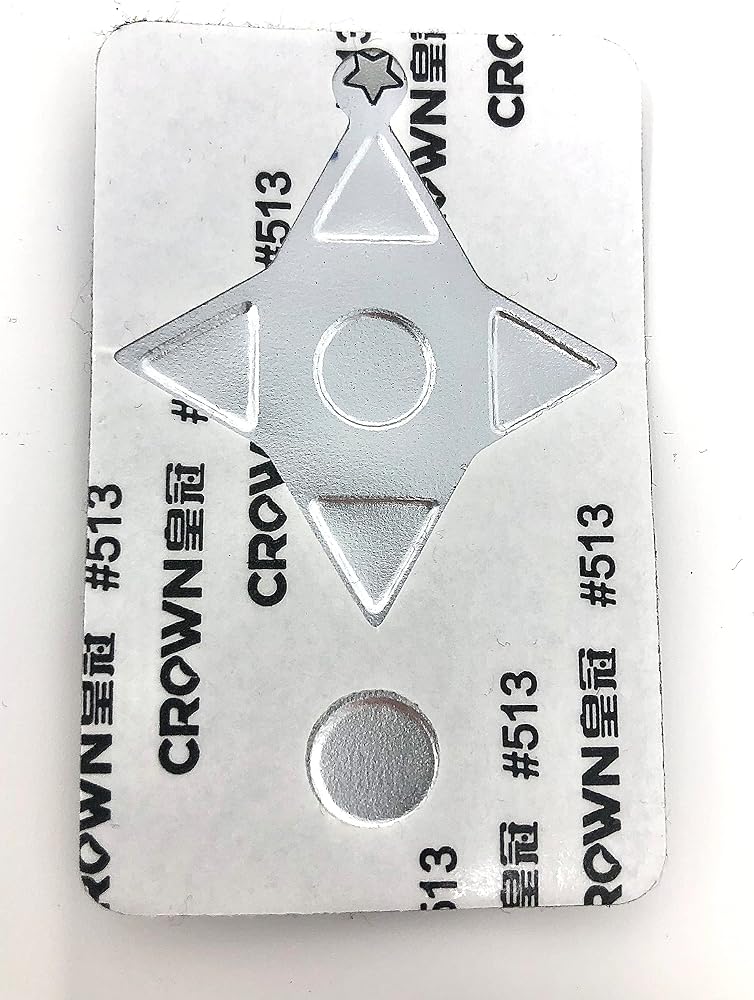
REMOTE CONTROL FACEPLATE REPLACEMENT- Are the buttons on your electric golf push cart remote worn or cracked? Our universal remote faceplate can be used as a replacement or backup for your automatic golf caddy remote control.
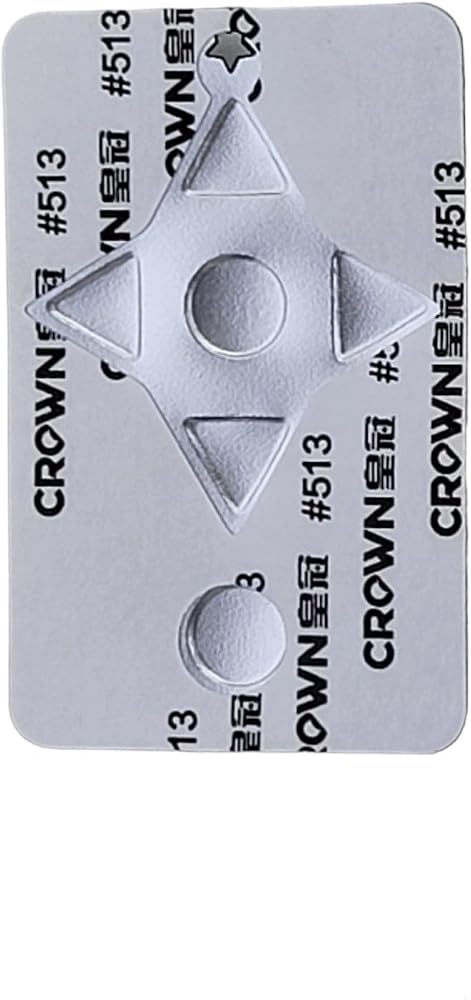
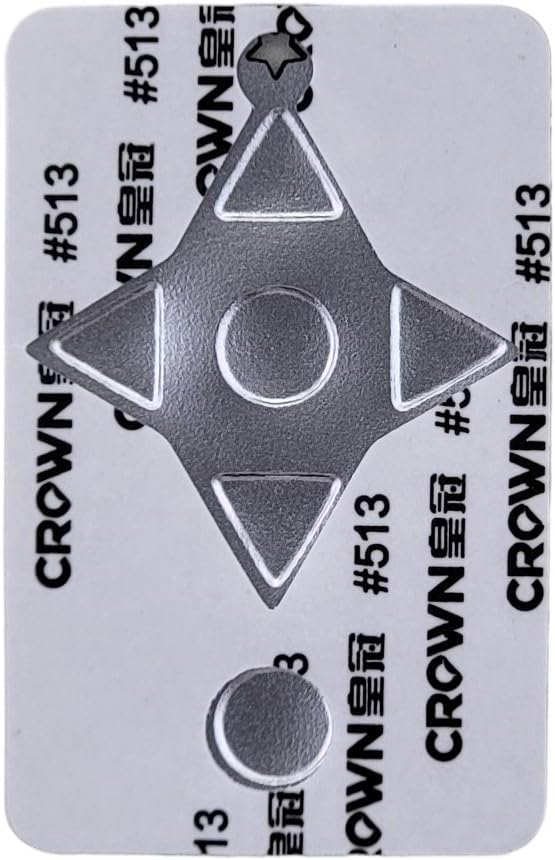
EASY INSTALLATION - Step 1. Using a hairdryer to heat and loosen the old faceplate from the remote control. Step 2. Peel off the old faceplate. Step 3. Install the new faceplate. There is no need to resync the remote control once the replacement is complete.
PROTECT YOUR REMOTE- Our replacement faceplate keeps grime and moisture out of the remote control to ensure long lasting performance of the electric golf caddy remote.
REMOTE COVER PLATE - Our faceplate works with our golf caddy remote control (ASIN B0BY5QW86K). Our remote control is compatible with many brands including Batcaddy, Caddy Driver, Insanity Golf, Novacaddy, ROVR, RBSM, Super E Caddy, and more. The remote control is compatible with golf trolleys 2014 and newer. Also the remote is incompatible with these brands Alphard, Caddy Tek, Caddy Trek, Callaway, Cart-tek, Powakaddy, Powerbug, MGI, Motocaddy, Stewart Golf, Wingscaddy, WMQ, and Zii Robot.
REMOTE TROUBLESHOOTING- Verify the remote's functionality by ensuring the red star on the top is lighting up when you press a button. This red star indicates a signal is being sent to the golf trolley. If the star does not light up follow these steps. Make sure the On/Off switch on the side is On. Install new batteries in the remote. Make sure the electric golf caddy is turned on. If the remote does not work please resync your remote to the electric golf push cart.
 Club CAR Precedent Front & Rear Golf Cart Seat Covers Diamond Stitching (Black/Dark Green)
SAR 574
Club CAR Precedent Front & Rear Golf Cart Seat Covers Diamond Stitching (Black/Dark Green)
SAR 574
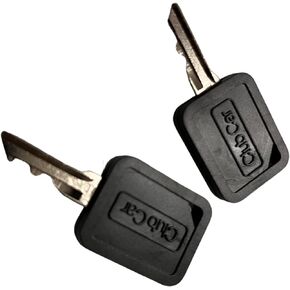 Club Car Set X 2 Keys 1B for All Carryall 2014-up and All Tempo and Onward Lithium Vehicles OEM 105068002 and 101974701
SAR 200
Club Car Set X 2 Keys 1B for All Carryall 2014-up and All Tempo and Onward Lithium Vehicles OEM 105068002 and 101974701
SAR 200
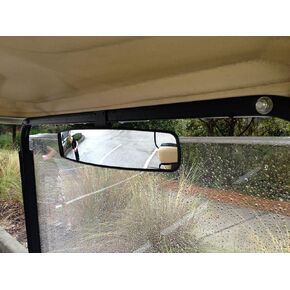 16.5" Extra Wide Panoramic Rear View Mirror for Golf Carts As E-Z-GO, Club Car, Yamaha
SAR 113
16.5" Extra Wide Panoramic Rear View Mirror for Golf Carts As E-Z-GO, Club Car, Yamaha
SAR 113
 -7%
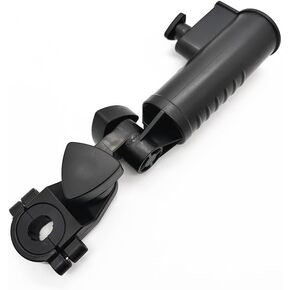
Golf Cart Umbrella Holder, Adjustable Golf Trolley Umbrella Holder
SAR 63
-7%
Golf Cart Umbrella Holder, Adjustable Golf Trolley Umbrella Holder
SAR 63