- التسوق ، اصبح سهلا.
- /
- احصل على التطبيق!
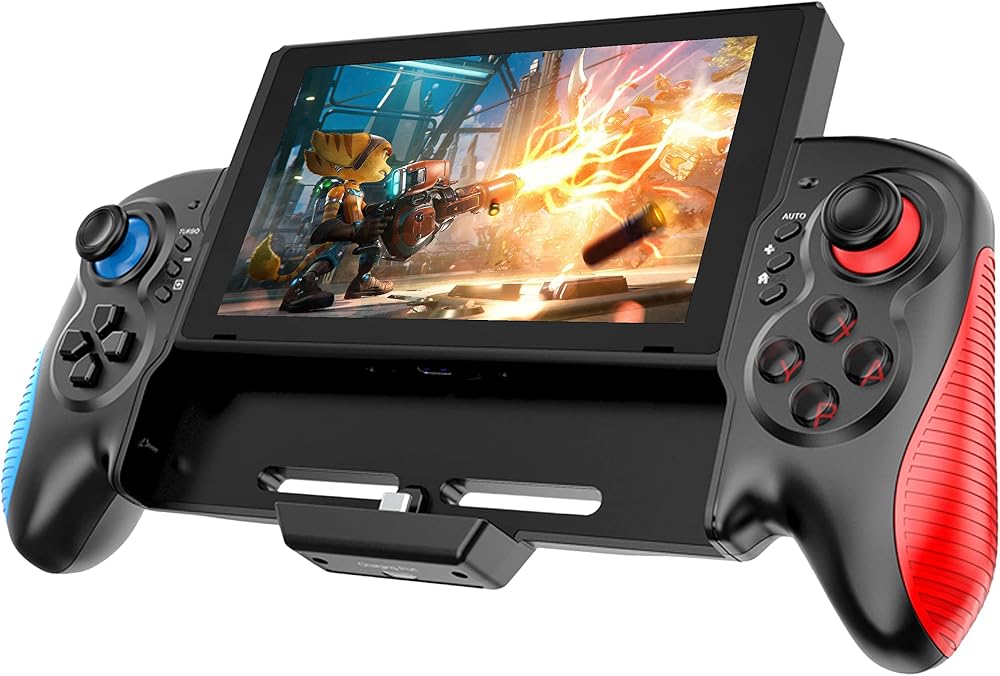
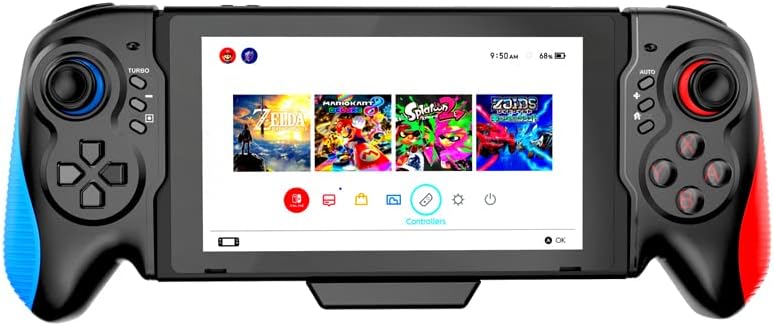
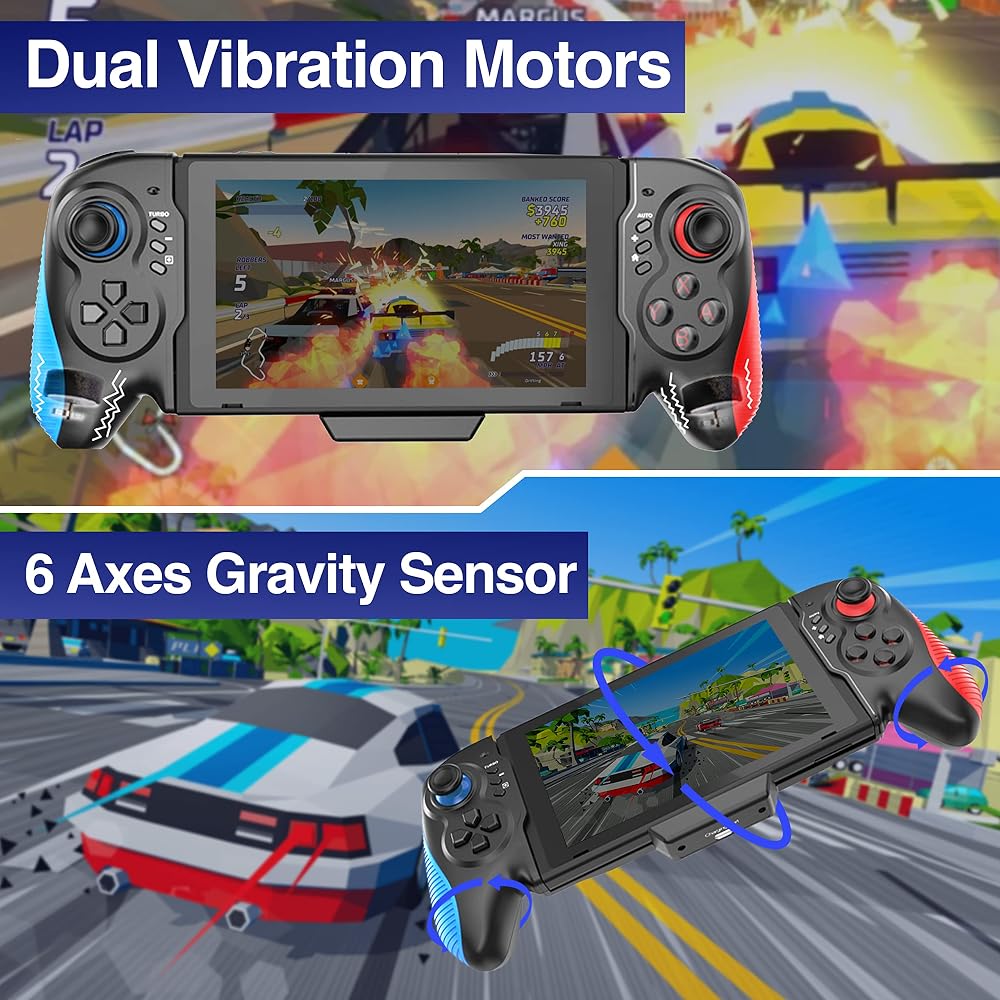
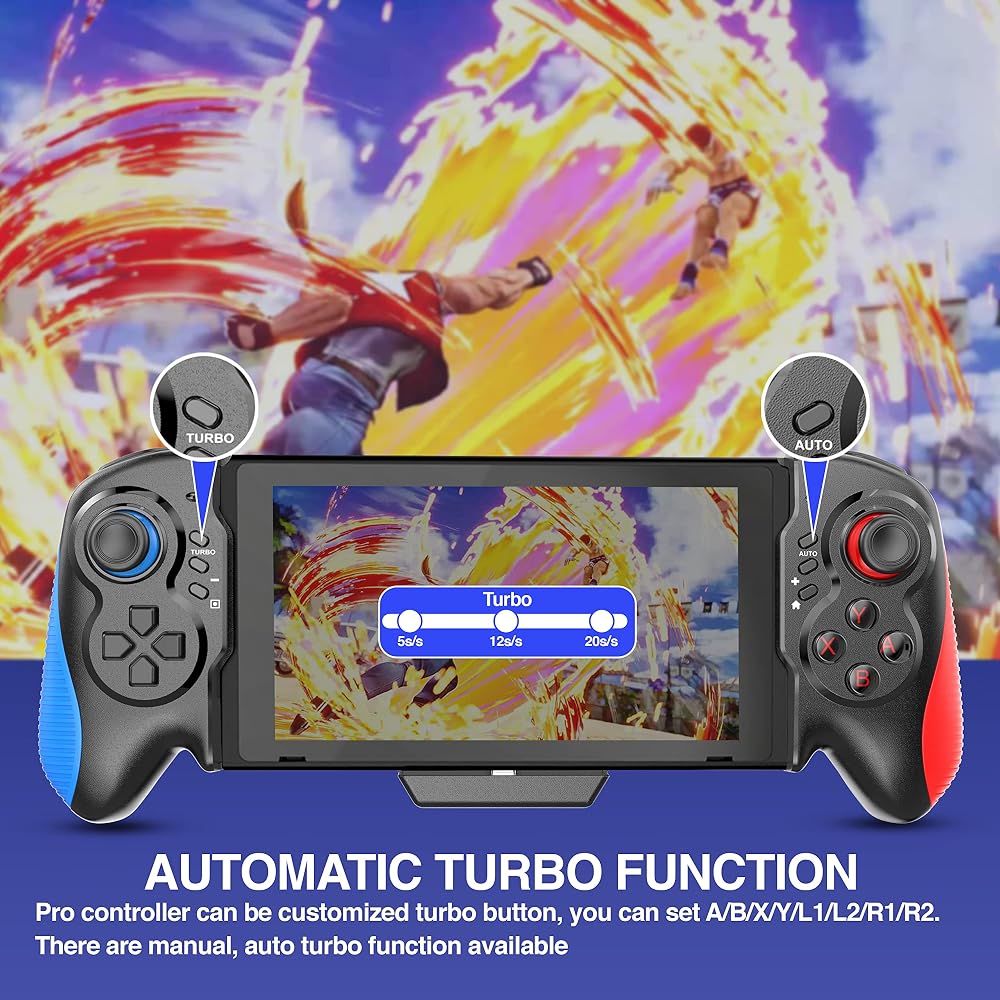
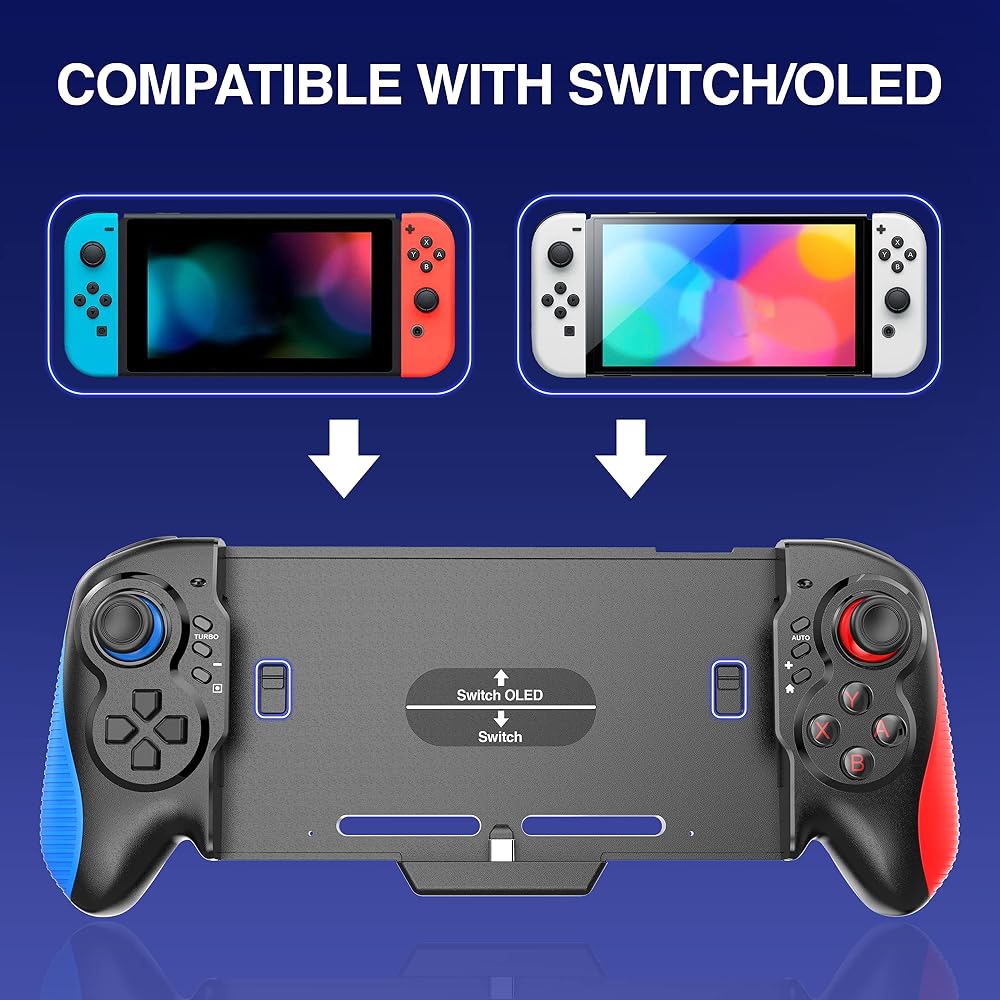
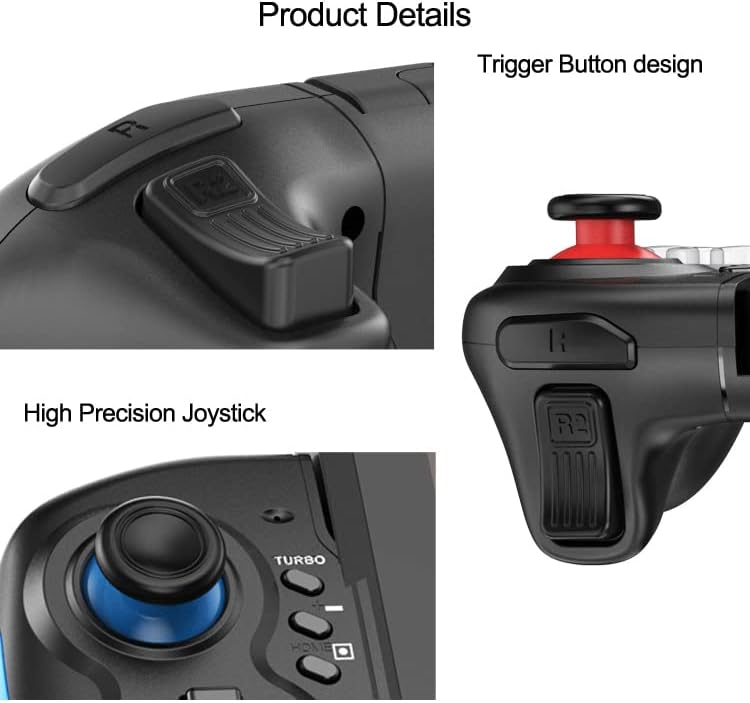
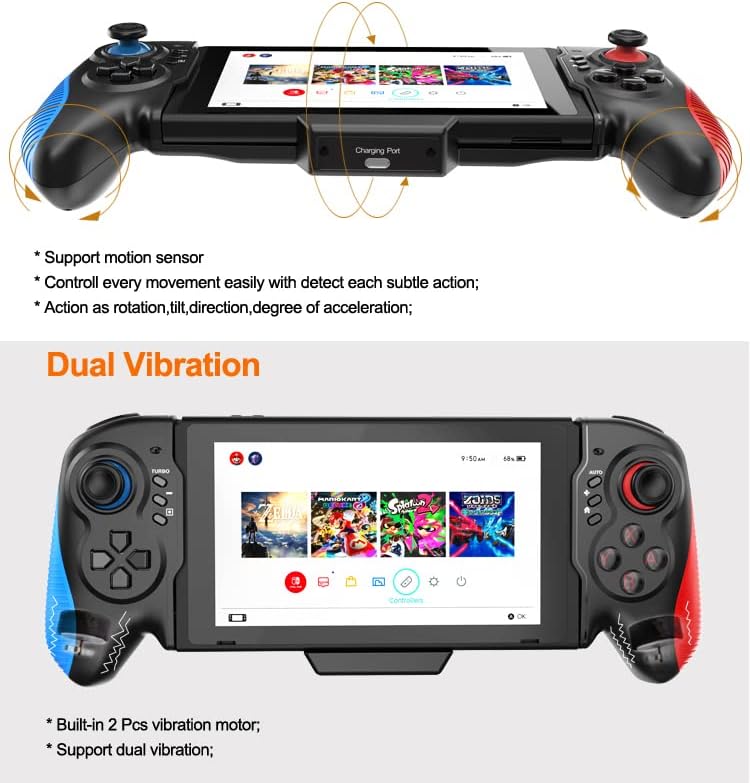
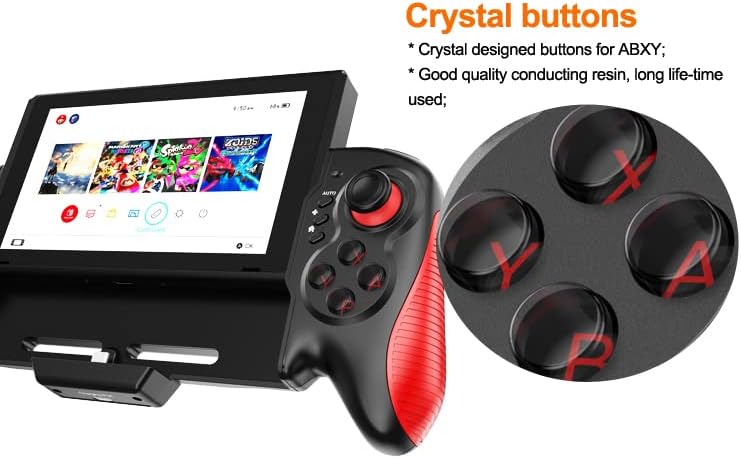
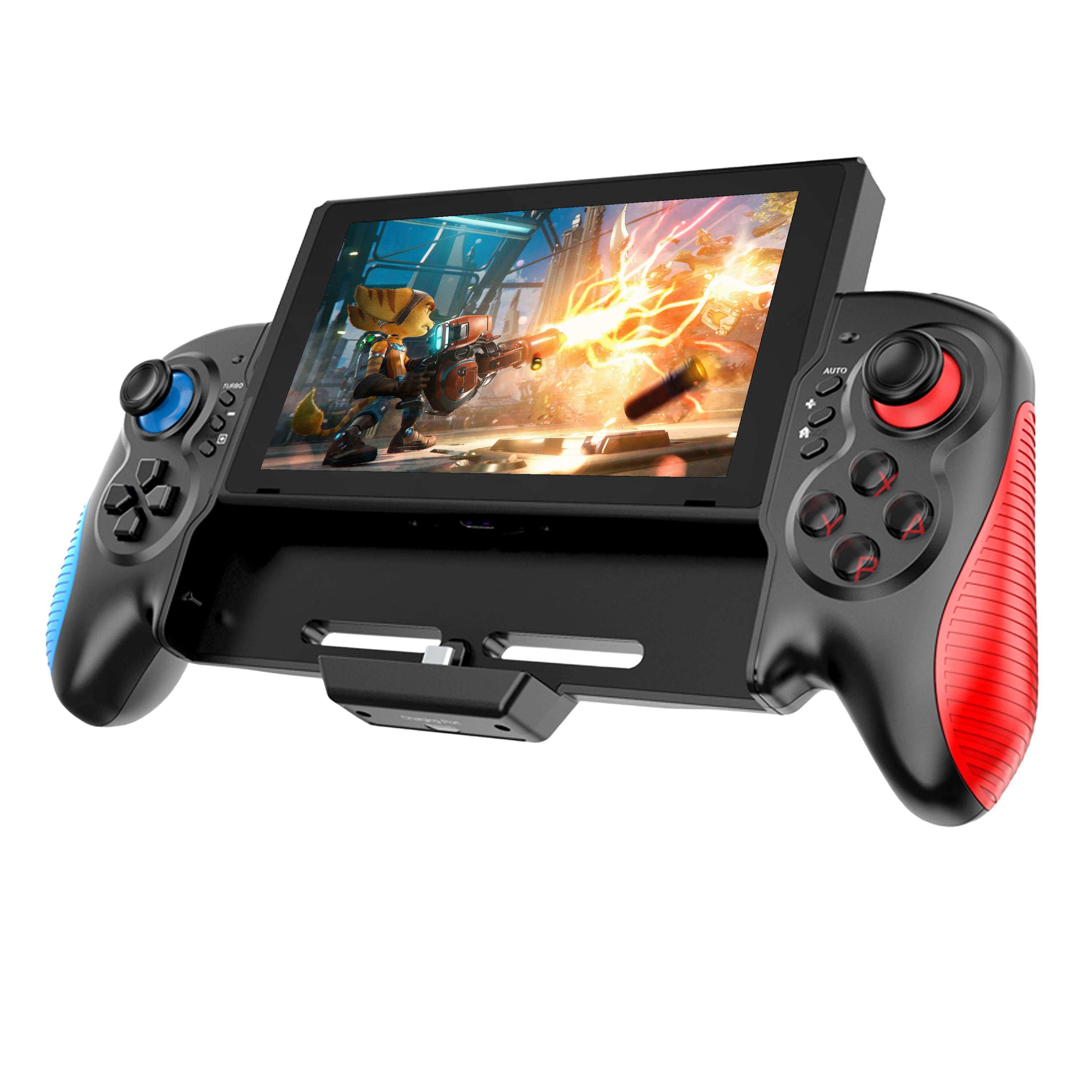
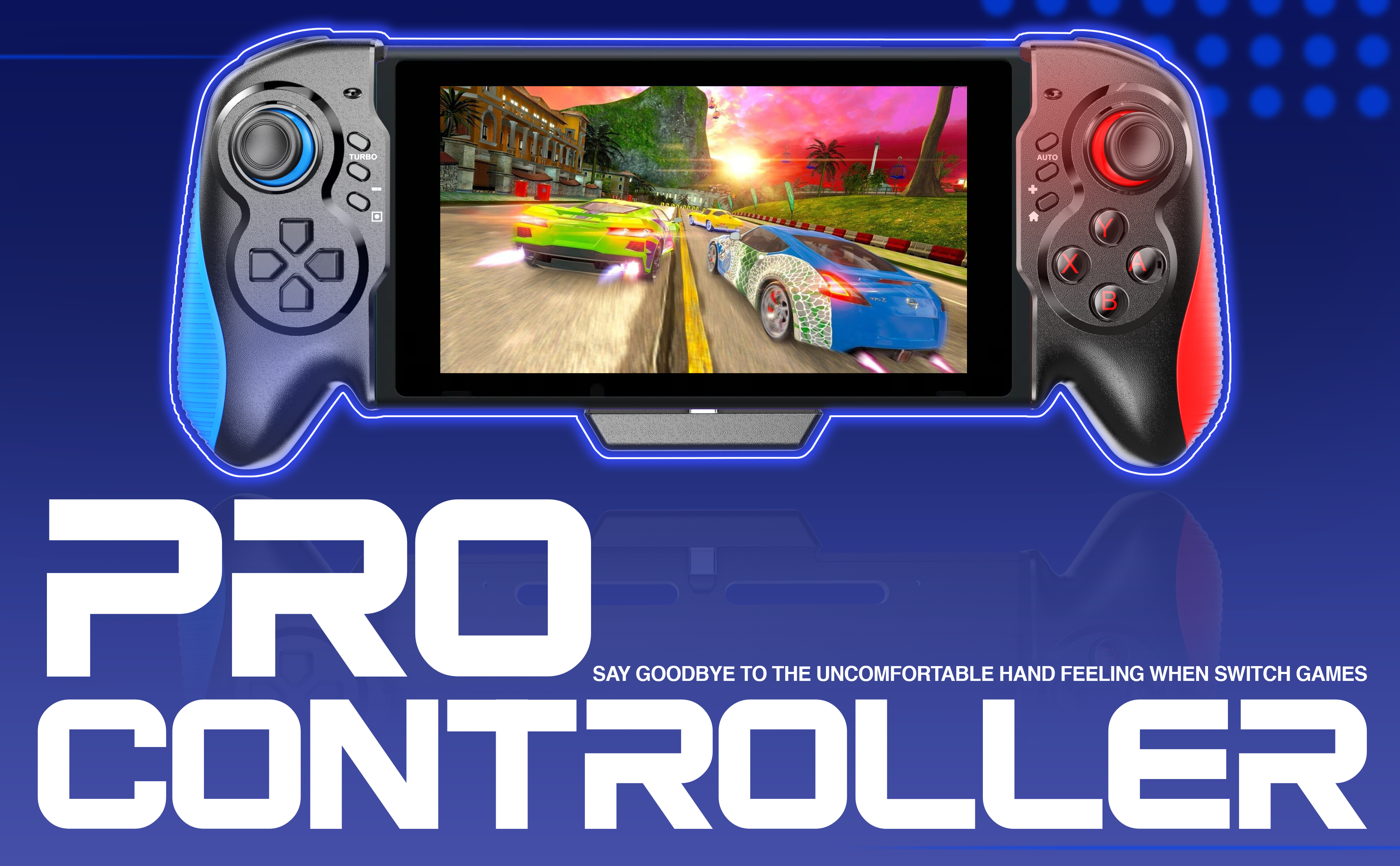
ZUJO Pro Controller for Nintendo Switch, Joy-Cons Replacement, Wireless Gamepad Case With Six Axes Gravity Sensor, Dual Motor Vibration and Turbo Function
The Pro controller replaces the original joy-cons for Nintendo Switch with an ergonomic large-size grip that provides an excellent experience in handheld mode. Excellent accessories for playing your favourite games
Connection Method
Open the Switch console to enter the settings menu before installation, find the setting item of [controller and sensor], and set the [wired connection of Pro controller]to [on].
Installation
When installing and inserting the Switch console, do not touch the 3D Rocker (or other buttons), to prevent the 3D joystick from automatically aligning when starting up. If there is 3D rocker deviation problem, please plug in the Switch game console to reconnect or correct the [correct rocker] item in the Switch console setting menu.
Charging Instructions
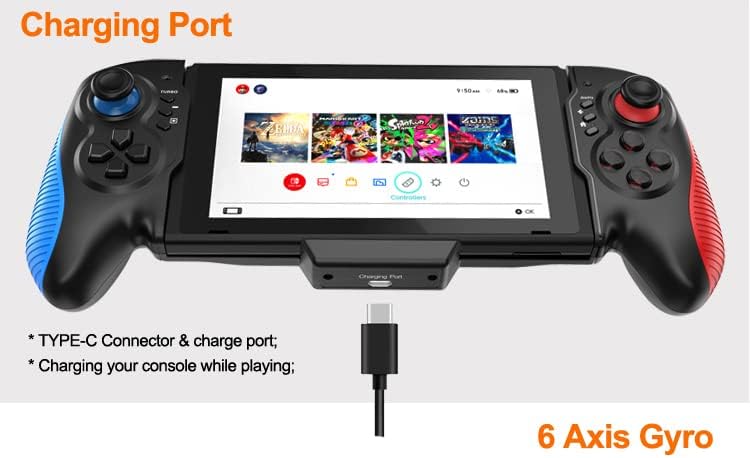
Allow players to charge their Switch console while they are playing games. Support the original Switch power adapter or standard 15V PD protocol power adapter to realize charging. When plugged into the power supply, the screen of the Switch game console will display a charging symbol.
Note
There is no battery inside the Switch controller, charging means charging the Switch game console.
 PDP سلكية القتال وسادة Wii U - Metal Mario
SAR 65
PDP سلكية القتال وسادة Wii U - Metal Mario
SAR 65
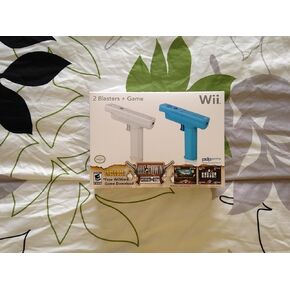 Wii Controller 2 Blasters و Big Town Shoot (PDP)
SAR 249
Wii Controller 2 Blasters و Big Town Shoot (PDP)
SAR 249
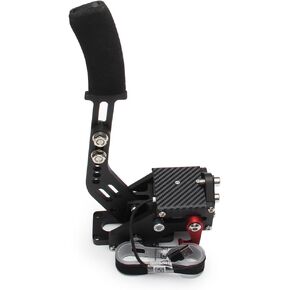 Goipko PC Racing Game USB Handbrake ، 64 bit pc USB Handbrake متوافق مع Logitech G27/G29/G920 T500 T300 ألعاب السباق المحاكاة (RED)
SAR 279
Goipko PC Racing Game USB Handbrake ، 64 bit pc USB Handbrake متوافق مع Logitech G27/G29/G920 T500 T300 ألعاب السباق المحاكاة (RED)
SAR 279
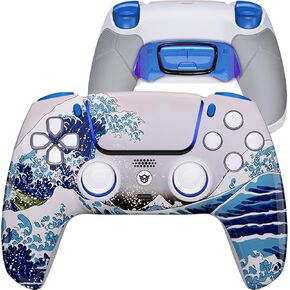 Hexgaming Ultimate Wireless Controller متوافق مع أزرار الظهر PS5-4 ، ومشغلات الشعر ، وأعداد الإبهام القابلة للتبديل - المفروش
SAR 796
Hexgaming Ultimate Wireless Controller متوافق مع أزرار الظهر PS5-4 ، ومشغلات الشعر ، وأعداد الإبهام القابلة للتبديل - المفروش
SAR 796