- Shopping, made easy.
- /
- Get the app!
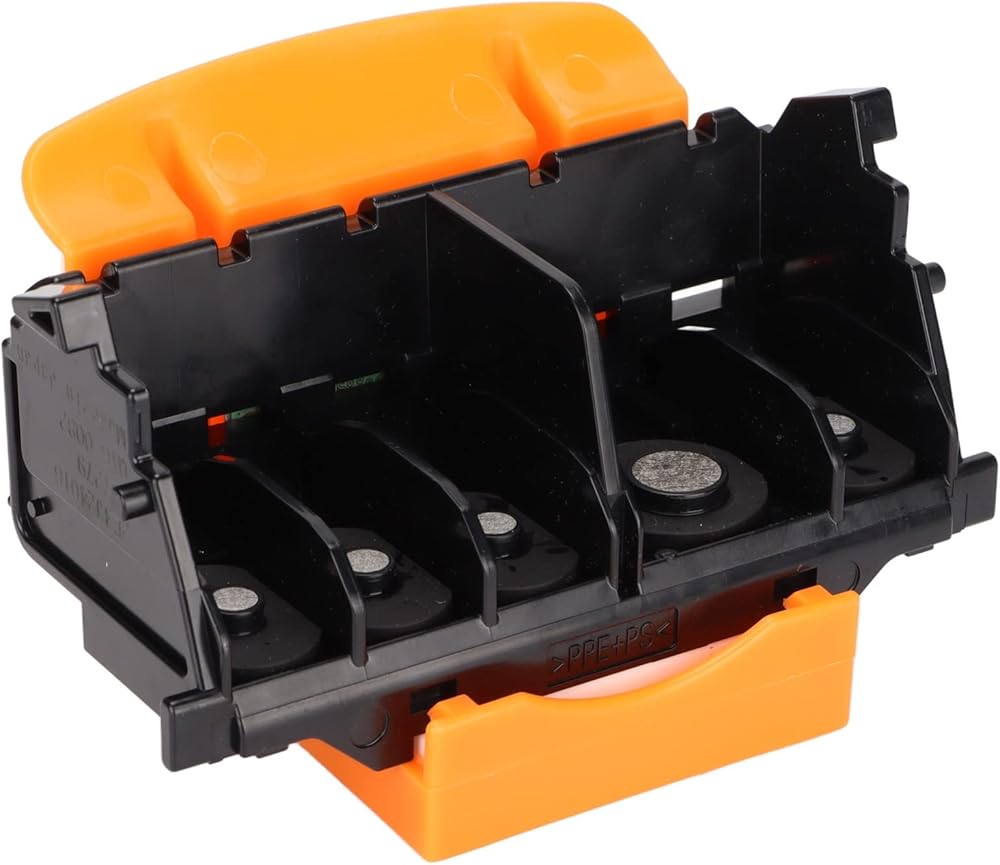
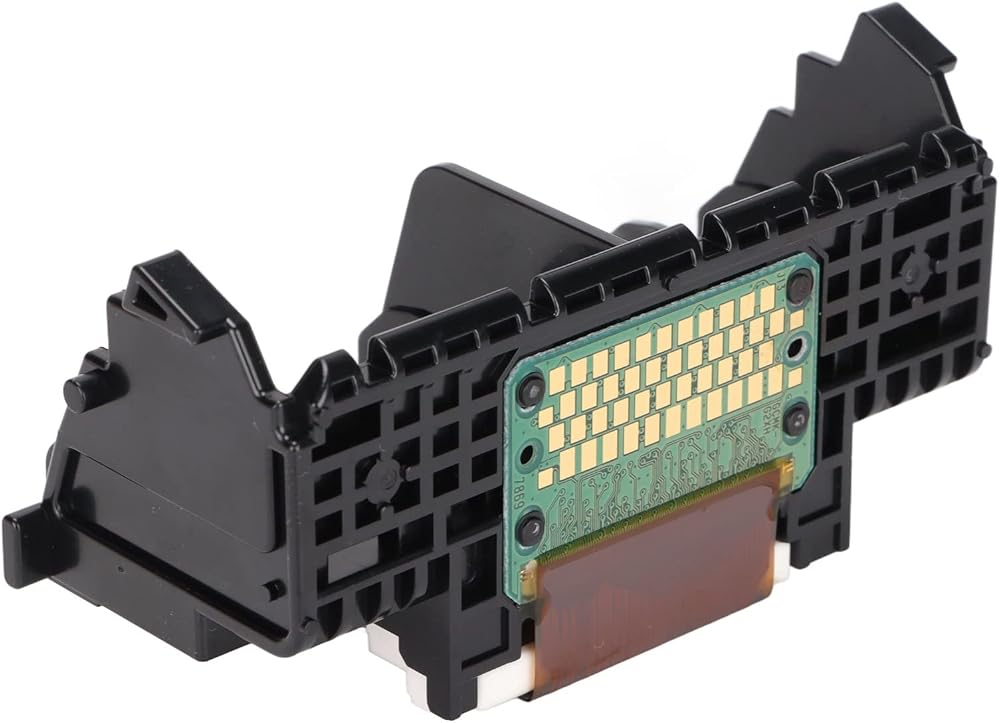
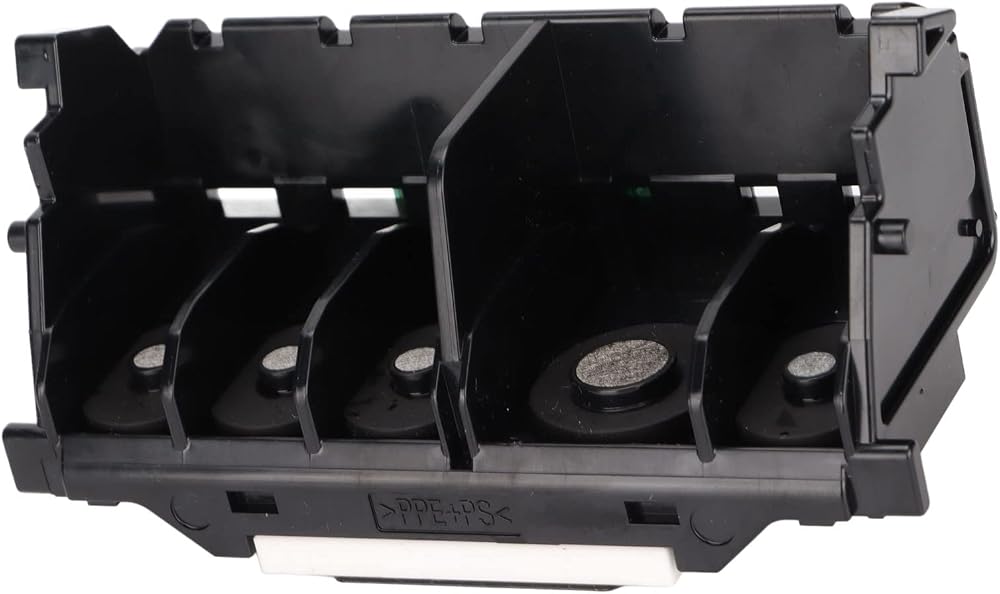
Spec:
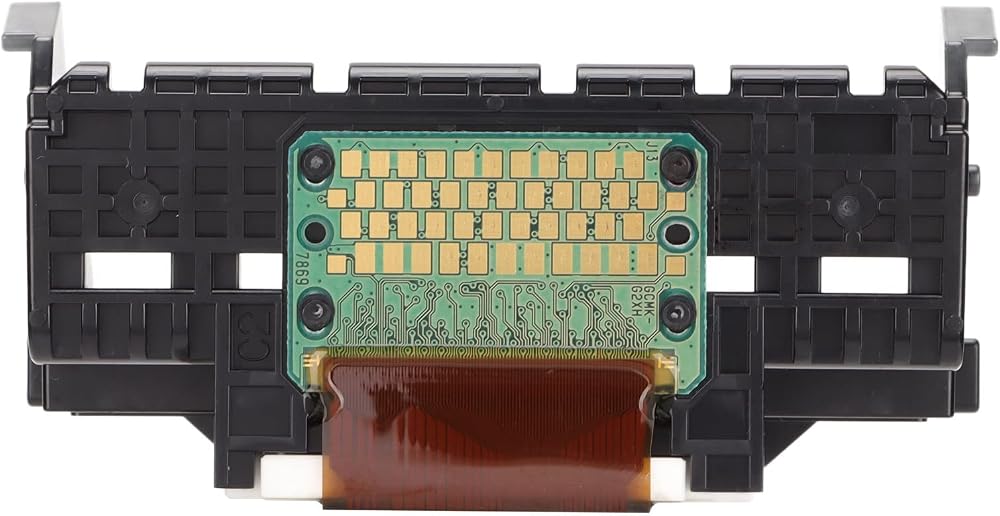
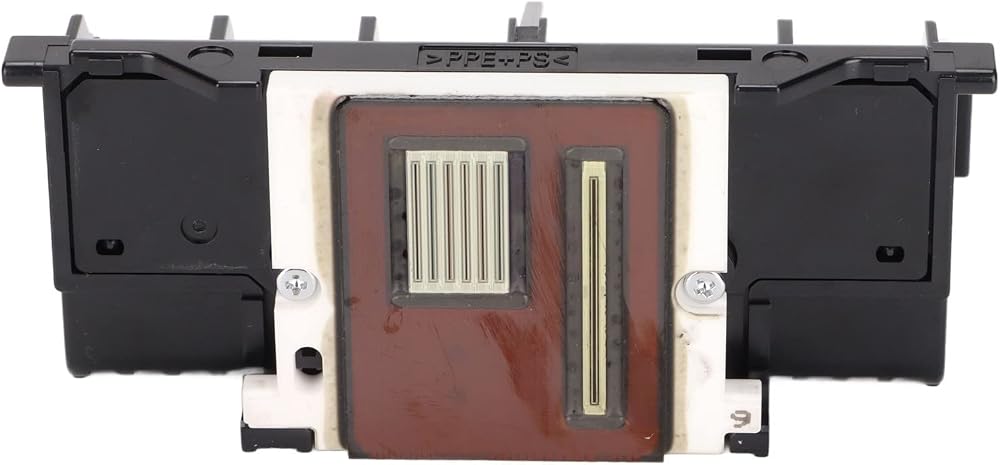
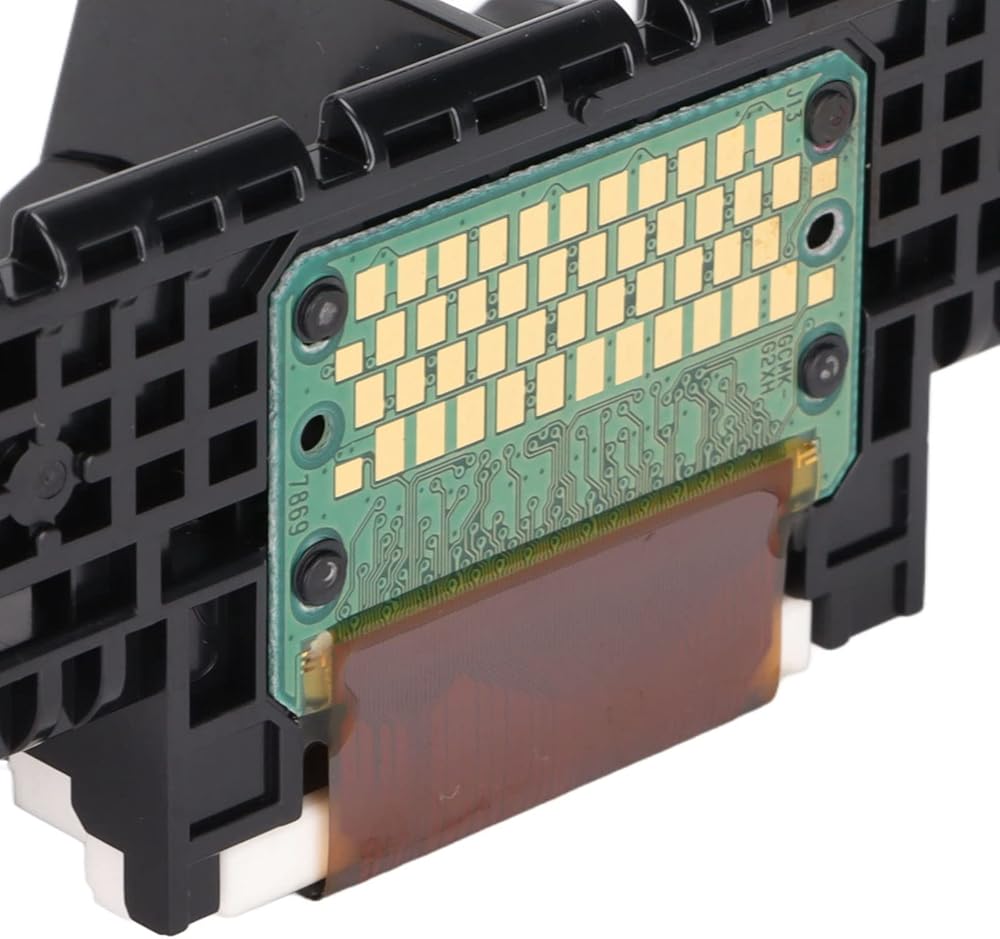
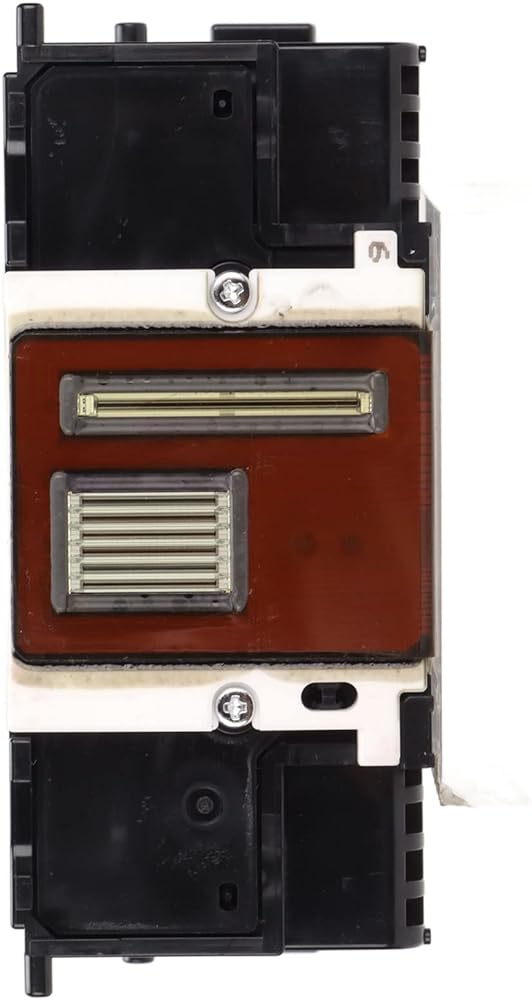
Item Type: Printhead
Material: ABS
Model: For QY6-0082
Function: Printer Print Head
Applicable: For iP7210, for iP7220, for iP7240, for iP7250, for iP7280, for MG5410, for MG5420, for MG5450, for MG5470, for MG5520, for MG5620, for MG5720, for MG5721, for MG5722, for MG6420, for MG6620, for MG6820, for MG6821, for MG6822 Printer
Package List:
1 x Printhead
How To Use:
1. The 1403 fault code is an ink cartridge problem, please replace the ink cartridge
2. The B200 fault code is reported because the ink truck is stuck or the ink truck is not reset in time. The solution is as follows:
(1) , Remove the ink cartridge and reinstall it, and then restart the computer and printer.
(2) If this fault occurs frequently, check the ink supply line, or add lubricating oil on the trolley slide rod.
(3) Reset the ink trolley manually:
① Open the cover
② Push the ink cartridge to the right
③ Shutdown cover
④ Turn off the power
⑤ Power on
⑥ Boot cover
⑦ Observe whether the ink cartridge automatically slides to the right
⑧ When the ink cartridge is sliding, use your hand to help you increase the force to the right again
⑨ I feel that the ink cartridge is at its end
⑩ Close the cover
 EBTOOLS Optical Vertical Mouse, 2.4GHz 5D 2nd Gen Right Hand Computer Gaming Mice, 1600DPI, Plug and Play, for Laptop, Desktop, PC(Black)
SAR 82
EBTOOLS Optical Vertical Mouse, 2.4GHz 5D 2nd Gen Right Hand Computer Gaming Mice, 1600DPI, Plug and Play, for Laptop, Desktop, PC(Black)
SAR 82
 EBTOOLS Reusable 35mm Film Camera, Retro Vintage Lightweight Film Camera for Photo Shoot, with Case, Shutter Speed 1/100s F/9 28MM Lens, for Travel Snorkeling Swimming (White
SAR 76
EBTOOLS Reusable 35mm Film Camera, Retro Vintage Lightweight Film Camera for Photo Shoot, with Case, Shutter Speed 1/100s F/9 28MM Lens, for Travel Snorkeling Swimming (White
SAR 76
 EBTOOLS Dual Sided NP F Dummy Battery Adapter, Type C Input Port, Digital Voltage Display, Dummy Battery Power Adapter for Camera Monitor
SAR 161
EBTOOLS Dual Sided NP F Dummy Battery Adapter, Type C Input Port, Digital Voltage Display, Dummy Battery Power Adapter for Camera Monitor
SAR 161
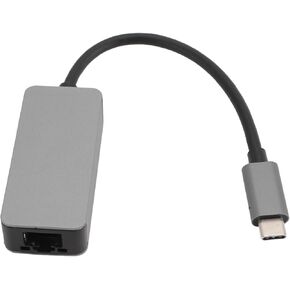 USB C to Ethernet Adapter, 2.5G RTL8156B Type C to RJ45 Network Adapter, Aluminum Alloy, Plug and Play, Indicator Light, for Win, OS X,
SAR 87
USB C to Ethernet Adapter, 2.5G RTL8156B Type C to RJ45 Network Adapter, Aluminum Alloy, Plug and Play, Indicator Light, for Win, OS X,
SAR 87

 Saudi Arabia