- Shopping, made easy.
- /
- Get the app!
Binding
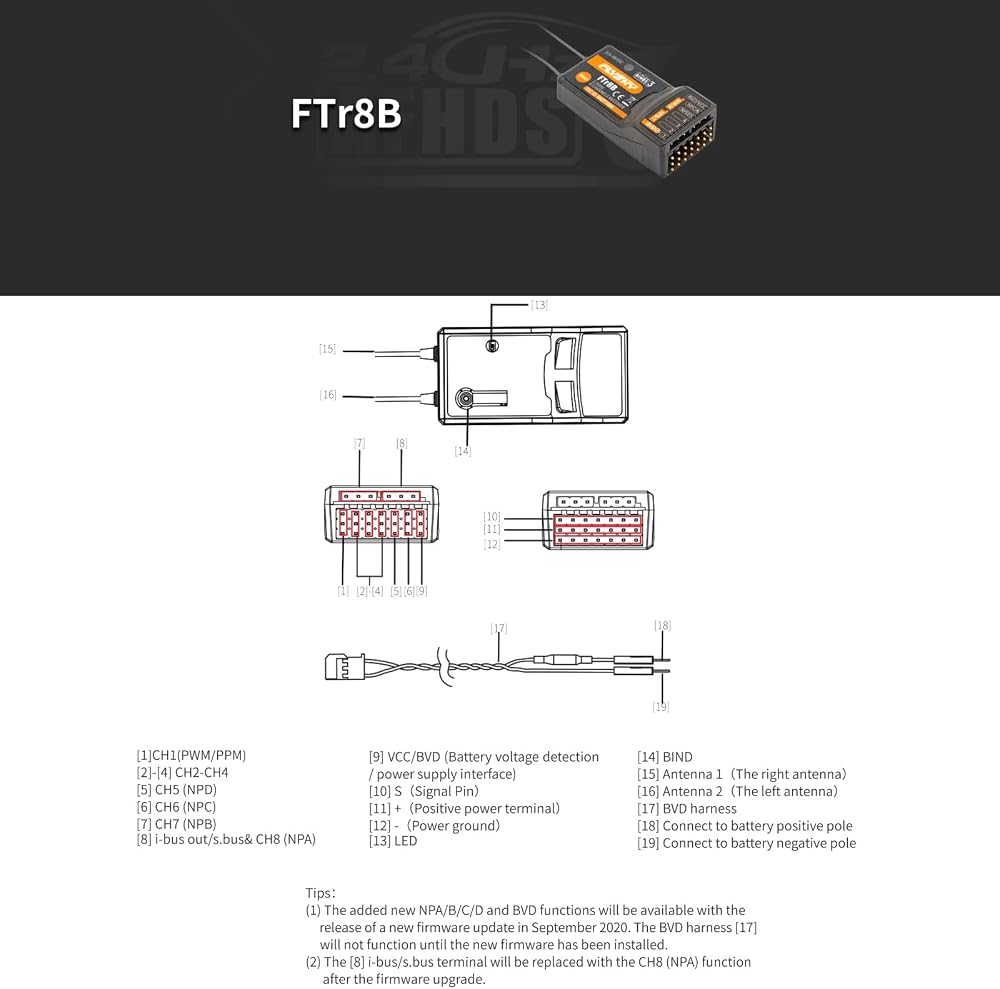
① Press and hold the receiver BIND button [14] while powering on the receiver, release
the BIND button after receiver is powered on, the LED [13] on the receiver will flash rapidly;
② Put the transmitter into bind mode;
③The binding process is complete when the LED on the receiver stops flashing and is on continuously.
▲If a transmitter that has had its radio frequency (RF Standard) set to “AFHDS3 1 way”
(please refer to your transmitter user manual) enters bind mode,
the receiver LED will instead flash slowly. Exit bind mode on the transmitter and if the receiver LED
stops flashing and is on continuously, the binding process is complete.
④Check to make sure the transmitter and receiver functions are working correctly,
repeat steps 1 to 3 (binding process) if any problems arise.
Forced update
If after a firmware update is performed and the transmitter is
unable to bind to the receiver, the receiver may need to be put into forced update times.
☛Power on the receiver while pressing the BIND button [14] for
then approximately ten seconds until the LED [13] flashes three times,release the BIND button.
☛ Go to the RX Setup menu on your transmitter and select “RX Update”.
☛When the receiver LED flashes slowly, the update is successful.
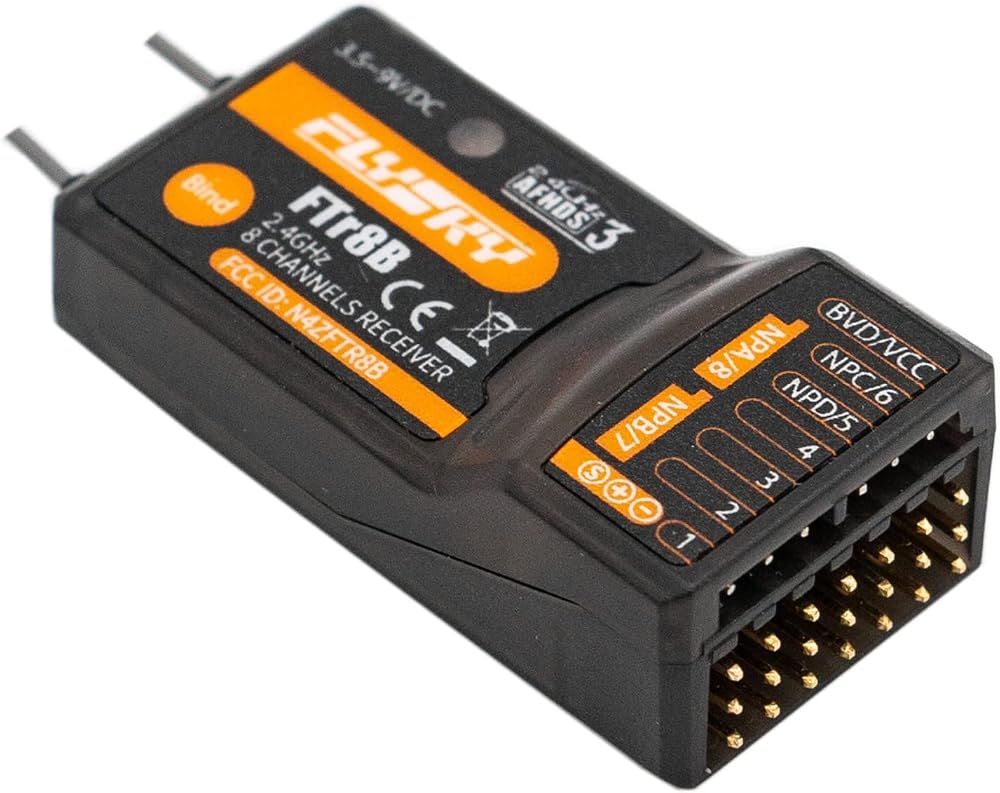
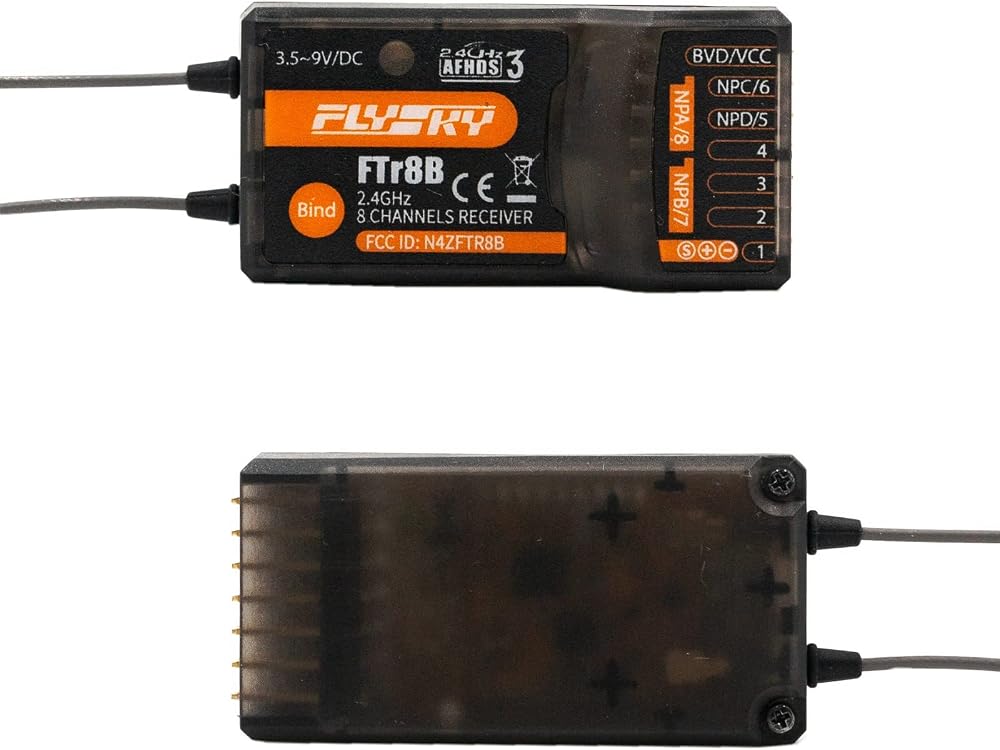
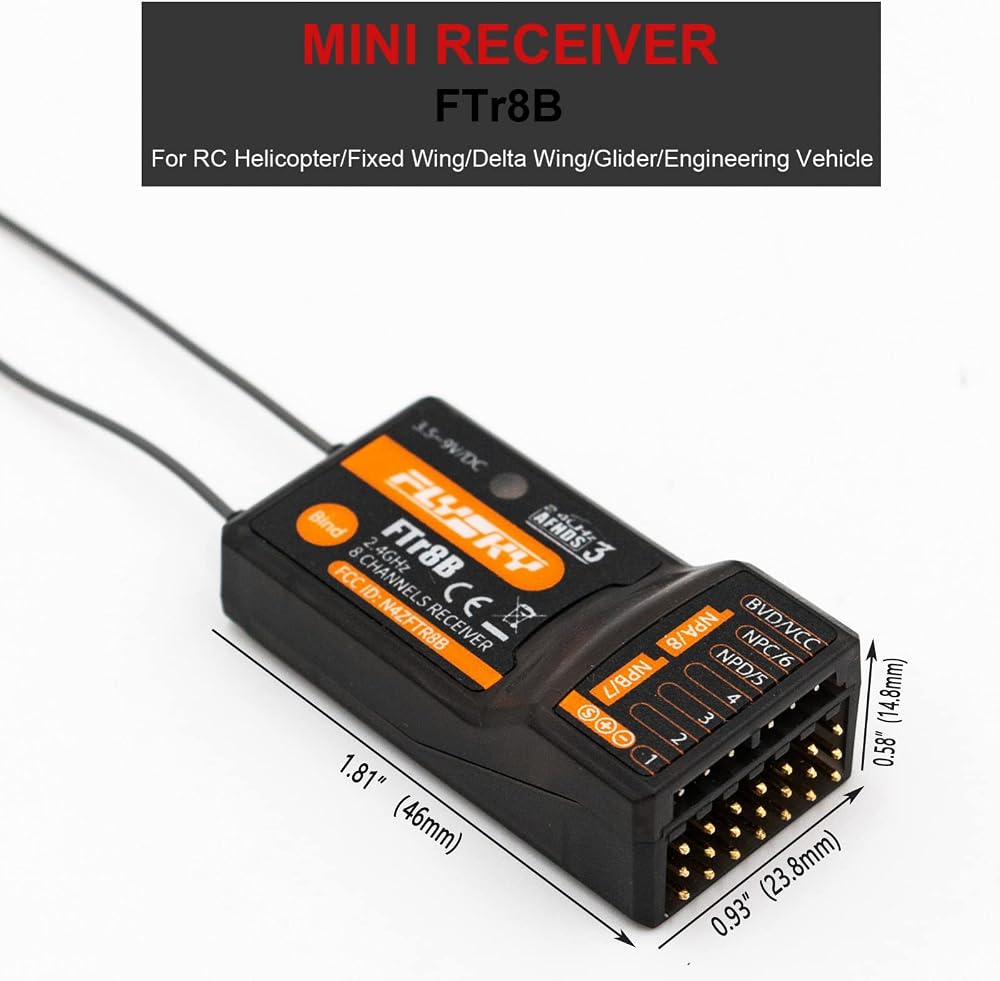
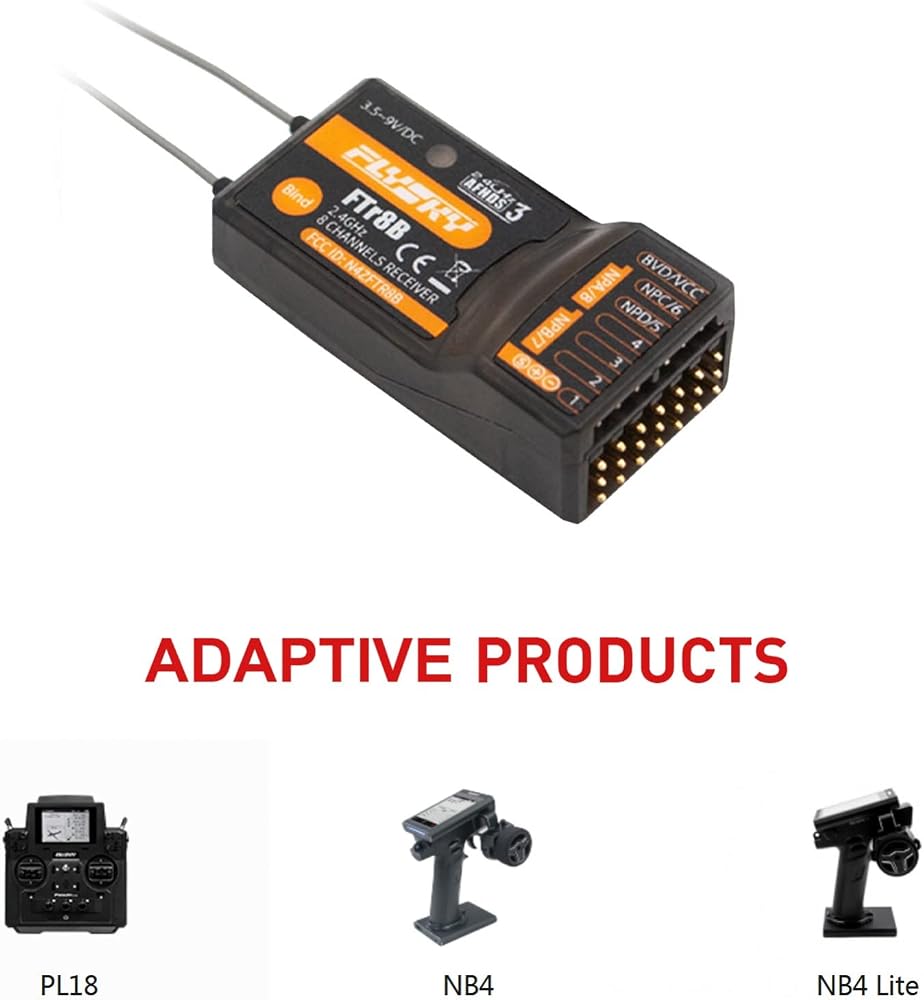
Product Designation: FTr8B
Compatible transmitters: all AFHDS 3 transmitters and RF Modules (PL18, NB4, NB4 Lite, etc.)
Model Type:fixed wing, glider, helicopter, delta wing, engineering vehicle, etc
PWM Channels: 8
RF:2.4GHz
2.4G Protocol:AFHDS 3
Antenna:Dual Antennas
Input Power:3.5-9V
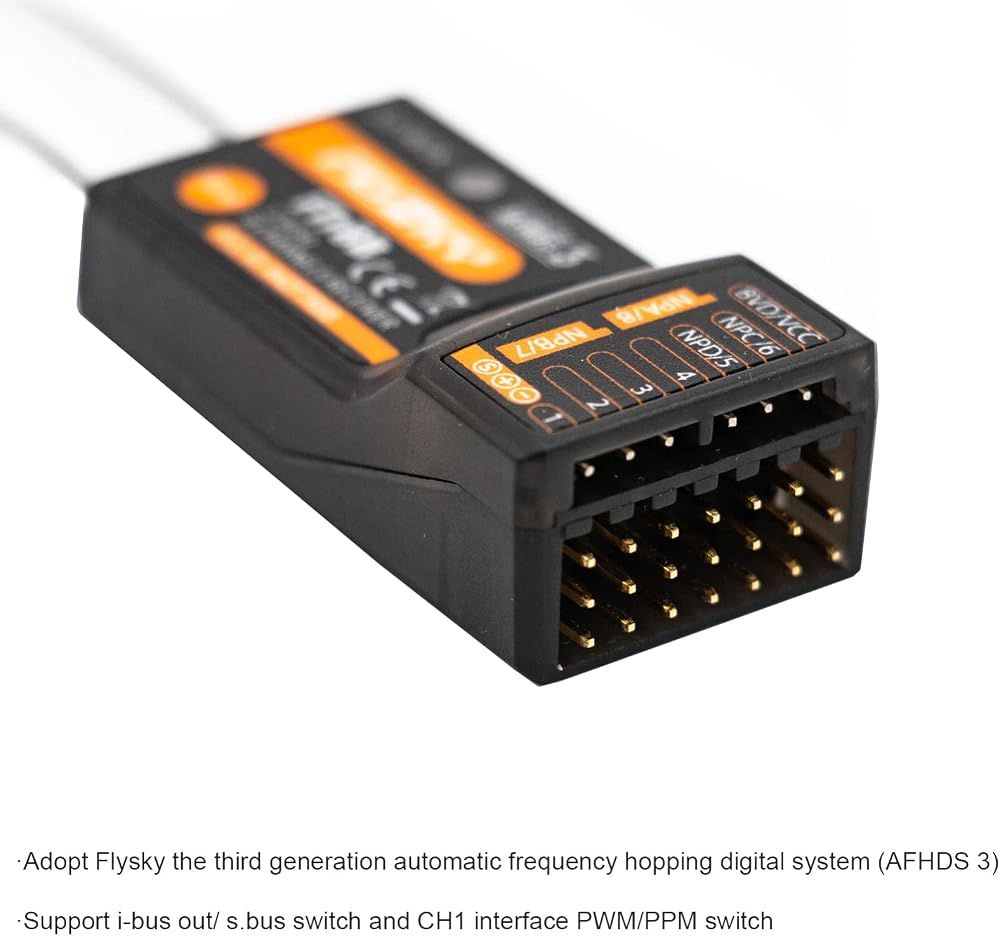
Data Output: PWM/PPM/i.BUS out/S.BUS
Temperature Range:-10℃ to +60℃
Humidity Limit:20%-95%
Online Update:Yes
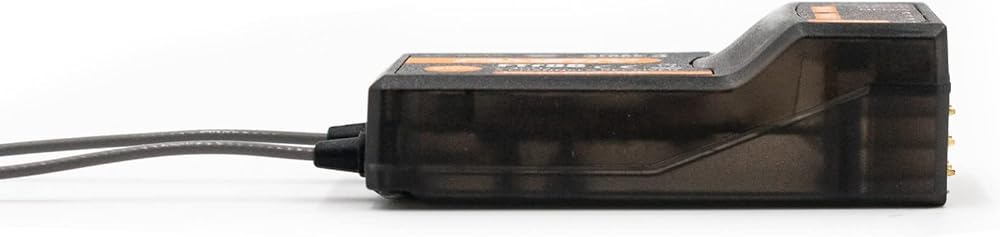
Dimensions:46*23.8*14.8mm
Weight:11.3g
Package List:
1 x FTR8B Receiver
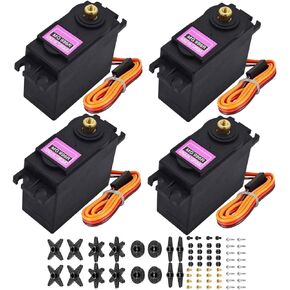 4Pack MG996R Analog Servo 55g Metal Gear Torque Digital Servo Motor,180/360 Degree for Futaba Sanwa GWS JR RC Helicopter Car Boat Robot DIY Project (4Pack 180° MG996R Servo Motor)
SAR 88
4Pack MG996R Analog Servo 55g Metal Gear Torque Digital Servo Motor,180/360 Degree for Futaba Sanwa GWS JR RC Helicopter Car Boat Robot DIY Project (4Pack 180° MG996R Servo Motor)
SAR 88
 Flysky FGr4S V2 4CH AFHDS 3 Remote Control 2.4GHz Receiver, Output Compatible with FS-NB4 Noble PL18 RC Transmitter Built-in Single Antenna PWM/PPM/I-Bus for RC Boat Car
SAR 189
Flysky FGr4S V2 4CH AFHDS 3 Remote Control 2.4GHz Receiver, Output Compatible with FS-NB4 Noble PL18 RC Transmitter Built-in Single Antenna PWM/PPM/I-Bus for RC Boat Car
SAR 189
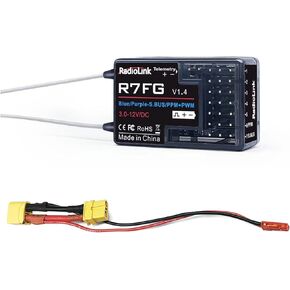 Radiolink RC6GS V3 7 Channels 2.4GHz RC Transmitter, with R7FG Gyro RX Volt Telemetry Integrated Receiver Dual Mix Programmable Controller for Crawler, Tanks, Buggy, Boats
SAR 124
Radiolink RC6GS V3 7 Channels 2.4GHz RC Transmitter, with R7FG Gyro RX Volt Telemetry Integrated Receiver Dual Mix Programmable Controller for Crawler, Tanks, Buggy, Boats
SAR 124
 -9%
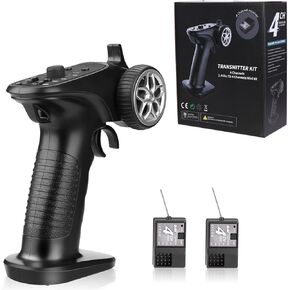
4H-TX 4CH 2.4GHz RC Radio System Transmitter with 4CH Controller Remote Control Receiver for RC Car, Boat, Tanks
SAR 186
-9%
4H-TX 4CH 2.4GHz RC Radio System Transmitter with 4CH Controller Remote Control Receiver for RC Car, Boat, Tanks
SAR 186