- Shopping, made easy.
- /
- Get the app!
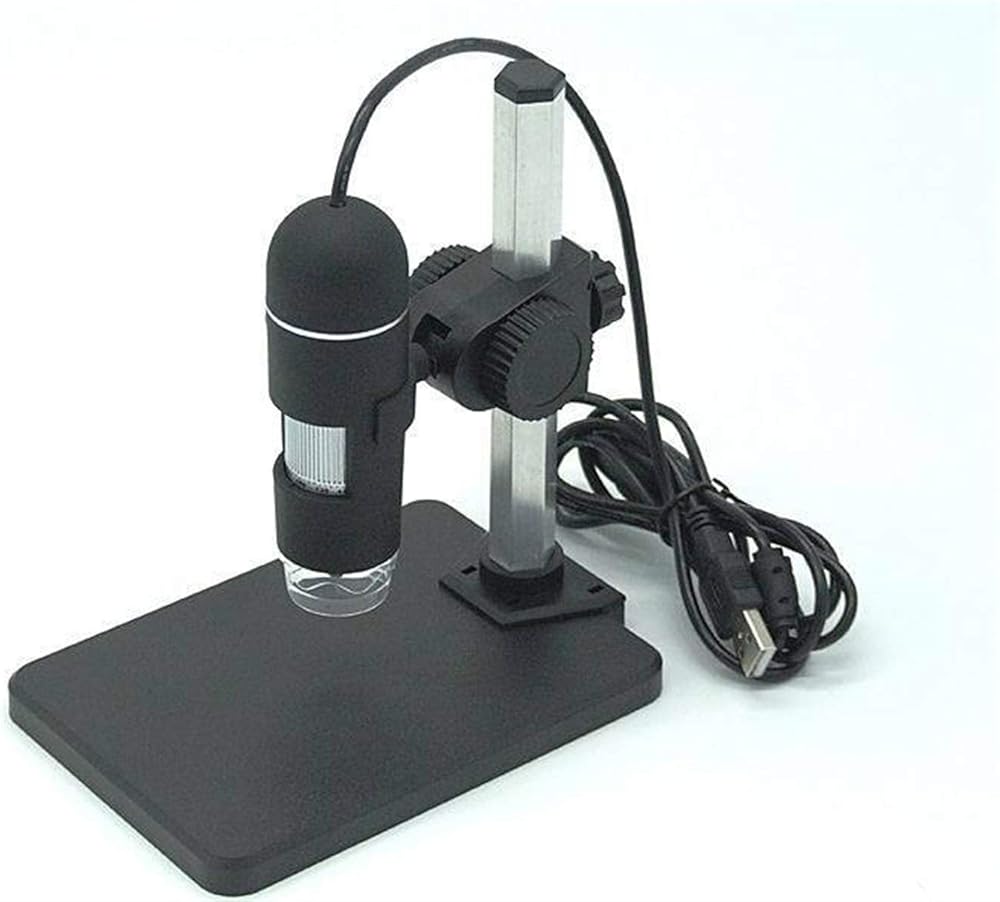
Pixel: image output up to 5 million
Controller: High-speed D-S-P.
Light source: eight white LED lights, which can control the brightness of the light + switch the light.
Magnification: 10-200 times
Power supply: USB interface (5V DC)
Hardware requirements: 20M hard disk, 128MB memory,
Computer interface: USB2.0 and USB1.0
Product size: 112MM (length) x3M (diameter)
Accessories: host, bracket, manual, CD driver CD. Micrometer.
Product color: black
Simple instructions for use:
1. Insert the USB interface.
2. Install drivers and software programs.
3. Open "AM-Cap" from "USB Digital Microscope" in the "Start" menu; then you can start to operate (the first installation needs to be set: open the pre-view of the software's Op-tion-s menu) .
4. Place the microscope close to the part to be magnified.
5. Adjust the LED light switch to proper brightness.
6. Adjust the rotation axis to the proper focus (20X to the left and 200X to the right).
7. Save the picture as (JPG or BMP).
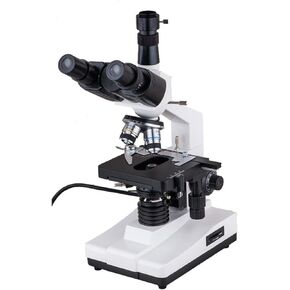 Biological Microscope X-S-P100S-M Trinocluar Biological Microscope 40X-1600X LED Light School Student
SAR 3,277
Biological Microscope X-S-P100S-M Trinocluar Biological Microscope 40X-1600X LED Light School Student
SAR 3,277
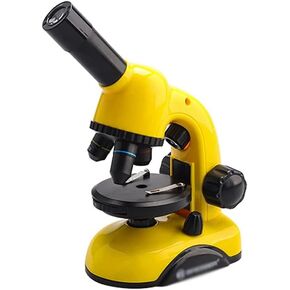 Optical Glass Lenses Cordless LED Student Biological Compound Microscope for School Student Beginner Laboratory
SAR 1,486
Optical Glass Lenses Cordless LED Student Biological Compound Microscope for School Student Beginner Laboratory
SAR 1,486
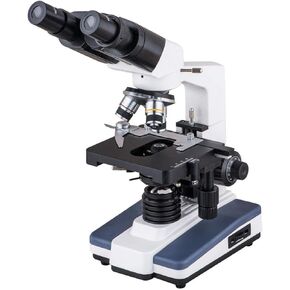 Biological Microscope XSP-200E Binocular Biological Microscope Students Teaching Microscopio for Research Jewelry School
SAR 3,657
Biological Microscope XSP-200E Binocular Biological Microscope Students Teaching Microscopio for Research Jewelry School
SAR 3,657
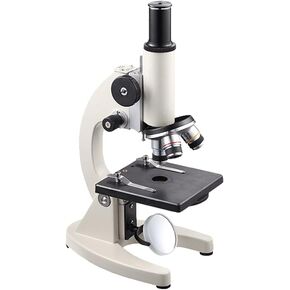 Microscope for Laboratory Compound Monocular Microscopes Magnifier Microscope 40x-640x for Kids Adults Students Beginners Laboratory
SAR 1,515
Microscope for Laboratory Compound Monocular Microscopes Magnifier Microscope 40x-640x for Kids Adults Students Beginners Laboratory
SAR 1,515