- Shopping, made easy.
- /
- Get the app!
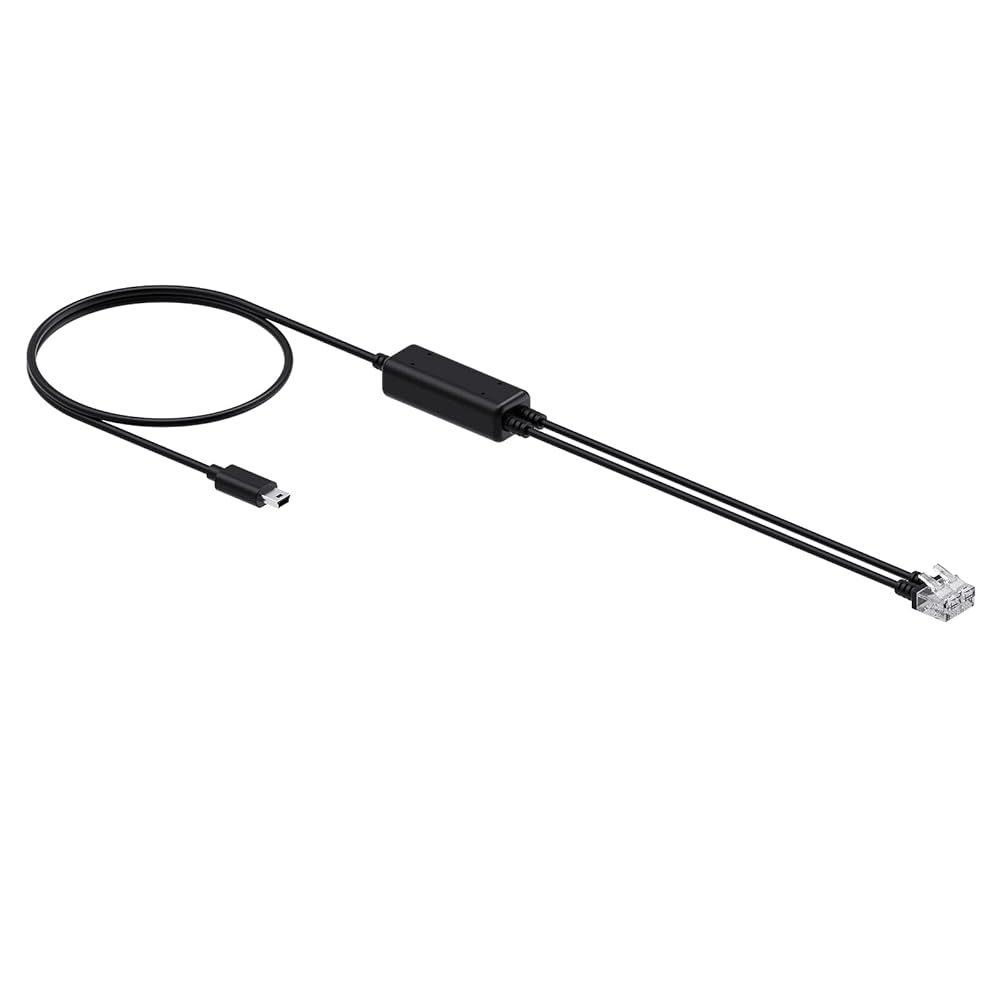
Supports audio transmission only, the call can only be controlled on the IP phone. You need to do the following: 1. Enable Deskphone Connection by utilizing Yealink USB Connect. 2. Adjust the audio transmission to headset by pressing the Headset button on the deskphone. 3. When receiving an incoming call, press the Phone button on the Base and then answer the call on the phone. 4. After the call ends, dock the headset to the Base/press the Phone button on the Base/press the MFB button of the headset to end the call.
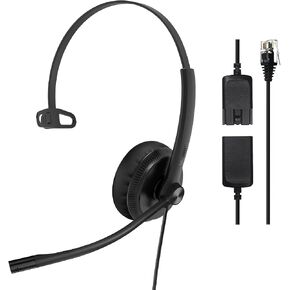 Yealink Phone Headsets for Office Phones YHS34 QD to RJ9 Wired Headset | Leather ear pads,Compatible with Poly Snom Grandstream Phones Desk Landline Headset with Microphone -Mono/72g/2.1m Cable
SAR 156
Yealink Phone Headsets for Office Phones YHS34 QD to RJ9 Wired Headset | Leather ear pads,Compatible with Poly Snom Grandstream Phones Desk Landline Headset with Microphone -Mono/72g/2.1m Cable
SAR 156
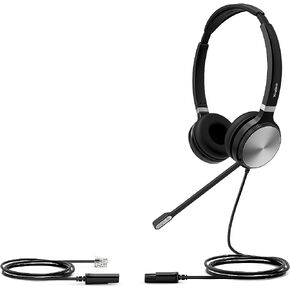 Yealink Headset with Microphone 3.5mm Headphone with Mic for PC Computer Laptop Phones Teams Certified Work Office Headset
SAR 334
Yealink Headset with Microphone 3.5mm Headphone with Mic for PC Computer Laptop Phones Teams Certified Work Office Headset
SAR 334
 Yealink WH63 Wireless Headset with Microphone UC Optimized Noise Canceling Mic for Office IP VoIP Phones PC Computer Headset with Charge Stand (UC Optimized) (WH63-MT)
SAR 574
Yealink WH63 Wireless Headset with Microphone UC Optimized Noise Canceling Mic for Office IP VoIP Phones PC Computer Headset with Charge Stand (UC Optimized) (WH63-MT)
SAR 574
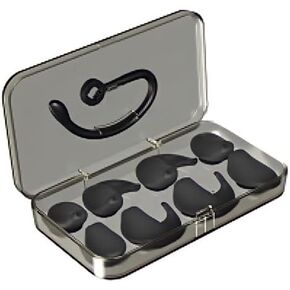 Yealink Earhook and Eartips for WH63/67 DECT Wireless Headset
SAR 188
Yealink Earhook and Eartips for WH63/67 DECT Wireless Headset
SAR 188

 Saudi Arabia