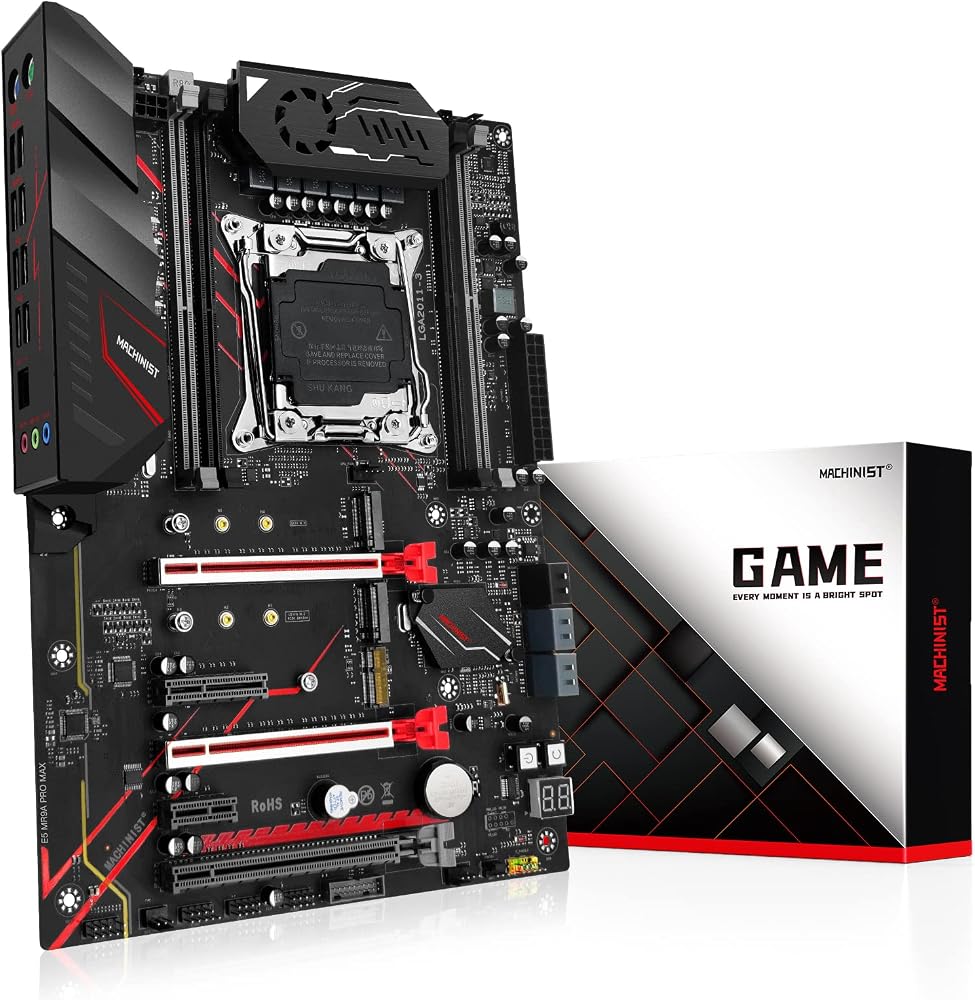
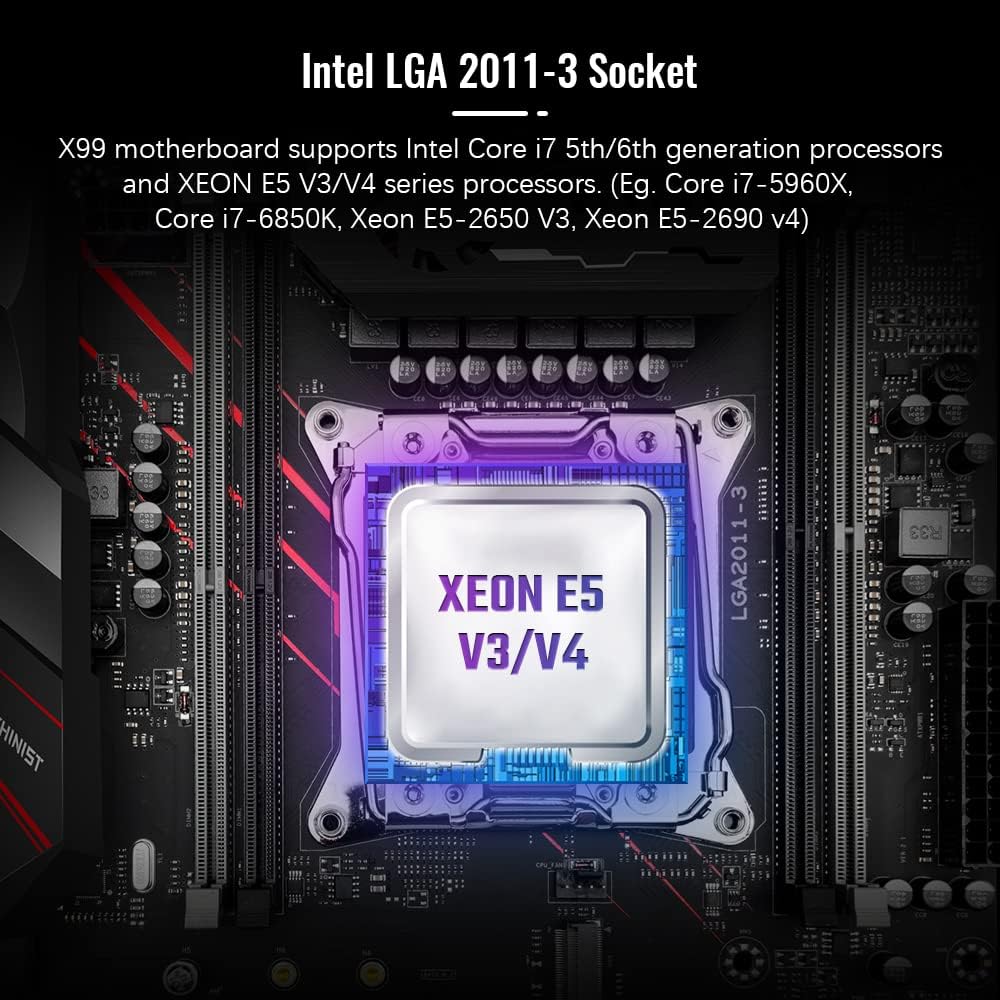
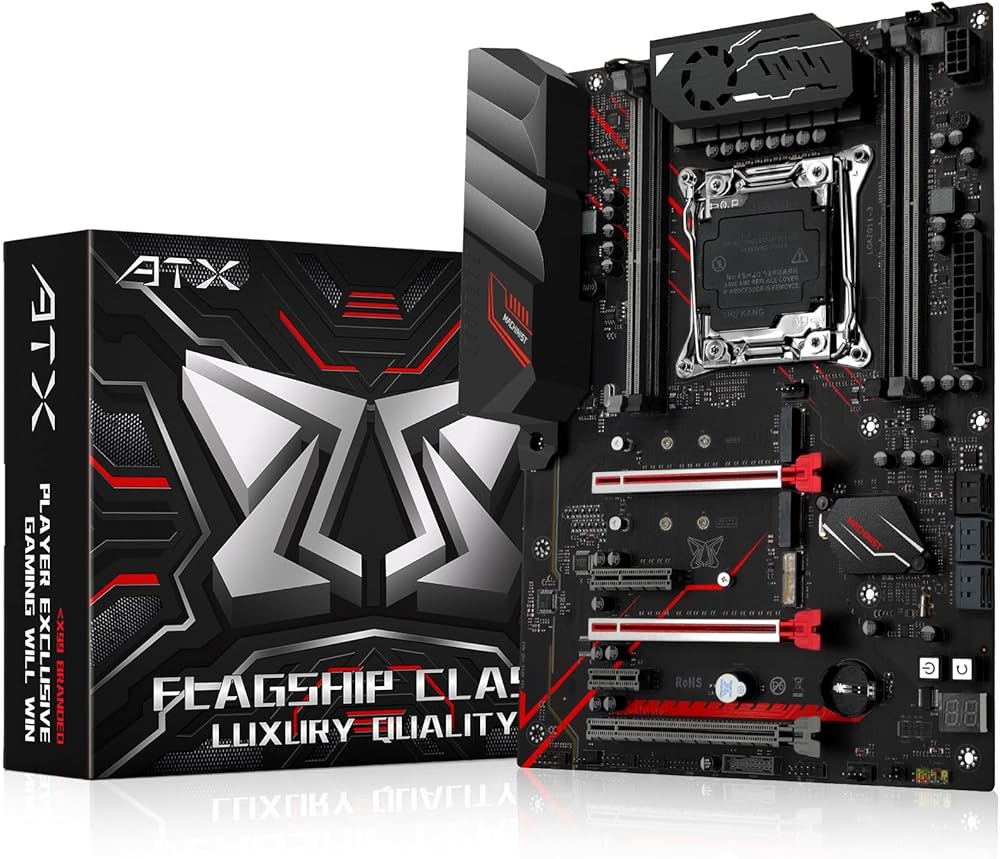
MACHINISIT LGA 2011-3 Motherboard X99 Micro ATX Mainboard for Intel Xeon E5 V3 V4 Series Processors (DDR4 Max 128GB, PCIe 3.0, M.2 Protocol, Gigabit LAN), X99 PR9-H PC Server MR9A PRO MAX Red+ATX
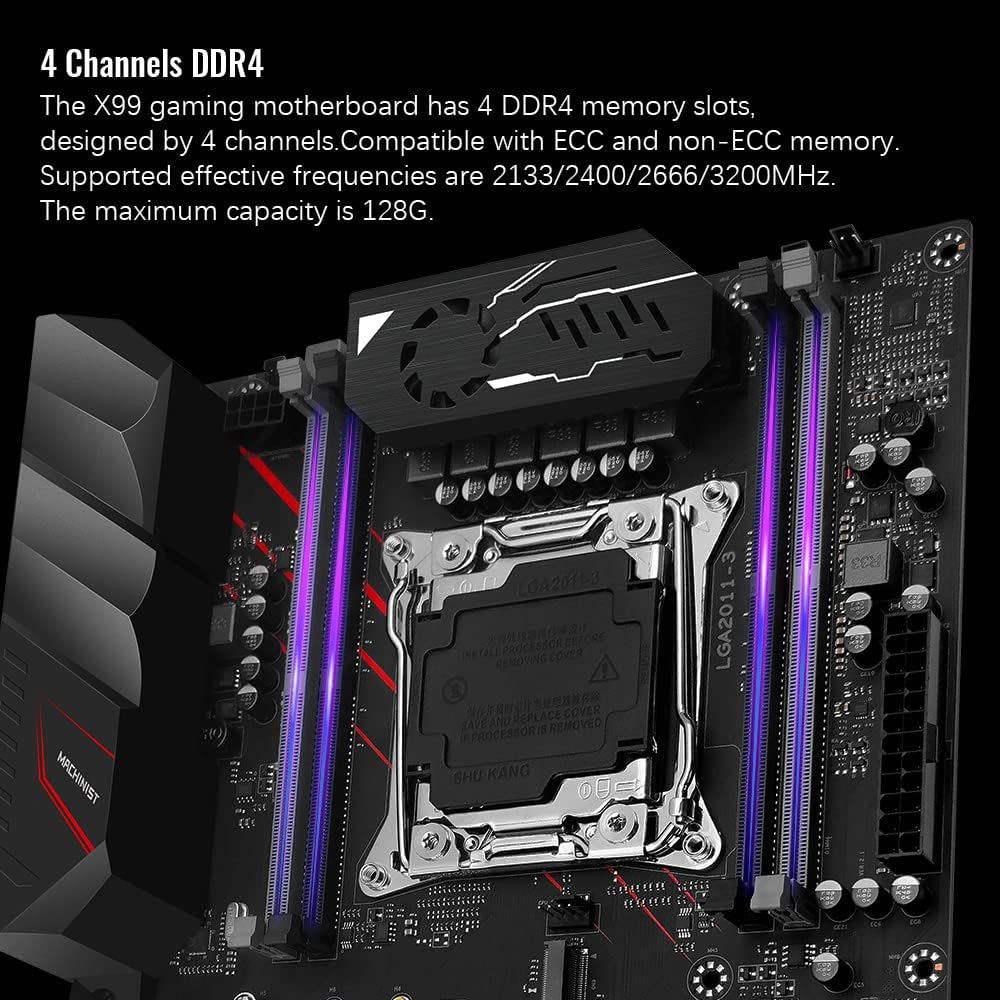
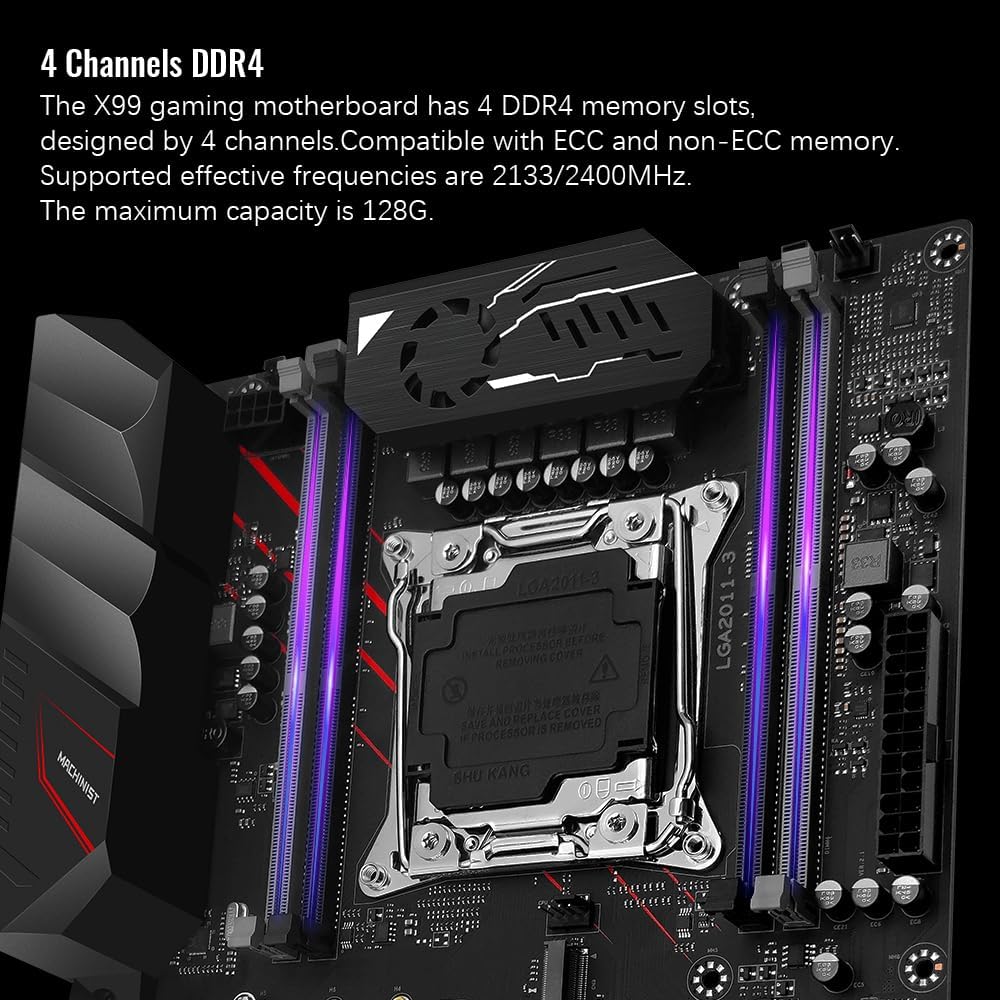
4 channels DDR4: The X99 gaming motherboard has 4 DDR4 memory slots, designed by 4 channels, compatible with ECC and non-ECC memory. The supported effective frequencies are 2133/2400/2666/3200MHz, and the maximum capacity is 128G.
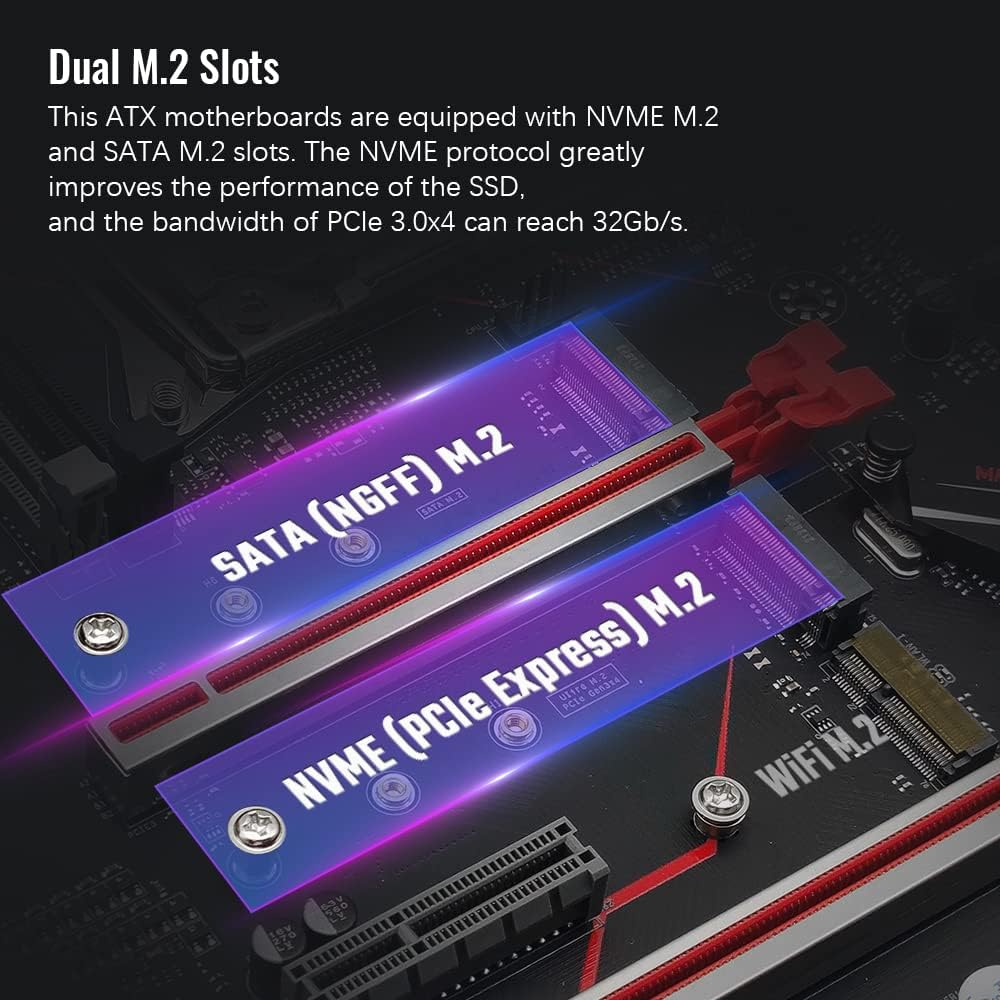
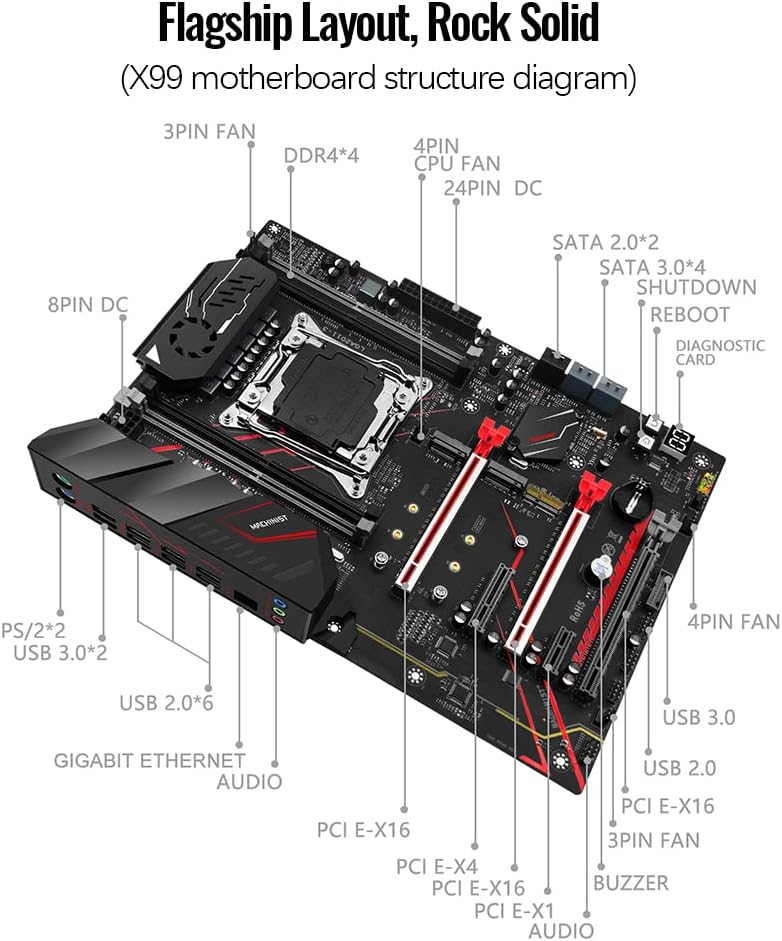
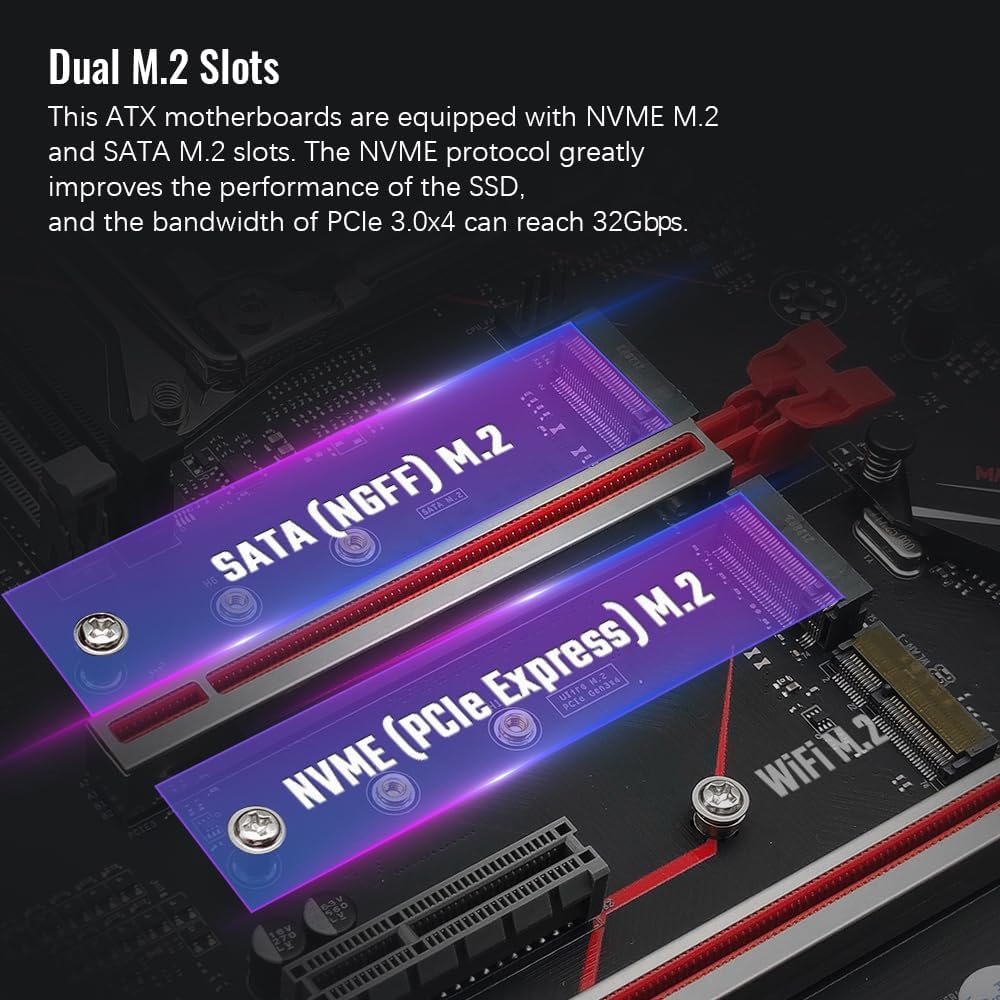
Dual M.2 slots: This ATX motherboards are equipped with NVME M.2 and SATA M.2 slots. The NVME M.2 slot adopts PEIe channel, and the maximum transmission speed is 32Gb/s.
5 PCIe graphics card slots: Equipped with 3 PCIe X16 slots (two of which are protected by a steel case), 1 PCIe X4 slot and 1 PCIe X1 slot. Using the PCIe 3.0 protocol, the effective transfer rate can reach up to 15.754 GB/s.
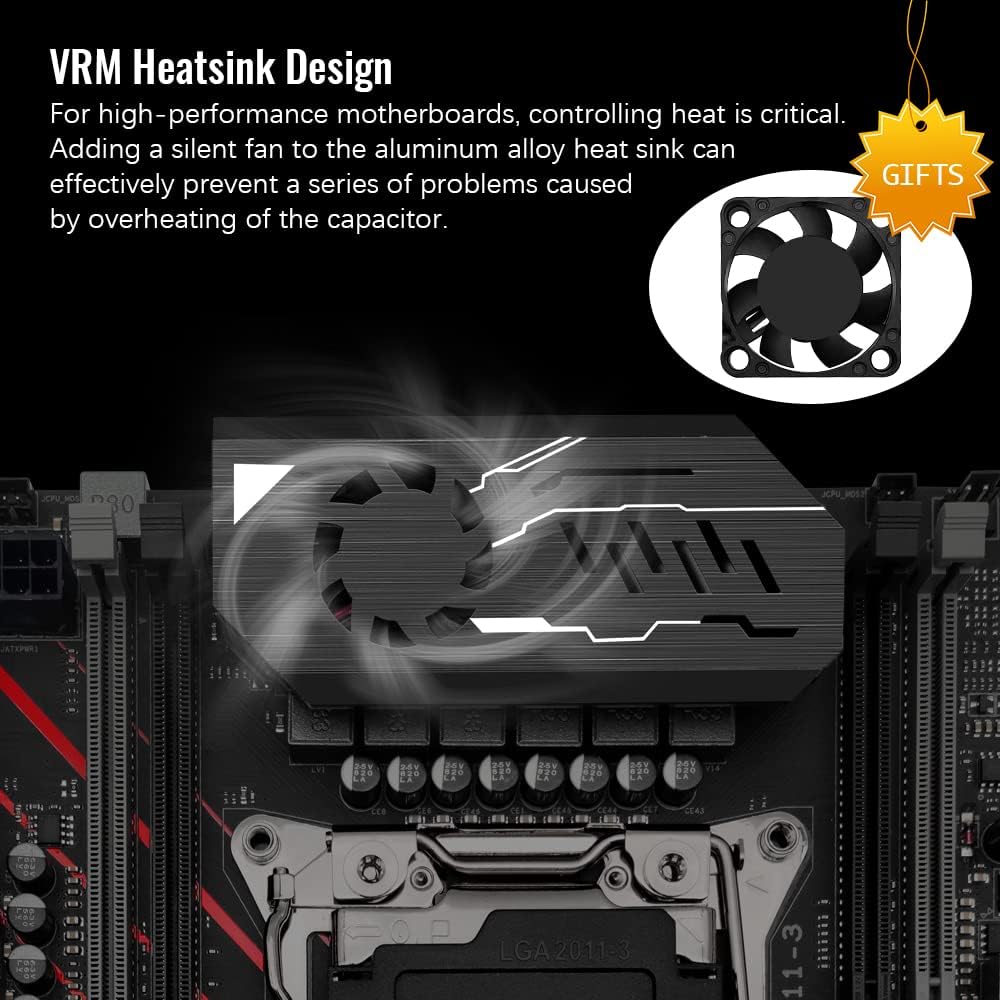
More functions: Assembled with aluminum alloy VRM cooling fan, one-key "boot" and "restart" buttons, buzzer and diagnostic card, etc.
More expansion ports: Including 3*USB 3.0(1*front), 7*USB 2.0(1*front), 2*PS/2, 4*SATA 3.0, 2*SATA 2.0. Size: 215mm x 303mm.
Tips: Before purchasing this ddr4 motherboard, make sure you can install it yourself. After the motherboard is installed normally, if there is no display, no boot, no picture, no network card, no sound card, etc. It is recommended that the customer restore the factory settings, reset the CMOS or wipe the metal contact on the memory, CPU and graphics card (the part that contacts with the motherboard) with an eraser to improve the situation such as poor contact.
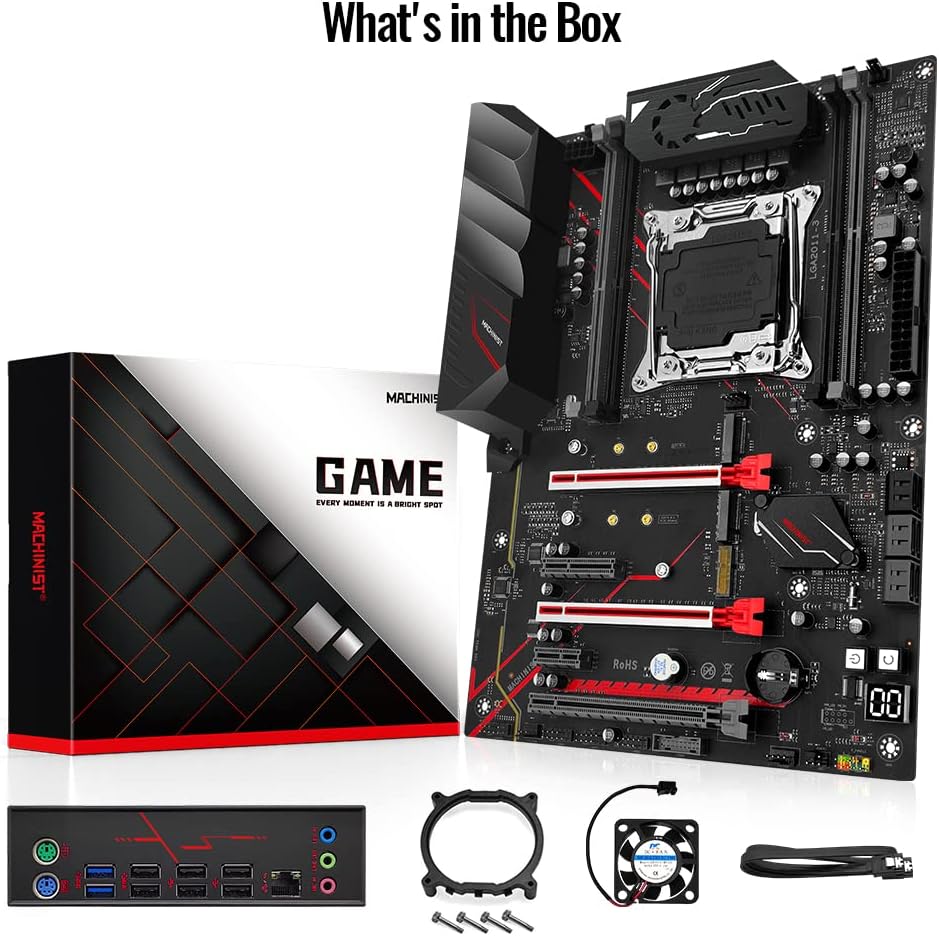
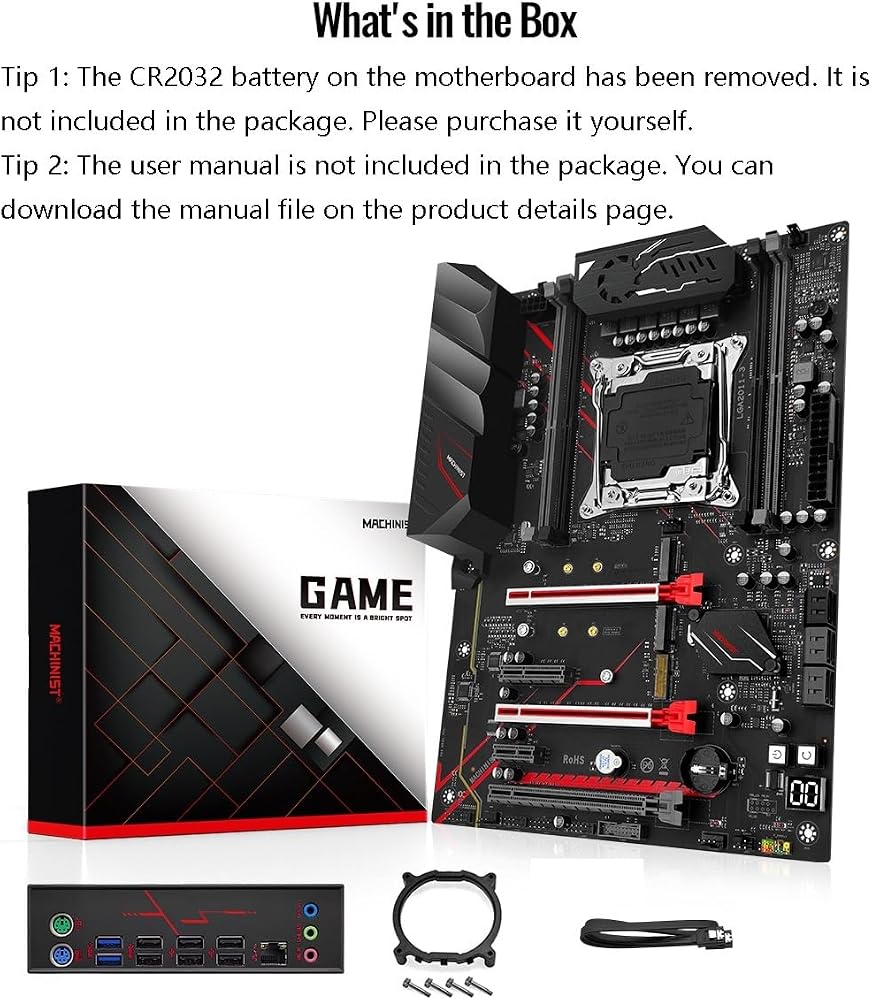
Tips: The package includes: 1*CPU fan bracket, 1*SATA cable, 1*I/O baffle, 1*motherboard, 1*DC-Fan. All the information of this product can be found in the description and pictures. If you don't know where to download the driver, it is recommended to use the win 10 system, which can help you solve all driver problems.
Common problem: "FF" code appears on the diagnostic card, which may be caused by incompatible CPU, foreign objects on CPU pins or improper power connection. The metal contact surfaces of the CPU can be wiped with an eraser to ensure cleanliness. If the codes "b7", "b9", "53" and "b0" appear, this is a problem that the motherboard does not detect the memory. You can remove and insert the memory several times or wipe the metal contact surface of the memory with an eraser to solve it.




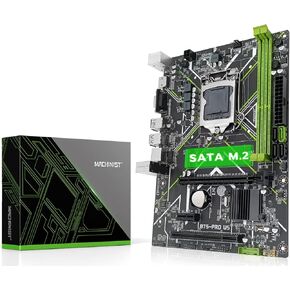 MACHINIST H61 LGA 1155 (Intel 2th/3th Gen) Gaming Motherboard, Flex-ATX Computer Motherboards Support PCIe 2.0, 100M LAN, DDR3, SATA M.2 for Intel i3,i5,i7/Xeon E3 V2/Pentium
SAR 209
MACHINIST H61 LGA 1155 (Intel 2th/3th Gen) Gaming Motherboard, Flex-ATX Computer Motherboards Support PCIe 2.0, 100M LAN, DDR3, SATA M.2 for Intel i3,i5,i7/Xeon E3 V2/Pentium
SAR 209
 -14%
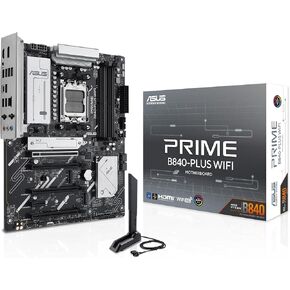
ASUS Prime B840-PLUS WiFi AMD AM5 B840 ATX Motherboard, Advanced AI Ready, DDR5, PCIe 4.0, 3X M.2, Wi-Fi 6E, 2.5Gb LAN, DisplayPort, HDMI™, USB 10Gbps Type-A & Type-C®, BIOS Flashback™, Aura Sync RGB
SAR 793
-14%
ASUS Prime B840-PLUS WiFi AMD AM5 B840 ATX Motherboard, Advanced AI Ready, DDR5, PCIe 4.0, 3X M.2, Wi-Fi 6E, 2.5Gb LAN, DisplayPort, HDMI™, USB 10Gbps Type-A & Type-C®, BIOS Flashback™, Aura Sync RGB
SAR 793
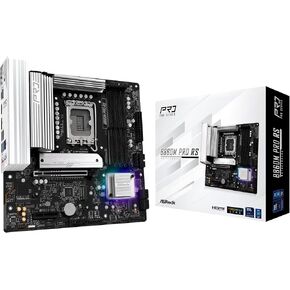 ASRock Phantom Gaming B860I Lightning WiFi 6E Intel Core Ultra B860 LGA1851 DDR5 9333 MHz 128GB M.2 Mini ITX Motherboard Thunderbolt SATA3 6.0 Gb/s PCIe 5.0
SAR 819
ASRock Phantom Gaming B860I Lightning WiFi 6E Intel Core Ultra B860 LGA1851 DDR5 9333 MHz 128GB M.2 Mini ITX Motherboard Thunderbolt SATA3 6.0 Gb/s PCIe 5.0
SAR 819
 Micro Center CPU Motherboard Combo - Intel Core Ultra 7 265K 20-Cores LGA 1851 Desktop Processor Bundle with Tuf Gaming Z890-Plus WiFi Motherboard
SAR 2,559
Micro Center CPU Motherboard Combo - Intel Core Ultra 7 265K 20-Cores LGA 1851 Desktop Processor Bundle with Tuf Gaming Z890-Plus WiFi Motherboard
SAR 2,559

 Saudi Arabia