All electronics ship with US style plugs.You may need a voltage converter or a plug adapter.
Special Features
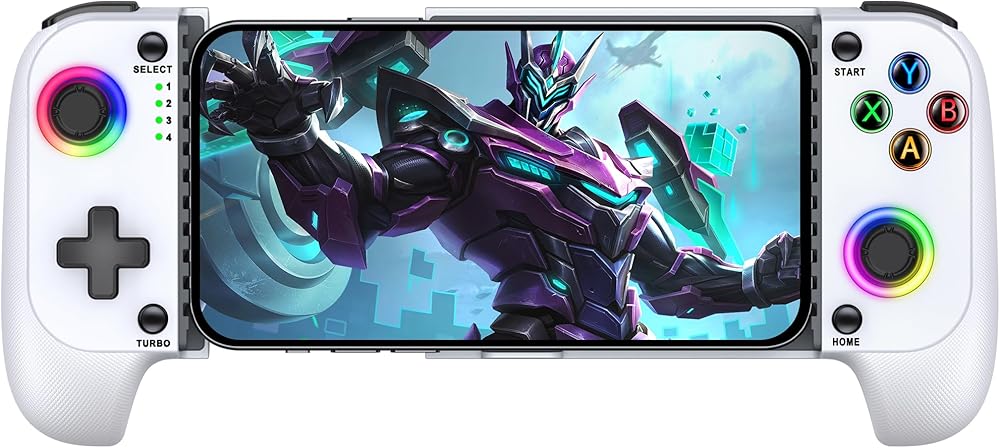
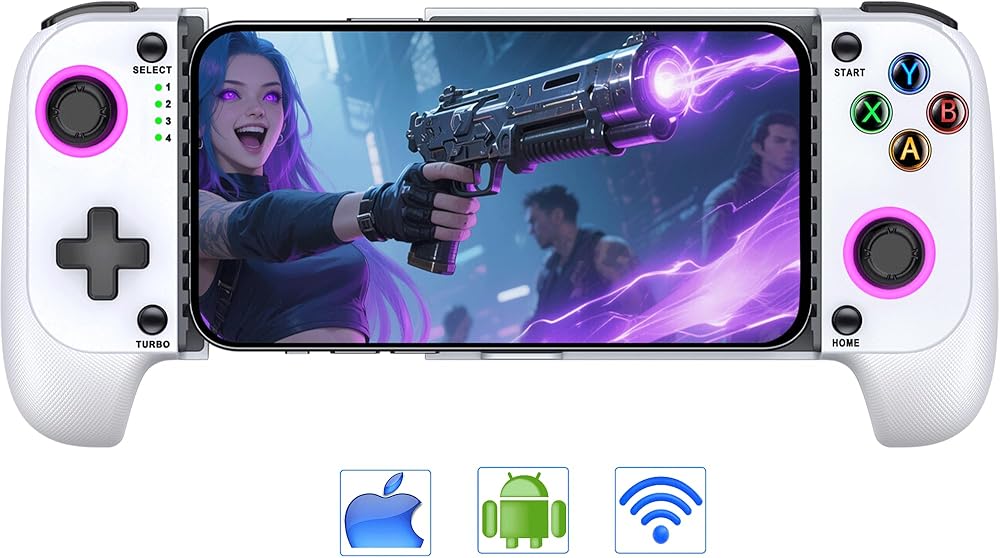
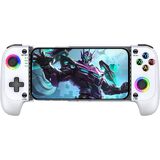
Innovative Hall Effect Joystick: State-of-the-art with the latest Hall effect joystick, the phone game controller offers high precision, rapid response, and no drift, wear, and tear. The joystick and keys feature cool RGB lighting effects, and TURBO+L3 can turn the lights of ABXY keys on/off, while TURBO+R3 cycles the joystick aperture light effect
Turbo Speeds and Dual Vibration Feedback: This handheld controller packs maximum power with three selectable turbo speeds (5/s, 12/s, and 20/s), allowing lightning-fast attacks that put you ahead in the game! Meanwhile, its dual motor vibration feature takes your gaming experience to the next level with immersive tactile feedback
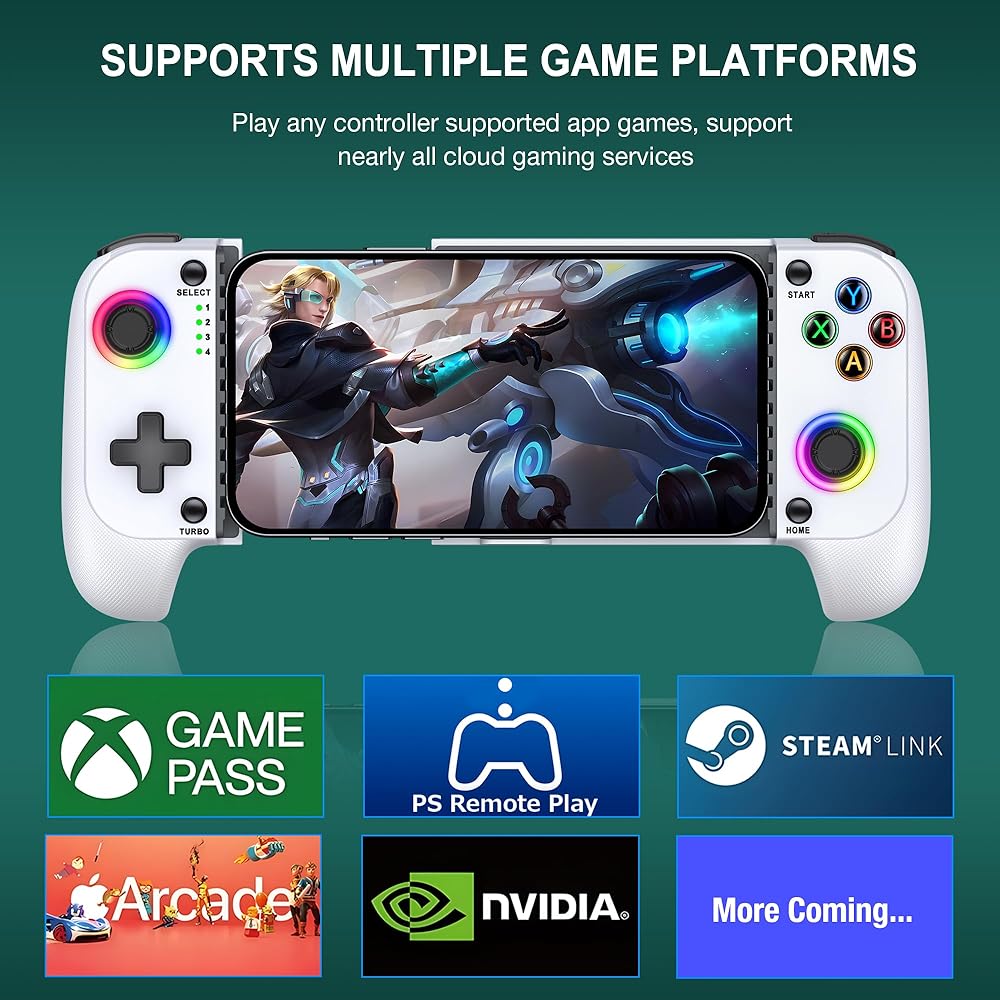
Experience Any Game with Controller Support: The wireless mobile controller lets you explore hundreds of games that support controllers, including Fortnite, Genshin Impact, Call of Duty, and more, and supports cloud-based gaming services like Playstation Remote PLAY, Steam Link, and Xbox Game Pass, as well as MFi Apple Arcade
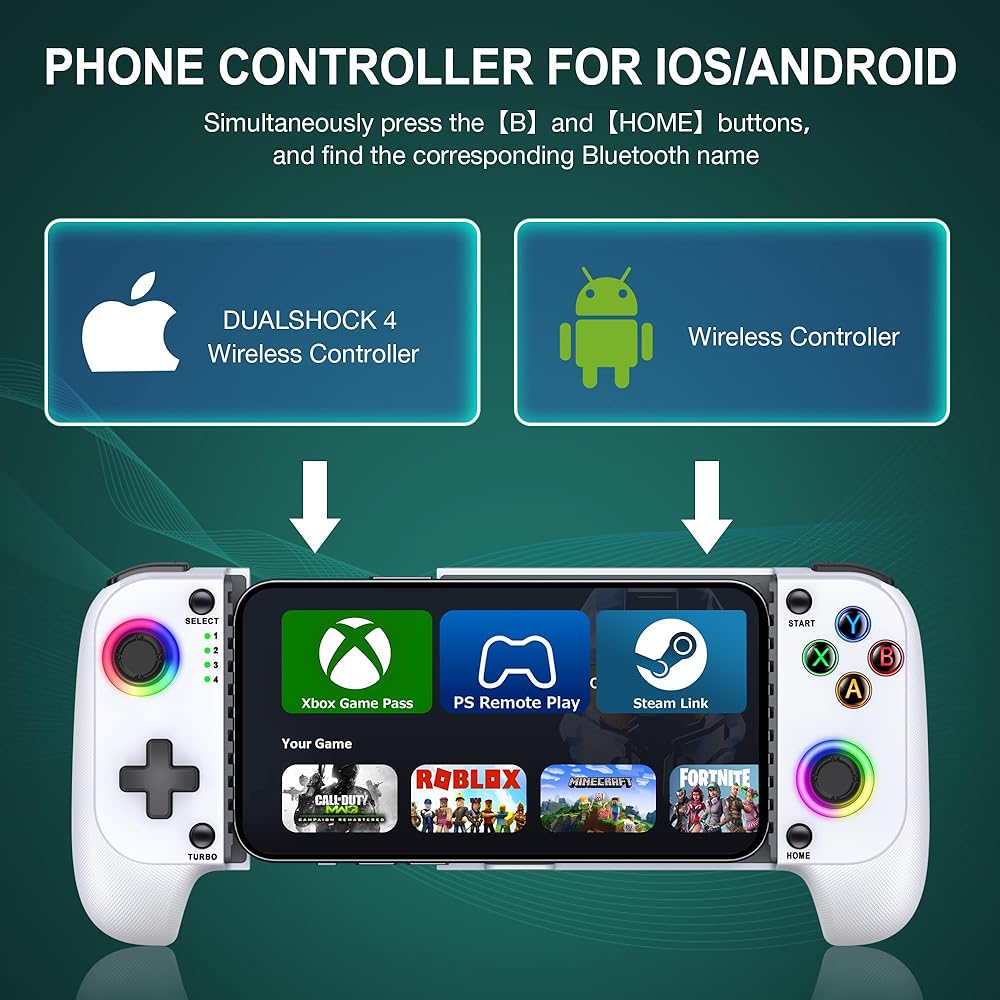
Swift and Easy Connection: The cell phone controller adopts a hassle-free Bluetooth connection. To get started, simply press and hold the "B+HOME" key, find the corresponding Bluetooth name for your device (''DUALSHOCK 4 Wireless Controller'' for iOS, and ''Wireless Controller'' for Android), and once the LED4 signal light is constantly on, your connection is stable
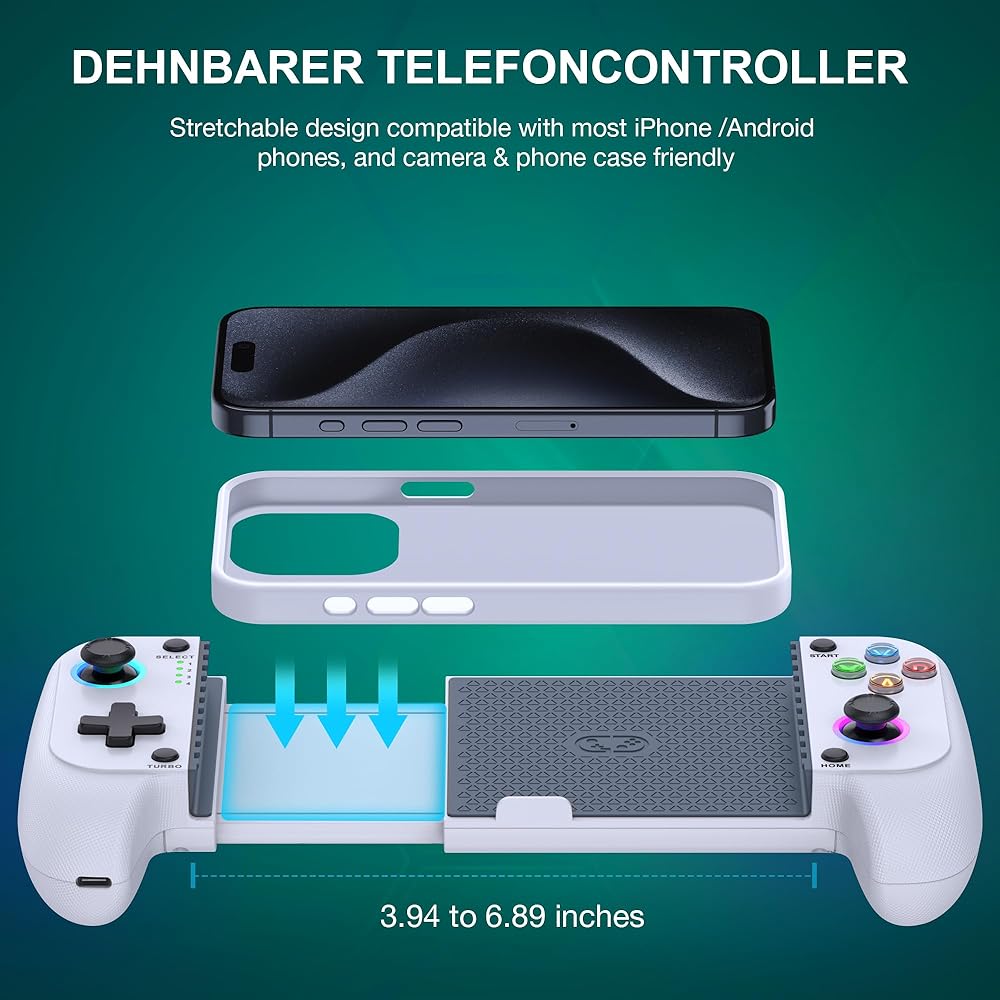
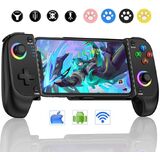
Fits Most Smartphones: The mobile phone controller is versatile and stretchable from 10cm to 17.5cm, with a firm grip on the phone thanks to the full rubber pad material on its contact surface. It supports regular phone cases, and its ergonomic design ensures a comfortable grip. Comes with rocker cap and crystal sticker.
Connection Precautions : When pressing B+HOME, the light blinks waiting for a longer time to connect. When pressing HOME alone, the light blinks for a shorter time waiting to connect. If you are connecting to this controller for the first time, please press B+HOME, if you are connecting for the second time, just press HOME after turning on Bluetooth to connect back automatically
Prompt: If any functional issues occur, you can reset the controller by pressing the reset button inside the small hole at the top right of the back of the controller with a tack. Then del
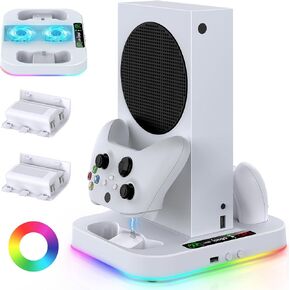 Cooling Stand for Xbox Series S with RGB Light, MENEEA Fast Charger Station with 2x1400mAH Batteries,Cooler Accessories with 3-Speed Adjustable Fan, Dual Charger Dock, 15 Light Modes, 2.0 USB Port
SAR 240
Cooling Stand for Xbox Series S with RGB Light, MENEEA Fast Charger Station with 2x1400mAH Batteries,Cooler Accessories with 3-Speed Adjustable Fan, Dual Charger Dock, 15 Light Modes, 2.0 USB Port
SAR 240
 PlayStation 3 500 GB Super Slim System (Renewed)
SAR 1,017
PlayStation 3 500 GB Super Slim System (Renewed)
SAR 1,017
 Old Skool Classiq 2 AV Version Twin Video Game System, Grey/Purple Compatible with SNES/NES Nintendo and Super Nintendo cartridges
SAR 261
Old Skool Classiq 2 AV Version Twin Video Game System, Grey/Purple Compatible with SNES/NES Nintendo and Super Nintendo cartridges
SAR 261
 MIGHTY SKINS Glossy Glitter Skin Compatible with Xbox Series X Bundle - Lava Water | Protective, Durable High-Gloss Glitter Finish | Easy to Apply and Change Styles | Made in The USA
SAR 146
MIGHTY SKINS Glossy Glitter Skin Compatible with Xbox Series X Bundle - Lava Water | Protective, Durable High-Gloss Glitter Finish | Easy to Apply and Change Styles | Made in The USA
SAR 146

 Saudi Arabia