- Shopping, made easy.
- /
- Get the app!
Steps:
1. Before plugging the cable, pelase make sure softeare on PC and headset update to the latest version.
2. In Oculus homepage, click Devices-Add headset.
3. Click Quest-Continue;
4. Ready to set up the cable.
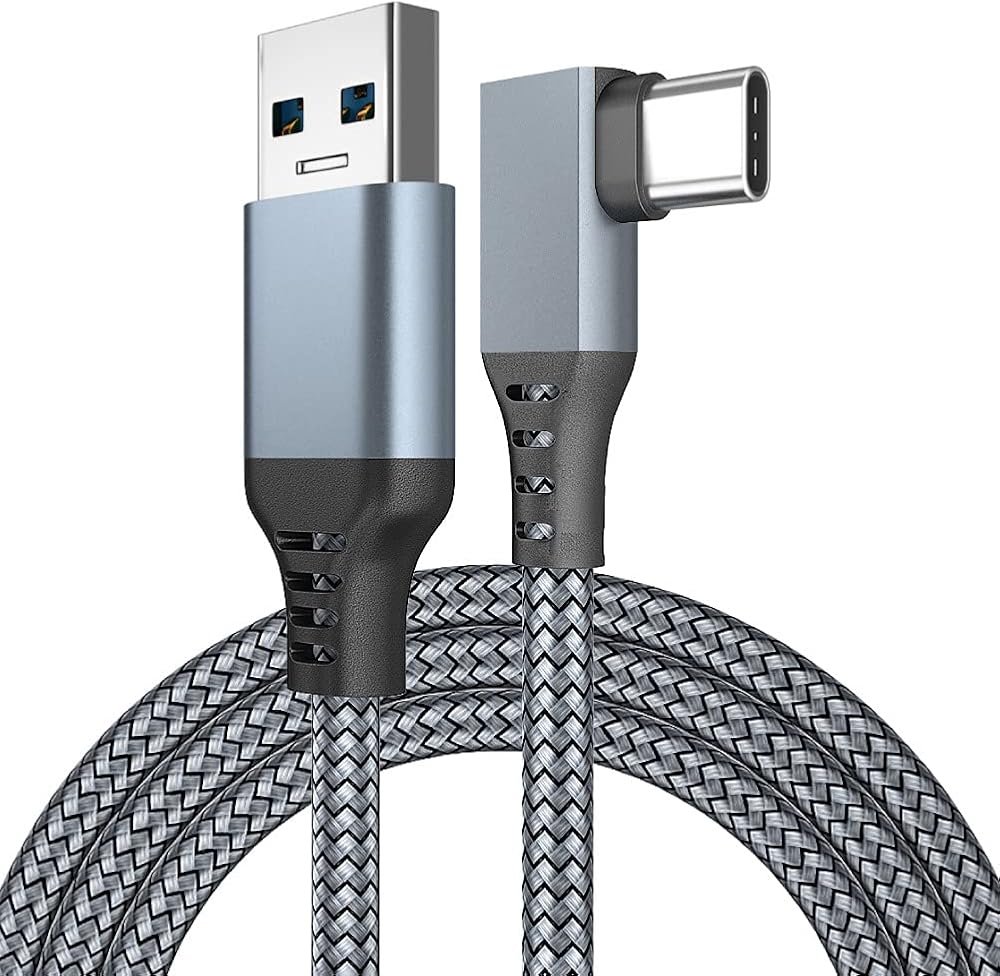
5. Important note: Type A connector must be plugged in the PC'S backward USB 3.0 blue port.
6. Plug the Type A connector.
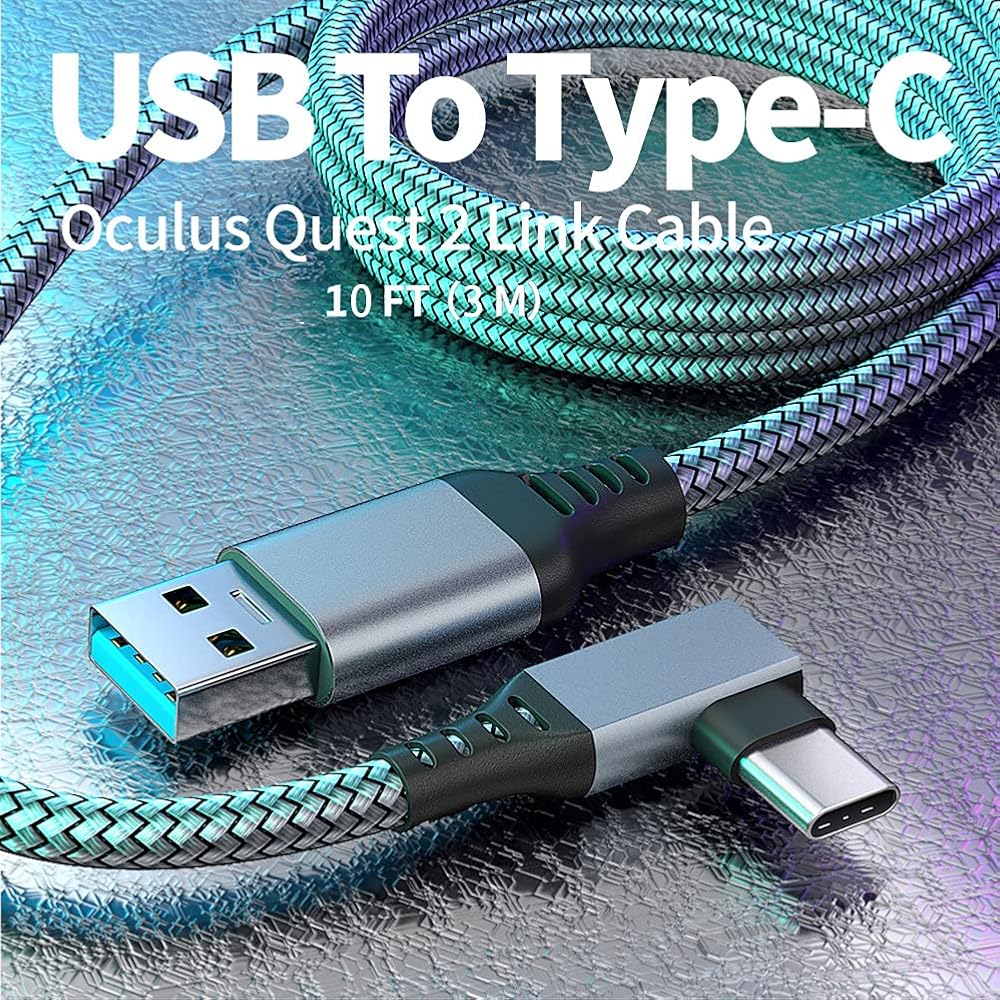
7. Link 10ft/16ft cables to Quest
8. Green tick means connect successfully.
9. Installation is done.
 -24%
Jade Dynasty 2 (Chinese Edition)
SAR 56
-24%
Jade Dynasty 2 (Chinese Edition)
SAR 56
 Nintendo DS Lite Coral Pink (Renewed)
SAR 636
Nintendo DS Lite Coral Pink (Renewed)
SAR 636
 MightySkins Glossy Glitter Skin Compatible with Xbox Series S - Wolf Dreams | Protective, Durable High-Gloss Glitter Finish | Easy to Apply and Change Styles | Made in The USA
SAR 131
MightySkins Glossy Glitter Skin Compatible with Xbox Series S - Wolf Dreams | Protective, Durable High-Gloss Glitter Finish | Easy to Apply and Change Styles | Made in The USA
SAR 131
 -47%
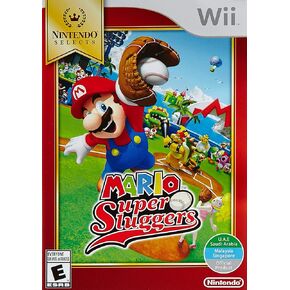
Nintendo Selects: Mario Super Sluggers (Renewed)
SAR 327
-47%
Nintendo Selects: Mario Super Sluggers (Renewed)
SAR 327