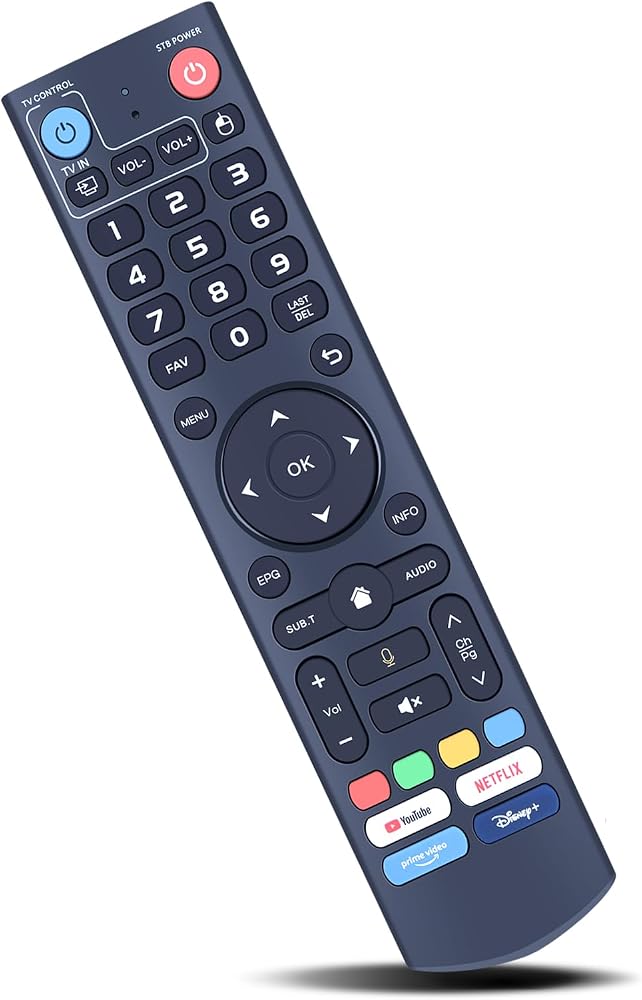
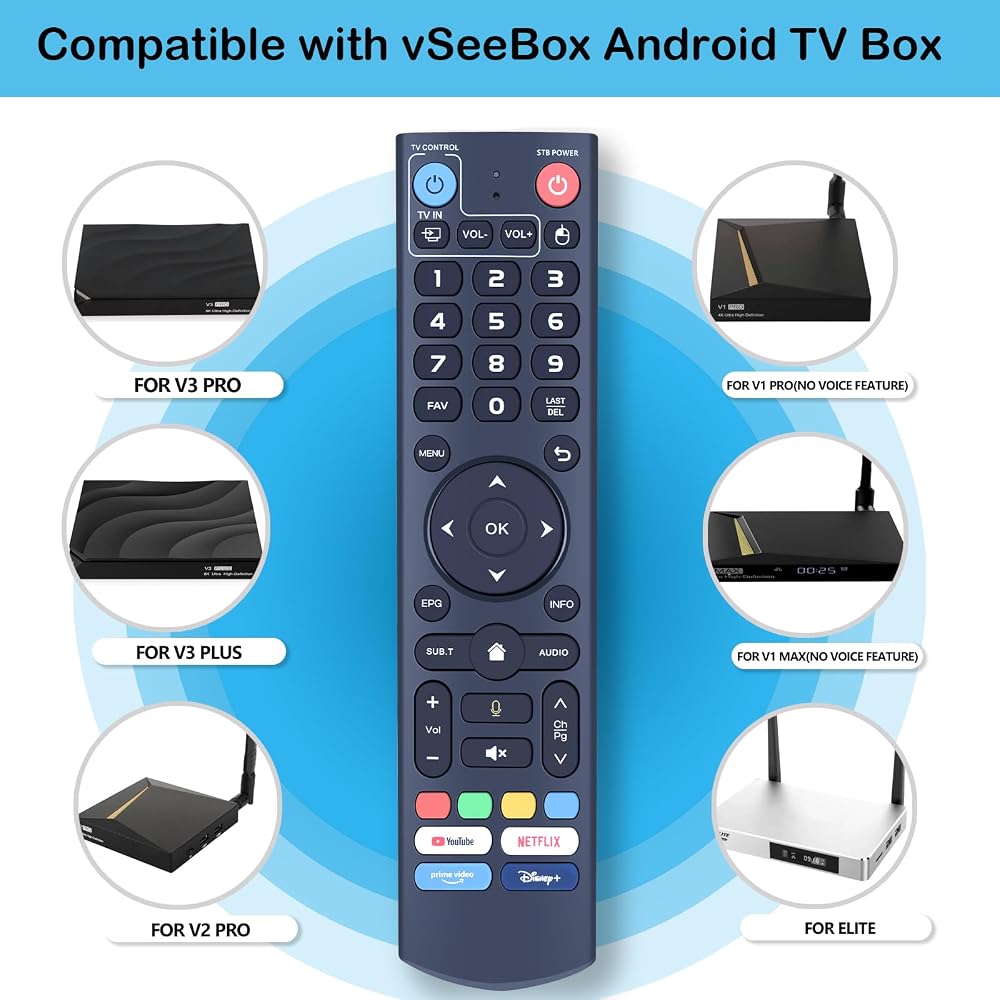
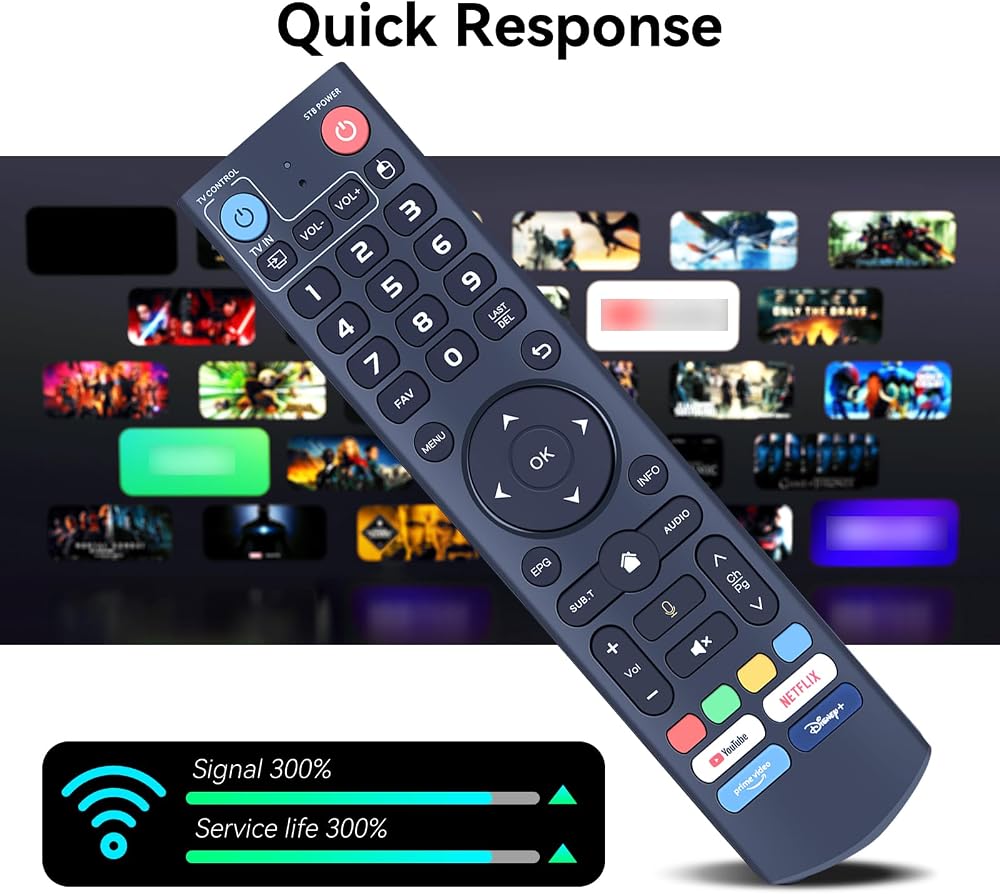
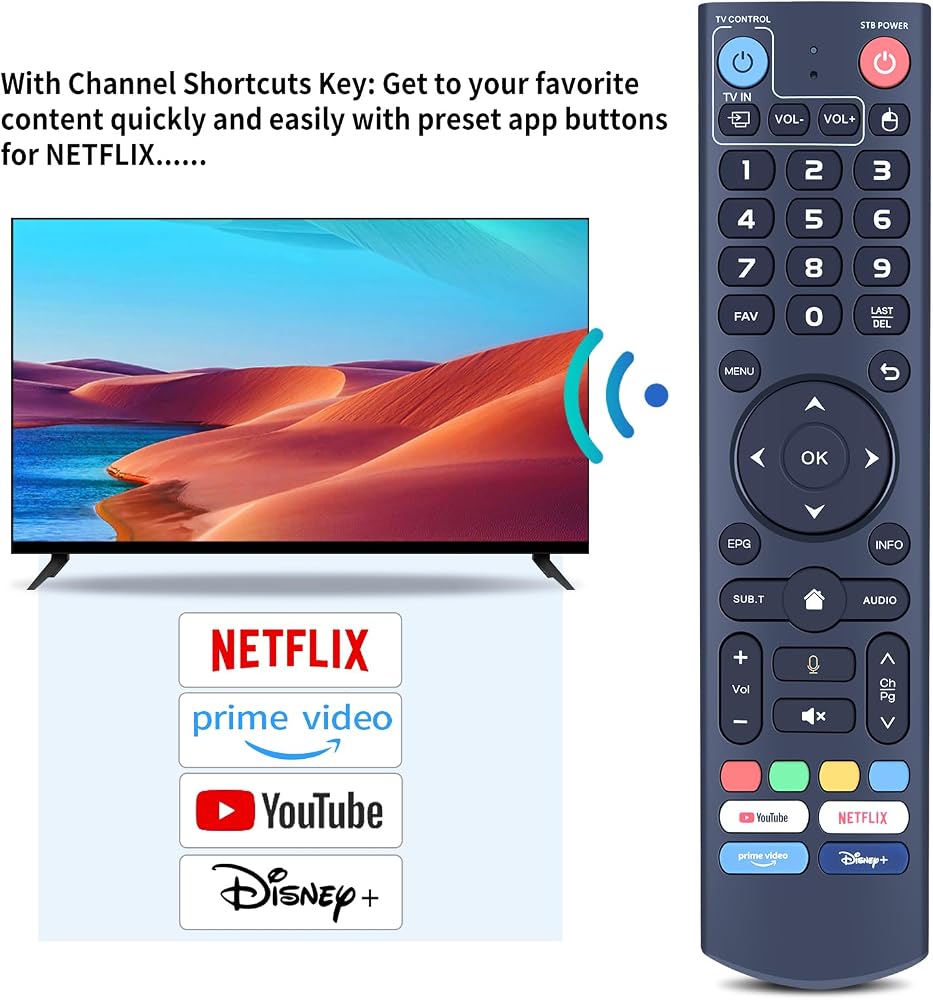
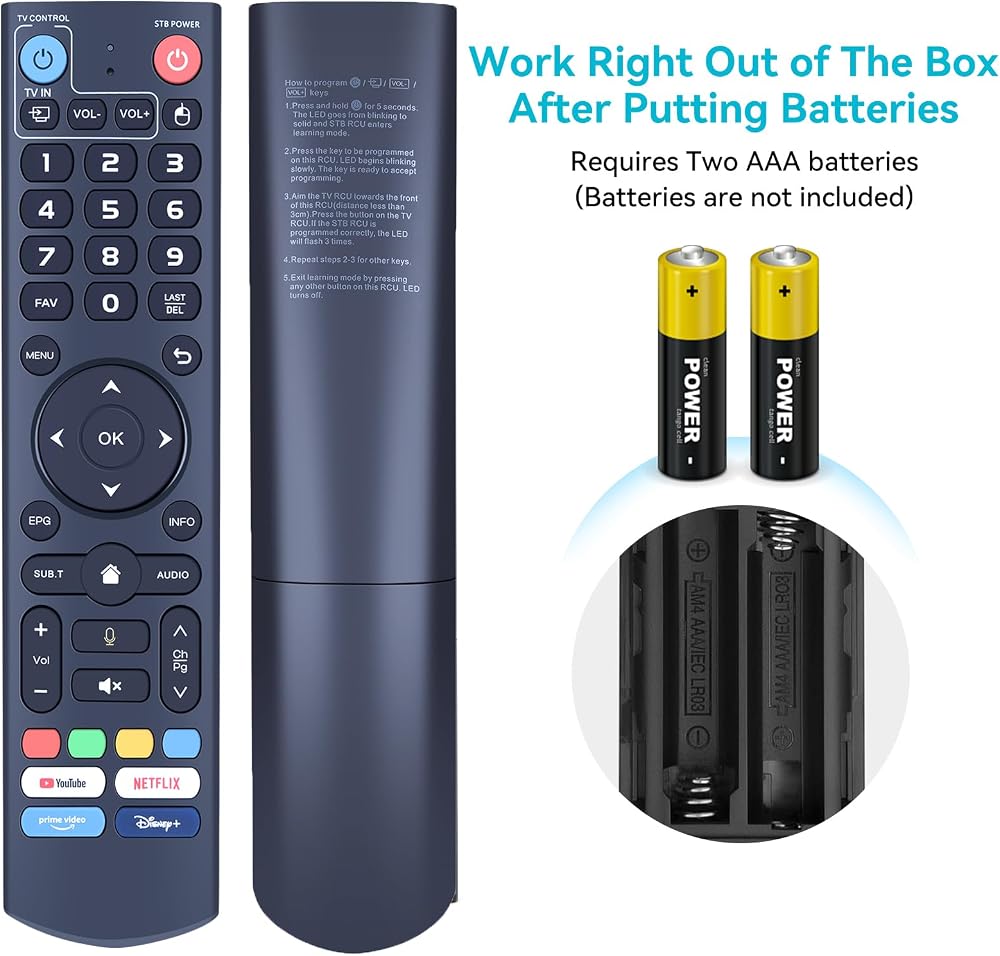
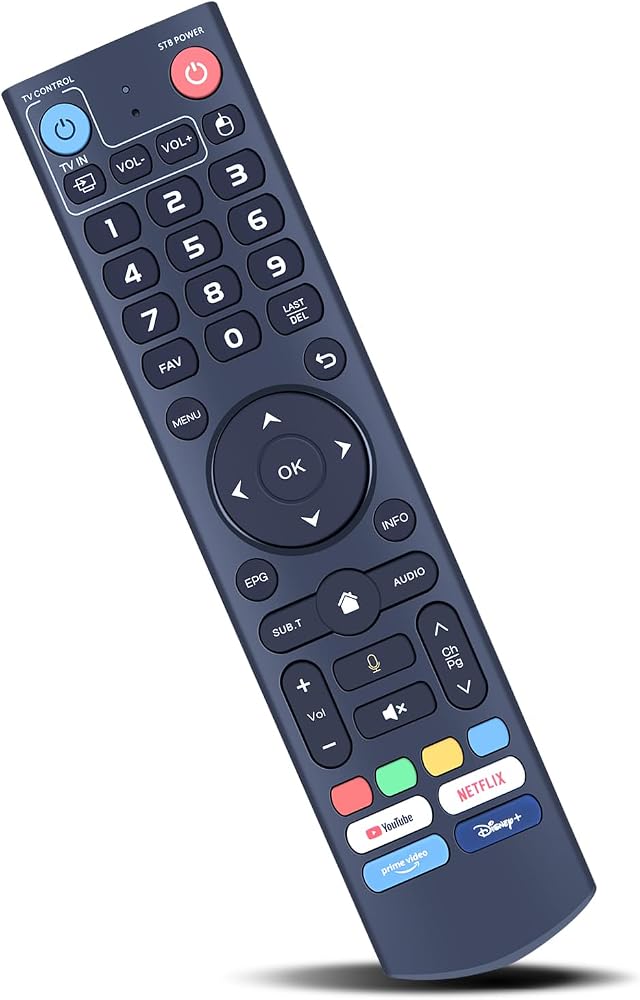
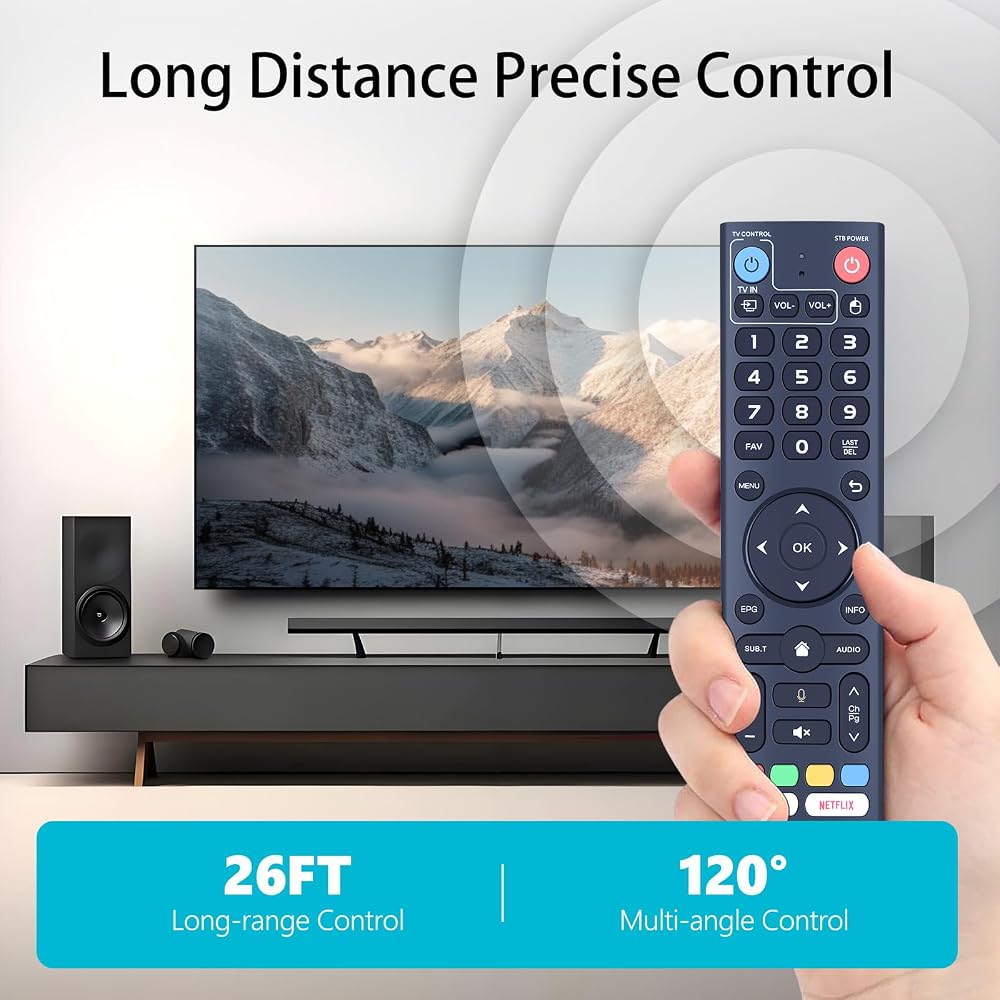
Compatible with Models: Works with all vSeeBox models, including V1, V2, V3, Elite, and Max.
Two working modes: V3 working mode and V2 working mode. Press and hold the number key 5 for more than ten seconds to switch modes. V3 Pro working mode applies to V3 Pro; V2 Pro working mode applies to V1 Pro/V2 Pro/Max/Elite.V3 remote control is in V3 working mode by default. If you have V1 Pro/V2 Pro/Max/Elite, please press and hold "Number 5" for more than 10 seconds. When the indicator light flashes, it indicates that you have switched to V2 working mode.
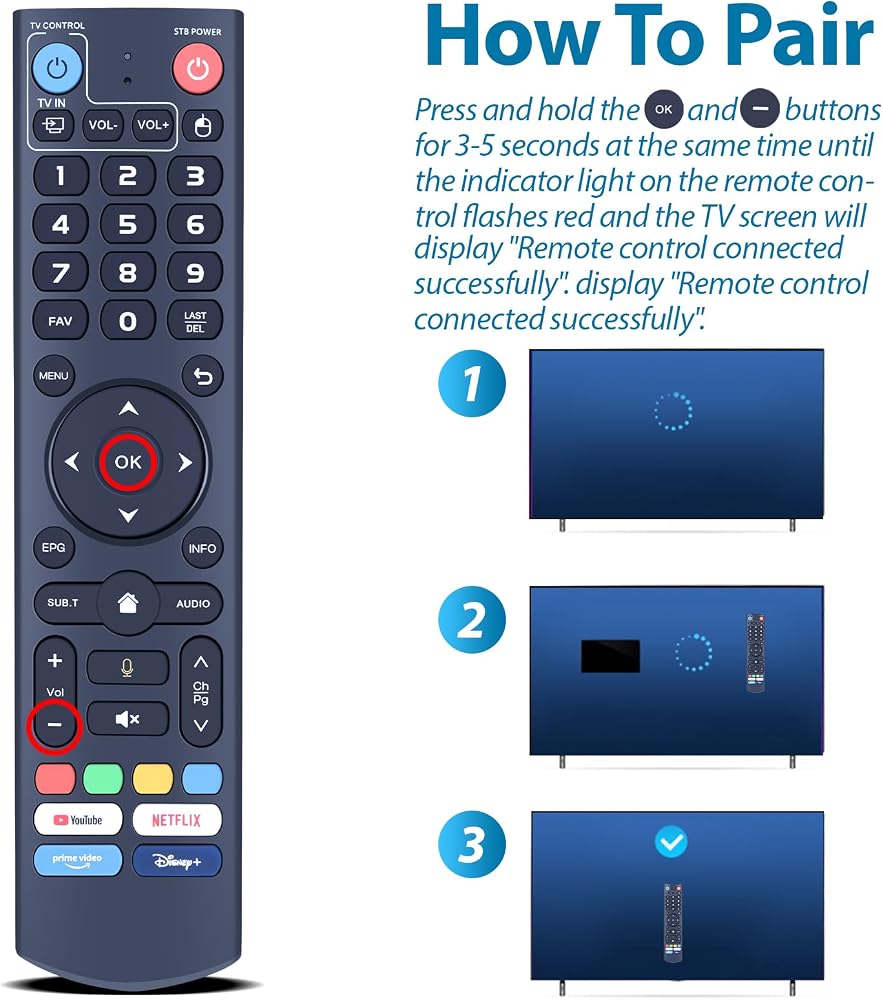
On the V3 remote control on V1 Pro/V2 Pro/Max/Elite: Press and hold the OK and vol- keys simultaneously (about five seconds) until the remote control indicator light continues to flash, which means the Bluetooth of the V3 remote control is enabled. Pair the remote control under System Settings - Bluetooth - Pair New Device, find the remote control, and connect to the box.
(If it is not found, it may be that Bluetooth is not turned on. Please press and hold the OK and vol- keys on the remote control at the same time to turn on Bluetooth)
Any question, Please do not hesitate to contact us before leaving Feedback, We will help you resolve it, Thank you。
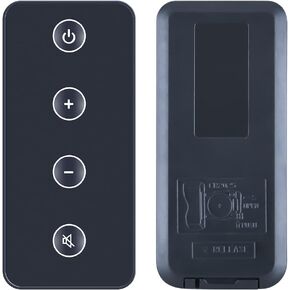 New Replacement Remote Control fit for Bose Solo TV Sound System Speaker Model 410376
SAR 58
New Replacement Remote Control fit for Bose Solo TV Sound System Speaker Model 410376
SAR 58
 BN59-01385A Solar Voice Replacement Remote Control Compatible for Samsung Smart Tvs 4k 8K Ultra HD Neo QLED The Frame and Crystal UHD Series 2021-2023 Models, Rechargeable Solar Cell and USB Type-C
SAR 131
BN59-01385A Solar Voice Replacement Remote Control Compatible for Samsung Smart Tvs 4k 8K Ultra HD Neo QLED The Frame and Crystal UHD Series 2021-2023 Models, Rechargeable Solar Cell and USB Type-C
SAR 131
 BN59-01391A Solar Voice Replacement Remote for Samsung Frame TV Remote with Bluetooth Rechargeable Solar Cell, Compatible with Samsung 2021-2023 Neo LED Smart 4K Ultra HD TV, 4 Shortcut Buttons, White
SAR 131
BN59-01391A Solar Voice Replacement Remote for Samsung Frame TV Remote with Bluetooth Rechargeable Solar Cell, Compatible with Samsung 2021-2023 Neo LED Smart 4K Ultra HD TV, 4 Shortcut Buttons, White
SAR 131
 New Remote Control Replacement fit for Bose Soundbar 700 Home Theater
SAR 167
New Remote Control Replacement fit for Bose Soundbar 700 Home Theater
SAR 167