- Shopping, made easy.
- /
- Get the app!
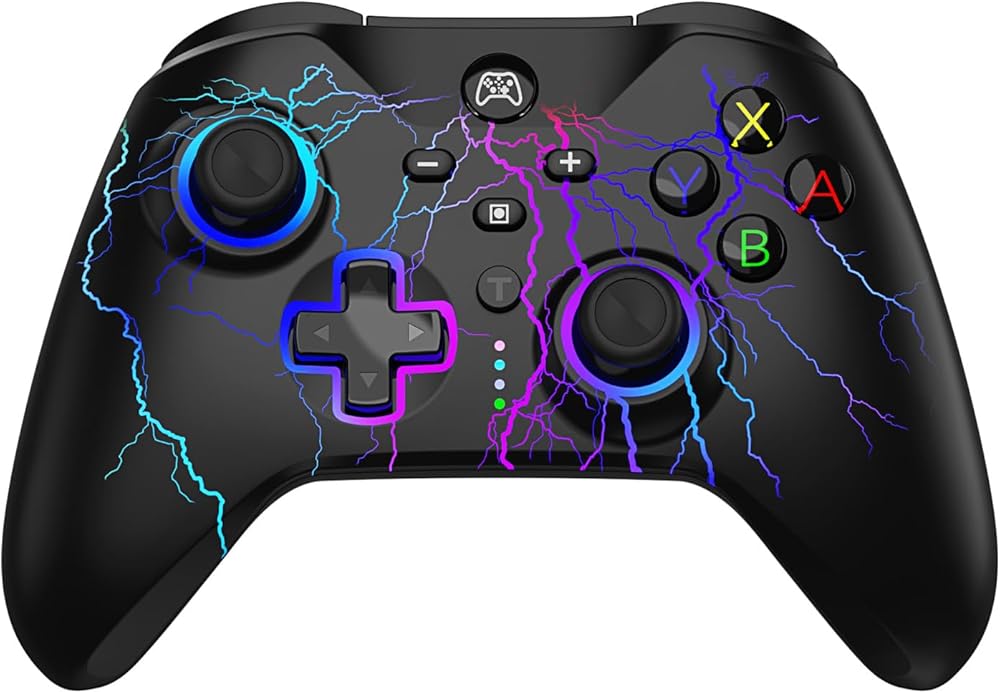
Pairing Steps:
1. 1st time to connect: Press and hold the HOME button 5 seconds on "Change Grip/Order" page, and 4 indicators blinks fast.Matched LED indicator keeps on after successful pairing.
2. 2nd time to connect: Press the HOME button on any page, and 4 indicators blinks slowly if unsuccessful pairing.
Turbo Features:
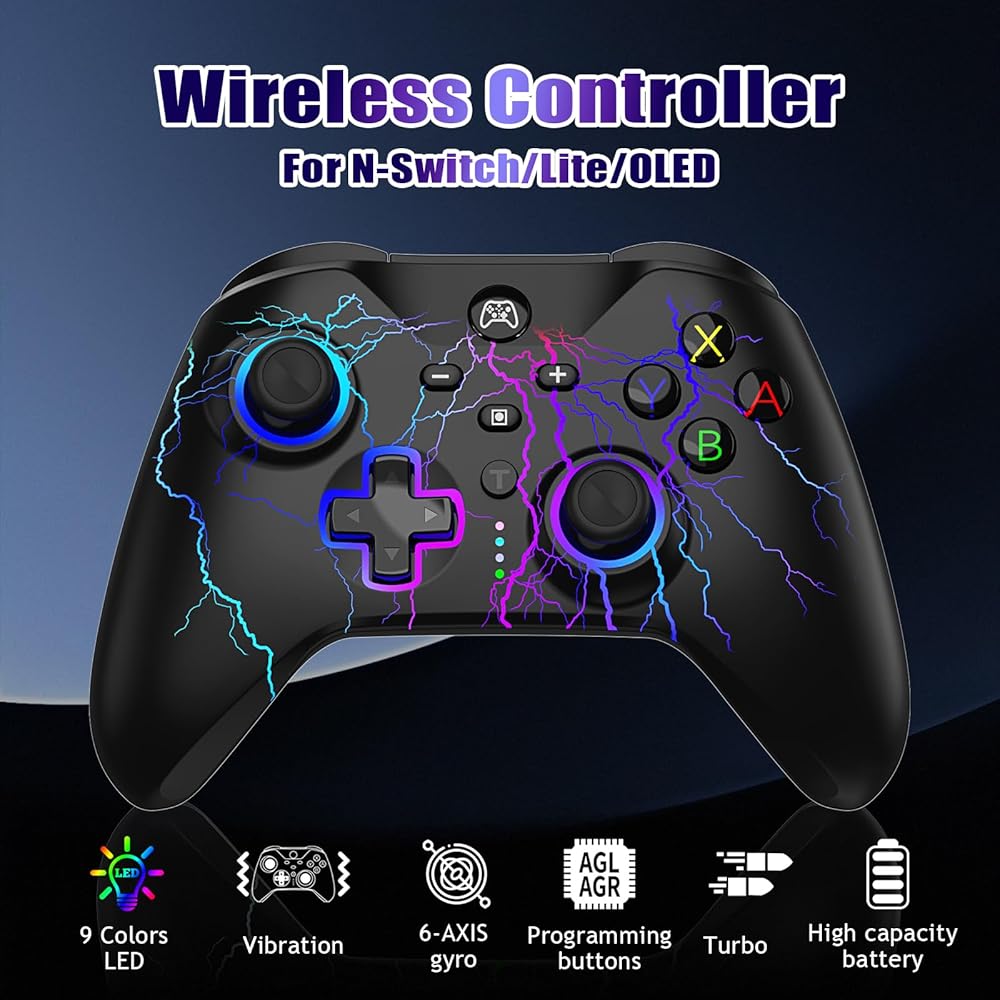
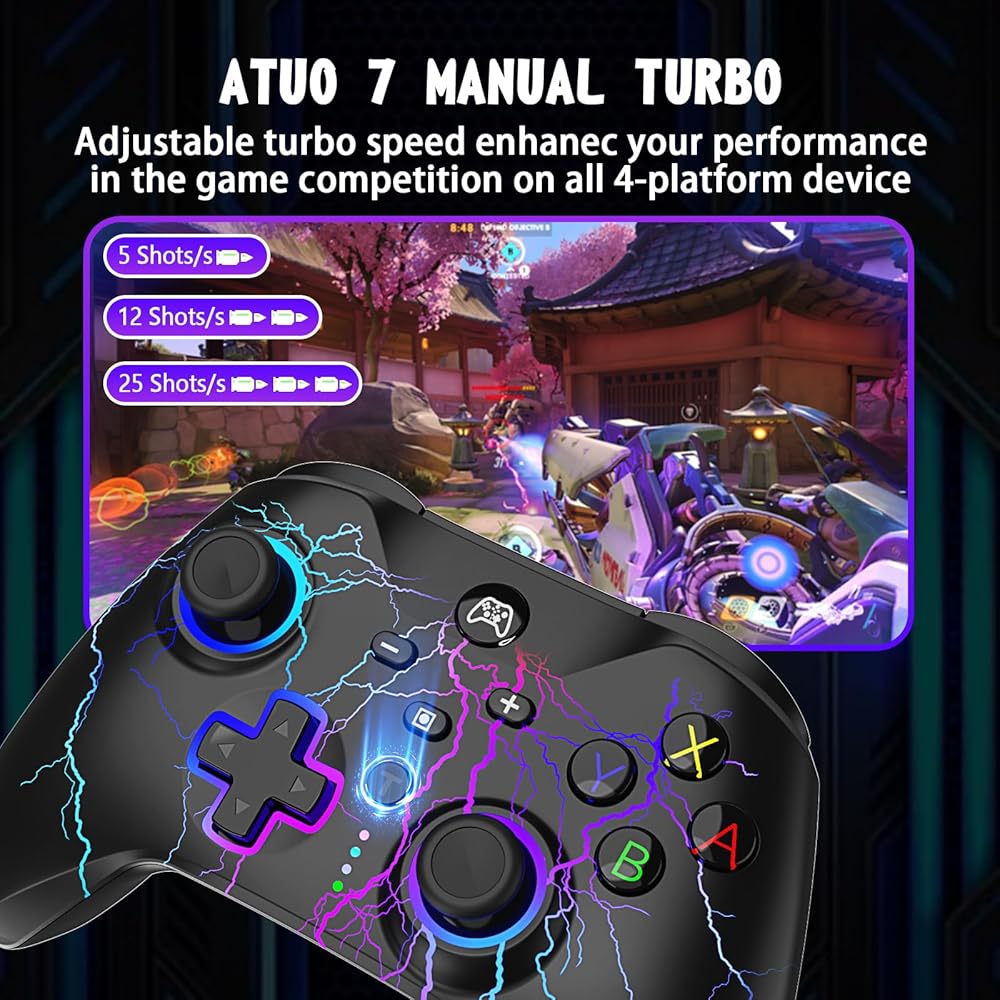
1.Press and hold one action button, then press the turbo button, turbo feature will be valid. For an example, press and hold A, then press T, action order of A will keep going.
2.Based on Above 1 state, press T to stop turbo function.>/p>
Charging Indication:
1. 4 LED indicators blink slowly during charging under unconnected state with console
2. Matched LED indicator blinks slowly during charging under connected state with console
Notes:Matched LED indicator blinks slowly at low voltage under connected state with console.
Packing included:
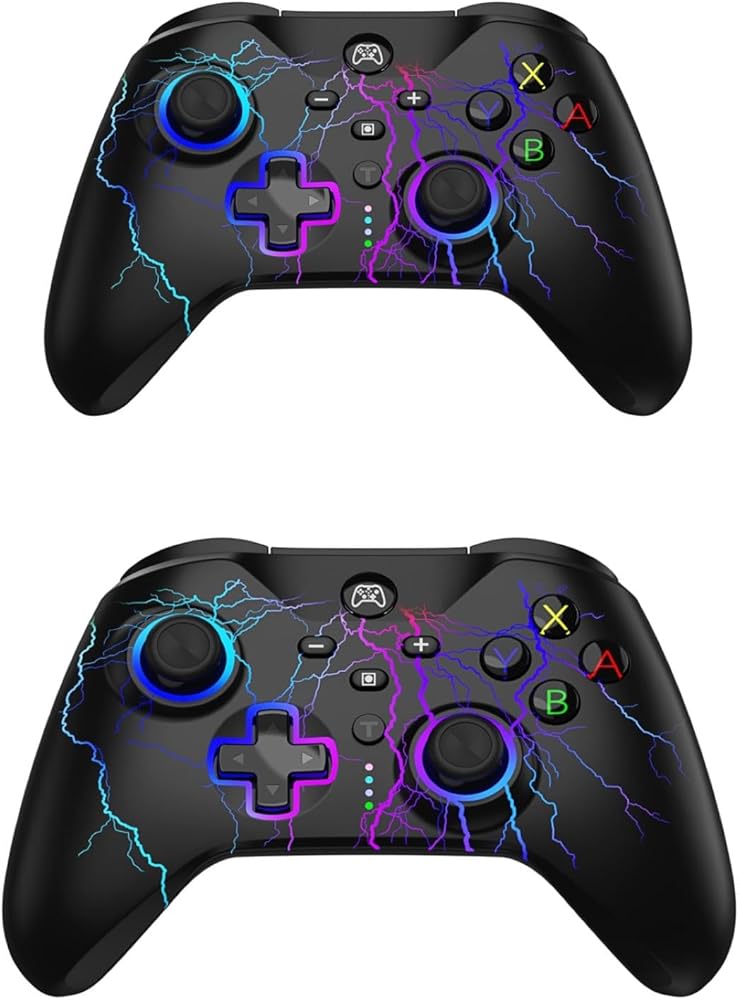
2x wireless controllers for switch
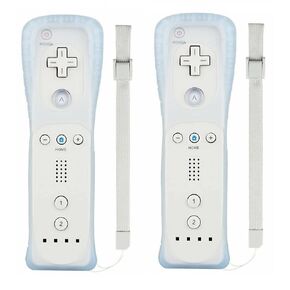 YUDEG Wii Controllers 2 Pack, Replacement for Wii Remote Controllers with Silicon Case and Strap
SAR 126
YUDEG Wii Controllers 2 Pack, Replacement for Wii Remote Controllers with Silicon Case and Strap
SAR 126
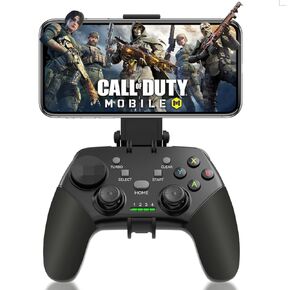 arVin Game Controller for iPhone/iOS/Android/PC/Steam Deck with Phone Holder, Turbo, Wireless Gamepad Joystick for iPhone 15/14/13/iPad/MacBook/Samsung Galaxy/Tablet, Call of Duty, Apex -Direct Play
SAR 105
arVin Game Controller for iPhone/iOS/Android/PC/Steam Deck with Phone Holder, Turbo, Wireless Gamepad Joystick for iPhone 15/14/13/iPad/MacBook/Samsung Galaxy/Tablet, Call of Duty, Apex -Direct Play
SAR 105
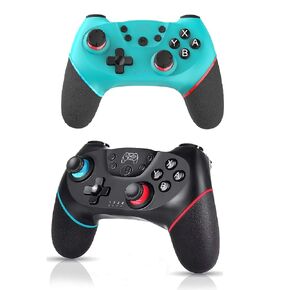 YUDEG Wireless Pro Controllers Compatible with Switch, 2 Pack
SAR 120
YUDEG Wireless Pro Controllers Compatible with Switch, 2 Pack
SAR 120
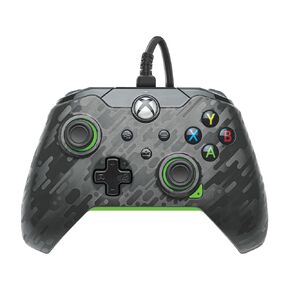 PDP Wired Xbox Gaming Controller: Gamepad Licensed for Xbox Series X|S, Xbox One, PC, Audio Controls, 8ft Cable, 3.5mm jack, Mappable Buttons/Triggers, Companion App: Atomic Black (Black and Orange)
SAR 146
PDP Wired Xbox Gaming Controller: Gamepad Licensed for Xbox Series X|S, Xbox One, PC, Audio Controls, 8ft Cable, 3.5mm jack, Mappable Buttons/Triggers, Companion App: Atomic Black (Black and Orange)
SAR 146