Search

Home / PUPINGPIG / TV & Video Accessories
-34%
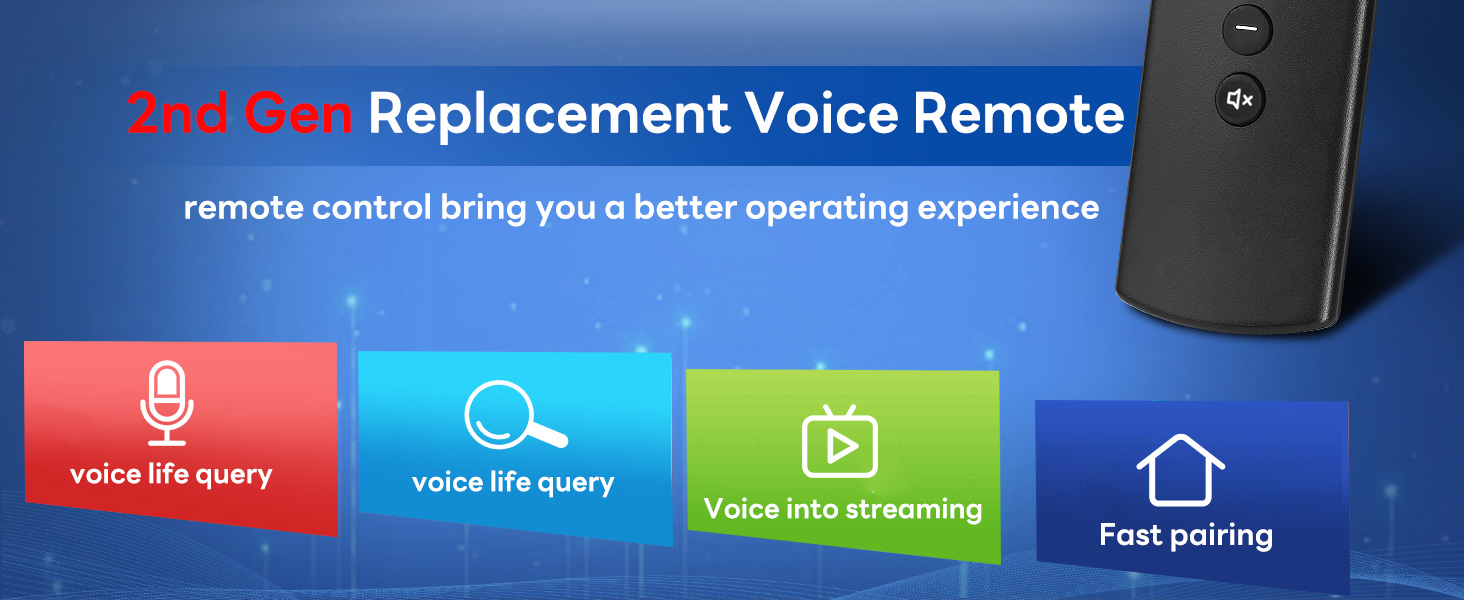
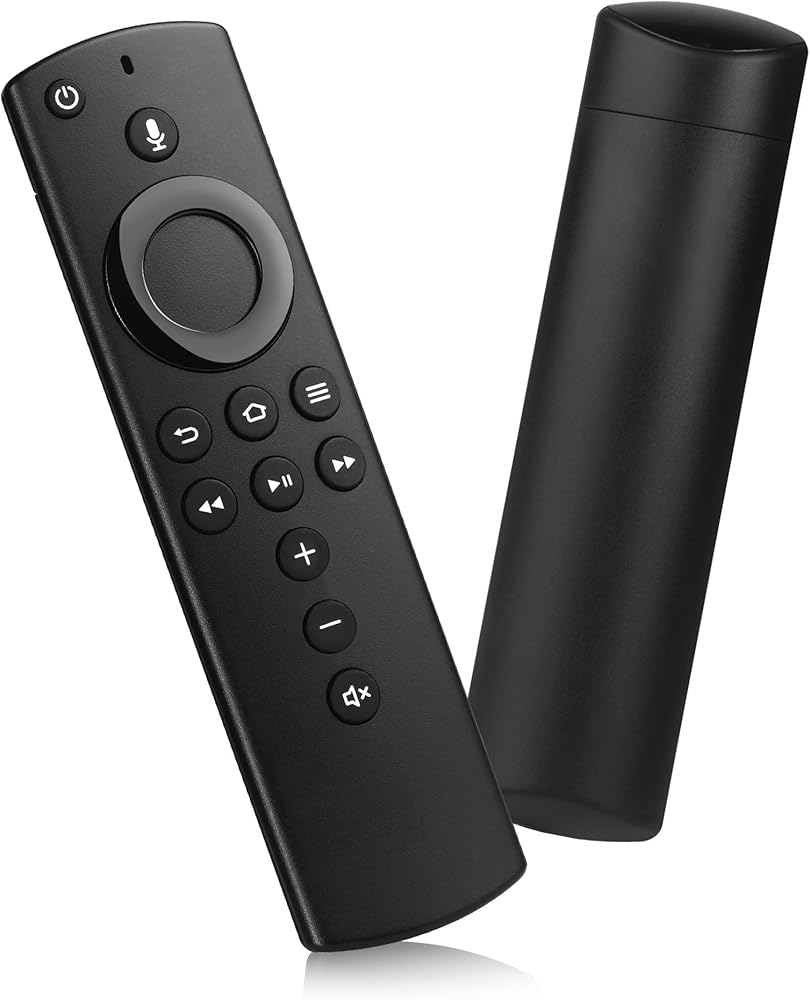
Replacement Remote Control L5B83H (2nd Gen) Fit for Fire AMZ Smart TV 3rd Gen,AMZ Smart TVs Stick(2nd/3rd Gen), Smart TV Cube, Smart TV Stick Lite 4K in Saudi Arabia Replacement Remote Control L5B83H (2nd Gen) Fit for Fire AMZ Smart TV 3rd Gen,AMZ Smart TVs Stick(2nd/3rd Gen), Smart TV Cube, Smart TV Stick Lite 4K in Saudi Arabia Replacement Remote Control L5B83H (2nd Gen) Fit for Fire AMZ Smart TV 3rd Gen,AMZ Smart TVs Stick(2nd/3rd Gen), Smart TV Cube, Smart TV Stick Lite 4K in Saudi Arabia Replacement Remote Control L5B83H (2nd Gen) Fit for Fire AMZ Smart TV 3rd Gen,AMZ Smart TVs Stick(2nd/3rd Gen), Smart TV Cube, Smart TV Stick Lite 4K in Saudi Arabia Replacement Remote Control L5B83H (2nd Gen) Fit for Fire AMZ Smart TV 3rd Gen,AMZ Smart TVs Stick(2nd/3rd Gen), Smart TV Cube, Smart TV Stick Lite 4K in Saudi Arabia Replacement Remote Control L5B83H (2nd Gen) Fit for Fire AMZ Smart TV 3rd Gen,AMZ Smart TVs Stick(2nd/3rd Gen), Smart TV Cube, Smart TV Stick Lite 4K in Saudi Arabia Replacement Remote Control L5B83H (2nd Gen) Fit for Fire AMZ Smart TV 3rd Gen,AMZ Smart TVs Stick(2nd/3rd Gen), Smart TV Cube, Smart TV Stick Lite 4K in Saudi Arabia

Replacement Remote Control L5B83H (2nd Gen) Fit for Fire AMZ Smart TV 3rd Gen,AMZ Smart TVs Stick(2nd/3rd Gen), Smart TV Cube, Smart TV Stick Lite 4K

Sorry, this product is not available

Special Features

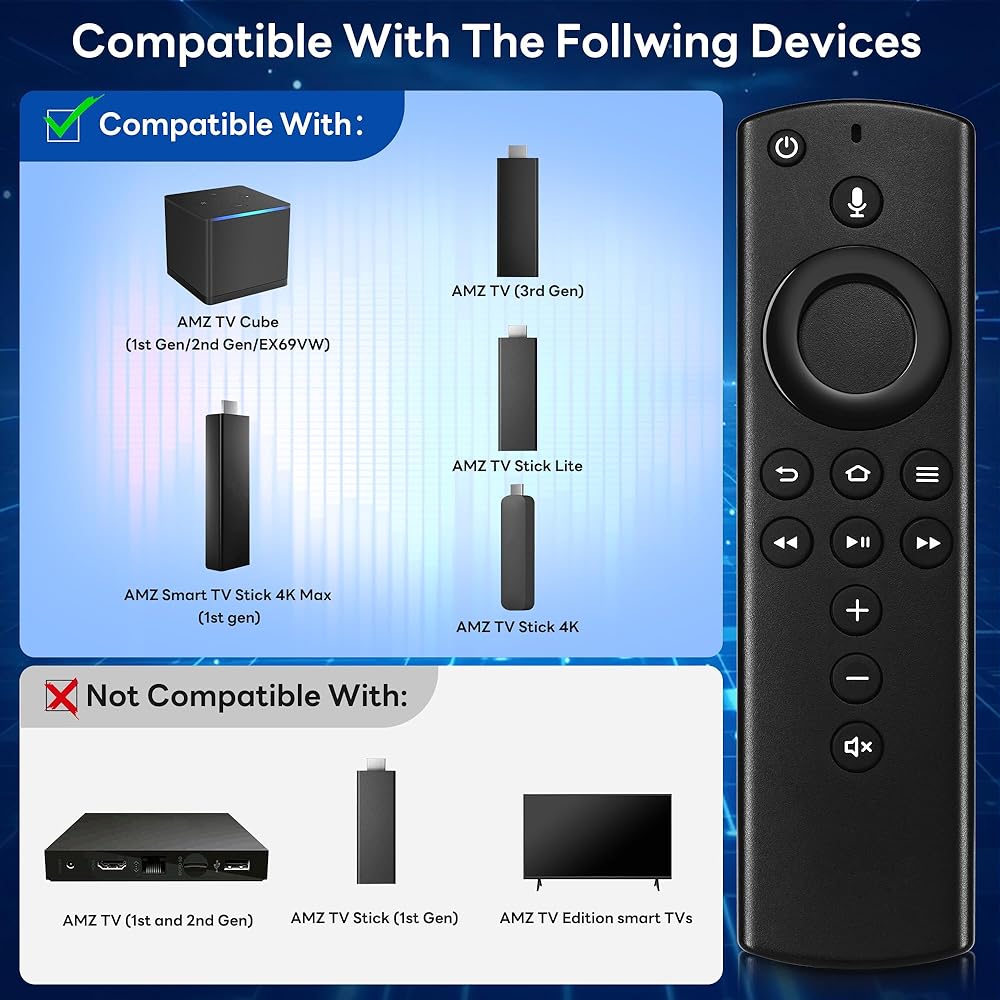
  • Compatible With - This replacement remote control fit for AMZ Smart TVs 3rd Gen, AMZ Smart TVs Stick (2nd Gen and 3rd Gen), AMZ Smart TVs Stick 4K/Lite, AMZ Smart TVs Cube(1st Gen and 2nd Gen). Compatible with Android and Window Devices
  • Not Compatible With - This L5B83H replacemenet remote not compatible with AMZ Smart TVs(1st Gen and 2nd Gen), Not fit for AMZ Smart TVs Stick (1st Gen), Not fit for AMZ Smart TVs Edition smart TVs. Please make sure your device model fit our remote before place order
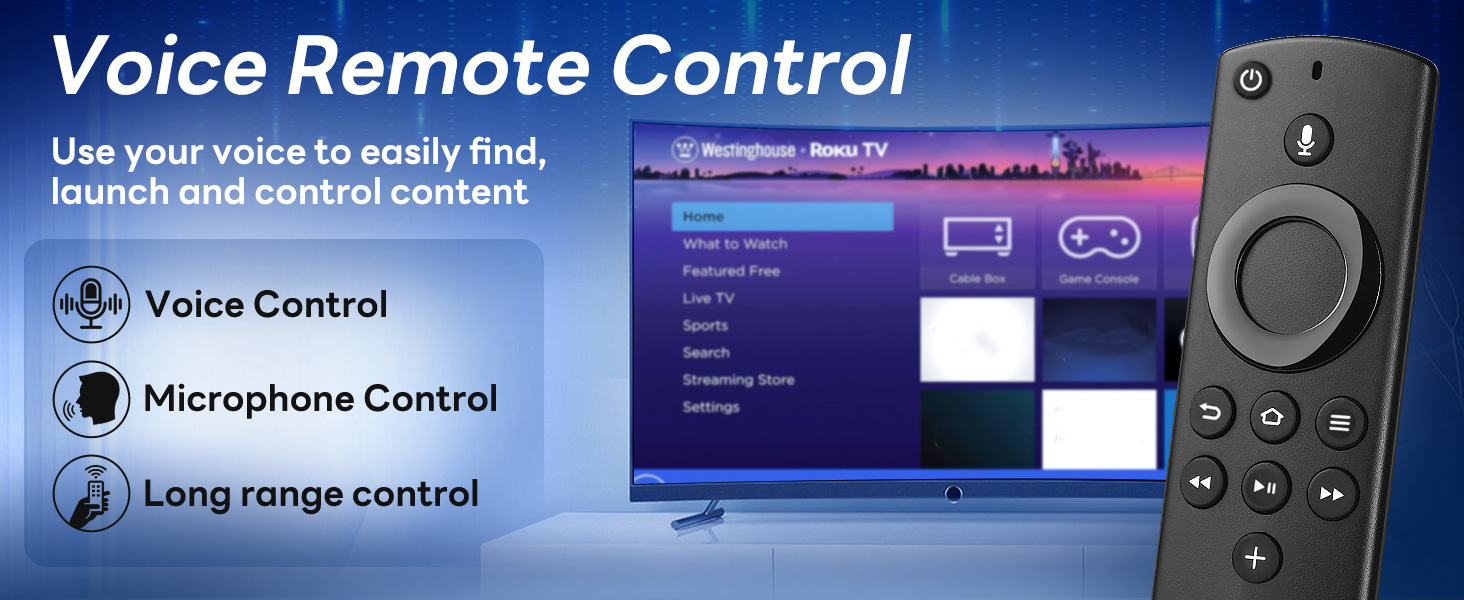
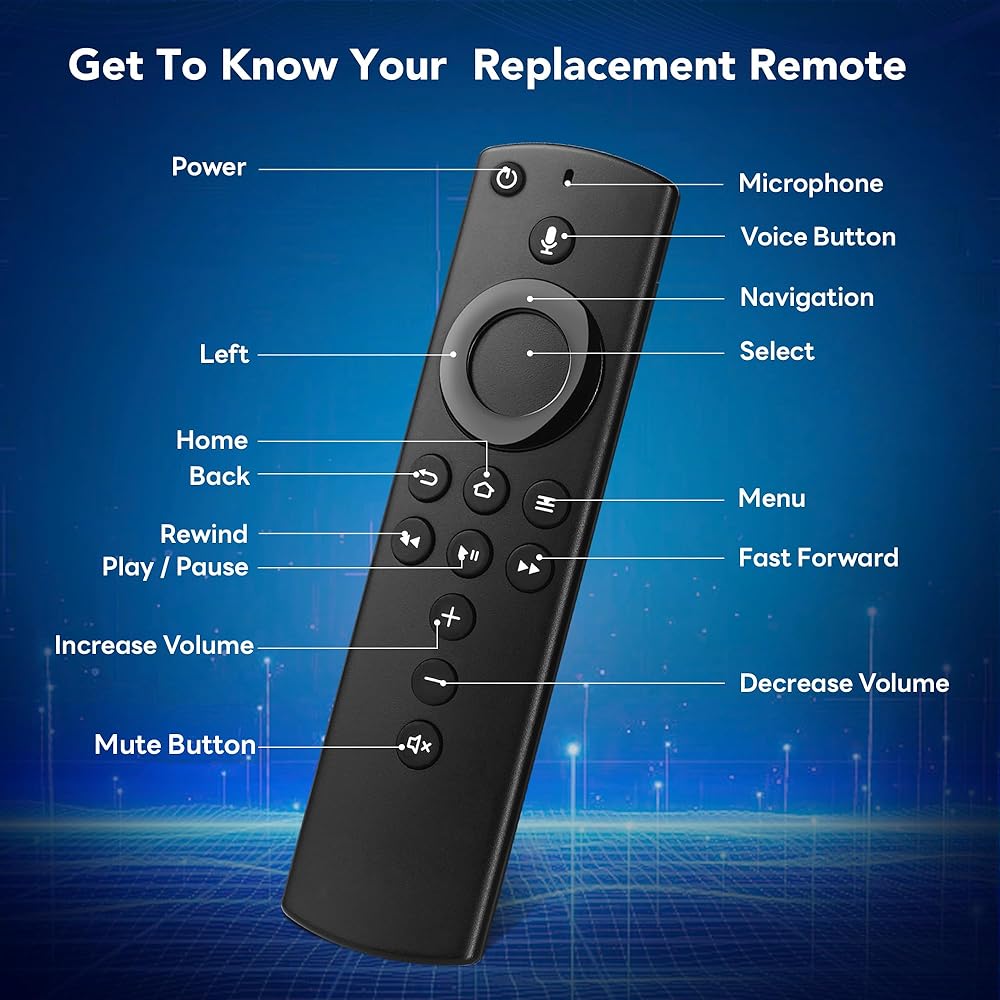
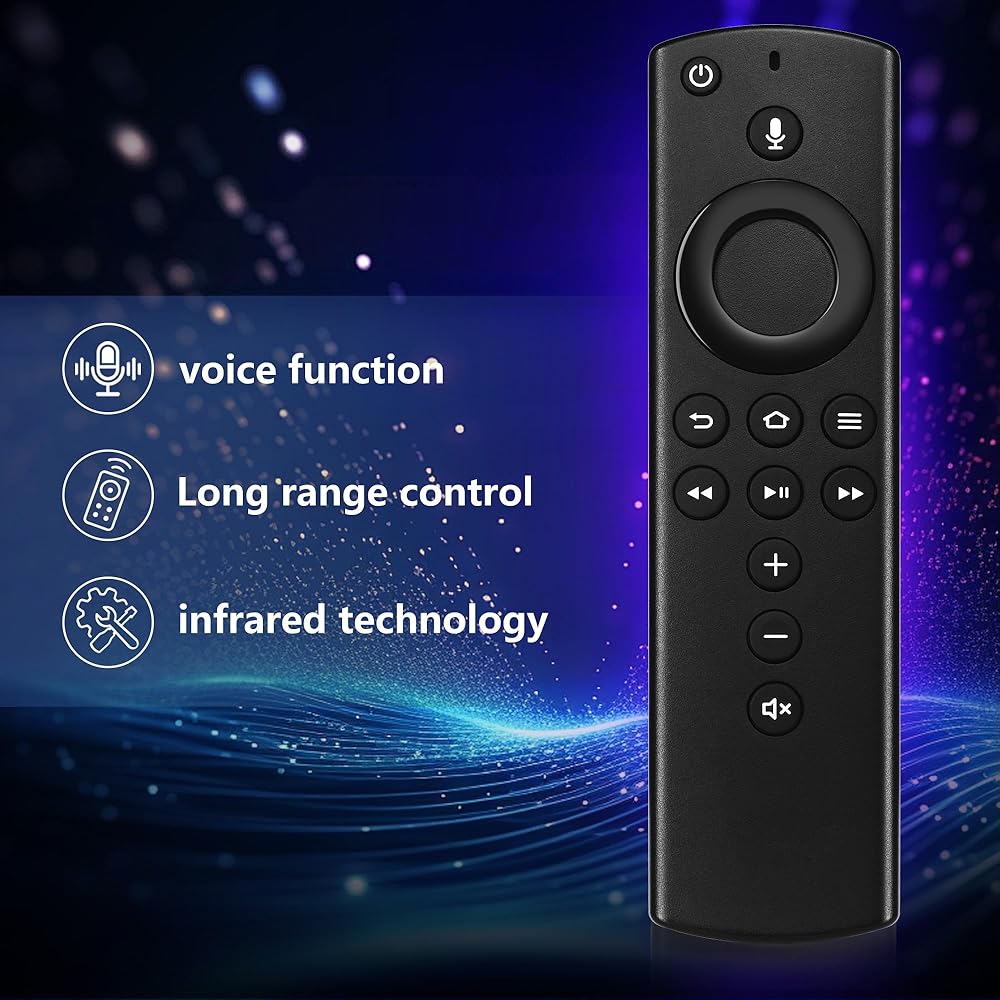
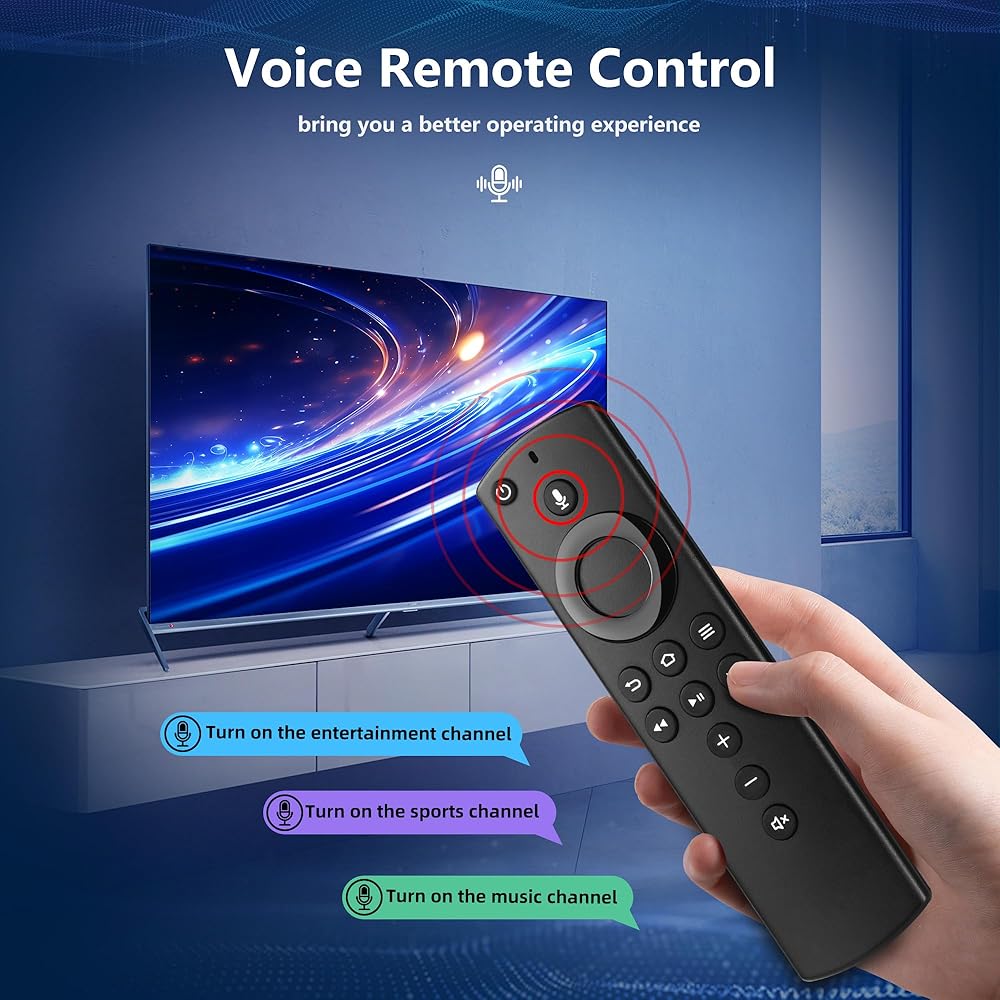
  • Voice Function - replacement remote with voice function,you can quickly skip to your favorite scenes. making it easily to find, launch and control all existing content you want
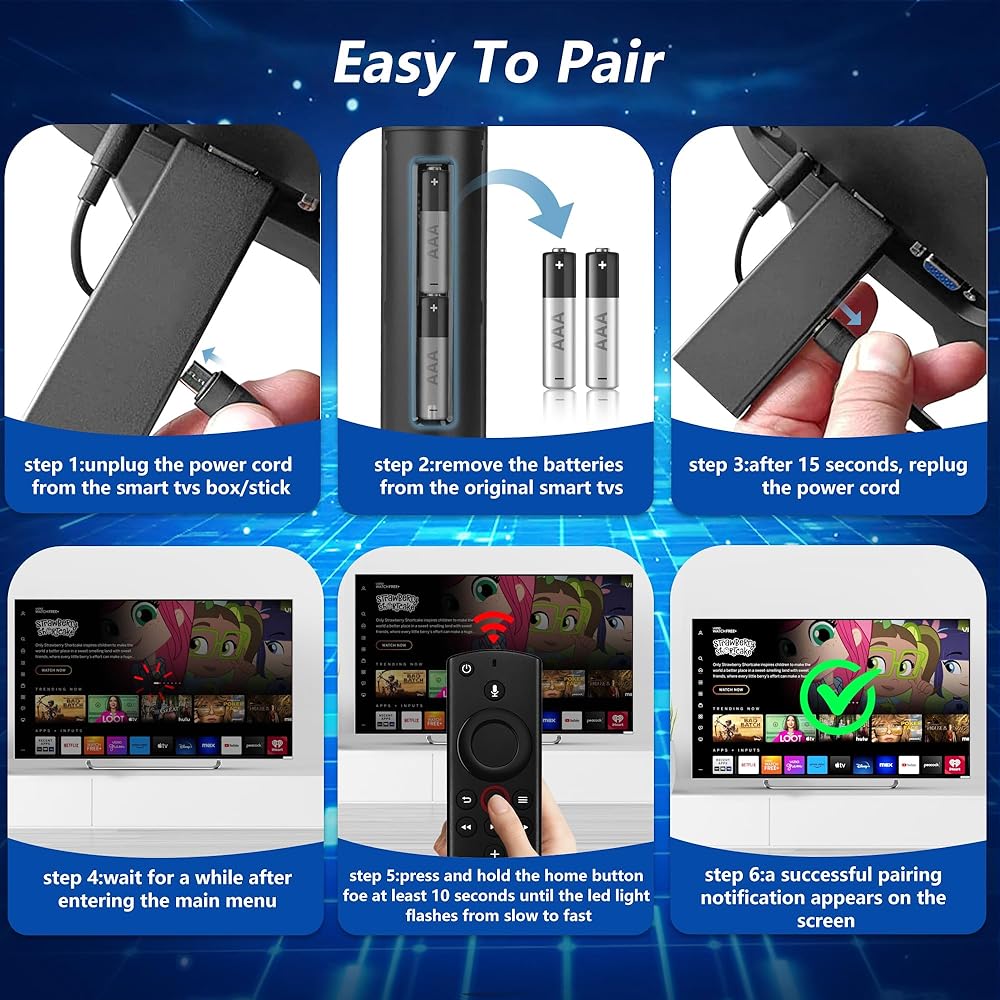
  • How To Pairing - Please note: Pairing this replacement voice remote stick before use. Press the Home button about 10-15 seconds until the led indicator starts to rapidly flash amber for 10 seconds, then your remote will automatically pair with your device
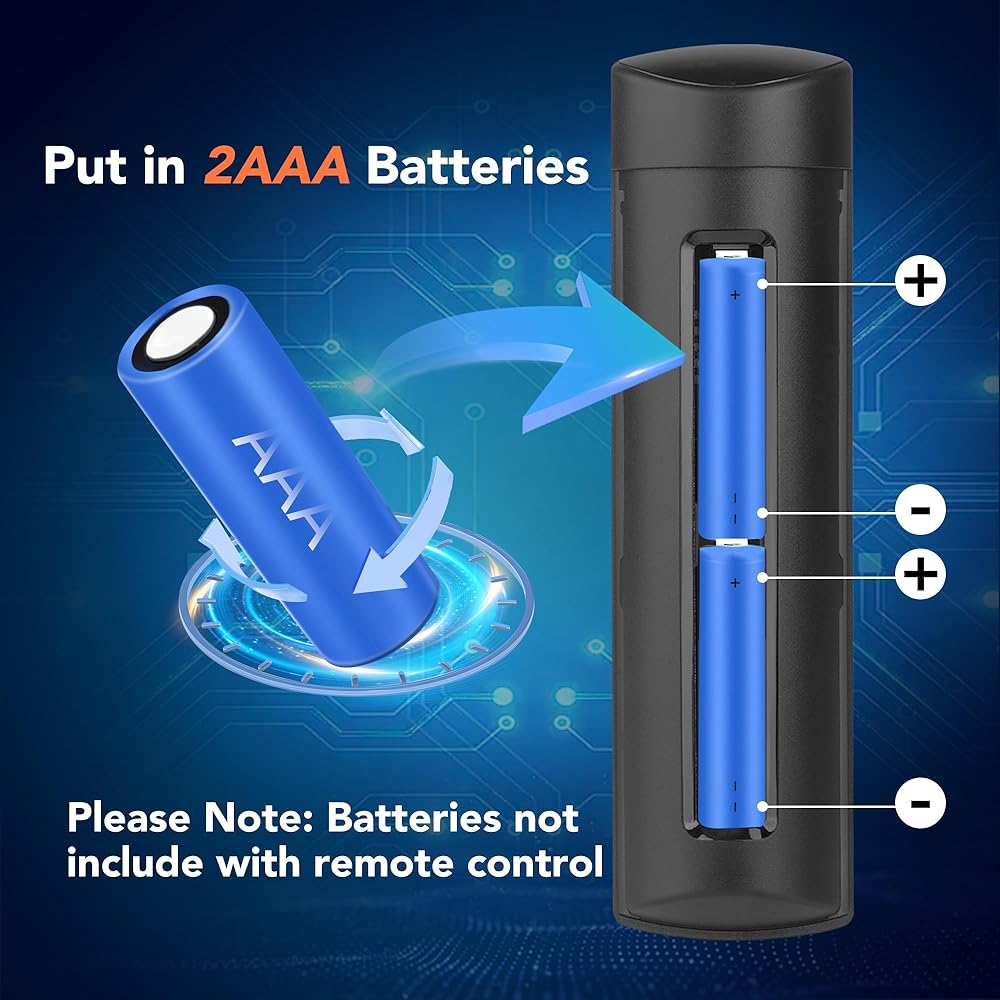
  • What You Get: 1* L5B83H Voice Remote Control(2 AAA batteries not included),1* User Manual. Notice: Please make sure your old remote's batteries are removed before pair; Please confirm your remote whether connected more than 6 limits

Related Items