- Shopping, made easy.
- /
- Get the app!
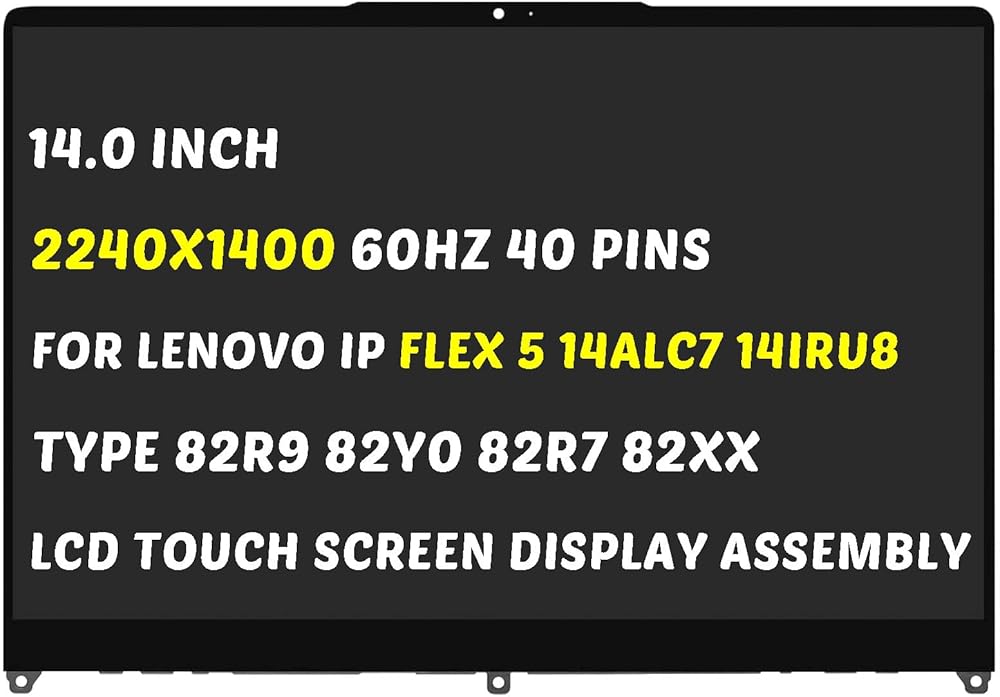

for Model Number: Replacement for Lenovo IdeaPad Flex 5-14ALC7 5-14IAU7 5-14ABR8 5-14IRU8 Gen 7 82R9 82R7 82TA Series LCD Display Digitizer Panel.
Screen size: 14.0 inches, maximum resolution: 1920x1200 , please refer to this information to compare with your computer, if you can not confirm, please contact me, we will be patient for you.
Easy to replace: If there is a broken screen, the screen does not turn on, the screen touch does not work, there are pixelated dots, the screen does not display and so on, you can buy it, he can be a good solution to your problem.
Note before installation: before installing the screen, please unplug the power and battery cables to avoid burning the motherboard, if the screen does not touch, do not turn on, you can use alcohol to wipe the interface to try.
Suitable for your screen: if you don't confirm the model of your computer, please send us a photo of the bottom of your computer, and tell us the resolution and whether it supports touch. Avoid wasting your precious money and time with wrong delivery!
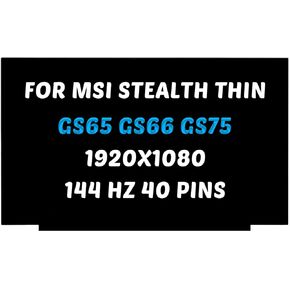 Replacement for MSI Thin GL65 GF65 GP65 GS65 GF63 LCD Screen 9SC 10SDK 10SC 10SCXR MS-16R5 1920X1080 15.6 inch 40Pins 144Hz LED Display Digitizer Panel (for Non-Touch Screen Only)
SAR 365
Replacement for MSI Thin GL65 GF65 GP65 GS65 GF63 LCD Screen 9SC 10SDK 10SC 10SCXR MS-16R5 1920X1080 15.6 inch 40Pins 144Hz LED Display Digitizer Panel (for Non-Touch Screen Only)
SAR 365
 Replacement for Asus ZenBook Pro Duo 15 UX581 LCD Screen UX581L UX581F UX581G UX581GV ATNA56WR06-0 UX581GV-XB74T UX581GV-XB94T OLED 3840X2160 15.6 inch LED Display Assembly (for Touch Screen Only)
SAR 1,061
Replacement for Asus ZenBook Pro Duo 15 UX581 LCD Screen UX581L UX581F UX581G UX581GV ATNA56WR06-0 UX581GV-XB74T UX581GV-XB94T OLED 3840X2160 15.6 inch LED Display Assembly (for Touch Screen Only)
SAR 1,061
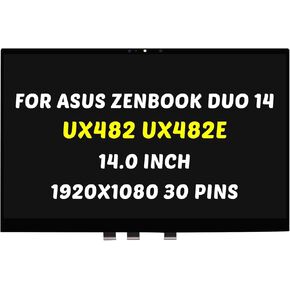 Replacement for ASUS ZenBook Duo 14 UX482 UX482E UX482EA UX482EAR UX482EG UX482EGR LCD Screen LED Display Digitizer Panel 1920X1080 14.0 inch 30 Pins 60Hz (for Touch Screen Only)
SAR 626
Replacement for ASUS ZenBook Duo 14 UX482 UX482E UX482EA UX482EAR UX482EG UX482EGR LCD Screen LED Display Digitizer Panel 1920X1080 14.0 inch 30 Pins 60Hz (for Touch Screen Only)
SAR 626
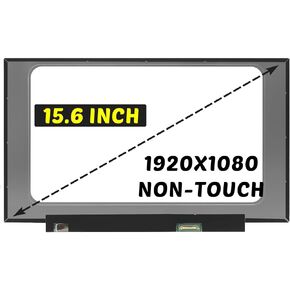 NV156FHM-N3D Replacement for LP156WFC-SPD1 LCD Screen LP156WF9-SPK1 LP156WF9-SPC1 5D10V82342 1920x1080 15.6 inch 30 pins 60Hz Screen Digitizer Display Assembly (for Non-Touch Screen Only)
SAR 313
NV156FHM-N3D Replacement for LP156WFC-SPD1 LCD Screen LP156WF9-SPK1 LP156WF9-SPC1 5D10V82342 1920x1080 15.6 inch 30 pins 60Hz Screen Digitizer Display Assembly (for Non-Touch Screen Only)
SAR 313

