Search

Home / kowhack / TV & Video Accessories
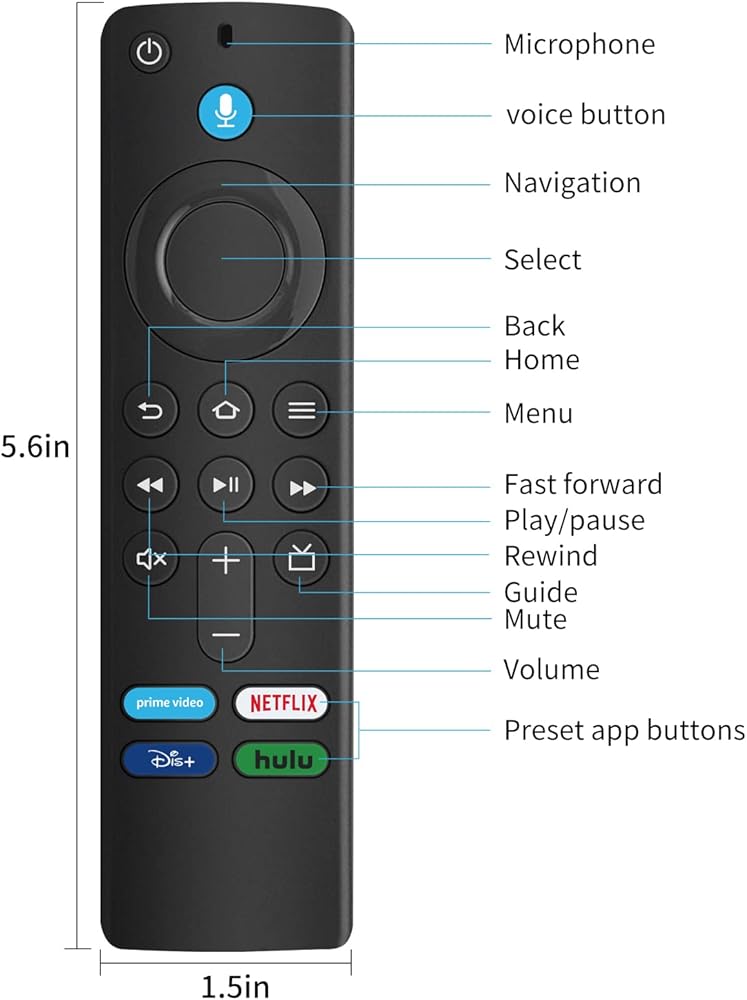
kowhack L5B83G Replacement Voice Remote (3rd Gen) fit for Fire Smart TVs Stick 4K,for Smart TVs Stick(2nd and 3rd Gen),Smart TVs Stick Lite,for (1st and 2nd Gen and Smart TVs) in Saudi Arabia kowhack L5B83G Replacement Voice Remote (3rd Gen) fit for Fire Smart TVs Stick 4K,for Smart TVs Stick(2nd and 3rd Gen),Smart TVs Stick Lite,for (1st and 2nd Gen and Smart TVs) in Saudi Arabia kowhack L5B83G Replacement Voice Remote (3rd Gen) fit for Fire Smart TVs Stick 4K,for Smart TVs Stick(2nd and 3rd Gen),Smart TVs Stick Lite,for (1st and 2nd Gen and Smart TVs) in Saudi Arabia kowhack L5B83G Replacement Voice Remote (3rd Gen) fit for Fire Smart TVs Stick 4K,for Smart TVs Stick(2nd and 3rd Gen),Smart TVs Stick Lite,for (1st and 2nd Gen and Smart TVs) in Saudi Arabia kowhack L5B83G Replacement Voice Remote (3rd Gen) fit for Fire Smart TVs Stick 4K,for Smart TVs Stick(2nd and 3rd Gen),Smart TVs Stick Lite,for (1st and 2nd Gen and Smart TVs) in Saudi Arabia

kowhack L5B83G Replacement Voice Remote (3rd Gen) fit for Fire Smart TVs Stick 4K,for Smart TVs Stick(2nd and 3rd Gen),Smart TVs Stick Lite,for (1st and 2nd Gen and Smart TVs)

Sorry, this product is not available

Special Features

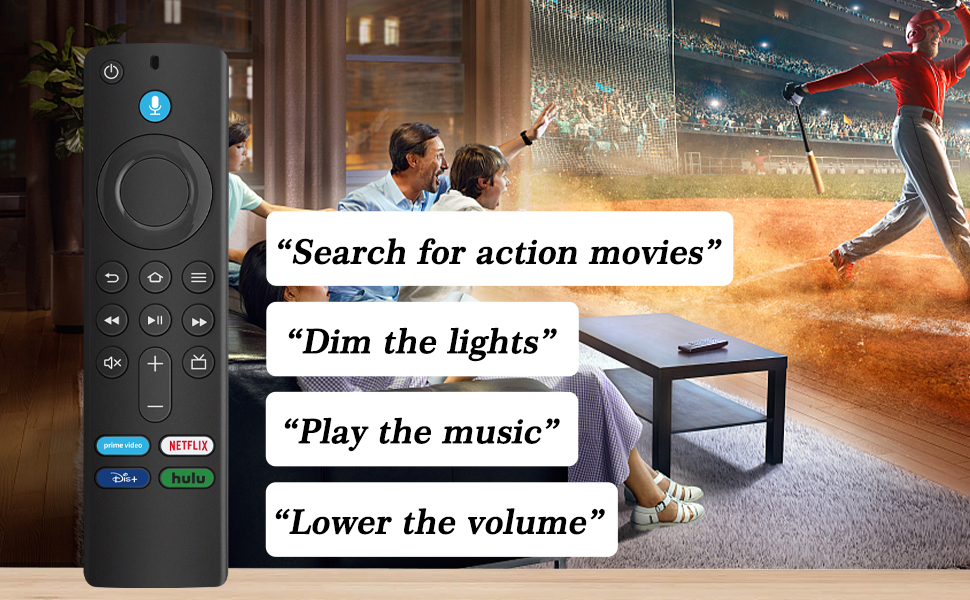
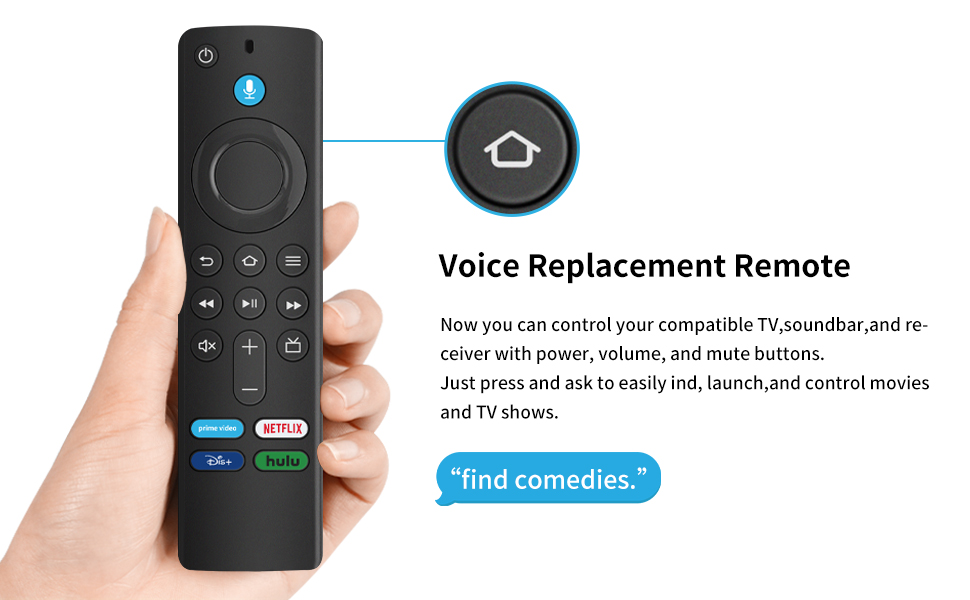
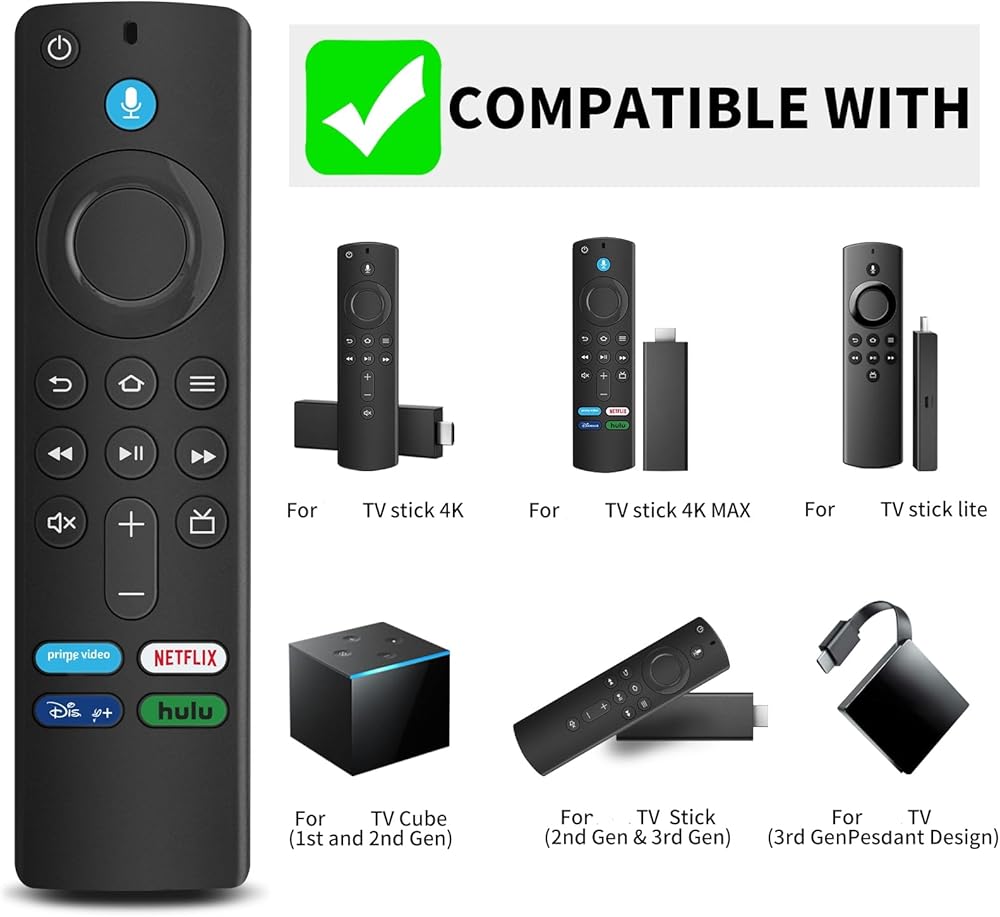
  • Compatible With: This 3rd gen for stick remote control work Smart TVs (3rd gen), work for Smart TVs stick (2nd gen and later), work for Smart TVs stick lite, work for Smart TVs stick 4K Max, work for Smart TVs cube (1st gen and later)
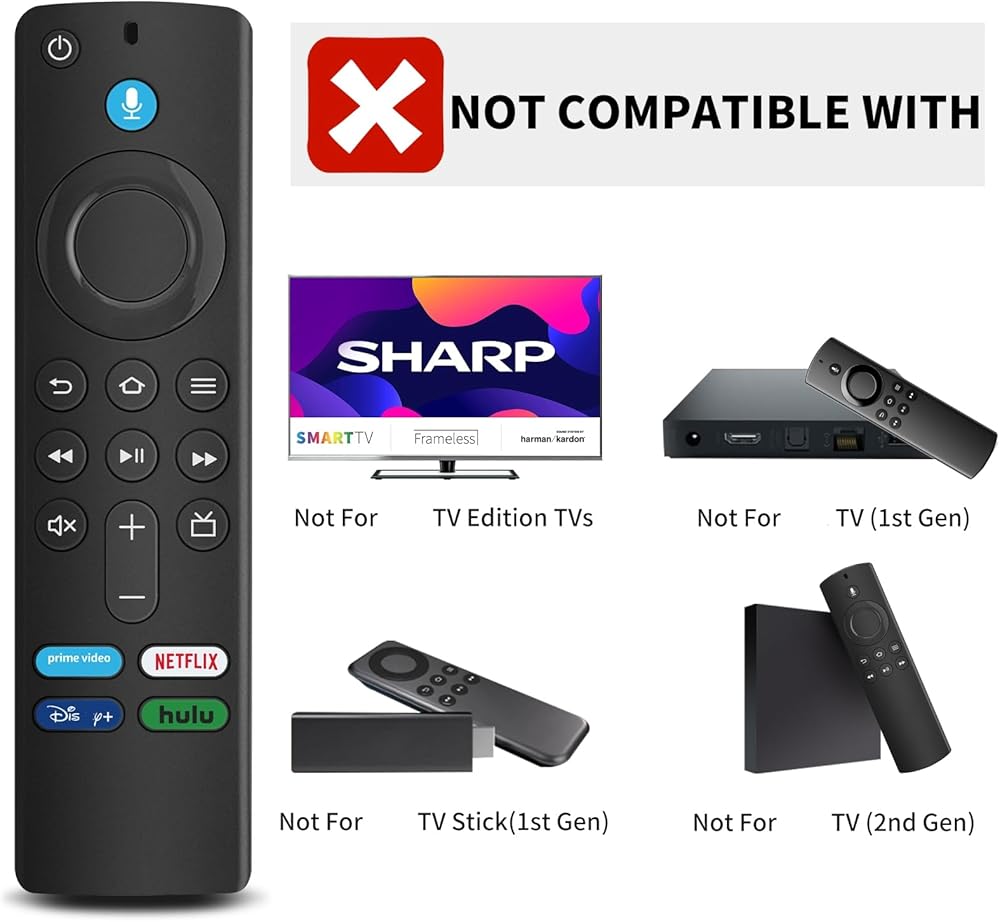
  • Not Compatible with: Please note, this remote control can not compatible with smart TVs (1st and 2nd Gen), smart TVs stick (1st Gen), or smart TVs edition smart TVs. if your product doesn't work, please send your message to us, we must give you the best solution in the end.
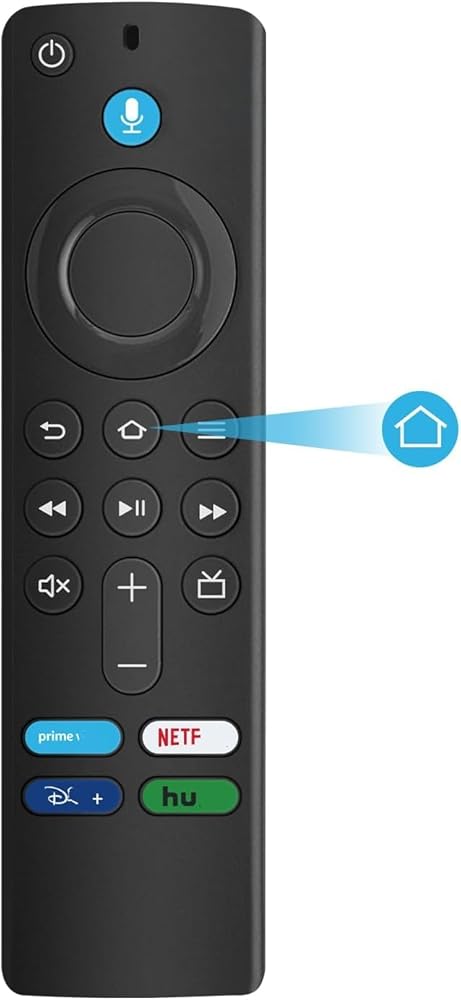
  • Easy to Pairing: Please note, you need to pairing this replacement voice remote control before use. Press and hold the HOME button for about 10-15 seconds until the LED starts to rapidly flash, wait about 30-60 seconds (Entering Pairing mode, LED Flash), then the remote should automatically pair with your device
  • if the remote controller can't work after pairing, it may be caused by too many devices paired with the device. (2)The battery of the old remote controller is not taken out. If the battery of the old remote controller is not removed, the old remote controller will still be paired with the device, so the new remote controller will not work properly.
  • Note: 1:,if the old remote is still pairing,the new one can not be used, 2:You will get 1x Voice Remote (AAA battery not included).

Related Items