- Shopping, made easy.
- /
- Get the app!
Specification
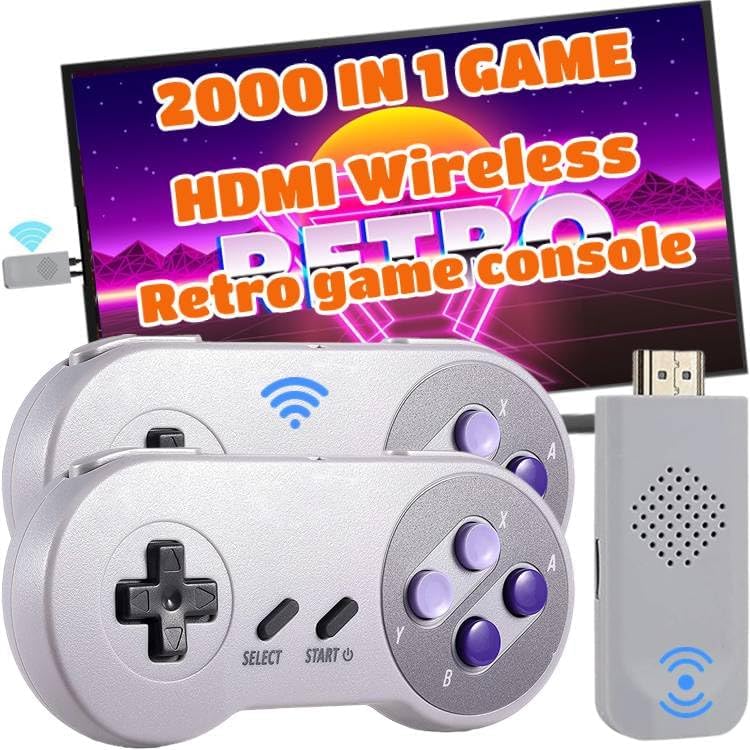
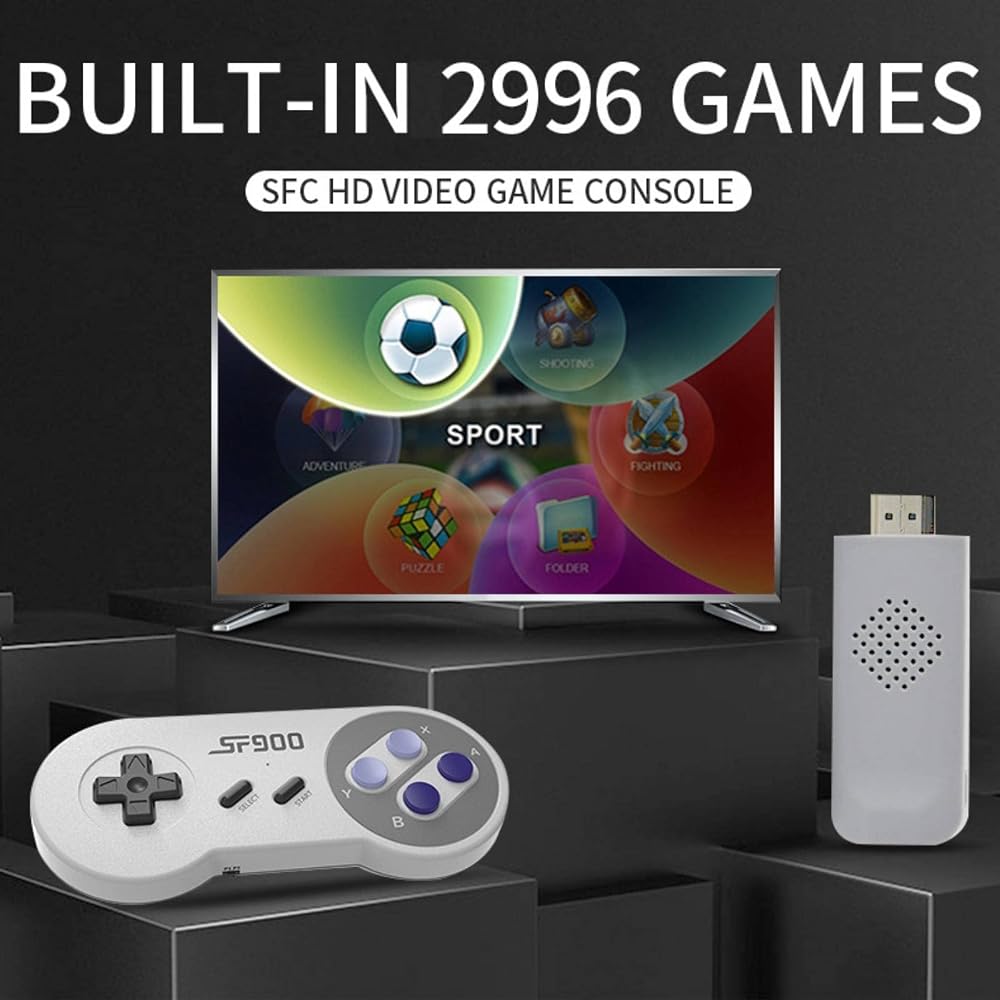
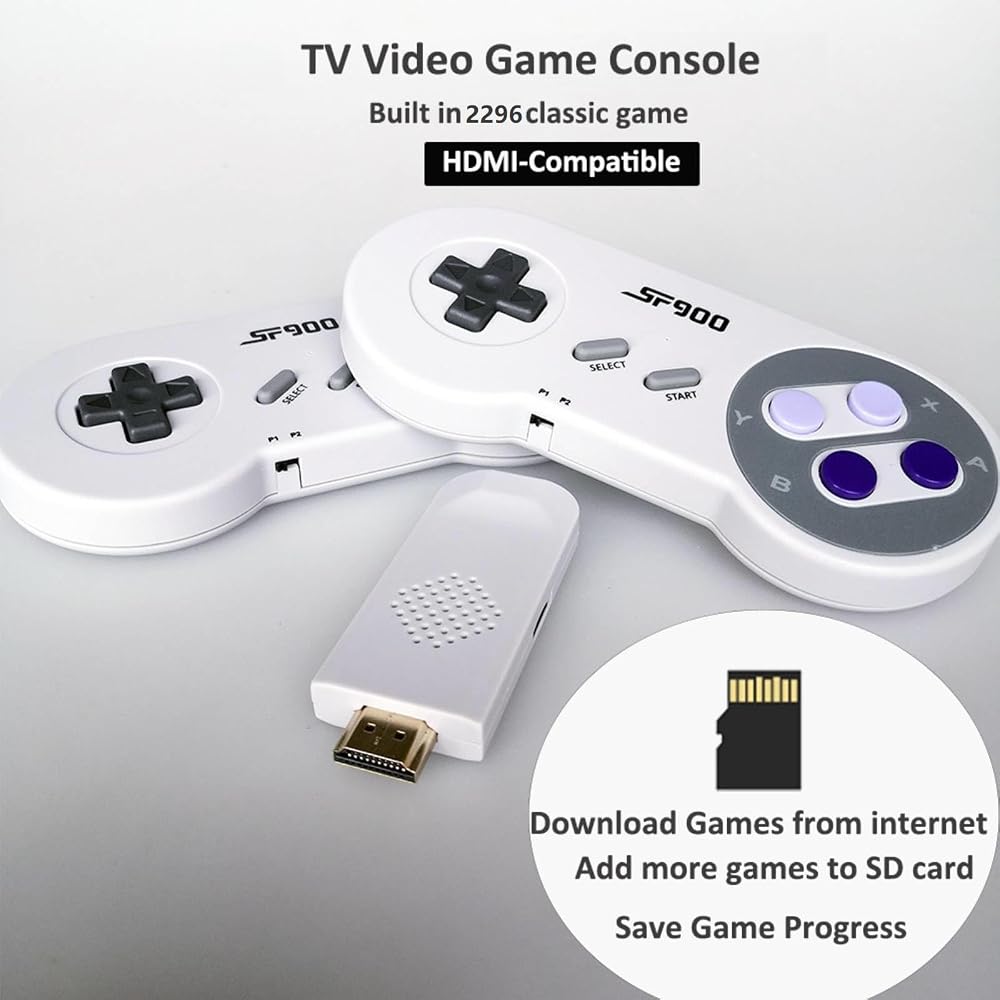
▷Wireless 2000 game console
▷Color: gray
▷Output: HDMI
▷Material: plastic and metal
▷Plug: American plug
▷type: Wireless
Easy used
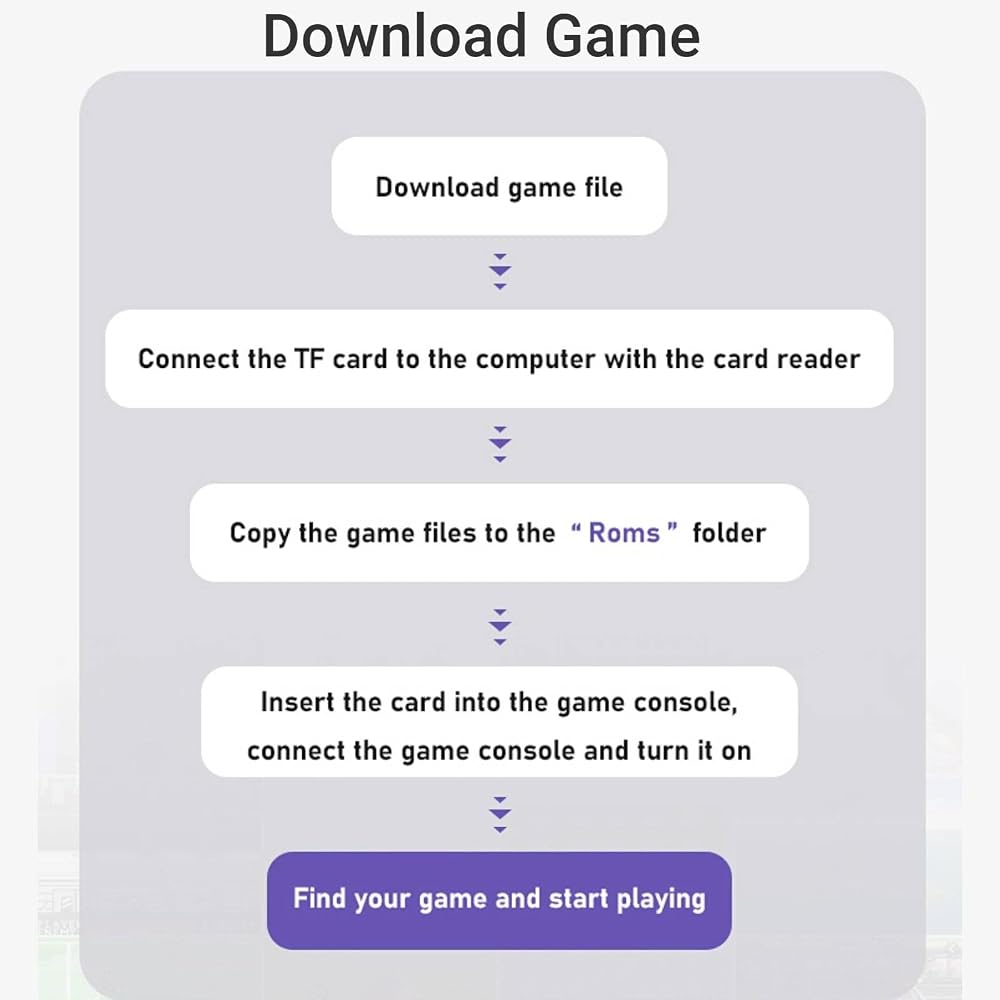
Just connect the game stick to the power source, then plug to the TV, and adjust the TV source to the HD channel to display the game list screen on the TV.
The specific steps are as follows:
1. Connect the HD output of the TV first
2. Insert the built-in TF game content card
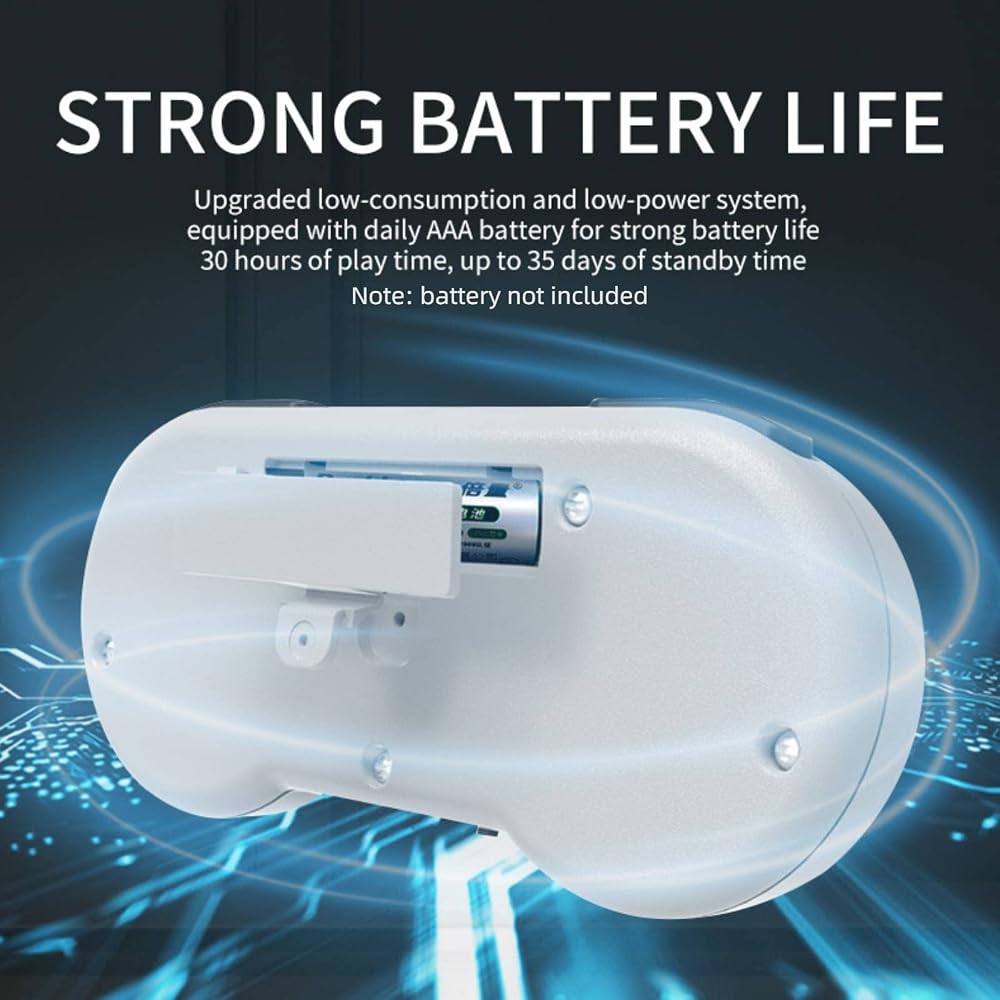
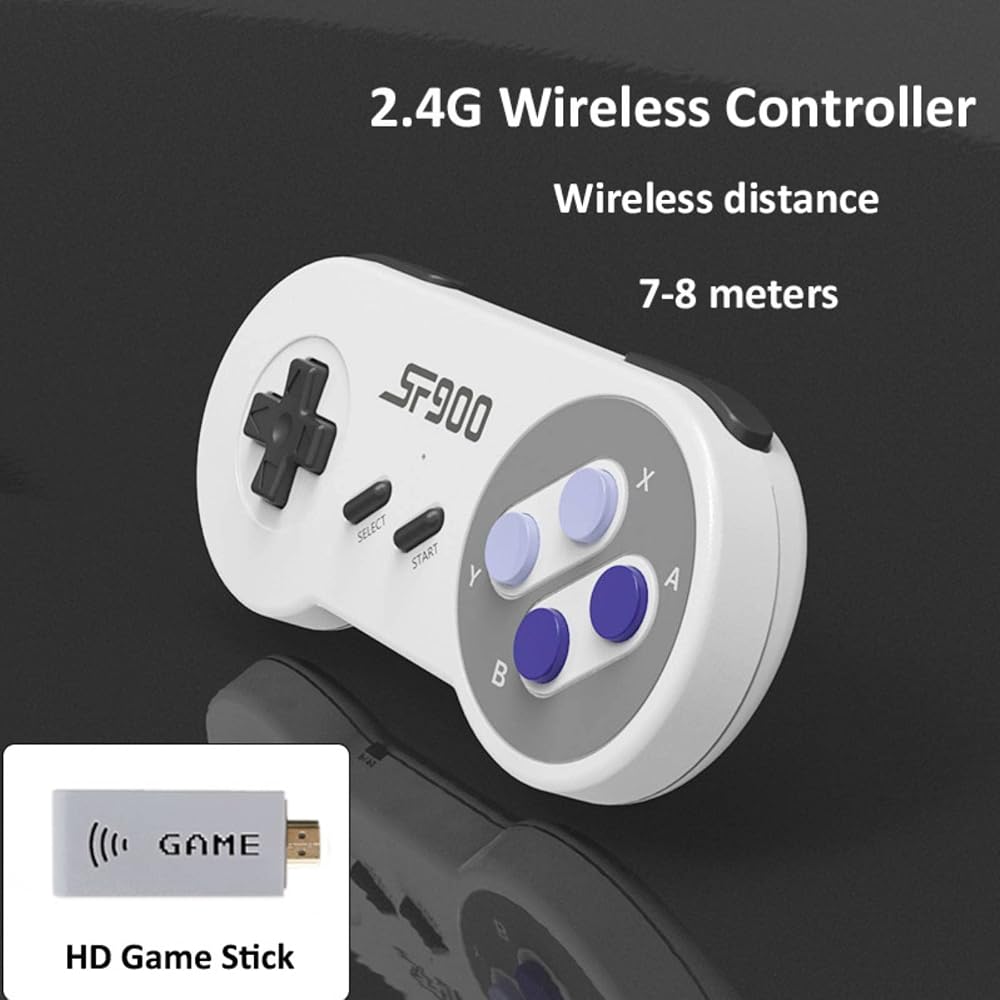
3. Using the charging adapter to connect to the power will automatically turn on. (2 wireless controllers need to install 4 AAA batteries, not included in package).
 PS 4 Slim Seyted Upgraded 2TB Console with Wireless Controller, Jet Black
SAR 963
PS 4 Slim Seyted Upgraded 2TB Console with Wireless Controller, Jet Black
SAR 963
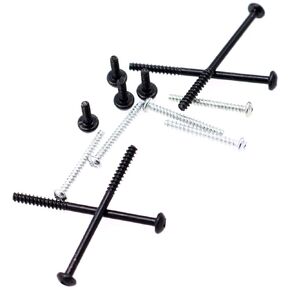 Deal4GO 13-Pack Philips Head Screw Set Replacement for PS3 Super Slim 4000 CECH-4000 Console Housing Screws
SAR 32
Deal4GO 13-Pack Philips Head Screw Set Replacement for PS3 Super Slim 4000 CECH-4000 Console Housing Screws
SAR 32
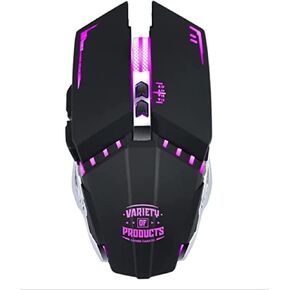 Gamer Fanatic Q15 RGB Wireless Gaming Mouse Ergonomic LED Black Multi-Coloured Lightweight 6 Buttons Great Online Gaming Experience, Long Battery Life, Nicely Designed
SAR 63
Gamer Fanatic Q15 RGB Wireless Gaming Mouse Ergonomic LED Black Multi-Coloured Lightweight 6 Buttons Great Online Gaming Experience, Long Battery Life, Nicely Designed
SAR 63
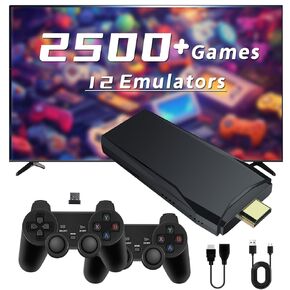 Retro Game Console Stick M8, 64G Retro Drive with 25000+ Plug and Play Video Games, Retro Gaming Console with 12 Emulator Console, Nostalgia Stick Support 4K HD Output, 2.4GHz Wireless Controllers
SAR 209
Retro Game Console Stick M8, 64G Retro Drive with 25000+ Plug and Play Video Games, Retro Gaming Console with 12 Emulator Console, Nostalgia Stick Support 4K HD Output, 2.4GHz Wireless Controllers
SAR 209