- Shopping, made easy.
- /
- Get the app!
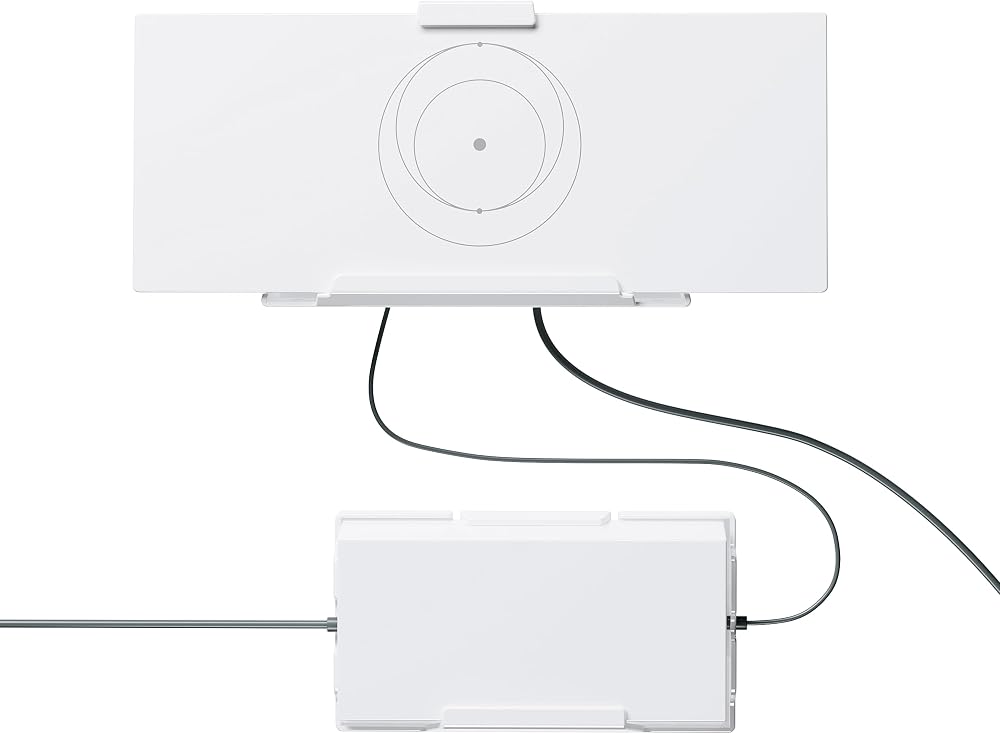
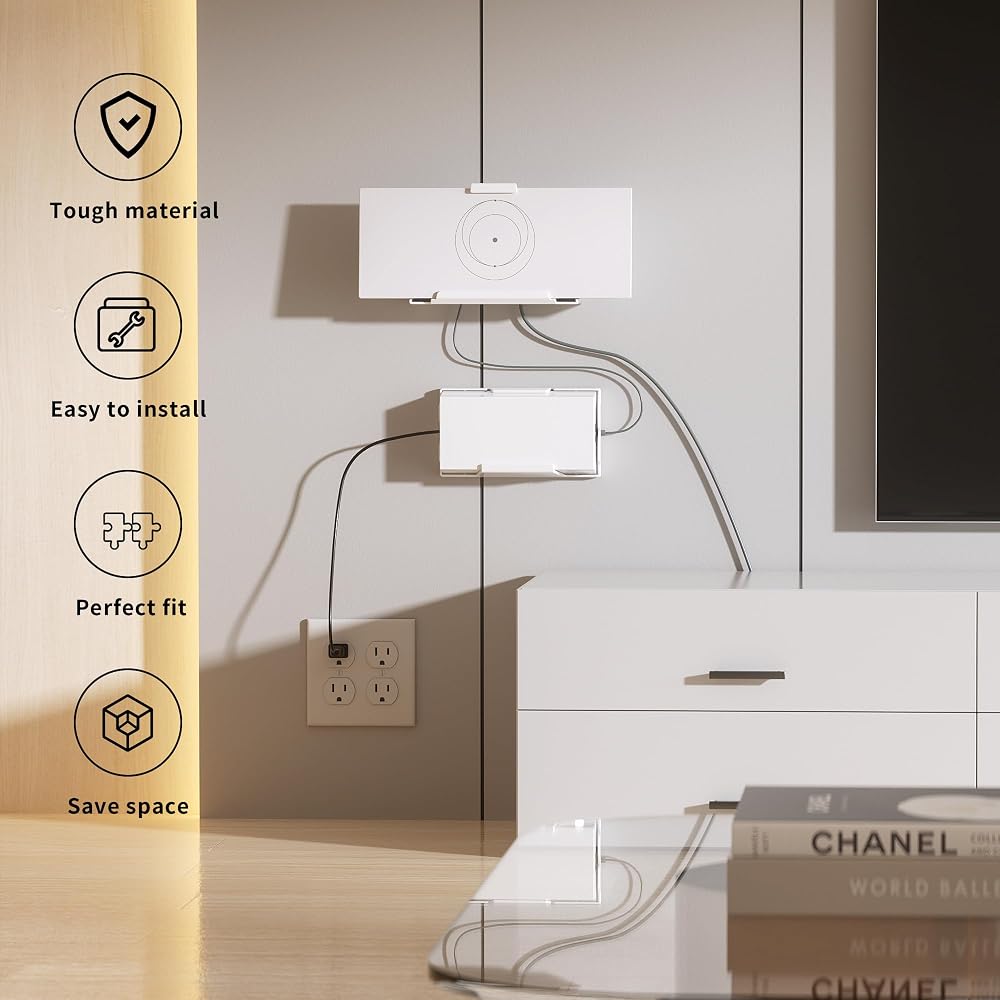
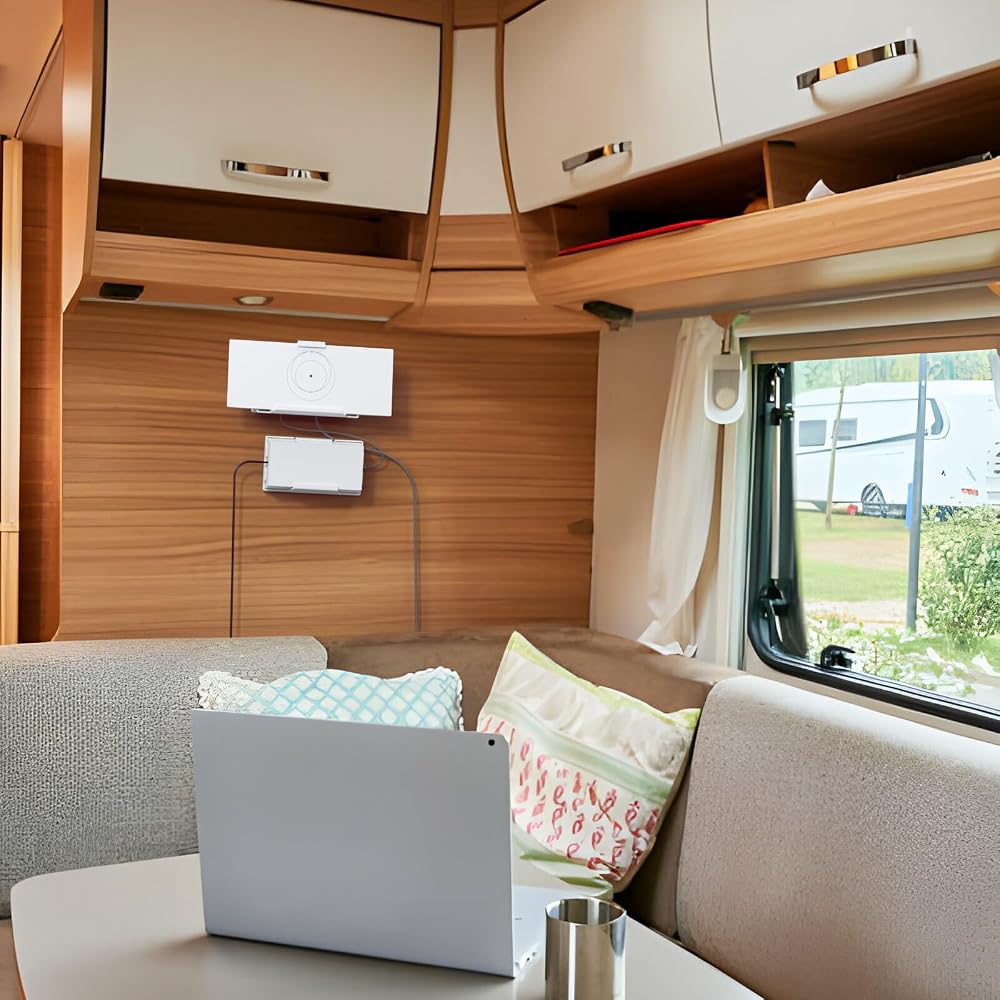
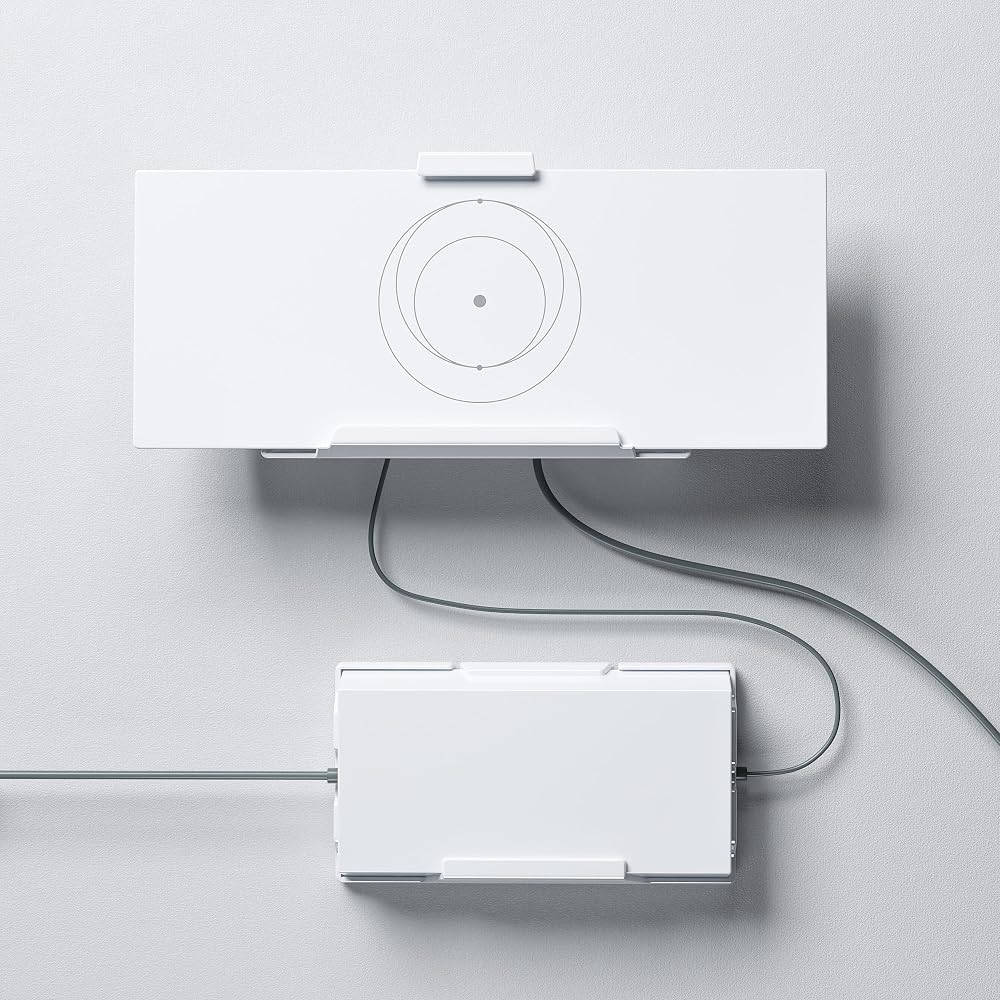
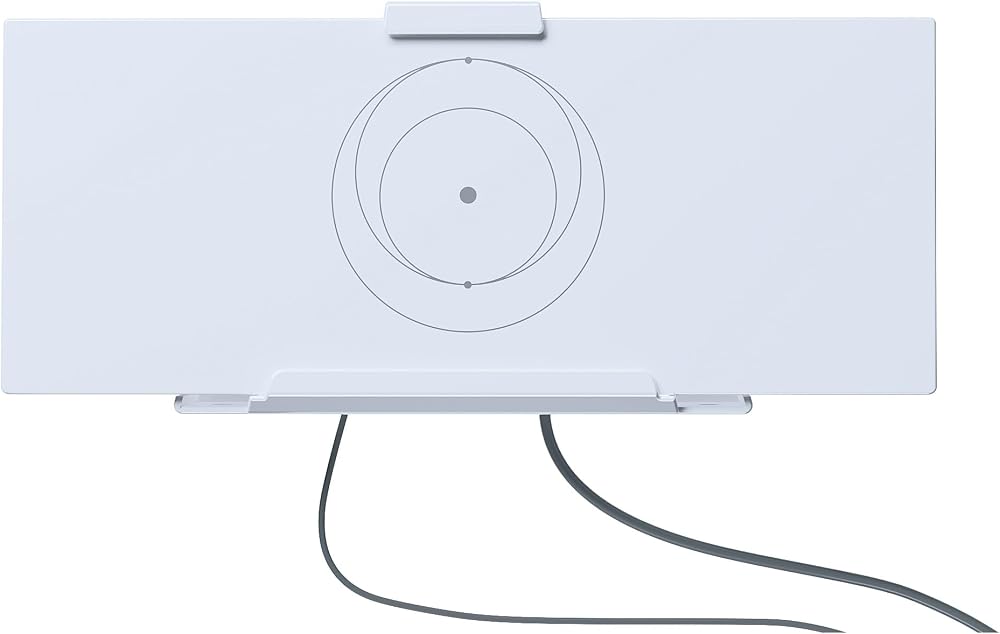
Starlink Gen 3 router stand is a very useful product designed to solve space problems.
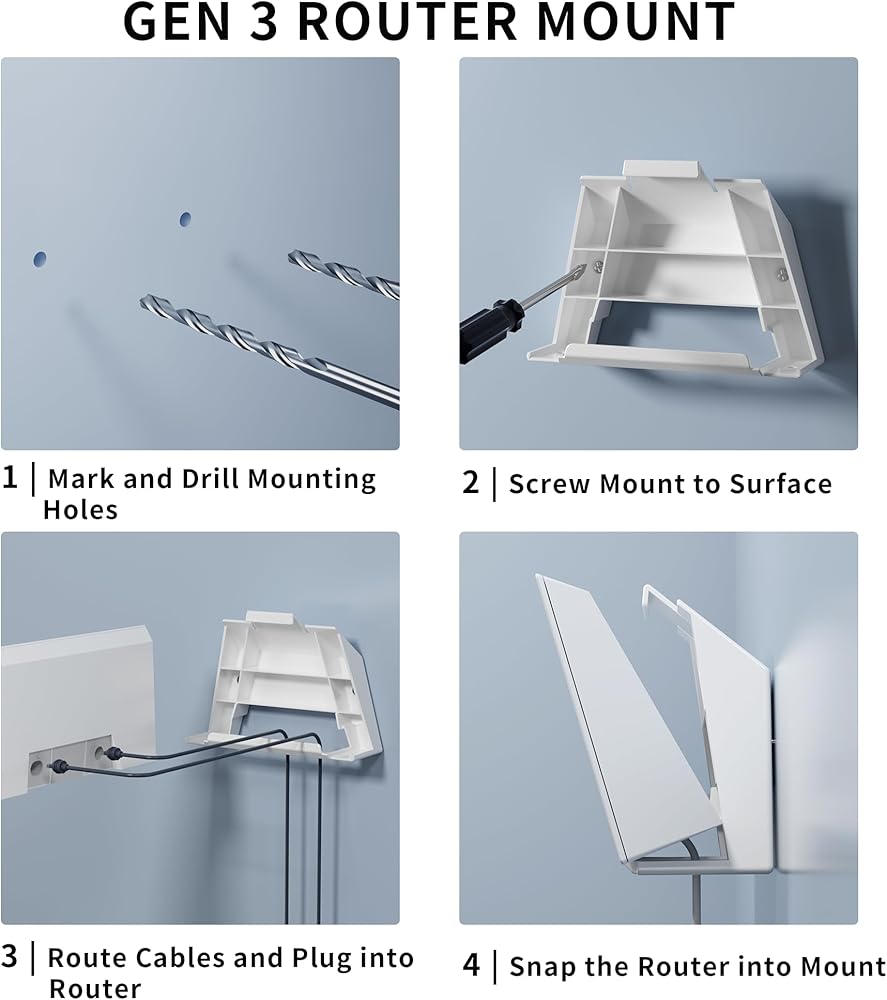
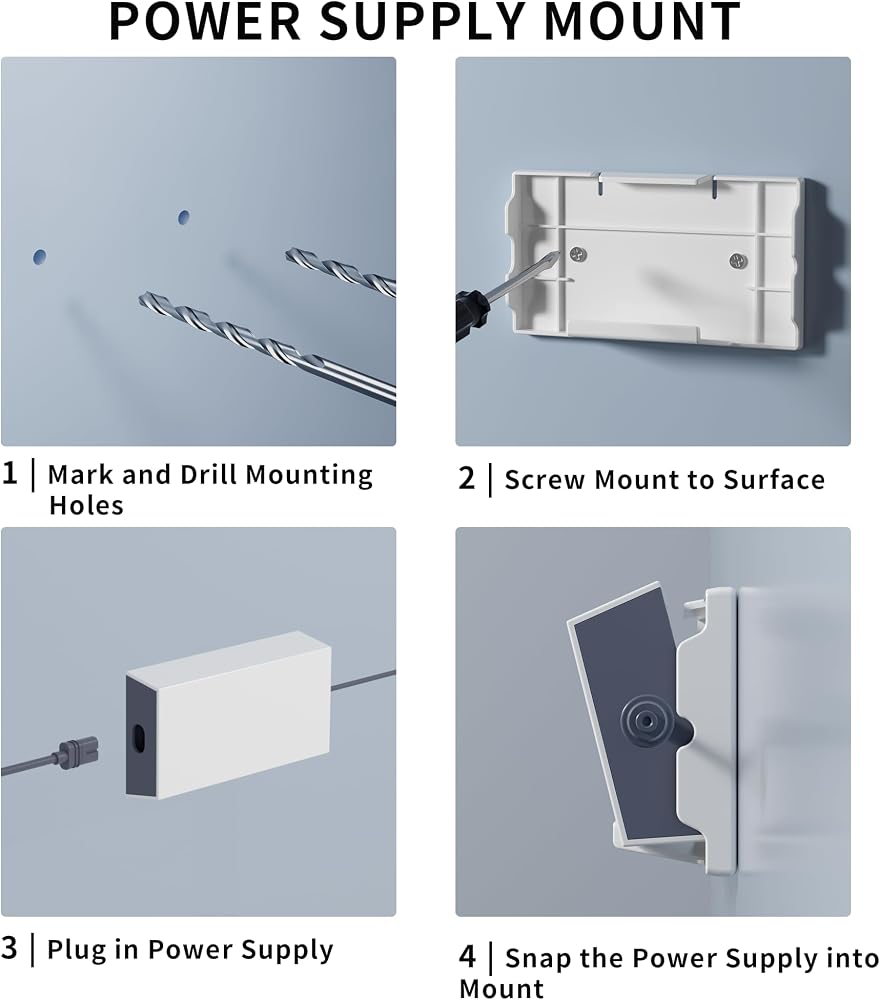
Installation Guide
1.Preparation
You need to prepare drill bit, markers, Phillips screwdriver.
Choose a flat and sturdy wall or surface near the power outlet.
2.Marking and drilling
Mark the installation position with a marker.
Drill holes, pay attention to the depth to avoid damaging the wall.
3.Install the mounting bracket
Align the mounting bracket with the holes.
Use a phillips screwdriver to fix the mounting bracket.
4.Mounting the router
Place the router on the mounting bracket.
Connect the cables to ensure firmness.
5.Organize cables
Secure the cables to the mounting bracket to avoid accidental pulling out of the cables.
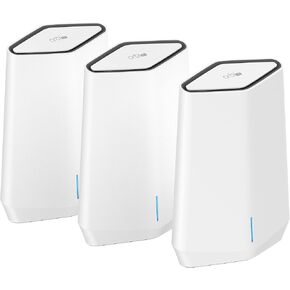 NETGEAR Orbi Pro WiFi 6 Tri-Band Mesh System (SXK50B3) | Router + 2 Satellite Extenders for Business or Home | VLAN, QoS | Coverage up to 7,500 sq. ft, 75 Devices | AX5400 802.11 AX (up to 5.4Gbps)
SAR 2,787
NETGEAR Orbi Pro WiFi 6 Tri-Band Mesh System (SXK50B3) | Router + 2 Satellite Extenders for Business or Home | VLAN, QoS | Coverage up to 7,500 sq. ft, 75 Devices | AX5400 802.11 AX (up to 5.4Gbps)
SAR 2,787
 -30%
Google Nest WiFi Pro - Wi-Fi 6E - Reliable Home Wi-Fi System with Fast Speed and Whole Home Coverage - WPS - Mesh Wi-Fi Router - Fog
SAR 678
-30%
Google Nest WiFi Pro - Wi-Fi 6E - Reliable Home Wi-Fi System with Fast Speed and Whole Home Coverage - WPS - Mesh Wi-Fi Router - Fog
SAR 678
 Netgear Nighthawk Whole Home Mesh WiFi 6 System, 3-Pack (MK63-100NAS)
SAR 817
Netgear Nighthawk Whole Home Mesh WiFi 6 System, 3-Pack (MK63-100NAS)
SAR 817
 -20%
Linksys MX4200 Mesh WiFi Router - AX4200 WiFi 6 Router - Velop Tri-Band WiFi Mesh Router - WiFi 6 Mesh Computer Routers For Wireless Internet - Internet Router - Connect 40+ Devices, 2,700 Sq Ft, 1-Pk
SAR 522
-20%
Linksys MX4200 Mesh WiFi Router - AX4200 WiFi 6 Router - Velop Tri-Band WiFi Mesh Router - WiFi 6 Mesh Computer Routers For Wireless Internet - Internet Router - Connect 40+ Devices, 2,700 Sq Ft, 1-Pk
SAR 522