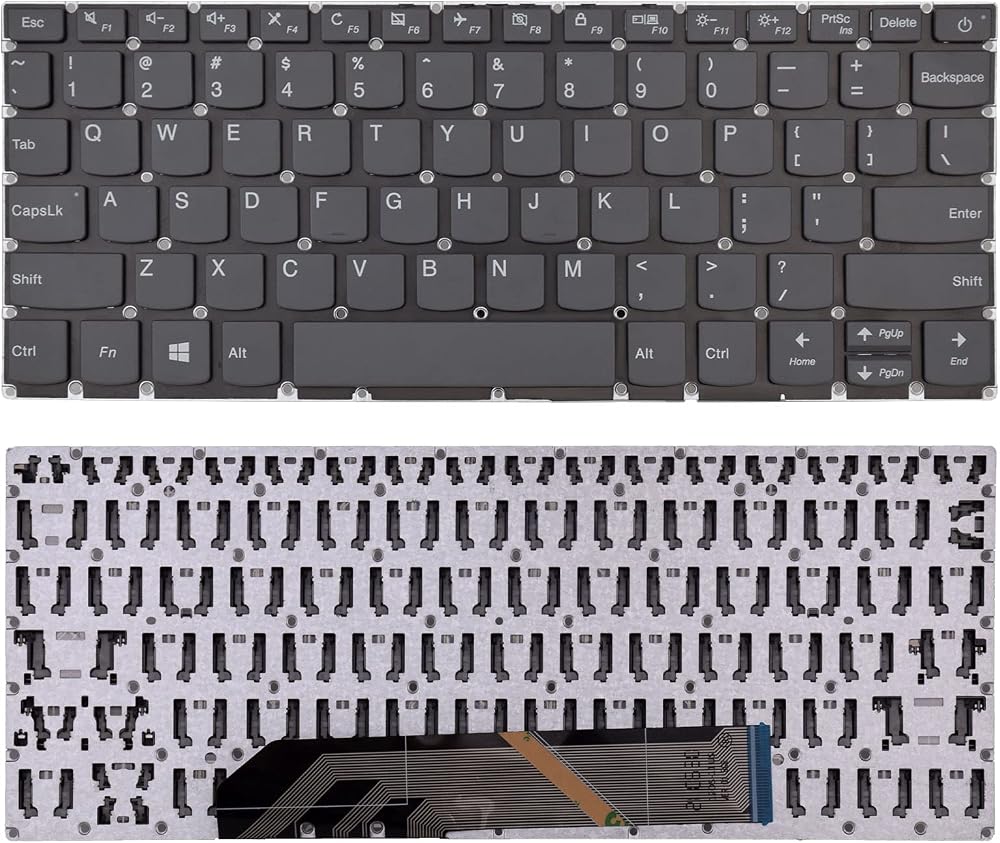
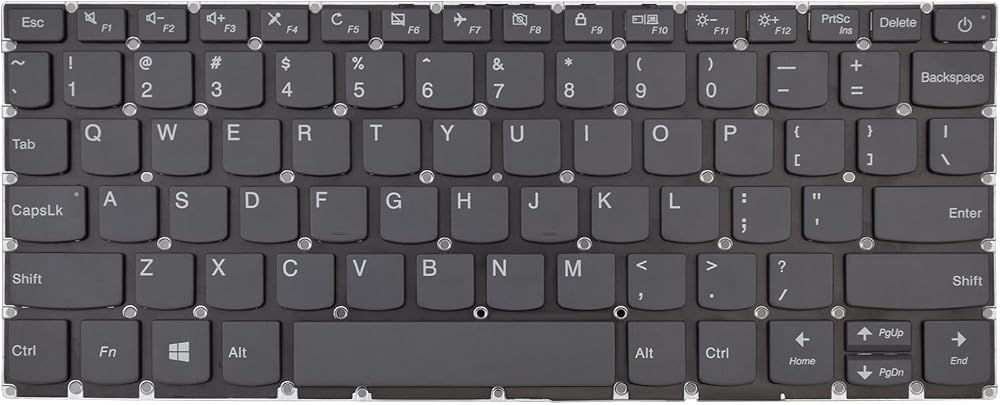
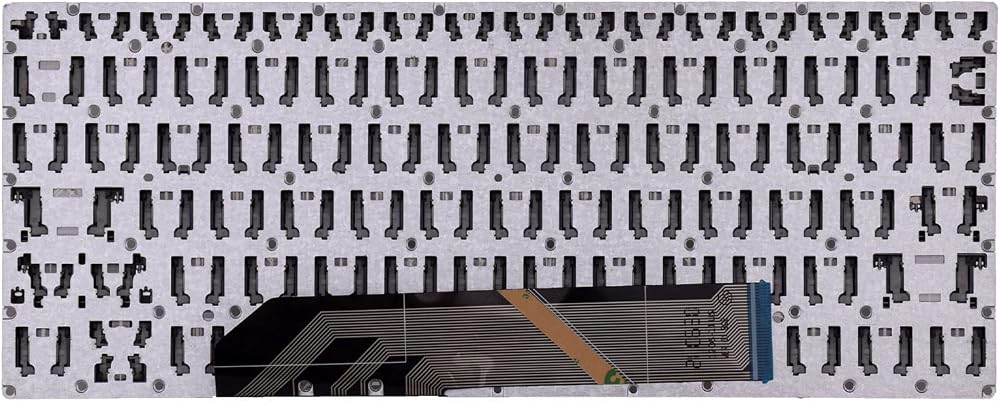
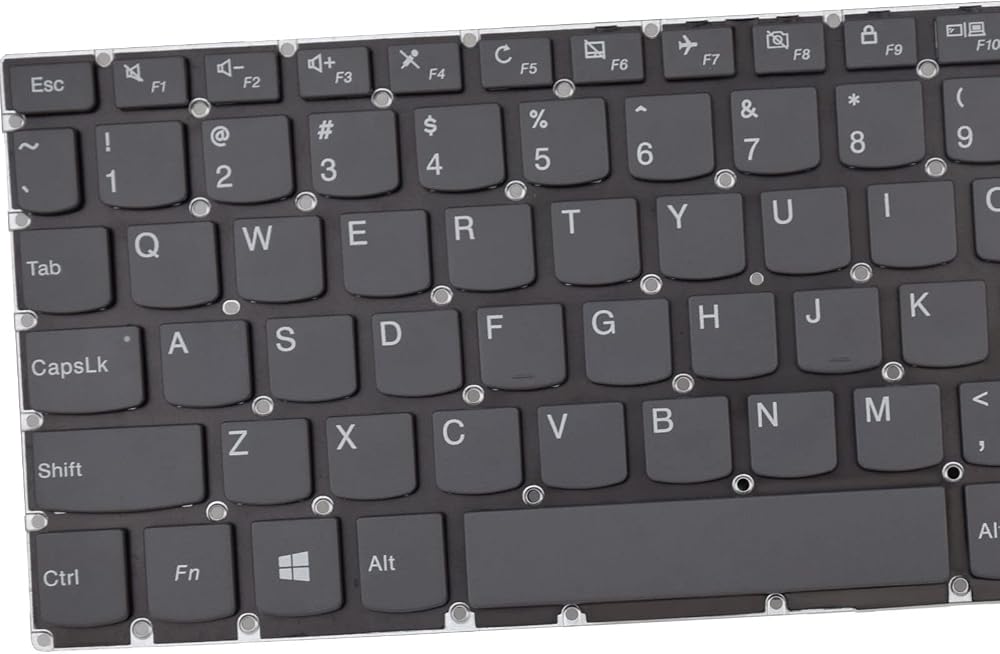
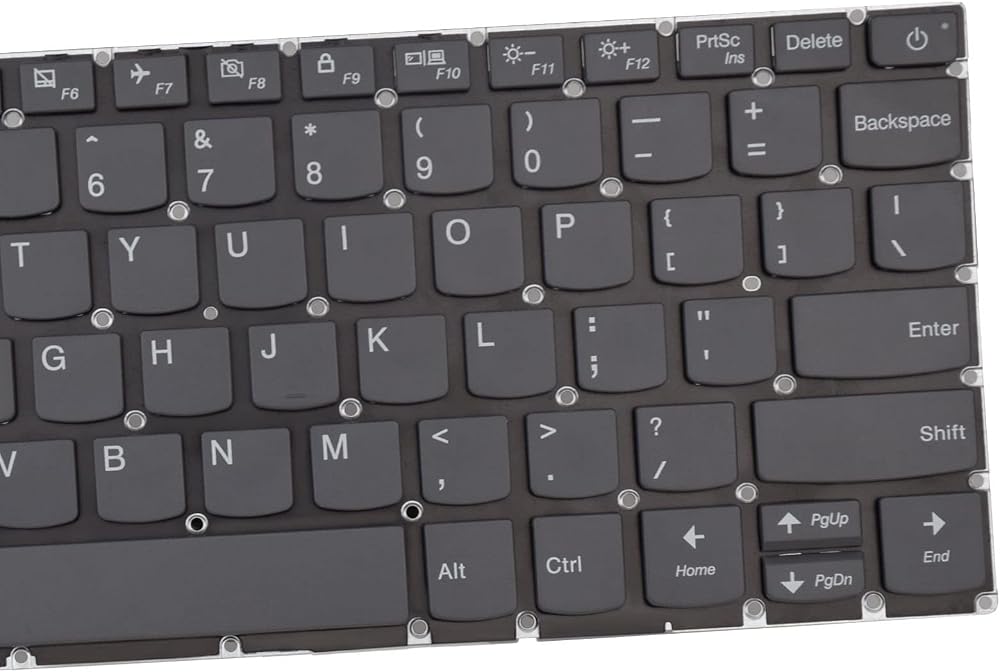
【Specification】This keyboard without frame ,you can use your original one .
【Compatible Models】Compatible with Lenovo Ideapad 120S-11IAP 130S-11IGM S130-11IGM 120S-11 Series Laptop
【Compatible Part Number】5CB0P20682 SN20N25235 SN20N25237
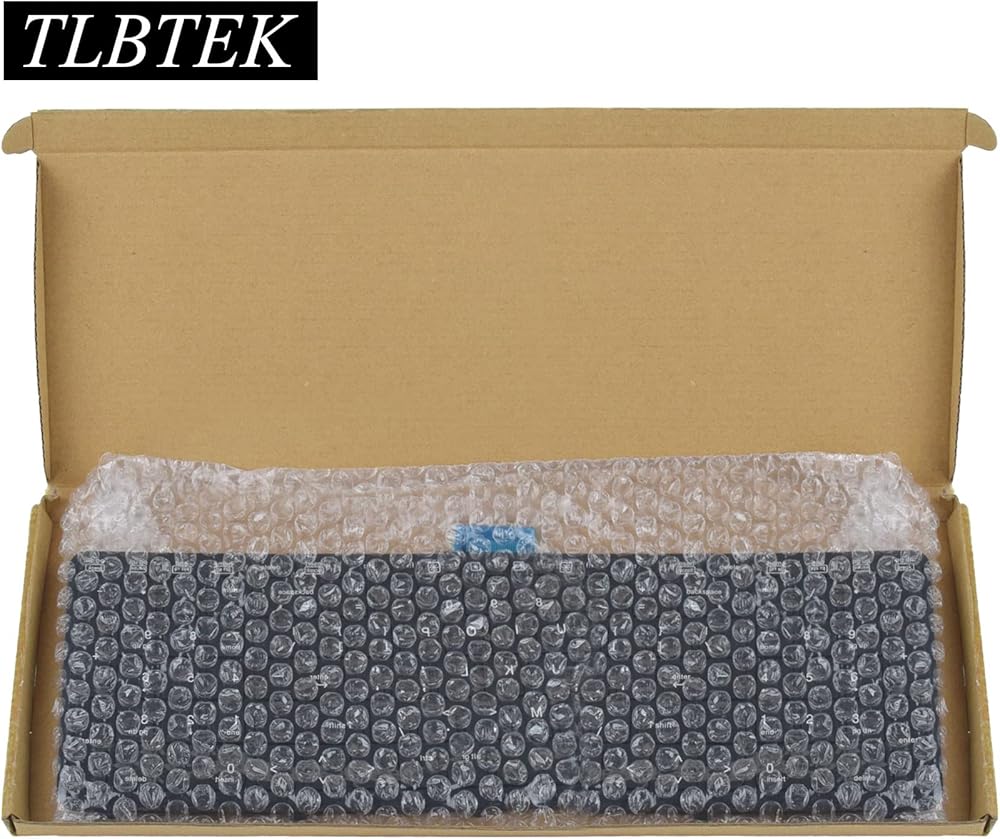
【Good Package】This keyboard is covered bubble bag in box,make sure you can receive a high quality keyboard.
【Solution of keys don't work】If some keys don't work after install ,You can try to reconnect the ribbon cable in case bad connected ,pls use a dry cloth to wipe metal head of the connect ribbon,then try to connect about few times,many customer solve this problem after did this.


 TLBTEK Keyboard Replacement with Backlight Compatible with Lenovo Ideapad 3-14ADA05 3-14IIL05 3-14IGL05 3-14IML05 330-14IKB 330-14AST 330E-14IKB 330E-14AST 330R-14IKB C340-15IML Series Laptop
SAR 105
TLBTEK Keyboard Replacement with Backlight Compatible with Lenovo Ideapad 3-14ADA05 3-14IIL05 3-14IGL05 3-14IML05 330-14IKB 330-14AST 330E-14IKB 330E-14AST 330R-14IKB C340-15IML Series Laptop
SAR 105
 TLBTEK Backlight Laptop Keyboard Replacement Compatible with Asus Vivobook 15 F512 F512DA F512JA F512FA F512UA, Vivobook X512 X512FA X512DA X512JA X512UA Series Laptop
SAR 115
TLBTEK Backlight Laptop Keyboard Replacement Compatible with Asus Vivobook 15 F512 F512DA F512JA F512FA F512UA, Vivobook X512 X512FA X512DA X512JA X512UA Series Laptop
SAR 115
 TLBTEK Keyboard Replacement Compatible with HP ProBook 450 G3 455 G3 470 G3 650 G2 655 G2 450 G4 455 G4 470 G4 HSTNN-Q95C Series Laptop 827028-031 827029-031 831021-211 841136-21 837551-001
SAR 42
TLBTEK Keyboard Replacement Compatible with HP ProBook 450 G3 455 G3 470 G3 650 G2 655 G2 450 G4 455 G4 470 G4 HSTNN-Q95C Series Laptop 827028-031 827029-031 831021-211 841136-21 837551-001
SAR 42
 TLBTEK Backlight Keyboard Replacement Compatible with HP Pavilion 14-DV 14-DV0003TX and Pavilion x360 14-DW 14-dw1000 14t-dw000 14t-dw100 14M-DW 14-DY 14-DW0052TU L96526-001 Series Laptop
SAR 93
TLBTEK Backlight Keyboard Replacement Compatible with HP Pavilion 14-DV 14-DV0003TX and Pavilion x360 14-DW 14-dw1000 14t-dw000 14t-dw100 14M-DW 14-DY 14-DW0052TU L96526-001 Series Laptop
SAR 93