- Shopping, made easy.
- /
- Get the app!
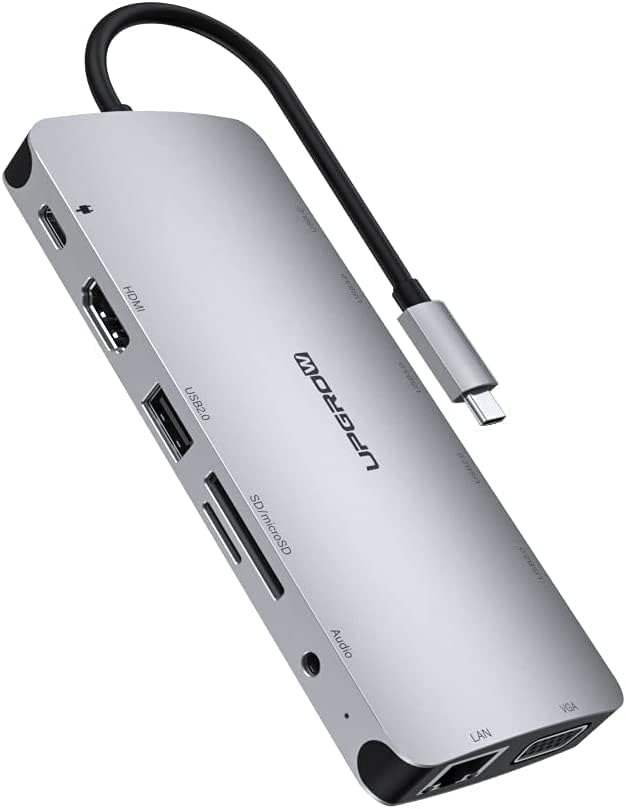
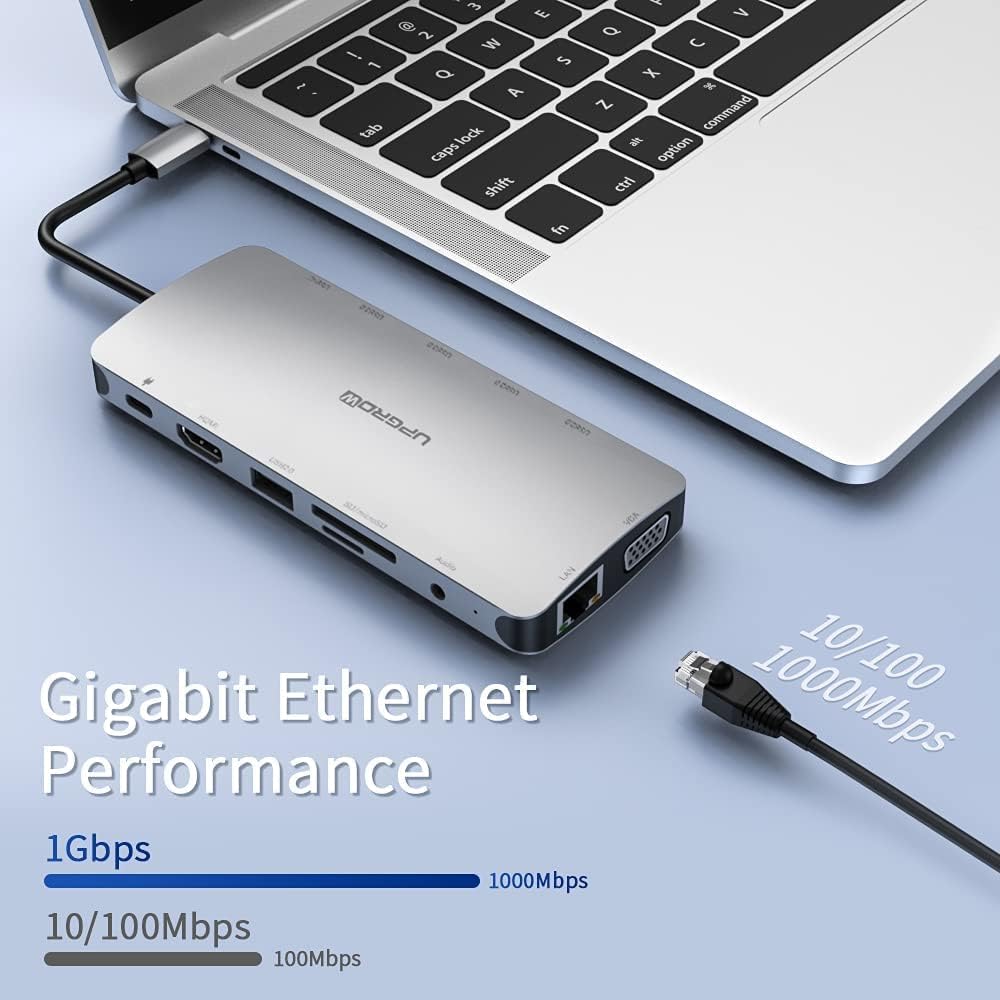
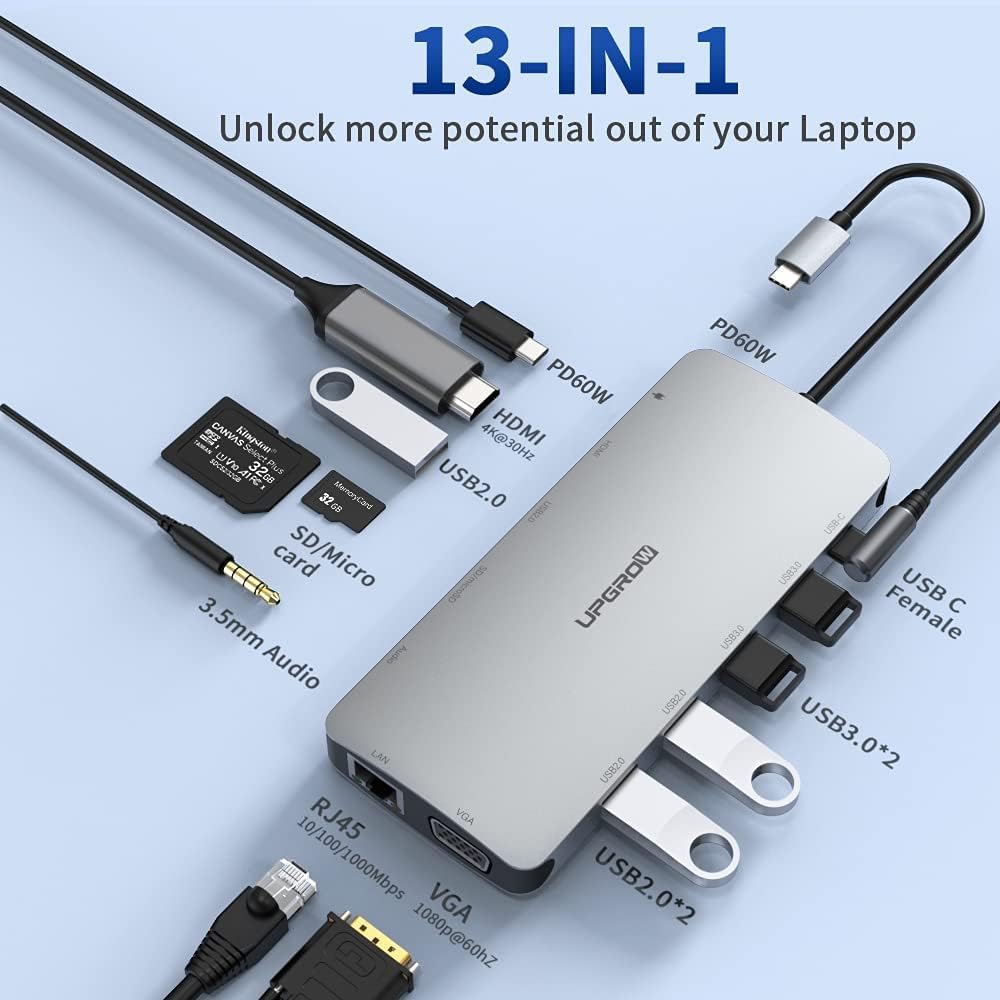
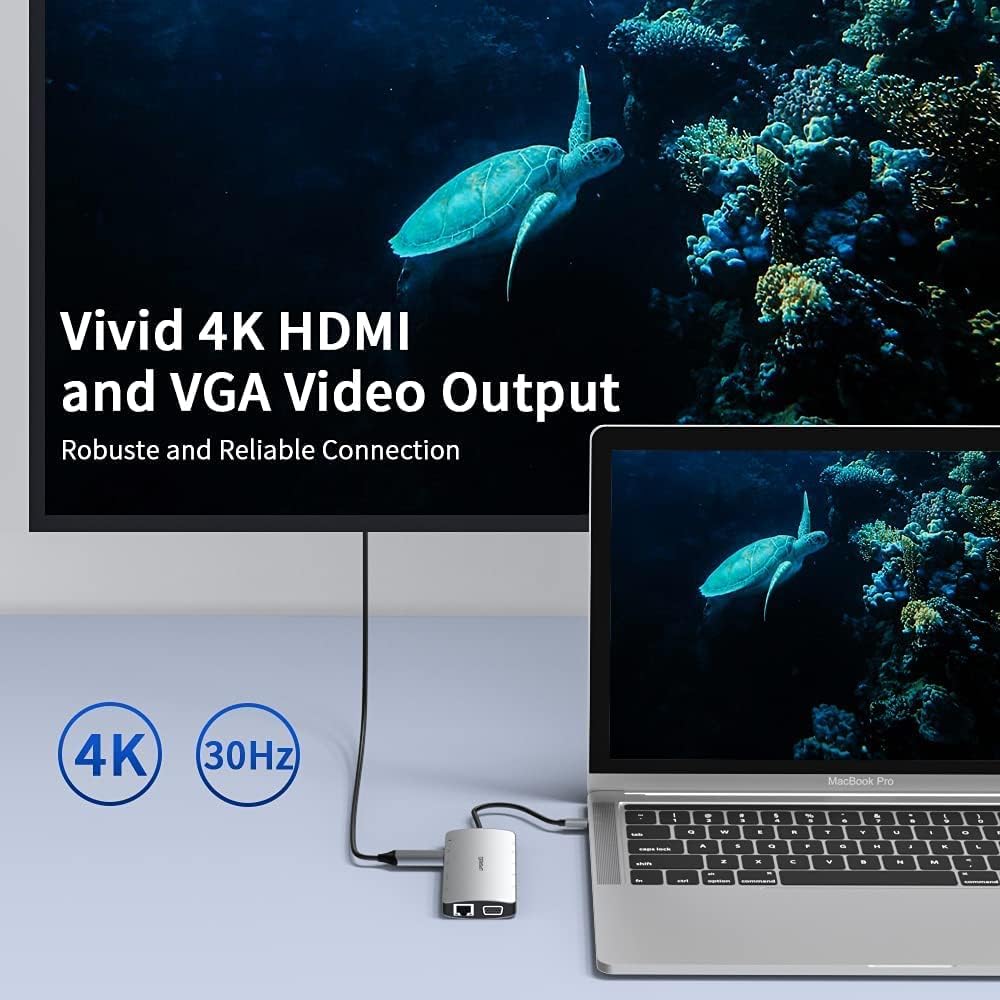
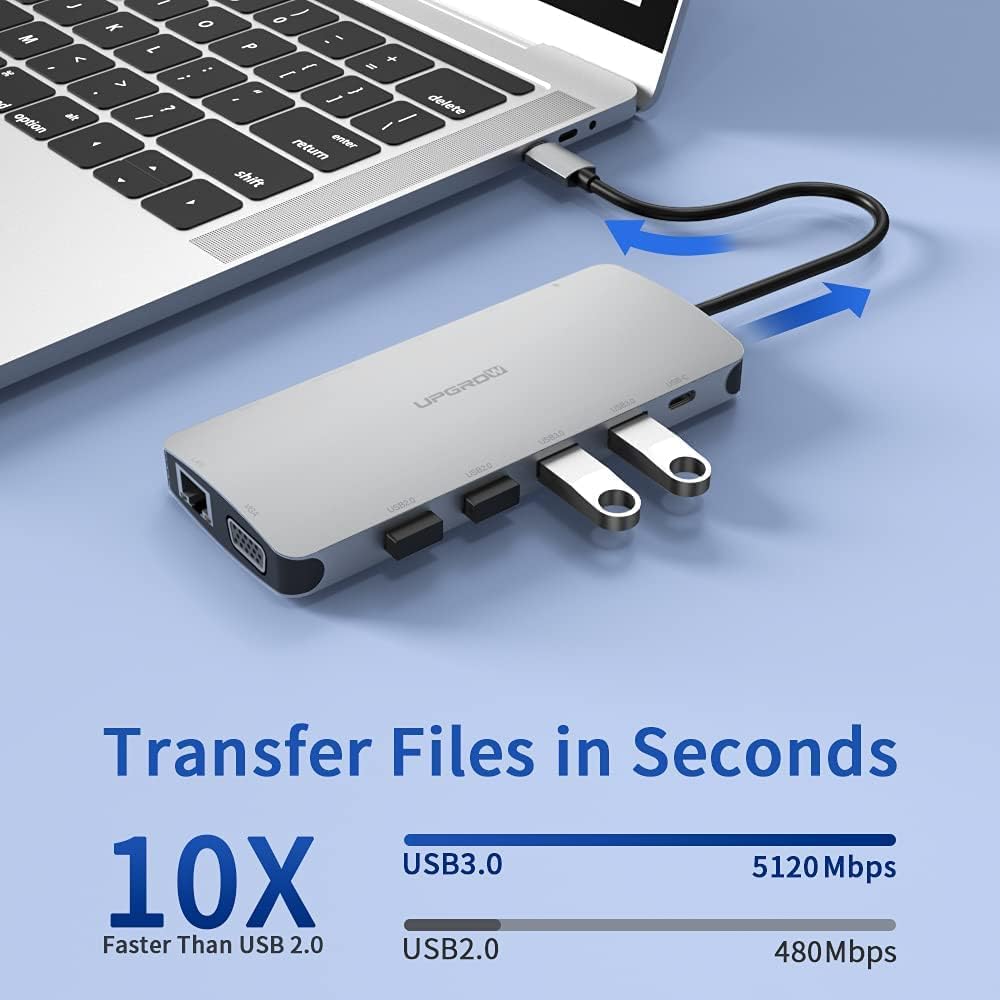
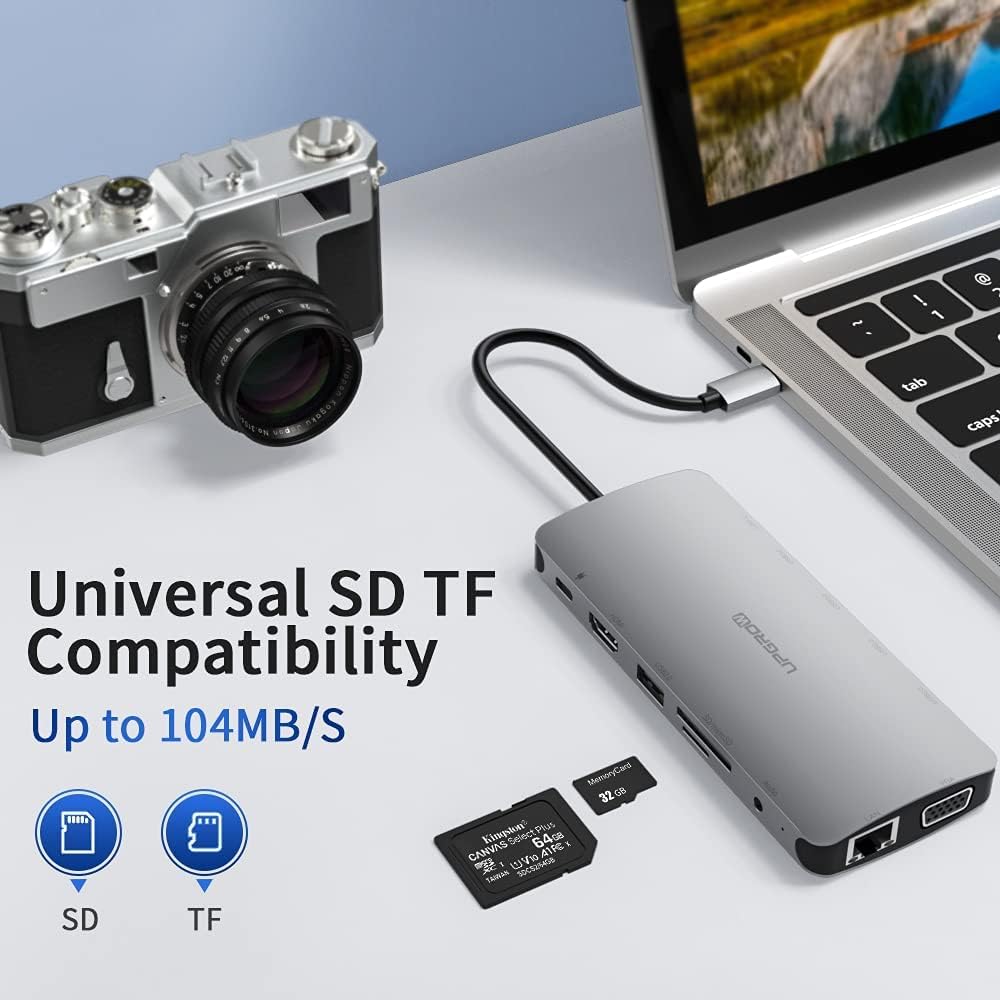
Operating Manual 1) Connect this products USB 3.1 type-c cable to the USB 3.1 type-c port of the laptop 2) Connect the HDMI / VGA interface of this product to: projector, TV monitor, etc. HDMI and VGA display at 1080P@60Hz 3) Connect the USB 3.0 / USB 2.0 port of this product to the USB device 4) Connect the PD interface of this product to the PD charger 5) Connect the Ethernet port of the product to the wired network 6 ) Connect the headset of this product to the headset. Matters Needing Attention
 SMK USB-C Dual 4K Multi-Stream Mini Docking Station - for Notebook/Camera/Scanner/Tablet/Monitor/Projector/TV - 100 W - USB Type C - 2 x USB 2.0-2 x USB 3.0 - Network (RJ-45) - HDMI - VGA - Th
SAR 253
SMK USB-C Dual 4K Multi-Stream Mini Docking Station - for Notebook/Camera/Scanner/Tablet/Monitor/Projector/TV - 100 W - USB Type C - 2 x USB 2.0-2 x USB 3.0 - Network (RJ-45) - HDMI - VGA - Th
SAR 253
 IOGEAR Quantum Thunderbolt 5 Dock Pro - 10 Devices - 80gbps - 2.5G - TB5 Host Dual 8K 60hz / Triple 4K Display 120hz - USB-A, SD 4.0, Audio - TAA - 140W Host PD - Includes PSU - Win 11 — GTD58KTAA
SAR 1,444
IOGEAR Quantum Thunderbolt 5 Dock Pro - 10 Devices - 80gbps - 2.5G - TB5 Host Dual 8K 60hz / Triple 4K Display 120hz - USB-A, SD 4.0, Audio - TAA - 140W Host PD - Includes PSU - Win 11 — GTD58KTAA
SAR 1,444
 -7%
Mac Mini M4 Dock, Aluminum Mac Mini Stand and Hub for Mac Mini M4 and M4 Pro 2024 with M.2 NVMe SSD Enclosure, 2X USB-A 10Gbps, SD/TF Card Readers, USB 2.0 Data (Silver)│Accessories
SAR 223
-7%
Mac Mini M4 Dock, Aluminum Mac Mini Stand and Hub for Mac Mini M4 and M4 Pro 2024 with M.2 NVMe SSD Enclosure, 2X USB-A 10Gbps, SD/TF Card Readers, USB 2.0 Data (Silver)│Accessories
SAR 223
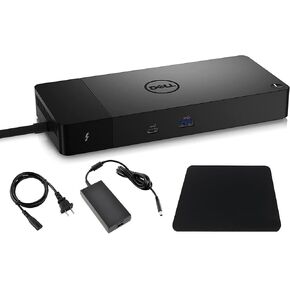 Thunderbolt 4 Dock, WD22TB4 USB C Docking Station Dual Monitor with 180W AC Adapter, HDMI, DisplayPort, USB-A, Ethernet, LAN Port and Mouse Pad Included
SAR 1,059
Thunderbolt 4 Dock, WD22TB4 USB C Docking Station Dual Monitor with 180W AC Adapter, HDMI, DisplayPort, USB-A, Ethernet, LAN Port and Mouse Pad Included
SAR 1,059