- Shopping, made easy.
- /
- Get the app!
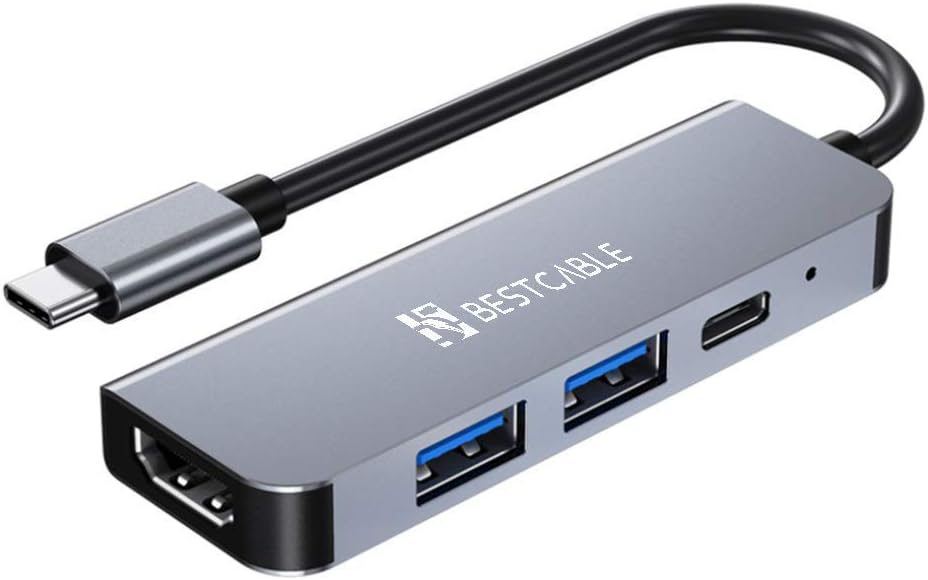
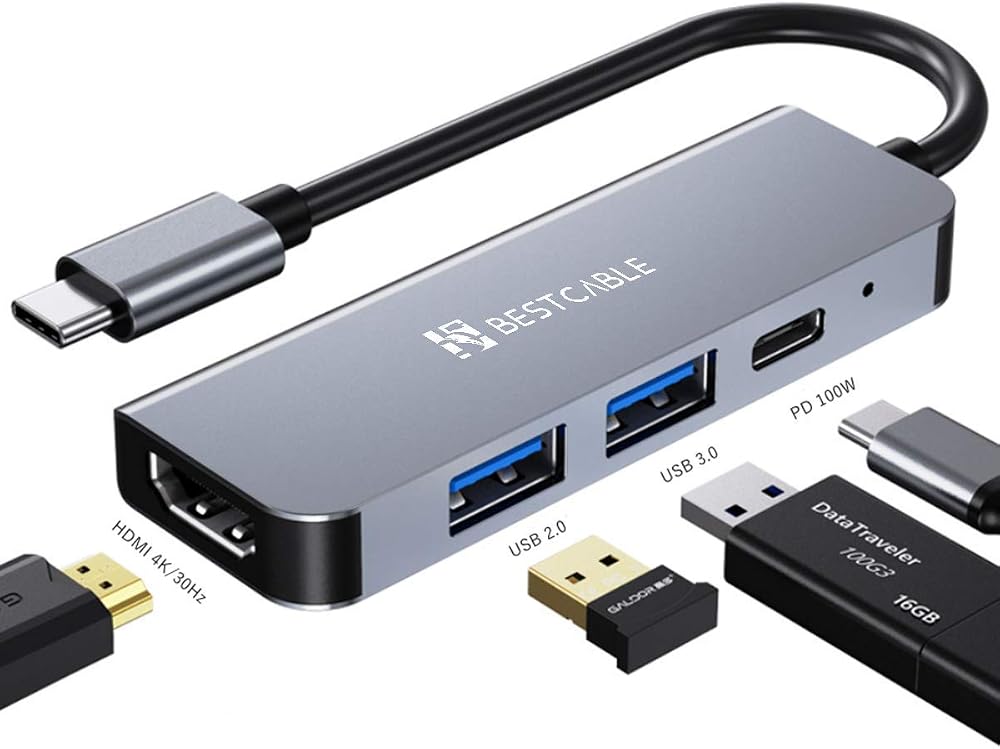
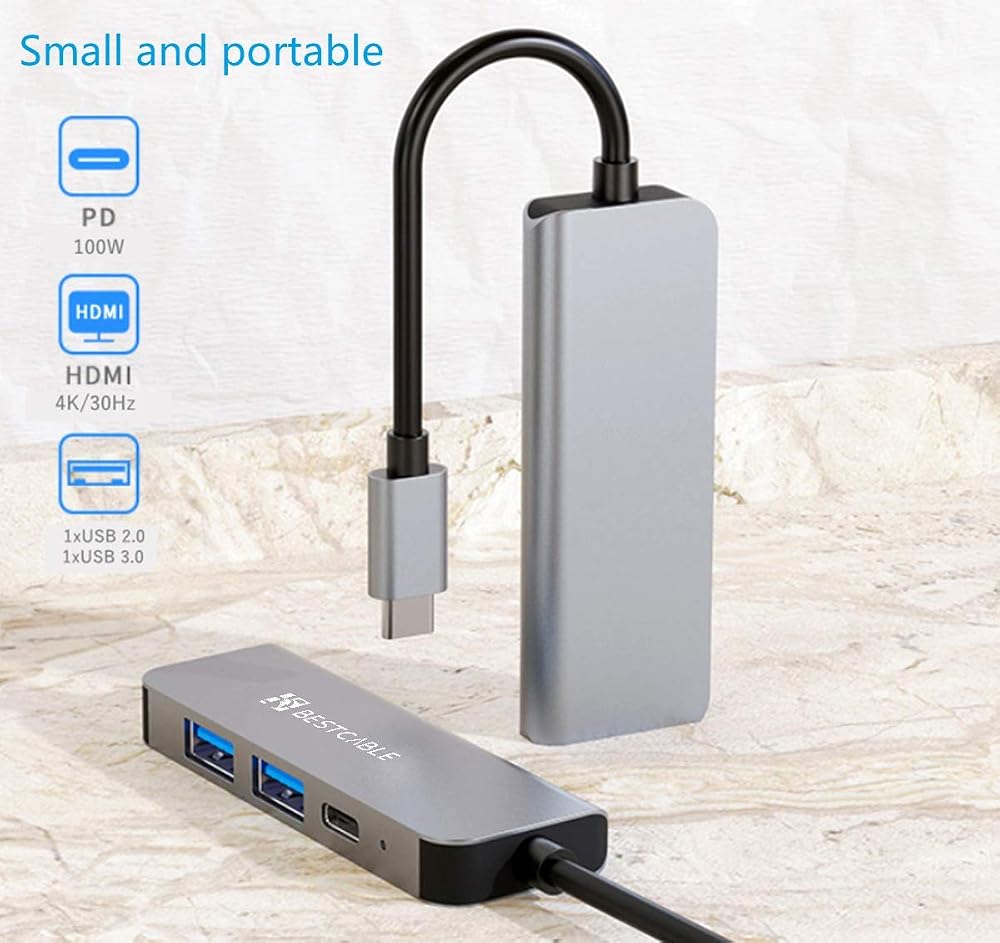
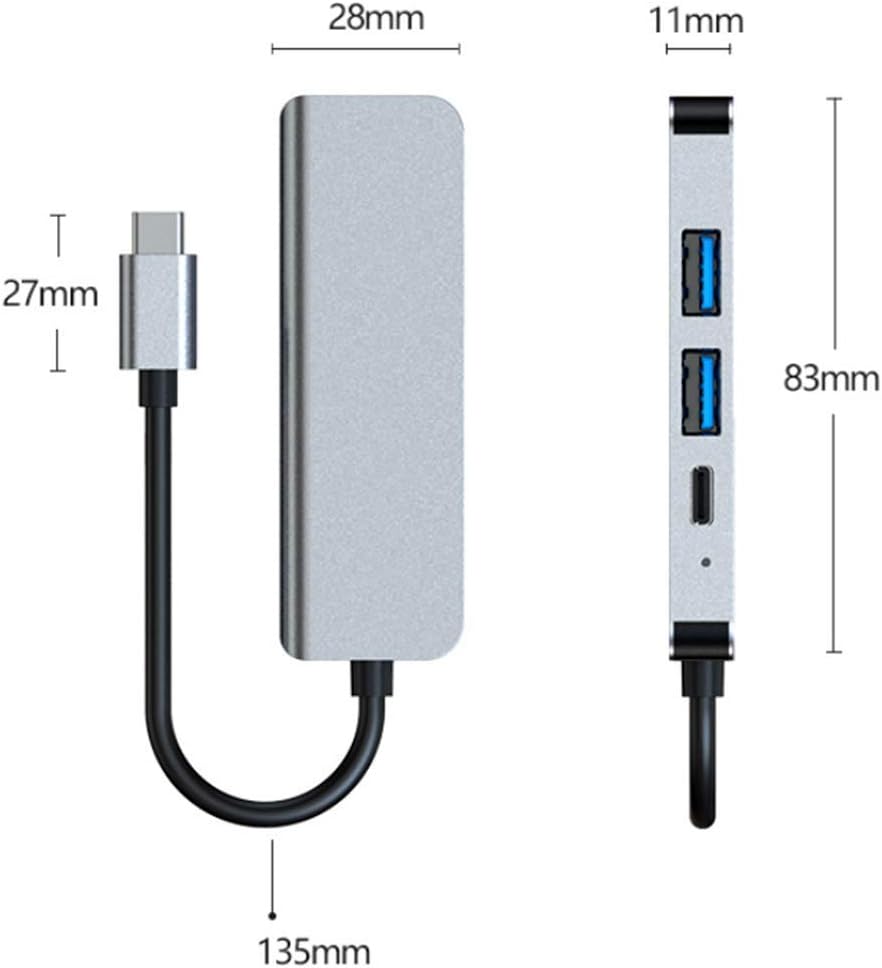
4 in 1 USB C Hub Port includes:
1 * 4K HDMI Port
1 * USB 3.0 port
1 * USB 2.0 port
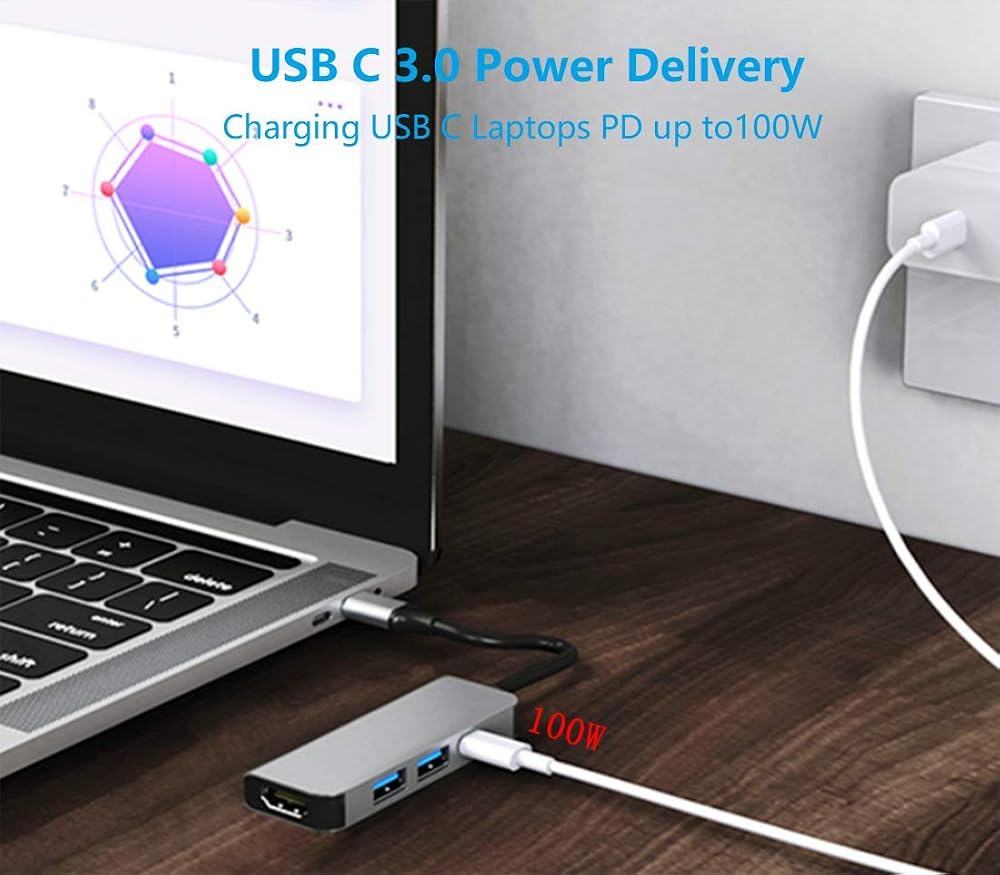
1 * USB C PD 100W Charging Port
Input: USB C cable
Charging port: Support up to 20V@5A charging
HDMI port: Support resolution up to 4K@30Hz
USB 3.0: Compliant with USB 3.0 specification with transfer up to 5 GB/S, Backward compatible with USB 2.0/1.1
USB 2.0: Compliant with USB 2.0 specification with transfer up to 480 MB/S, Backward compatible with USB 1.1
Supports Mac OS/ Windows/ Android, more devices with USB 3.1 C port.
Material: Aluminum Alloy
LED Indicator: Build-in blue indicator LED light shows working status
NOTE:
1. NOT compatible with devices without USB C 3.1 interface.
2. USB C female port is designed for charging, not for data transferring
3. Required to connect the device with relavent specification for optimal performance
 -23%
ZAGG 6-Port Media Hub Docking Station – for iPad, Chromebook, Android & More – HDMI 4K 60Hz, USB-C PD 100W, USB-A 3.2 10Gbps, SD & MicroSD Card Readers, Audio Jack – Compact & Durable w/Media Buttons
SAR 402
-23%
ZAGG 6-Port Media Hub Docking Station – for iPad, Chromebook, Android & More – HDMI 4K 60Hz, USB-C PD 100W, USB-A 3.2 10Gbps, SD & MicroSD Card Readers, Audio Jack – Compact & Durable w/Media Buttons
SAR 402
 ORICO MiniLink 40Gbps USB Hub Compatibility with Mac Mini M4, 7-in-1 Aluminum Dock with Dual M.2 SSD (NVMe PCle) Enclosure, 10Gbps USB-A Ports, 4.0 SD/TF Card Readers
SAR 605
ORICO MiniLink 40Gbps USB Hub Compatibility with Mac Mini M4, 7-in-1 Aluminum Dock with Dual M.2 SSD (NVMe PCle) Enclosure, 10Gbps USB-A Ports, 4.0 SD/TF Card Readers
SAR 605
 -30%
UGREEN 7-in-1 USB C Hub Bundle with 100W GaN Charger and Cable
SAR 384
-30%
UGREEN 7-in-1 USB C Hub Bundle with 100W GaN Charger and Cable
SAR 384
 -10%
2 Pack Portable Neck Fan, Hanging Neck Fan Hands Free with Adjustable Lanyard and Bracket, USB Rechargeable Bladeless Mini Fans Portable (White+Green)
SAR 131
-10%
2 Pack Portable Neck Fan, Hanging Neck Fan Hands Free with Adjustable Lanyard and Bracket, USB Rechargeable Bladeless Mini Fans Portable (White+Green)
SAR 131