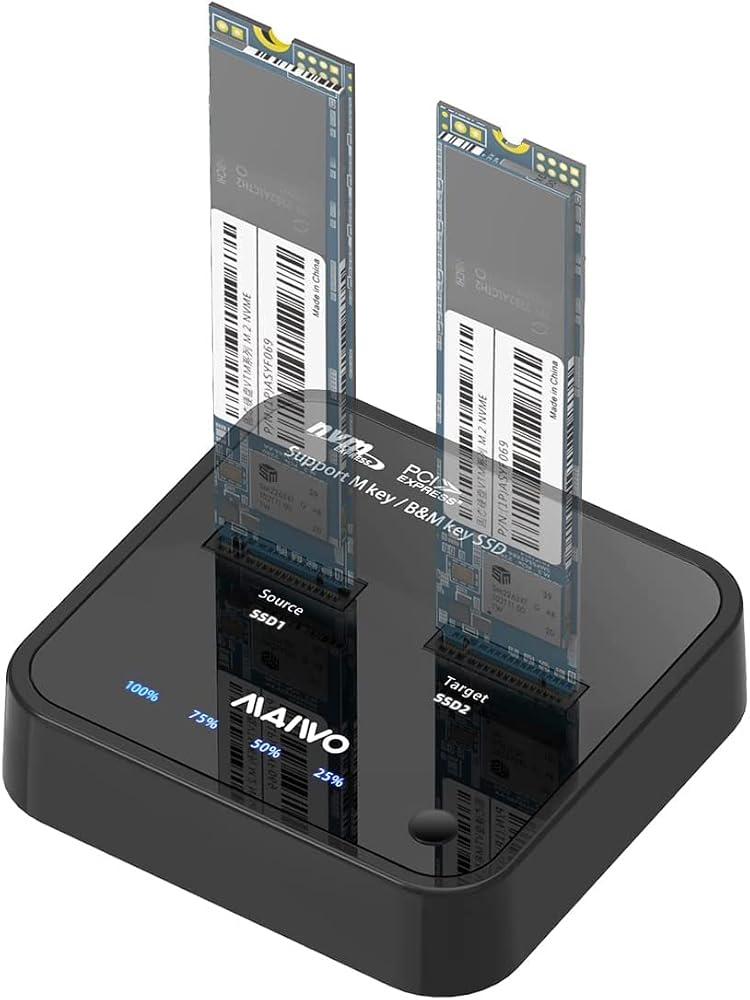
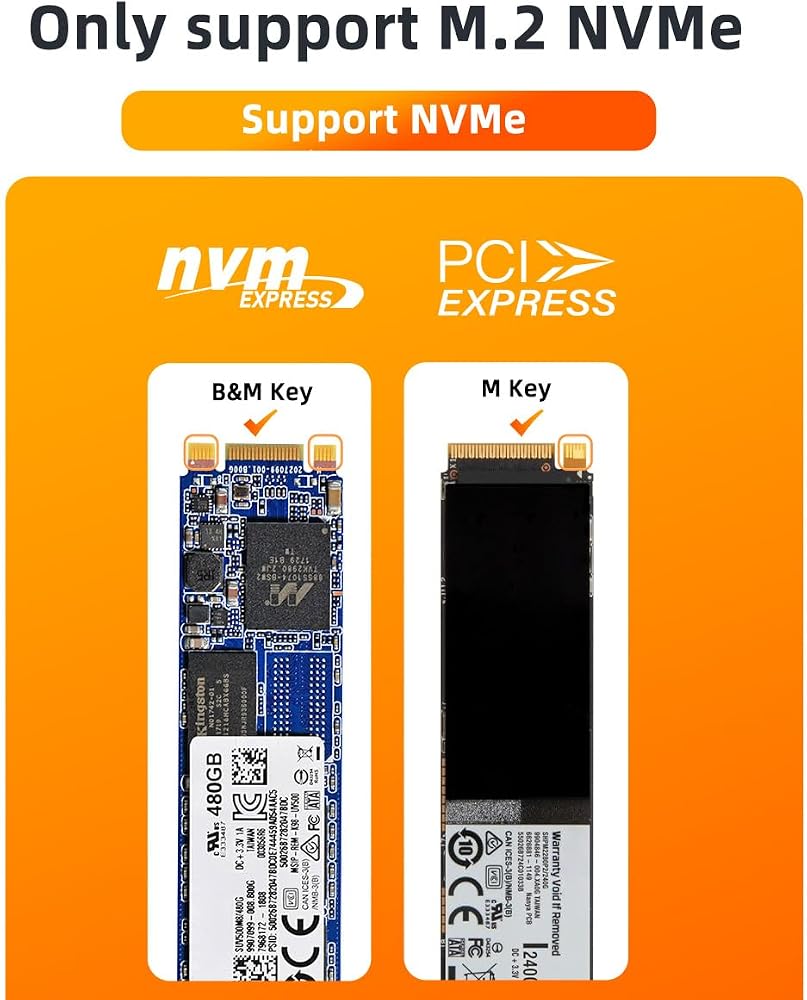
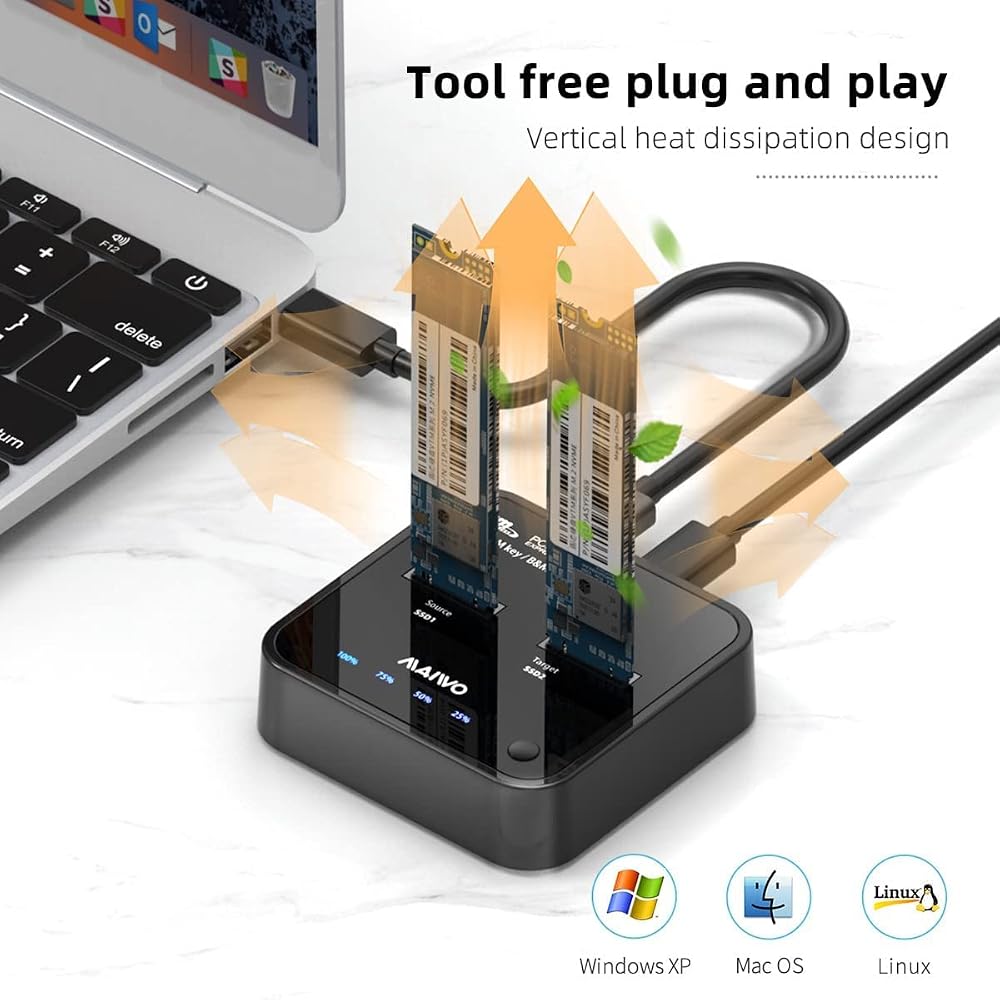
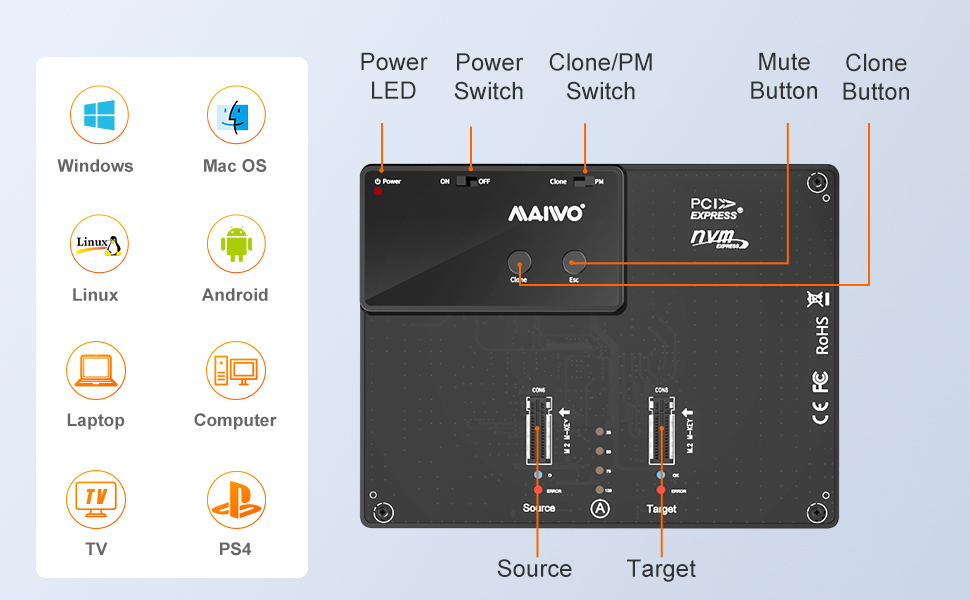
【Compatible with M.2 NVME SSD】:The M.2 NVME SSD clone duplicator support M.2 SSD size 2230/2242/2260/2280/22110.It support to read and write your data/file inside your M.2 NVMe SSD. (If you couldn't find the SSD in your computer,please check the "Disk-Management".)
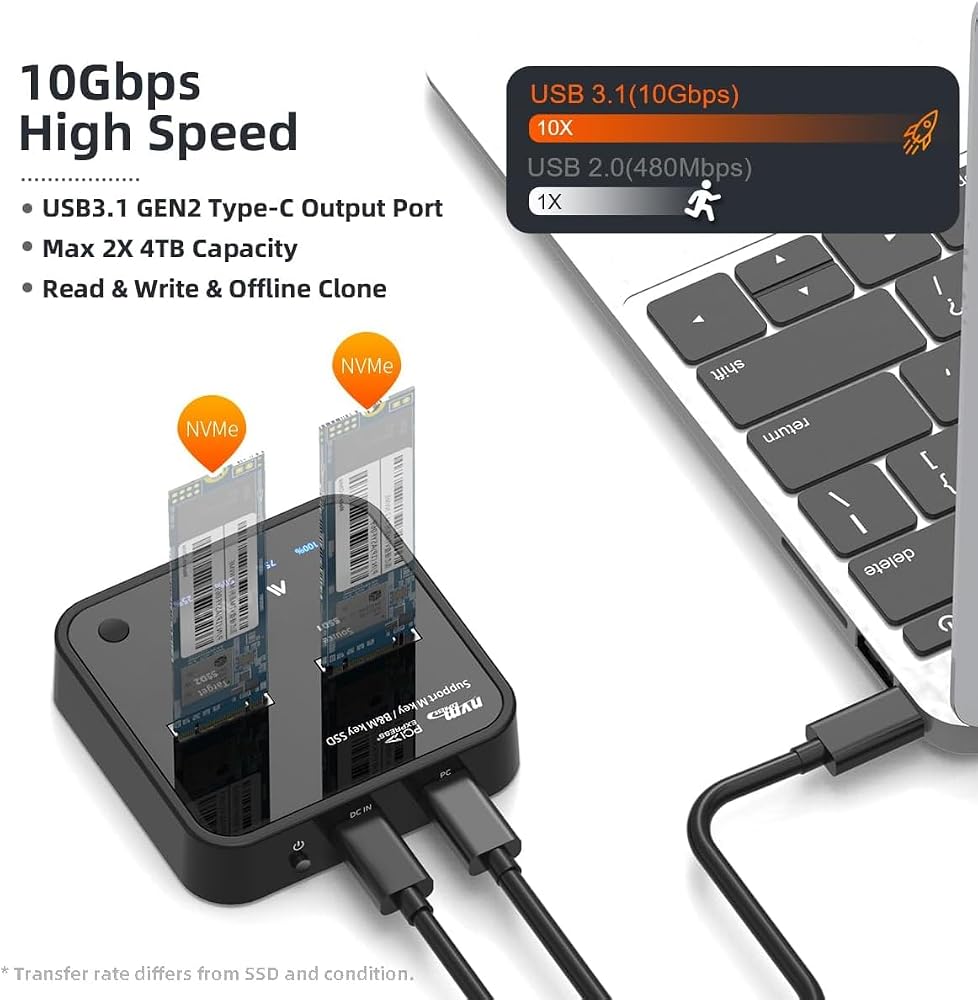
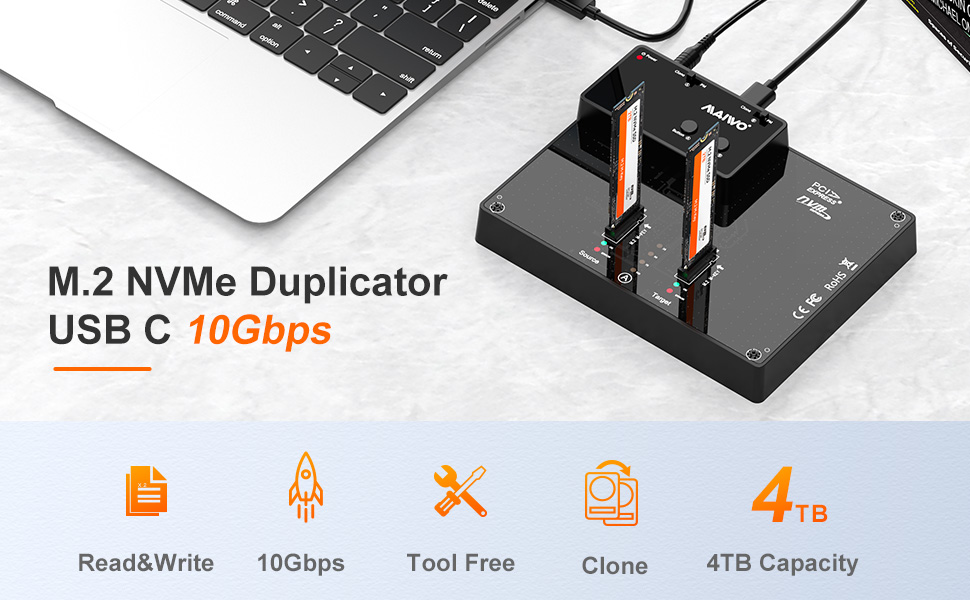
【Max 10Gbps Bandwidth】:The NVME docking station's Type-C interface with USB 3.1 Gen 2, the max transmission speed can reach 10Gbps, transfer 1G file in 1 second, kinds of HD movies and TV serials instantaneous transmission,transfer and watch, no longer need to wait. (Please confirm your interface is USB3.1, otherwise the speed will be slow.)
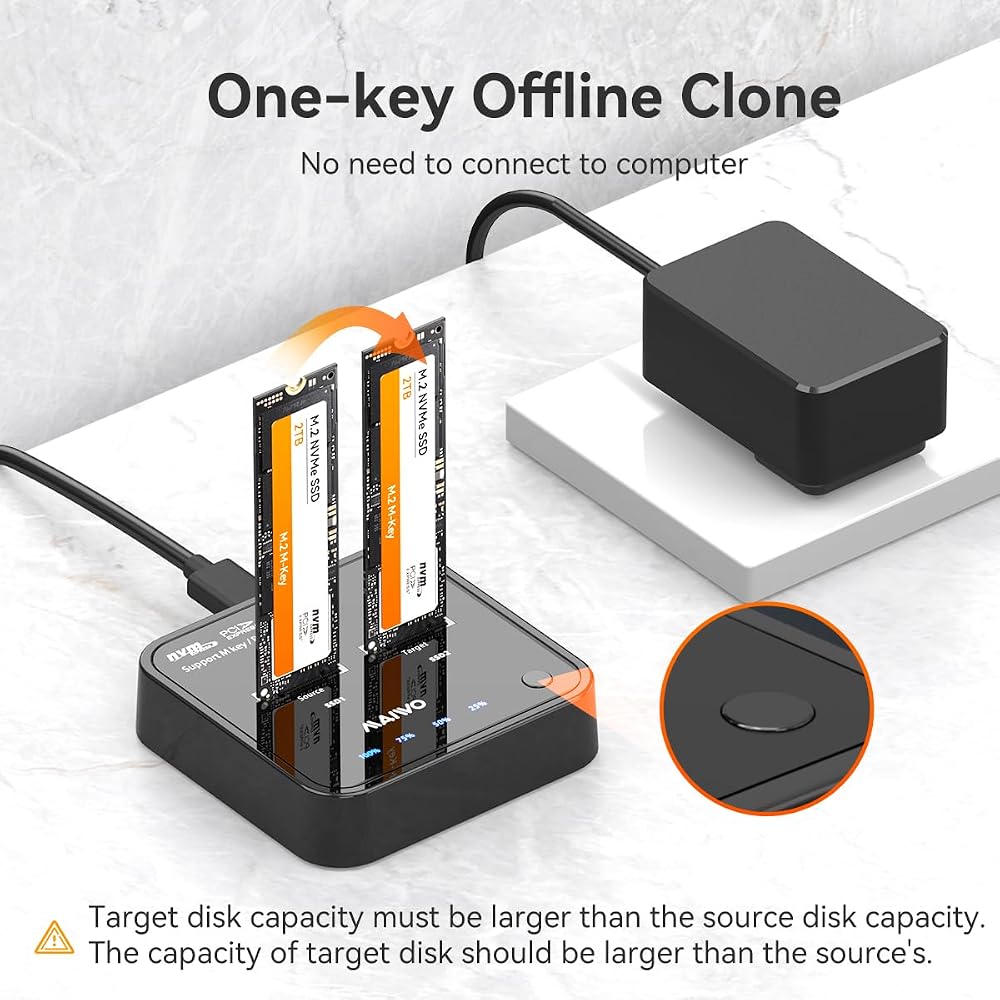
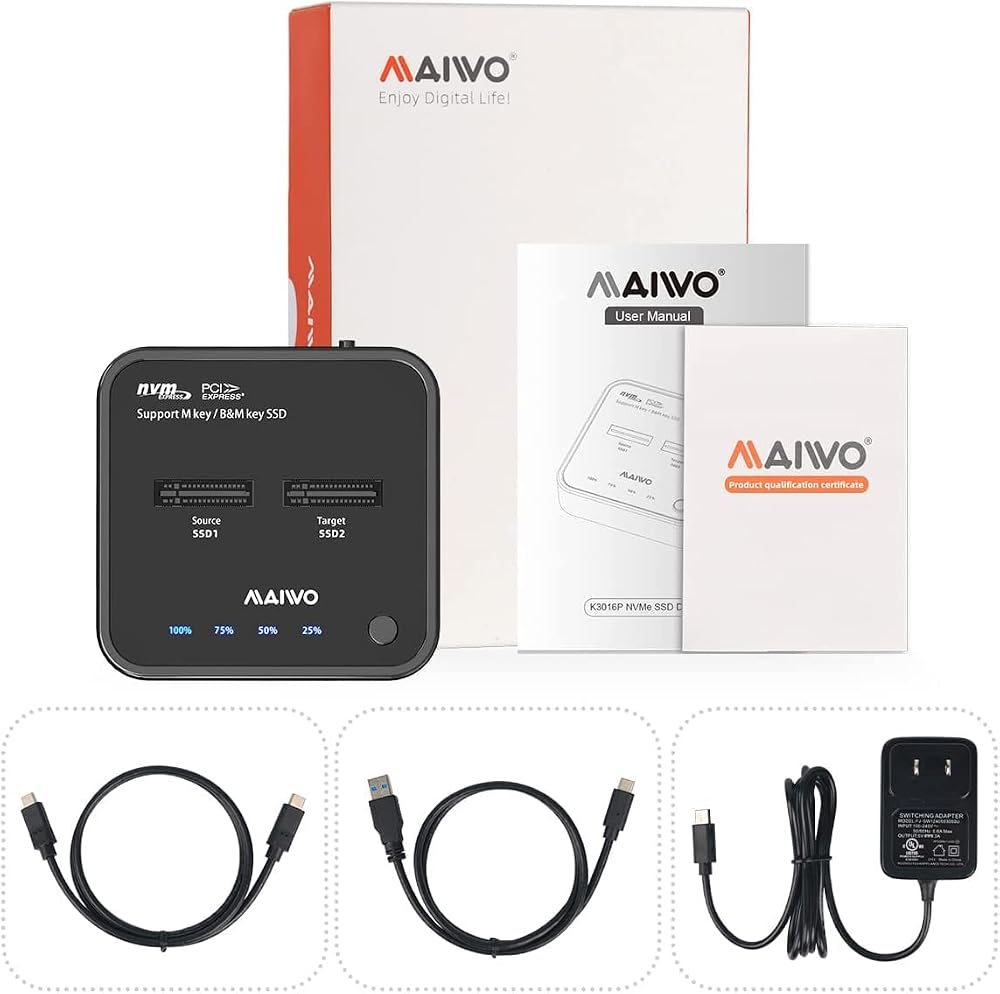
【One-key Clone&Switch Button】 The M.2 NVME duplicator with one-key clone function, no need to connect computer, just plug two M.2 NVME SSDs in and hooked up the power,click the ‘clone' button for 3-5 seconds to quickly clone all files from ‘SSD1' SSD to ‘SSD2' SSD, there are LED status indicators and the process completed quickly. And it equipped with a power switch button, can always contorl the process.NOTES: Make sure the capacity of target M.2 NVME SSD larger than original M.2 NVME SSD.
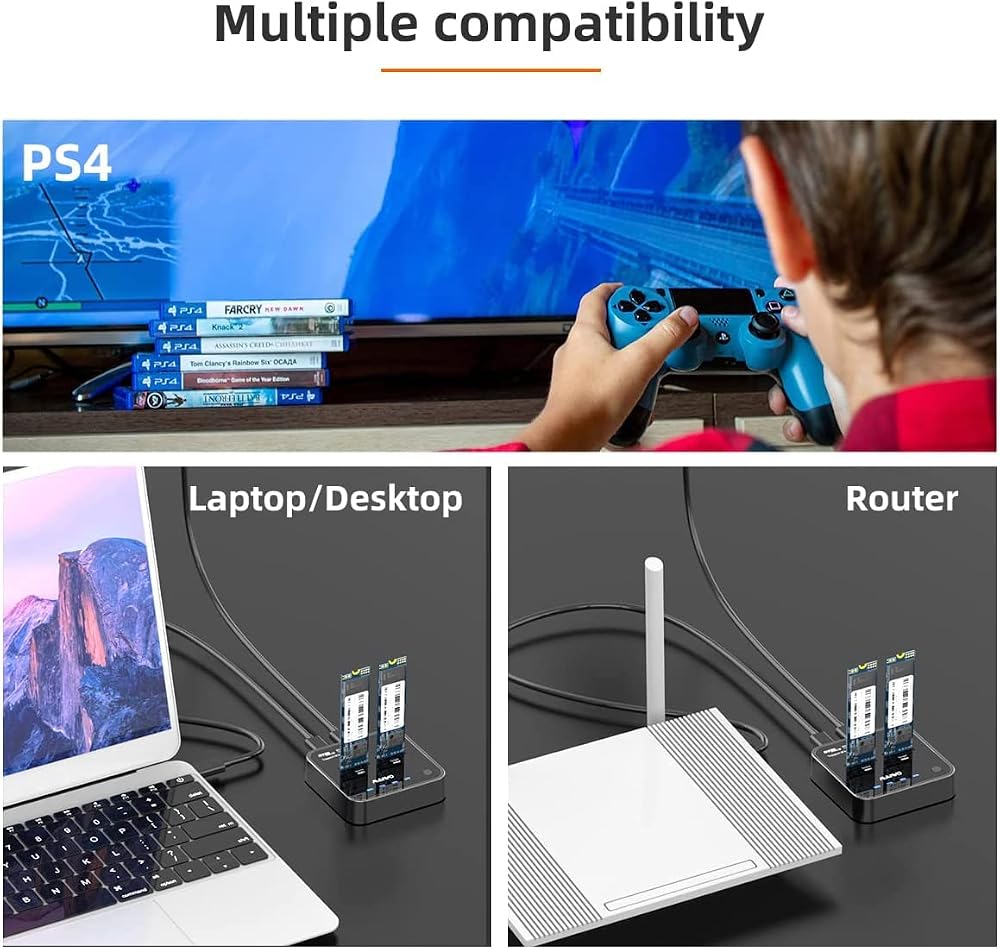
【Multiple Device+Support Most System】:MAIWO K3015P M.2 docking station compatible with multiple device PS4/smart TV/computer/laptop/smart router/phone(Should support OTG) etc (Your device should support connecting to big capacity device).What`s more K3015P support most system: Windows 7 ,Windows8, Windows 8.1, Windows 10, MAC OS, Linux etc.
【LED Indicator】:There are LED indicator you can know the M.2 NVMe work status . with clone LED indicator, you can know the progress when cloning.
【Brand Support】:Thank you for ordering MAIWO products, we will do our best to serve you. Focus on data storage.15+ years experience.Professional, secure and efficient.
 MAIWO Dual Bay Hard Drive Docking Station with Offline Clone, SATA Cloner Dock for 2.5 and 3.5 inch HDDs and SSDs, 40TB Expansion,UASP Supported,White
SAR 0
MAIWO Dual Bay Hard Drive Docking Station with Offline Clone, SATA Cloner Dock for 2.5 and 3.5 inch HDDs and SSDs, 40TB Expansion,UASP Supported,White
SAR 0
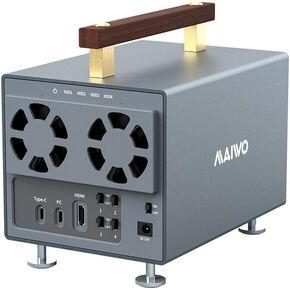 MAIWO 4 Bay 3.5 inch SATA Hard Drive Enclosure with SATA III Chipset USB-C 10Gbps, 88TB Capacity, Support 4K HD-MI/Type-C Extend/Daisy Chain/External HDD Enclosure,12V/7A Power
SAR 626
MAIWO 4 Bay 3.5 inch SATA Hard Drive Enclosure with SATA III Chipset USB-C 10Gbps, 88TB Capacity, Support 4K HD-MI/Type-C Extend/Daisy Chain/External HDD Enclosure,12V/7A Power
SAR 626
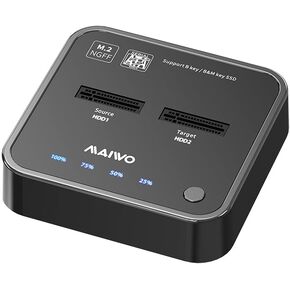 MAIWO SATA M.2 SSD Duplicator, SATA M.2 to Type C Hard Drive Docking Station, for B+M Key M.2 SSD, Support Offline Clone Copy Function (K3016S G1)
SAR 469
MAIWO SATA M.2 SSD Duplicator, SATA M.2 to Type C Hard Drive Docking Station, for B+M Key M.2 SSD, Support Offline Clone Copy Function (K3016S G1)
SAR 469
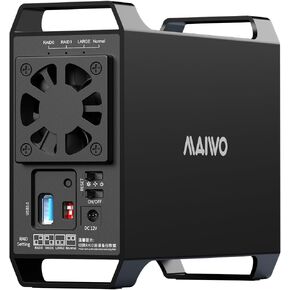 MAIWO Dual Bay Raid Enclosure for 3.5" SATA HDD,2 Bay Hard Drive Enclosure with Cooling Fan,4 Raid Modes,USB3.0 HDD Bay for 44TB Capacity Expansion
SAR 313
MAIWO Dual Bay Raid Enclosure for 3.5" SATA HDD,2 Bay Hard Drive Enclosure with Cooling Fan,4 Raid Modes,USB3.0 HDD Bay for 44TB Capacity Expansion
SAR 313