- Shopping, made easy.
- /
- Get the app!
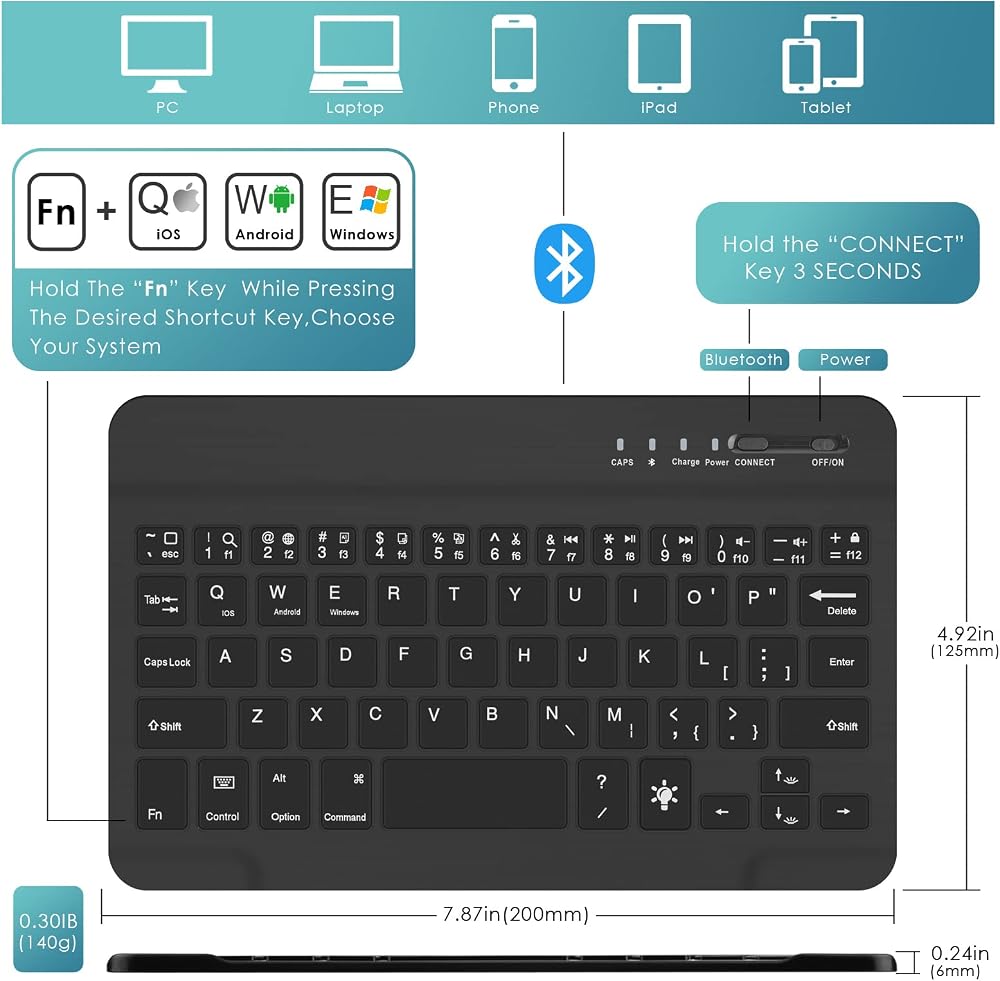
▶【How to Connect The Keyboard】
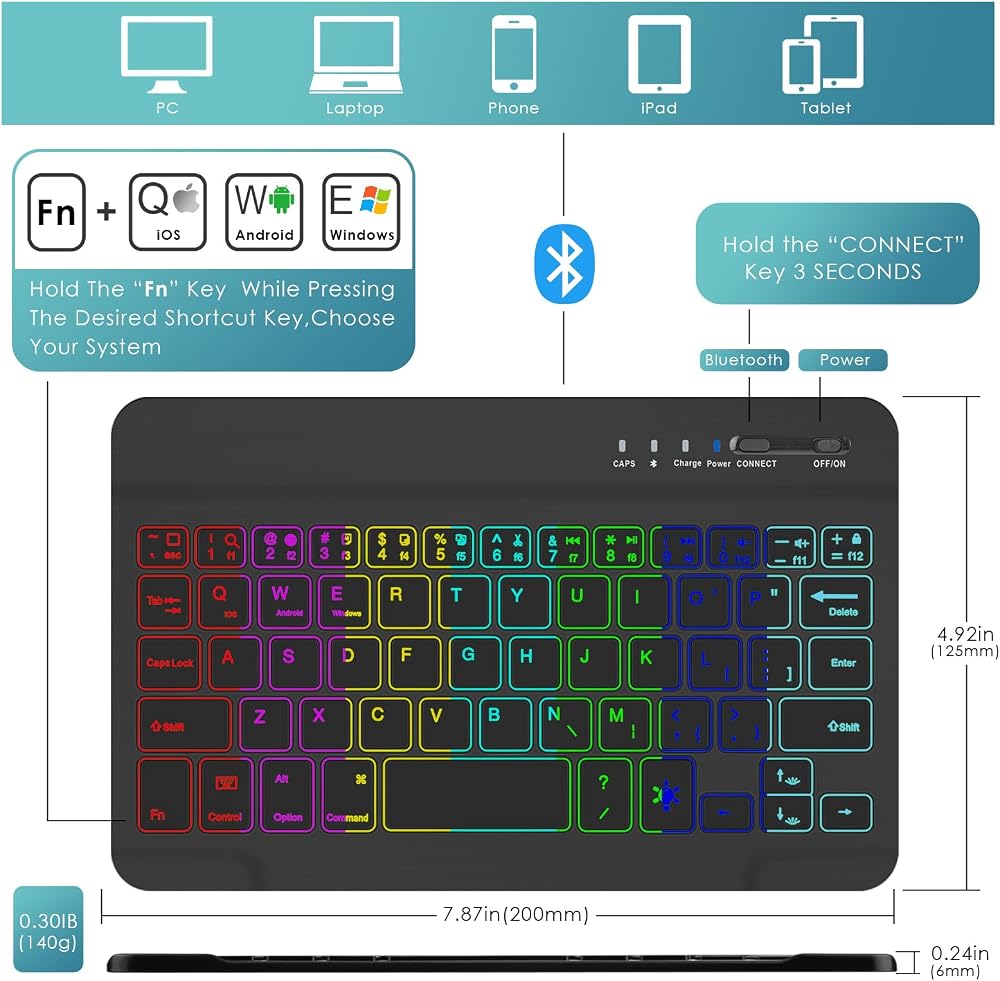
Step 1: Turn on the ON/OFF button.
Step 2: Press the "CONNECT button for 3 seconds, then the indicator of the Wireless logo will flash.
Step 3: At this point, open the "Settings" button of the phone or tablet, enter the Wireless settings, search for the Wireless keyboard, and the keyboard name is "Wireless Keyboard”.
Step 4: Click "Wireless Keyboard" on your tablet or smart mobile phone, and the password will be displayed on your tablet or smart mobile phone. Step 5: Enter this password on the Wireless keyboard and press Enter, so that you can connect and use it.
▶【Attention Matters】
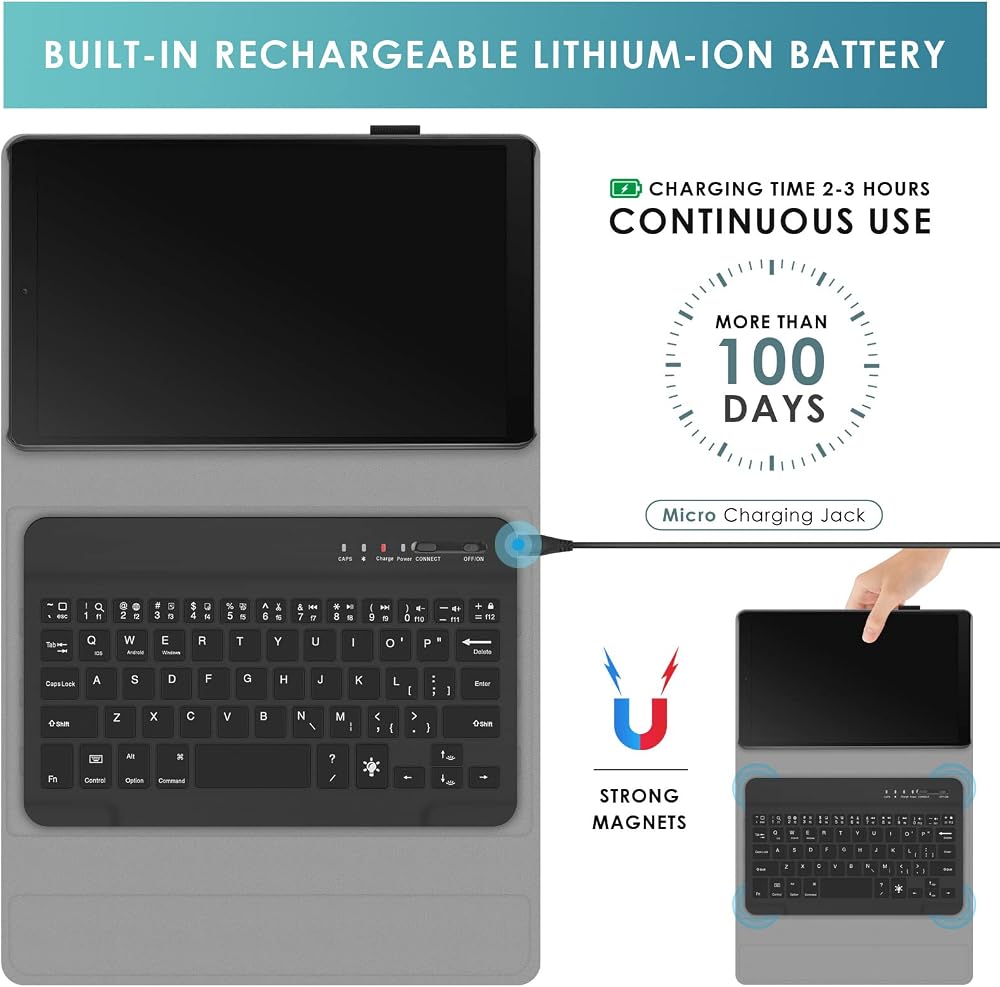
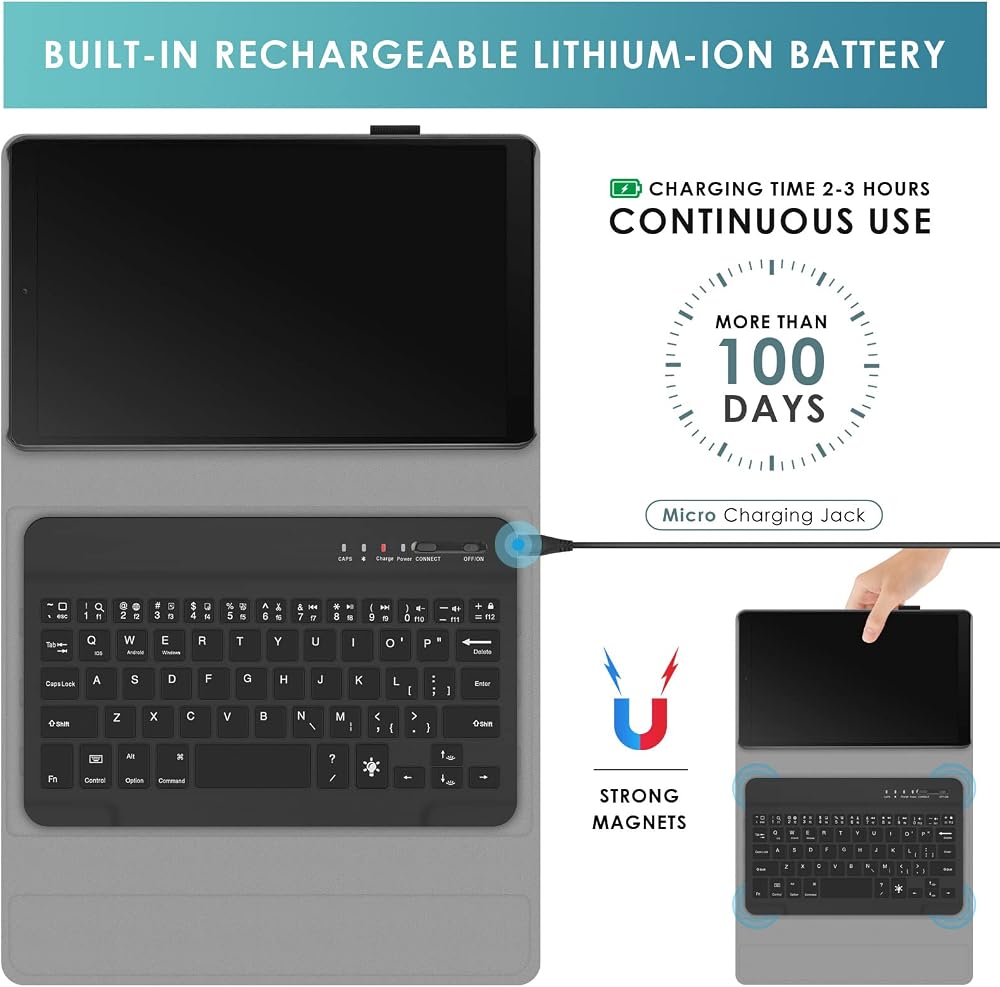
When the battery is lower than the working voltage, the power indicator light starts to flash, indicating that the keyboard is to be charged.
Use the Micro USB cable USB-B equipped with this machine to access the charging interface of the keyboard. USB-A interface to the power adapter or computer USB interface.
When charging, the power indicator (red light) will be on. When the charging is completed, the power indicator will go out and the USB charging cable will be unplugged.
▶【Features】
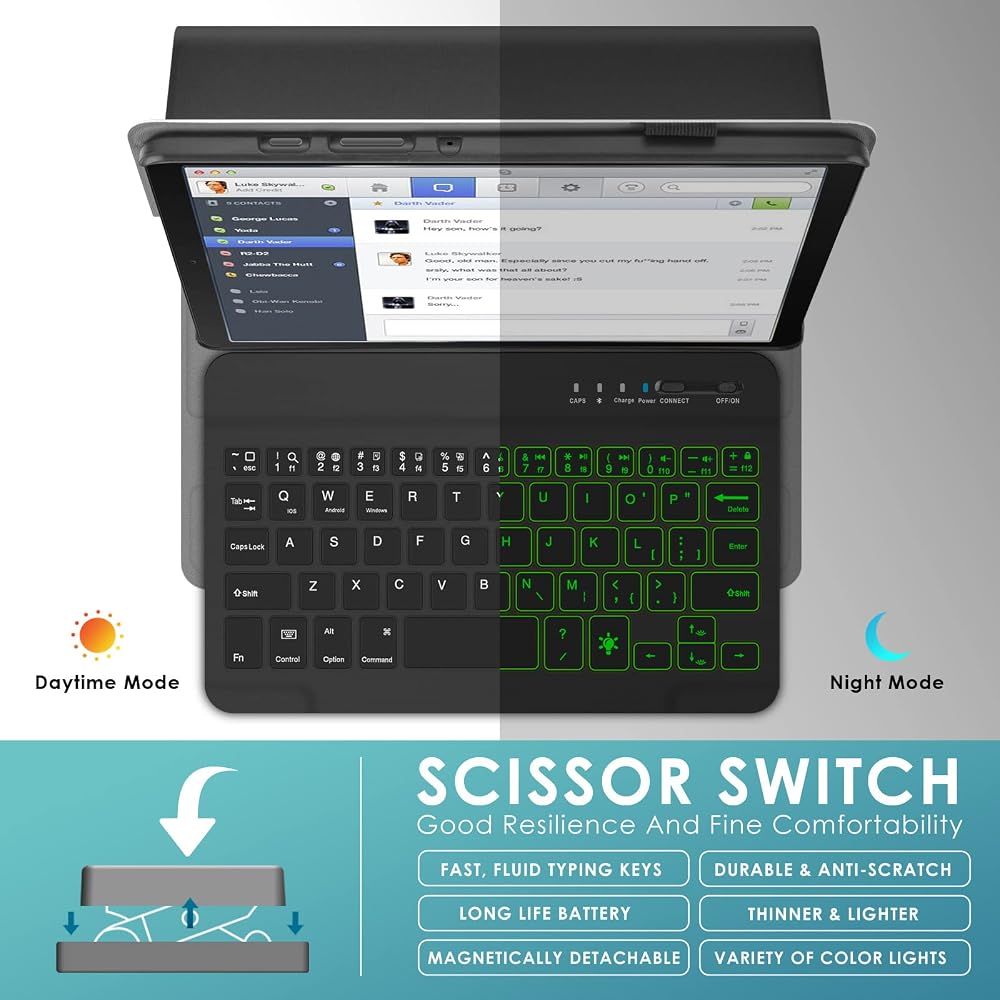
(1) Comply with Wireless 3.0+HS standard; including BQB, FCC, CE, ROHS and other related certifications.
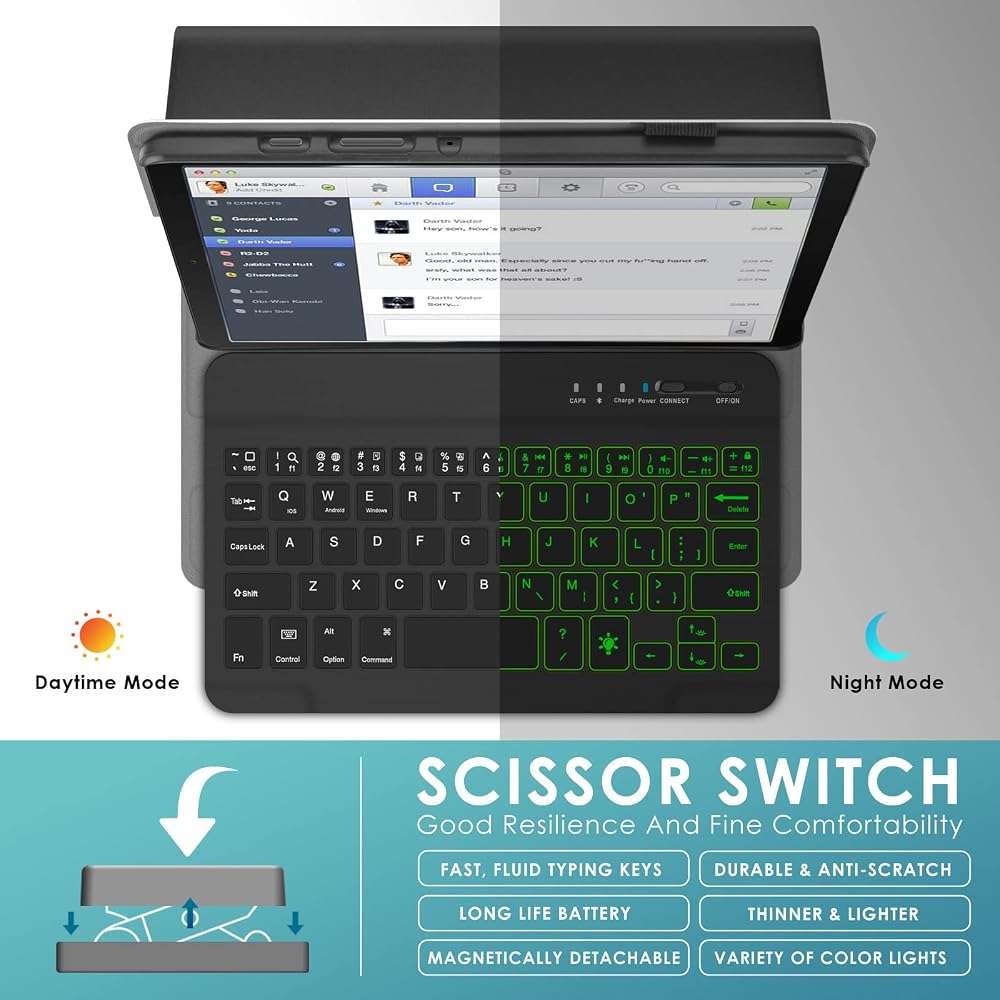
(2) Button strength: 80±10g.
(3) Button life can reach 5 million times.
(4) Operating temperature: -10 - +55 °C.
▶【Package Contents】
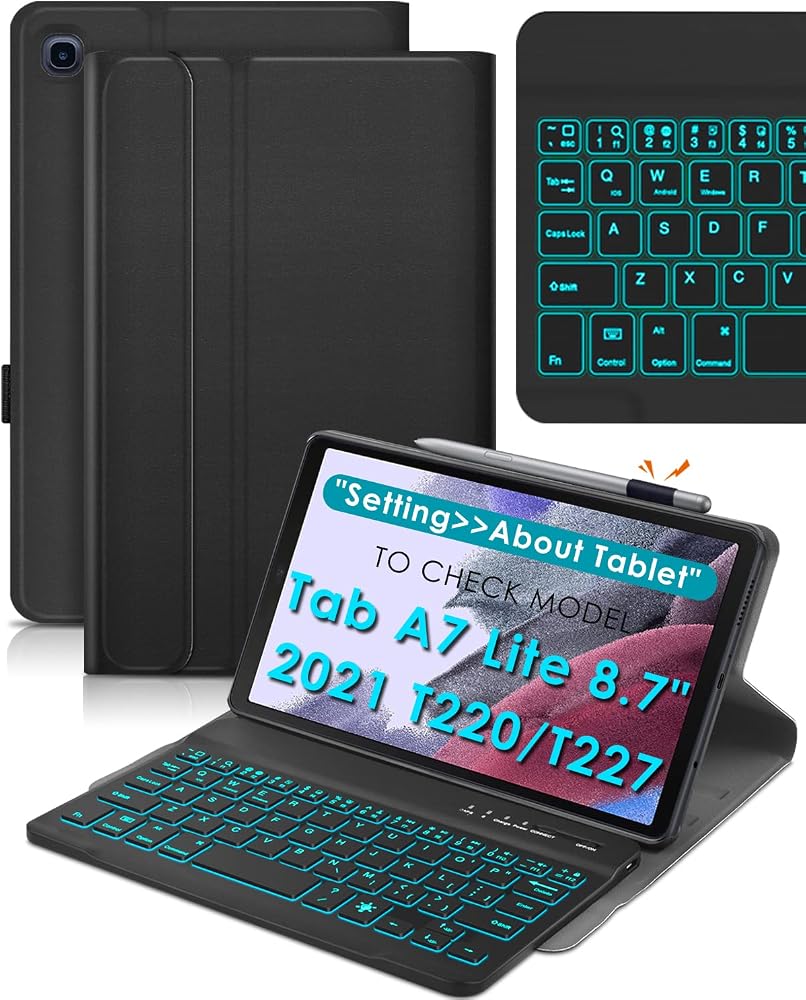
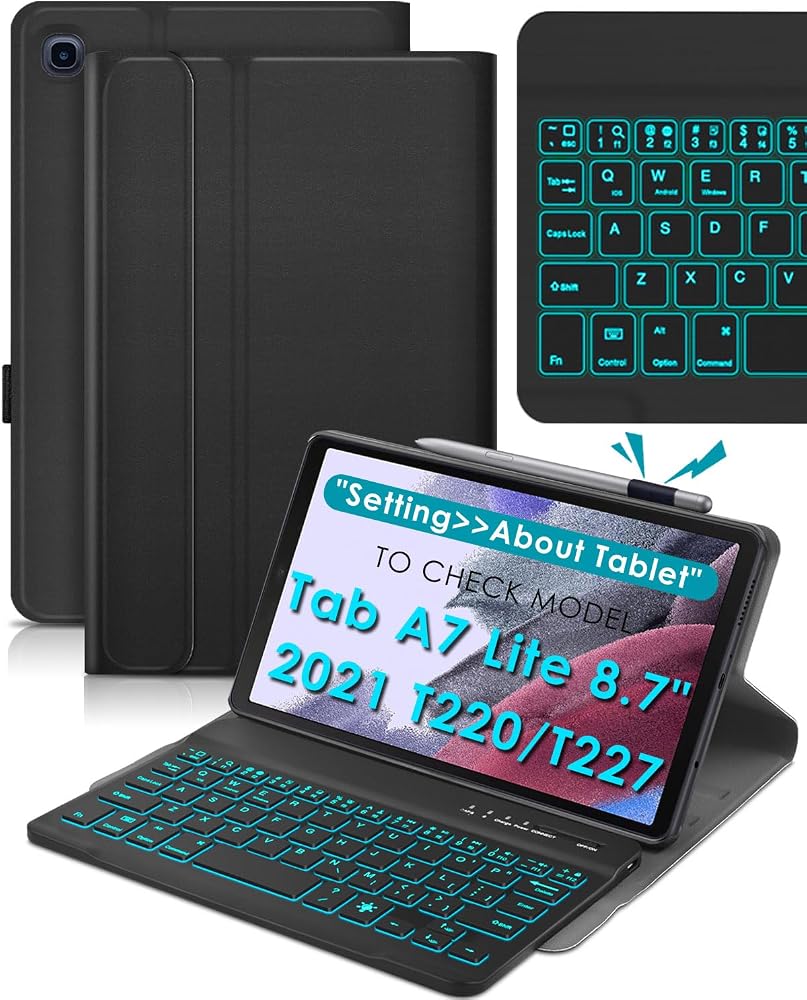
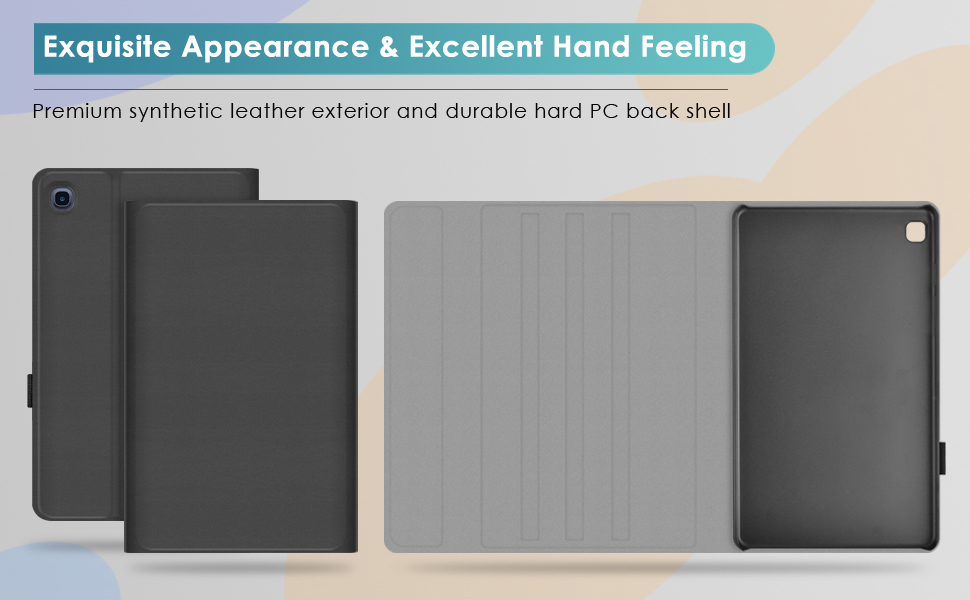
✔ 1 x Tablet Case
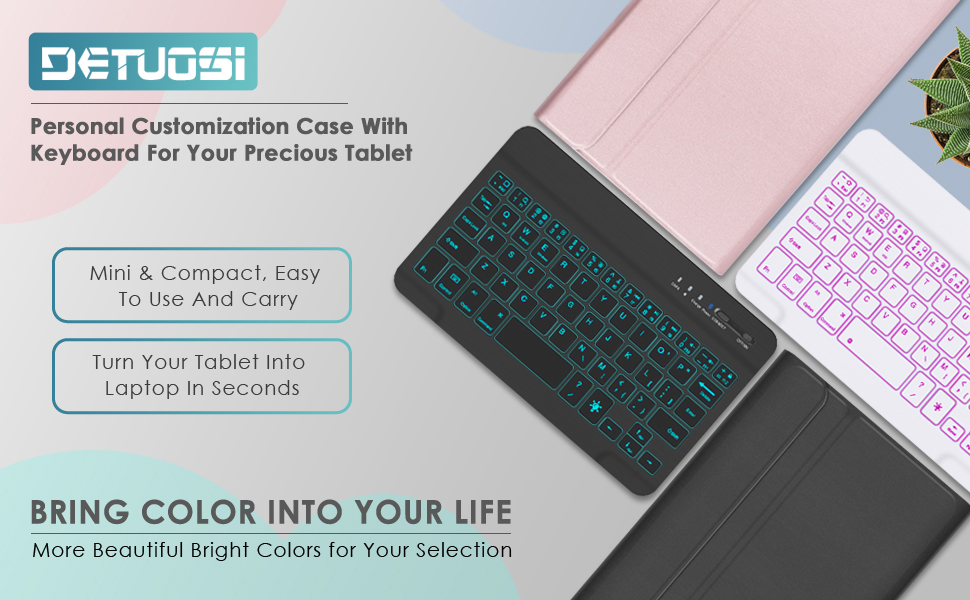
✔ 1 x Wireless Keyboard
✔ 1 x USB Charing Cable
✔ 1 x User Manual
(NOT include the Tablet / Stylus Pen / Screen Protector).
▶【After-sales Service】
❤ If the item you've received is defective (not included man-made damage), don't hesitate to e-mail us for free replacement or refund.
❤ we have a great team is ready to help every step of the way. If you have any questions or needs, please contact us at any time.
 DETUOSI Leather Case for Lenovo Tab P11 2nd Gen 11.5" with Pencil Holder + Silicone TPU Protective Inner Shell + 2-Angles Viewing Slim Folio Book Cover + Elastic Strap Closure for TB-350FU Tablet 2023
SAR 37
DETUOSI Leather Case for Lenovo Tab P11 2nd Gen 11.5" with Pencil Holder + Silicone TPU Protective Inner Shell + 2-Angles Viewing Slim Folio Book Cover + Elastic Strap Closure for TB-350FU Tablet 2023
SAR 37
 -9%
DETUOSI iPad Air 2 Keyboard Case, iPad 9.7 Keyboard Case, Backlit Keyboard Case for iPad 9.7" 2018/2017, iPad Pro 9.7, iPad Air 2/1, Auto Sleep/Wake iPad 9.7 Smart Case with Apple Pencil Holder #Black
SAR 157
-9%
DETUOSI iPad Air 2 Keyboard Case, iPad 9.7 Keyboard Case, Backlit Keyboard Case for iPad 9.7" 2018/2017, iPad Pro 9.7, iPad Air 2/1, Auto Sleep/Wake iPad 9.7 Smart Case with Apple Pencil Holder #Black
SAR 157
 DETUOSI 2-PACK Screen Protector for Samsung Galaxy Tab A 8.0" 2019 (SM-T290/T295/T297),Ultra-Clear/Case Friendly/Touch Sensitive/Bubble Free/Anti-Scratch Mica Galaxy Tab A 8.0" 2019 Tempered Glass
SAR 53
DETUOSI 2-PACK Screen Protector for Samsung Galaxy Tab A 8.0" 2019 (SM-T290/T295/T297),Ultra-Clear/Case Friendly/Touch Sensitive/Bubble Free/Anti-Scratch Mica Galaxy Tab A 8.0" 2019 Tempered Glass
SAR 53
 DETUOSI 【2-PACK】 Screen Protector for Lenovo Tab M9 9.0" 2023 (Model: TB-310FU),Ultra-Clear/Case-Friendly/Touch Sensitive/Bubble Free/Anti-Scratch Screen Tempered Glass Film Mica para Lenovo Tab M9
SAR 47
DETUOSI 【2-PACK】 Screen Protector for Lenovo Tab M9 9.0" 2023 (Model: TB-310FU),Ultra-Clear/Case-Friendly/Touch Sensitive/Bubble Free/Anti-Scratch Screen Tempered Glass Film Mica para Lenovo Tab M9
SAR 47