- Shopping, made easy.
- /
- Get the app!
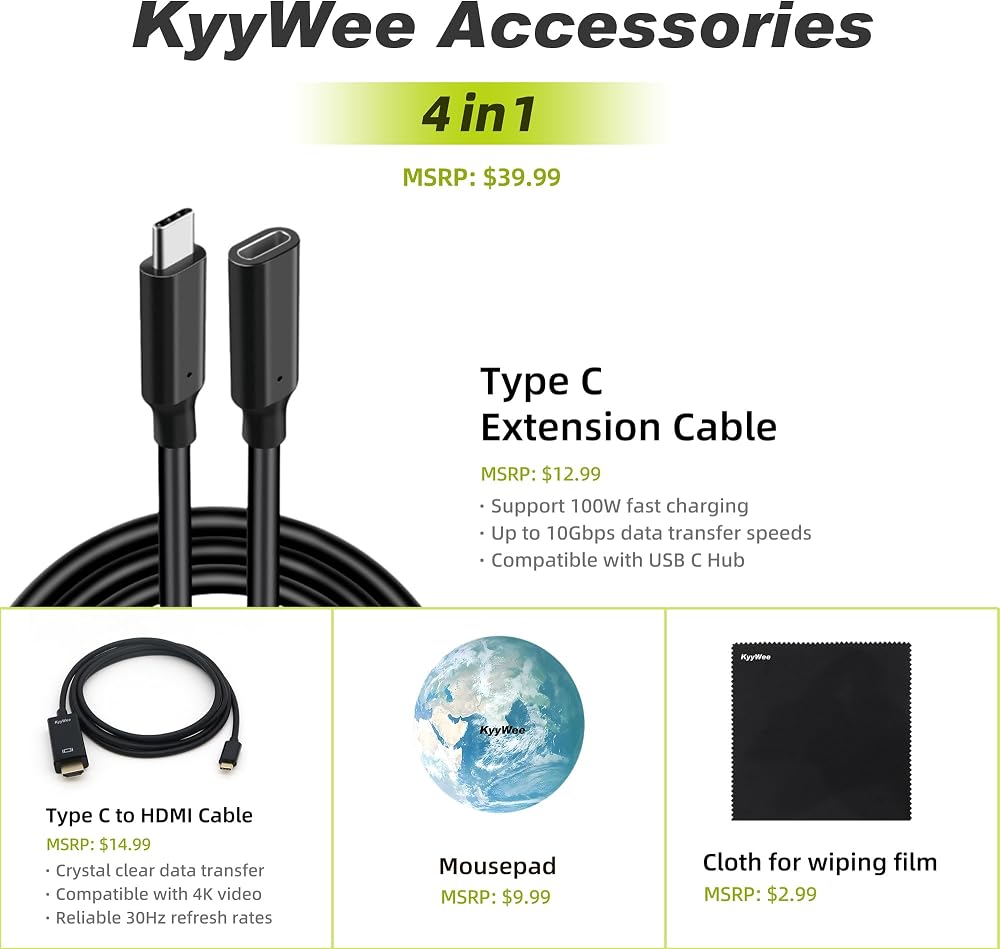
We sells computers with upgraded configurations. If the computer has modifications (listed above), then the manufacturer box is opened for it to be tested and inspected and to install the upgrades to achieve the specifications as advertised. If no modifications are listed, the item is unopened and untested. Defects & blemishes are significantly reduced by our in depth inspection & testing
Switching out of S mode in Windows 11
Windows 11 in S mode is designed for security and performance, exclusively running apps from the Microsoft Store. If you want to install an app that isn't available in the Microsoft Store, you'll need to switch out of S mode
1. On your PC running Windows 11 in S mode, open Settings > System > Activation.
2. In the Switch to Windows 11 Pro section, select Go to the Store. (If you also see an "Upgrade your edition of Windows" section, be careful not to click the "Go to the Store" link that appears there.)
3. On the Switch out of S mode (or similar) page that appears in the Microsoft Store, select the Get button. After you see a confirmation message on the page, you'll be able to install apps from outside of the Microsoft Store.
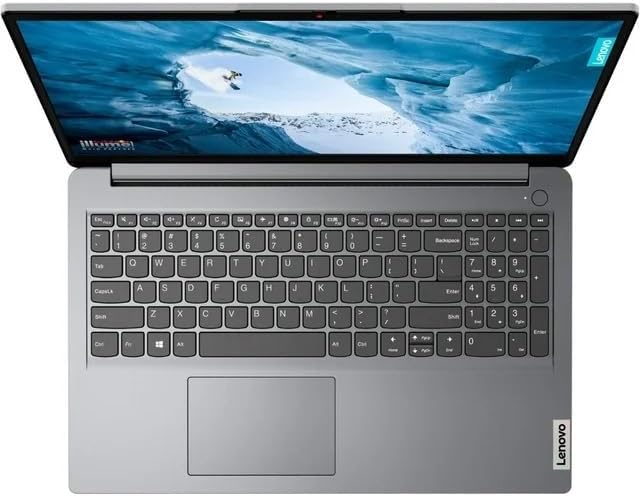
Processor:
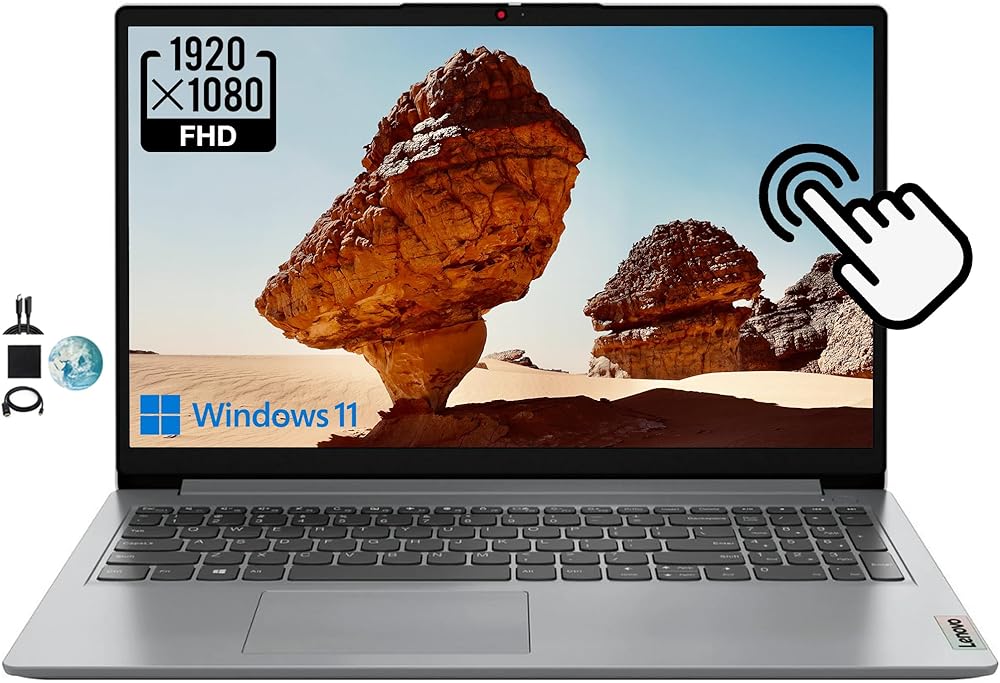
Intel Core i3-1115G4 (2C / 4T, 3.0 / 4.1GHz, 6MB)
Graphics:
Intel UHD Graphics
OS:
Windows 11 Home in S mode
Memory:
Upgraded to 20GB RAM
Storage:
Upgraded to 1TB NVMe SSD
Display:
14" FHD (1920x1080) 220nits Anti-glare
Wireless:
WIFi 6, 11ax 2x2 + BT5.0
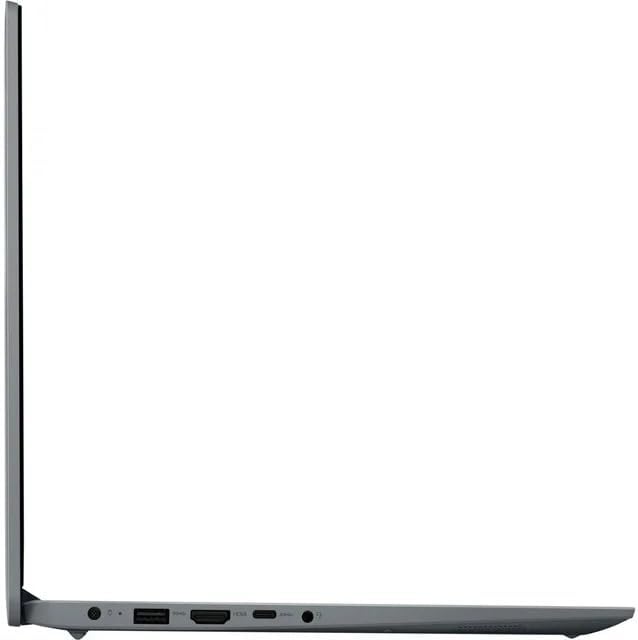
Ports:
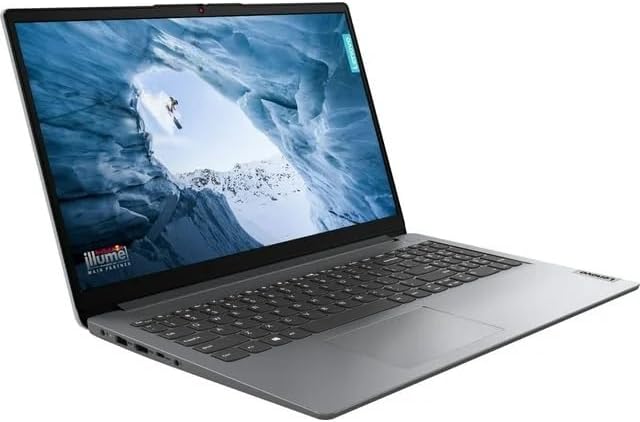
1 x USB 2.0
2 x USB 3.2 Gen 1
1 x HDMI 1.4
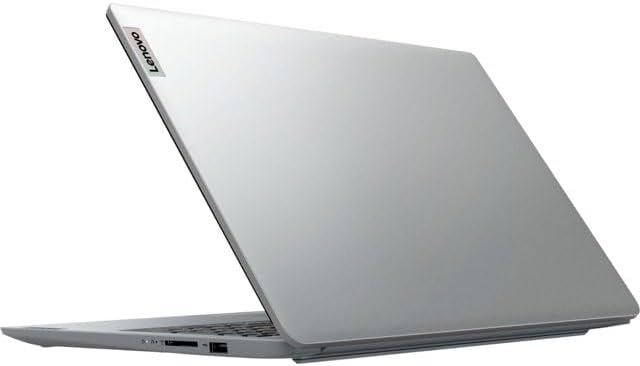
1 x Card reader
1 x Headphone / microphone combo jack (3.5mm)
1 x Power connector
Camera:
HD 720p with Privacy Shutter
Dimensions (WxDxH):
12.88 x 9.49 x 0.78 inches
Weight:
3.31 lbs
 Lenovo Yoga 7i 16'' 2.5K Touchscreen 2-in-1 Laptop, 12th Intel Evo Platform 12-Core i5-1240P, 8GB LPDDR5 RAM, 512GB SSD, Iris Xe Graphics, Backlit KB, FP, Win11 H, W/ Stylus Pen Storm Grey
SAR 3,237
Lenovo Yoga 7i 16'' 2.5K Touchscreen 2-in-1 Laptop, 12th Intel Evo Platform 12-Core i5-1240P, 8GB LPDDR5 RAM, 512GB SSD, Iris Xe Graphics, Backlit KB, FP, Win11 H, W/ Stylus Pen Storm Grey
SAR 3,237
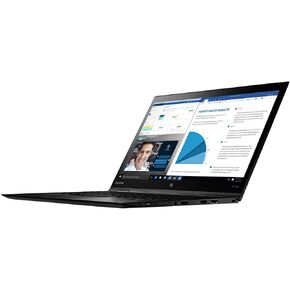 Lenovo 20LD001GUS Thinkpad X1 Yoga 20LD 14" Flip Design Notebook - Windows - Intel Core i5 1.6 GHz - 8 GB RAM - 256 GB SSD, Black
SAR 2,771
Lenovo 20LD001GUS Thinkpad X1 Yoga 20LD 14" Flip Design Notebook - Windows - Intel Core i5 1.6 GHz - 8 GB RAM - 256 GB SSD, Black
SAR 2,771
 Lenovo ThinkPad P1 Gen 5 Intel Core i7-12700H, 14C, 16.0" WQXGA (2560 x 1600) IPS, Anti-Glare, 500 nits, 32 GB RAM DDR5, 1TB SSD, NVIDIA RTX A2000, Backlit KYB, Fingerprint Reader, Windows Pro
SAR 8,358
Lenovo ThinkPad P1 Gen 5 Intel Core i7-12700H, 14C, 16.0" WQXGA (2560 x 1600) IPS, Anti-Glare, 500 nits, 32 GB RAM DDR5, 1TB SSD, NVIDIA RTX A2000, Backlit KYB, Fingerprint Reader, Windows Pro
SAR 8,358
 Lenovo ThinkPad E16 Gen 1 21JN0073US 16" Notebook - WUXGA - 1920 x 1200 - Intel Core i7 13th Gen i7-1355U Deca-core (10 Core) 1.70 GHz - 16 GB Total RAM - 8 GB On-Board Memory - 512 GB SSD - Graphite
SAR 4,623
Lenovo ThinkPad E16 Gen 1 21JN0073US 16" Notebook - WUXGA - 1920 x 1200 - Intel Core i7 13th Gen i7-1355U Deca-core (10 Core) 1.70 GHz - 16 GB Total RAM - 8 GB On-Board Memory - 512 GB SSD - Graphite
SAR 4,623