- Shopping, made easy.
- /
- Get the app!
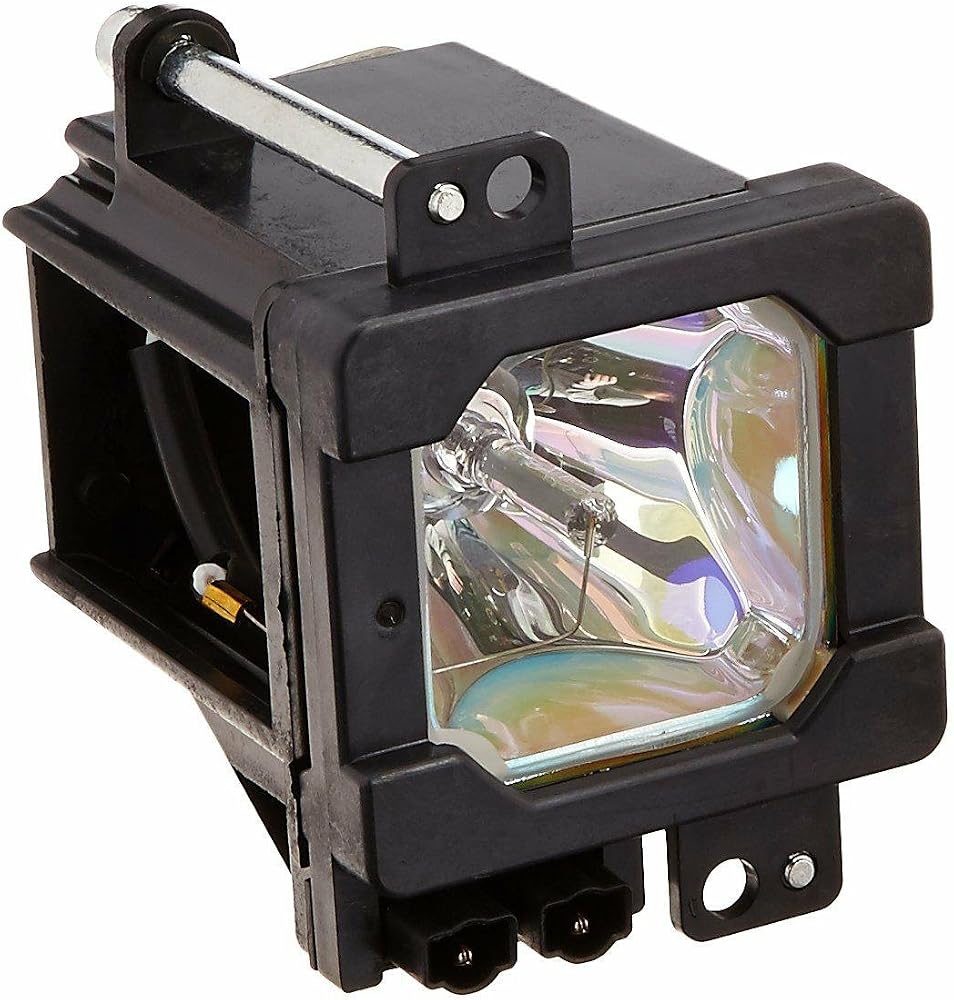
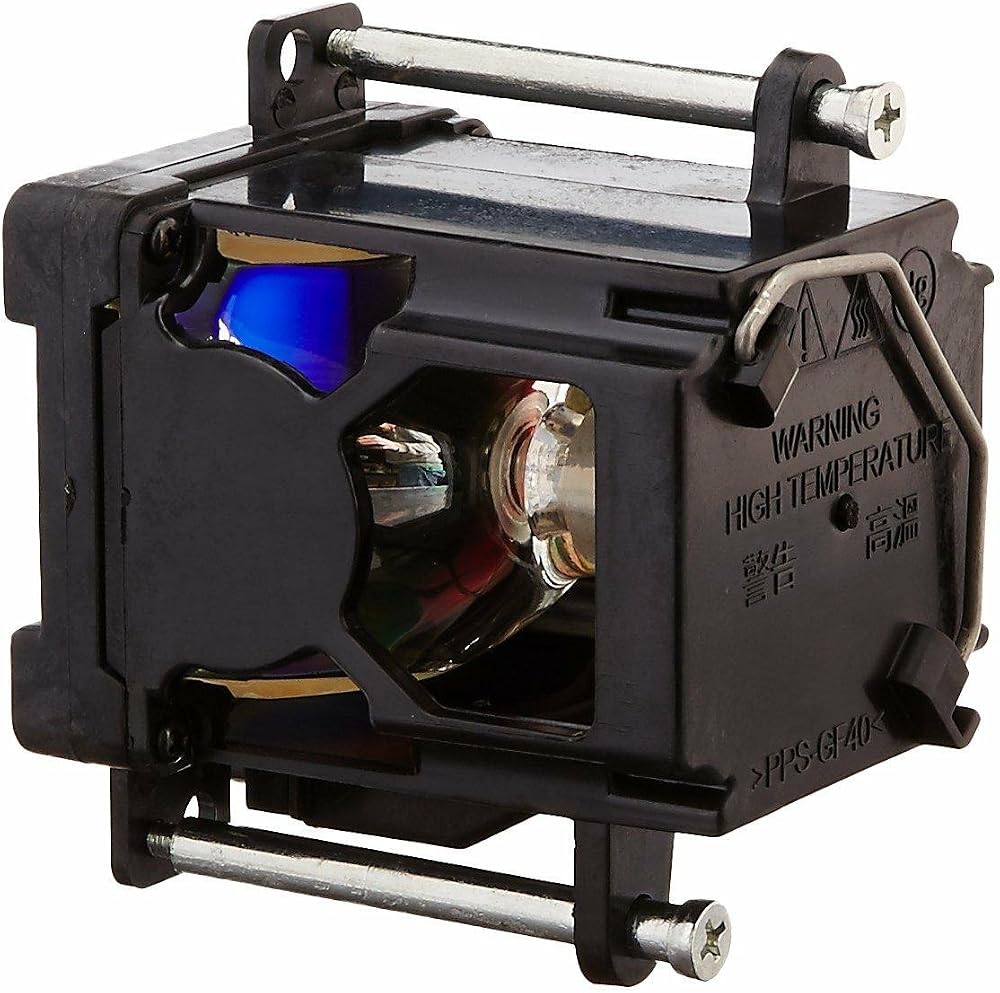
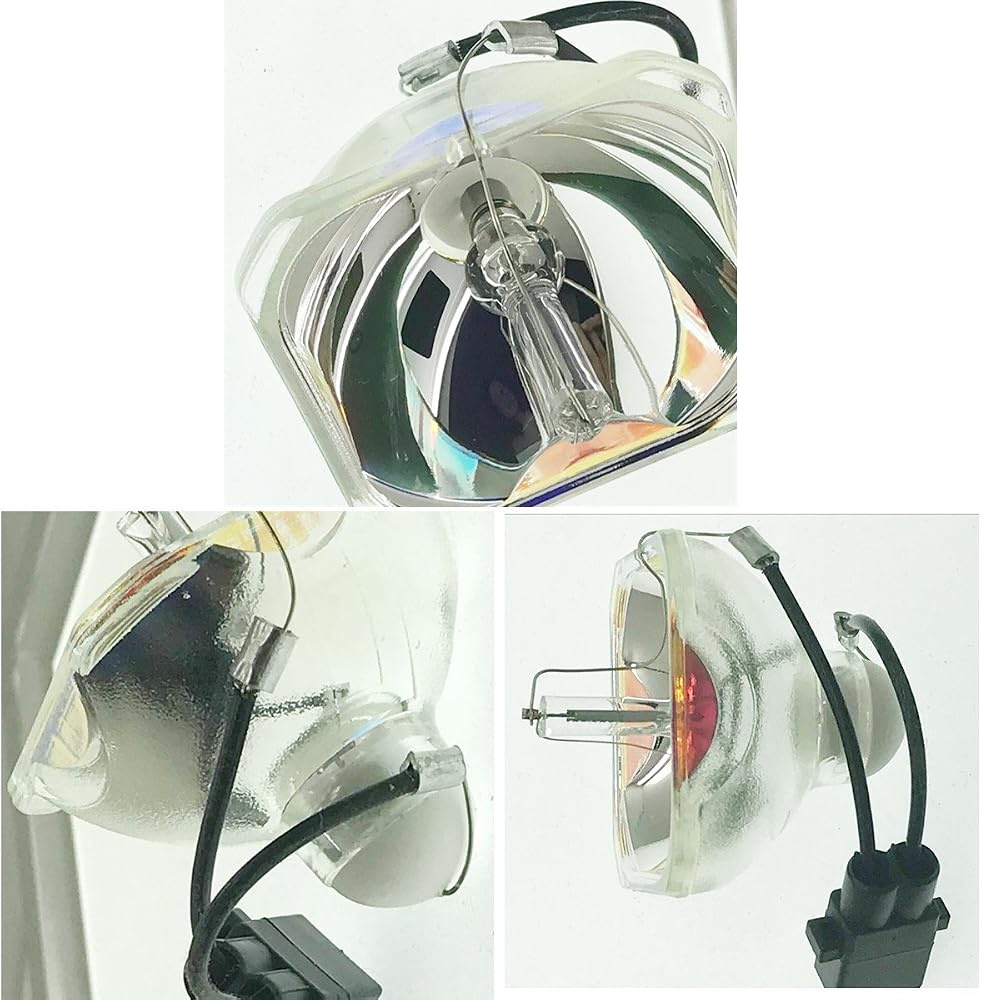
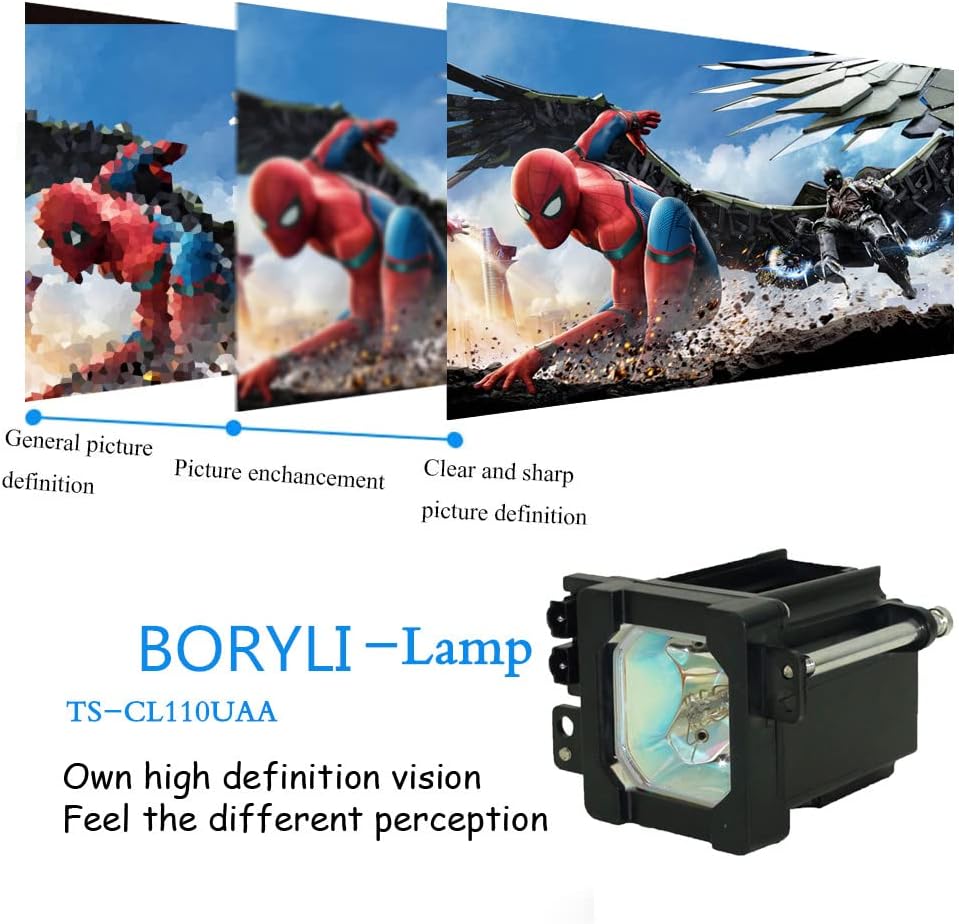
Premium Power Products compatible rear projection television lamp for JVC
Works with HD-52G566 HD-52G576 HD-52G586 HD-52G786 HD-52G886 HD-52Z575 HD-52Z585 HD-56G786 HD-56G886 HD-70G886 HD-61Z575 HD-61Z585 HD-61Z786 HD61Z886.
How to replace the projector bulb:
1. Turn off the projector and unplug the power cord.
2. Allow the projector lamp to cool down sufficiently.
3. Use a screwdriver to remove the screws on the cover, slide the lamp cover, and loosen
the two screws that fix the bulb.
4. Pinch the lamp holder and pull it straight out.
5. Operate the steps in reverse order. Install the purchased Zmstlamp lamp back into the
projector and tighten the screws.
6. Install the lamp cover and reset the lamp usage time.
Attention please:
1. To avoid burns, the projector needs to cool down for at least 60 minutes before
replacing the projector lamp.
2. You can consult us if you have any question, and we will do our best to help you.We provide you with a 150-day warranty and a 30-day money-back guarantee, without any conditional feedback within 12 hours
 BORYLI Mitsubishi 915B455011 TV Replacement Lamp with Housing
SAR 155
 915P049010 Replacement Lamp for Mitsubishi Models WD-52631, WD-57731, WD-65731, WD-65732
SAR 146
 TV Lamp 915B403001 Replacement Lamp for WD-60735 WD-60737 WD-73737 WD-60C9 WD-65C9 WD-73735 WD-65735 WD-65737 WD-65837 WD-73C9 WD-73736 with Housing …
SAR 173
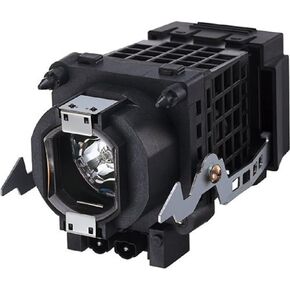 BORYLI XL-2400 TV Replacement Lamp Original Quality Bulb with Housing for Sony KF-E42A10 KF-E50A10 KDF-E50A10 KDF-E42A10 KDF-50E2000 KDF-E50A11E KDF-55E2000 KDF-46E2000 KDF-E50A12U
SAR 156

 Saudi Arabia