- Shopping, made easy.
- /
- Get the app!
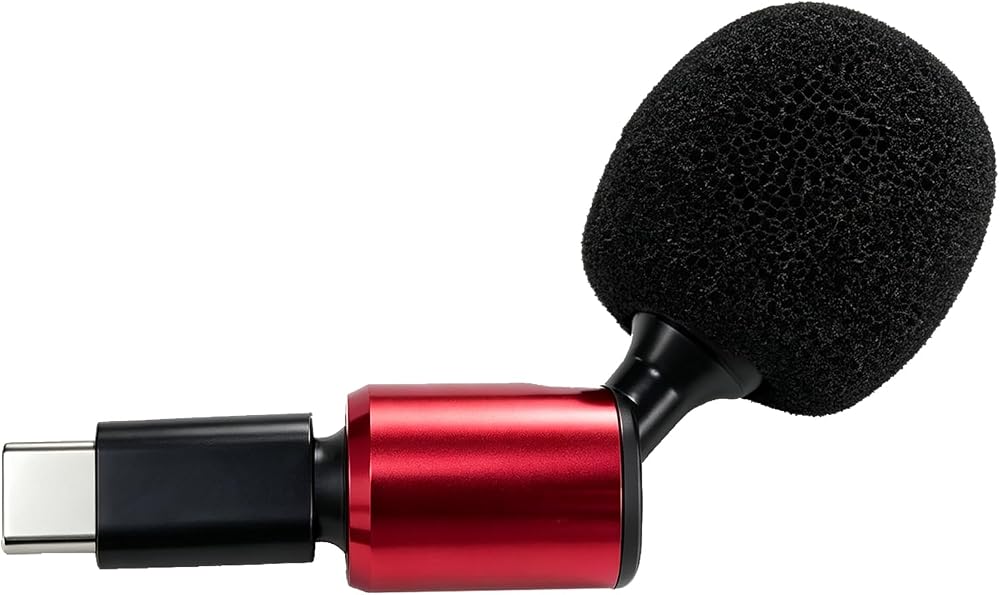
Product Specifications
Connector Type: USB‑C male plug
Pickup Pattern: Omnidirectional
Adjustment: Microphone head supports 90‑degree free bending
Installation: Plug and play
Color:Black
Precautions
1.Confirm that your device has a USB‑C port and supports external microphone input via USB‑C. Most modern smartphones, tablets, and laptops work, but some older devices may not.
2.Insert the USB‑C plug gently and fully into the port. If the microphone is not recognized, try disconnecting and reconnecting, or check your device's audio input settings.
3.This microphone is plug‑and‑play – no drivers needed. If volume is low, adjust the input gain in your recording app or system settings.
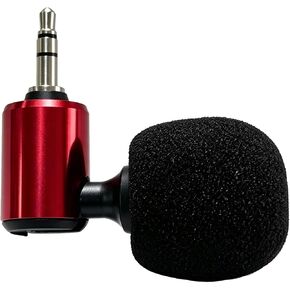 3.5mm 3-Pole Omnidirectional Mic 90°Flexible Small Mic Blue
SAR 68
3.5mm 3-Pole Omnidirectional Mic 90°Flexible Small Mic Blue
SAR 68
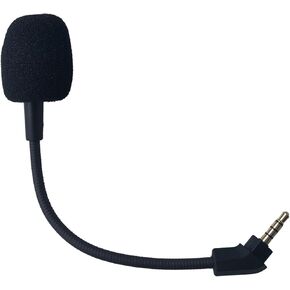 3.5mm Replacement Mic for HyperX Cloud Revolver S Gaming Headsets
SAR 32
3.5mm Replacement Mic for HyperX Cloud Revolver S Gaming Headsets
SAR 32
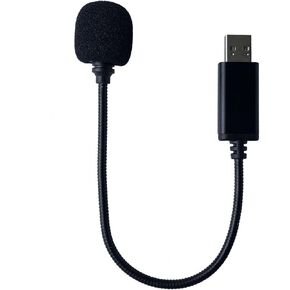 Mini USB Microphone Compatible with Laptop Desktop Computer PC and Mac with Gooseneck & Universal USB Sound Card Plug and Play Remote Work Online Class Detachable Noise Cancelling Mic,Black
SAR 63
Mini USB Microphone Compatible with Laptop Desktop Computer PC and Mac with Gooseneck & Universal USB Sound Card Plug and Play Remote Work Online Class Detachable Noise Cancelling Mic,Black
SAR 63
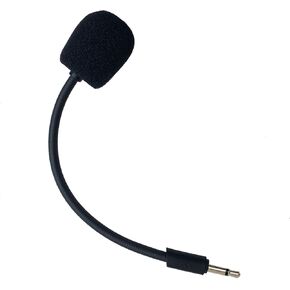 Replacement Microphone Compatible with JBL Quantum Q100 Stereo Studio Gaming Headsets for PS5 PS4 PC Xbox MAC Professional Clear Crystal Sound Noise Isolation Mic,2.5mm Black
SAR 37
Replacement Microphone Compatible with JBL Quantum Q100 Stereo Studio Gaming Headsets for PS5 PS4 PC Xbox MAC Professional Clear Crystal Sound Noise Isolation Mic,2.5mm Black
SAR 37

