- Shopping, made easy.
- /
- Get the app!
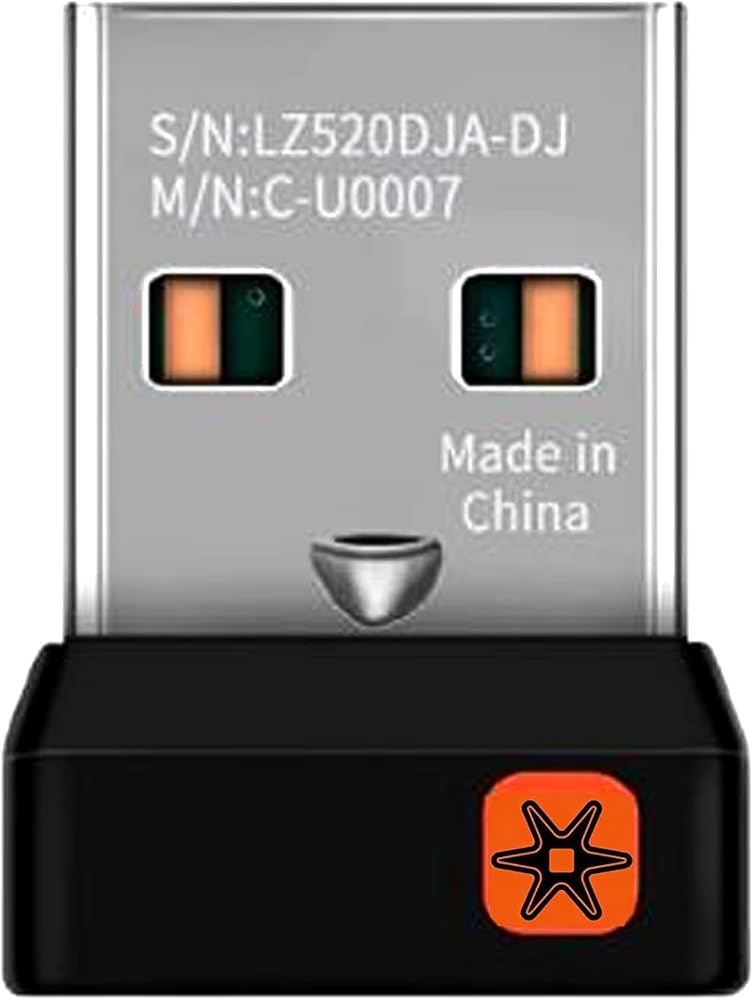
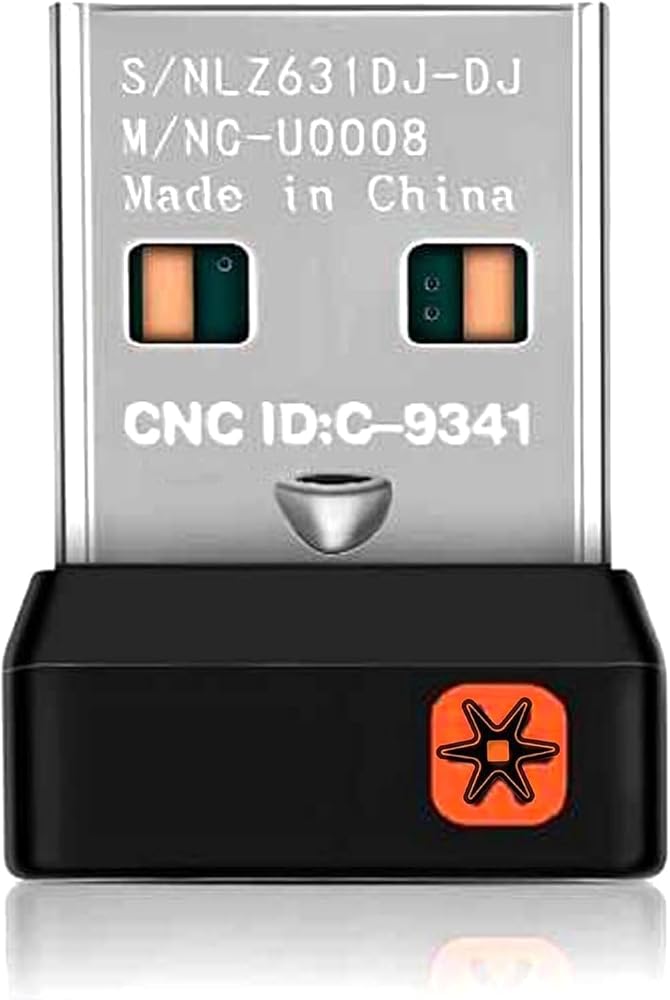
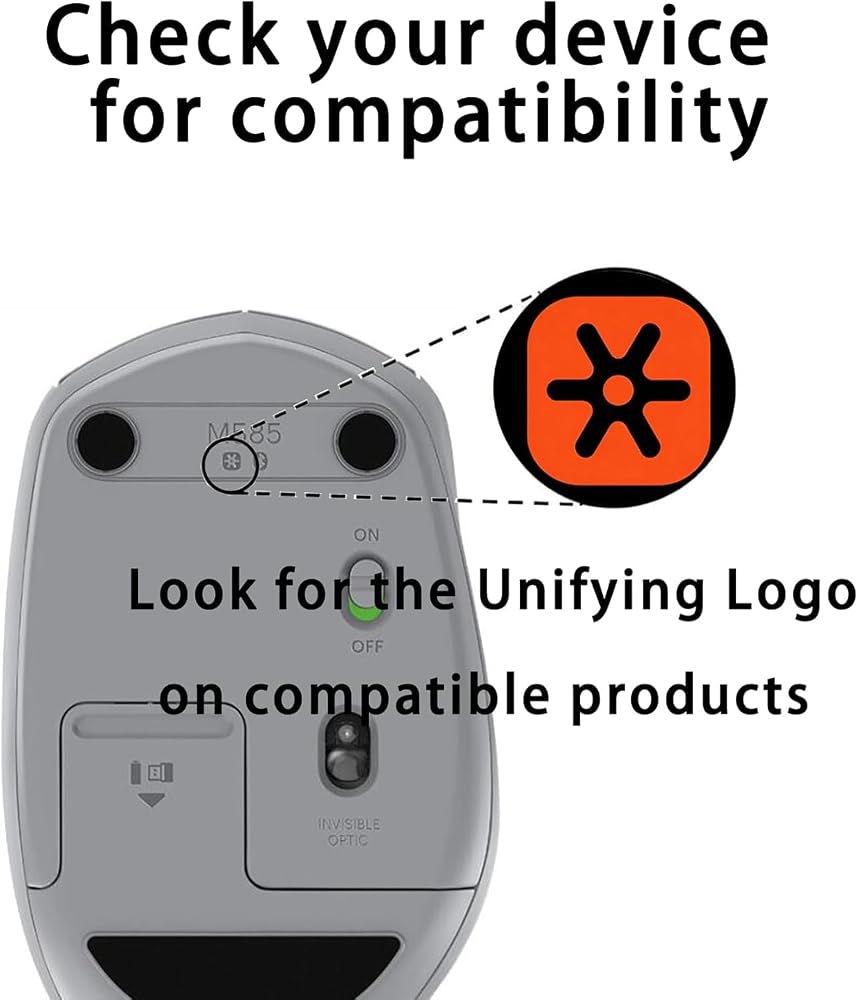
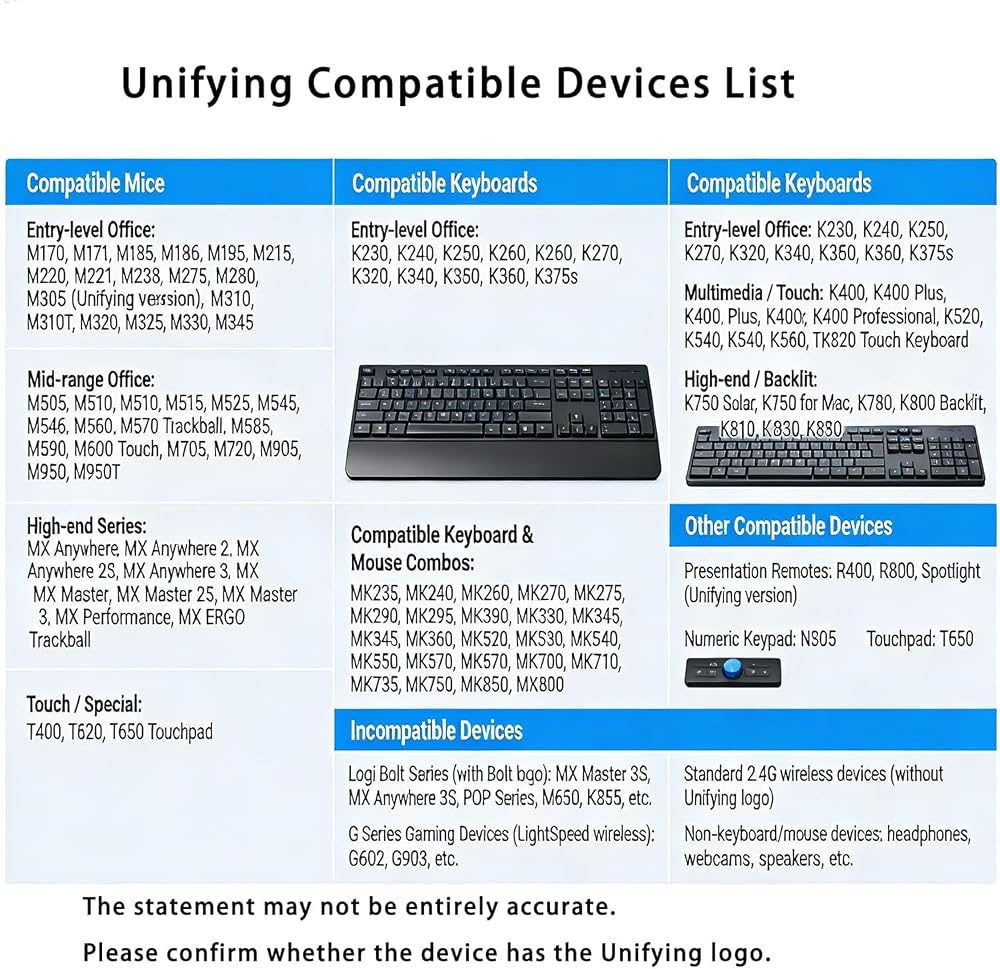
This C-U0007 / C-U0008 Unifying Receiver is a replacement wireless USB dongle designed exclusively for Unifying-compatible mice and keyboards (marked with the orange six-point star logo). It is the perfect solution for lost, damaged, or faulty original receivers—no need to buy new peripherals. What Is Unifying Technology? Unifying is a proprietary 2.4GHz wireless protocol that allows one receiver to connect up to six compatible devices (mice, keyboards, trackballs). It is more stable and lower power than standard Bluetooth, with a reliable connection up to 10 meters. Key Features & Technical Specifications Model: C-U0007 (classic, nRF24LU1P chip) / C-U0008 (updated, CC2544 chip) Wireless Protocol: Unifying 2.4GHz (VID=0x046D, PID=0xC534) Max Devices: 6 Unifying peripherals (mix of mice/keyboards) Wireless Range: 10 meters (33ft), line-of-sight Interface: USB 2.0 A Male (backward compatible with USB 1.1/3.0) OS Support: Windows 7/8/10/11, macOS 10.10+, ChromeOS, Linux Pairing Method: Unifying Software / Options+ (free download) Dimensions: 15mm (H) × 9mm (W) × 6mm (D) Weight: 1.23g Material: Durable ABS plastic Confirmed Compatible Devices (Partial List) Mice: M185, M215, M310, M325, M510, M525, M545, M570 (Trackball), M585, M705 (Marathon), M720 (Triathlon), MX Anywhere 2/2S, MX Master 2S Keyboards: K230, K270, K340, K350, K375s, K400/K400 Plus, K520, K580, K750, K780 How to Pair Your Devices (Step-by-Step) Plug the Unifying Receiver into an available USB-A port on your computer. Download and install Unifying Software or Options+ from the official website. Open the software and select Add Devices > Unifying Receiver. Turn your mouse/keyboard OFF and ON (or reinsert batteries if no switch) to enter pairing mode. Follow on-screen prompts to confirm pairing; test mouse movement or keyboard input to verify. Repeat to add up to 6 devices to one receiver. Important Notes & Avoid Misuse ✅ Only for Unifying devices: Look for the orange star logo on your mouse/keyboard or inside the battery compartment. ❌ Not for Bolt/Lightspeed: Green lightning (Bolt) and gaming Lightspeed devices use different protocols and cannot pair with this receiver. ❌ Not for C-U0010: M185's original single-channel receiver (C-U0010) is not interchangeable with Unifying receivers. ✅ No driver needed for basic use: Pairing software is only required to add/remove devices; once paired, devices work plug-and-play. Why Choose This Receiver? Cost-effective: Replace lost/damaged receivers instead of buying new mice/keyboards. Desk clutter reduction: One receiver for up to six devices saves USB ports. Reliable connection: 2.4GHz Unifying technology ensures stable performance for work and daily use. Wide compatibility: Works with most classic wireless peripherals.
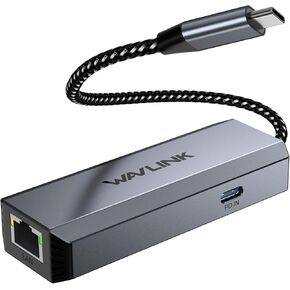 WAVLINK USB-C to Ethernet Adapter with 95W PD - 5Gbps High-Speed
SAR 136
WAVLINK USB-C to Ethernet Adapter with 95W PD - 5Gbps High-Speed
SAR 136
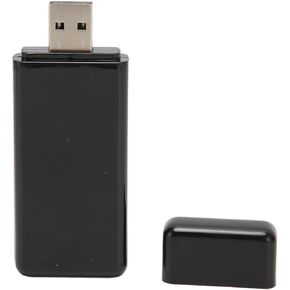 Ejoyous USB WiFi Adapter, TX N700 RT3572 USB WiFi Adapter 300Mbps 2.4G 5G Dual Band Wireless Network Adapter for 7 8 10 11 for TV
SAR 102
Ejoyous USB WiFi Adapter, TX N700 RT3572 USB WiFi Adapter 300Mbps 2.4G 5G Dual Band Wireless Network Adapter for 7 8 10 11 for TV
SAR 102
 New 295-56 Replacement Battery for Citizen Watch Capacitor - 295-5600 MT920 Model Compatible with Eco Drive C650 E810 E811 7821 B620
SAR 193
New 295-56 Replacement Battery for Citizen Watch Capacitor - 295-5600 MT920 Model Compatible with Eco Drive C650 E810 E811 7821 B620
SAR 193
 295-5600 MT920 Replacement Battery for Citizen Watch Capacitor - 295-56 Compatible with Eco Drive C650 E810 E811 7821 B620
SAR 193
295-5600 MT920 Replacement Battery for Citizen Watch Capacitor - 295-56 Compatible with Eco Drive C650 E810 E811 7821 B620
SAR 193

 Saudi Arabia