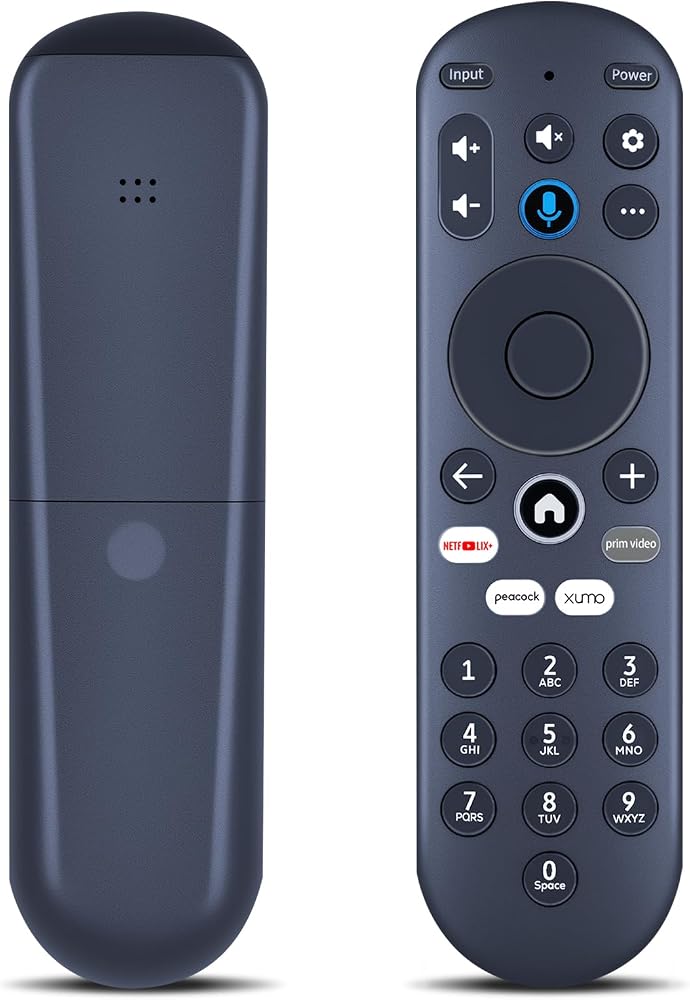
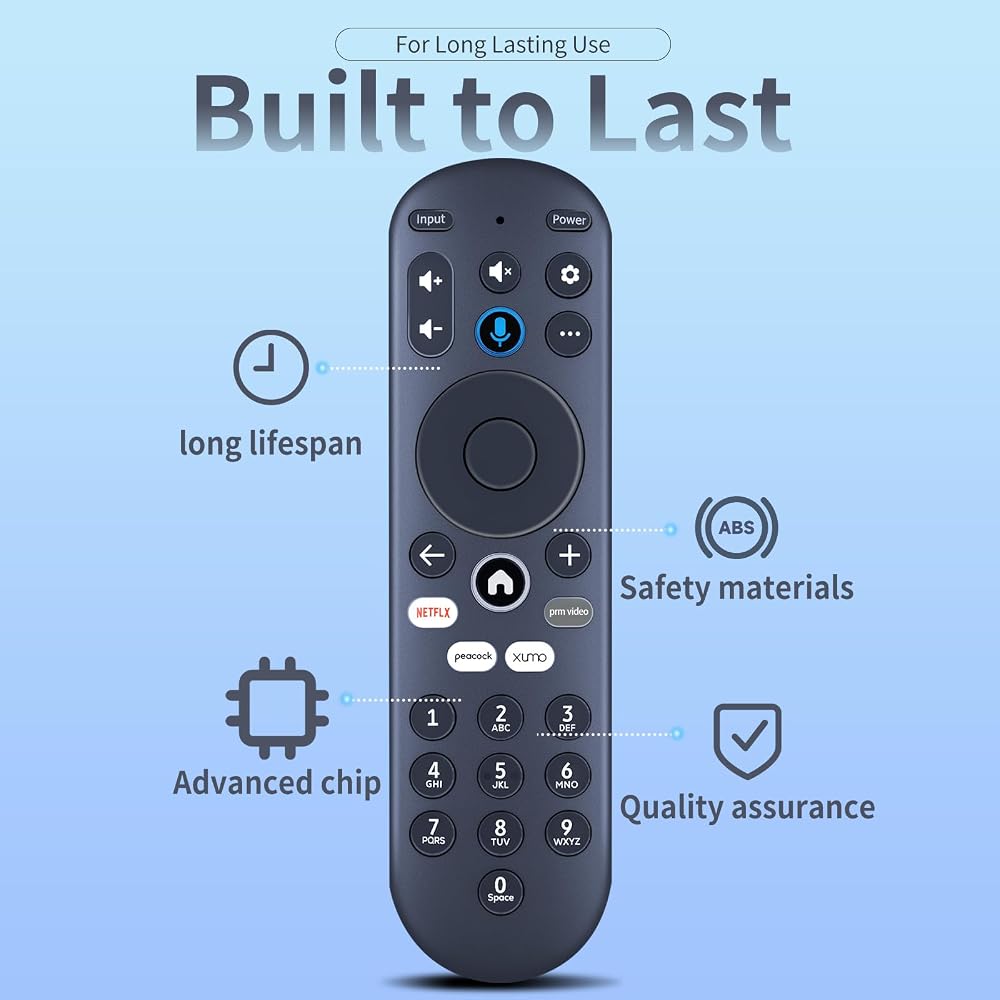
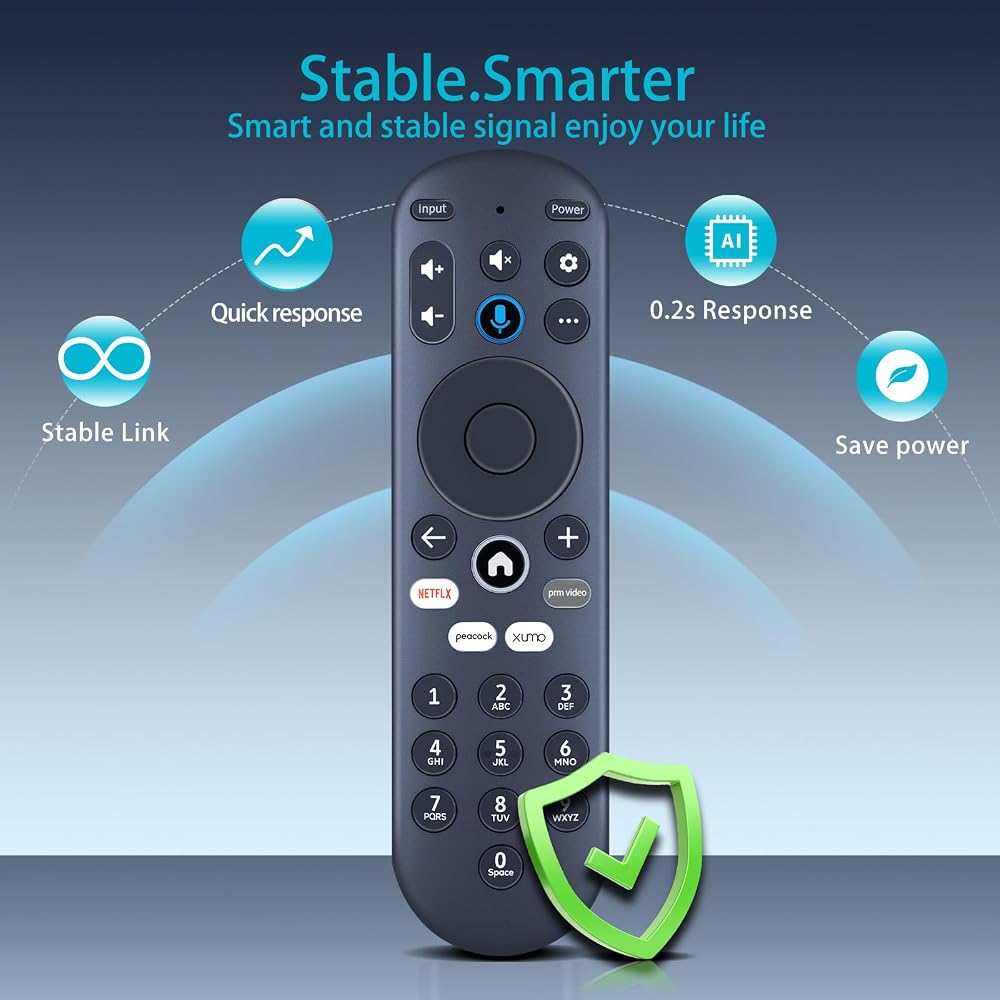
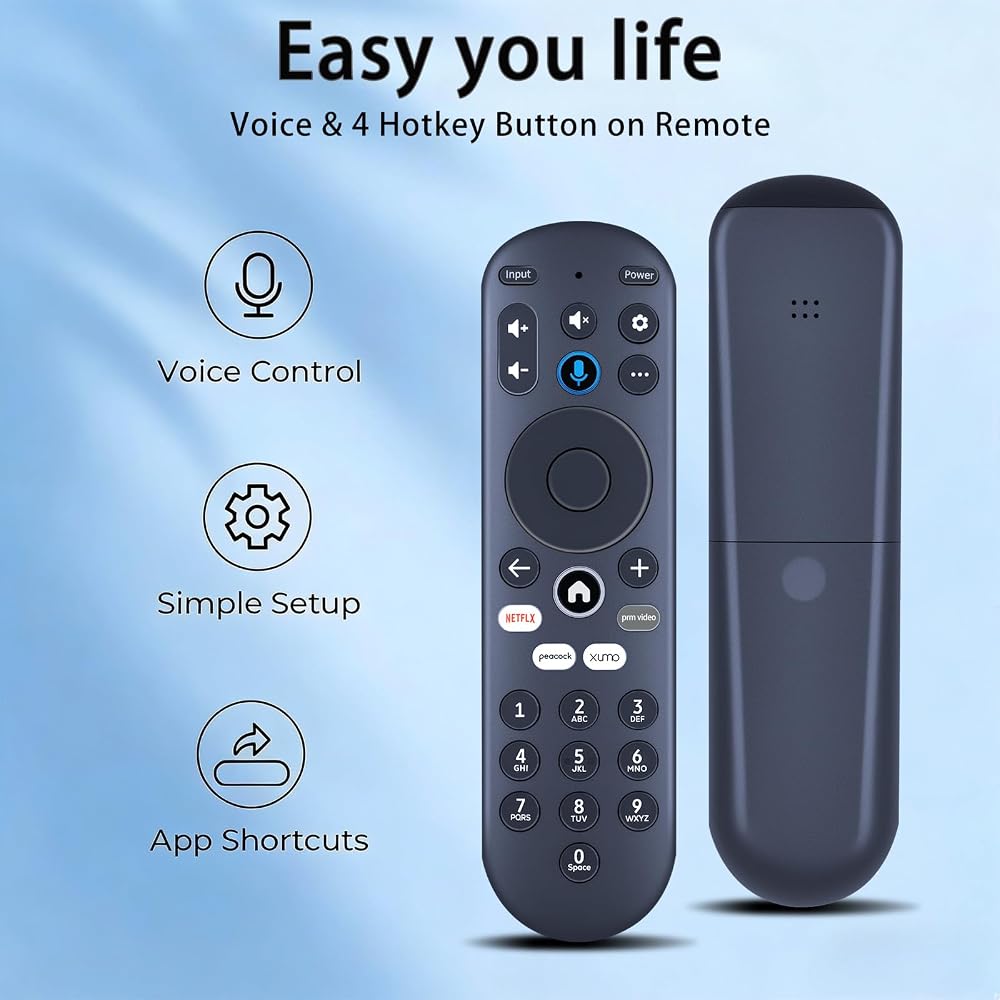
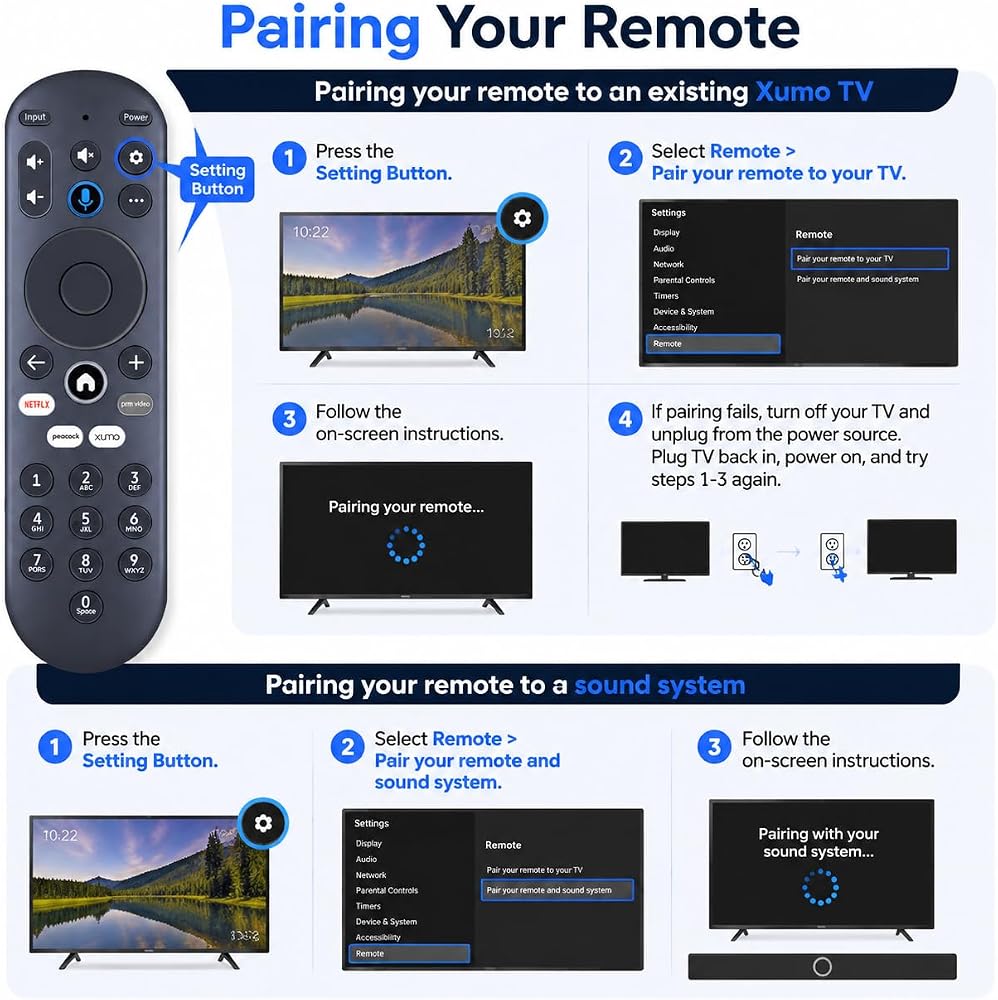
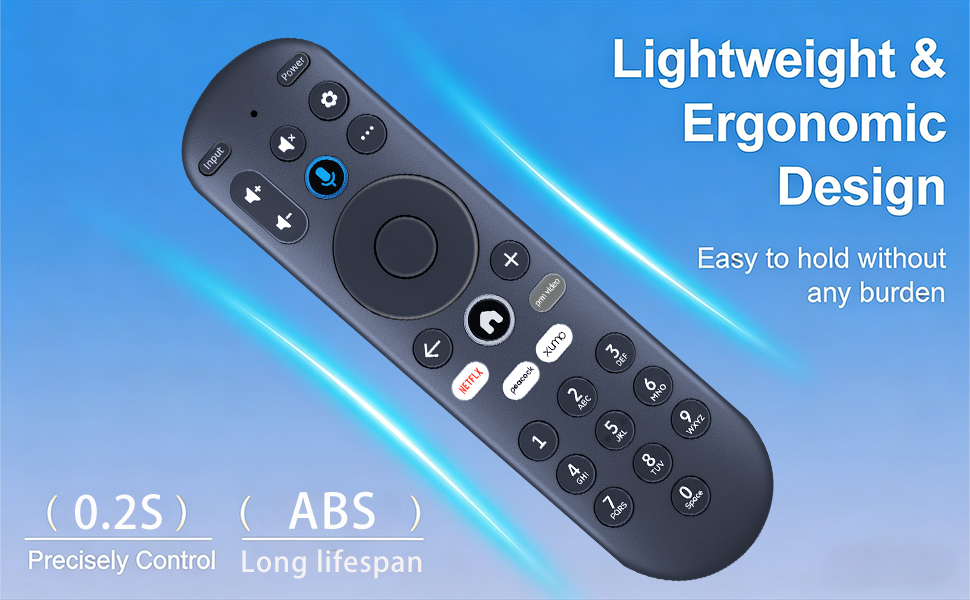
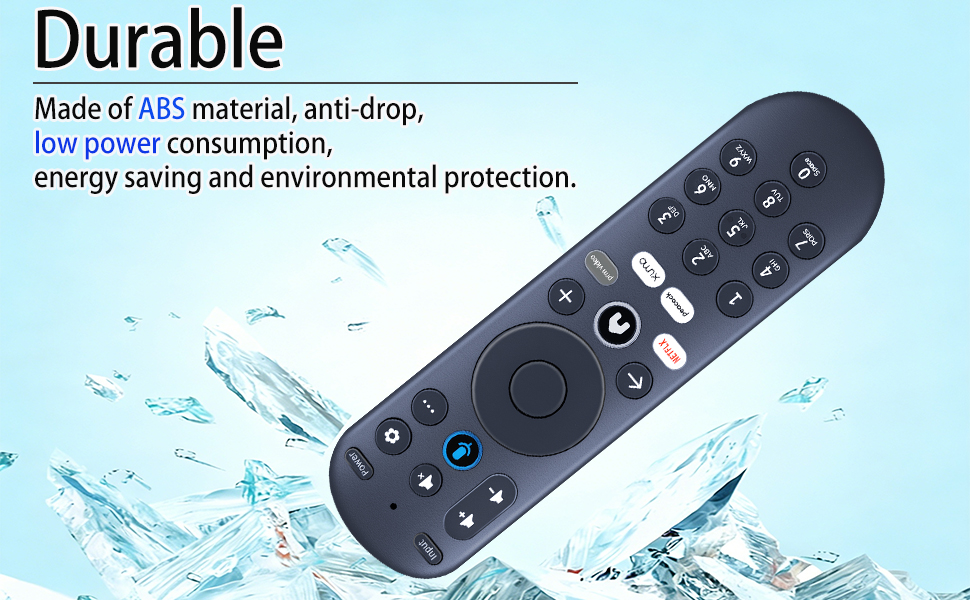
【 Pairing your remote to an existing Xumo TV】:Before using your remote, you'll need to pair it with your TV. If you put batteries in your remote within 15 minutes of plugging in your TV for the first time, your remote will automatically pair to your TV. If unpaired, please follow the below instructions: Step 1, Press the Setting Button. Step 2, Select Remote > Pair your remote to your TV. Step 3, Follow the on-screen instructions. Step 4, If pairing fails, turn off your TV and unplug from the power source. Plug TV back in, power on, and try steps 1-3 again.
【Pairing your remote to a sound system】:Step 1, Press the Setting Button. Step 2, Select Remote > Pair your remote and sound system. Step 3, Follow the on-screen instructions.
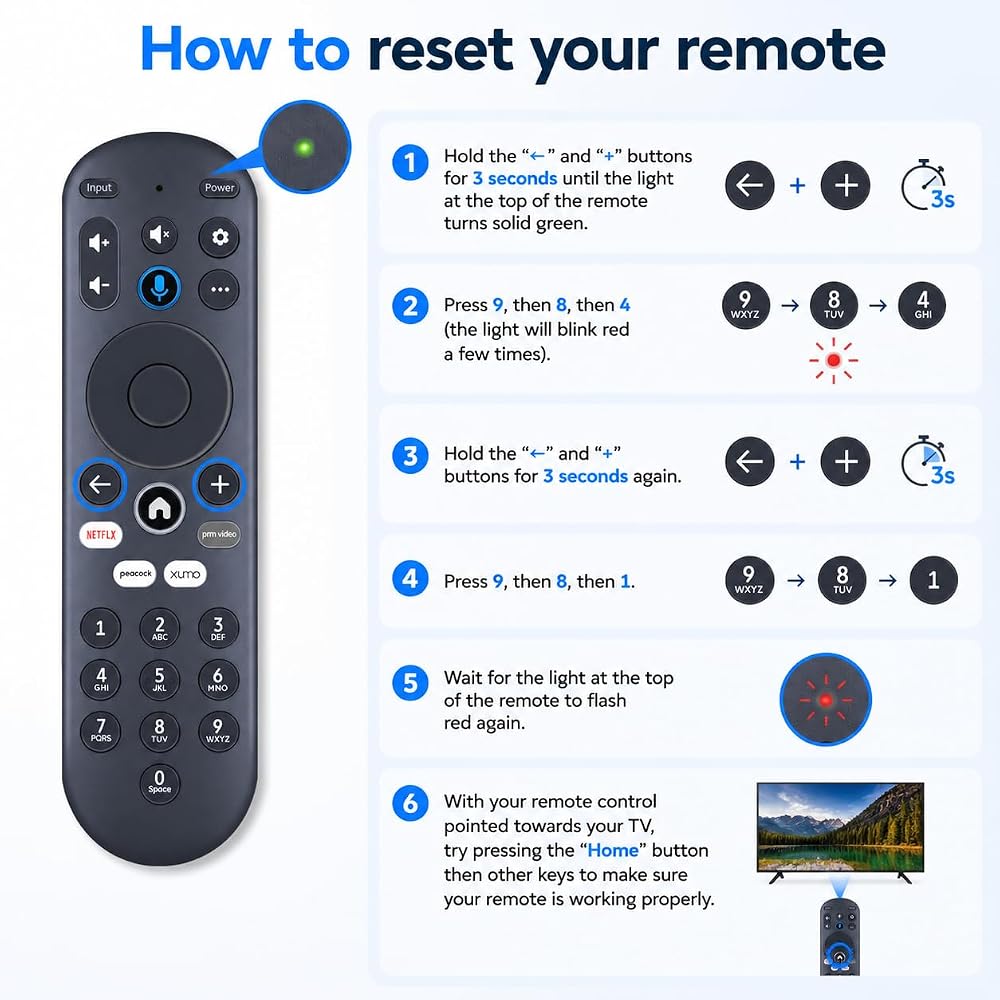
【How to reset your remote】:Step 1. Hold the "← "and "+" buttons for 3 seconds until the light at the top of the remote turns solid green. Step 2, Press 9, then 8, then 4 (the light will blink red a few times). Step 3, Hold the "←" and "+ " buttons for 3 seconds again. Step 4, Press 9, then 8, then 1. Step 5, Wait for the light at the top of the remote to flash red again. Step 6, With your remote control pointed towards your TV, try pressing the “Home” button then other keys to make sure your remote is working properly. Note: Voice control will not work until your remote is paired.
【Premium After-sale】:We provide a 1 year warranty return service. If you have any questions about your order, please feel free to contact us directly and we will get back to you within 12 hours.
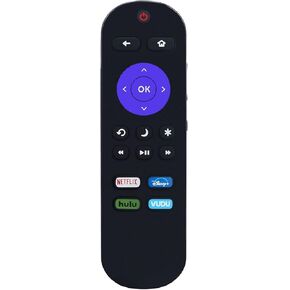 Remote Compatible with All ONN Roku TV with Disney Plus Netflix VUDU HULU
SAR 37
Remote Compatible with All ONN Roku TV with Disney Plus Netflix VUDU HULU
SAR 37
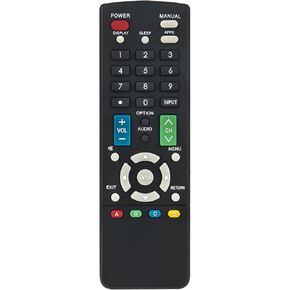 GB244WJSA Replacement Remote Control Applicable for Sharp AQUOS TV PN-LE901
SAR 68
GB244WJSA Replacement Remote Control Applicable for Sharp AQUOS TV PN-LE901
SAR 68
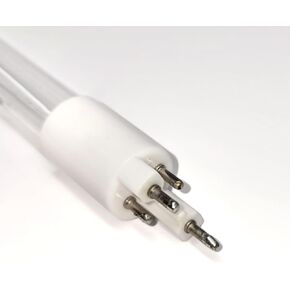 Aqua-Pure/Cuno, 56058-03, 5605835, 56058-35, APUV-5, OEM Quality Premium Compatible Replacement Lamp Bulb, by LuTrace, .Guaranteed for One Year
SAR 173
Aqua-Pure/Cuno, 56058-03, 5605835, 56058-35, APUV-5, OEM Quality Premium Compatible Replacement Lamp Bulb, by LuTrace, .Guaranteed for One Year
SAR 173
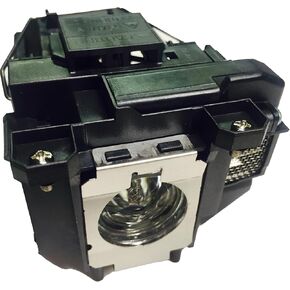 Advanced Lamps™ Lamp & Housing for The Epson H428A Projector
SAR 209
Advanced Lamps™ Lamp & Housing for The Epson H428A Projector
SAR 209