- Shopping, made easy.
- /
- Get the app!
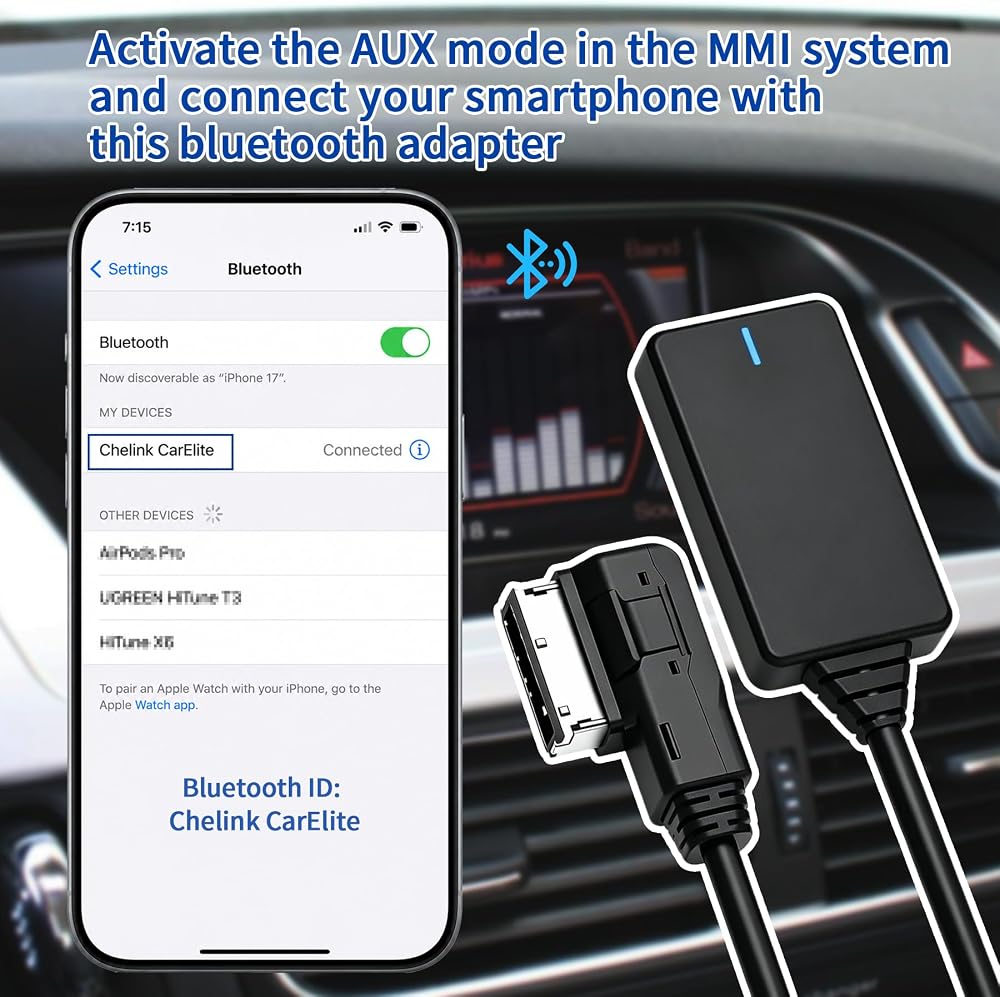
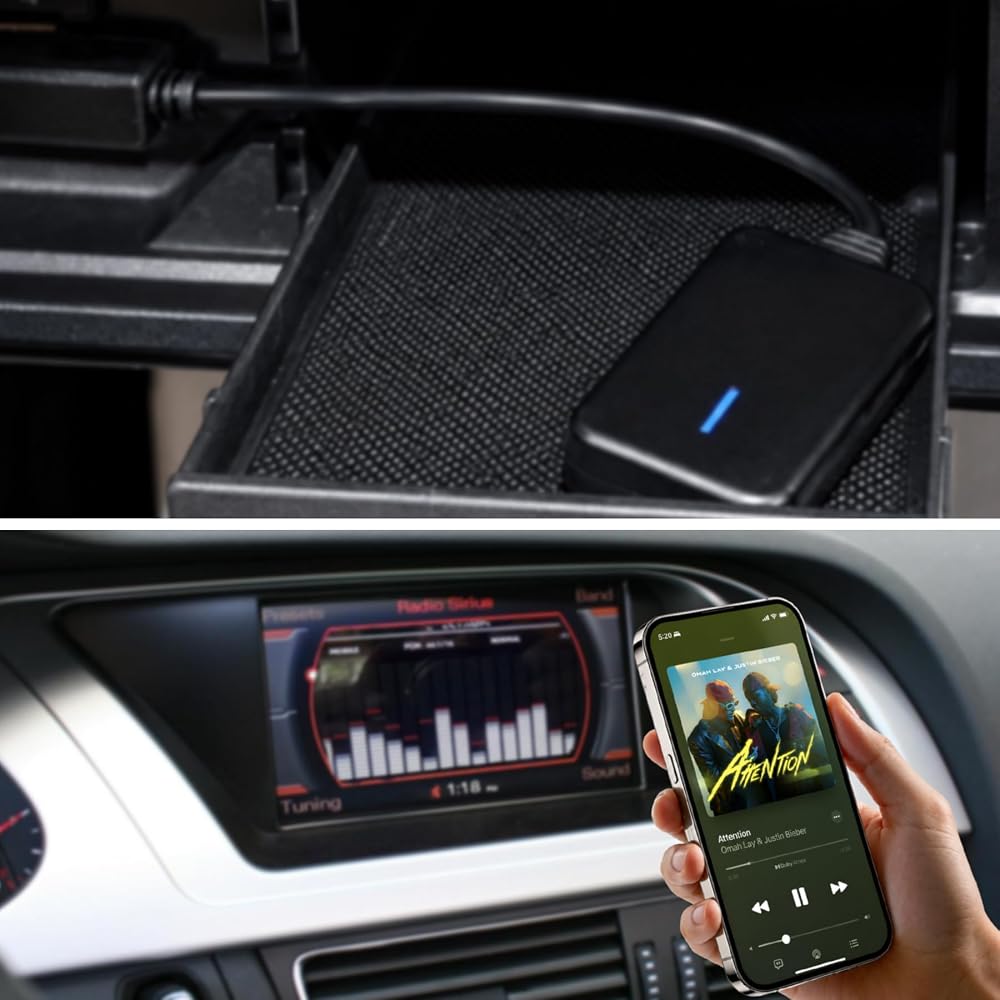
Automatically reconnects via Bluetooth when you get in the car; seamless playback with major music apps
Every time you get in the car, your phone will automatically reconnect to the adapter. It supports lossless audio transmission from all major music apps, ensuring smooth playback on platforms like Spotify, iTunes, and YouTube—no stuttering or disconnections.
Compatible with all Bluetooth devices and music players
Compatible with all Bluetooth-enabled smartphones and music players—including iPhones, iPods, and Android phones from Samsung, Huawei, Sony, LG, HTC, and more—ensuring full coverage of your everyday music devices.
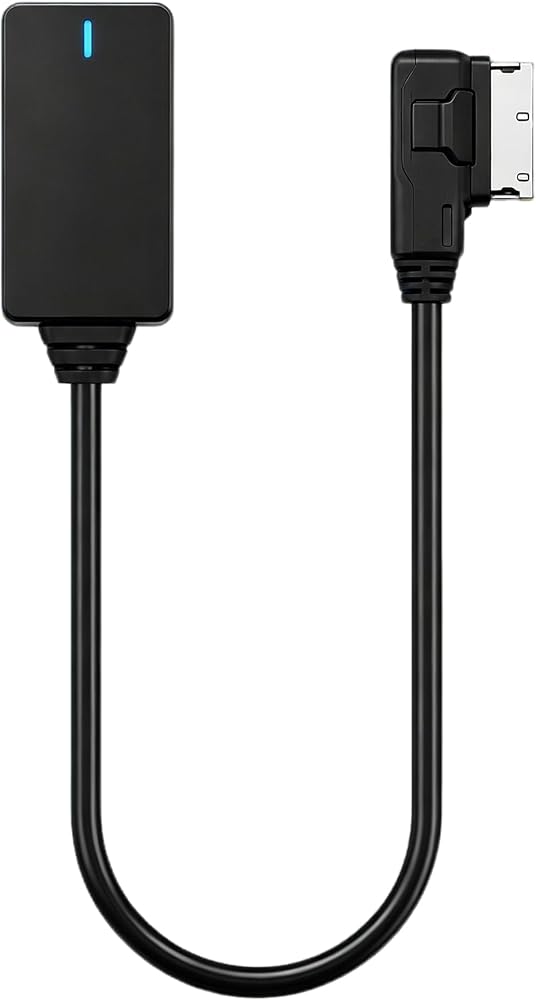
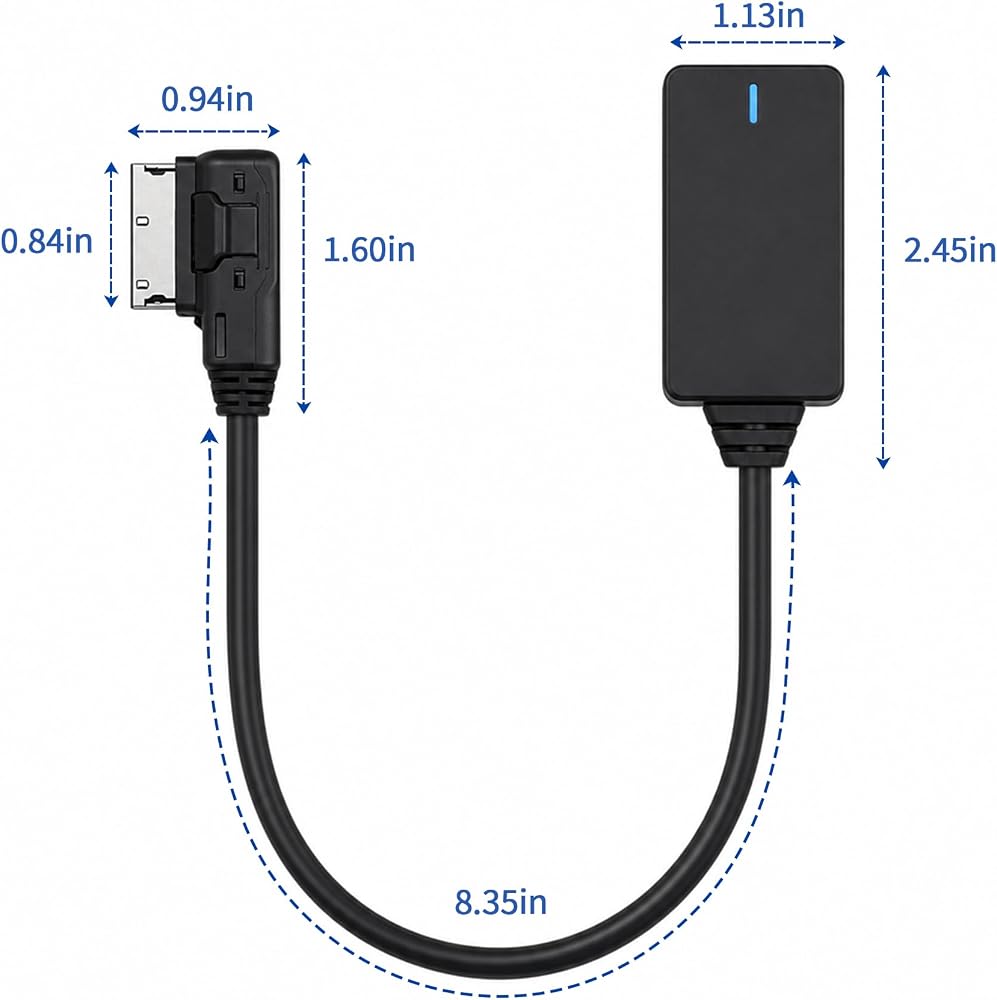
Precisely tailored for Audi's factory-installed MMI system; compatible with multiple models
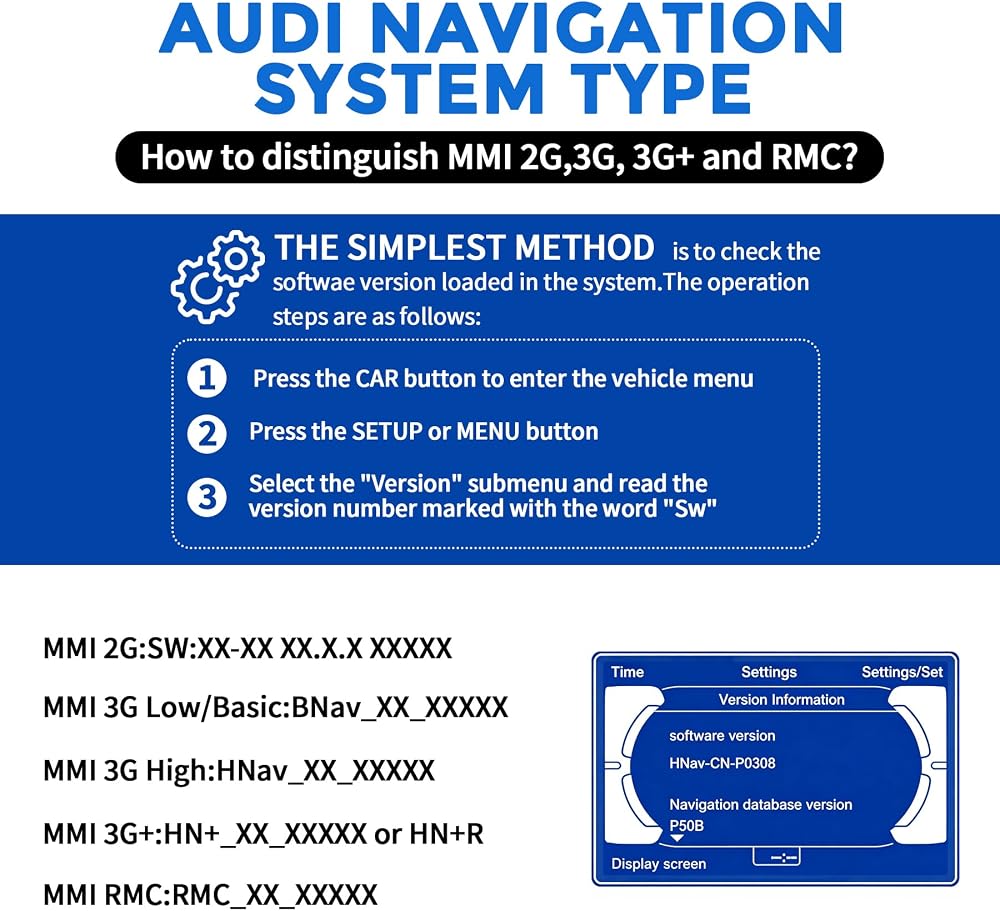
Compatible only with Audi vehicles equipped with the MMI 3G system (2009 and later models). Not compatible with MMI 2G (models prior to 2009) or MMI 3G Plus.
Vehicle Compatibility: Suitable for Audi Q5, A5, A7, R7, S5, Q7, A6L, A8L, and A4L models manufactured in 2011 or later; compatible only with Audi vehicles equipped with the MMI 3G system. Model information is for reference only; final compatibility depends on the vehicle's original factory configuration.
Easy installation with no learning curve
Step 1: Turn on the in-car MMI system and navigate to the media functions page;
Step 2: Switch the in-car audio source to the AUX external audio input;
Step 3: Turn on your phone's Bluetooth and pair it with the adapter; switch to the AUX channel to play music from your phone through the car's audio system.
Check for the interface before purchasing; feel free to contact us at any time with after-sales questions
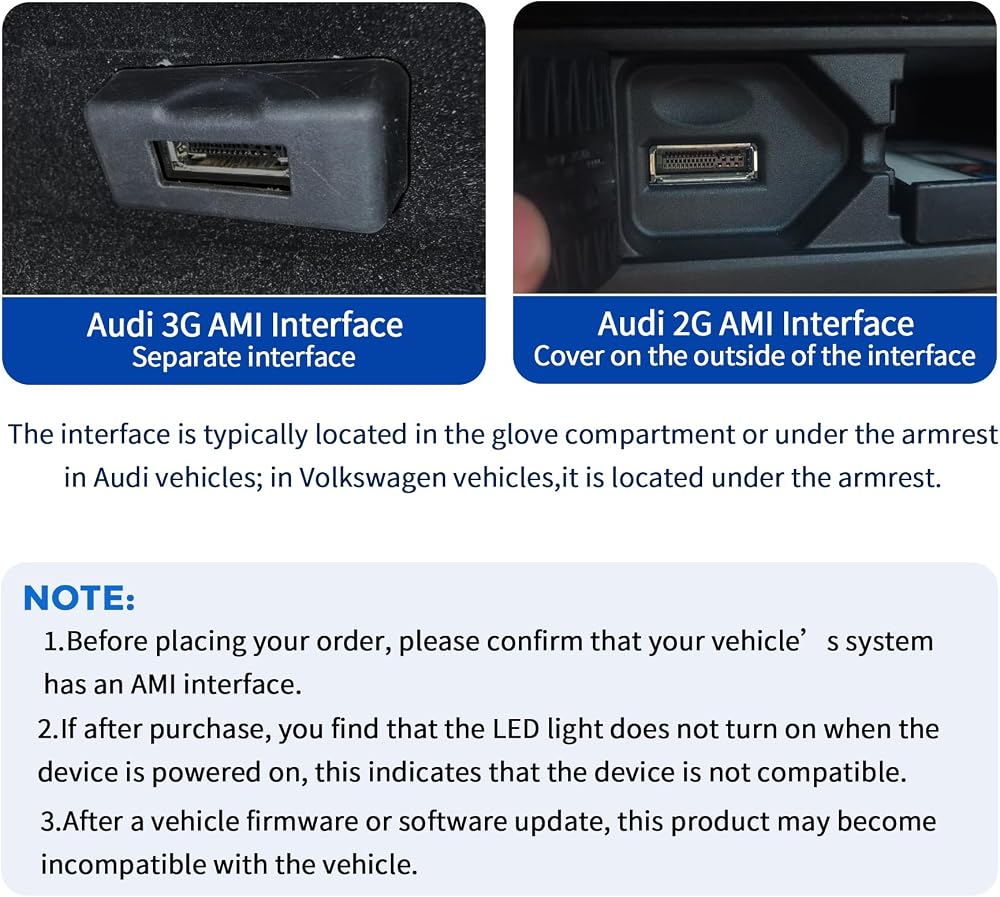
The original Audi AMI interface is typically located in the center armrest or the passenger-side glove compartment. This product is only compatible with the MMI 3G version. (MMI 3G features an SD card slot and an additional button on the MMI control knob.) It is not compatible with MMI 2G. Actual compatibility depends on the vehicle's model year and factory options; we recommend verifying the style of the in-car interface before placing an order.
This product does not support controlling music playback or skipping tracks using the steering wheel controls.
The full iPod music library cannot be displayed on the in-car screen.
If you encounter compatibility or installation issues during use, please contact customer service for assistance.
 Solar Extension Cable Anderson Connector 12AWG 45A Battery Adapter Cable for Power Station Solar Generator Solar Panel (Ads 45A 1m)
SAR 68
Solar Extension Cable Anderson Connector 12AWG 45A Battery Adapter Cable for Power Station Solar Generator Solar Panel (Ads 45A 1m)
SAR 68
 -11%
50 Amp Battery Connector Plug Battery Quick Connectors 6/8/10/12 Battery Quick Disconnect Connector 12 Volt for Marine Winch Vehicle Trolling Motor (3 Way Ads Kit 2).
SAR 47
-11%
50 Amp Battery Connector Plug Battery Quick Connectors 6/8/10/12 Battery Quick Disconnect Connector 12 Volt for Marine Winch Vehicle Trolling Motor (3 Way Ads Kit 2).
SAR 47
 Battery Cable Connector Plug 50A Battery Quick Disconnect Connector Wire Gauge 10AWG Used for Connecting to Automobiles,Diggers Digs,Heavy Trucks,air conditioners.(3 Way Ads 50cm)
SAR 58
Battery Cable Connector Plug 50A Battery Quick Disconnect Connector Wire Gauge 10AWG Used for Connecting to Automobiles,Diggers Digs,Heavy Trucks,air conditioners.(3 Way Ads 50cm)
SAR 58
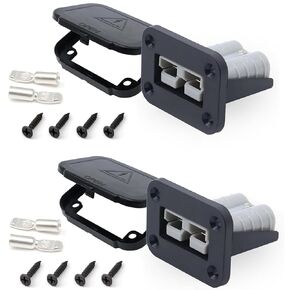 50 Amp Plug Power Connector Quick Connect Disconnect 50 Amp Battery Connector 50A 600 V (2 Way Ads 50cm)
SAR 73
50 Amp Plug Power Connector Quick Connect Disconnect 50 Amp Battery Connector 50A 600 V (2 Way Ads 50cm)
SAR 73

 Saudi Arabia