- Shopping, made easy.
- /
- Get the app!
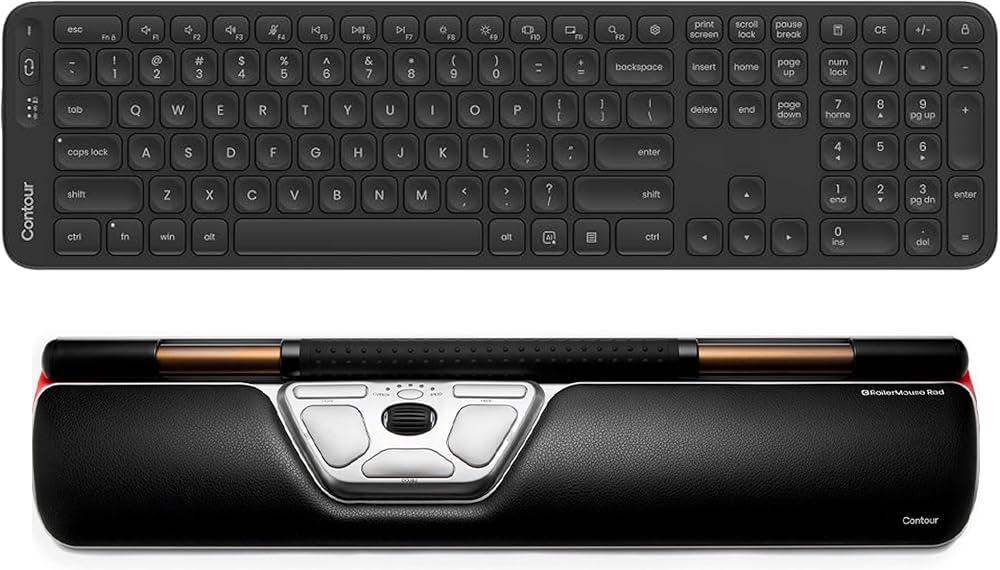
Contour RollerMouse Red Wireless + Balance Full-Size Keyboard Bundle Centered Rollerbar Mouse with Low-Profile Wireless Keyboard Numeric Keypad and Negative Tilt Designed to Reduce Reaching and Shoulder Strain
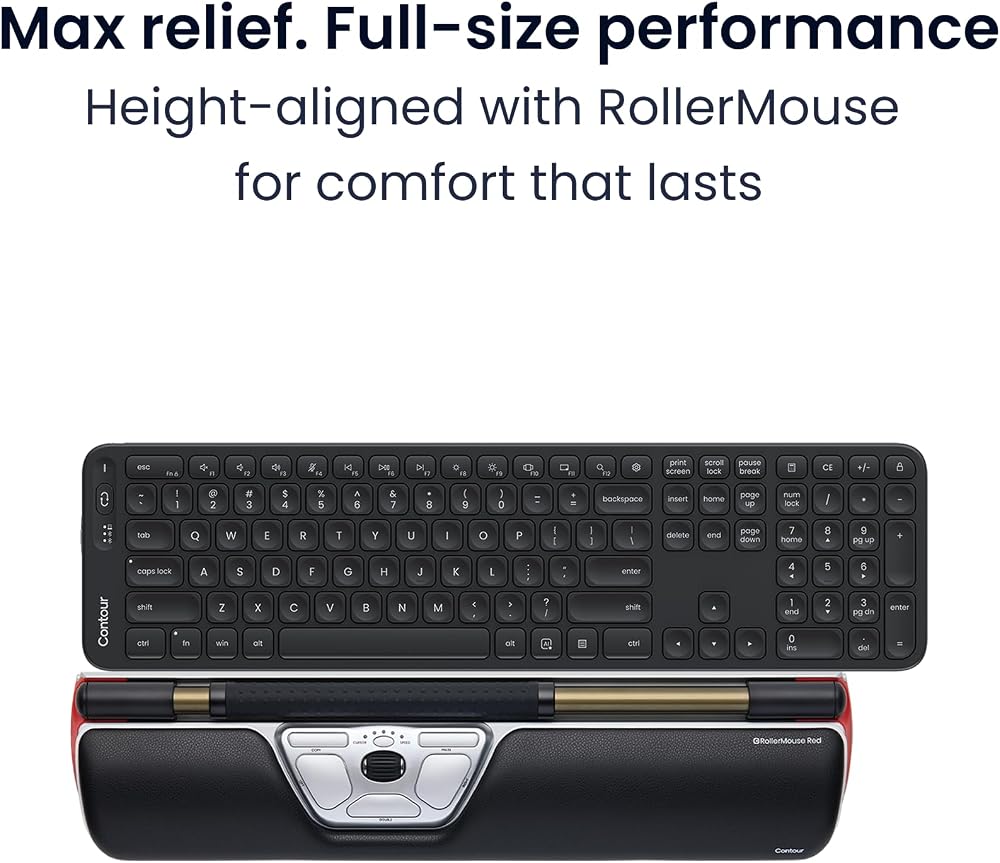
Build a centered, low-reach workstation. RollerMouse Red Wireless places cursor control on a rollerbar in front of the keyboard, so both hands stay centered and shoulder-width apart. Balance Full-Size sits flush against it, a full keyboard with numeric keypad only 0.49 inches thick.
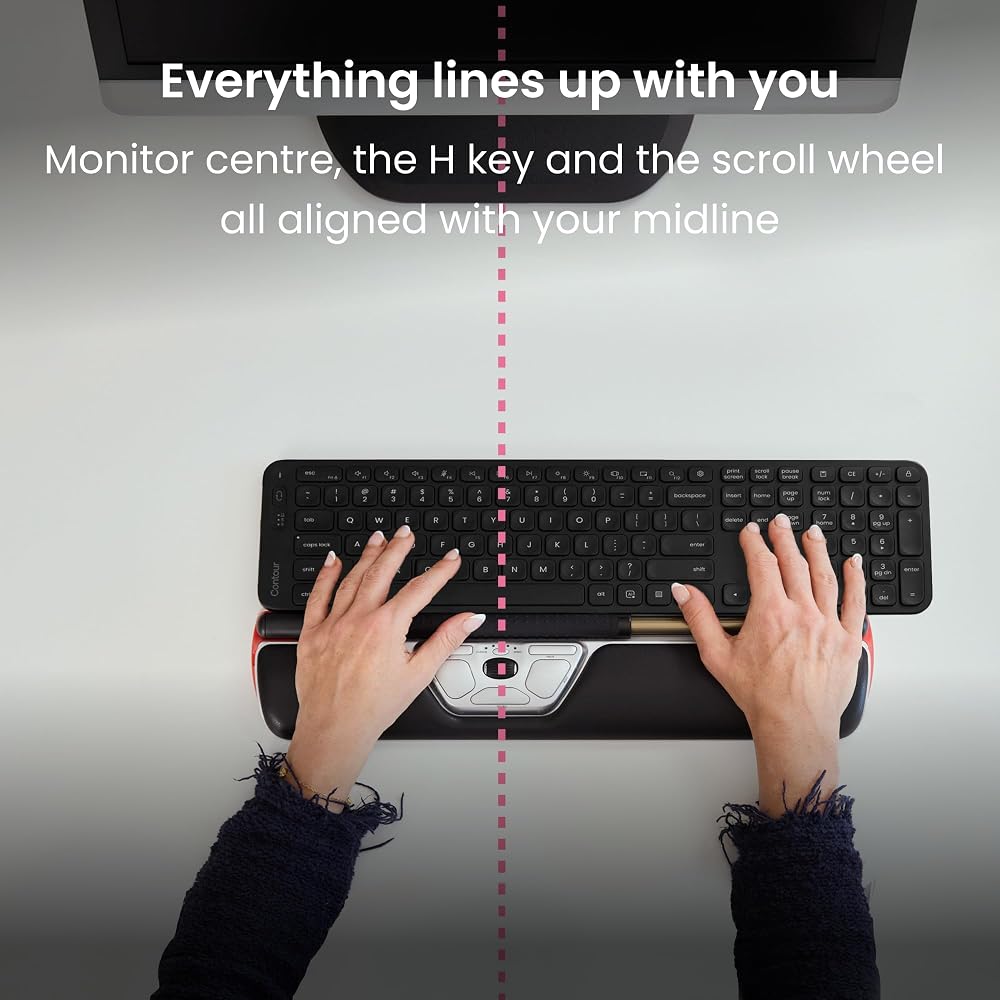
Set it up on one line
Line up the H key and the RollerMouse scroll wheel with the center of your monitor and the center of your body. On a full-size board the numeric keypad sits to the right, so centering the keyboard itself pushes your hands off to the left. Center the H key instead.
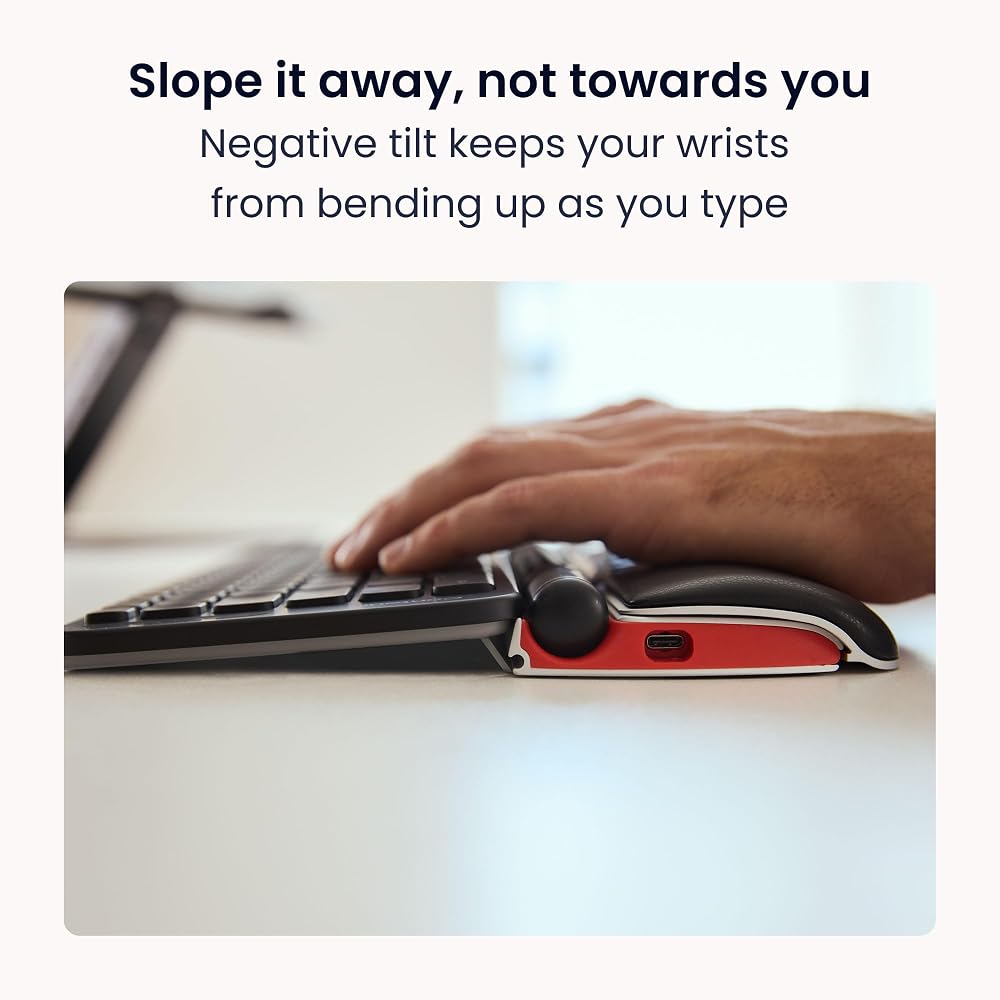
Slope the keys away from you
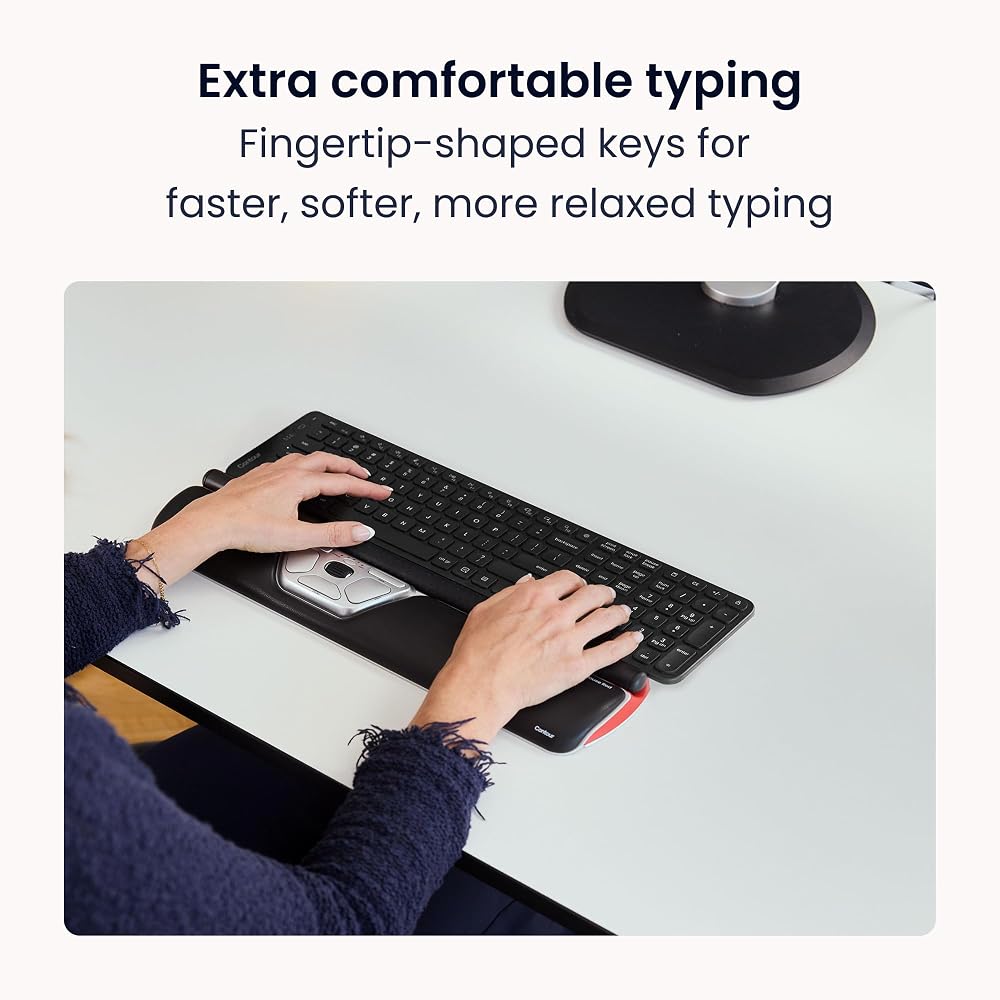
Two sets of built-in legs give five tilt positions. Contour recommends negative tilt with a RollerMouse: the F row drops below the spacebar so your wrists stay flat instead of bending up. Scissor switches and dished keycaps keep the typing quiet and light.
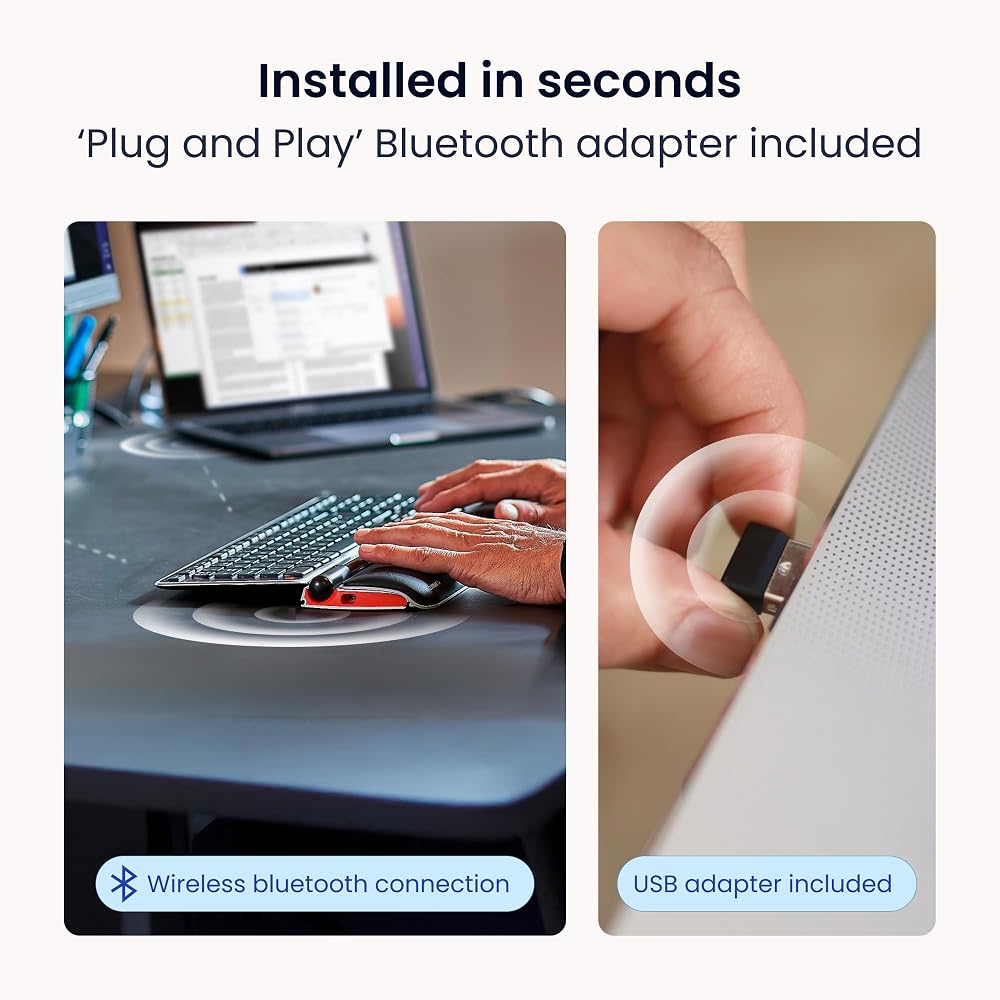
Cordless, or plugged in
Both connect over Bluetooth or their own USB receiver, and both charge over USB-C with up to three months of use per charge. The keyboard holds three paired devices and switches between them with one button. Note the keyboard's receiver plugs into a USB-C port.
Built for Windows
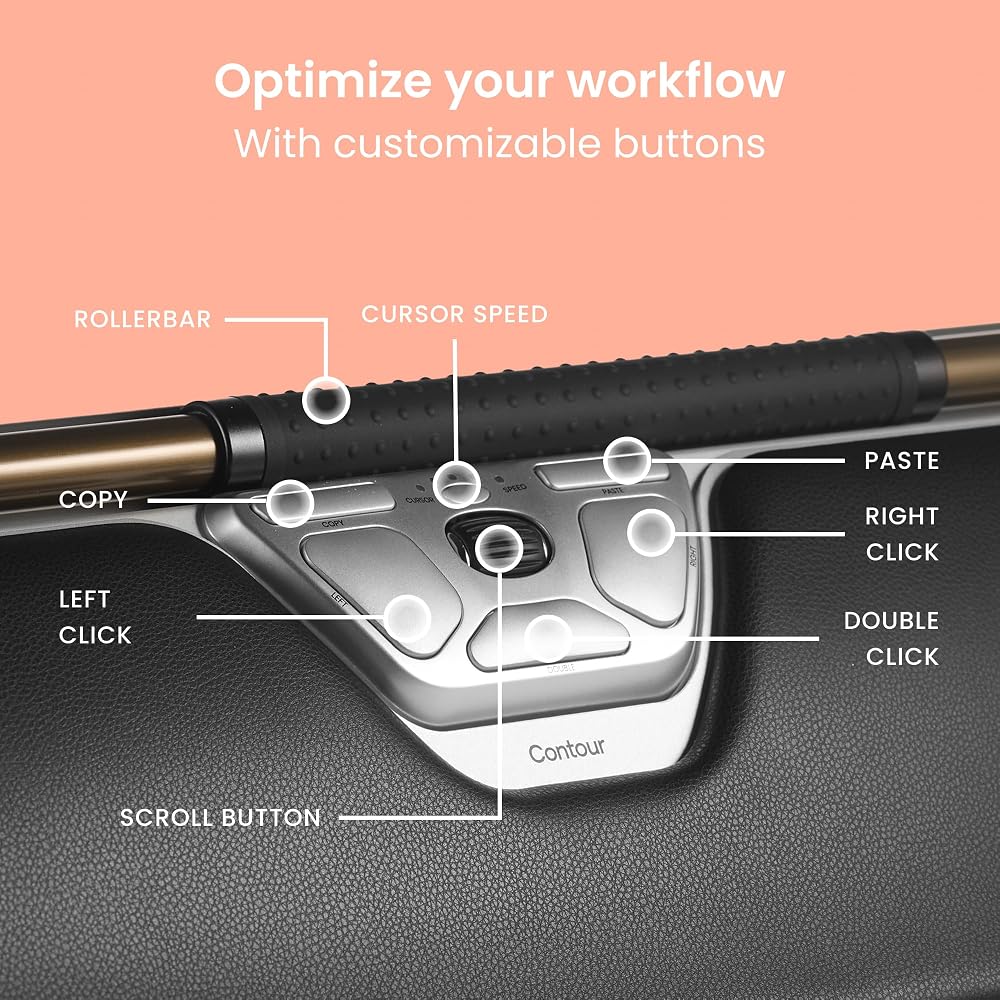
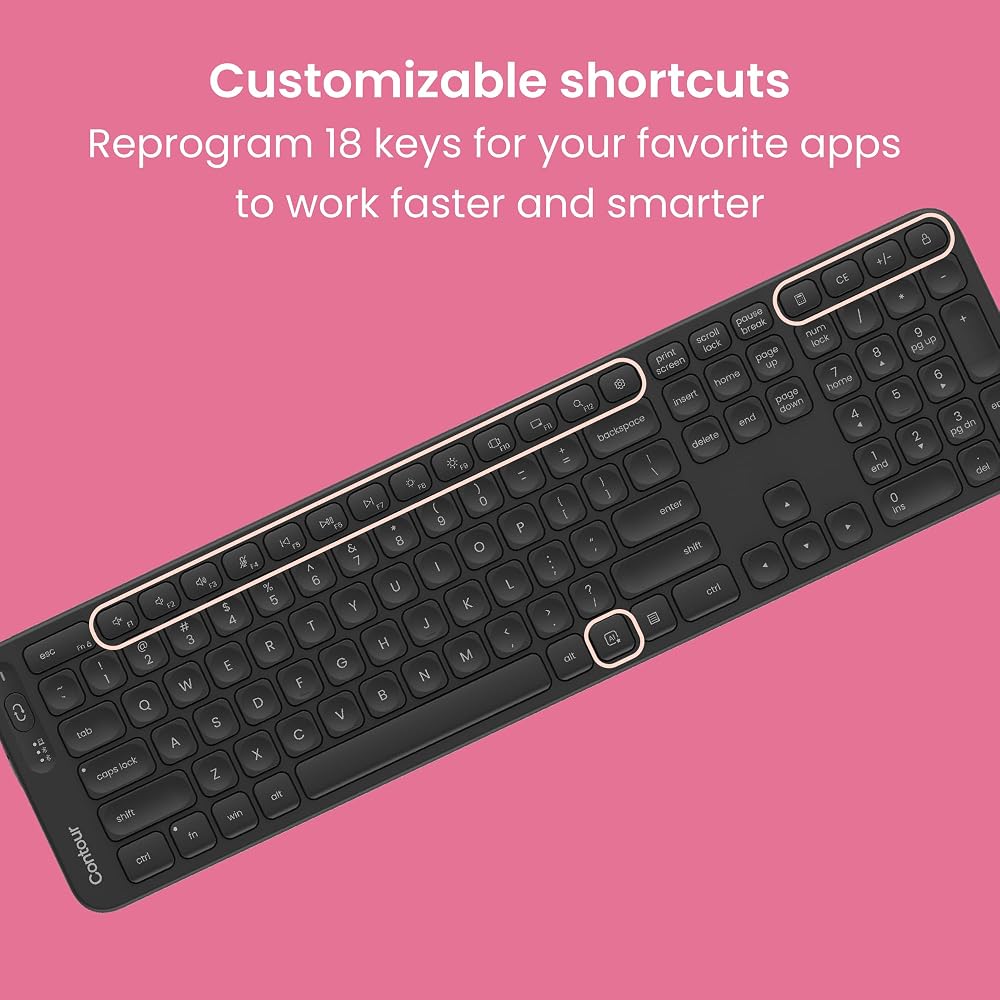
The keyboard carries Windows legends, a dedicated AI key for Copilot, and 18 programmable keys. It is made for Windows 10 and 11. The RollerMouse adds six programmable buttons and ten cursor speeds from 600 to 2800 DPI.
In the box
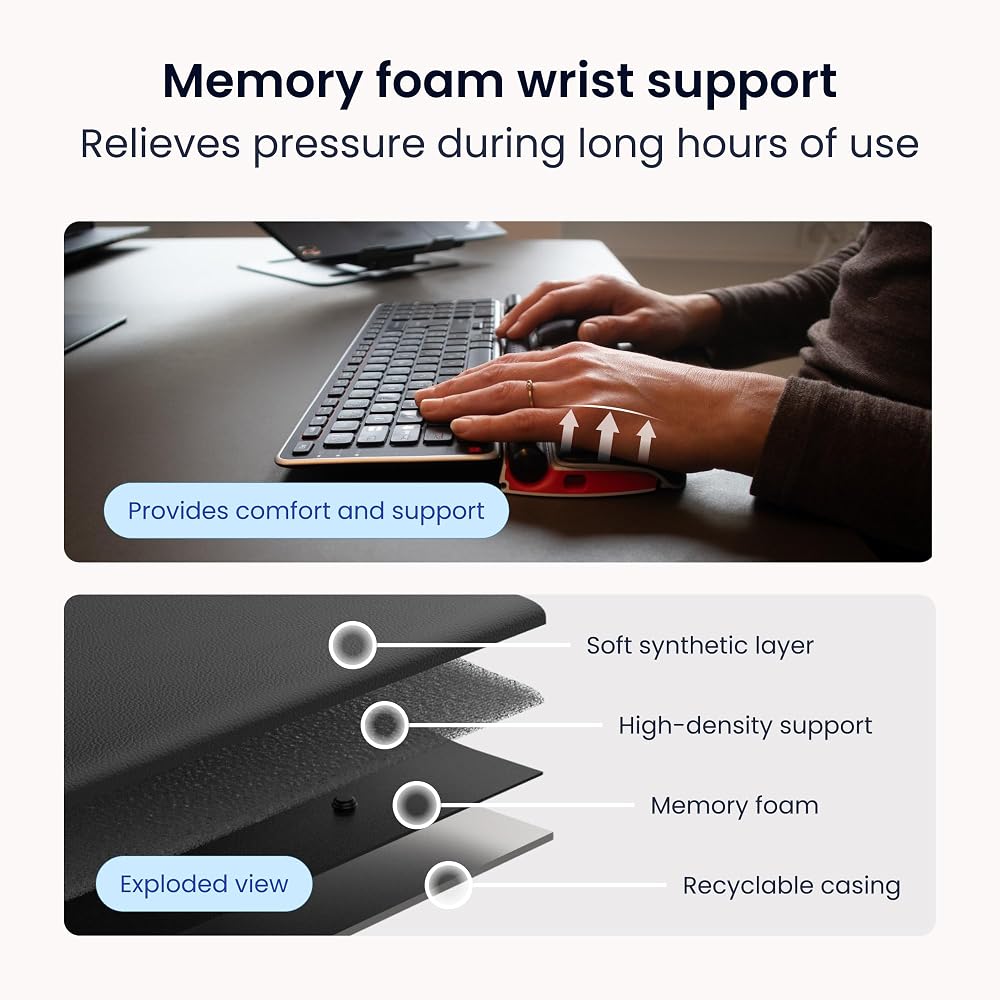
RollerMouse Red Wireless, palm support, removal key, USB-C cable, 2.4GHz receiver and extender, keyboard risers and guide. Balance Full-Size Keyboard, USB-C receiver and charging cable. Two year warranty on both.
 Contour Swan Pillowcase - Candy Cane, 1 Pack
SAR 131
Contour Swan Pillowcase - Candy Cane, 1 Pack
SAR 131
 Floss threaders for Cleaning Under Bridges, implants, and Braces. (200 threaders)
SAR 37
Floss threaders for Cleaning Under Bridges, implants, and Braces. (200 threaders)
SAR 37
 Fellowes PlushTouch Foam Keyboard Wrist Rest with MICROBAN - Black (9252101)
SAR 117
Fellowes PlushTouch Foam Keyboard Wrist Rest with MICROBAN - Black (9252101)
SAR 117
 Logitech POP Keys + POP Mouse - Wireless Keyboard and Bluetooth Mouse Combo with Typewriter-Style Mechanical Keys, Emoji Features, Cute Compact Design - Heartbreaker Rose
SAR 590
Logitech POP Keys + POP Mouse - Wireless Keyboard and Bluetooth Mouse Combo with Typewriter-Style Mechanical Keys, Emoji Features, Cute Compact Design - Heartbreaker Rose
SAR 590

 Saudi Arabia