- Shopping, made easy.
- /
- Get the app!
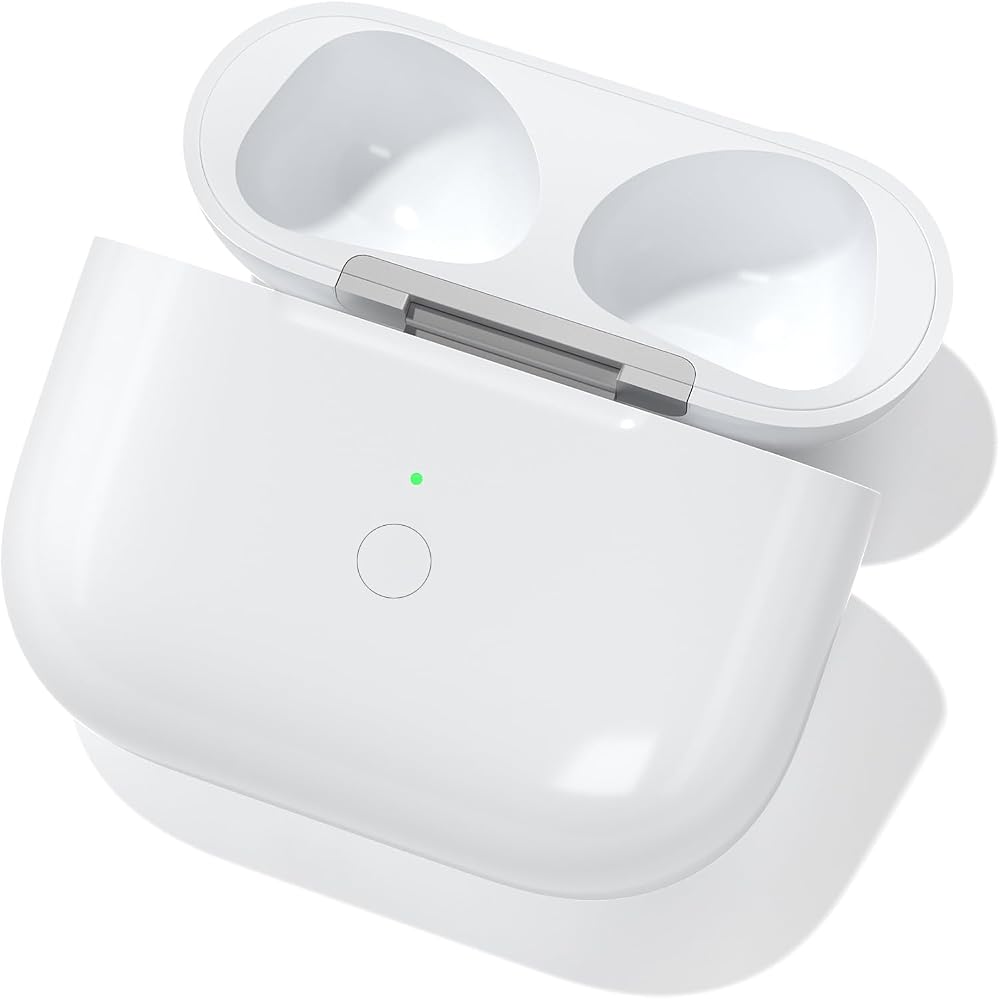
Bluetooth Pairing Instructions ⚠️ Note: Do not connect the charger during pairing.
Initial Charging: Place the earbuds into the charging case and charge for at least 15 minutes before first use.
Enable Bluetooth: Go to Settings → Bluetooth → On on your device.
Enter Pairing Mode: Open the lid, Double/Triple Tap Below LED Indicator until the white light flashes.
Connect Device: When the pop-up window appears, tap “Connect”.
Complete Pairing: Close the lid and reopen it after 2 seconds. The earbuds will connect automatically.
LED Indicator StatusOrange Light ( Indicates the charging case battery is below 10%.
Green Light (>10% Battery): Indicates the battery level is above 10%.
White Breathing Light (Pairing Mode): Flashing white light means the device is ready to pair.
Charging Status: When plugged in, the orange light stays on for 10 seconds, then turns off automatically.
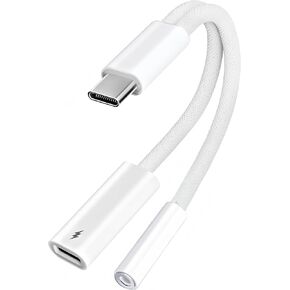 2Pack USB C Splitter 1 in 2 Out, Dual UsbC Charger and Headphone Adapter, USBC Splitter PD 60W Fast Charging, Type C Audio Adapter USB-C Dongle Cable for Apple iPhone 15 16 17/iPad Pro/Galaxy/Pixel
SAR 0
2Pack USB C Splitter 1 in 2 Out, Dual UsbC Charger and Headphone Adapter, USBC Splitter PD 60W Fast Charging, Type C Audio Adapter USB-C Dongle Cable for Apple iPhone 15 16 17/iPad Pro/Galaxy/Pixel
SAR 0
 with Safety Lock for Galaxy Buds 4 & Buds 4 Pro Case, Protective Case for Samsung Galaxy Buds 4 Pro 2026, Shockproof Hard Shell Cover with Cleaning Kit & Carabiner for Men Women (Black)
SAR 68
with Safety Lock for Galaxy Buds 4 & Buds 4 Pro Case, Protective Case for Samsung Galaxy Buds 4 Pro 2026, Shockproof Hard Shell Cover with Cleaning Kit & Carabiner for Men Women (Black)
SAR 68
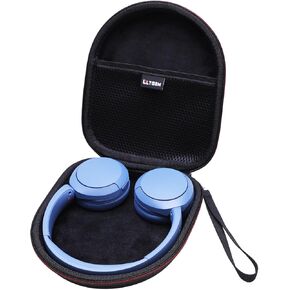 Case for Sony WH-CH520 Wireless Headphones Blue
SAR 89
Case for Sony WH-CH520 Wireless Headphones Blue
SAR 89
 Replacement Silicone Ear Tips for JBL Endurance Peak 3 / Run 2 | Compatible with JBL Endurance Peak II / Peak / Race TWS Earbuds, 6 Pairs (S/M/L, Black)
SAR 42
Replacement Silicone Ear Tips for JBL Endurance Peak 3 / Run 2 | Compatible with JBL Endurance Peak II / Peak / Race TWS Earbuds, 6 Pairs (S/M/L, Black)
SAR 42

