- Shopping, made easy.
- /
- Get the app!
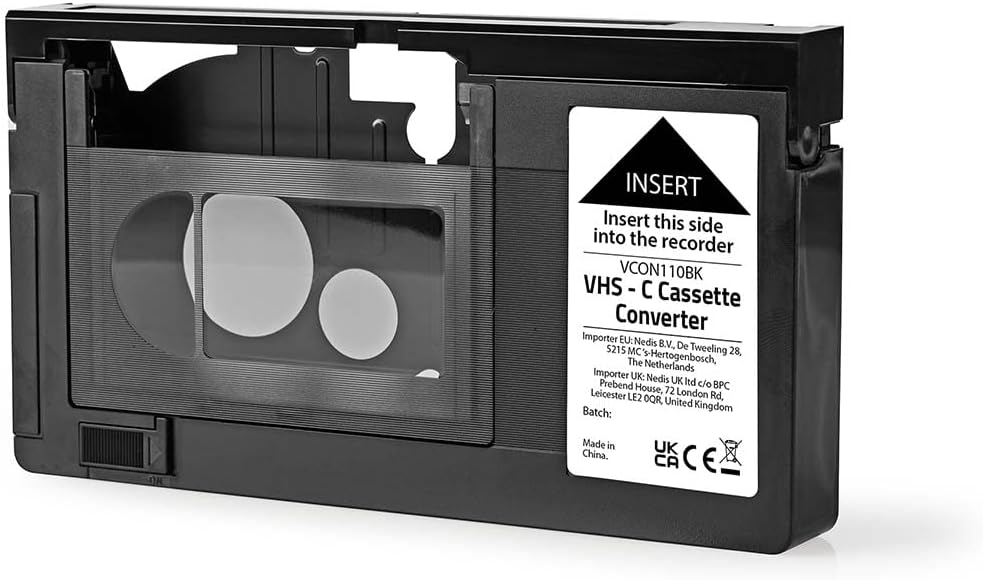
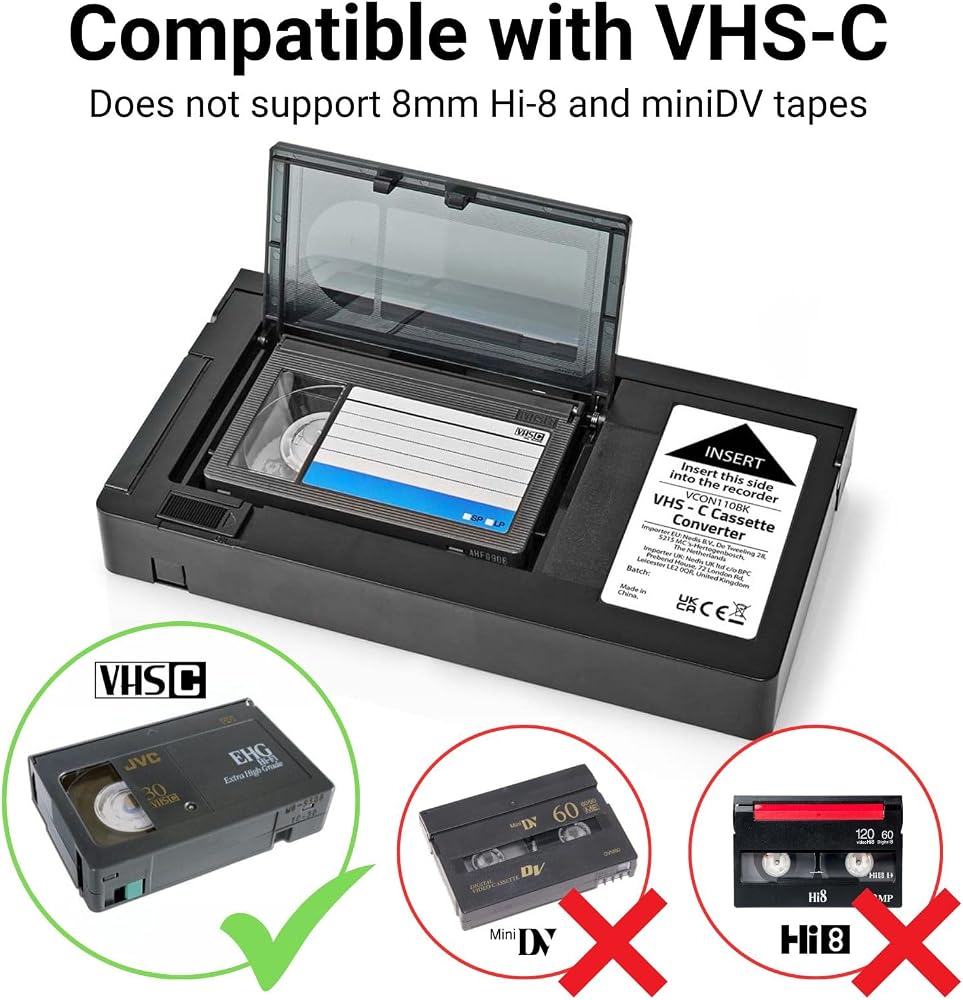
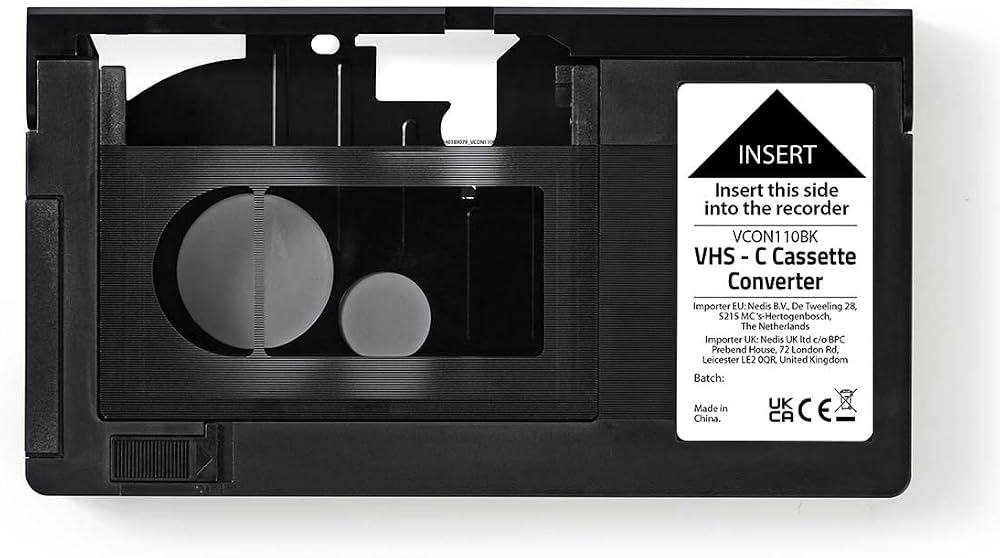
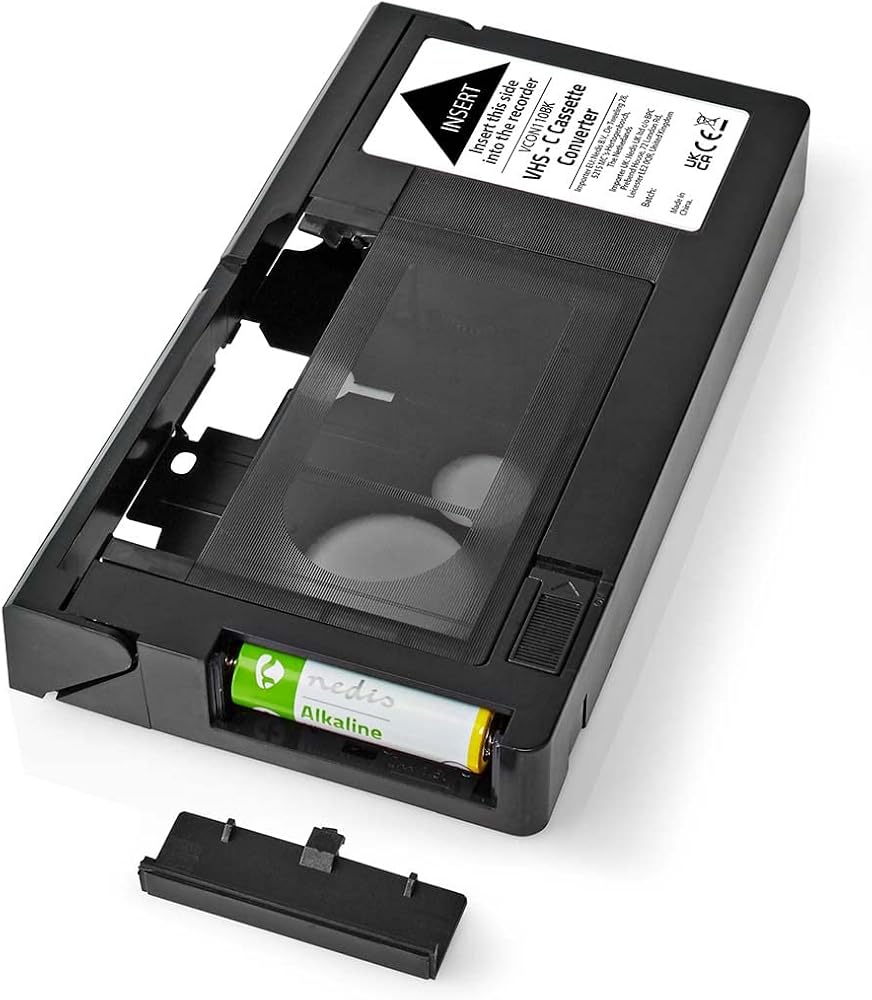
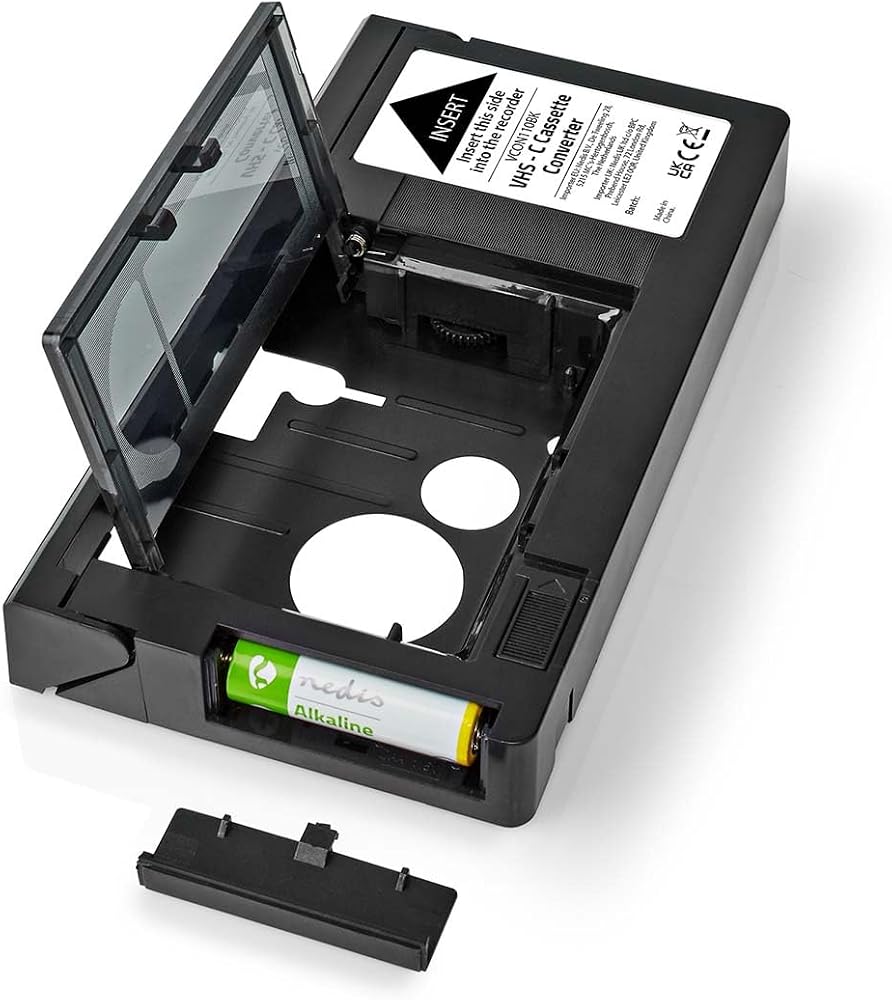
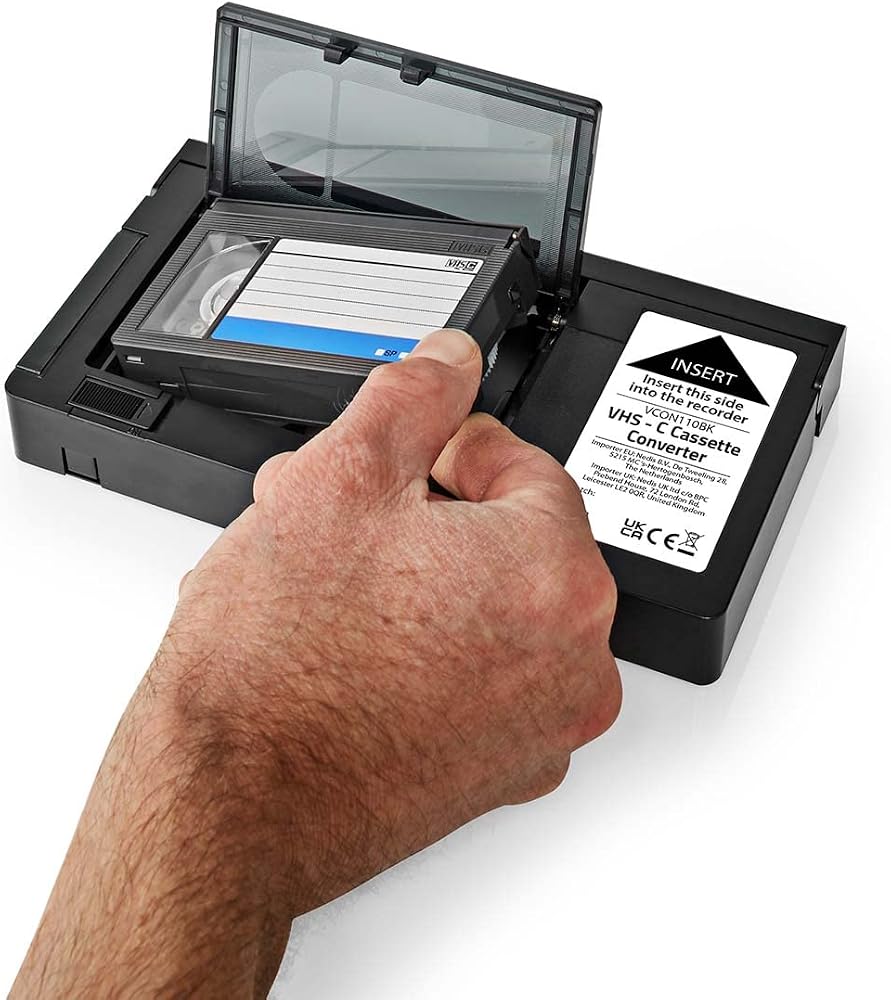
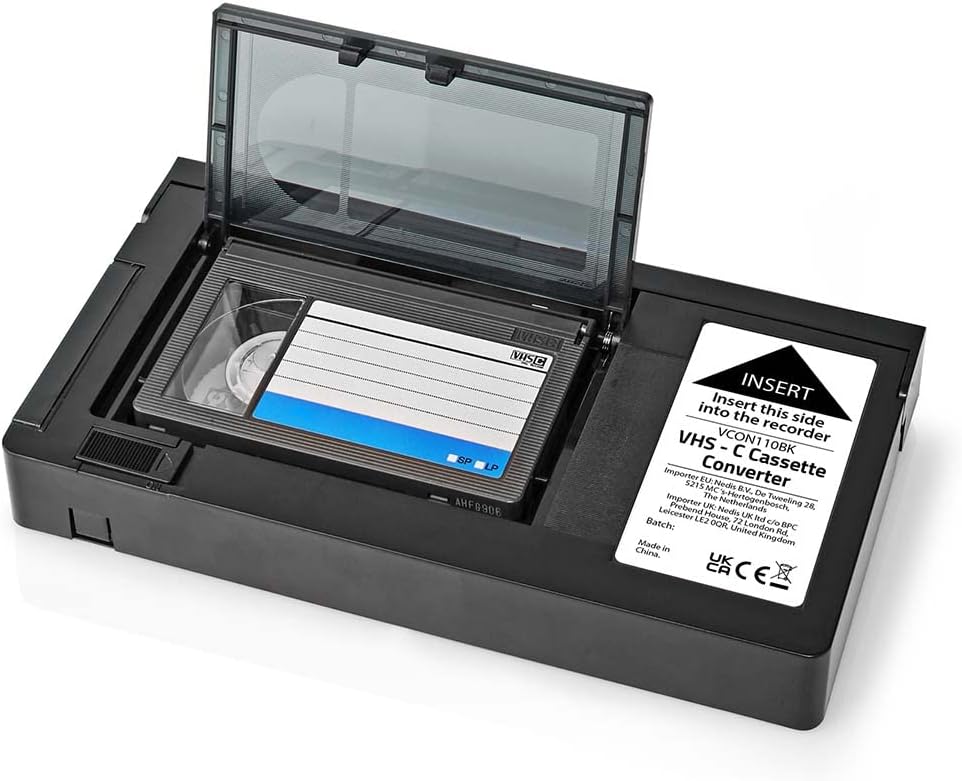
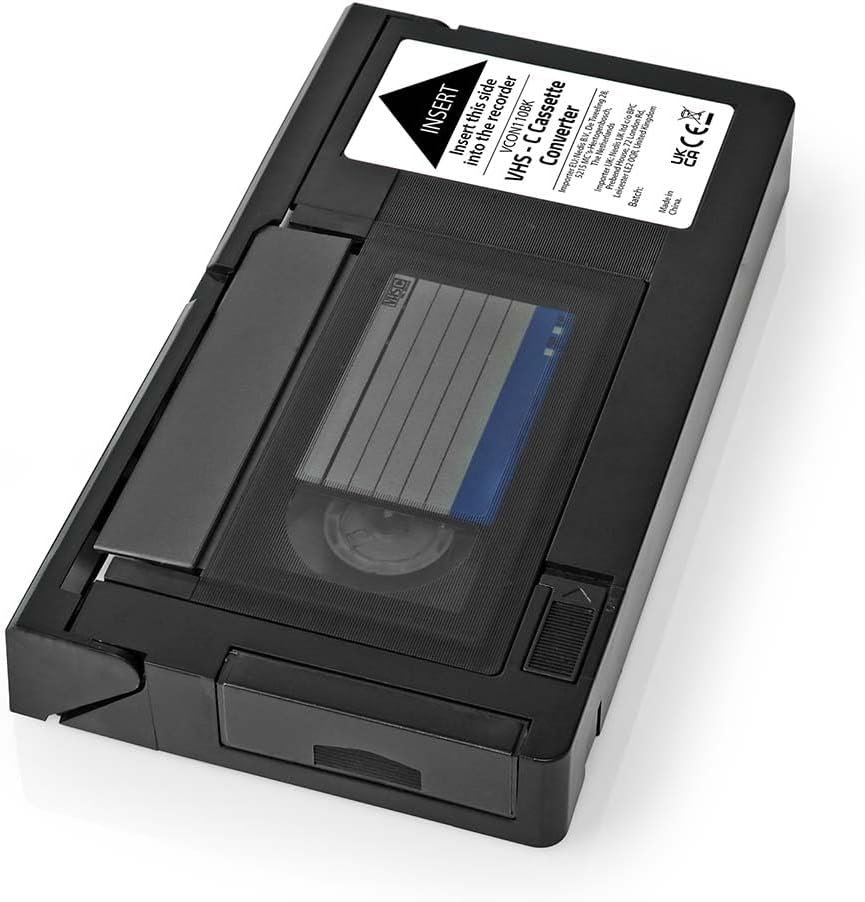
Insert a VHS-C tape into the Nedis VCON110BK VHS-C tape converter to record or watch it with a standard VCR. Use an AA battery (not included) to automatically open the tray and insert or remove the tape. Note that 8mm cassettes are not compatible with the VCON110BK. Only those with the VHS-C logo can be used. When using the VCON110BK with a VCR and a VHS-C tape, keep the following information and precautions in mind • Over the years, your VCR and VHS-C tape accumulate dust and grease that are not always visible to the naked eye, which may damage the inserted cassettes or block your VCR before use. We suggest using a VHS cleaner on your equipment. • Before inserting a VHS-C tape, check if the VHS-C tape is not stuck. If this is the case, you can reduce the tension on the belt by unrolling the main belt gear by a quarter turn (90°). • Avoid using the fast-forward or backward functions whenever possible. This prevents unnecessary pressure on the VHS-C tape. Additional Information When you insert a tape for the first time. First, roll the tape all the way forward and then all the way back before pressing the play button on the VCR.
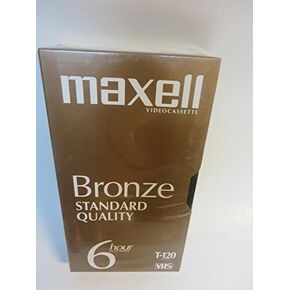 Maxell Bronze Standard Quality 6 Hour in Ep Mode T-120
SAR 63
Maxell Bronze Standard Quality 6 Hour in Ep Mode T-120
SAR 63
 Maxell GX-Silver T-120 VHS (1-pack) by Maxell
SAR 79
Maxell GX-Silver T-120 VHS (1-pack) by Maxell
SAR 79
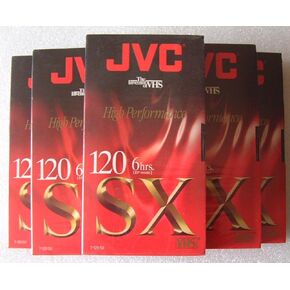 JVC High Performance SX 120 6hrs. VHS tapes.5 Pack
SAR 235
JVC High Performance SX 120 6hrs. VHS tapes.5 Pack
SAR 235
 Yoidesu VHS C Cassette Adapter for VHS C SVHS Camcorders, Playback Recording Video Cassette Converter for S VHS C S VHS Tapes, One Key Control, User Friendly
SAR 157
Yoidesu VHS C Cassette Adapter for VHS C SVHS Camcorders, Playback Recording Video Cassette Converter for S VHS C S VHS Tapes, One Key Control, User Friendly
SAR 157