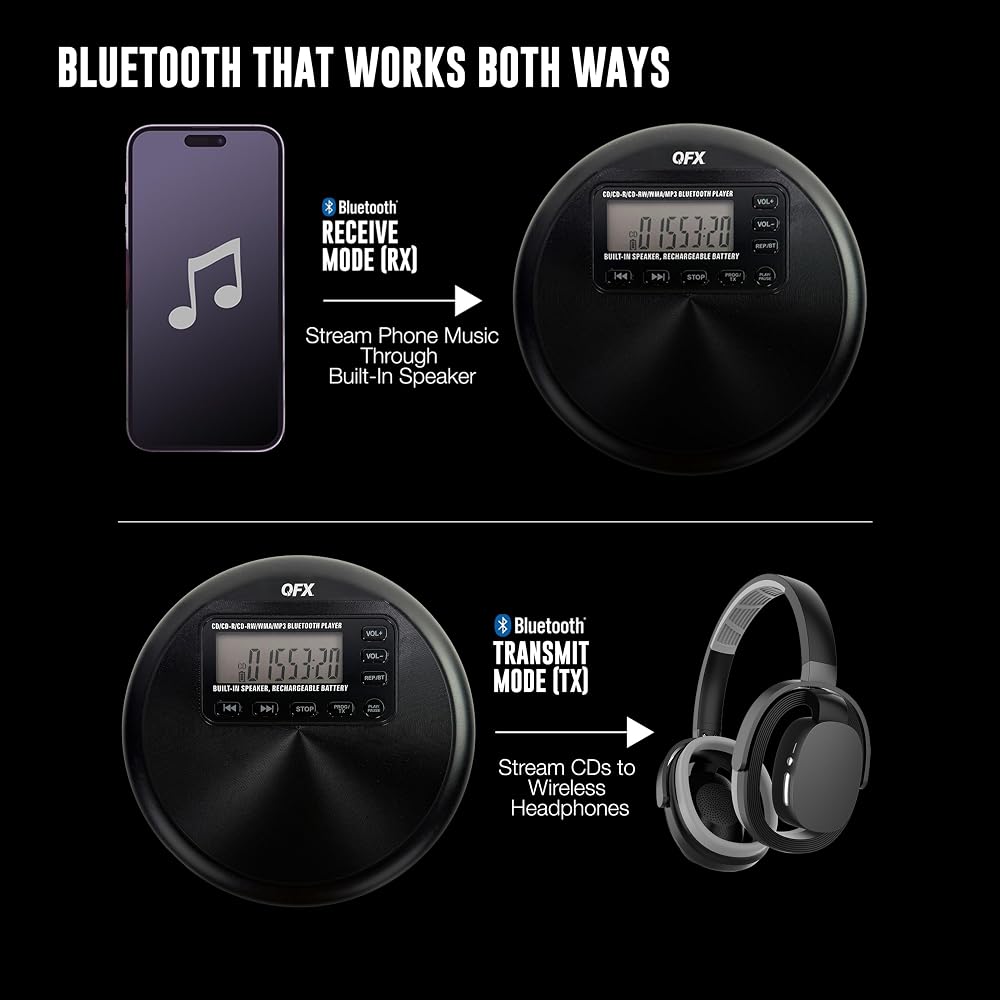
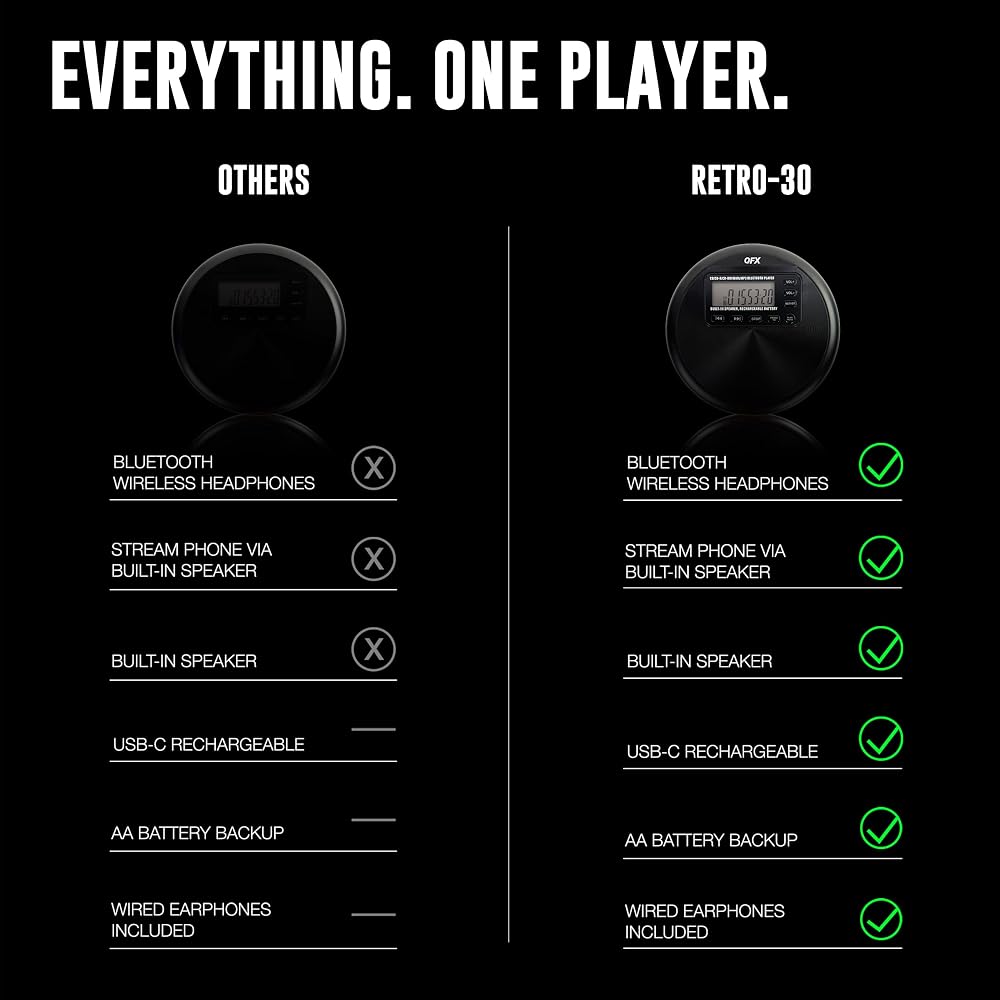
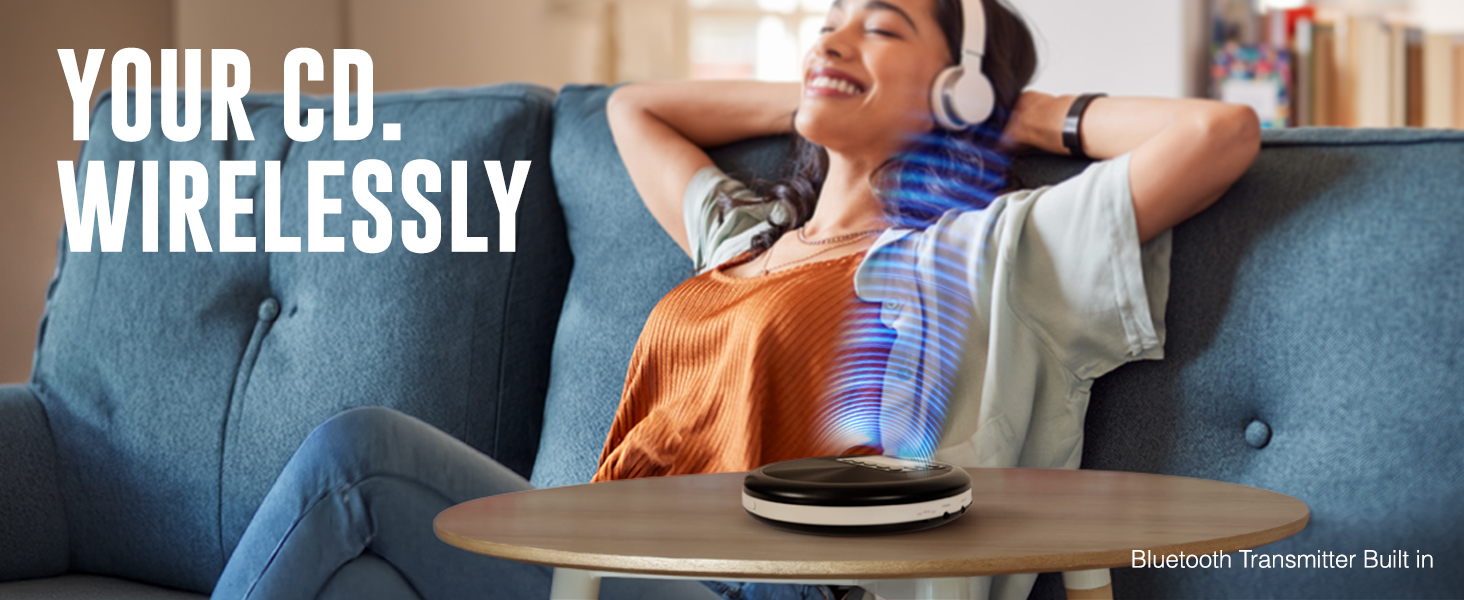
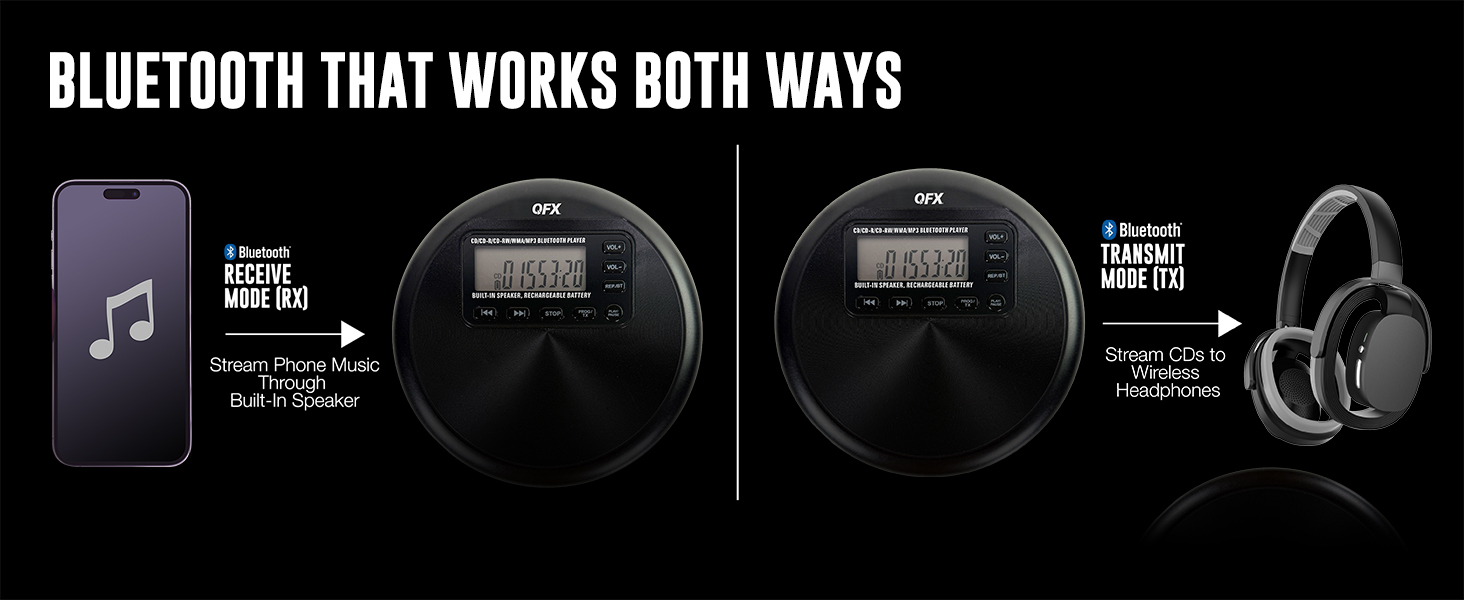
TWO-WAY BLUETOOTH, AND HOW TO SWITCH IT: Use TX mode to send your CD audio out to wireless headphones, earbuds, or a Bluetooth speaker. Use RX mode to play your phone through the RETRO-30's own speaker. To pair, put your headphones in pairing mode first, then select TX on the player. The display shows which mode is active, and it reconnects to that device next time.
BUILT-IN SPEAKER FOR CLOSE-UP LISTENING: The speaker is sized for a desk, nightstand, kitchen counter, or workbench right next to you, at about the volume of a small personal radio. It is not built to fill a large room or talk over background noise. When you want real volume, send the audio out over Bluetooth to a speaker or plug into the headphone jack.
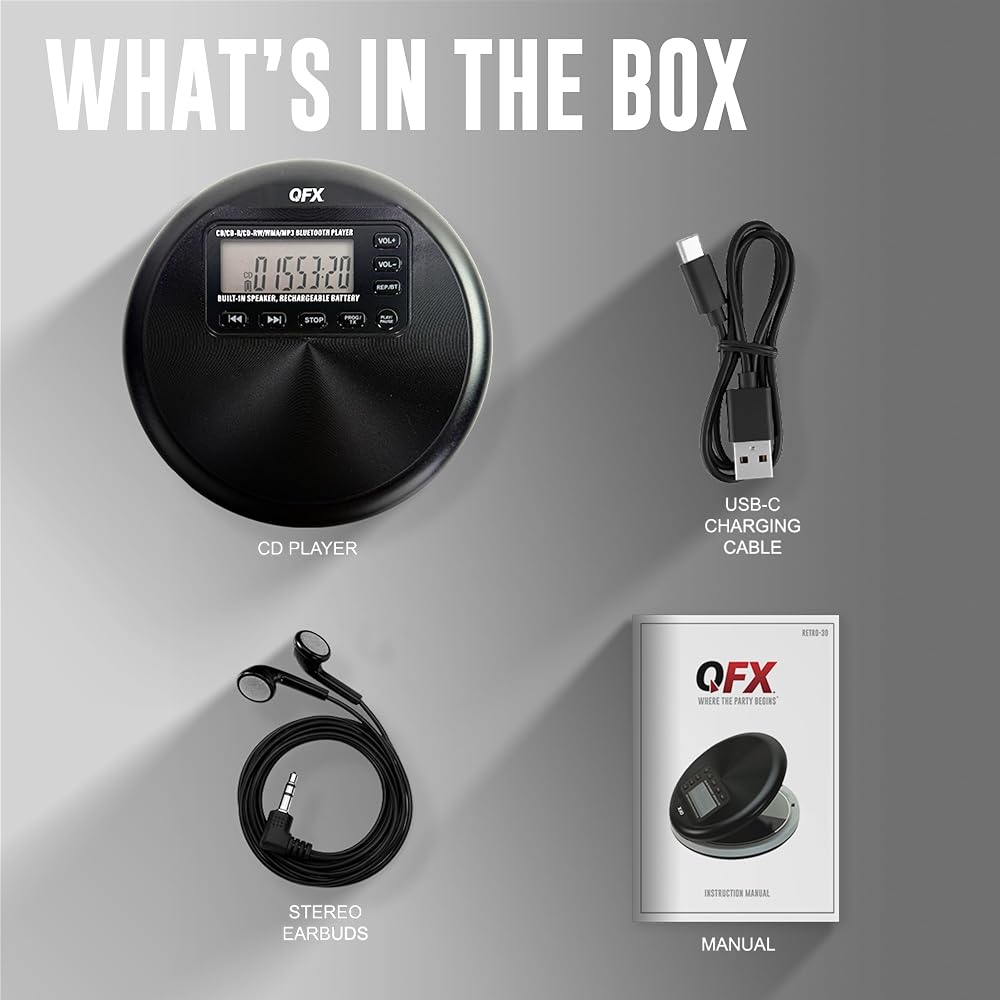
CHARGE IT FULLY BEFORE THE FIRST DISC: Give it about 3 hours on the included USB-C cable before first use. On a low charge it may not read discs reliably. A full charge runs 7 to 10 hours depending on volume, and you can drop in AA batteries as backup, not included.
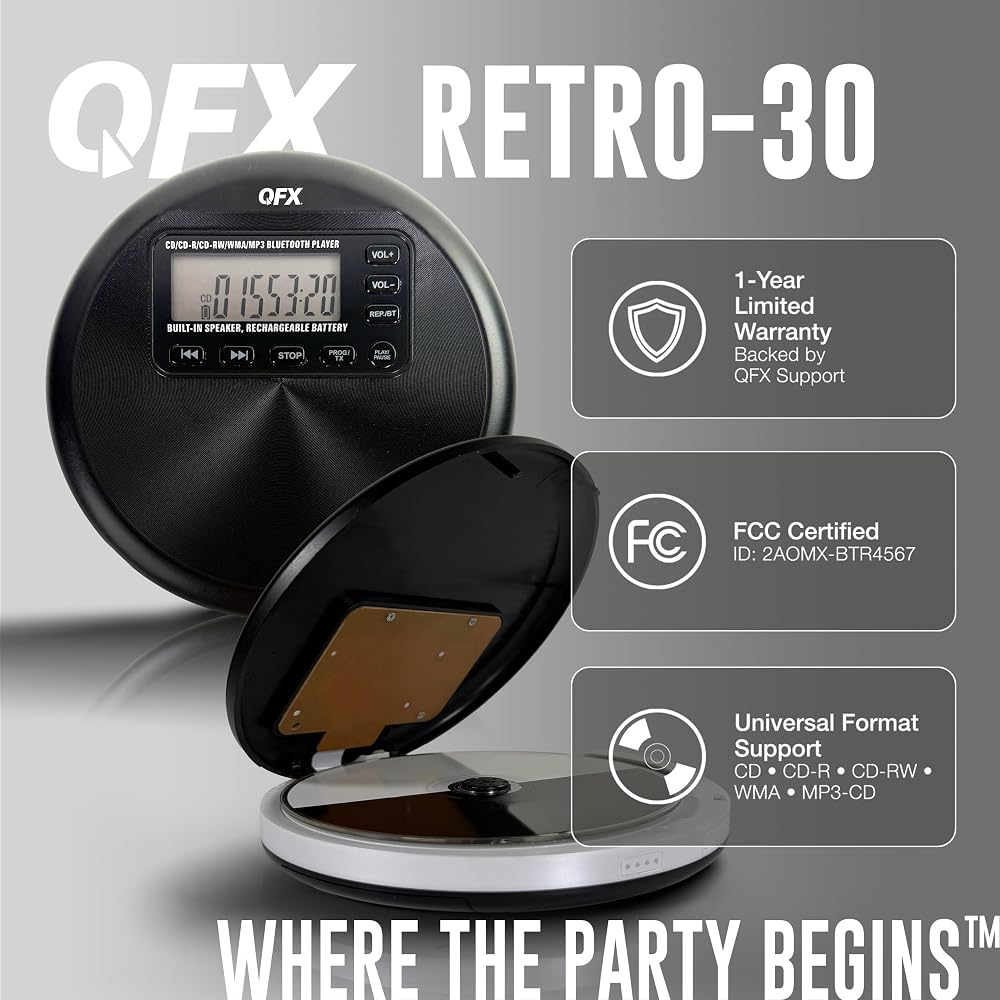
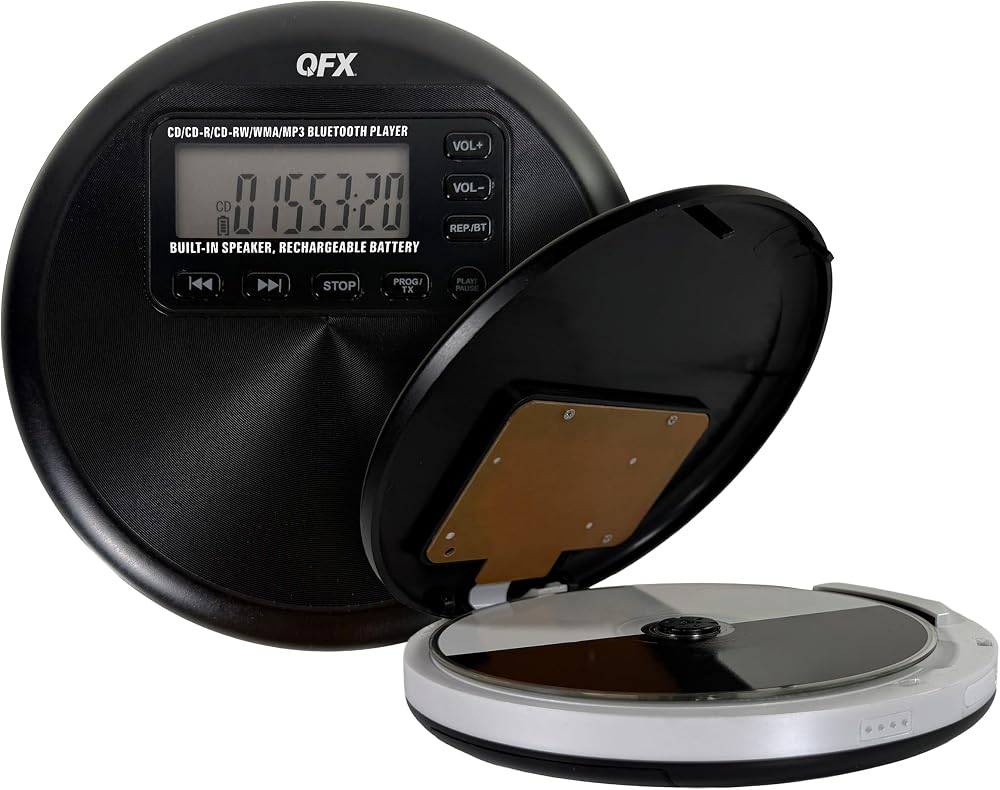
PLAYS BURNED DISCS, NOT JUST STORE-BOUGHT: Works with CD, CD-R, CD-RW, WMA, and MP3-CD. Anti-skip holds 60 seconds on a standard CD and 120 seconds on an MP3-CD. MP3 discs holding a lot of files take longer to load before the first track starts, which is normal for the format.
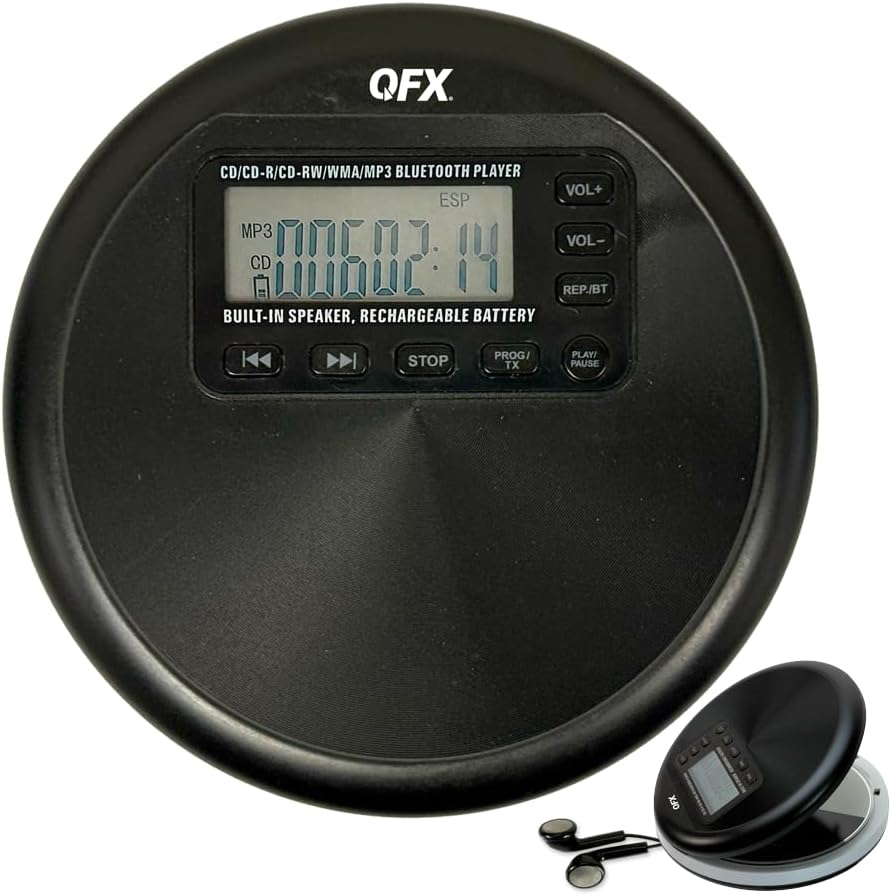
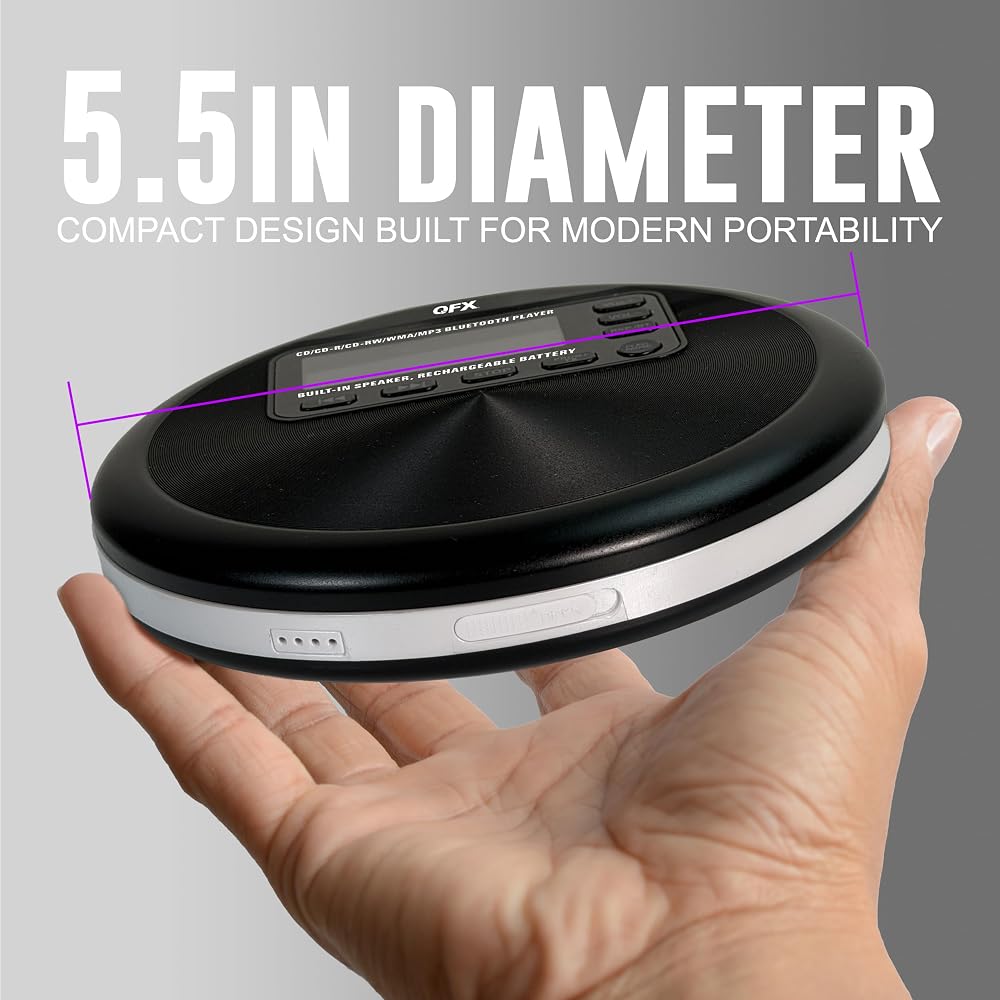
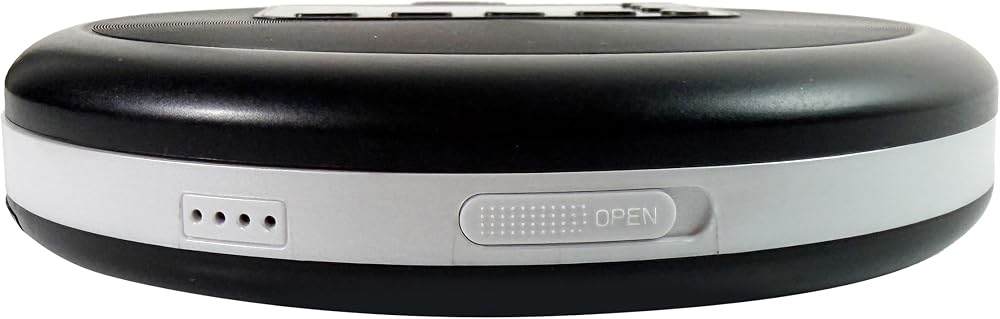
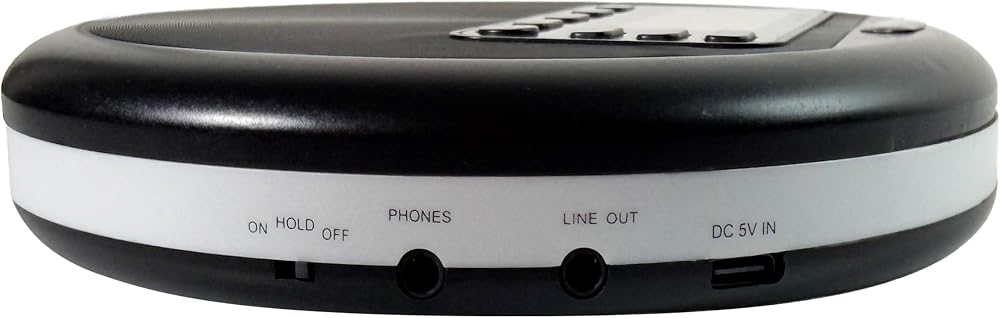
BEFORE YOU BUY, WHAT IT DOES NOT DO: No FM radio, no USB playback port, no SD or TF card slot. Discs and Bluetooth only. The built-in speaker keeps playing when you plug in headphones or use the line out, so it does not mute on its own. The body is 5.5 inches across, about the size of a CD case.
 QFX S-14 Tri-Pod PA Speaker Stand
SAR 183
QFX S-14 Tri-Pod PA Speaker Stand
SAR 183
 QFX PBX-616SM 15" Bluetooth Rechargeable Speaker with LED Lights, Mic and Stand, Black
SAR 783
QFX PBX-616SM 15" Bluetooth Rechargeable Speaker with LED Lights, Mic and Stand, Black
SAR 783
 QFX M-336 Wireless Dynamic Professional Microphone - Twin Pack | 2 Unidirectional Dynamic Microphones, Wireless Receiver with Dual Signal Indicator & Telescoping Antennas, 2 9V Batteries
SAR 155
QFX M-336 Wireless Dynamic Professional Microphone - Twin Pack | 2 Unidirectional Dynamic Microphones, Wireless Receiver with Dual Signal Indicator & Telescoping Antennas, 2 9V Batteries
SAR 155
 QFX REM-115 8 in 1 Large Jumbo Universal Remote Control for RCA, Sony, Philips, Samsung, GE, Zenith, Panasonic, Sharp, Toshiba, Daewoo, Hitachi, Sanyo, LG, JVC, Mitsubishi, Emerson, Magnavox | Compatible with Philips, LG, Panasonic, Toshiba & Many More, C
SAR 105
QFX REM-115 8 in 1 Large Jumbo Universal Remote Control for RCA, Sony, Philips, Samsung, GE, Zenith, Panasonic, Sharp, Toshiba, Daewoo, Hitachi, Sanyo, LG, JVC, Mitsubishi, Emerson, Magnavox | Compatible with Philips, LG, Panasonic, Toshiba & Many More, C
SAR 105