All electronics ship with US style plugs.You may need a voltage converter or a plug adapter.
Special Features
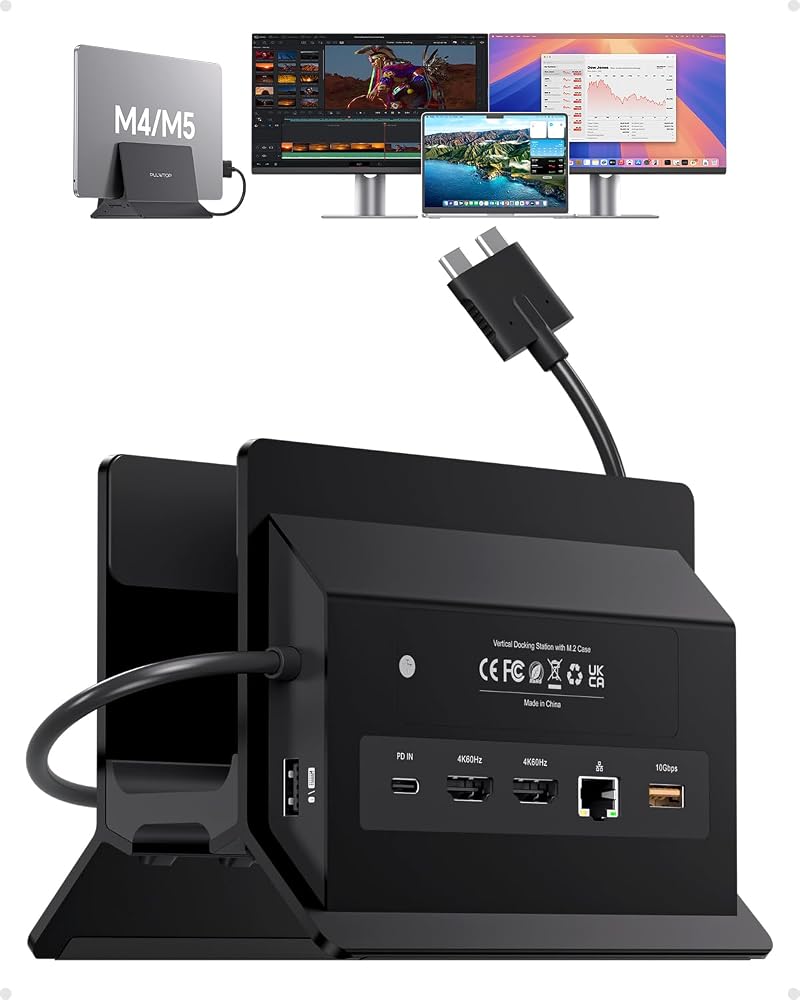
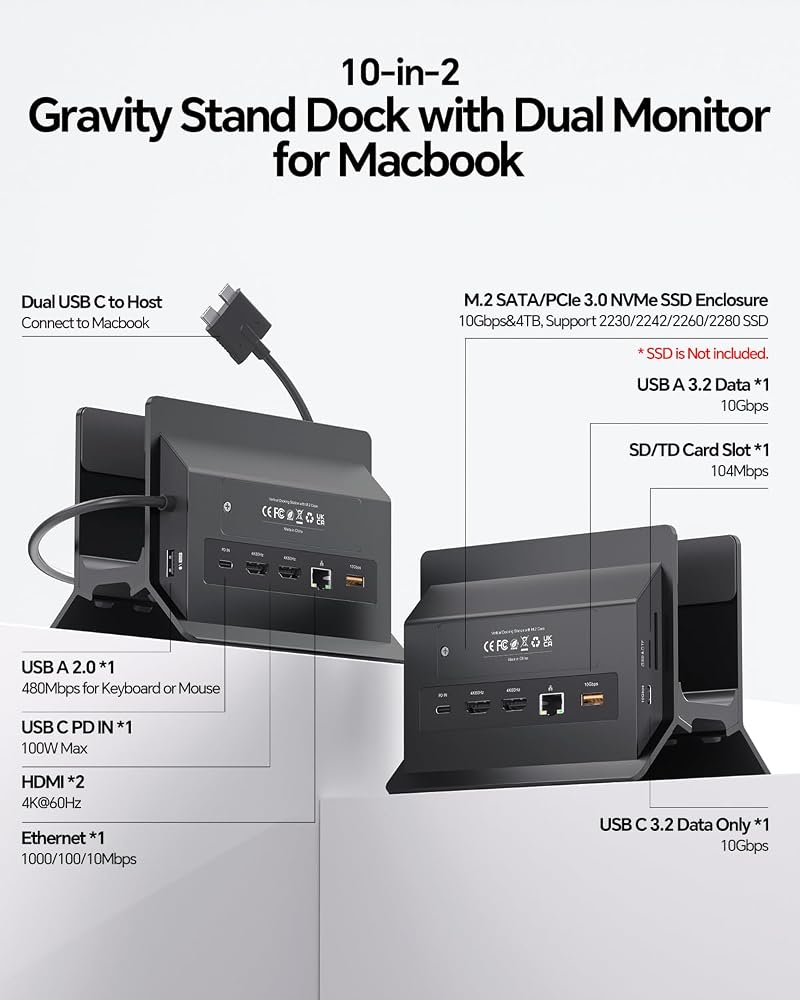
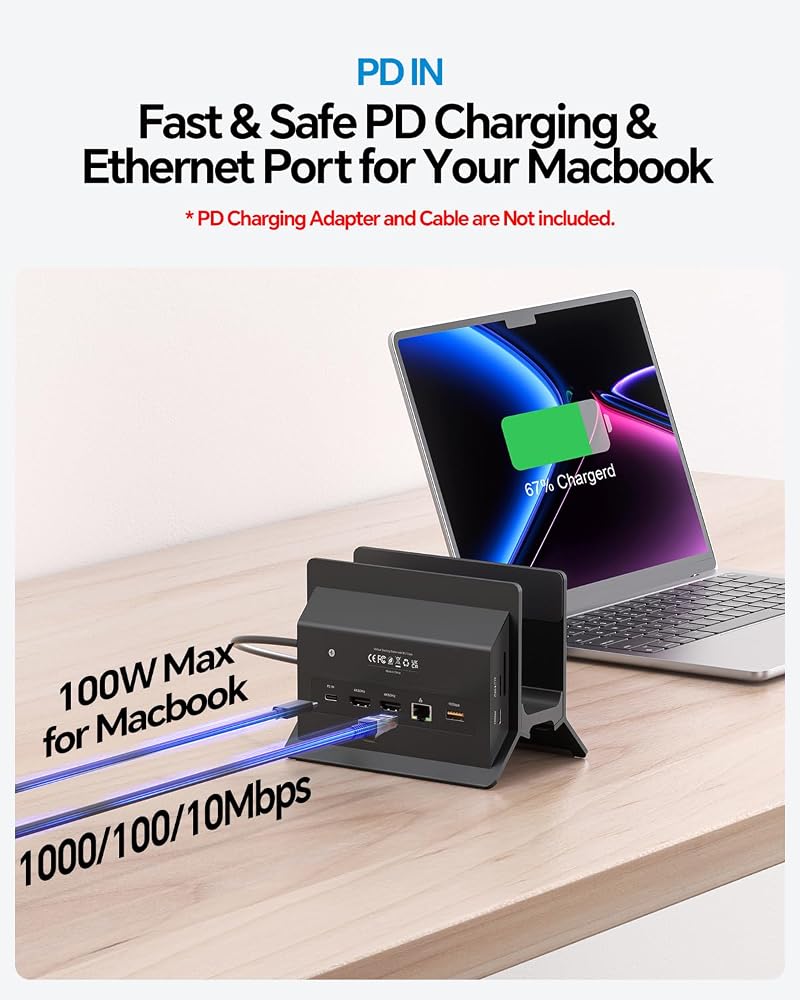
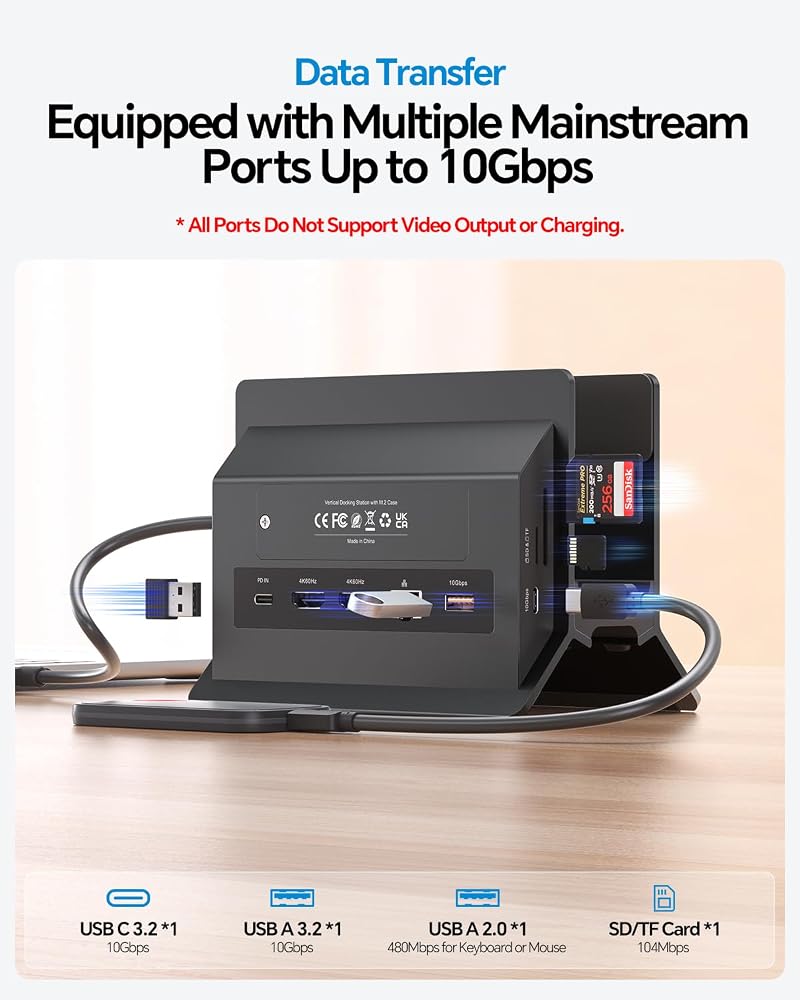
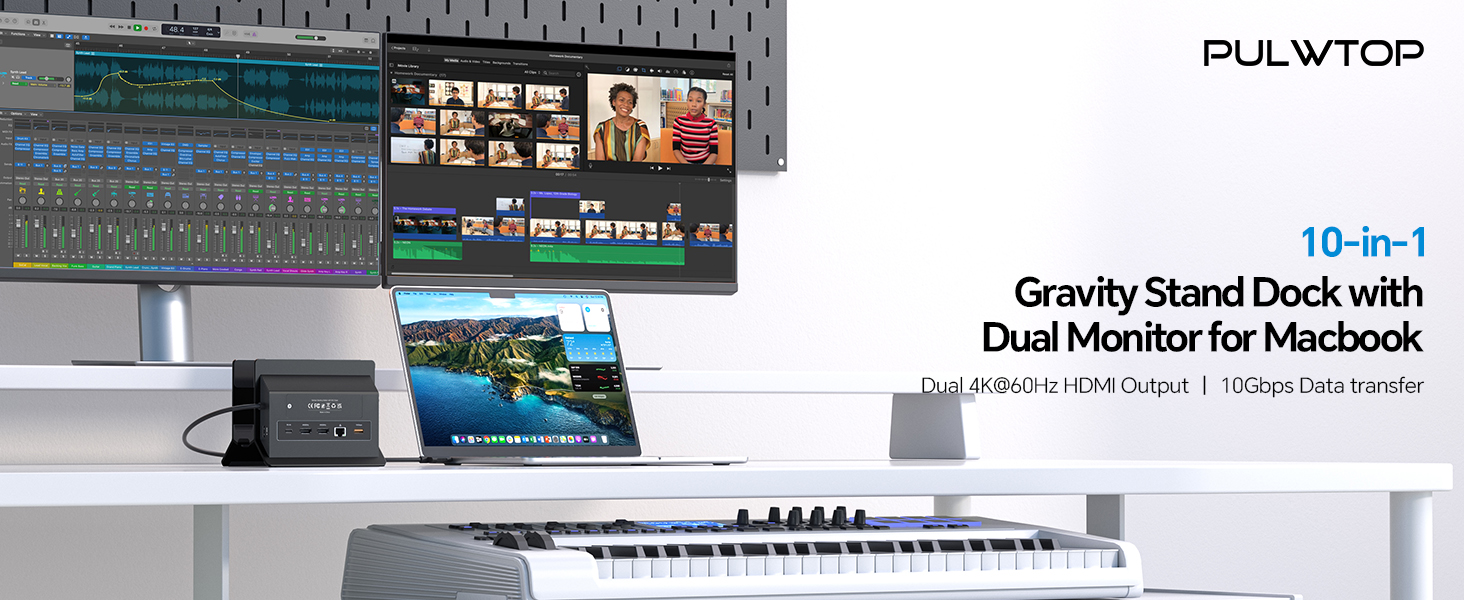
【11-in-2 Docking Station with Vertical Stand】 This macbook air docking station dual monitor features M.2 NVMe SSD enclosure (Up to 4TB), 2*4K@60Hz HDMI, 100W PD (65W+ power supply required (not included)), 10Gbps USB-A/C (data only), Gigabit Ethernet RJ45, USB 2.0, and SD/TF card slot. Vertical laptop docking station with stand saves desk space and improves airflow. One dock replaces multiple adapters—clean, organized, and efficient.
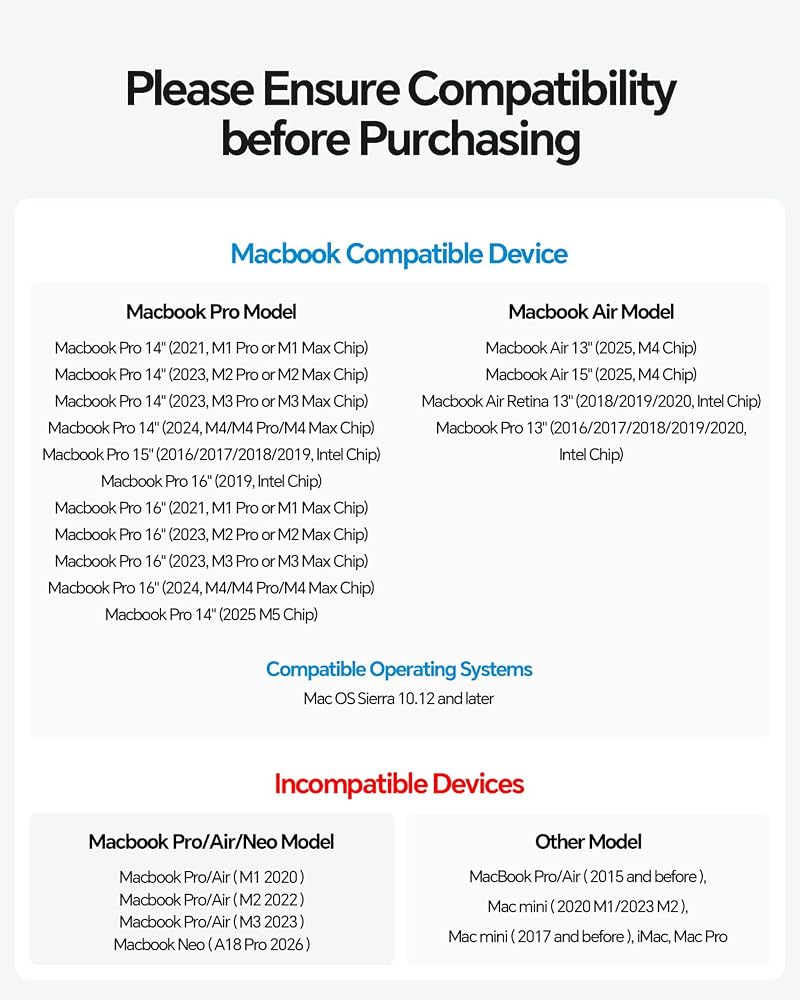
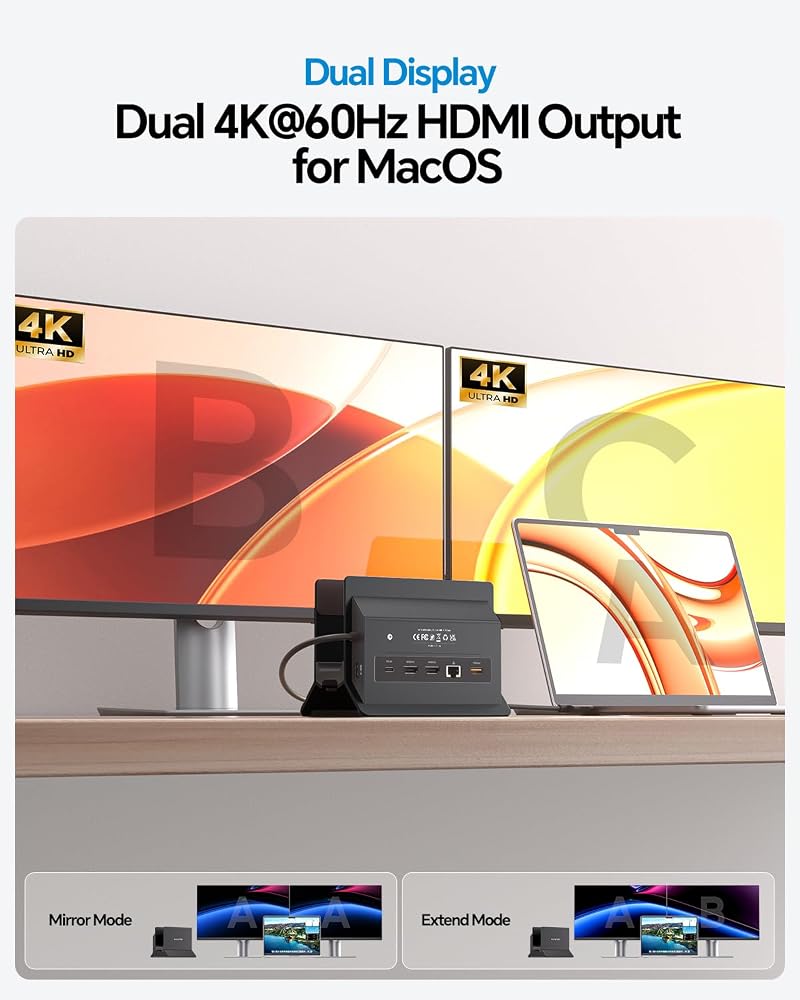
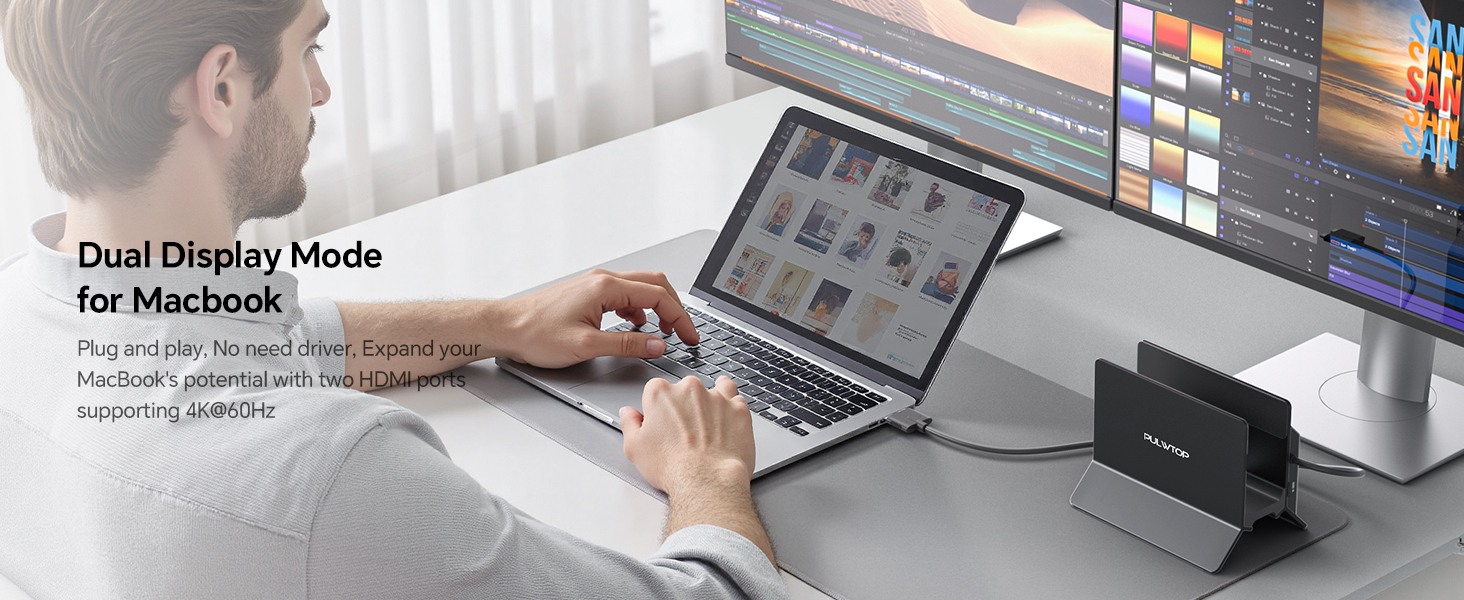
【Dual 4K@60Hz Display】 Extend MacBook Pro/Air to 2*4K monitors via dual HDMI for ultra-clear visuals—ideal for editing, coding, and presentations. macbook pro m5 docking station compatible M4/M5 base chips, M1–M5 Pro/Max, and Intel (2016–2020). (Note: M1/M2/M3 base support single monitor only. Incompatible for Windows, MacBook Neo, or iPad.) No driver needed—plug and play.
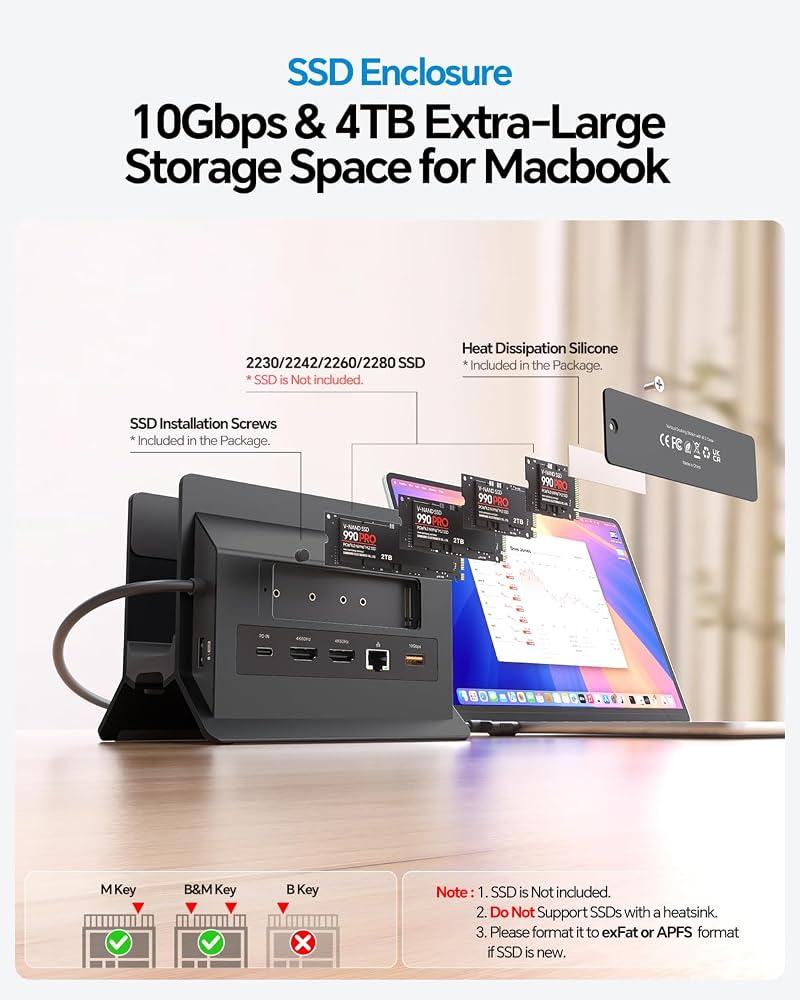
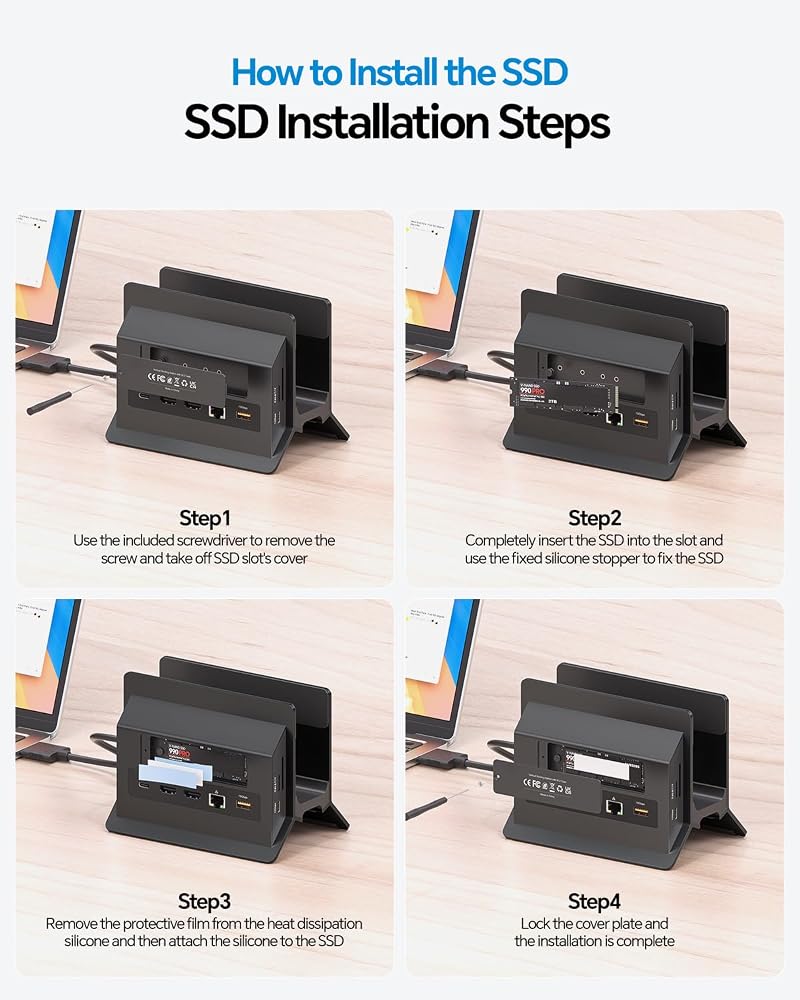
【Up to 4TB M.2 SSD Expansion】 Built-in M.2 NVMe enclosure adds up to 4TB high-speed storage to your docking station for macbook pro. Transfer large videos, photo libraries, and backups at 10Gbps. Perfect for editors, photographers, and analysts who need fast storage without external drive clutter. (SSD not included; NVMe only, not SATA.)
【Gigabit Ethernet & 10Gbps Data Transfer】 This macbook pro docking station dual monitor built-in RJ45 ensures stable, lag-free internet for video conferences and large downloads—no more spotty Wi-Fi. 10Gbps USB-C/A ports enable lightning-fast file transfers for video editing and coding. The perfect macbook air m5 docking station for professional users who demand speed and reliability.
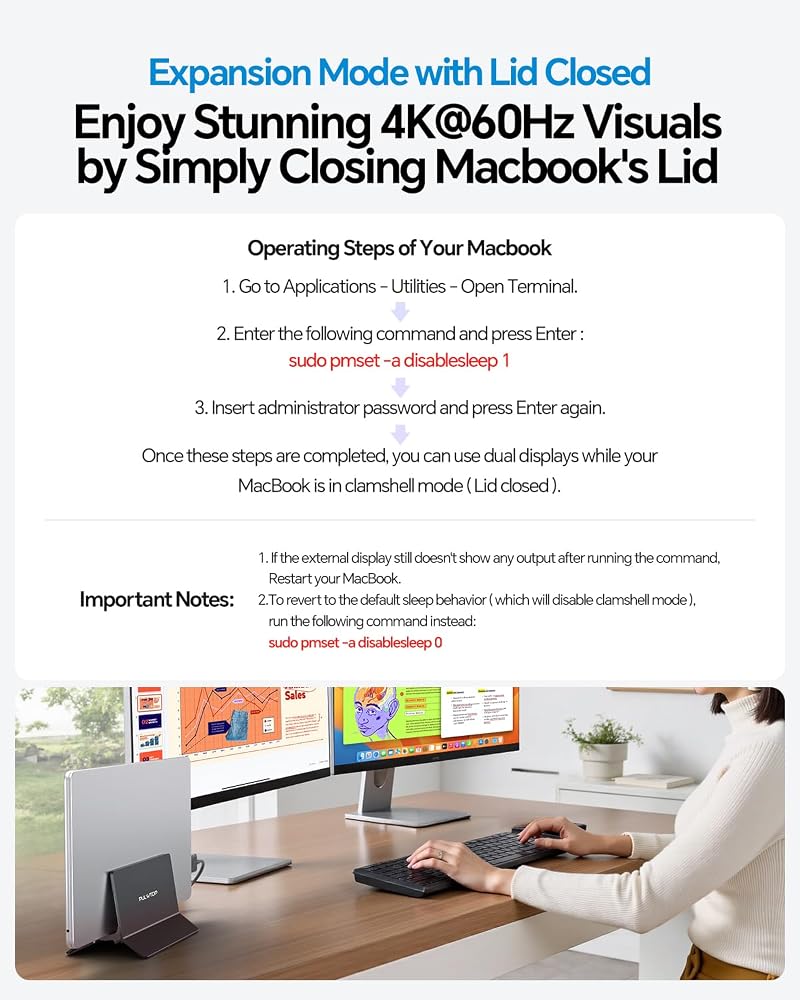
【Steps of Clamshell Mode】 ① Go to Applications → Utilities and open Terminal. ② Enter the following command and press Enter : sudo pmset -a disablesleep 1 ③ Insert administrator password and press Enter again. Once these steps are completed, you can use dual displays while your MacBook is in clamshell mode (lid closed).✳️ Important Notes: ① If the external display still doesn't show any output after running the command, restart your MacBook. ② To revert to the default sleep behavior (which will disable clamshell mode), run the following command instead: sudo pmset -a disablesleep 0
 USB C HUB for iMac 24 inch M1/M3/M4 with M.2 NVMe 4TB SSD Enclosure
SAR 417
USB C HUB for iMac 24 inch M1/M3/M4 with M.2 NVMe 4TB SSD Enclosure
SAR 417
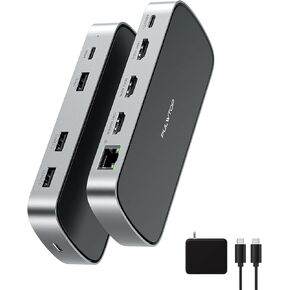 3 HDMI Triple USB C Docking Station Dual 4K Display for MacBook M1-M5 & Win
SAR 417
3 HDMI Triple USB C Docking Station Dual 4K Display for MacBook M1-M5 & Win
SAR 417
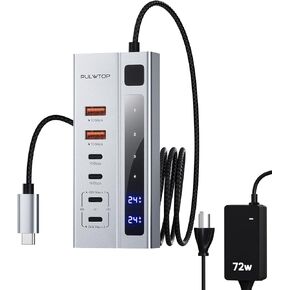 PULWTOP Powered USB C Hub, USB C Hub Powered Support 10Gbps Data PD 45W Charging 3ft USB C Powered Hub with 72W Power Adapter for iMac, MacBook Pro/Air, iPhone, Watch, XPS Adapter (Not Support Video)
SAR 156
PULWTOP Powered USB C Hub, USB C Hub Powered Support 10Gbps Data PD 45W Charging 3ft USB C Powered Hub with 72W Power Adapter for iMac, MacBook Pro/Air, iPhone, Watch, XPS Adapter (Not Support Video)
SAR 156
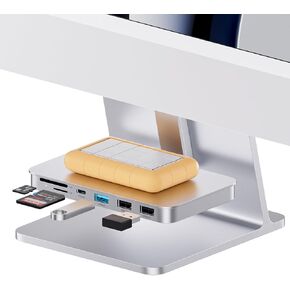 iMac Accessories for iMac 2021/2023/2024,USB C Hub for iMac for M1/M3/M4
SAR 188
iMac Accessories for iMac 2021/2023/2024,USB C Hub for iMac for M1/M3/M4
SAR 188

 Saudi Arabia