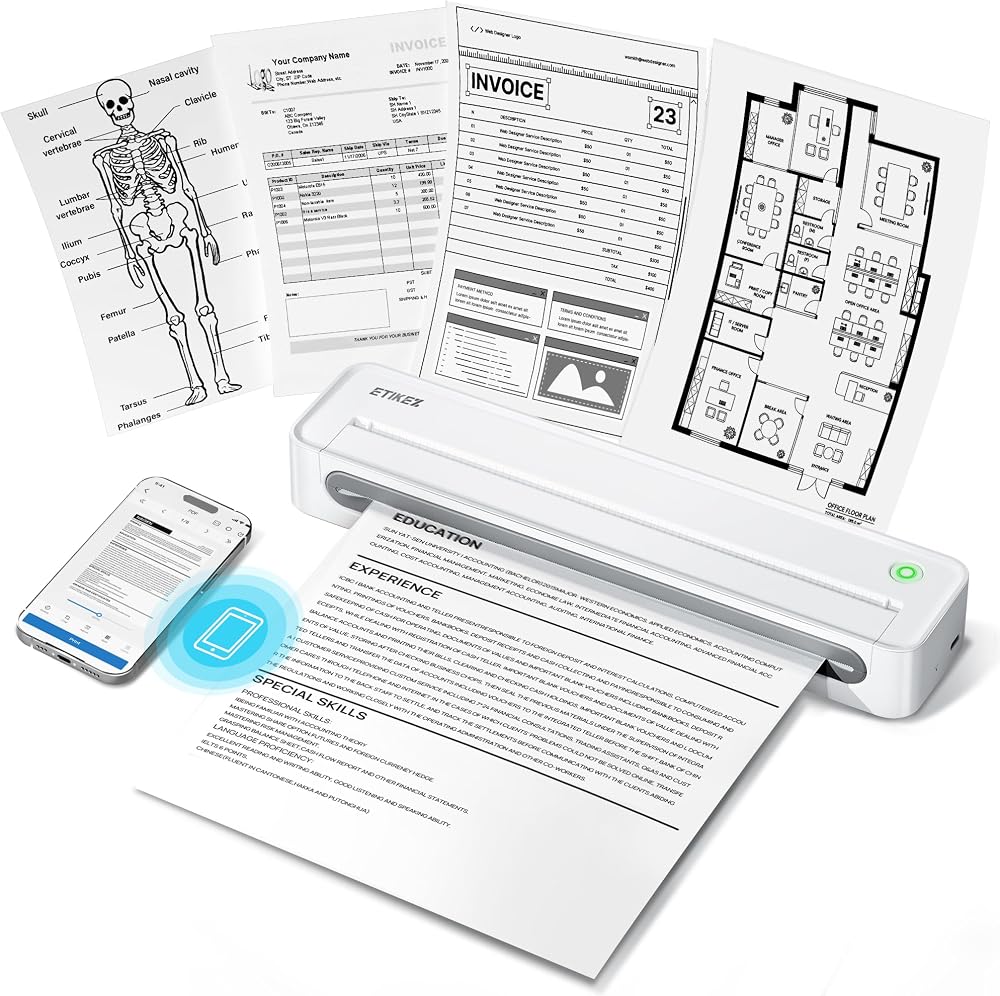
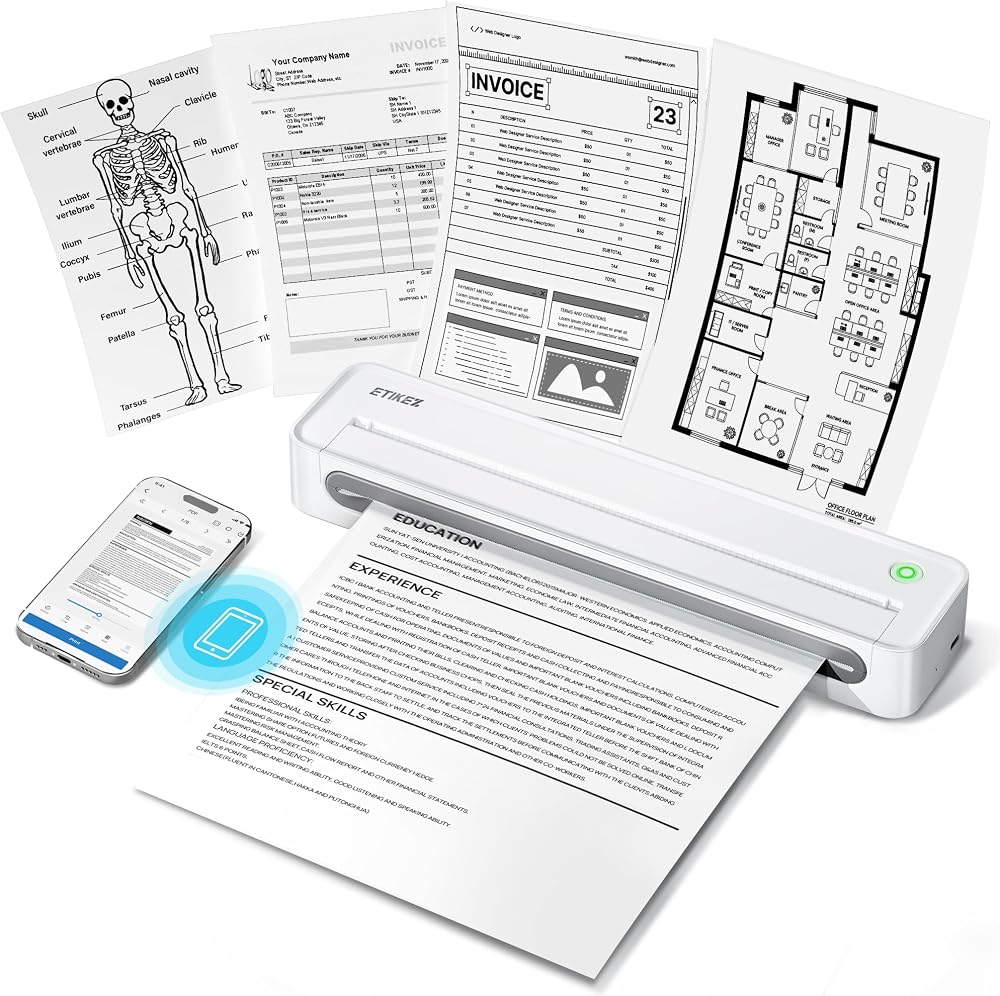
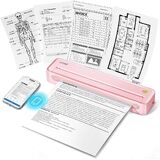
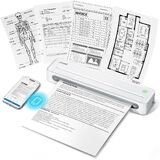
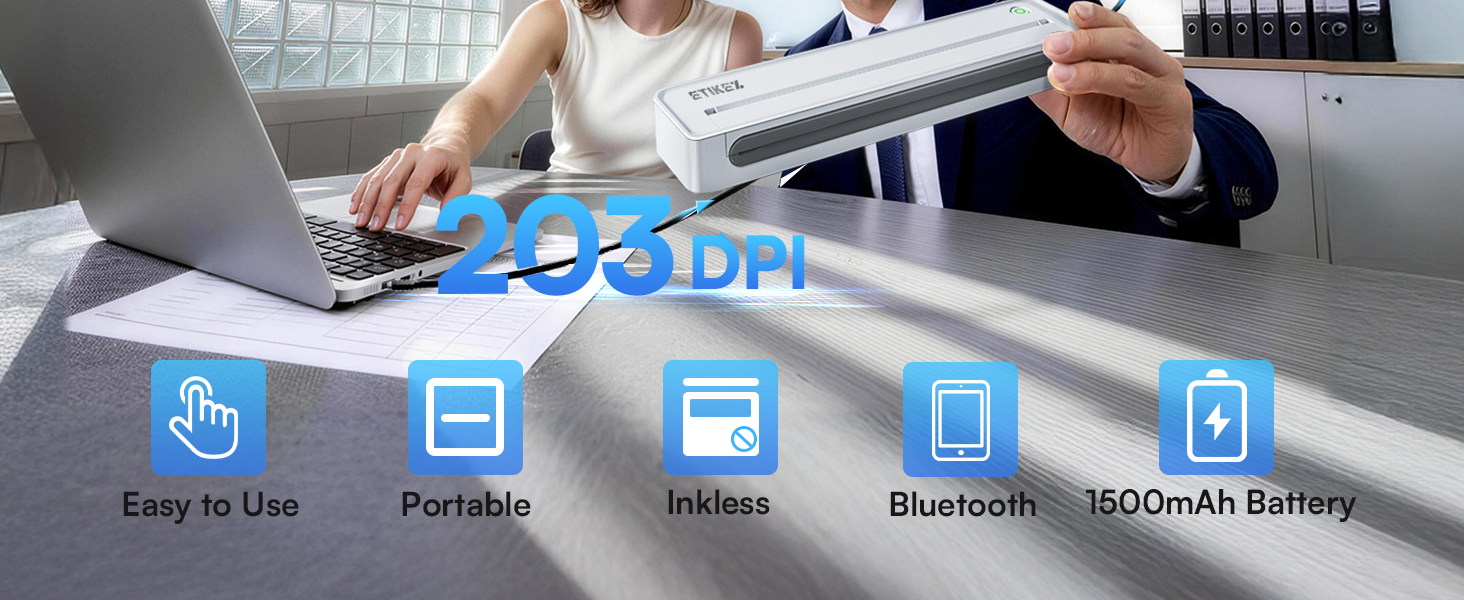
Portable Wireless Printer - The ETIKEZ D90E is an inkless printer and portable printer that uses advanced thermal technology, requiring no ink, toner, or ribbons, delivering cost-effective prints. Weighs only 1.09lb, the portable printer is incredibly lightweight and compact. Perfect for on-the-go printing during business travels, work, or university, it easily fits into backpacks or briefcases. Ideal for emergency scenarios, contracts, office documents, and more. only prints black and white
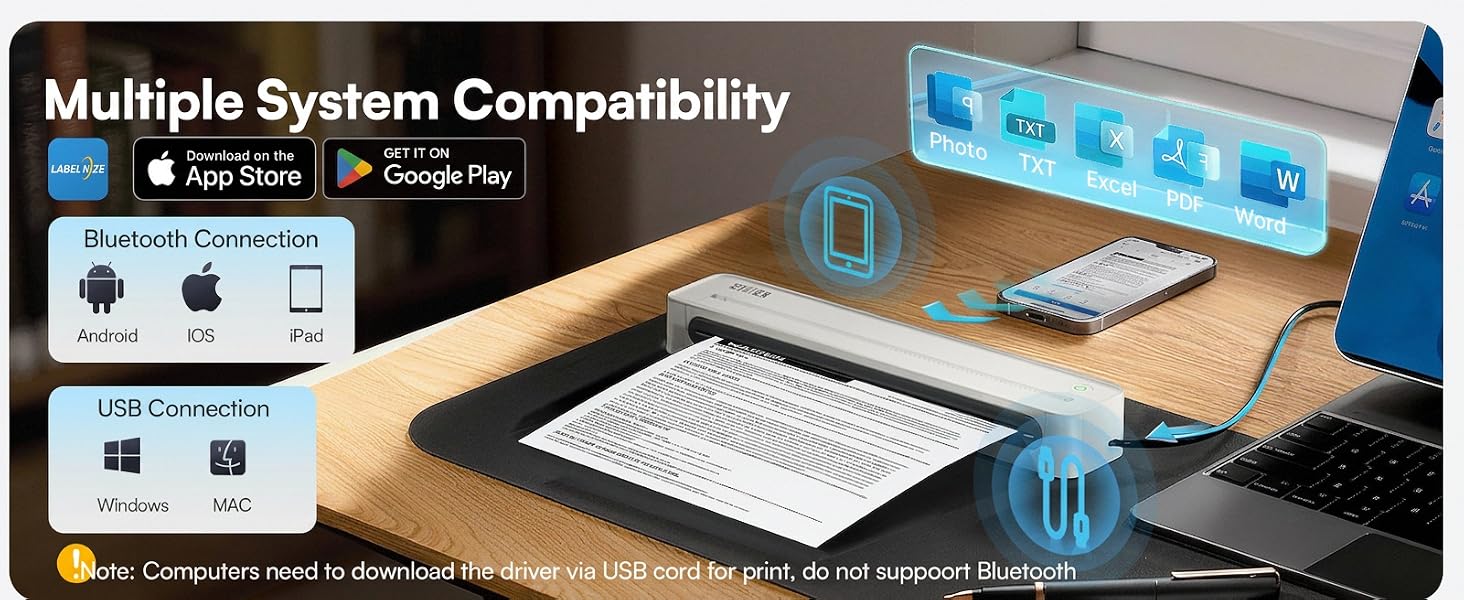
Bluetooth & USB Connectivity - Connect this D90E portable printer to iPhones or Android via Bluetooth. This wireless printer also works with PC over USB. As a thermal printer, it requires the Labelnize app for mobile printing; for PC, install drivers from Labelnize.com or the USB drive. This small portable printeris not compatible with Chromebooks. (Note: For laptop and computer use, connect via USB after downloading the driver from Labelnize.com.)
Multiple Printing and Format – The wireless portable printer supports 8.5" x 11" US Letter thermal paper (B0GD61HPDC, B0GD5JFC2Q). It meets all your various printing requirements, whether you're on the go or in a car. (Note: This thermal printer is compatible exclusively with A4 thermal paper and does not accept ordinary copy paper)
Gift-Ready - This portable printer, a gift for pros & students, works as a thermal printer for classroom, classroom printer for teachers, printer for college student, small classroom printer, printer for dorm room, thermal printer for teachers, and portable printer for classroom. It combines thermal & inkless, ideal for notaries, truckers, teachers, parents. Package: D90E Printer, USB-C Cable, 10-sheet Paper, Travel Case, Guide. (Charging adapter not included.)
How to solve paper jams: 1) Click once to pop up the paper - If the machine gets a paper jam, simply press the power button and the machine will automatically eject the paper. 2) Do not forcefully open the machine cover as it may cause injury or scratches . 3) Choose our flat thermal paper to avoid curling of the paper after printing. Note: Cannot use regular paper for printing
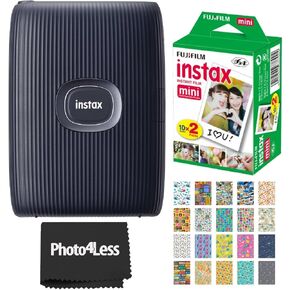 Fujifilm Instax Mini Link 2 Smartphone Printer Space Blue Instax Mini Twin Pack Instant Film and 20 Sticker Frames - Bundle!
SAR 678
Fujifilm Instax Mini Link 2 Smartphone Printer Space Blue Instax Mini Twin Pack Instant Film and 20 Sticker Frames - Bundle!
SAR 678
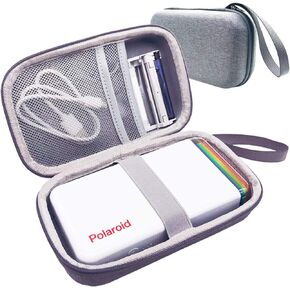 JCHPINE Hard Case for Polaroid Hi-Print 9046 Bluetooth Pocket Photo Printer
SAR 84
JCHPINE Hard Case for Polaroid Hi-Print 9046 Bluetooth Pocket Photo Printer
SAR 84
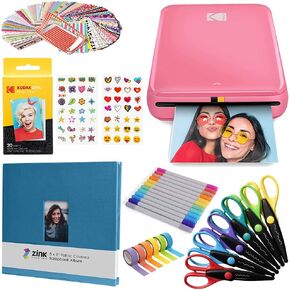 Kodak Step Wireless Photo Printer 2x3 inches Zink Paper Technology & Kodak App for iOS & Android (Black) Scrapbook Bundle
SAR 730
Kodak Step Wireless Photo Printer 2x3 inches Zink Paper Technology & Kodak App for iOS & Android (Black) Scrapbook Bundle
SAR 730
 Mchoi Hard Case Fits for M110 M100 M200 Liene 4x6'' Photo Printer, Wi-Fi Picture Printer, Case Only
SAR 105
Mchoi Hard Case Fits for M110 M100 M200 Liene 4x6'' Photo Printer, Wi-Fi Picture Printer, Case Only
SAR 105

 Saudi Arabia