- Shopping, made easy.
- /
- Get the app!
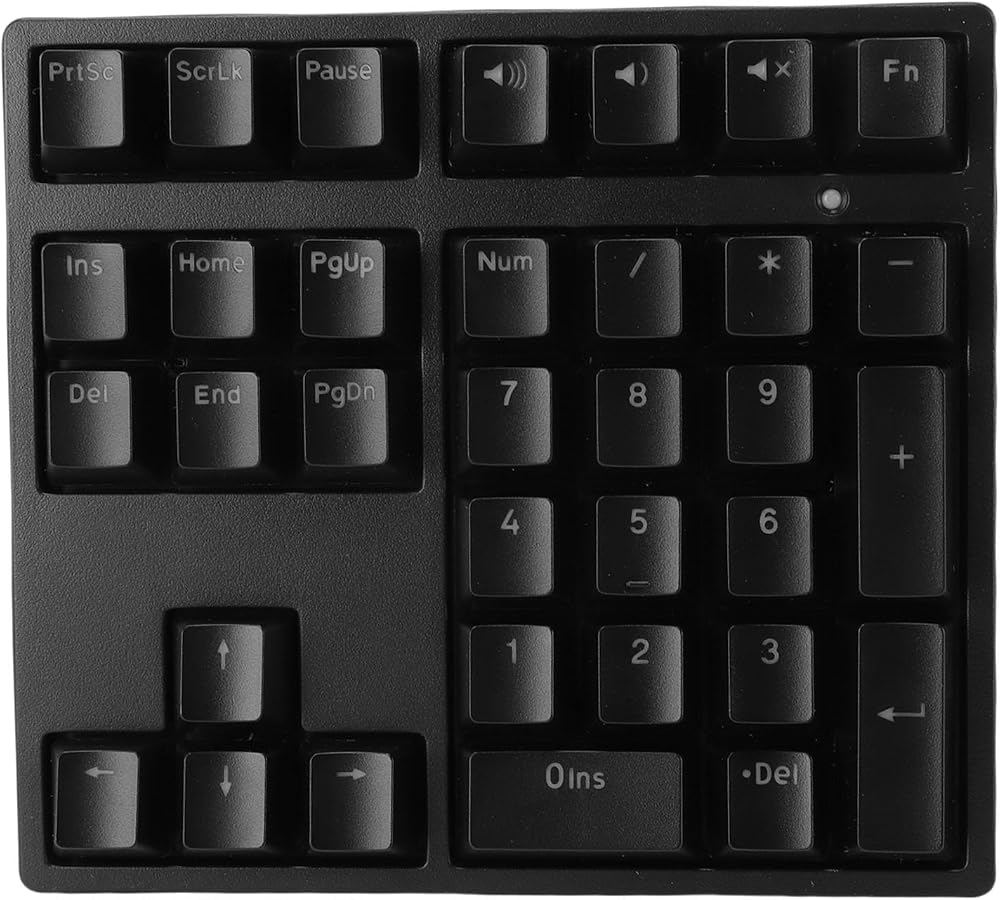
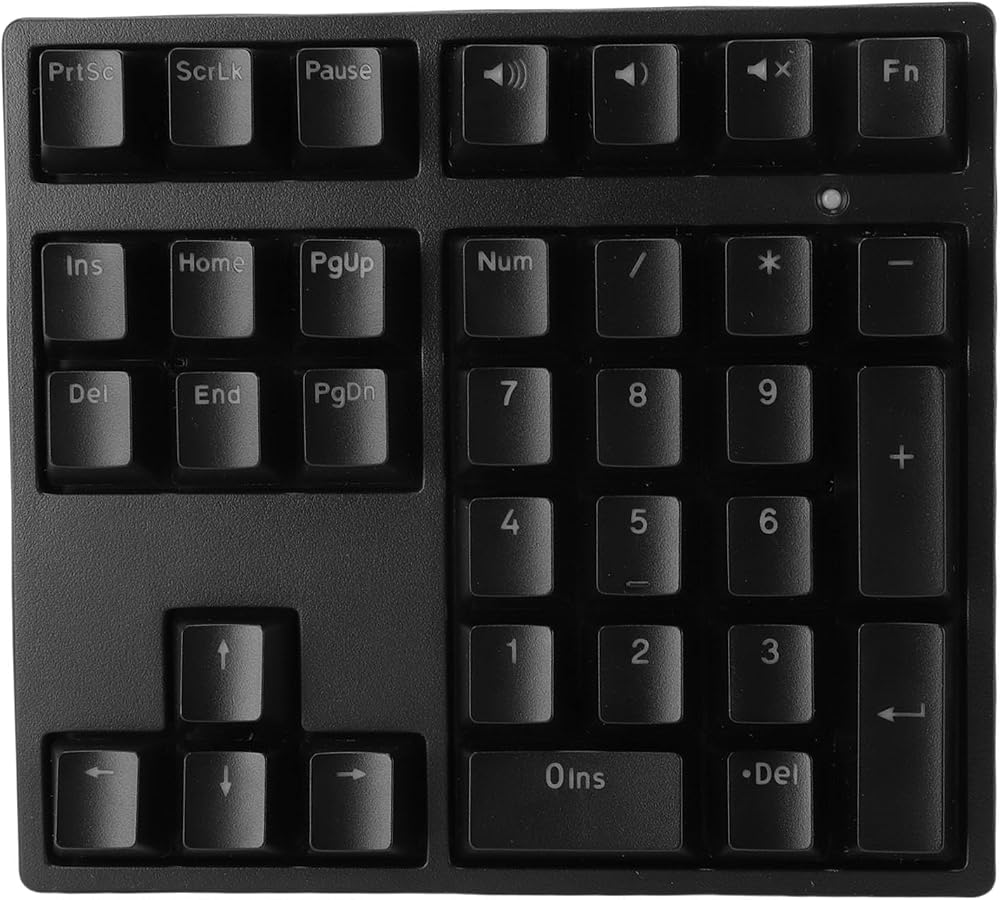
1. Plug And Play Convenience: The USB wired numeric keypad features 34 independent keys and requires no drivers, making it convenient to use. The numeric keypad supports four directional keys, numbers, and multiple shortcut keys to enhance work efficiency.
2. Fast And Responsive Typing: The blue switch mechanical number pad offers quick actuation, tactile feedback, and a satisfying click sound upon keypress, making it ideal for typing, programming, and gaming.
3. RGB Backlit: Featuring colorful RGB backlighting, with modes like full bright, breath, and rhythm, the number pad can be toggled on and off with "FN and HOME". The bright and evenly distributed backlight keys make it easy to find the necessary keys even in dimly lit rooms.
4. Ergonomic Design: With a stair step key layout and a 15° tilt design, this numeric keypad easily conforms to your hands, reducing finger fatigue while typing. It also features adjustable feet at the bottom to select your preferred keyboard height.
5. Multiple Applications: Made with anti fading ABS keycaps, the number pad ensures a lifespan of 50 million keystrokes. Support for OS X and support for operating systems, it is suitable for laptops and desktop computers.
Spec:
Item Type: Mechanical Number Pad
Material: PBT, ABS
Keys: 34 keys
Lighting Mode: Mixed lighting (17 different lighting effects)
Connection: Type C wired connection (detachable)
Switch Type: Blue switch
Compatible Systems: Support for OS X, support for
Product Size: Approx. 150x135x45mm/5.9x5.3x1.8in
Package List:
1 x Mechanical Number Pad
1 x Type C Cable
How To Use:
1. Press FN+SCRLK to switch light effect.
2. Press FN+↑/↓ to adjust backlight brightness.
3. Press FN+←/→ to change light effect speed.
4. Press FN+HOME to turn on/off the light.
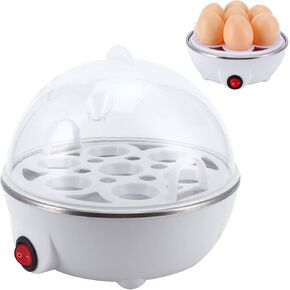 Smart Egg Cooker, Mini Eggs Cooker Steamer Poacher Electric Eggs Boiler for Household Appliance Kitchen Use (US Plug 110V)
SAR 91
Smart Egg Cooker, Mini Eggs Cooker Steamer Poacher Electric Eggs Boiler for Household Appliance Kitchen Use (US Plug 110V)
SAR 91
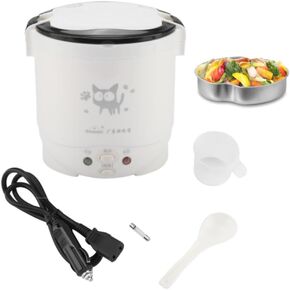 1L Mini Rice Cooker, 12V Electric Lunch Box Multifunctional Portable Rice Cooker Food Automatic Non Stick Pot for Car Travel Camping (White)
SAR 0
1L Mini Rice Cooker, 12V Electric Lunch Box Multifunctional Portable Rice Cooker Food Automatic Non Stick Pot for Car Travel Camping (White)
SAR 0
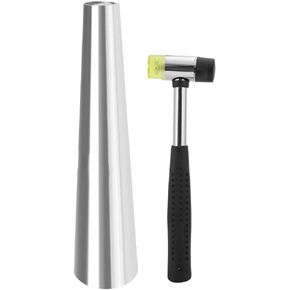 Bracelet Mandrel, Stainless Steel Round Bracelet Mandrel Measuring Rubber Hammer Jewelry Making Tool for Jewelry Repair Making
SAR 151
Bracelet Mandrel, Stainless Steel Round Bracelet Mandrel Measuring Rubber Hammer Jewelry Making Tool for Jewelry Repair Making
SAR 151
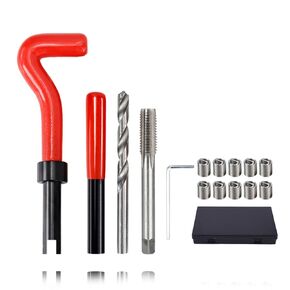 15Pcs Helicoil Thread Repair Kit, M14 X 1.5mm Female Thread Repairing Accessory Assortment Kit for High Voltage Switchgear, Auto Parts
SAR 132
15Pcs Helicoil Thread Repair Kit, M14 X 1.5mm Female Thread Repairing Accessory Assortment Kit for High Voltage Switchgear, Auto Parts
SAR 132