- Shopping, made easy.
- /
- Get the app!
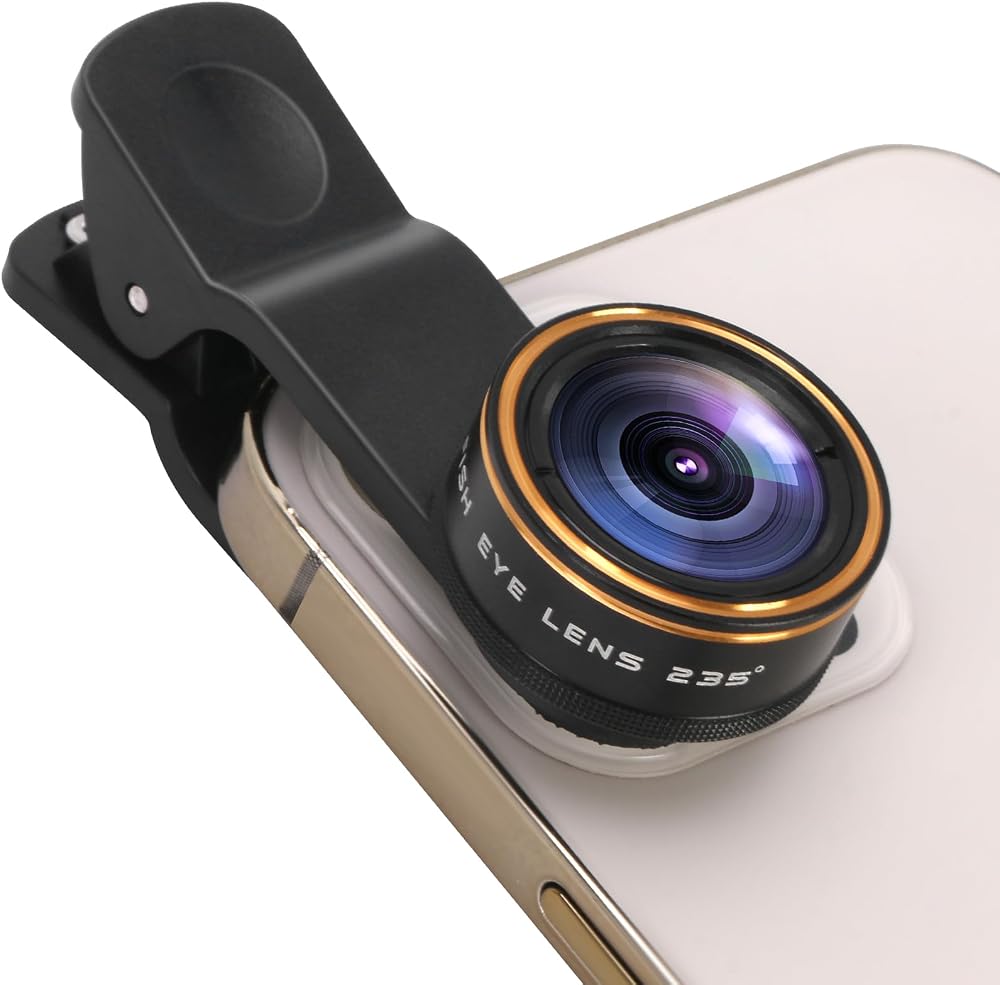
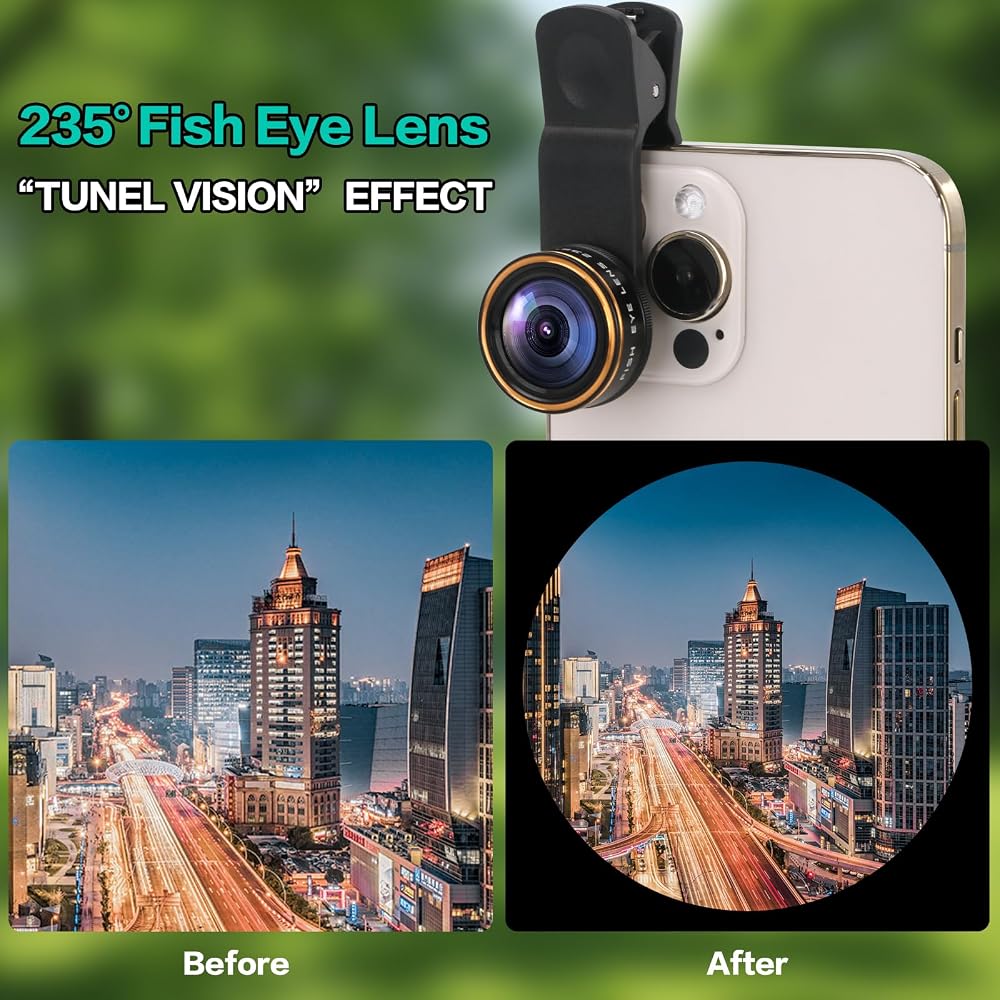
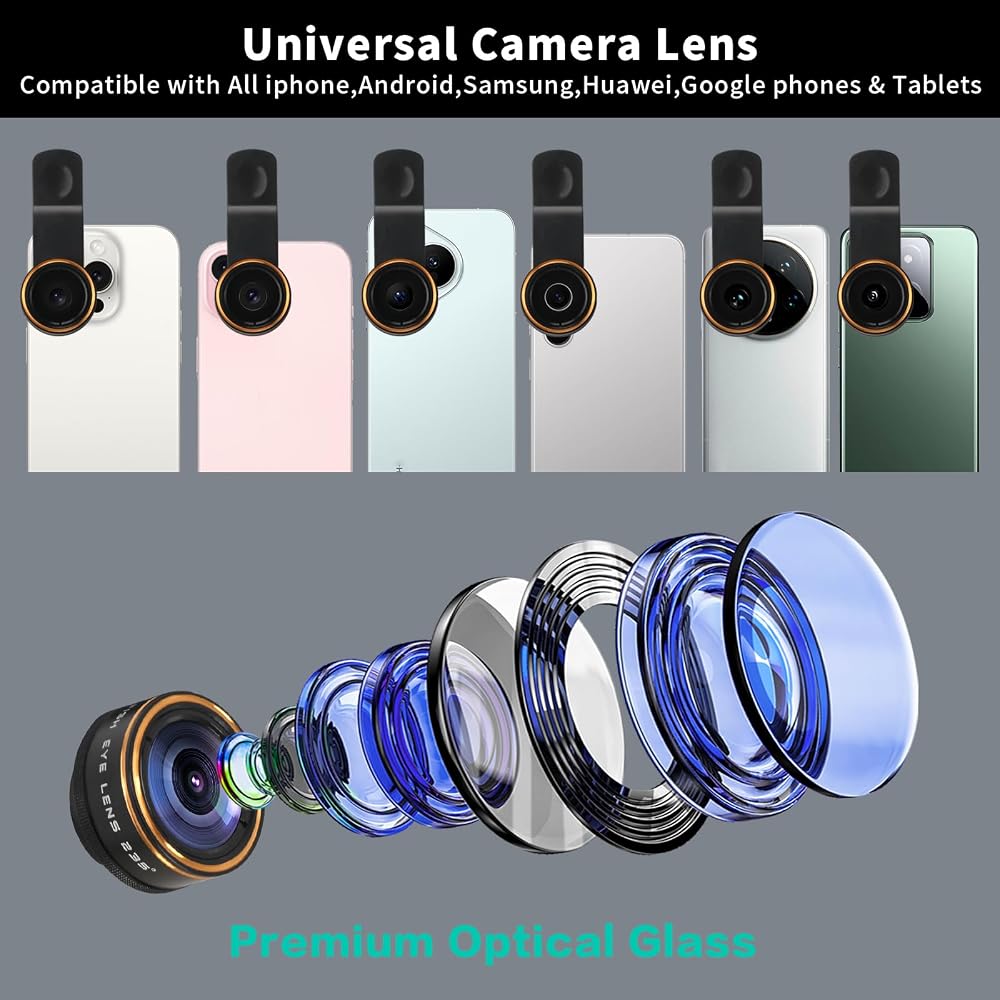
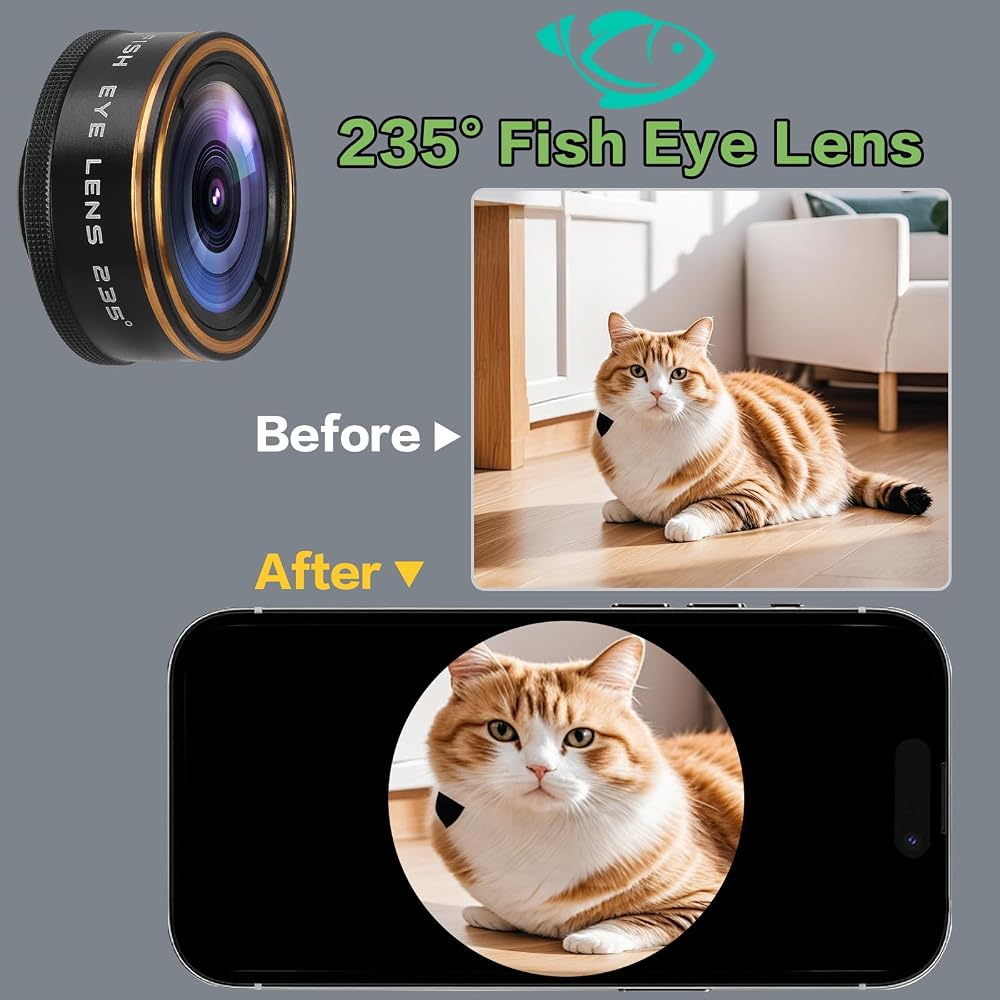
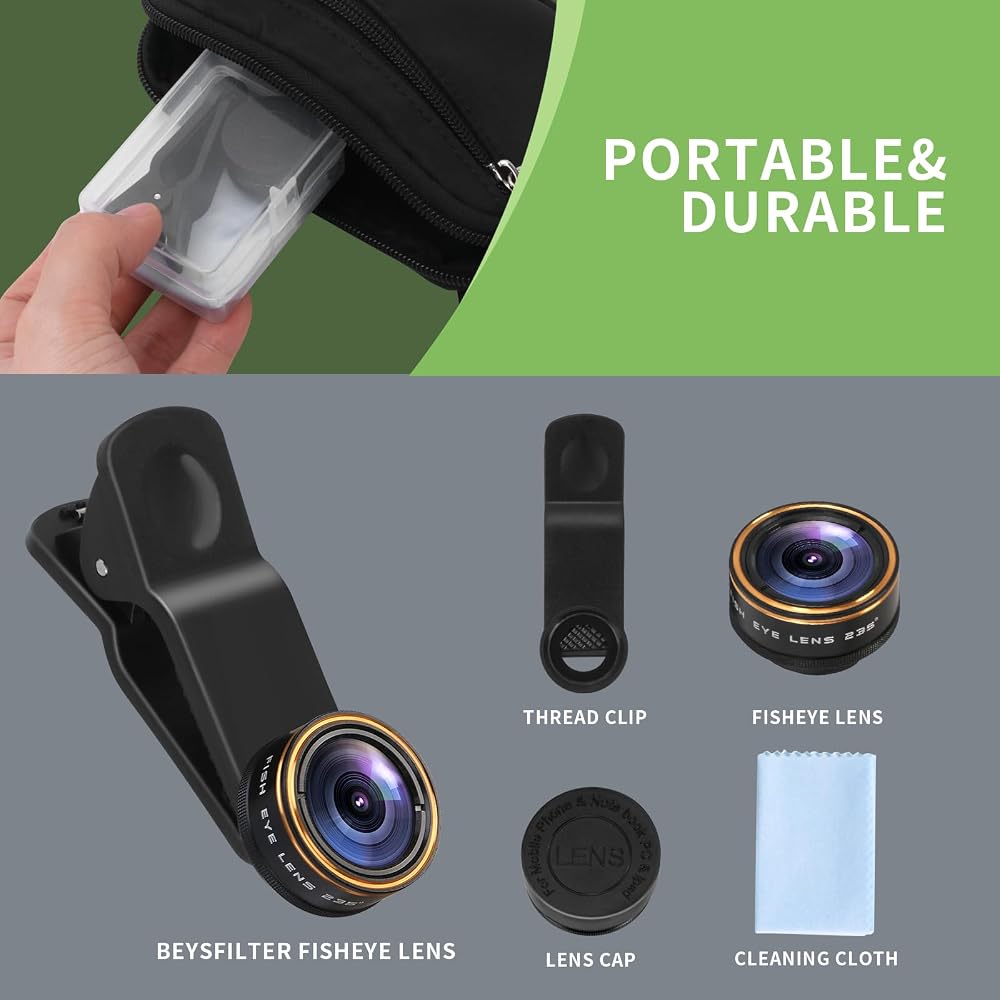
235 °ultra wide angle fisheye magic - compresses the sky, ground, and foreground into lens. The dramatic barrel shape transformation provides instant cartoon, surreal, or "fisheye" effects, making it perfect for Vlogs and travel scrolls. This lens is made of multi-layer optical glass , and can be easily attached to any iPhone, Samsung, Pixel, or other mainstream phone using soft rubber, scratch free, and adhesive free clips.
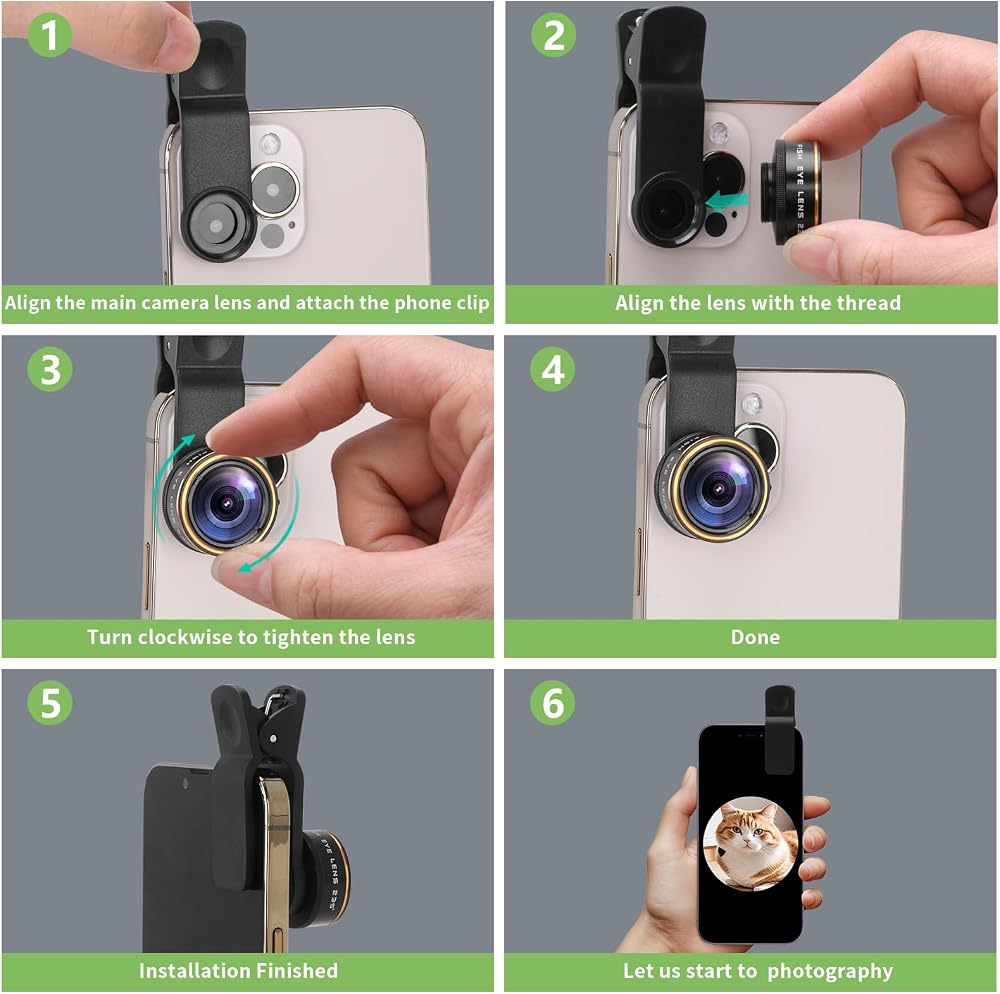
How to take photos with a fisheye camera?
① Identify the main camera
Open the phone camera, cover the lens with your fingers, and the main camera (usually the top one) will turn black. Be sure to align the center of the fisheye lens with this camera, otherwise black borders or ghosting may occur.
② Pre installed clip
Stretch the spring of the universal clamp to the maximum and check if the silicone pad is clean. Don't tighten the lens yet, leave room for fine-tuning.
③ Align the thread
There is thread on the back of the lens. Rotate the needle clockwise onto the clip.
④ Calibrate concentricity
Clip the phone lightly and observe through the real-time screen: After completing the above four steps, if the camera is stable and the screen is full, you can enter the framing and shooting process.
Notes:
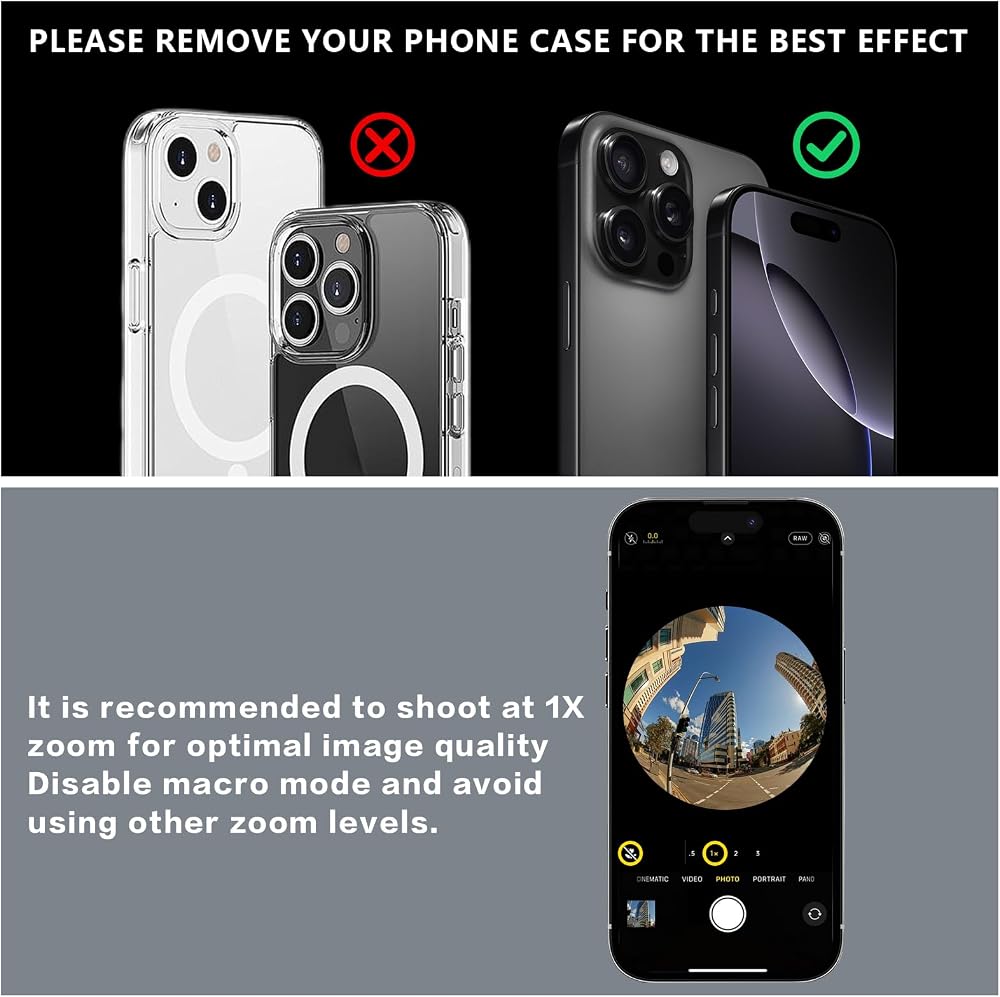
① If the phone is an iPhone 13 Pro or later model, please go to camera settings to turn off "macro control", and then return to camera mode to turn off the flower shape.
② If the phone is a Samsung brand, please go to the camera settings and turn off "swipe up and down to switch lenses".
Package contents:
235 ° fisheye lens x 1
Universal clamp x 1
Ultra fine fiber cloth x 1
User Manual x 1
Beysfilter storage box x 1
 52MM Variable ND2-32 Filter for Phone, Multi-Coating Clip-On Variable Neutral Density Lens Kit, Compatible with iPhone 16/15/14/13 Pro Max, Samsung Galaxy, Google Pixel and Other Smartphone
SAR 157
52MM Variable ND2-32 Filter for Phone, Multi-Coating Clip-On Variable Neutral Density Lens Kit, Compatible with iPhone 16/15/14/13 Pro Max, Samsung Galaxy, Google Pixel and Other Smartphone
SAR 157
 Phone 52MM Variable ND2-ND400 Filter, Multi-Coating Clip Adjustable Neutral Density Lens Kit, Compatible with iPhone 16/15/14/13 Pro Max, Samsung Galaxy, Google Pixel and Other Smart Phones
SAR 105
Phone 52MM Variable ND2-ND400 Filter, Multi-Coating Clip Adjustable Neutral Density Lens Kit, Compatible with iPhone 16/15/14/13 Pro Max, Samsung Galaxy, Google Pixel and Other Smart Phones
SAR 105
 52MM CPL Filter for Phone, Clip-on Circular Polarizing Lens, HD Multi-Coated Optical Glass, Camera Lens Filter Kit Compatible with iPhone 16 15 14, Samsung, Google Pixel and Other Smart Phones
SAR 42
52MM CPL Filter for Phone, Clip-on Circular Polarizing Lens, HD Multi-Coated Optical Glass, Camera Lens Filter Kit Compatible with iPhone 16 15 14, Samsung, Google Pixel and Other Smart Phones
SAR 42
 Golf Monopod Selfie Stick, Golf Phone Stand for Recording Swings | 52" Adjustable Height, Easy to Install, Compatible with Phones or Action Cameras
SAR 157
Golf Monopod Selfie Stick, Golf Phone Stand for Recording Swings | 52" Adjustable Height, Easy to Install, Compatible with Phones or Action Cameras
SAR 157