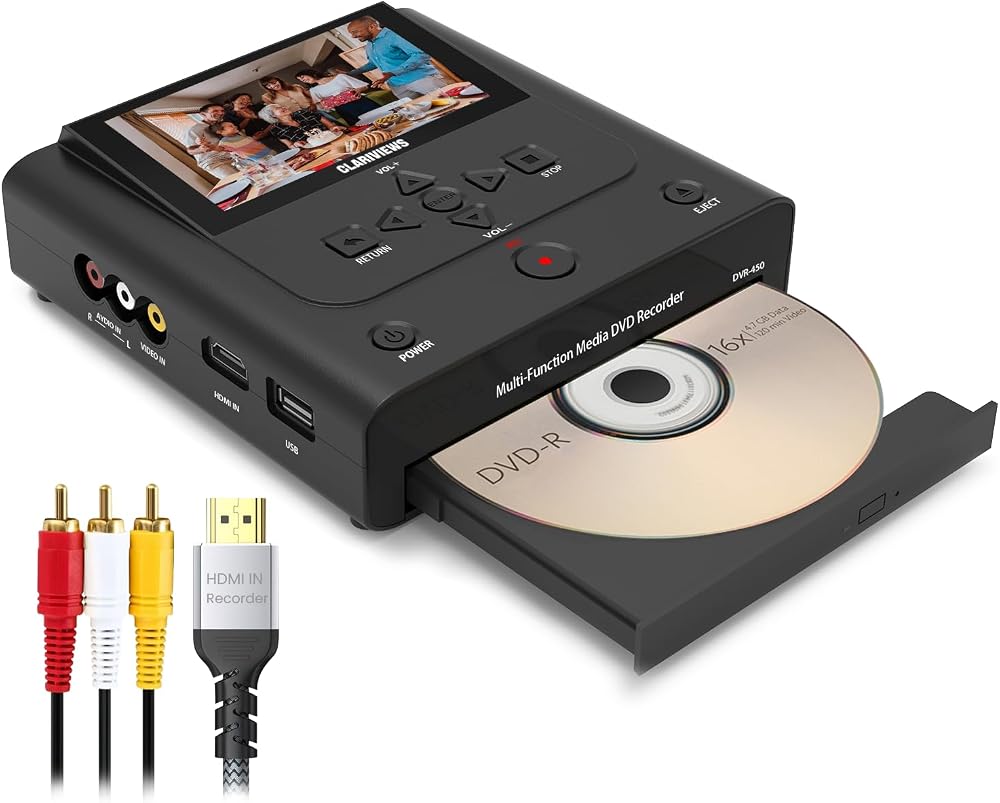
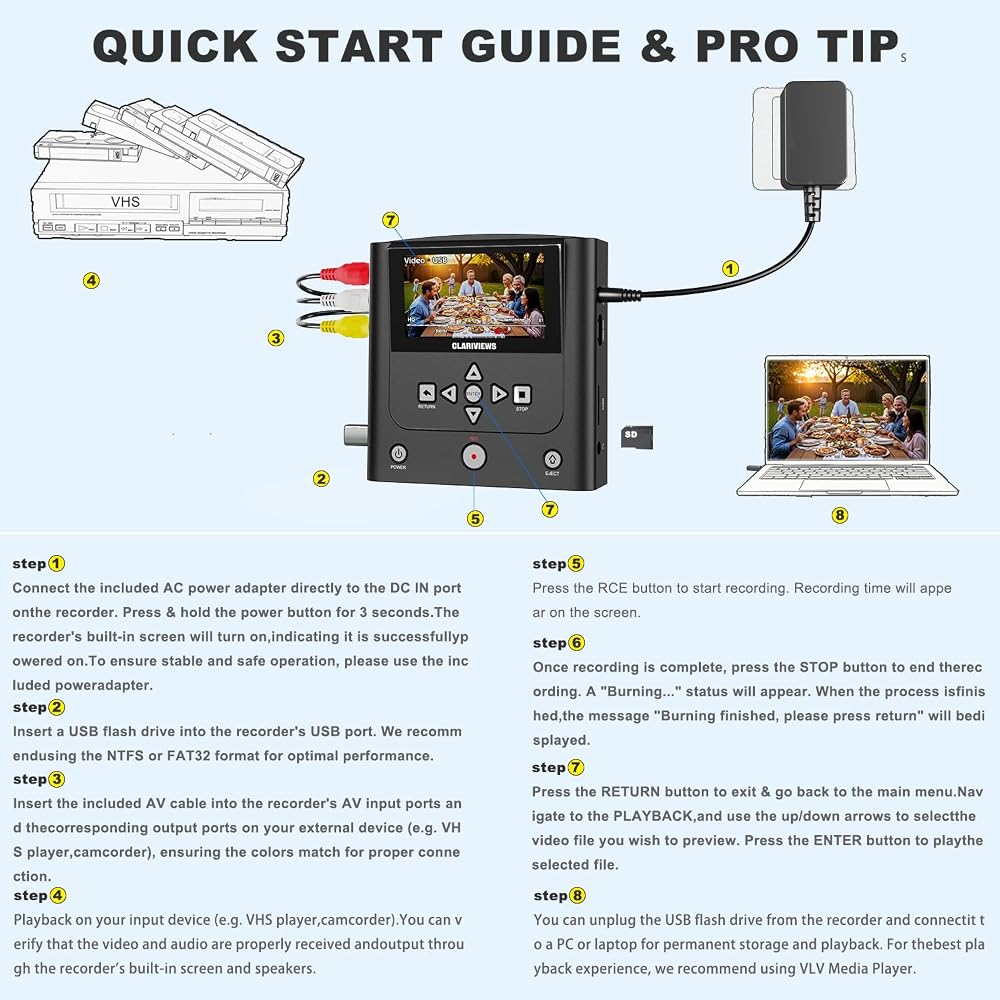
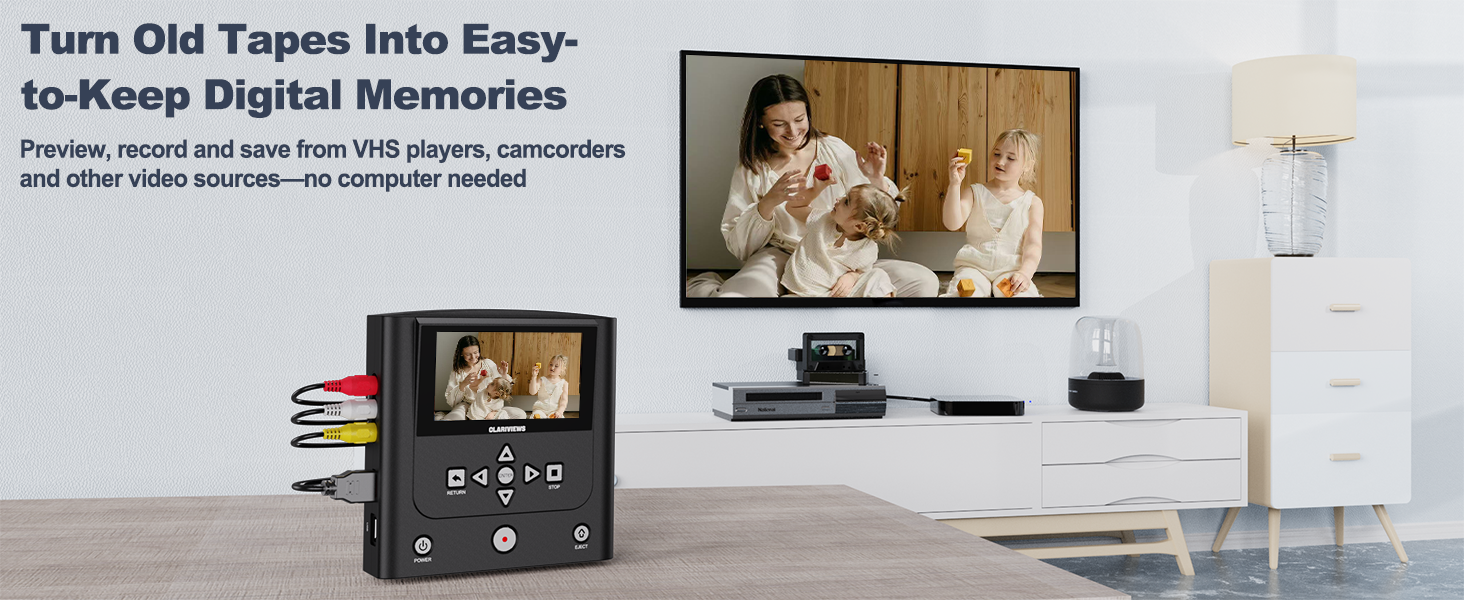
VHS to DVD Recorder & Digital Converter, AV & HDMI Inputs | No computer needed. Record from VCRs, VHS players and camcorders to DVD, USB, SD or HDD; play recordings on the unit or TV Black
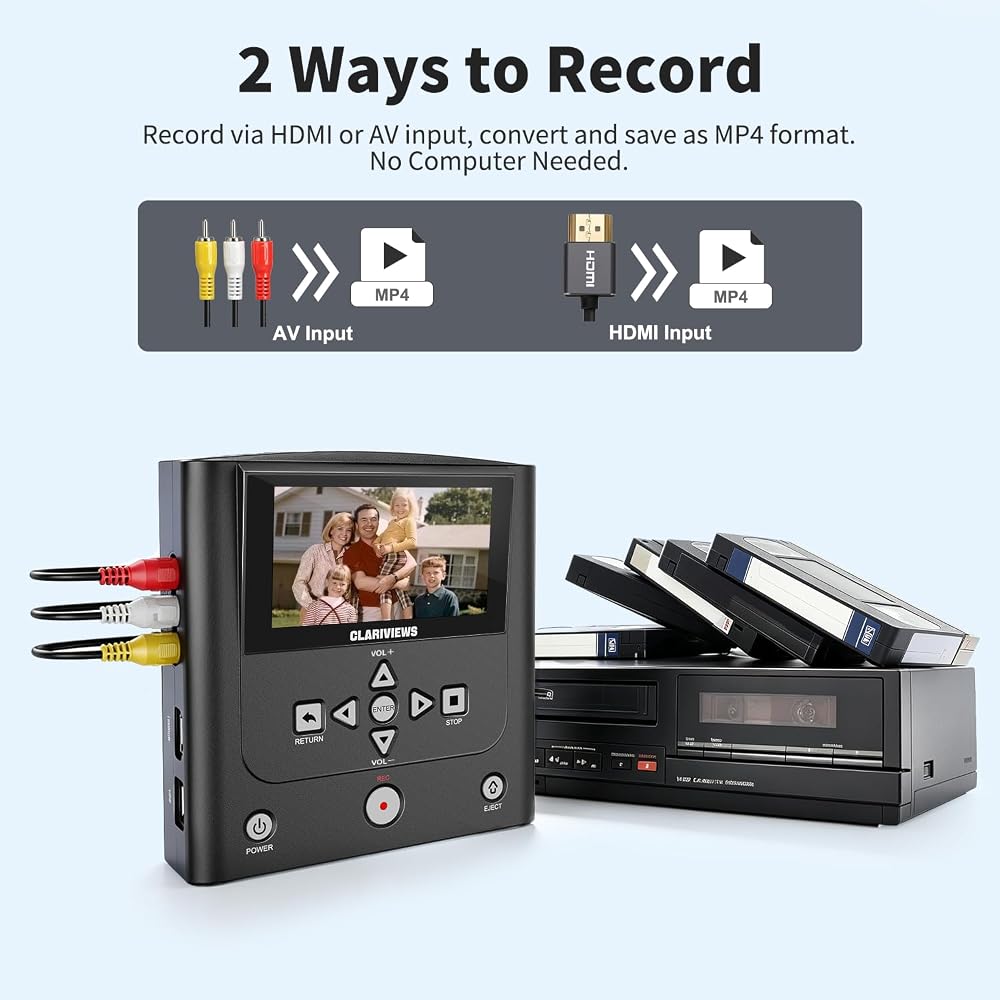
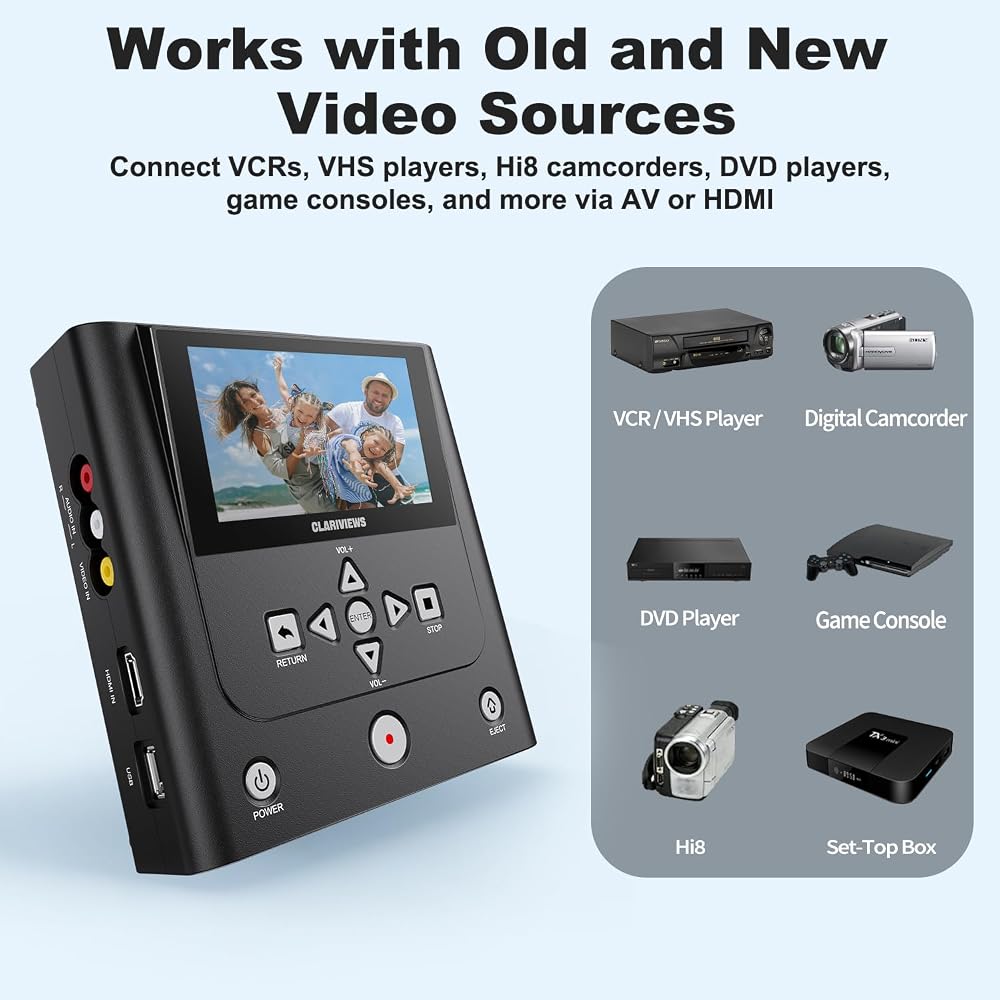
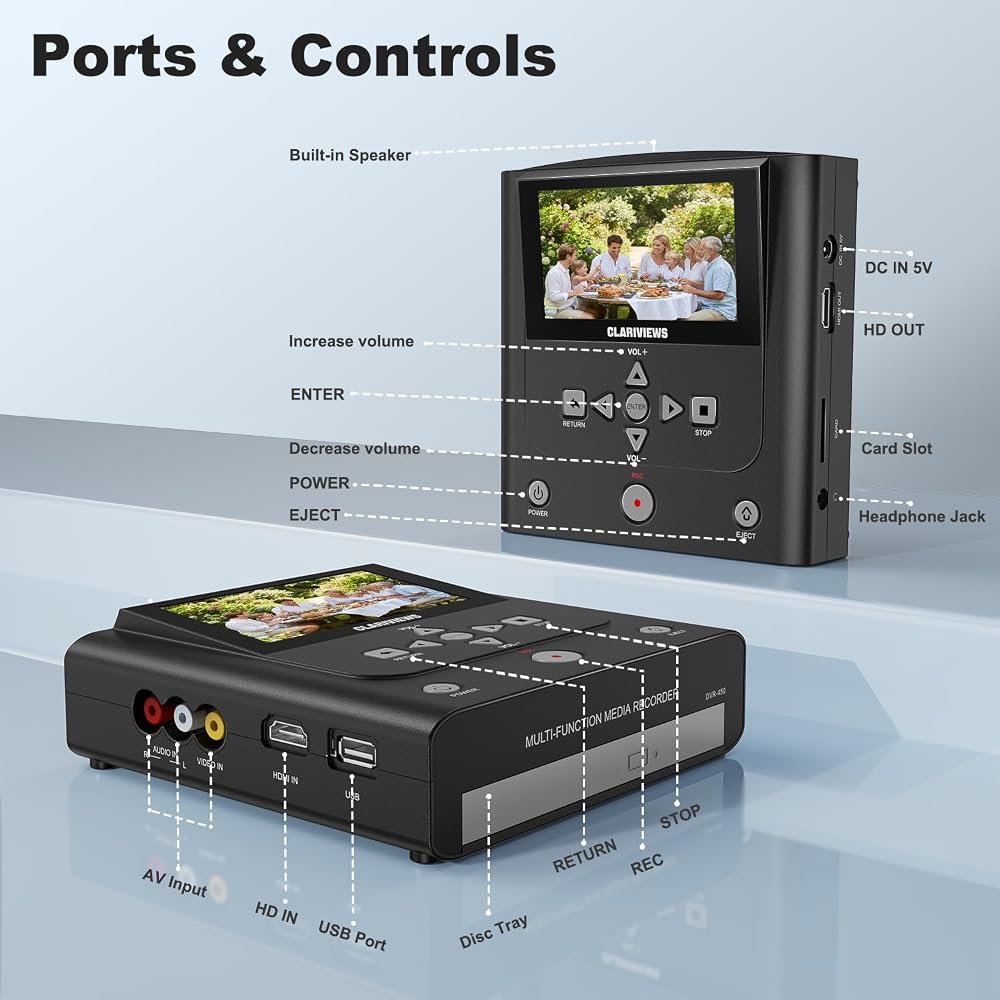
Record from AV or HDMI Sources Without a Computer: Use the AV input to record from VCRs, VHS players, and Hi8 or MiniDV camcorders, or use the HDMI input with compatible sources such as DVD players. Record directly to DVD, a USB drive, an SD card, or an external hard drive—no computer or capture software required. This recorder does not play VHS tapes on its own; a separate playback device is required.
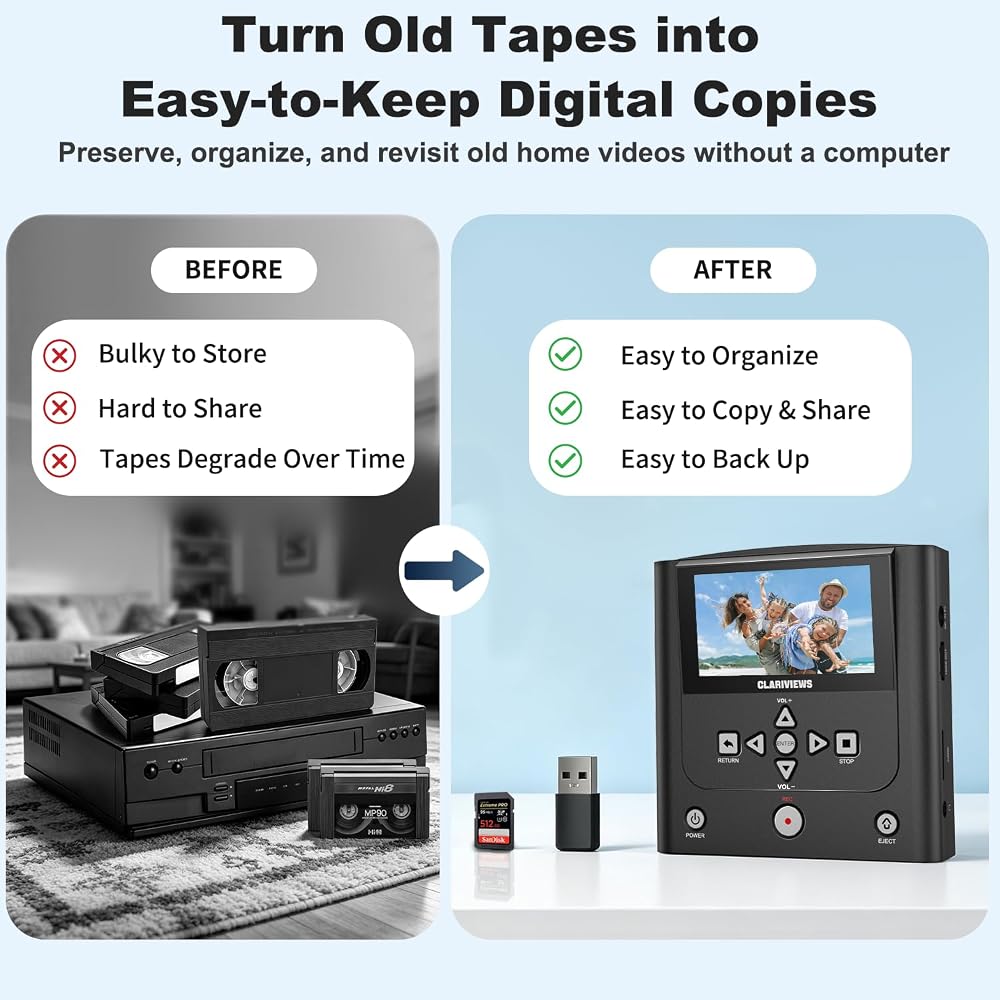
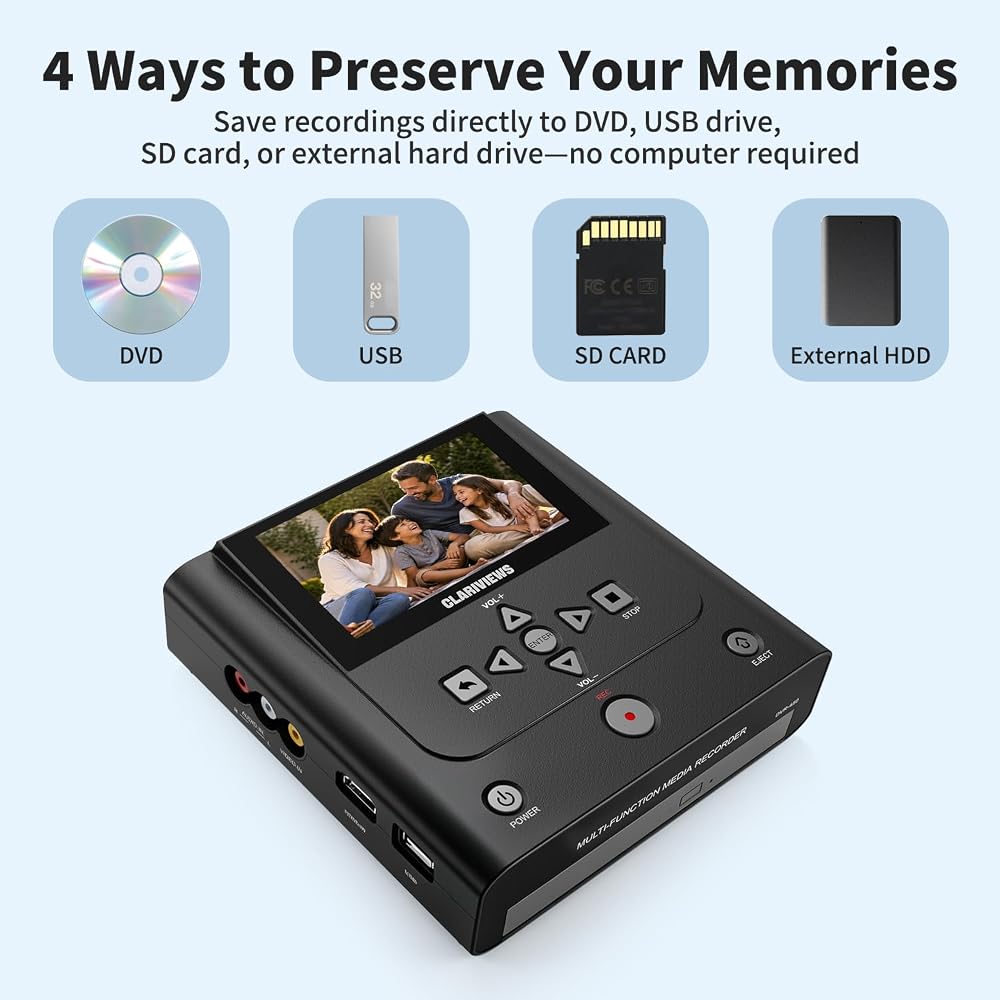
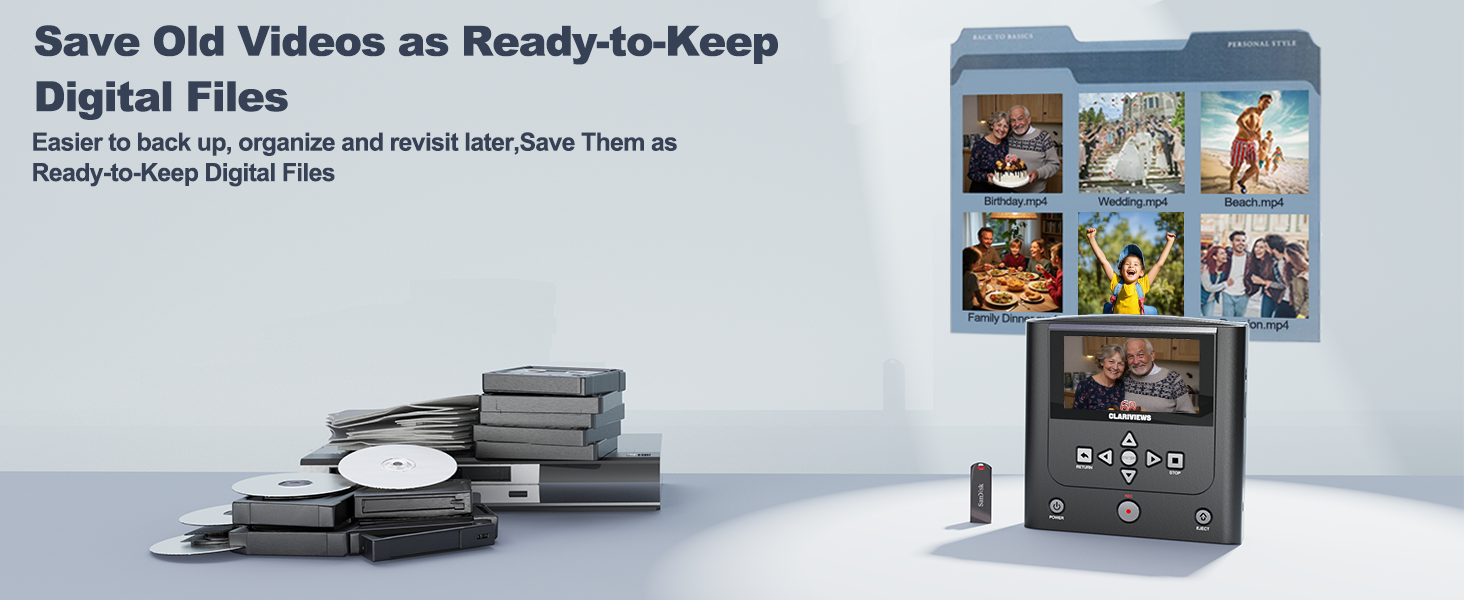
Save to DVD or Digital Storage: Record to DVD for a physical copy you can keep or share, or save recordings to a USB drive, SD card, or external hard drive for easier organization and backup. Recordings are saved in MP4 format; playback compatibility may vary on older DVD players. Final quality depends on the original media and source device, and recording settings cannot restore lost detail.
Preview, Check, and Play Back Recordings: Use the built-in 4.3-inch IPS LCD and speaker to monitor video and audio while recording. Play back recorded DVDs and compatible videos, photos, and music from DVD, USB, SD card, or an external hard drive directly on the recorder. Connect HDMI OUT to a TV or monitor for viewing on a larger screen.
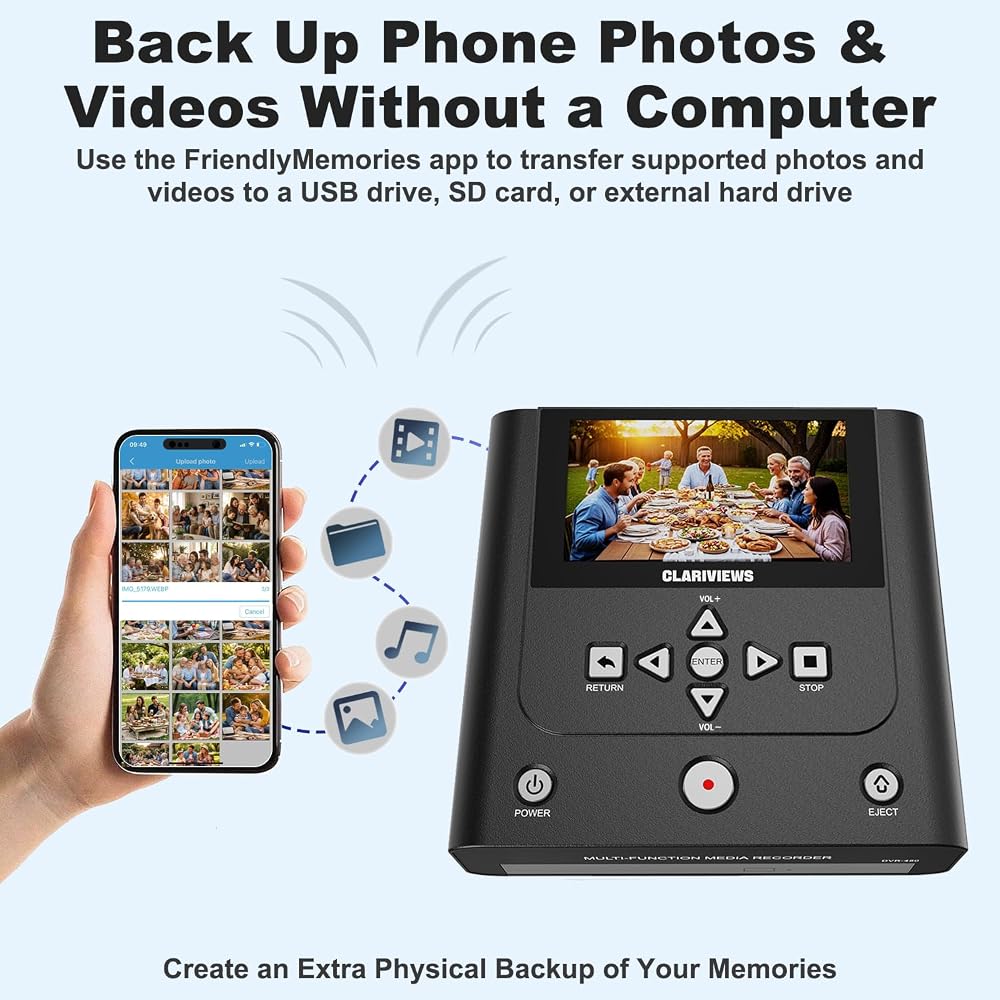
Back Up Phone Photos and Videos via FriendlyMemories: Connect an iOS or Android phone directly to the recorder's Wi-Fi hotspot, then use the FriendlyMemories app to transfer supported photos and videos to the recorder for saving to DVD, a USB drive, an SD card, or an external hard drive. Create an extra physical backup without relying on a computer or cloud storage.
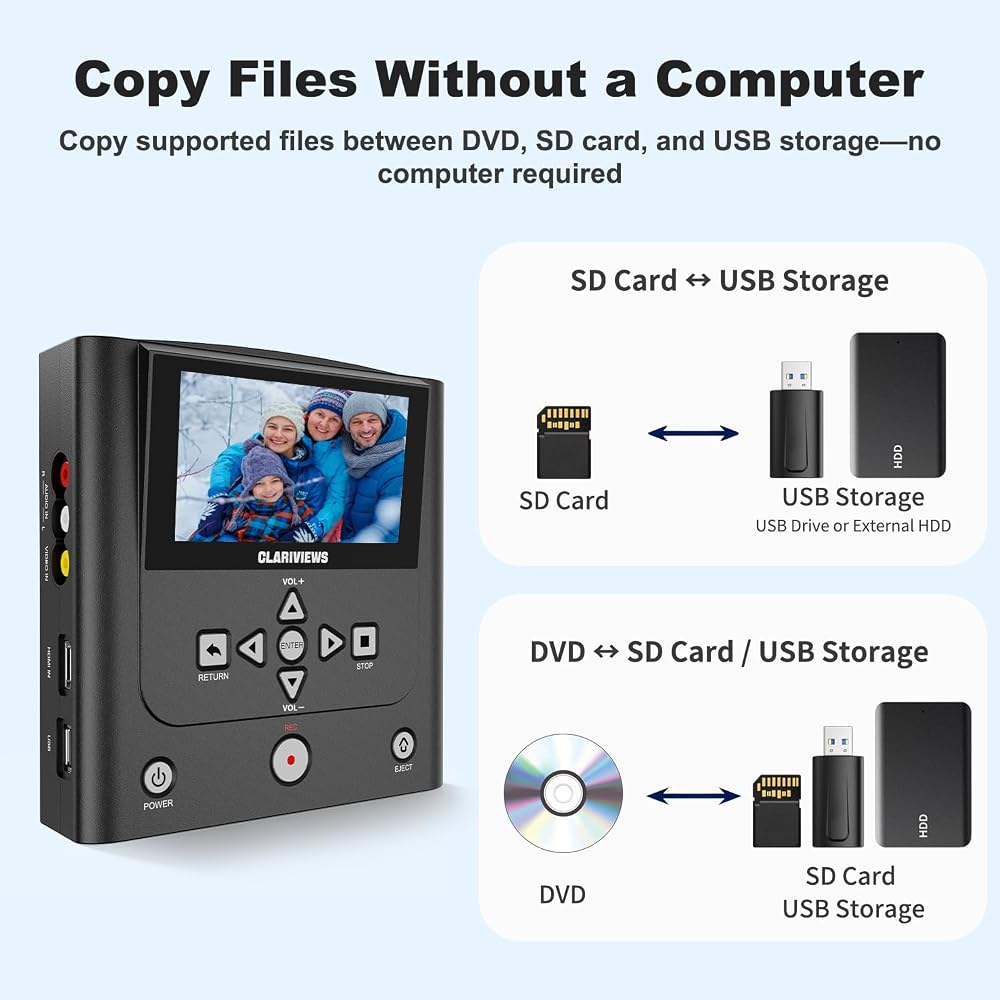
Copy Files and Create Extra Backups: Copy supported files from USB storage or an SD card to DVD, from DVD to USB storage or an SD card, or between USB storage and an SD card—all directly through the recorder. USB storage includes a USB drive or compatible external hard drive. USB storage devices and SD cards must be formatted as FAT32 or NTFS; exFAT is not supported.
 Panasonic Streaming Blu Ray DVD Player, 4K Blu Ray Player with Dolby Vision and HDR10+ Ultra HD Premium Video Playback, Hi-Res Audio, Voice Assist - DP-UB820-K (Black)
SAR 2,931
Panasonic Streaming Blu Ray DVD Player, 4K Blu Ray Player with Dolby Vision and HDR10+ Ultra HD Premium Video Playback, Hi-Res Audio, Voice Assist - DP-UB820-K (Black)
SAR 2,931
 SC2030 SDI to HDMI/HDMI to SDI Converter, 1080P Scaling | Up/down Scaling, Frame Rate 1080P Conversion, 3.5mm Audio In. DIP Switch Control, Plug and Play.
SAR 814
SC2030 SDI to HDMI/HDMI to SDI Converter, 1080P Scaling | Up/down Scaling, Frame Rate 1080P Conversion, 3.5mm Audio In. DIP Switch Control, Plug and Play.
SAR 814
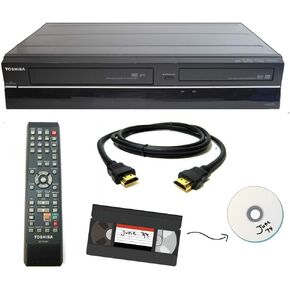 Toshiba VHS to DVD Recorder VCR Combo w/ Remote, HDMI (Renewed)
SAR 1,949
Toshiba VHS to DVD Recorder VCR Combo w/ Remote, HDMI (Renewed)
SAR 1,949
 2026 Model HDMI DVD Player for TV | 1080P Region Free DVD-Players for Smart TV | Mini DVD Player with USB, CD & MP3 | HDMI Cable, RCA Cable & Remoted Control | MAJORITY DVD
SAR 157
2026 Model HDMI DVD Player for TV | 1080P Region Free DVD-Players for Smart TV | Mini DVD Player with USB, CD & MP3 | HDMI Cable, RCA Cable & Remoted Control | MAJORITY DVD
SAR 157

 Saudi Arabia