VHS to Digital Capture Card – USB Video Capture Card with HDMI Loop Out, RCA AV to USB for VCR/DVD/Hi8/PS2/Wii, 1080P 30fps Analog to Digital Converter, Effortless Record & Preview Old Videos on TV/PC Grey
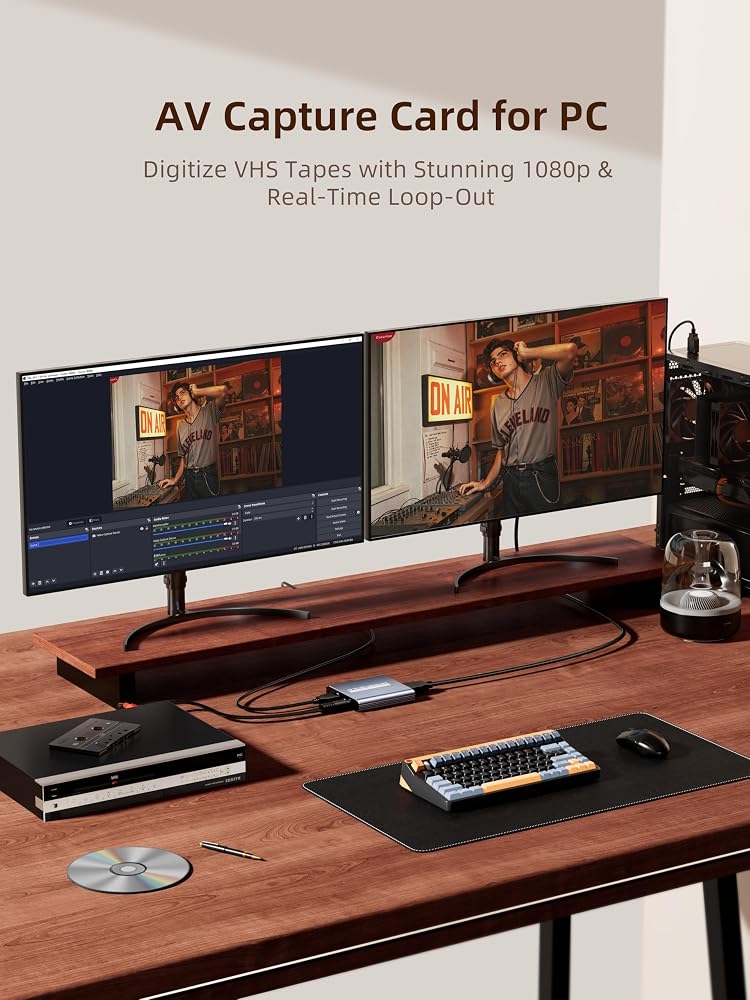
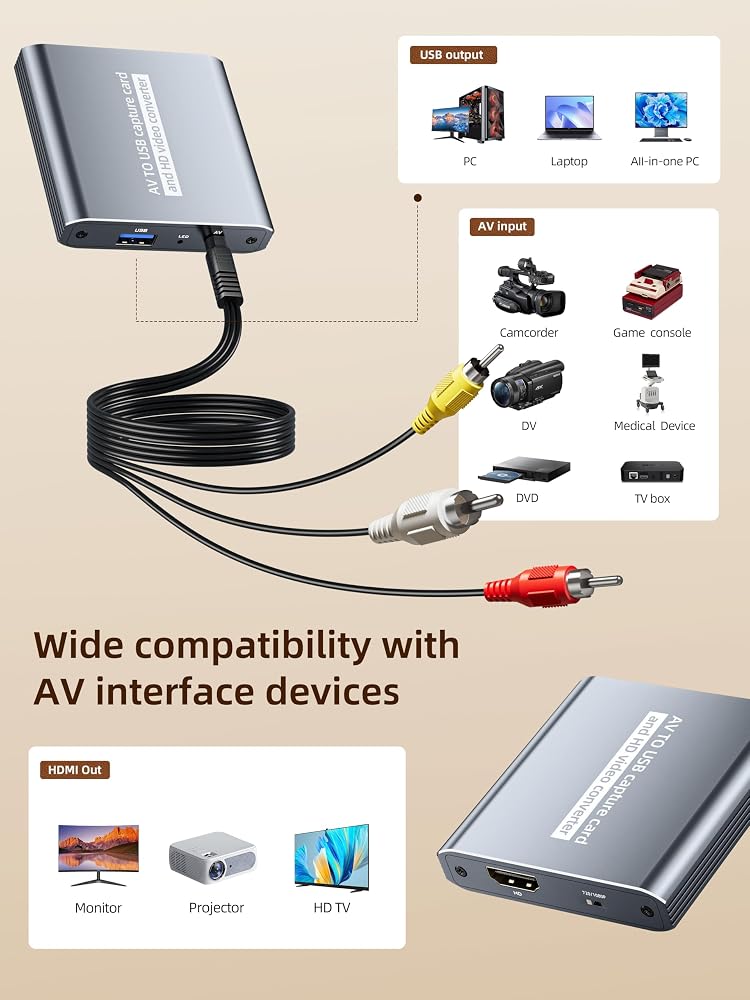
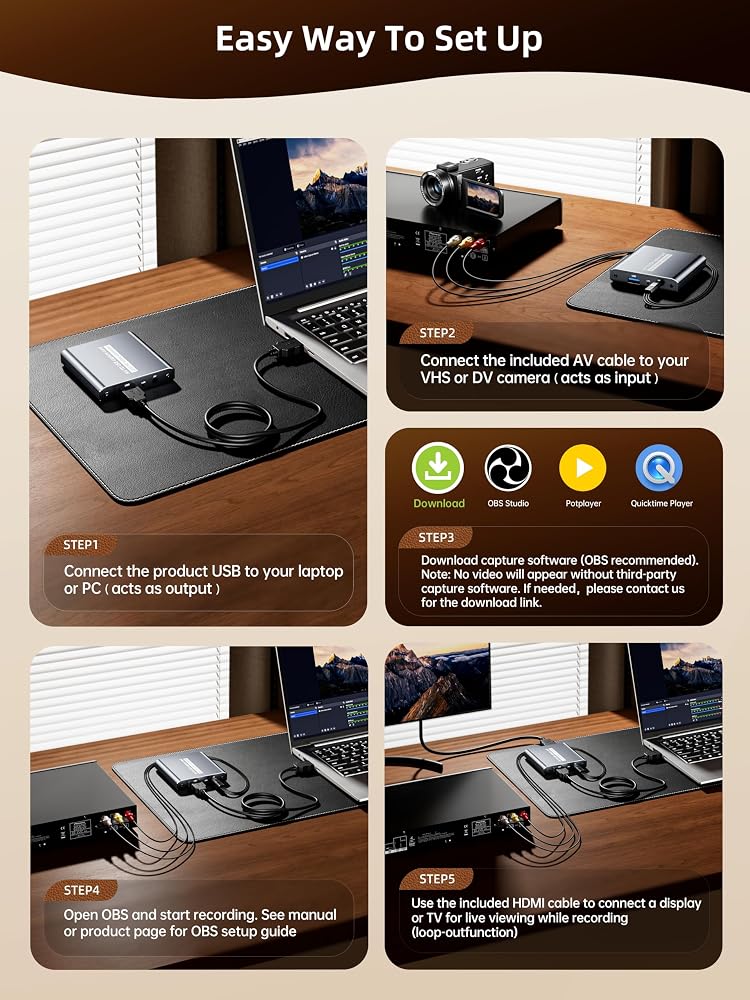
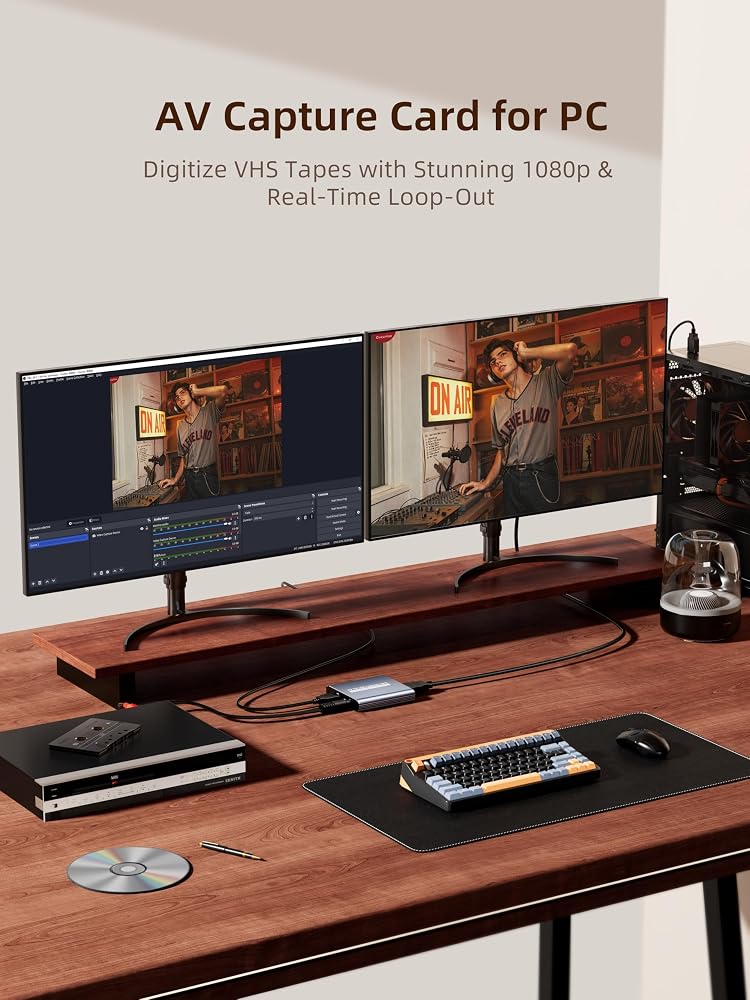
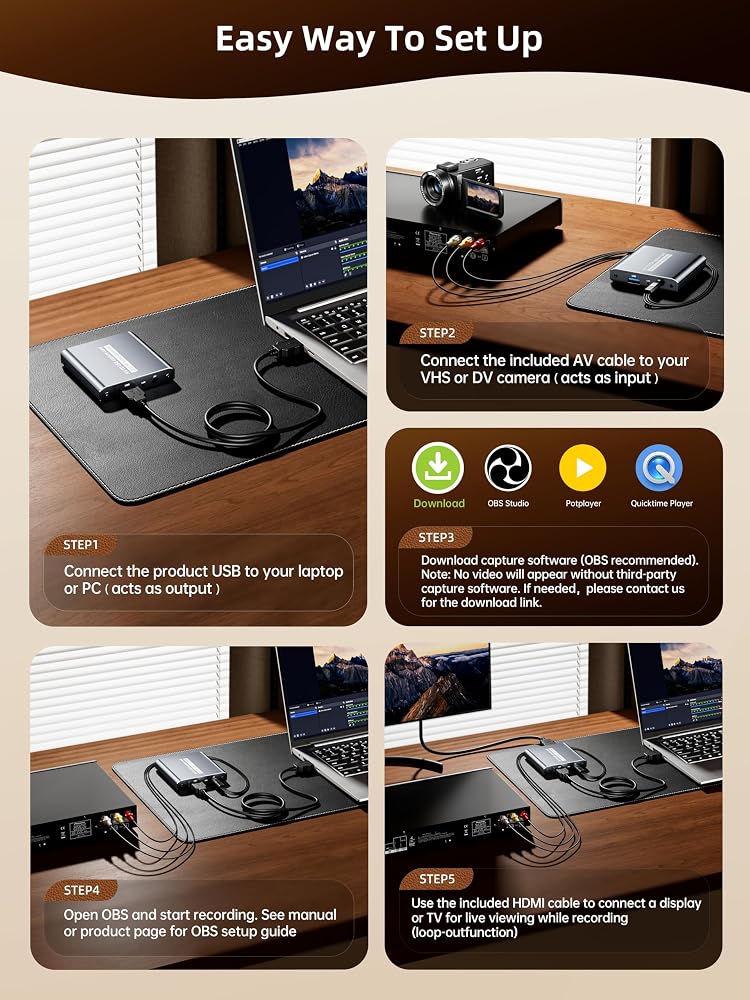
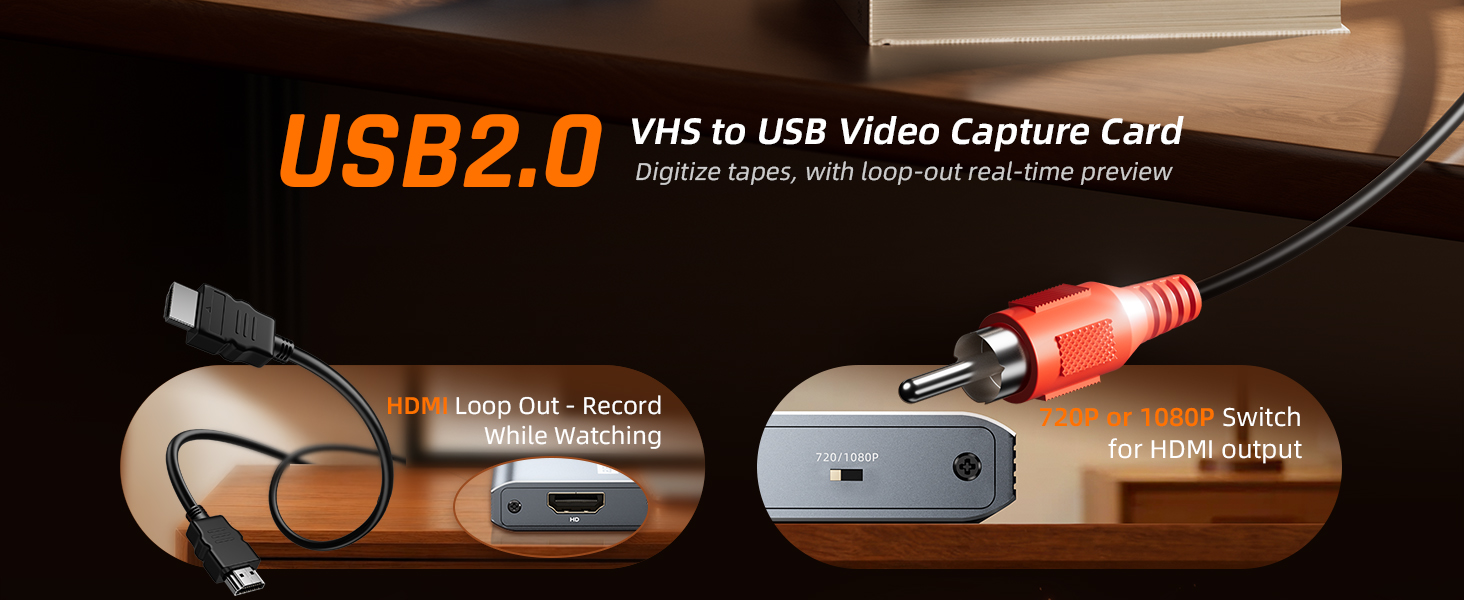
[Capture & HDMI Loop Out – Record While Watching] This USB video capture card lets you digitize VHS tapes, VCR, DVD players, camcorders, and retro game consoles while simultaneously viewing the video on a larger HDMI TV or monitor. The HDMI loop-out feature allows real-time playback on a big screen while capturing to your computer—perfect for enjoying and preserving old memories.
[Convert VHS & Analog Video to Digital] Easily convert old VHS tapes and analog AV signals into digital video files on your computer. Capture nostalgic home videos, family events, or retro gaming footage and store them permanently in digital format for easy backup, editing, or sharing.
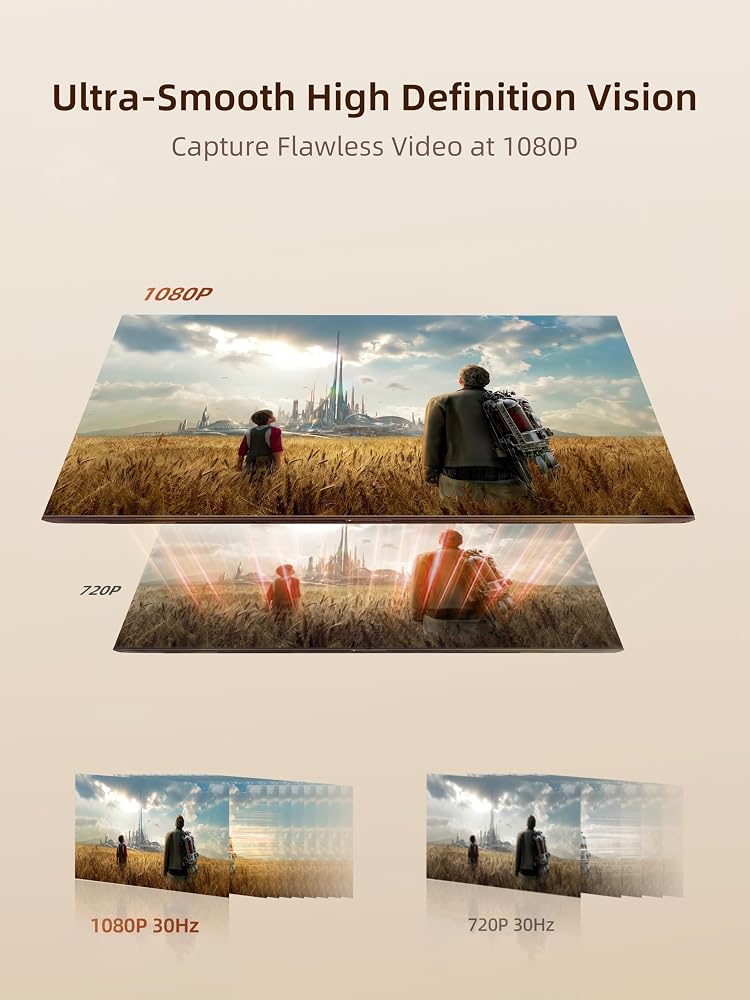
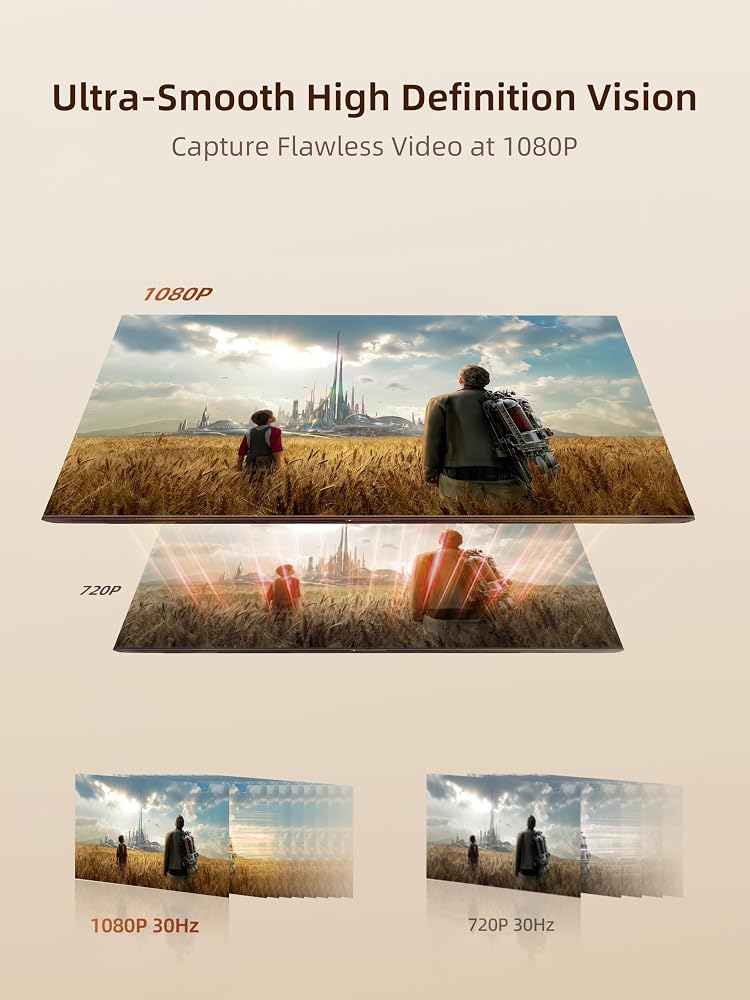
[Digitize Your Vintage Home Videos] Preserve your old VHS memories in high-quality digital format. We help restore faded VHS tapes and convert them into clear 1080p digital files for long-term safekeeping and easy sharing. Works with most popular open-source capture software, supporting batch processing, clip editing, and one-click upload to YouTube and Facebook. Perfect for preserving wedding videos, birthday footage, and other precious home movies from the past.
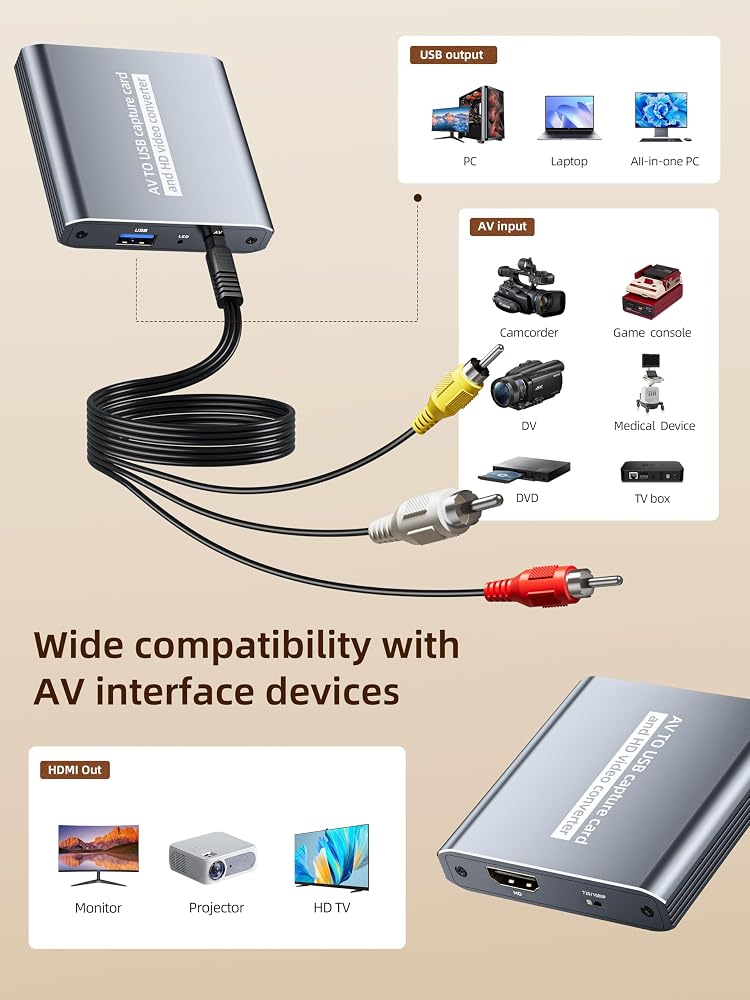
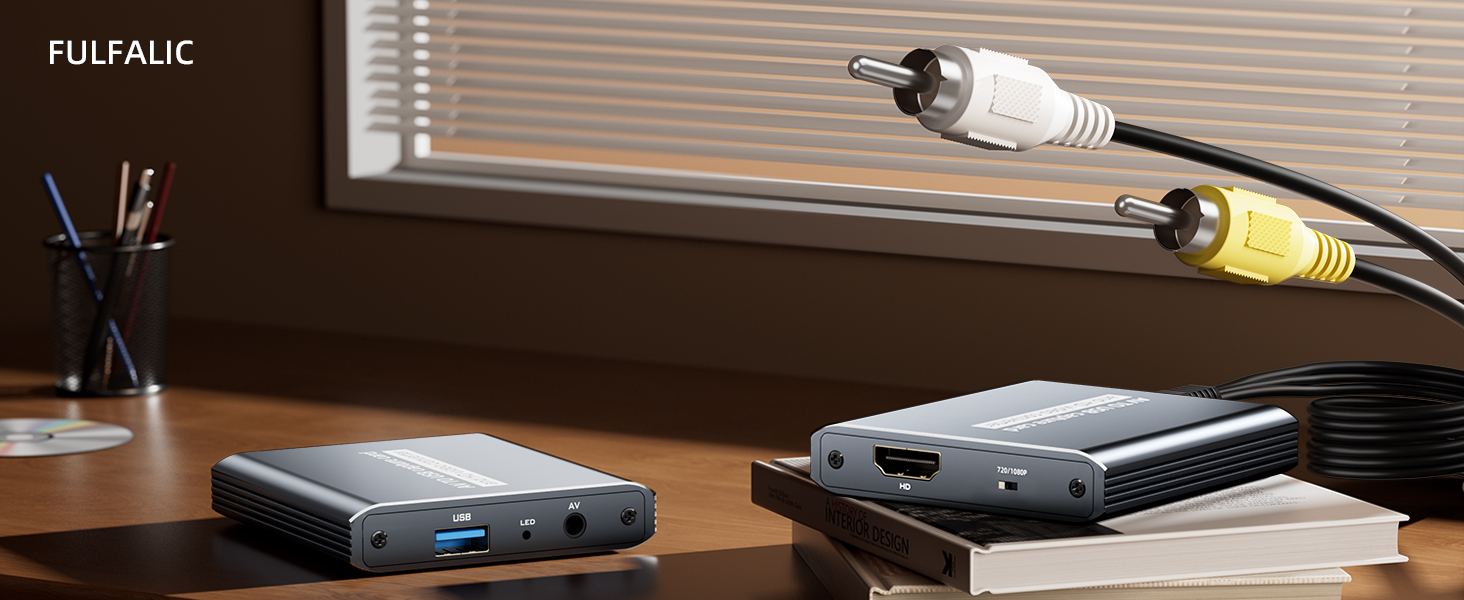
[Convert Analog to HDMI in Real Time with USB Capture] USB video capture card with HDMI live preview and multi-device compatibility. Stream analog content directly to modern HDMI displays in real time! Convert RCA/AV signals to HDMI with a switchable 720p/1080p output for TVs, projectors, and gaming monitors. Plus, use the HDMI loop-through feature to monitor the digitization process as you capture—no more uncertainty!
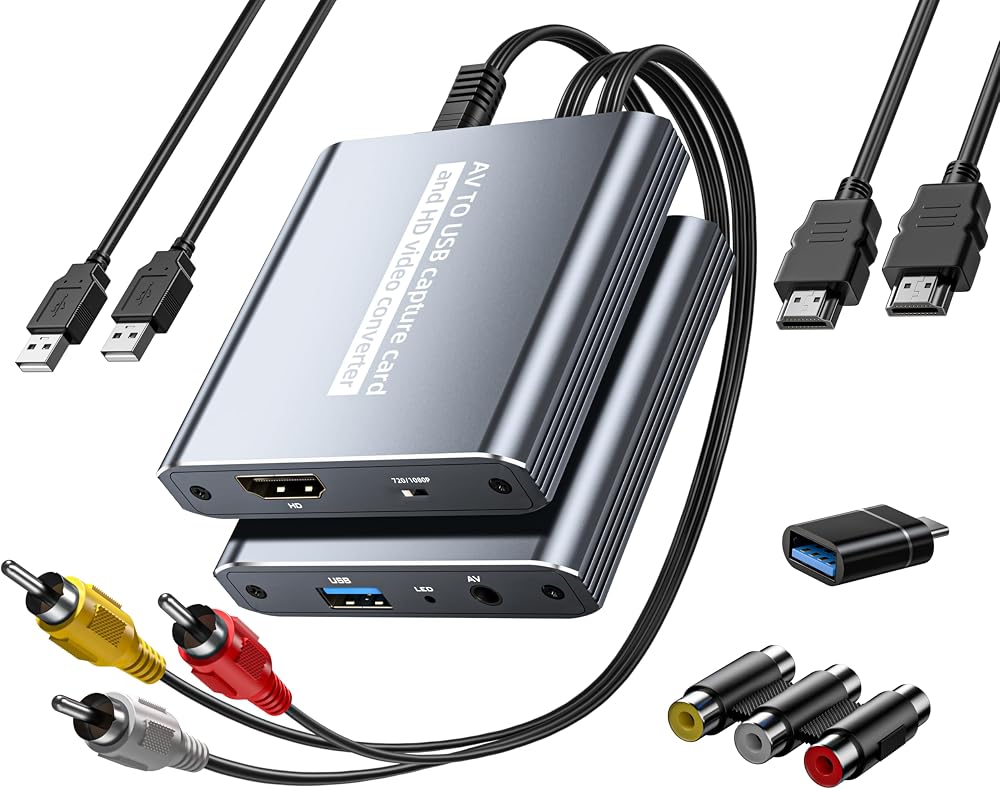
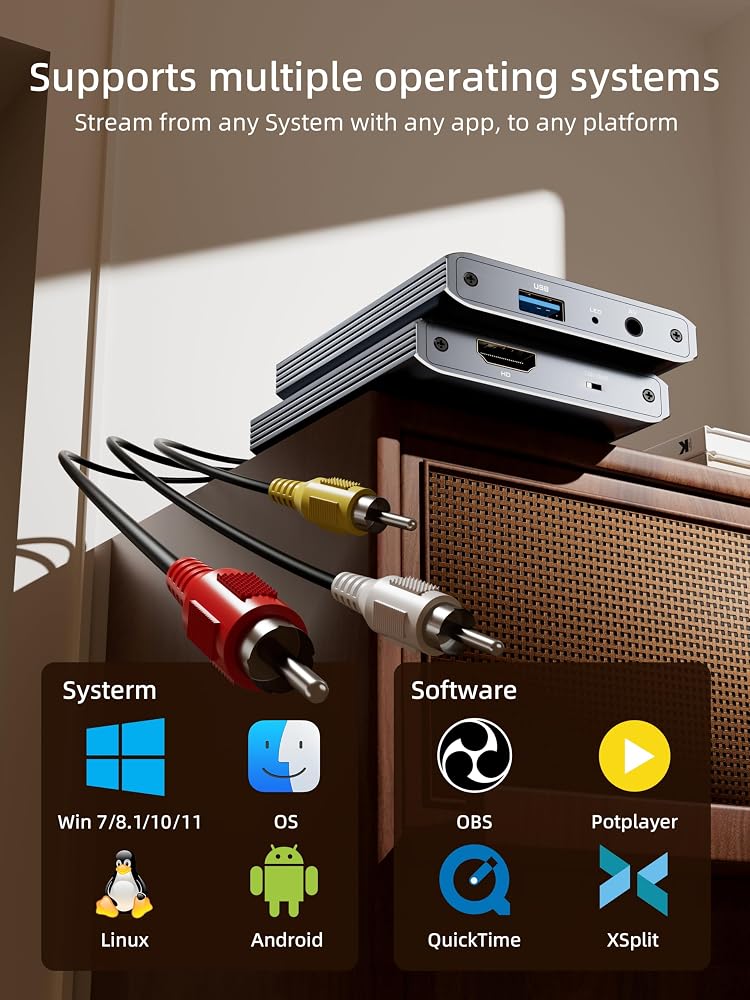
[Retro Tech Revival – Connect Classic Devices to Modern Screens] Retro Tech Revival: Bring Back VCRs, Wii and More Classic DevicesSupports VHS/VCR/DVD players, Hi8 camcorders, PS2, Wii and other RCA-connected devices. Comes with RCA/AV cables and a USB-C adapter. Renew your old equipment easily—stream retro games, digitize video tapes, or connect legacy devices to 4K TVs without hassle!
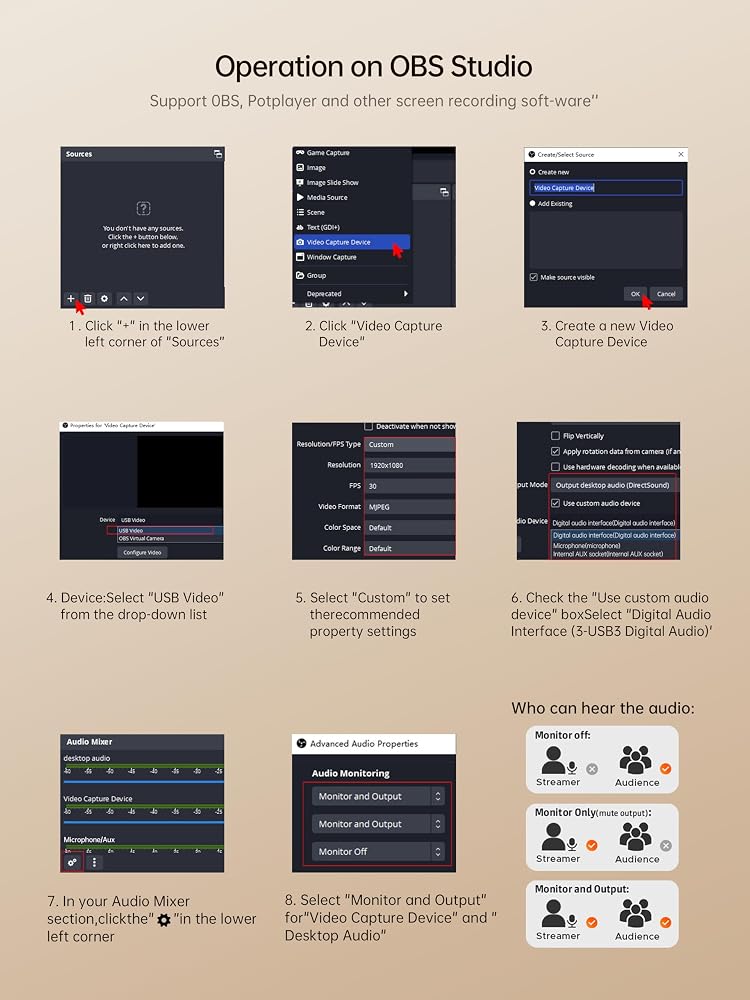
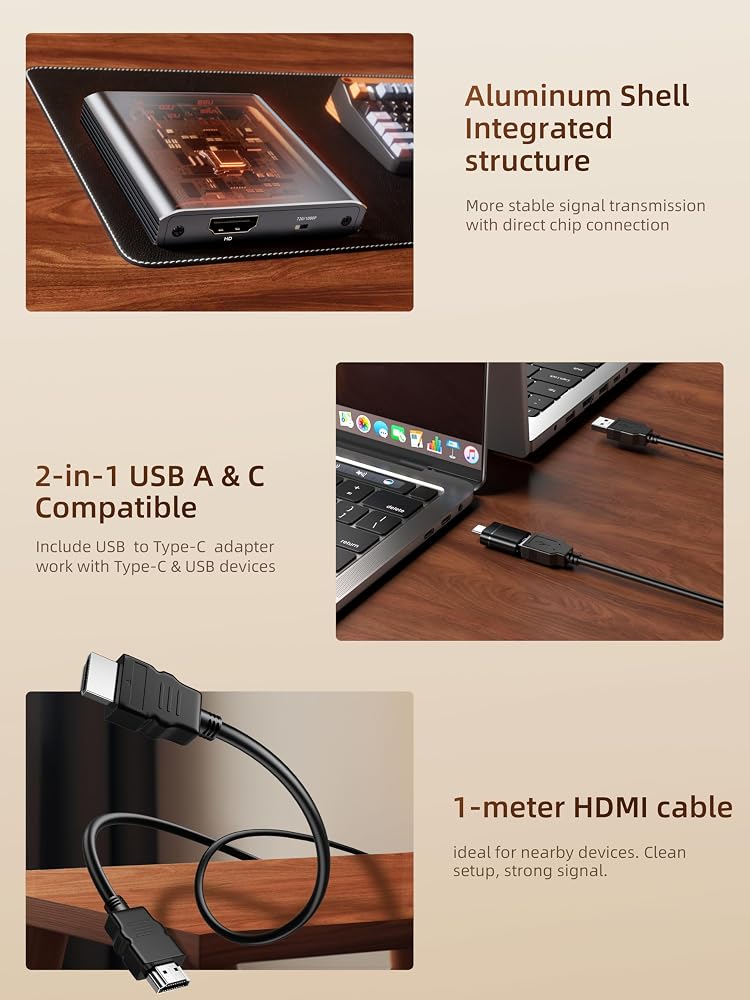
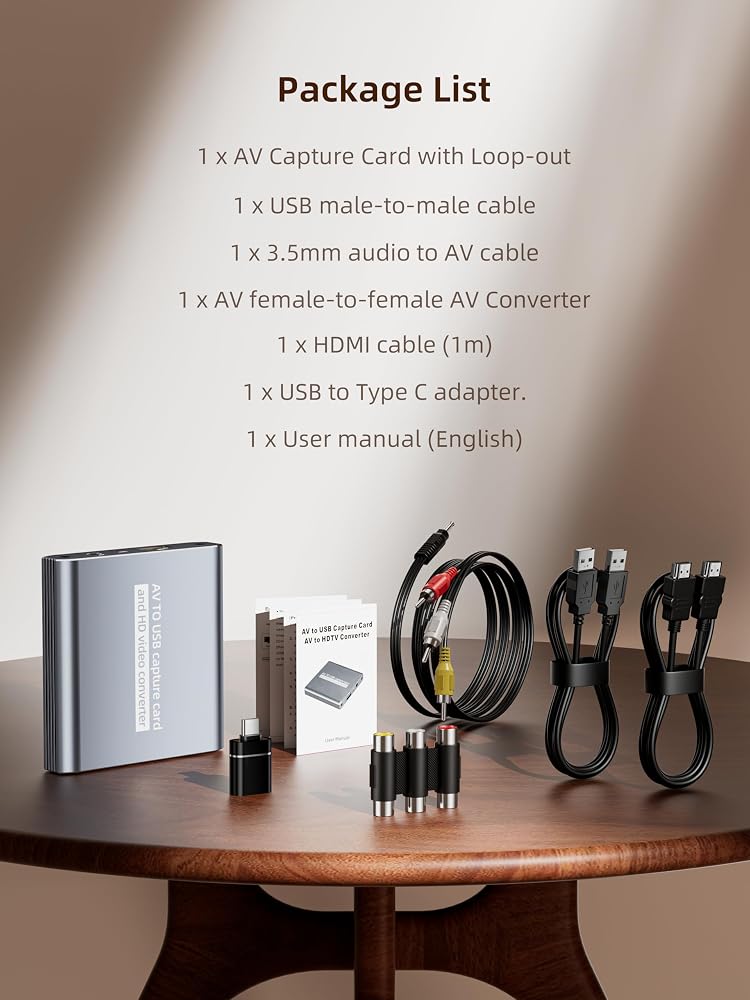
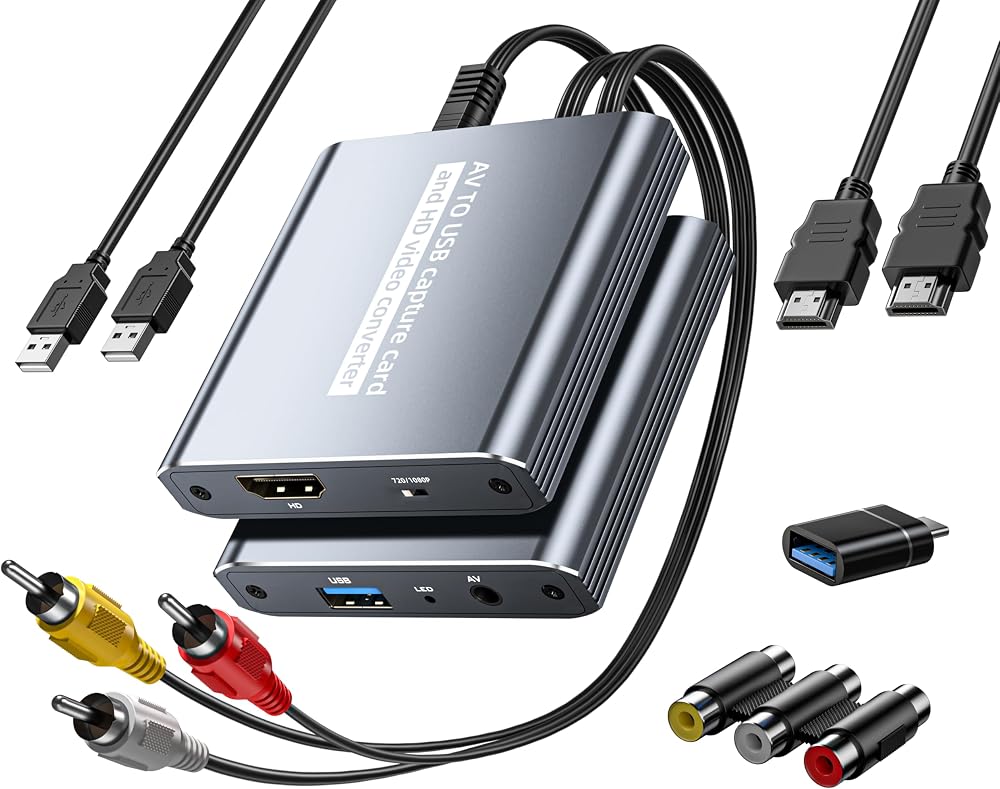
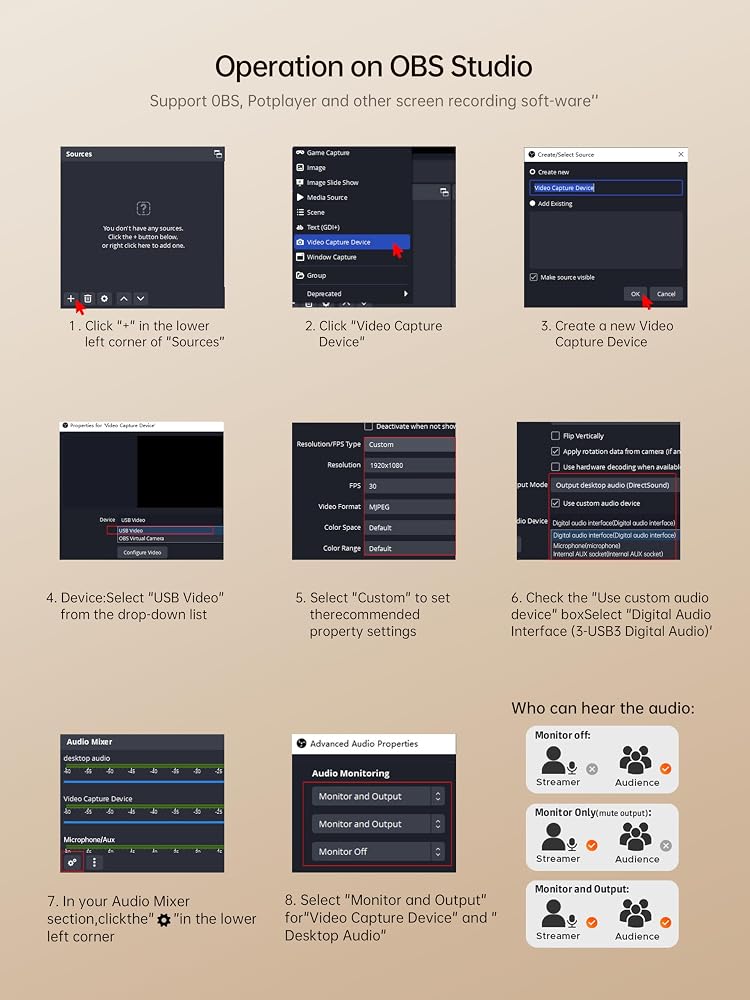
[Package contents and note] 1 x AV Capture Card with Loop-out,1 x User manual (English),1 x USB male-to-male cable,1 x 3.5mm audio to AV cable,1 x AV female-to-female AV Converter ,1 x HDMI cable (1m),1 x USB to Type C adapter.❤️𝗡𝗼𝘁𝗲: ①Work as capture card needs the video capture software,Please download OBS, Potplayer, Vmix, and other video capture software on your computer before using. we recommend OBS or PotPlayer for Windows, QuickTime Player for Mac(Software comes with MAC OS), ② You need to restart the OBS Studio software after the audio setup is complete, otherwise it has no sound output.
❓We have updated our user manual to the latest version. If you encounter issues such as device detection failure or a black screen, feel free to contact us via your order for a digital copy of the user manual.
 AVerMedia 4K60 Capture Card with HDMI 2.1, Low Latency, 4K144/4K120 Passthrough, Game Capture Device for PS5, PS5 Pro, Xbox, Switch, Streaming on Twitch, OBS on Mac & PC, GC553G2 Live Gamer Ultra 2.1
SAR 1,011
AVerMedia 4K60 Capture Card with HDMI 2.1, Low Latency, 4K144/4K120 Passthrough, Game Capture Device for PS5, PS5 Pro, Xbox, Switch, Streaming on Twitch, OBS on Mac & PC, GC553G2 Live Gamer Ultra 2.1
SAR 1,011
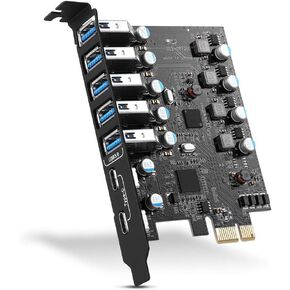 PCIE USB 3.0 Expansion Card 7 Ports (5X Type-A and 2 USB C) PCIe Card | Super Speed PCI Express USB 3.0 Hub Controller Adapter, PCIe USB Expansion Card for Windows 11/10/8/7/XP and MAC OS/Linux
SAR 149
PCIE USB 3.0 Expansion Card 7 Ports (5X Type-A and 2 USB C) PCIe Card | Super Speed PCI Express USB 3.0 Hub Controller Adapter, PCIe USB Expansion Card for Windows 11/10/8/7/XP and MAC OS/Linux
SAR 149
 4 Ports PCIE Firewire 400 1394A Expansion Card, Texas Instruments TI TSB43AB23, Plug and Play on Windows and MAC Desktop PCs, 3X 6Pin and 1X 4Pin 1394A Ports, 400Mbps Max Speed (FS-FW400)
SAR 157
4 Ports PCIE Firewire 400 1394A Expansion Card, Texas Instruments TI TSB43AB23, Plug and Play on Windows and MAC Desktop PCs, 3X 6Pin and 1X 4Pin 1394A Ports, 400Mbps Max Speed (FS-FW400)
SAR 157
 Blackmagic Design DeckLink Duo 2 PCIe Capture and Playback Card, Up to 1080p60, 4 Channel 3G-SDI (BDLKDUO2)
SAR 2,694
Blackmagic Design DeckLink Duo 2 PCIe Capture and Playback Card, Up to 1080p60, 4 Channel 3G-SDI (BDLKDUO2)
SAR 2,694