Search

Home / CASYDYEN / Cables & Cords
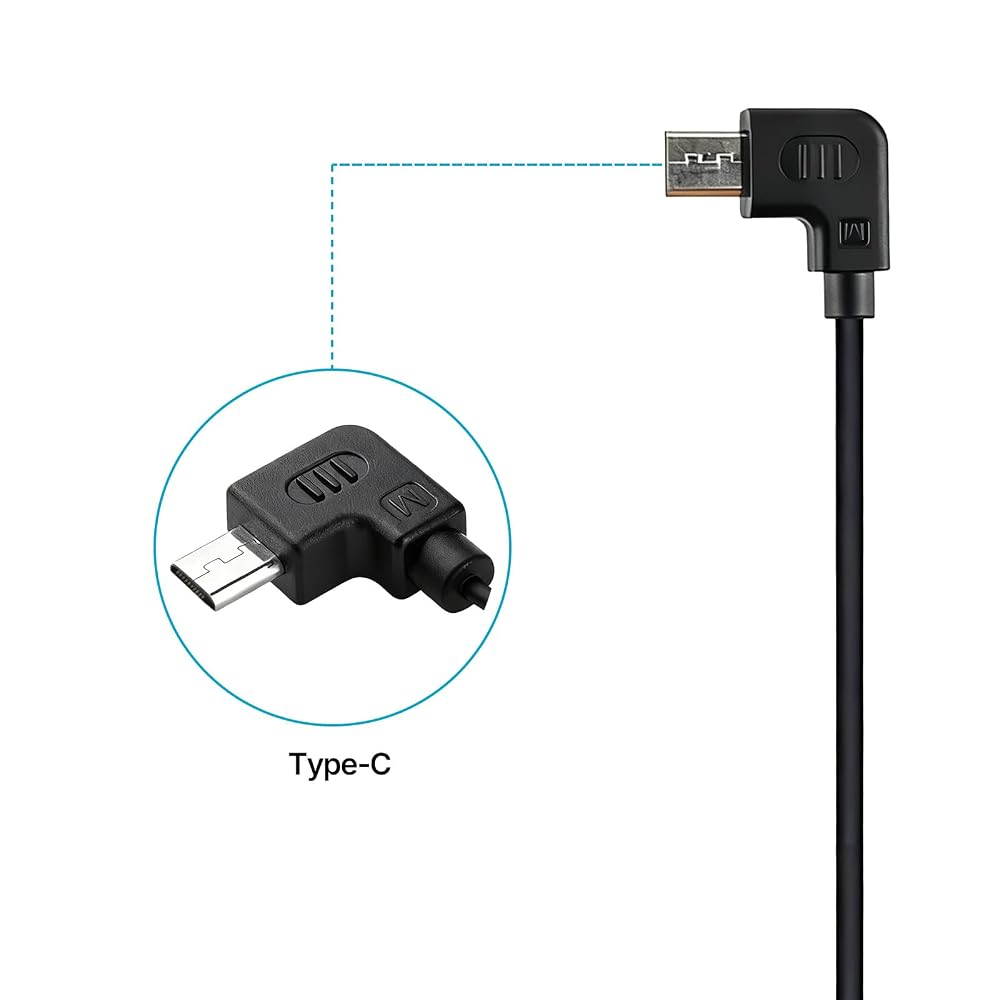
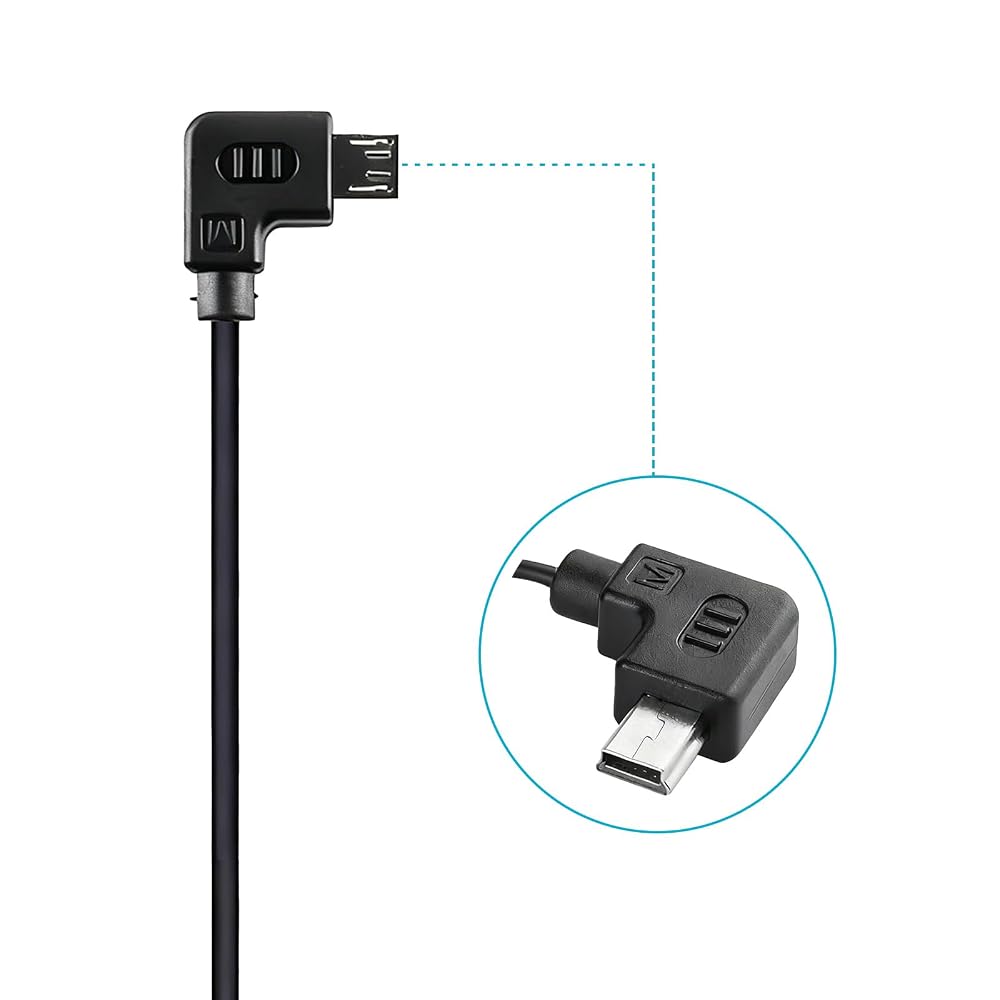
Camera Shutter Release Cable Micro to Mini USB for Zhiyun crane/crane-m/crane-Plus/crane 2/Weebill S Stabilizer,for Canon 1DXII 5D2 5D3 6D 6D2 7D 750D 800D Camera RSS Curved Control Cable 37CM in Saudi Arabia Camera Shutter Release Cable Micro to Mini USB for Zhiyun crane/crane-m/crane-Plus/crane 2/Weebill S Stabilizer,for Canon 1DXII 5D2 5D3 6D 6D2 7D 750D 800D Camera RSS Curved Control Cable 37CM in Saudi Arabia Camera Shutter Release Cable Micro to Mini USB for Zhiyun crane/crane-m/crane-Plus/crane 2/Weebill S Stabilizer,for Canon 1DXII 5D2 5D3 6D 6D2 7D 750D 800D Camera RSS Curved Control Cable 37CM in Saudi Arabia Camera Shutter Release Cable Micro to Mini USB for Zhiyun crane/crane-m/crane-Plus/crane 2/Weebill S Stabilizer,for Canon 1DXII 5D2 5D3 6D 6D2 7D 750D 800D Camera RSS Curved Control Cable 37CM in Saudi Arabia Camera Shutter Release Cable Micro to Mini USB for Zhiyun crane/crane-m/crane-Plus/crane 2/Weebill S Stabilizer,for Canon 1DXII 5D2 5D3 6D 6D2 7D 750D 800D Camera RSS Curved Control Cable 37CM in Saudi Arabia Camera Shutter Release Cable Micro to Mini USB for Zhiyun crane/crane-m/crane-Plus/crane 2/Weebill S Stabilizer,for Canon 1DXII 5D2 5D3 6D 6D2 7D 750D 800D Camera RSS Curved Control Cable 37CM in Saudi Arabia Camera Shutter Release Cable Micro to Mini USB for Zhiyun crane/crane-m/crane-Plus/crane 2/Weebill S Stabilizer,for Canon 1DXII 5D2 5D3 6D 6D2 7D 750D 800D Camera RSS Curved Control Cable 37CM in Saudi Arabia

Camera Shutter Release Cable Micro to Mini USB for Zhiyun crane/crane-m/crane-Plus/crane 2/Weebill S Stabilizer,for Canon 1DXII 5D2 5D3 6D 6D2 7D 750D 800D Camera RSS Curved Control Cable 37CM

SAR 105

Brand
CASYDYEN
Category
Cables & Cords
Weight
18 g
– 1 +

Special Features

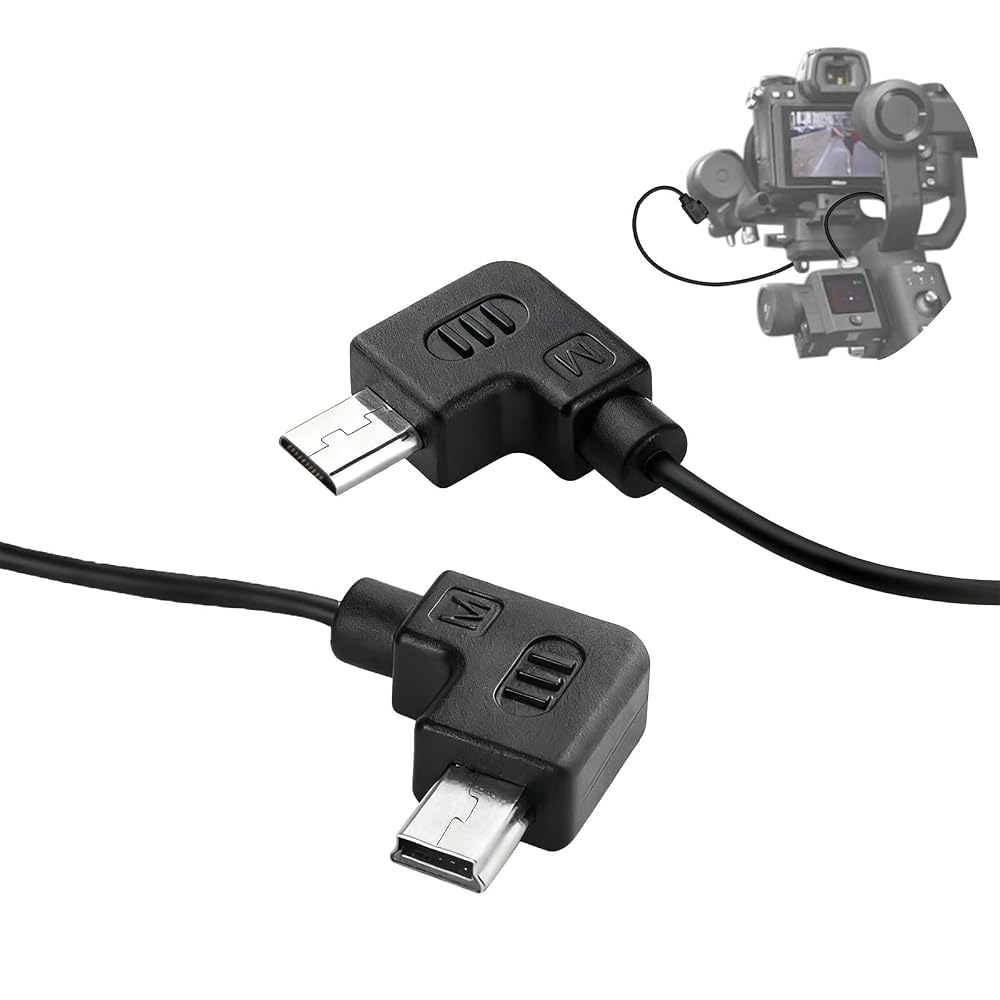
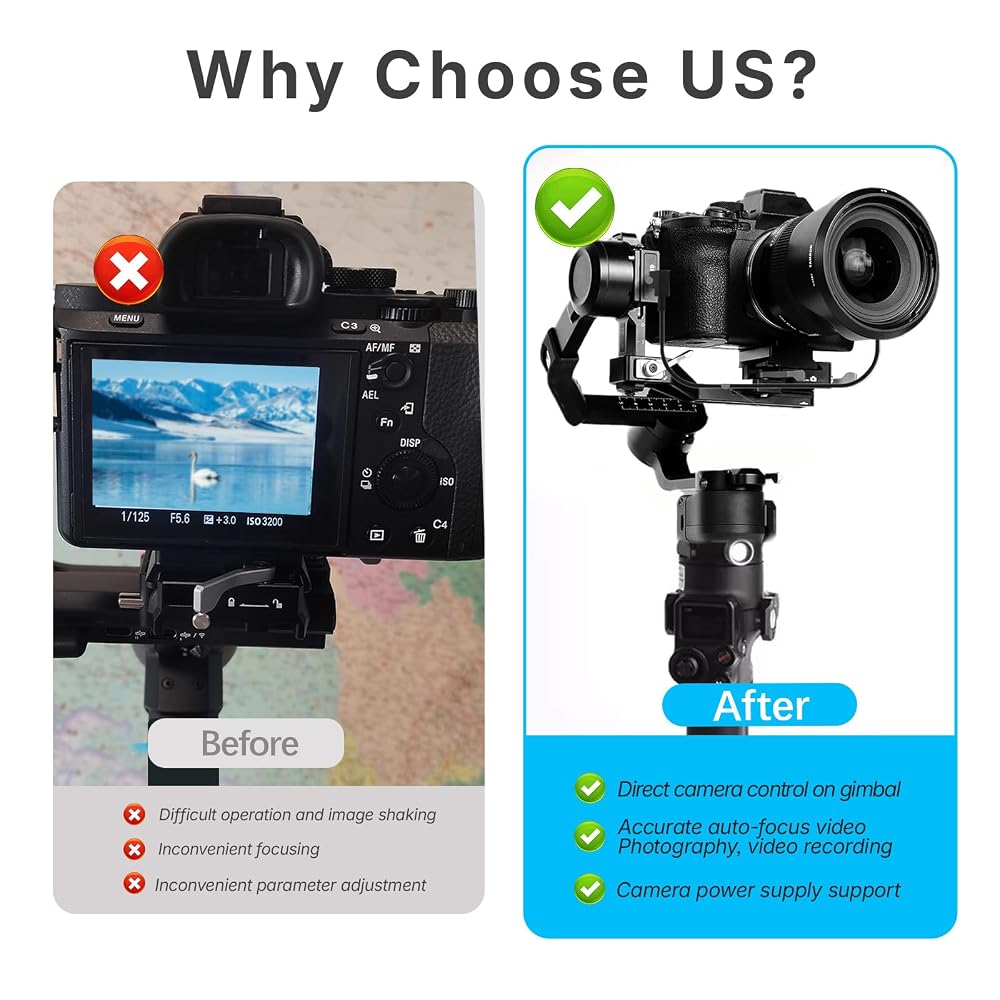
  • 【Function】This camera control cable compatible with Zhiyun stabilizer and for Canon camera, allowing you to remotely trigger photo capture, start/stop video recording, activate autofocus, and control zoom functions directly from your stabilizer's handle while maintaining perfect balance during movement
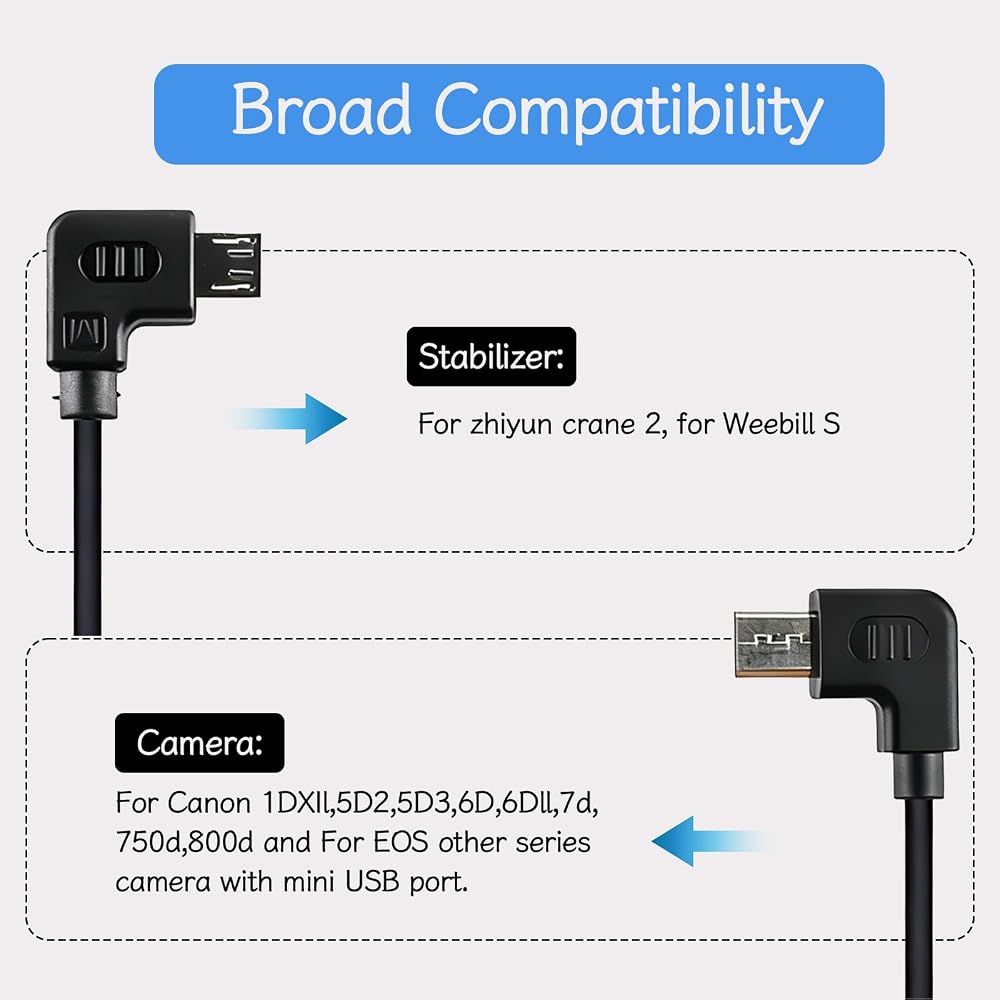
  • 【Compatibility with】It suitable for Zhiyun crane/crane-m/crane-Plus/crane 2/Weebill S stabilizers, while providing reliable connectivity with Canon 1DXII 5D2 5D3 6D 6D2 7D 750D 800D camera with mini port interface
  • 【Material】Constructed with industrial-grade PVC insulation and reinforced connector joints, this cable delivers exceptional durability against frequent bending and professional use, ensuring stable signal transmission
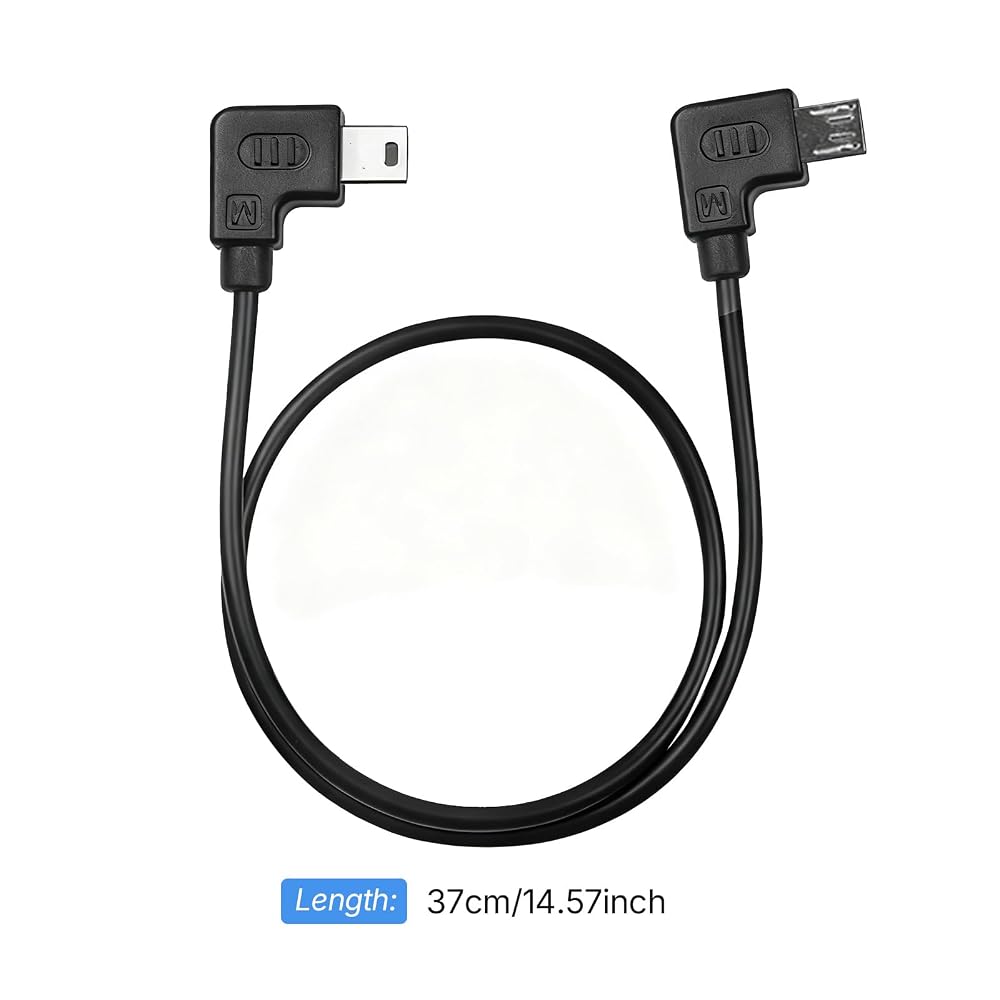
  • 【Length】Featuring an 37cm (14.57 inch) cable with 90-degree angled connectors that provide flexible upward or downward orientation options to prevent cable interference while accommodating both vertical and horizontal camera mounting configurations on your gimbal
  • 【Package】1 Pc* camera control cable

Description

Desription:

This camera control cable compatible with stabilizer and camera, allowing you to remotely trigger photo capture, start/stop video recording, activate autofocus, and control zoom functions directly from your stabilizer's handle while maintaining perfect balance during movement.

Specification:

Color: Black

Material: PVC

Length: 37cm/14.57inch(manual measurement, with 1-2cm tolerances)

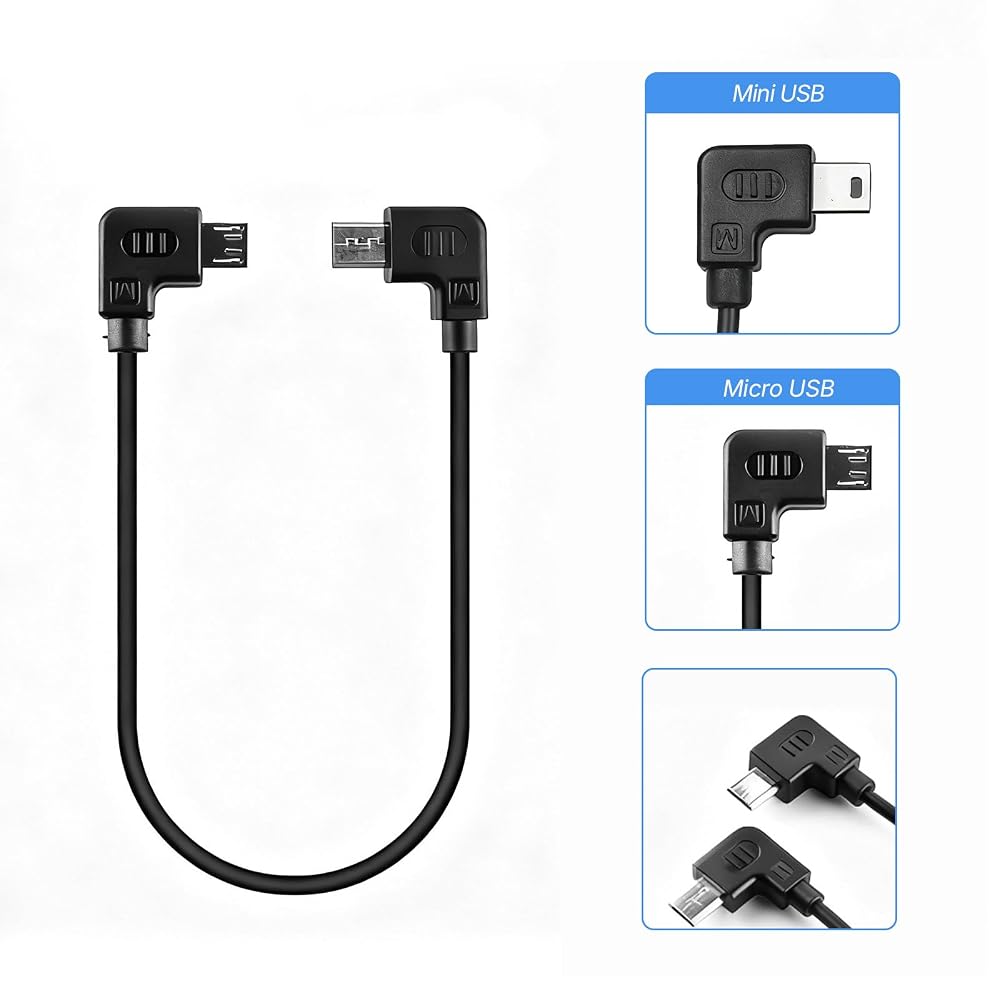
Stabilizer interface type:Micro USB

Camera interface type:Mini USB

Type: Curved control cable

Supporting functions:Support photo, video, focusing and zoom function.

Compatibility with:It is compatibility with Zhiyun crane/crane-m/crane-Plus/crane 2/Weebill S stabilizers, and compatibility with Canon 1DXII 5D2 5D3 6D 6D2 7D 750D 800D camera

Other:It's the alternatives, not the original product

How to use:

1. Please download the app (ZY PLAY), open and connect it with stabilizer.

2. Use the cable to connect the stabilizer and camera, then choose "Canon" on the APP setting page.

3. Turn off the camera and turn on again, please note that the stabilizer should be turn on firstly before the camera.

4.Notice: When you connect the cable to your camera, Set the "USB Connection" function of the camera to "Computer Remote".

Operation:

1. Shutter: click "power button" to single shooting.

2. Video: double click "power button" .

3. Focus: push the hand strip to up and down.
Related Items


{"error":"Error","cart_limit":"You have too many items in your cart.","prod_limit":"You cannot add any more of this item"}