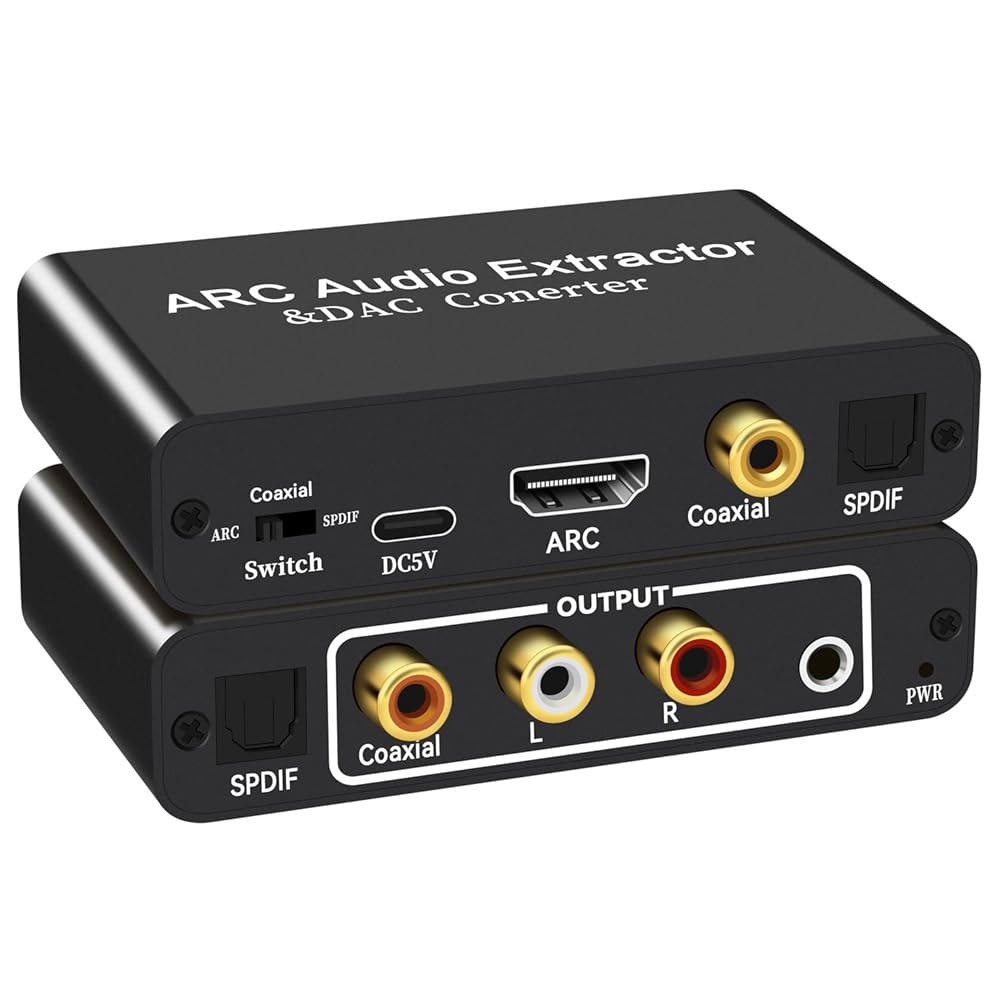
【ARC Function - Check Your TV First】: This hdmi arc audio extractor lets your TV send audio Extractor the Audio from TV to Soundbar or Amplifier, allowing you to enjoy an immersive home theater experience instead of the poor sound of TV.for TV Amplifier Speaker/ Home Theater/Soundbar, simplifying home theater wiring complexity.(Note:Your TV must have an HDMI port labeled "ARC" – otherwise it won't work. Please check your TV's HDMI ports before purchasing.)
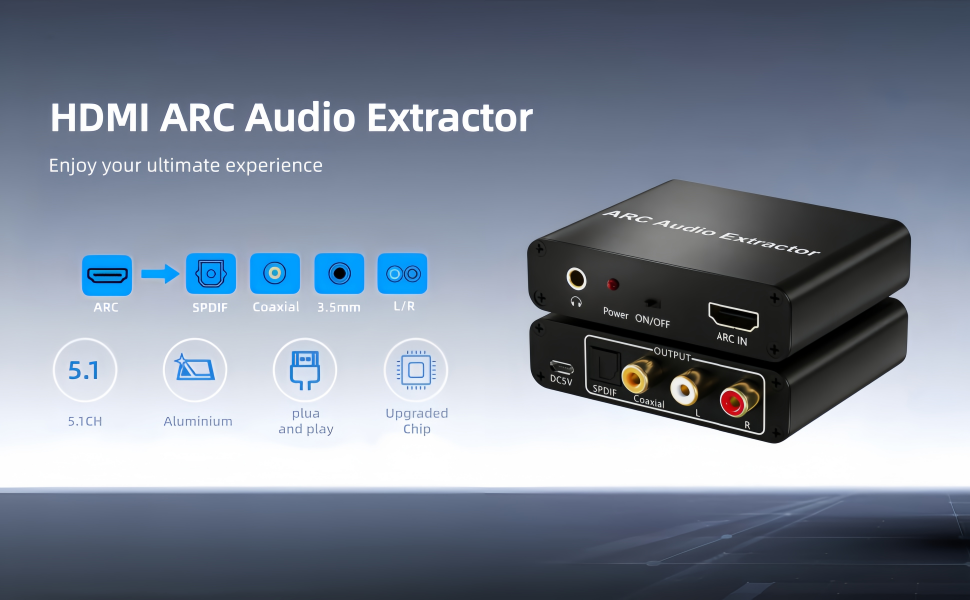
【HDMI ARC Audio Converter】The HDMI ARC adapter can transmit the sound of the TV supporting ARC function back to the optical, coaxial, L/R channel and 3.5mm headphone port of the adapter through the HDMI/ARC interface, perfectly solving the problem that the TV without the audio output interface cannot connect to the sound system.(NOTE: Please Set the Audio Output to PCM or LPCM before Using)
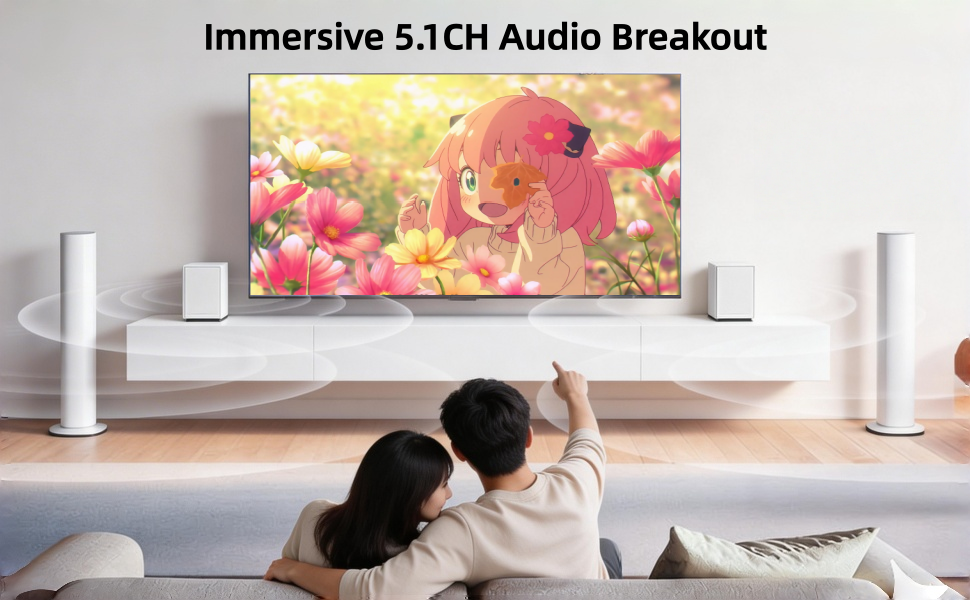
【Excellent Sound Quality】: This HDMI ARC to RCA audio converter supports sampling rate at 32, 44.1, 48, 96 and 192 KHz. Supports 5.1 channel surround sound, including Dolby 5.1 and DTS 5.1. Only 3.5mm and L/R output can be controlled by the TV remote supports CEC. Please use AGW26 standard HDMI 1.4 cable (19+1)(Note: The Optical/coaxial outputs cannot be controlled by the TV remote, please adjust the speaker volume manually.)
【Wide Compatibility】 Compatible with Soundbars, speakers and amplifiers for all ARC-enabled HDTVS and all audio devices with optical/coaxial /RCA/ 3.5mm ports. Note: Make sure to connect the TV's HDMI ARC port and switch the adapter switch to "On".
【Plug and Play】No need to install software or drivers, just connect your TV and audio equipment to get the sound. Perfect for enhancing your home entertainment system! Compatible with Roku TV, Samsung TV, Fire TV, LG TV, Sony TV and more. Package Contents:HDMI ARC audio extractor ×1, USB power cord ×1, Manual ×1.
【Warming Tips】:①Use the TV's HDMI port labeled “ARC” ②Plug the adapter into a power source. ③Set the adapter switch to “ON”. ④Check if the power light is on.⑤ Make sure the HDMI cable supports ARC. ⑥Unplug and reconnect the HDMI cable after a few minutes.⑦Try a different HDMI cable.
 Video Capture Card, HDMI to USB/USB-C Capture Card for Streaming, 1080P 60fps Video Capture Device for Game Recording, Compatible for Windows,Quest 3, Switch, OBS, PS4/PS5
SAR 53
Video Capture Card, HDMI to USB/USB-C Capture Card for Streaming, 1080P 60fps Video Capture Device for Game Recording, Compatible for Windows,Quest 3, Switch, OBS, PS4/PS5
SAR 53
 USB to XLR Cable,6.6 FT XLR to USB Audio Converter Cable, Type C to XLR Male Output Stereo Audio Cord for Amplifier, Speaker, Mixer Console ect
SAR 0
USB to XLR Cable,6.6 FT XLR to USB Audio Converter Cable, Type C to XLR Male Output Stereo Audio Cord for Amplifier, Speaker, Mixer Console ect
SAR 0
 Cleiscry 100PCS 2mm Round top LED Diode Light Assorted Kit Green Blue White Yellow Red Component DIY (Diffused Len Kit (R,G,B,W,Y), 2mm Round top)
SAR 37
Cleiscry 100PCS 2mm Round top LED Diode Light Assorted Kit Green Blue White Yellow Red Component DIY (Diffused Len Kit (R,G,B,W,Y), 2mm Round top)
SAR 37
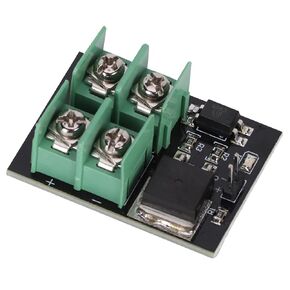 Low Voltage Switching Module with Optical Isolation, 3V 5V Low Control High Voltage 12V 24V 36V, Field Effect Transistor Switch (2PCS)
SAR 72
Low Voltage Switching Module with Optical Isolation, 3V 5V Low Control High Voltage 12V 24V 36V, Field Effect Transistor Switch (2PCS)
SAR 72

